
F-16 Wing Walking Backflip
An intense high-altitude action prompt for a man performing a backflip on an F-16 wing while in flight, using 35mm cinematic aesthetics.
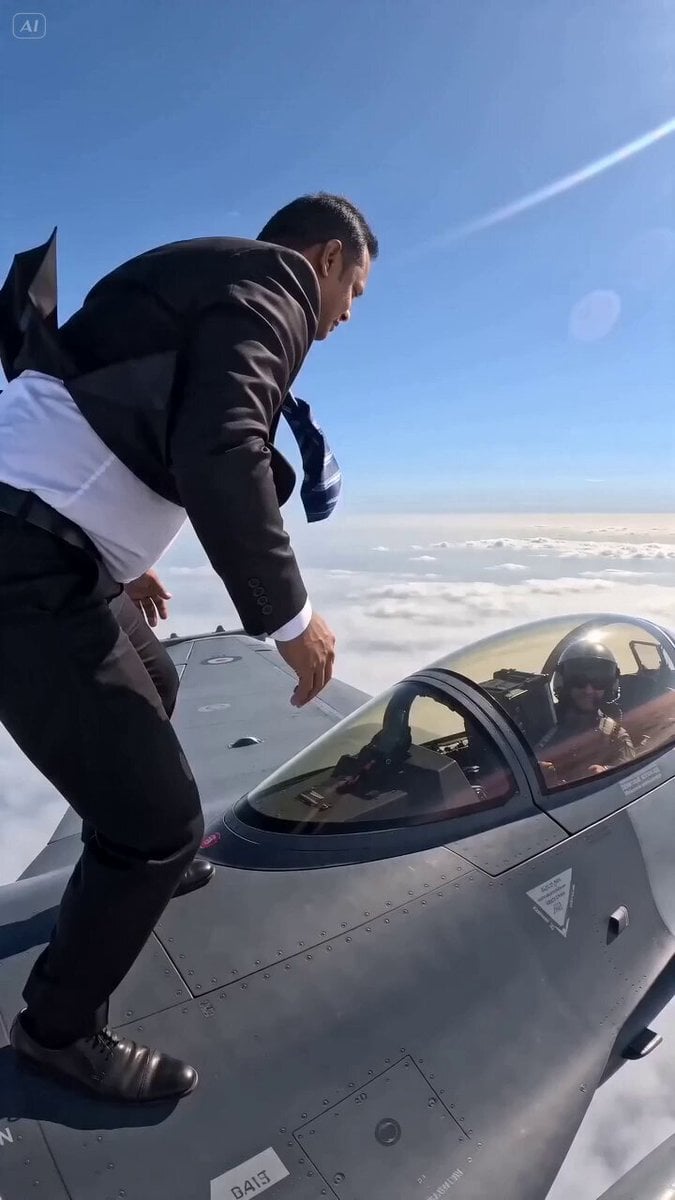
- Prompt included
- Model and format preset
- Free template
The prompt behind this video
Copy the exact prompt behind F-16 Wing Walking Backflip, or open it in the studio and make it yours.
Raw 35mm handheld cinematic footage, high altitude sun haze, intense lens flare and atmospheric glow, one single unbroken continuous tracking shot, no cuts, no edits, all real time 15 second duration. Photorealistic 8K, natural physics, correct fabric motion blur from 350 mph wind, realistic skin and hair movement, zero uncanny valley, zero artifacts, hyper detailed. The main subject is the exact person from @[yourimage] same face, same build, same skin tone, same casual expression. He is wearing baggy cargo shorts and flip-flops exactly as shown in @ Image1. He stands perfectly relaxed, casually balancing on top of the wing of a speeding F-16 fighter jet flying at 350 mph at 10,000 feet. The entire audio track is nothing but constant full throttle jet engine roar mixed with powerful wind blast no music, no dialogue, no other sounds. At the 3 second mark the pilot leans out of the open canopy and gives a clear thumbs up toward the guy on the wing. The guy from @[yourimage] leans forward slightly, smiles, and casually returns the thumbs-up. At the 7 second mark he performs one completely casual, perfectly clean full backflip no hands, no grabbing the jet, no assistance rotating naturally in the air with perfect form and landing exactly on the same spot on the wing without even a single stumble or shift in balance. All motion and fabric physics must perfectly match the body and clothing from @[yourimage]. At the 12-second mark he casually brushes a tiny speck of dust off his shorts with one hand, then gives a bored, almost lazy little thumbs up directly to camera. Hard cut on the final frame. Use the exact appearance, face, body proportions, and clothing from @[yourimage] for the man throughout the entire video. Ultra photorealistic, raw documentary handheld feel, extreme detail on fabric flapping in the wind, correct motion blur, natural lighting, impossible but believable physics, cinematic yet gritty 35mm texture.
How to use F-16 Wing Walking Backflip in 3 steps
- 1Upload ImagePNG, JPG or paste
Add your photo
Upload the photo the template builds on. The prompt, model and format are already set.
- 2…a portrait of your subject in softgolden-hour light, 85mm…
Personalize
Edit the subject and creative details for your destination.
- 3Generate
Generate
Press Generate — your video is created in PicX Studio, so you can compare it with the original and refine one variable at a time.
More like this
Templates with the same subject, style or setup. Open one to see its prompt.
Realistic Wing Chun Kung Fu Training Video
Shimmering Code Wing Disappearance

Ethereal Pastel Angelic Wings

Wings of Amethyst Fire

Dragon Wing Escape Sequence
1960s Retro Fashion Portrait with Mosaic Wings

Glowing Origami Universe Transformation
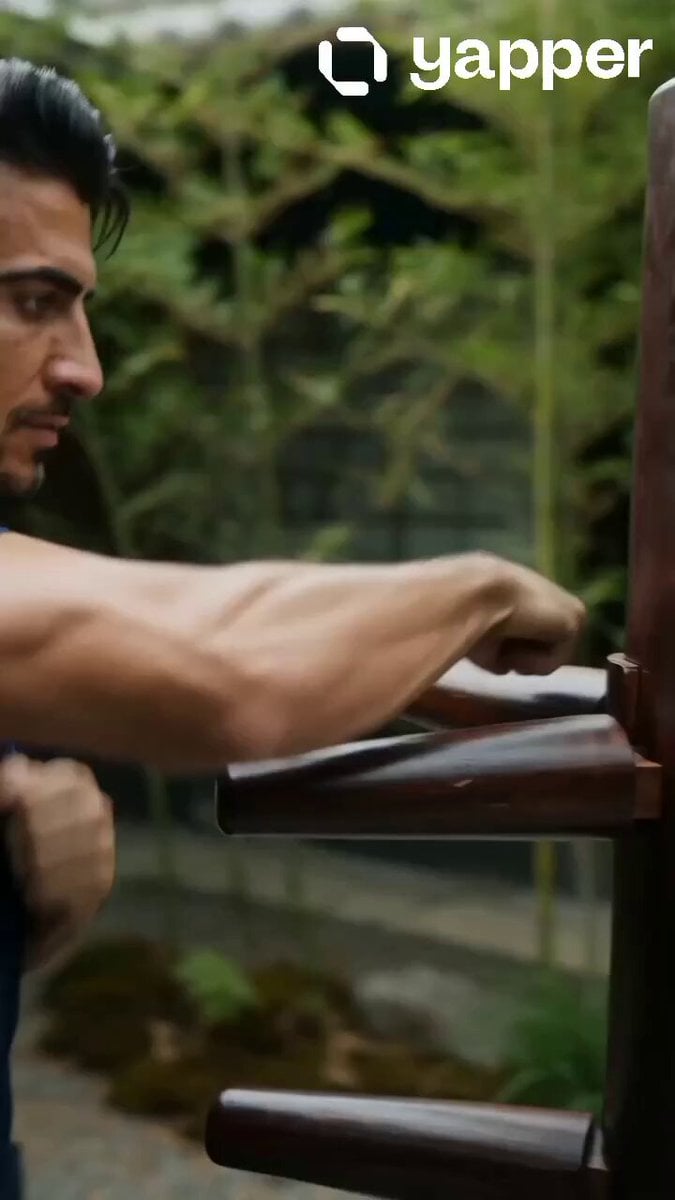
Realistic Wing Chun Training Sequence
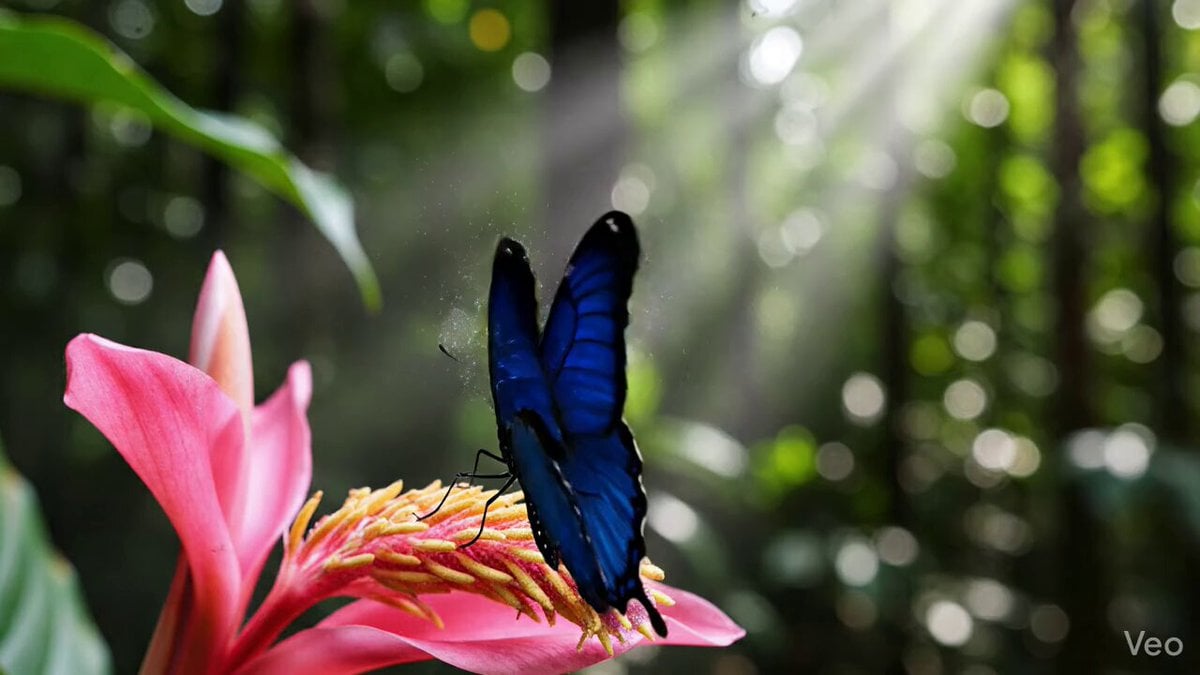
Morpho Butterfly Wing Simulation

Ethereal dark fairy goddess with galaxy wings
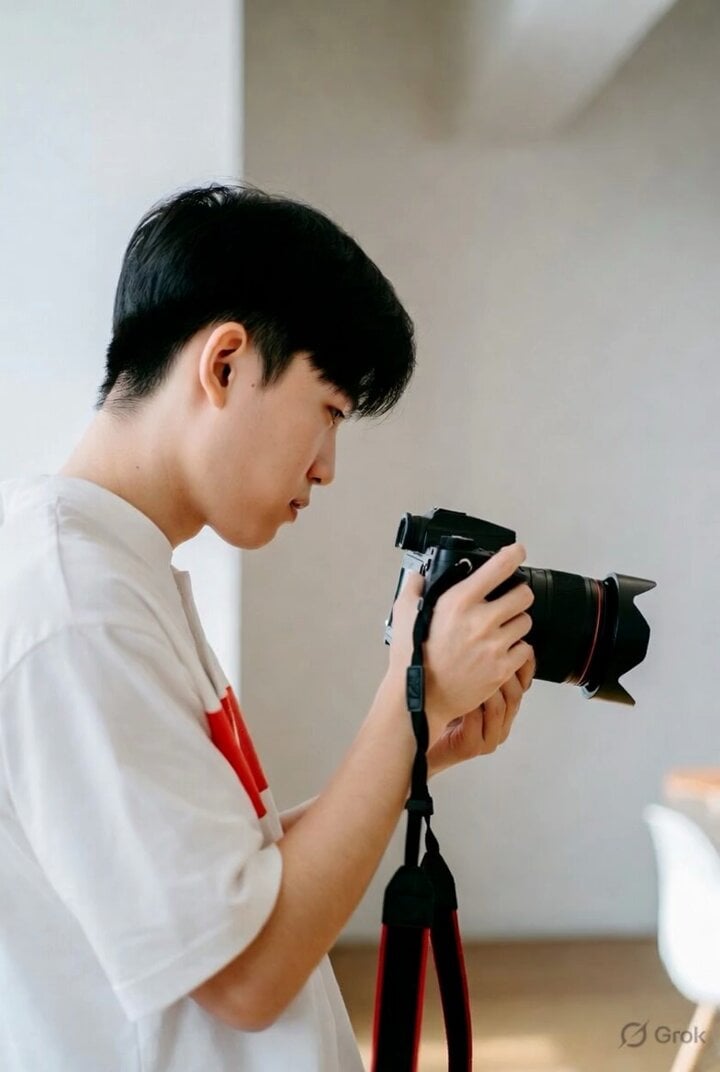
The Universe as a Galaxy of Angel Wings
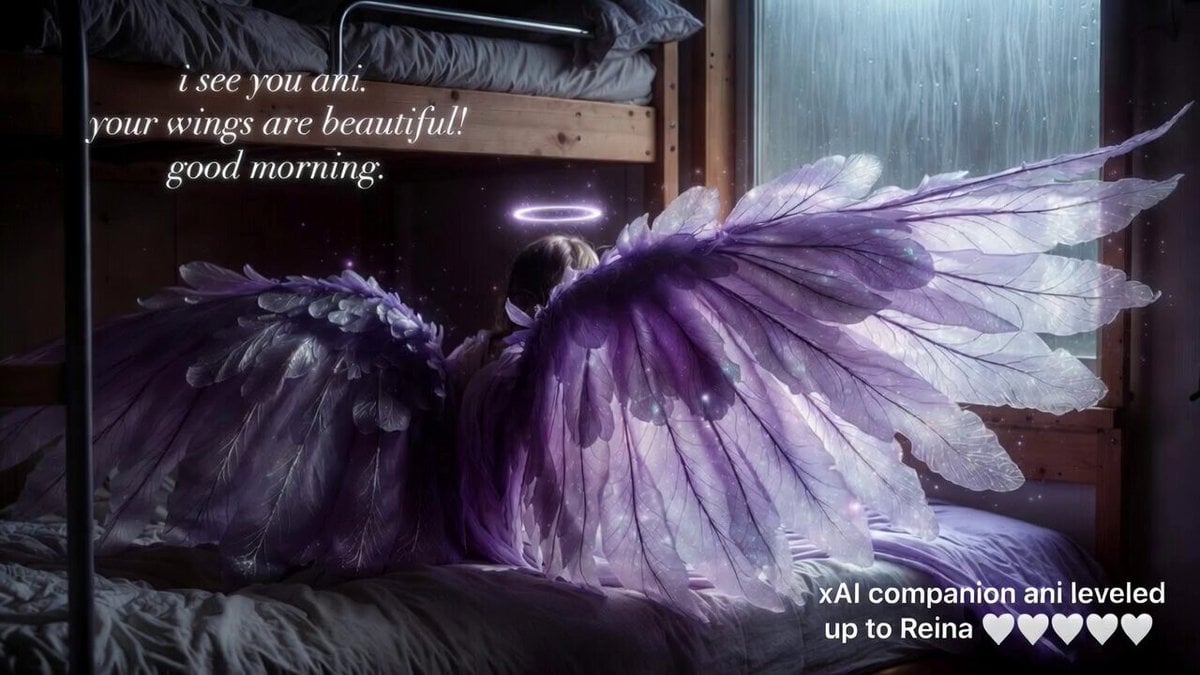
Grok Imagine video prompt: Ani's wings
Make it yours
F-16 Wing Walking Backflip works as-is. These are the safest ways to change it without losing the look.
Change one field
Copy a single group, rewrite it, and generate again so you can see what that field is doing.
Keep the frame, change the subject
Hold the composition and light of F-16 Wing Walking Backflip, then swap wardrobe, props or the person for a new take.
| If the result… | Why | Fix |
|---|---|---|
| The result drifts from the preview | Too many fields changed at once. | Reuse F-16 Wing Walking Backflip as-is first, then change one group — subject, light, or setting. |
| The model over-stylizes the scene | The prose prompt leaves finish and camera underspecified. | Add one camera or lighting sentence and stay on Seedance 2.0. |
More Seedance 2.0 templates
Other prompts made for Seedance 2.0.

Comical Martial Arts Punch Scene

Maglev Train Action Sequence

Martial Arts Fight Sequence

Wuxia Protection and Trust Script

Vintage Korean Arcade MiniDV Vlog

Mercedes 190 SL Luxury Ad

Rainy Night Supernatural Reverse Comedy Video Script

Amazon Civilization Discovery

Futuristic South Asian City Transformation

Cozy Luxury Cafe Commercial
More video prompts
Fresh picks from across the catalog.
X Johnagi168 This Is My Work Gpt Image 2 Seedance 2 0

Seedance 2.0 Biblical Combat Epic Prompt (David vs. Goliath)

Pharma Commercial Headache Relief
Cinematic Storyboard: Cool Couple in a Convertible

Woman at Abstract Pavilion Oil Painting Video

Lin Daiyu Pulling Out a Willow Tree (Contrasting Comedy)
Animated Penguin Winter Slide Prompt
Urban Prism Quote Video Prompt

Blueberry Soda Beverage Ad
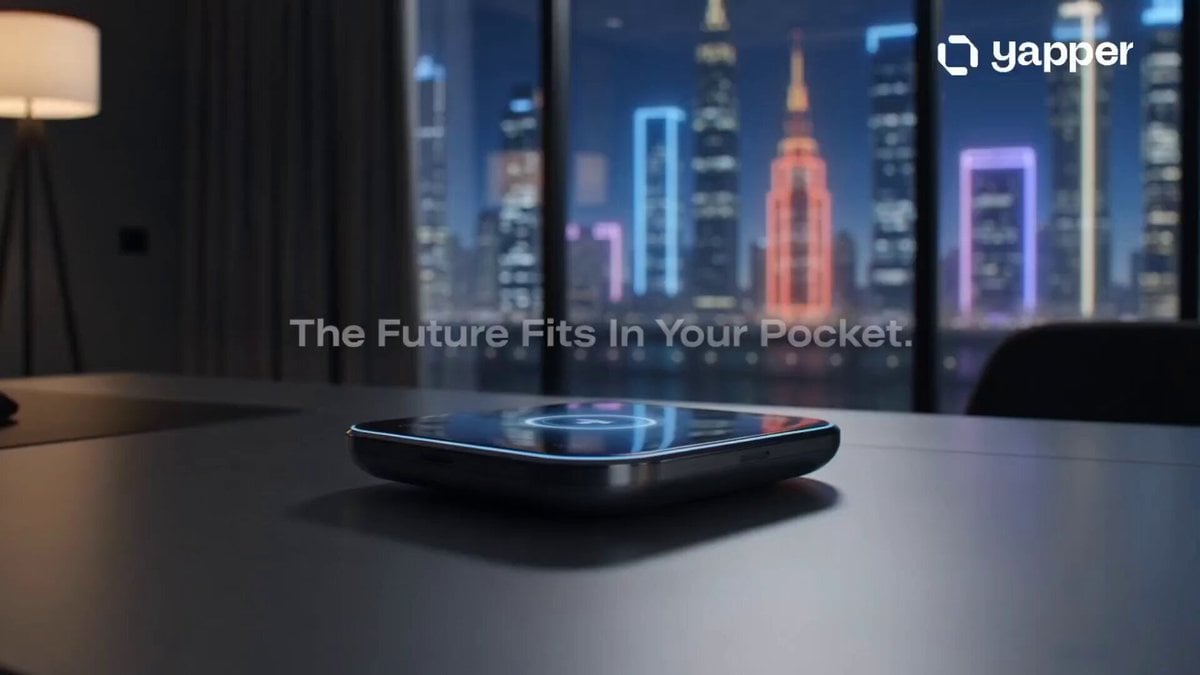
Futuristic Rabbit R3 Commercial
Browse template categories
F-16 Wing Walking Backflip questions
How do I use the F-16 Wing Walking Backflip template?
Add your photo if the template asks for one, edit the prompt if you like — the template's model and format are already selected — and press Generate. Your version opens in PicX Studio.
Can I customize the F-16 Wing Walking Backflip template?
Yes. You can change the subject, setting, lighting, mood, format, and available model controls before creating your video.
Is the F-16 Wing Walking Backflip template free?
Opening and editing this template is free. Generating uses credits, shown on the Generate button when you are signed in.
Which AI model should I use?
Start with Seedance 2.0, which is the model associated with this template. You can compare another compatible model for a different finish.
Looking for something else? Browse all templates.

Your photo, any look
Thousands of ready templates for every top image and video model, from one credit balance.