
Futuristic Rabbit R3 Commercial
A comprehensive multi-scene prompt for a futuristic AI assistant device commercial with cinematic lighting and luxury aesthetic.
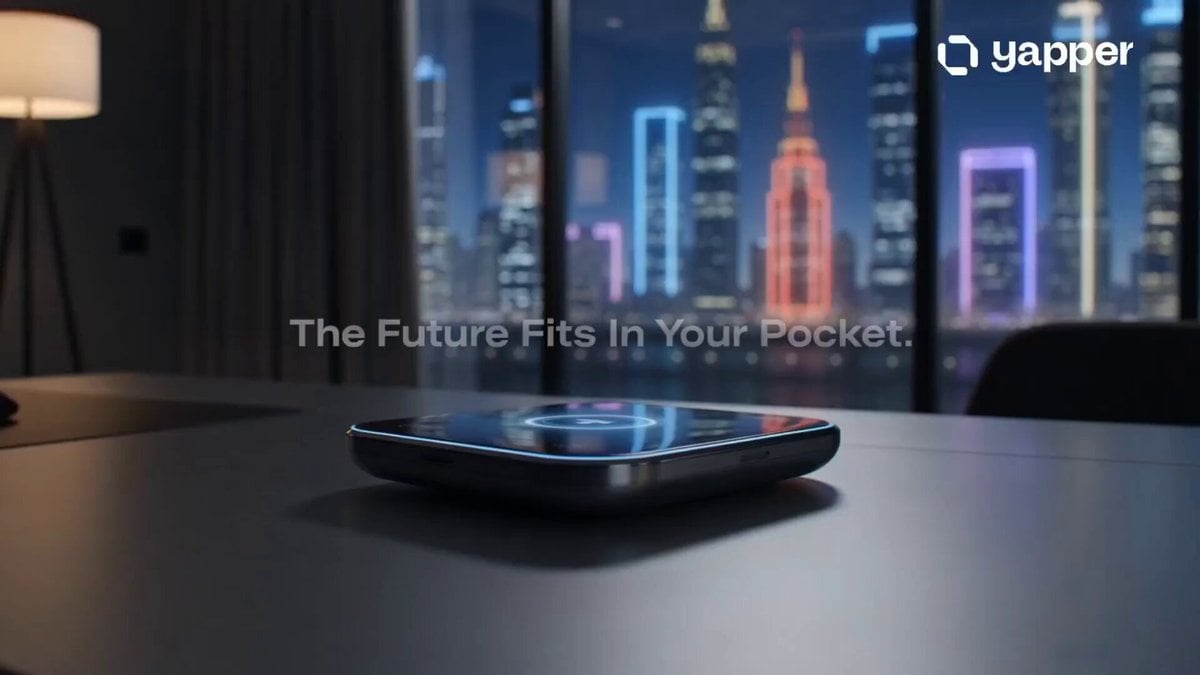
- Prompt included
- Model and format preset
- Premium template
The prompt behind this video
Copy the exact prompt behind Futuristic Rabbit R3 Commercial, or open it in the studio and make it yours.
Ultra cinematic commercial of a futuristic Rabbit R3 AI Assistant device in a dark luxury apartment at night, neon city lights through glass windows, young creator picks up the device from a sleek desk, close-up macro shots, glowing UI animations, AI answering instantly, ultra realistic reflections, smooth camera movement, premium Apple-style advertisement, fast-paced cuts synced with deep futuristic music, holographic interface effects, modern tech lifestyle, dramatic lighting, shallow depth of field, luxury aesthetic, 8K, hyper realistic, viral tech commercial style. Scene 1 (0–3s): Device rotating on desk with neon reflections, text overlay: “The Future Fits In Your Pocket.” Scene 2 (3–7s): User asks AI assistant for schedule and messages, instant smart response appears holographically. Scene 3 (7–11s): Fast cinematic cuts of travel, productivity, voice control, AI helping in daily life. Scene 4 (11–15s): Hero shot of Rabbit R3 glowing in dark environment, futuristic logo reveal, text: “Meet Your AI Companion.” Style: cinematic, luxury tech commercial, futuristic, viral TikTok ad, realistic lighting, smooth transitions, high contrast, modern minimal aesthetic.
How to use Futuristic Rabbit R3 Commercial in 3 steps
- 1
Open
The prompt is already in the box next to the preview, with the template's model and format selected.
- 2…a portrait of your subject in softgolden-hour light, 85mm…
Personalize
Edit the subject and creative details for your destination.
- 3Generate
Generate
Press Generate — your video is created in PicX Studio, so you can compare it with the original and refine one variable at a time.
More like this
Templates with the same subject, style or setup. Open one to see its prompt.
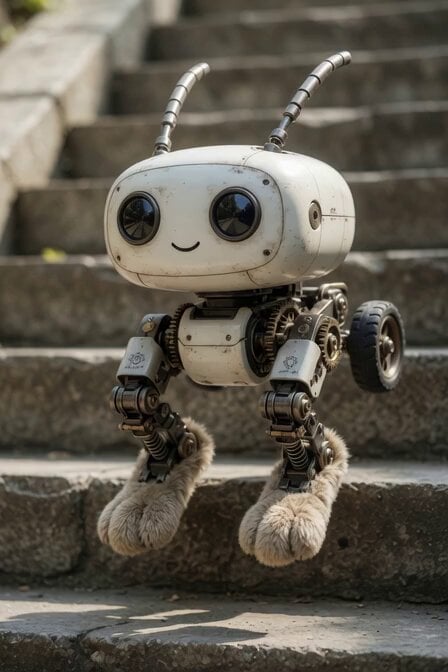
Mechanical Jumping Robot Rabbit

Futuristic Neon Metropolis Sky
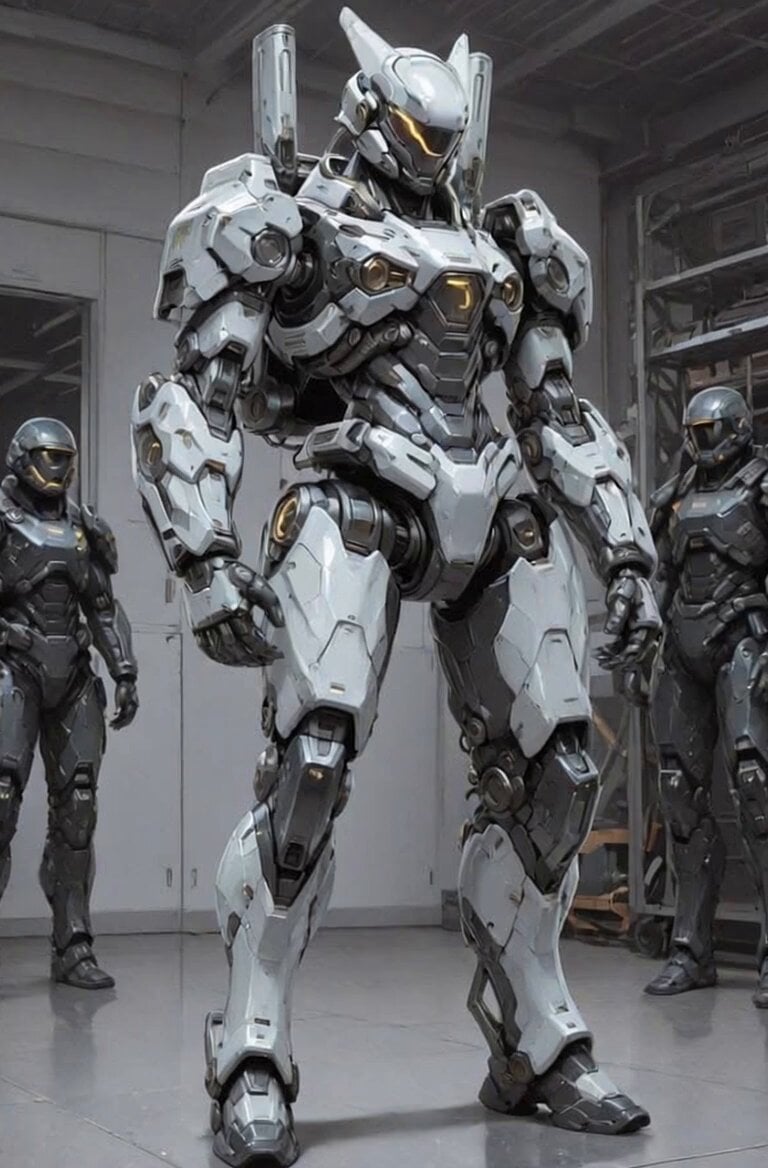
Futuristic Robot Competition Showcase
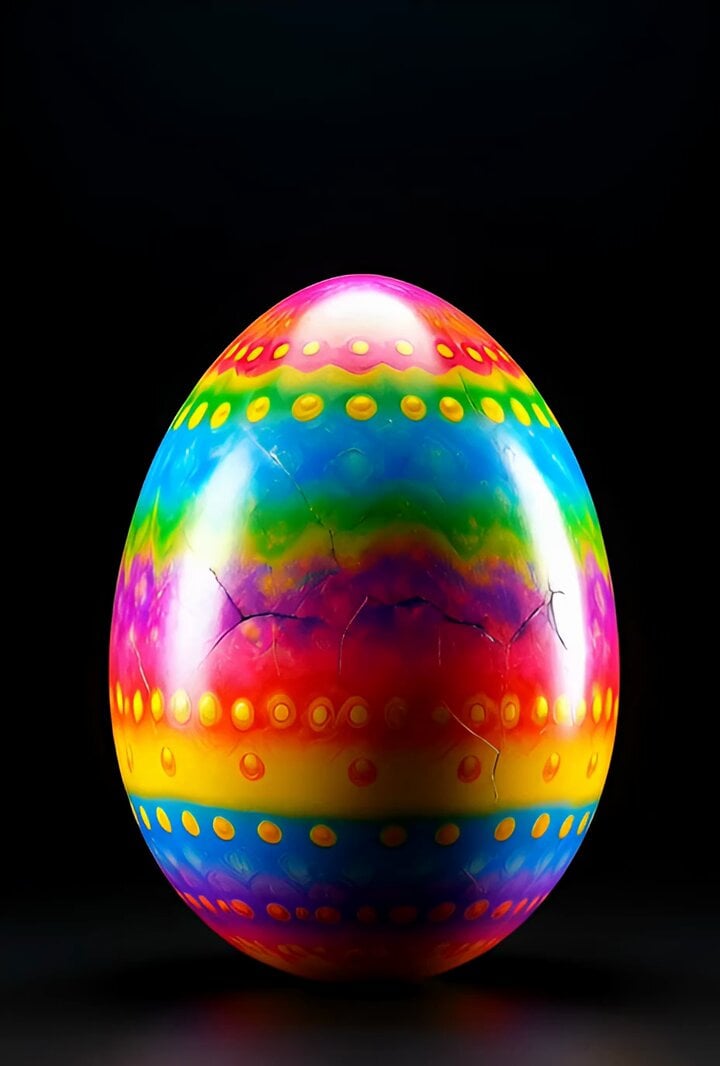
Surreal Easter egg bomb exploding with a rabbit emerging
Futuristic Water Delivery Craft Video
Futuristic Mech Rampage
Epic Mecha Rabbit Battle

Mice and Rabbits in Blowing Winds

Scottish Rabbit Voice Prompt
Futuristic Blue Humanoid Tech Evolution
Futuristic Spaceship Orbiting Space

Kaleidoscopic Cosmic Dolphin Video
Make it yours
Futuristic Rabbit R3 Commercial works as-is. These are the safest ways to change it without losing the look.
Change one field
Copy a single group, rewrite it, and generate again so you can see what that field is doing.
Keep the frame, change the subject
Hold the composition and light of Futuristic Rabbit R3 Commercial, then swap wardrobe, props or the person for a new take.
| If the result… | Why | Fix |
|---|---|---|
| The result drifts from the preview | Too many fields changed at once. | Reuse Futuristic Rabbit R3 Commercial as-is first, then change one group — subject, light, or setting. |
| The model over-stylizes the scene | The prose prompt leaves finish and camera underspecified. | Add one camera or lighting sentence and stay on Grok Imagine. |
More Grok Imagine templates
Other prompts made for Grok Imagine.

Mecha Runway Tap Dance Video Prompt

Emotional Angry Couple Drama

Train Zooming in Star Field Video Prompt

Cyberpunk Guerrilla Girl Video Generation

Detailed multi-part video prompt

Interior View Video Generation Prompt
GTA 6 never came out in 1 million years

Bitcoin liferaft video prompt

Woman floating down, opening eyes and looking deeply into the viewer's eyes

Utopian World of Harmony and Peace
More video prompts
Fresh picks from across the catalog.
Twin Idol Anime Concert Drone Footage
Swordsman in Heavy Rain

1990s OVA Anime Action Sequence: The Staredown and Clash
Handheld Indonesian Summer Vlog
Luxury Skincare Commercial 3D Animation
Horror Short Film Concept
Cinematic 3D Chef Cooking Stir-fry
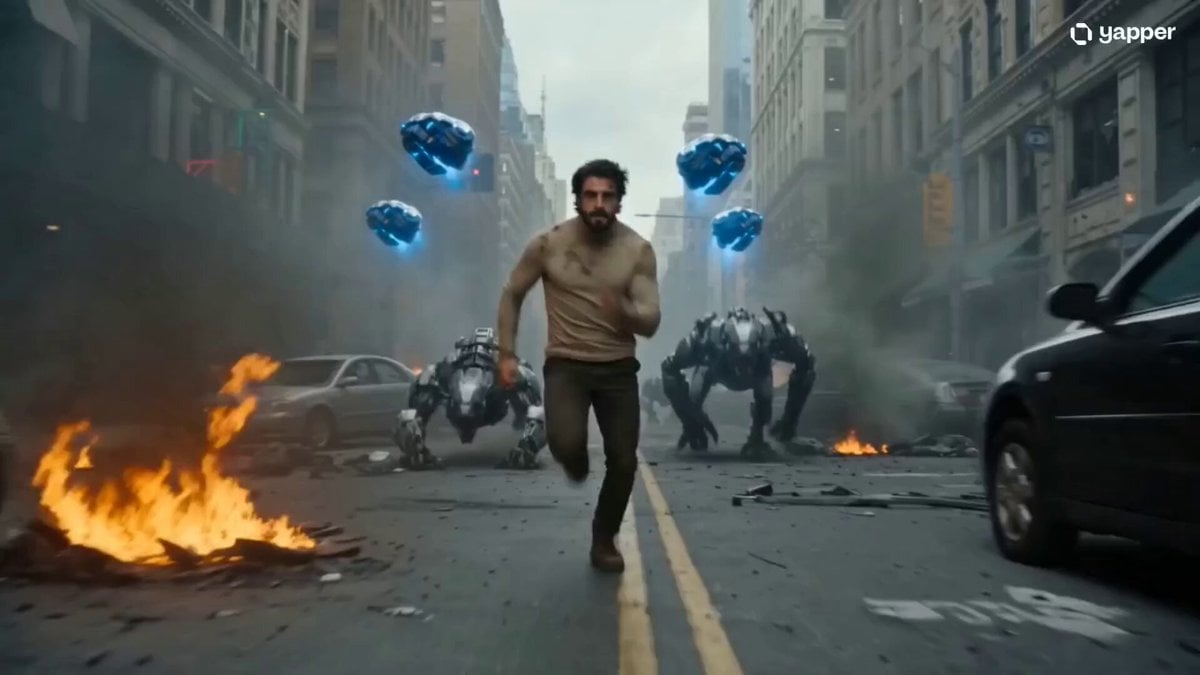
Futuristic Mecha Armor Assembly Sequence
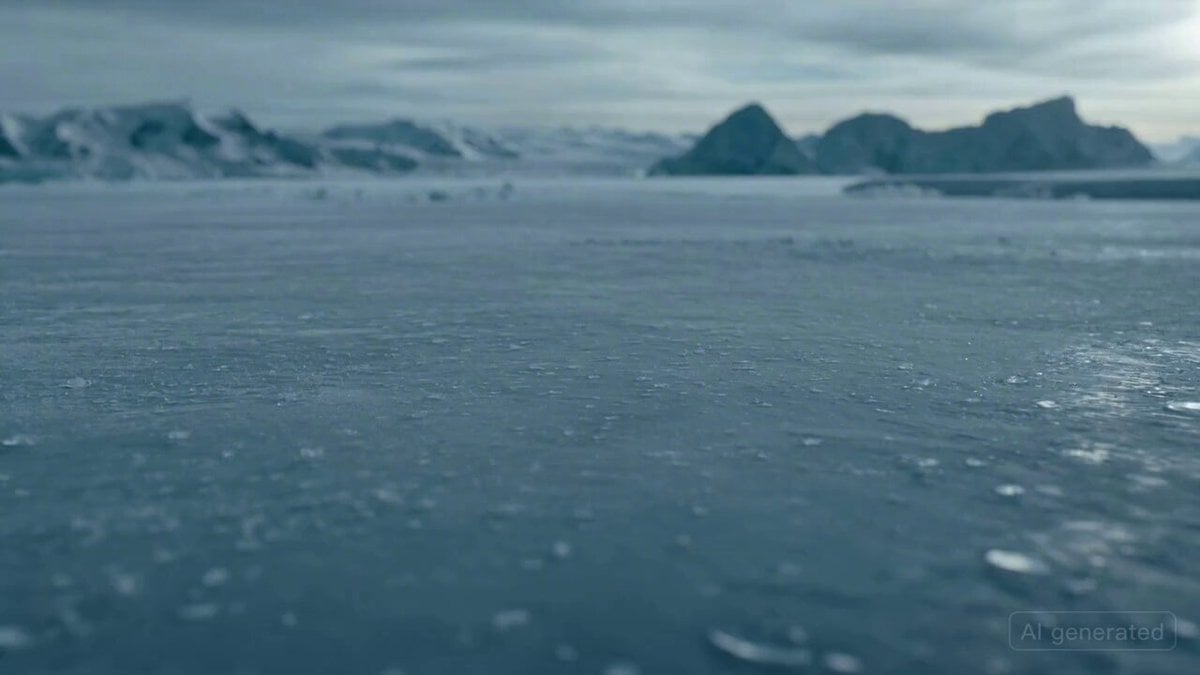
Pirate tavern scene prompt
Training

Browse template categories
Futuristic Rabbit R3 Commercial questions
How do I use the Futuristic Rabbit R3 Commercial template?
Add your photo if the template asks for one, edit the prompt if you like — the template's model and format are already selected — and press Generate. Your version opens in PicX Studio.
Can I customize the Futuristic Rabbit R3 Commercial template?
Yes. You can change the subject, setting, lighting, mood, format, and available model controls before creating your video.
Is the Futuristic Rabbit R3 Commercial template free?
Opening and editing this template is free. Generating uses credits, shown on the Generate button when you are signed in.
Which AI model should I use?
Start with Grok Imagine, which is the model associated with this template. You can compare another compatible model for a different finish.
Looking for something else? Browse all templates.

Your photo, any look
Thousands of ready templates for every top image and video model, from one credit balance.