
Village Life Character Consistency
A detailed cinematic video prompt for Seedance 2.0 Mini focused on maintaining character identity through various scenes of peaceful village life.
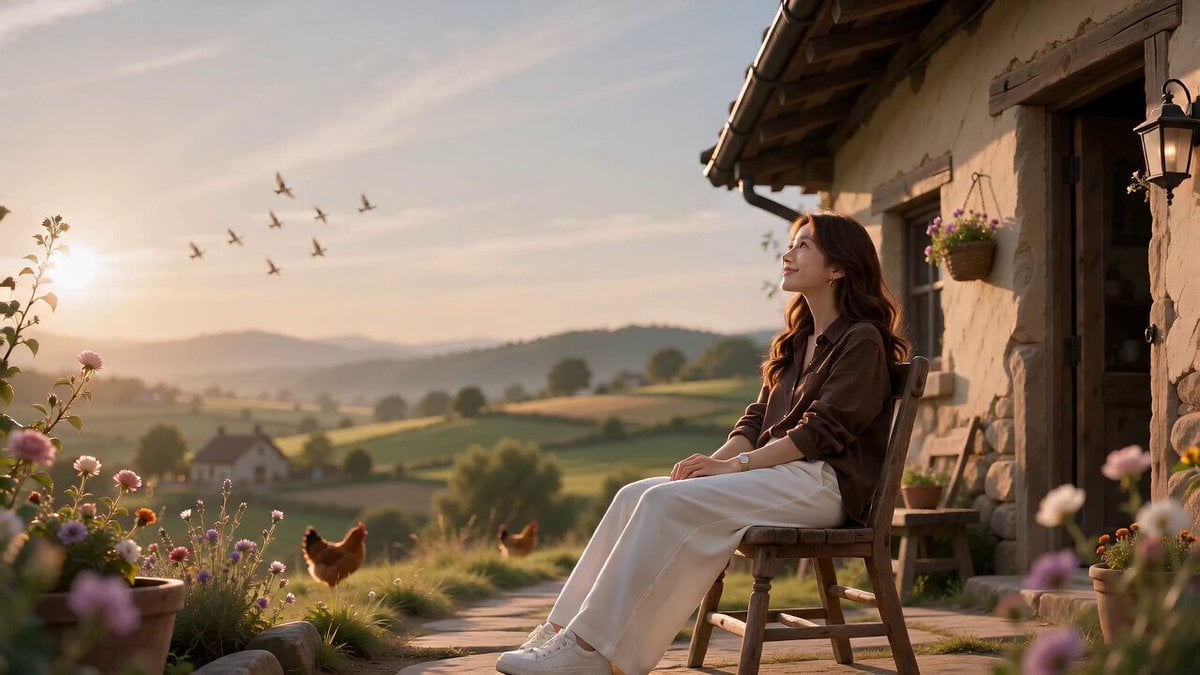
- Prompt included
- Model and format preset
- Premium template
The prompt behind this video
Copy the exact prompt behind Village Life Character Consistency, or open it in the studio and make it yours.
Character Continuity Lock:Use the girl from the reference image as the main character. Preserve her exact face, hairstyle, facial features, skin tone, age, body proportions, clothing style, and identity throughout the entire video. No face changes, no character swaps, no age changes. Video Style: Ultra-realistic cinematic village life, natural colors, authentic rural atmosphere, documentary realism, beautiful nature cinematography, soft morning sunlight, shallow depth of field, realistic physics, natural wind movement, high detail, 4K quality, smooth camera motion, emotional and peaceful mood. 0s–3s The girl sits peacefully outside her traditional village house on a wooden chair. Morning sunlight softly illuminates her face. She looks across the countryside with a gentle smile. Birds fly in the distance. Green fields sway in the breeze. Natural ambient sounds of birds chirping, leaves rustling, and distant village life. Slow cinematic dolly-in camera movement. 3s–6s She slowly stands up and begins walking along a narrow village pathway. Her hair and clothes move naturally in the wind. The camera follows from behind at a low angle. Colorful wildflowers line the path. Butterflies flutter around. Chickens wander nearby. Warm golden sunlight filters through trees. 6s–9s She enters a beautiful garden filled with blooming flowers, lush greenery, and fruit trees. She gently touches flower petals while admiring the scenery. The camera circles around her in a smooth cinematic orbit. Bees hover around flowers. Leaves move naturally in the breeze. Soft sunlight creates beautiful lens flares. 9s–12s She walks deeper into the garden, smiling peacefully. She pauses beside a flowering tree and watches butterflies flying around. The camera transitions to a wide aerial shot revealing the village, green fields, mountains in the distance, and the vibrant garden surrounding her. 12s–15s She closes her eyes briefly, enjoying the fresh air and sounds of nature. She slowly opens her eyes and looks toward the horizon with a calm, happy expression. The camera pulls back smoothly, revealing the entire garden, village houses, fields, birds flying overhead, and warm sunlight bathing the landscape. Cinematic ending frame. Environment Details: Authentic rural village, traditional houses, vegetable gardens, fruit trees, colorful flowers, butterflies, birds, green fields, distant hills, gentle wind, realistic nature sounds, peaceful countryside atmosphere, natural human movement, realistic lighting, photorealistic textures, cinematic storytelling, immersive village life.
How to use Village Life Character Consistency in 3 steps
- 1Upload ImagePNG, JPG or paste
Add your photo
Upload the photo the template builds on. The prompt, model and format are already set.
- 2…a portrait of your subject in softgolden-hour light, 85mm…
Personalize
Edit the subject and creative details for your destination.
- 3Generate
Generate
Press Generate — your video is created in PicX Studio, so you can compare it with the original and refine one variable at a time.
More like this
Templates with the same subject, style or setup. Open one to see its prompt.
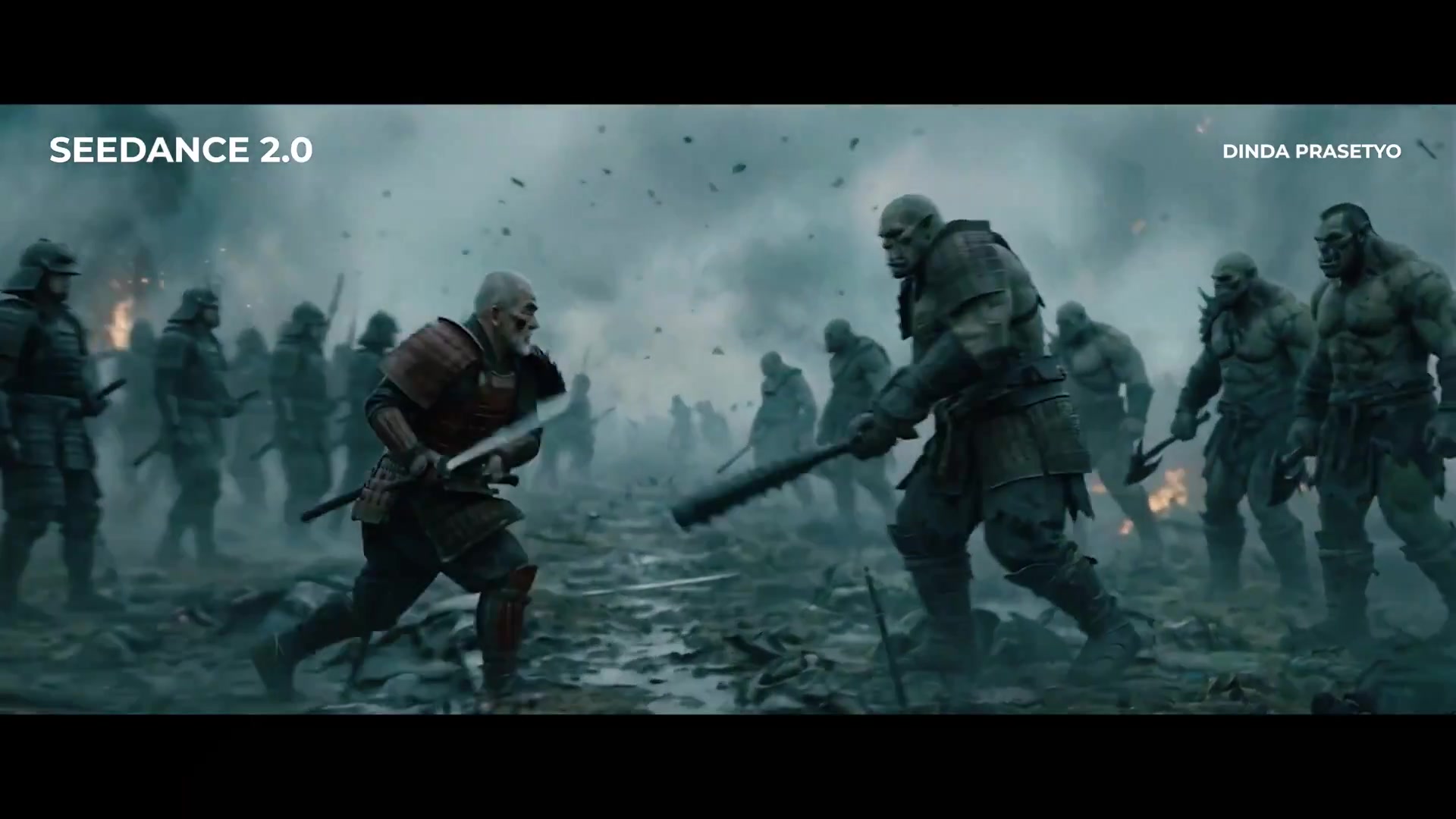
Seedance 2.0 First Test — Dynamic Motion Showcase
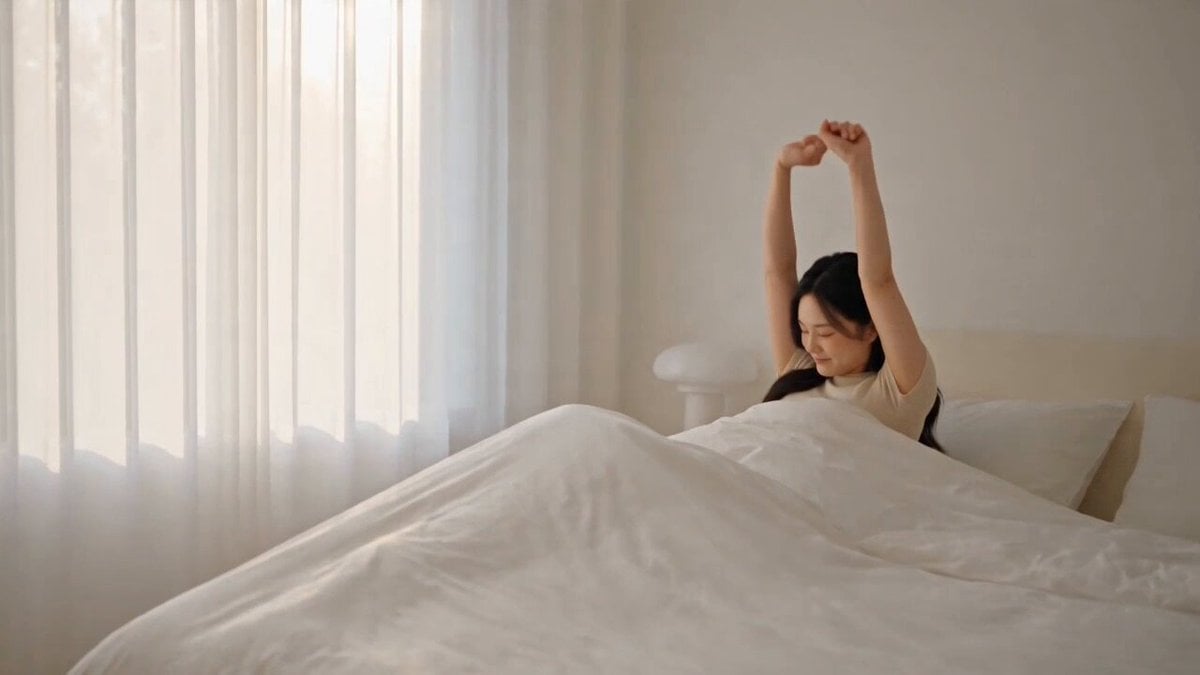
Cinematic Lifestyle Vlog Character Consistency
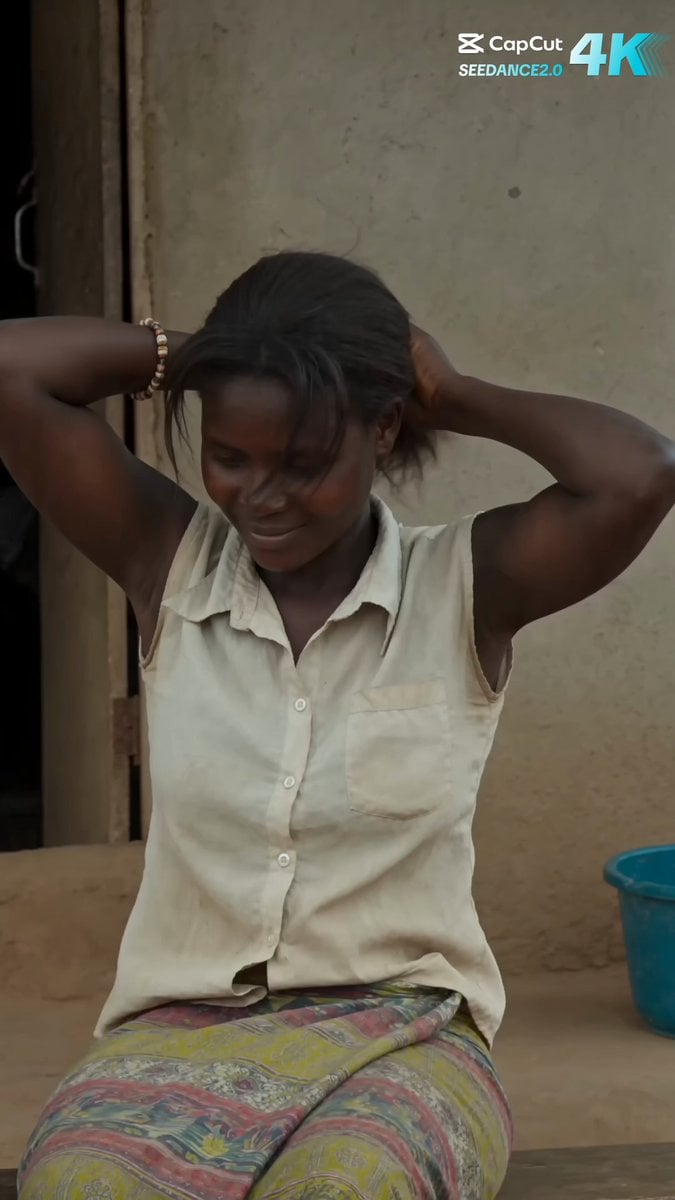
Rural African Village Life Documentary
Indian Village Football Documentary
Indian Village Zombie Chase Intercut
3D Miniature Pastry Village Animation
Sunflower Field Character Consistency Video Prompt

Cinematic Warrior Woman in Burning Village
Minimax Subject Reference Breakthrough — Character Consistency

Rural Chinese Village Memory Documentary
90s Camcorder Japanese Seaside Village
Japanese Village Documentary Realism
Make it yours
Village Life Character Consistency works as-is. These are the safest ways to change it without losing the look.
Change one field
Copy a single group, rewrite it, and generate again so you can see what that field is doing.
Keep the frame, change the subject
Hold the composition and light of Village Life Character Consistency, then swap wardrobe, props or the person for a new take.
| If the result… | Why | Fix |
|---|---|---|
| The result drifts from the preview | Too many fields changed at once. | Reuse Village Life Character Consistency as-is first, then change one group — subject, light, or setting. |
| The model over-stylizes the scene | The prose prompt leaves finish and camera underspecified. | Add one camera or lighting sentence and stay on Seedance 2.0. |
More Seedance 2.0 templates
Other prompts made for Seedance 2.0.

Comical Martial Arts Punch Scene

Maglev Train Action Sequence

Martial Arts Fight Sequence

Wuxia Protection and Trust Script

Vintage Korean Arcade MiniDV Vlog

Mercedes 190 SL Luxury Ad

Rainy Night Supernatural Reverse Comedy Video Script

Amazon Civilization Discovery

Futuristic South Asian City Transformation

Cozy Luxury Cafe Commercial
More video prompts
Fresh picks from across the catalog.

Moroccan Desert Rally Race

2D Animated Fight Scene

Complex single-shot morphing video prompt for Seedance 2.0

Pixar Style Wok Cooking Animation Storyboard

The Long Run: Human Life Journey Sequence
Nostalgic Taiwan Seaside Romance Film

Muscular men intimate embrace cinematic video

Impasto Oil Painting of a Layered City at Sunrise
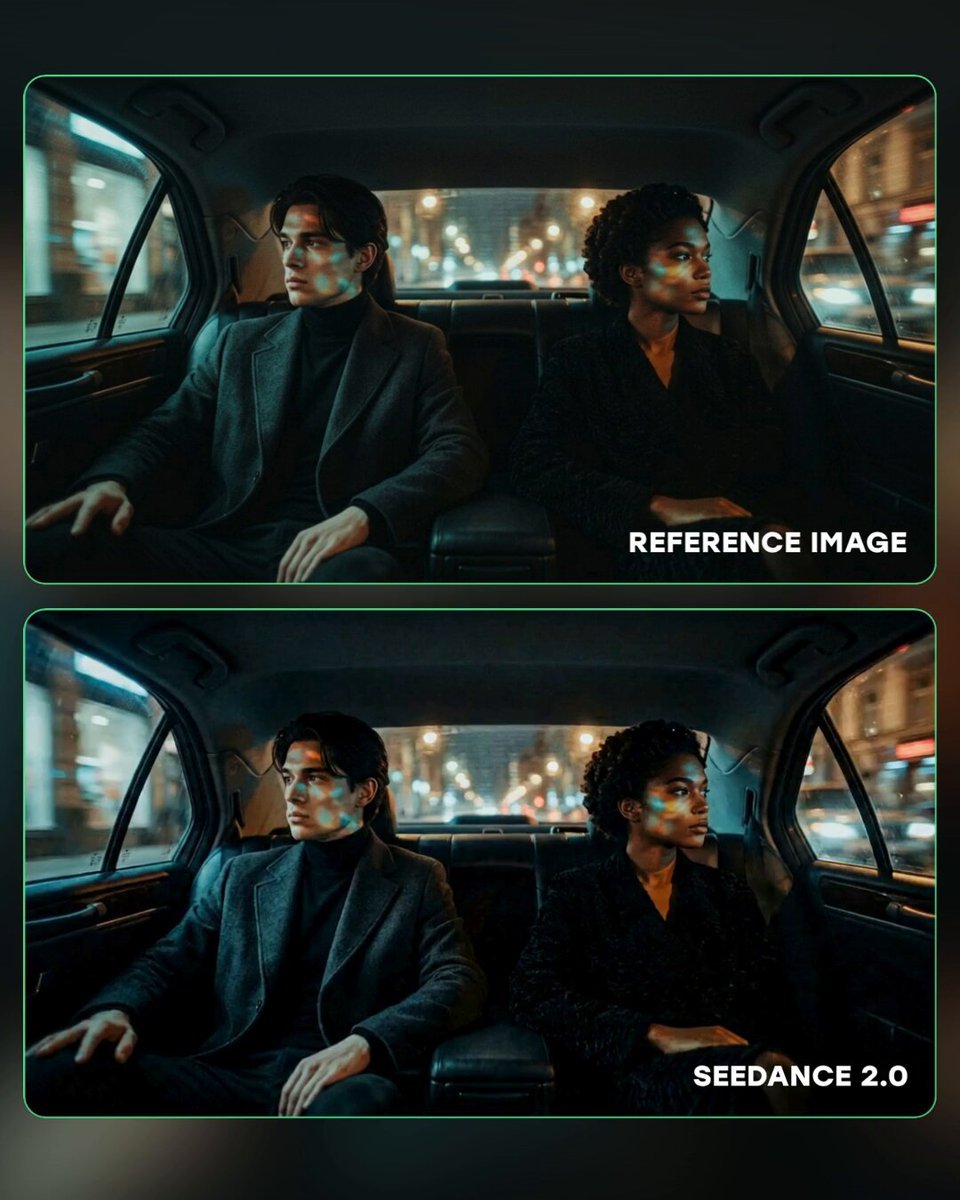
Cinematic Car Conversation Lip Sync

Female Warrior in Tactical Suit at High Speed
Browse template categories
Village Life Character Consistency questions
How do I use the Village Life Character Consistency template?
Add your photo if the template asks for one, edit the prompt if you like — the template's model and format are already selected — and press Generate. Your version opens in PicX Studio.
Can I customize the Village Life Character Consistency template?
Yes. You can change the subject, setting, lighting, mood, format, and available model controls before creating your video.
Is the Village Life Character Consistency template free?
Opening and editing this template is free. Generating uses credits, shown on the Generate button when you are signed in.
Which AI model should I use?
Start with Seedance 2.0, which is the model associated with this template. You can compare another compatible model for a different finish.
Looking for something else? Browse all templates.

Your photo, any look
Thousands of ready templates for every top image and video model, from one credit balance.