
Cinematic Lifestyle Vlog Character Consistency
A structured storyboard prompt for a 20-second lifestyle vlog maintaining character identity across different times of day and locations.
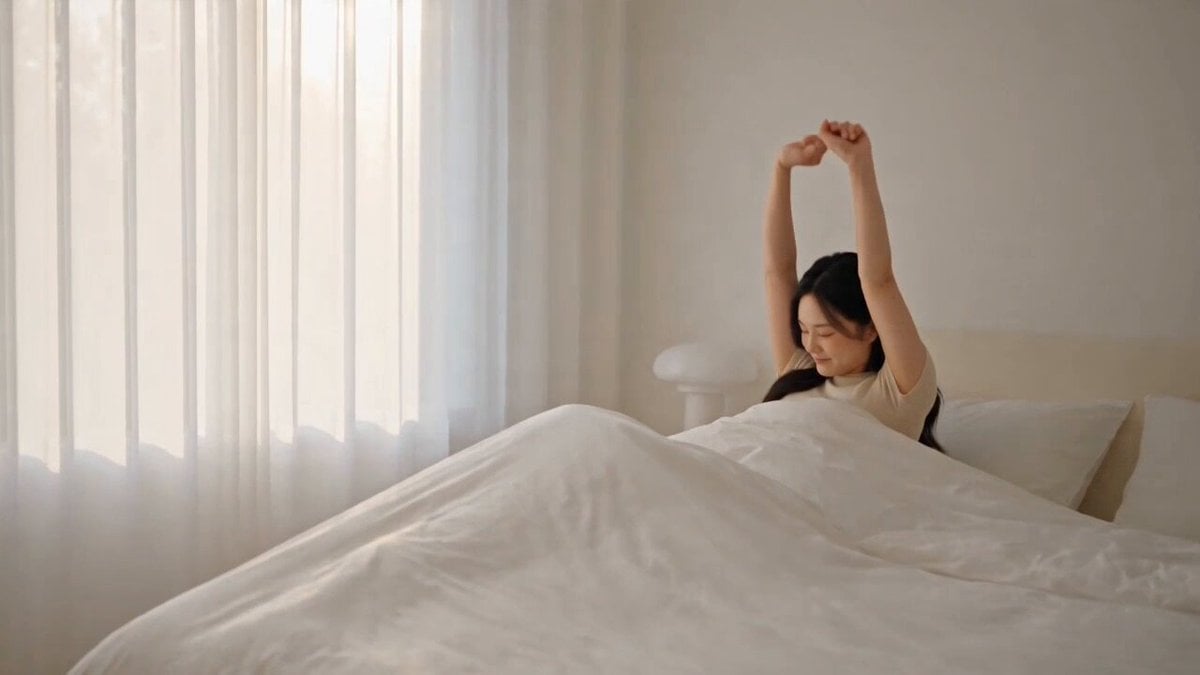
- Prompt included
- Model and format preset
- Free template
The prompt behind this video
Copy the exact prompt behind Cinematic Lifestyle Vlog Character Consistency, or open it in the studio and make it yours.
DURATION: 20 seconds ASPECT RATIO: 16:9 STYLE: Ultra-photorealistic live-action cinematic lifestyle vlog, premium commercial quality, natural human movement, realistic skin and hair, realistic clothing physics, soft cinematic lighting, subtle handheld camera feel, shallow depth of field, natural color grading. REFERENCE ASSIGNMENT: @IMG1 = FEMALE HERO / MAIN CHARACTER @IMG2 = BEDROOM / MORNING @IMG3 = KITCHEN / BREAKFAST @IMG4 = WORK / DESK @IMG5 = OUTDOOR / CAFÉ @IMG6 = EVENING / NIGHT Use @IMG1 as the strict identity reference throughout the entire video. CHARACTER CONSISTENCY: The same woman must appear in every scene. Preserve her exact face, facial structure, eyes, nose, lips, hairstyle, skin tone, feminine body proportions and overall identity. Do not change her identity between scenes. 0–3 SECONDS — MORNING Start in the bedroom using @IMG2. The woman wakes up naturally and sits on the edge of the bed. Soft morning sunlight enters through the window. She gently opens the curtains and looks toward the morning light. Camera begins with a medium-wide shot and smoothly pushes toward her. Peaceful morning atmosphere. 3–6 SECONDS — BREAKFAST Smooth cinematic transition to @IMG3. The same woman prepares a simple breakfast in the kitchen. She pours coffee or tea into a ceramic mug and places breakfast on the counter. Natural steam rises from the hot drink. She briefly looks toward the camera with a relaxed morning smile. Use a natural medium tracking shot. 6–10 SECONDS — WORK Transition to @IMG4. The same woman sits at her desk and works on her laptop. She types briefly, checks the screen and writes a few notes in her notebook. Natural productive expression. Camera moves slowly from a side angle toward a three-quarter view. Keep the environment realistic and calm. 10–14 SECONDS — OUTDOOR / CAFÉ Transition naturally to @IMG5. The same woman leaves home and walks through a beautiful modern city street toward an outdoor café. Camera smoothly tracks backward while she walks toward it. She arrives at the café, places her handbag beside the table and sits down. She smiles naturally toward the camera. Warm daylight and realistic city background. 14–17 SECONDS — CAFÉ MOMENT Close cinematic shot. She picks up her coffee/drink and takes a relaxed sip. Subtle background movement from distant pedestrians. Natural handheld lifestyle-vlog feeling. 17–20 SECONDS — NIGHT Transition to @IMG6. The same woman is back home in her cozy bedroom at night. She places her phone on the bedside table and relaxes after the day. She looks toward the window at the city lights, then turns toward the camera with a small peaceful smile. Camera slowly pushes into a close-up. End on her calm expression with warm bedroom lighting and soft city-light bokeh. CUT TO BLACK. CAMERA PRIORITY: Keep the camera cinematic and natural. Use smooth tracking, gentle push-ins, medium shots, close-ups and subtle handheld movement. Avoid excessive camera shake. Keep the woman as the visual focus. Maintain realistic transitions between locations. FINAL RULES: Same female character throughout. Same face and identity throughout. Natural realistic human movement. Realistic lighting and shadows. Realistic clothing and hair movement. No face changes. No character duplication. No extra main characters. No cartoon or anime appearance. No fantasy effects. No excessive motion blur. No distorted hands. No text. No logos. No watermark. The overall feeling should be: A beautiful, realistic cinematic glimpse into one ordinary but aesthetically pleasing day in her life. Create a premium photorealistic female character reference sheet using the uploaded woman as the STRICT identity reference. Preserve her exact facial identity, facial structure, eyes, eyebrows, nose, lips, jawline, skin tone, natural skin texture, hairstyle and overall appearance. Create the same woman as a realistic modern lifestyle vlogger. Show her with natural feminine proportions and realistic anatomy. CHARACTER PRESENTATION: Create a clean professional character sheet containing: 1. Full-body front view 2. Full-body 3/4 view 3. Full-body side view 4. Back view 5. Close-up face portrait 6. Natural smiling expression 7. Neutral expression 8. Casual standing pose Keep the exact same woman in every view. CLOTHING: Use a simple modern casual lifestyle outfit suitable for a daily vlog: a clean neutral-colored fitted top, comfortable casual trousers or jeans, and simple everyday footwear. Keep the outfit realistic, modest and natural. STYLE: Ultra-photorealistic live-action photography, premium lifestyle commercial aesthetic, realistic skin texture, natural hair strands, realistic fabric, physically accurate anatomy, soft cinematic lighting, subtle depth of field, high-end photography, natural colors. The character should look like a real woman photographed for a professional lifestyle vlog. IDENTITY CONSISTENCY IS THE HIGHEST PRIORITY. Do not change her face. Do not change her hairstyle. Do not masculinize her. Do not make her look like a different person. Do not create an anime or cartoon appearance. No fantasy styling. No text. No logo. No watermark. Clean neutral studio background. This character reference will be used as the SAME FEMALE PROTAGONIST throughout a 20-second "A Day in Her Life" cinematic lifestyle vlog.
How to use Cinematic Lifestyle Vlog Character Consistency in 3 steps
- 1Upload ImagePNG, JPG or paste
Add your photo
Upload the photo the template builds on. The prompt, model and format are already set.
- 2…a portrait of your subject in softgolden-hour light, 85mm…
Personalize
Edit the subject and creative details for your destination.
- 3Generate
Generate
Press Generate — your video is created in PicX Studio, so you can compare it with the original and refine one variable at a time.
More like this
Templates with the same subject, style or setup. Open one to see its prompt.
Realistic Morning Routine Lifestyle Vlog - Seedance 2.5
Mediterranean Morning Coffee Run Vlog (Seedance 2.5)
Kenting Lifestyle Travel Vlog

Luxury Lifestyle Day Vlog
Mediterranean Coffee Run Vlog - Seedance 2.5

Mysterious Home Exploration Vlog - Seedance 2.5

Handheld Tokyo Travel Vlog - Seedance 2.5
Nostalgic MiniDV Convenience Store Vlog - Seedance 2.5
Seedance 2.0 First Test — Dynamic Motion Showcase

Luxury Airport Travel Vlog
Kyoto Morning Selfie Vlog
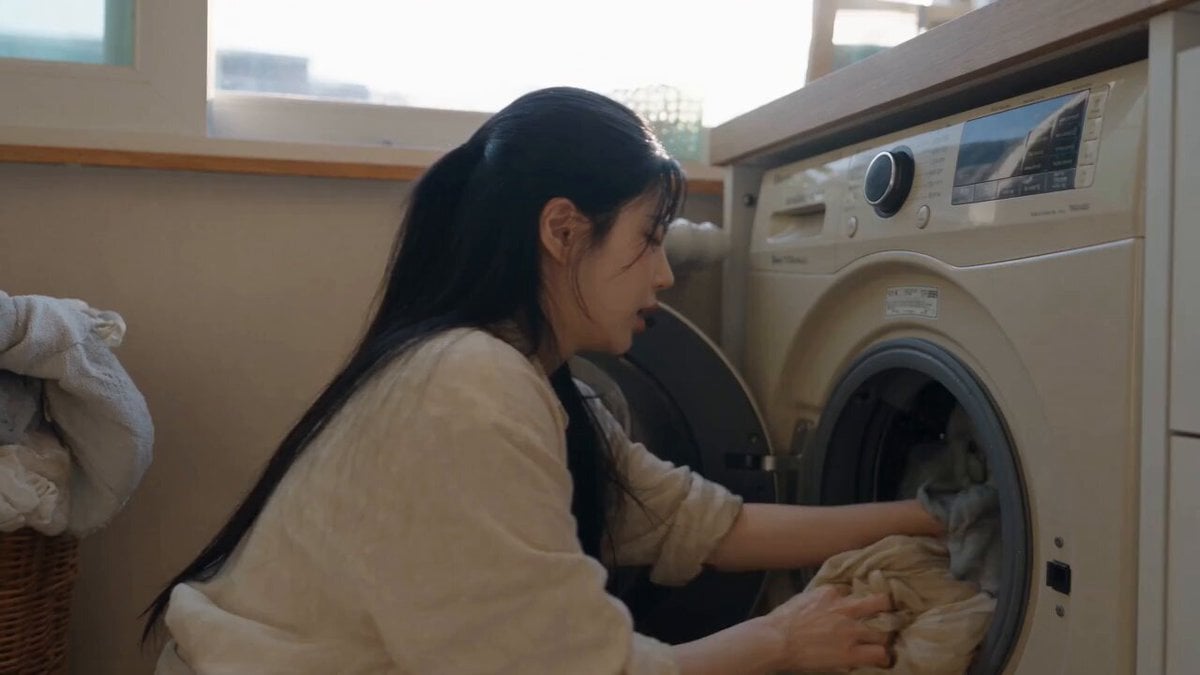
Sunny Morning Laundry Vlog
Make it yours
Cinematic Lifestyle Vlog Character Consistency works as-is. These are the safest ways to change it without losing the look.
Change one field
Copy a single group, rewrite it, and generate again so you can see what that field is doing.
Keep the frame, change the subject
Hold the composition and light of Cinematic Lifestyle Vlog Character Consistency, then swap wardrobe, props or the person for a new take.
| If the result… | Why | Fix |
|---|---|---|
| The result drifts from the preview | Too many fields changed at once. | Reuse Cinematic Lifestyle Vlog Character Consistency as-is first, then change one group — subject, light, or setting. |
| The model over-stylizes the scene | The prose prompt leaves finish and camera underspecified. | Add one camera or lighting sentence and stay on Seedance 2.0. |
More Seedance 2.0 templates
Other prompts made for Seedance 2.0.

Comical Martial Arts Punch Scene

Maglev Train Action Sequence

Martial Arts Fight Sequence

Wuxia Protection and Trust Script

Vintage Korean Arcade MiniDV Vlog

Mercedes 190 SL Luxury Ad

Rainy Night Supernatural Reverse Comedy Video Script

Amazon Civilization Discovery

Futuristic South Asian City Transformation

Cozy Luxury Cafe Commercial
More video prompts
Fresh picks from across the catalog.
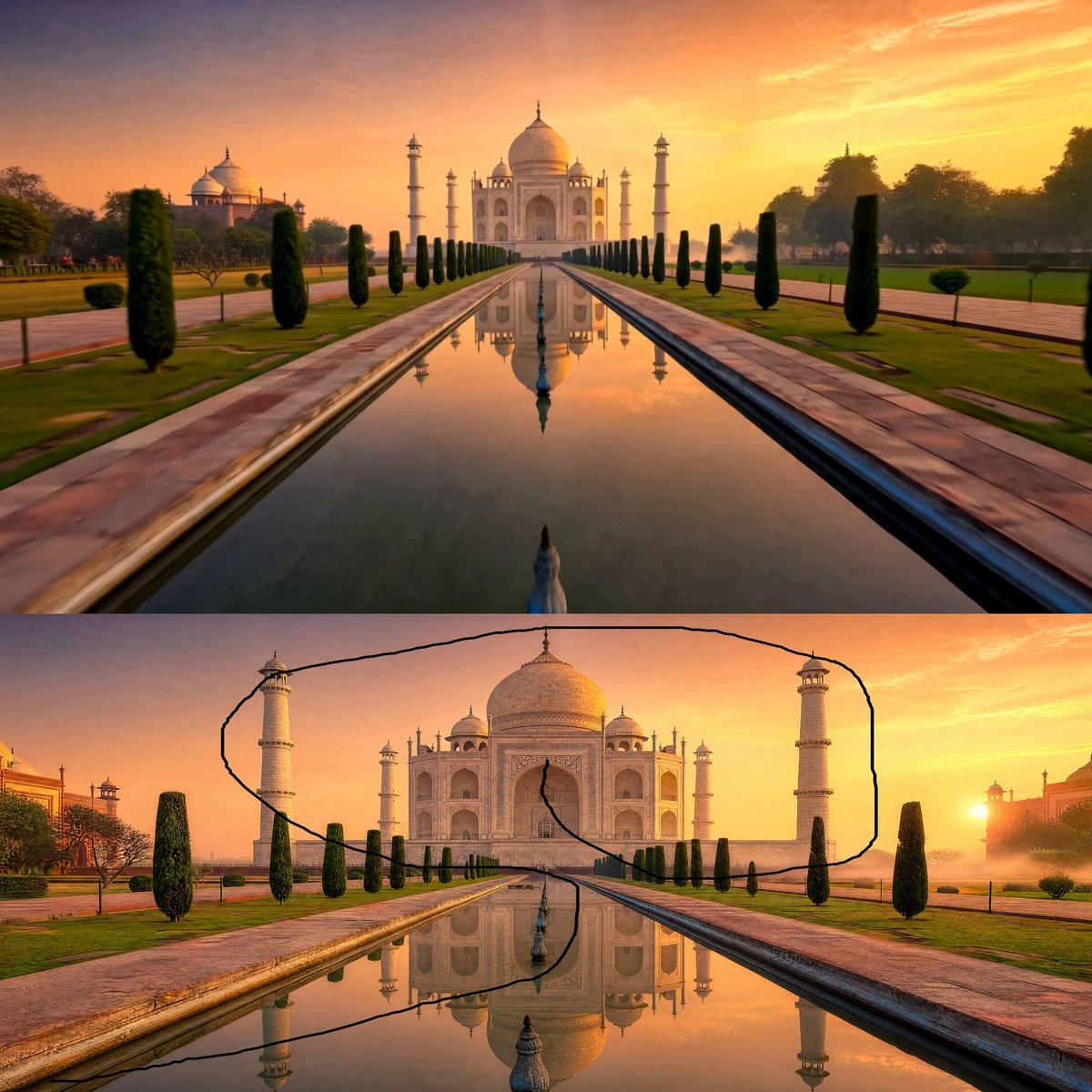
Taj Mahal Sunrise FPV Drone Flyover
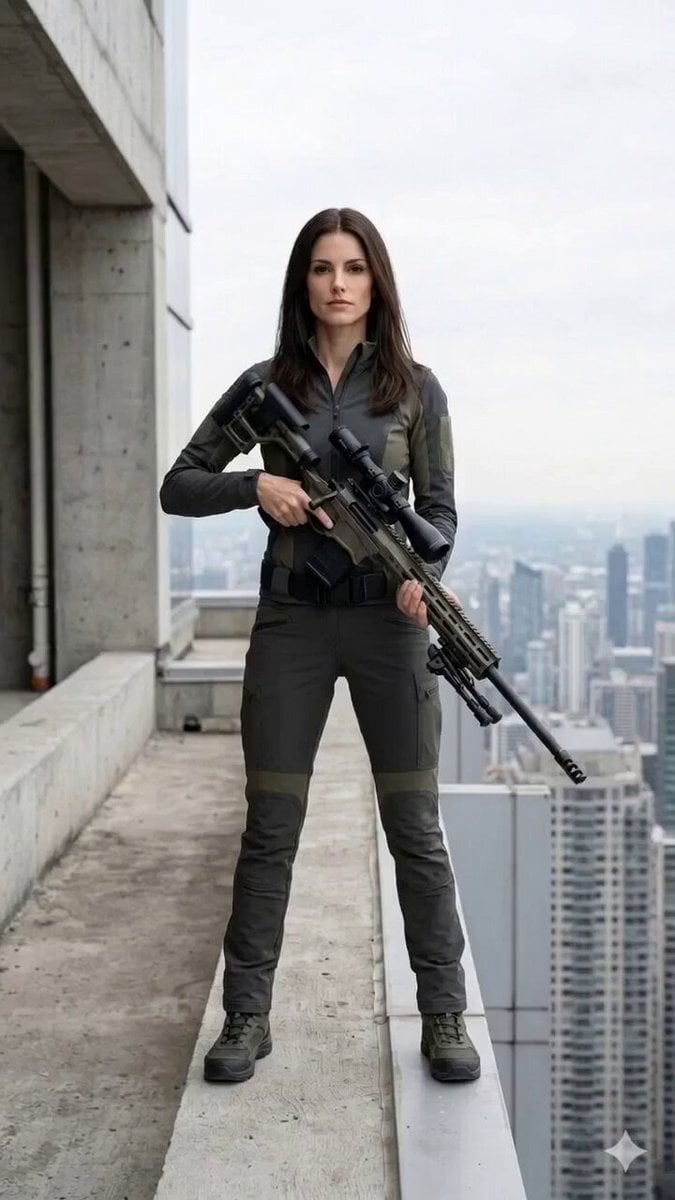
Cinematic Horror/Action Text-to-Video
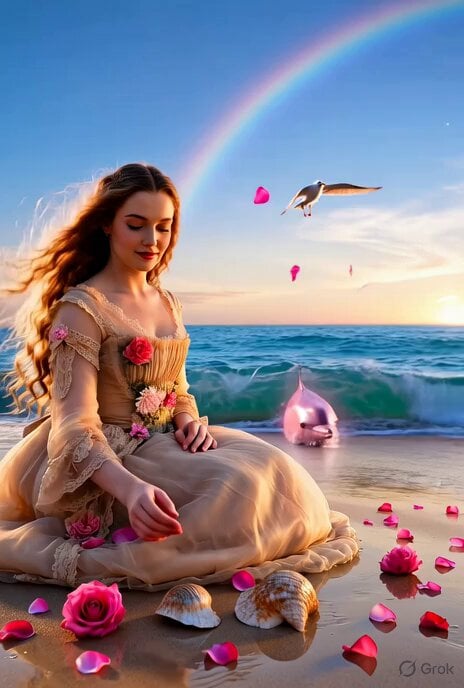
Mystic Ocean Victorian Lady

Fluffy Puppy Sunny Lawn Video
Flying Umbrella Array Cinematic Comedy Prompt

Troll Finding Flower Cinematic Video
Japanese SWAT Team Hostage Scenario Cinematic Script

Sci-Fi Orbital Construction Collapse

Meditating Jedi Animation
Forest Guardian Spirit Awakening
Browse template categories
Cinematic Lifestyle Vlog Character Consistency questions
How do I use the Cinematic Lifestyle Vlog Character Consistency template?
Add your photo if the template asks for one, edit the prompt if you like — the template's model and format are already selected — and press Generate. Your version opens in PicX Studio.
Can I customize the Cinematic Lifestyle Vlog Character Consistency template?
Yes. You can change the subject, setting, lighting, mood, format, and available model controls before creating your video.
Is the Cinematic Lifestyle Vlog Character Consistency template free?
Opening and editing this template is free. Generating uses credits, shown on the Generate button when you are signed in.
Which AI model should I use?
Start with Seedance 2.0, which is the model associated with this template. You can compare another compatible model for a different finish.
Looking for something else? Browse all templates.

Your photo, any look
Thousands of ready templates for every top image and video model, from one credit balance.