
Minimax Subject Reference Breakthrough — Character Consistency
BIG breakthrough in AI video: Minimax by Hailuo AI launched "subject reference image" feature.
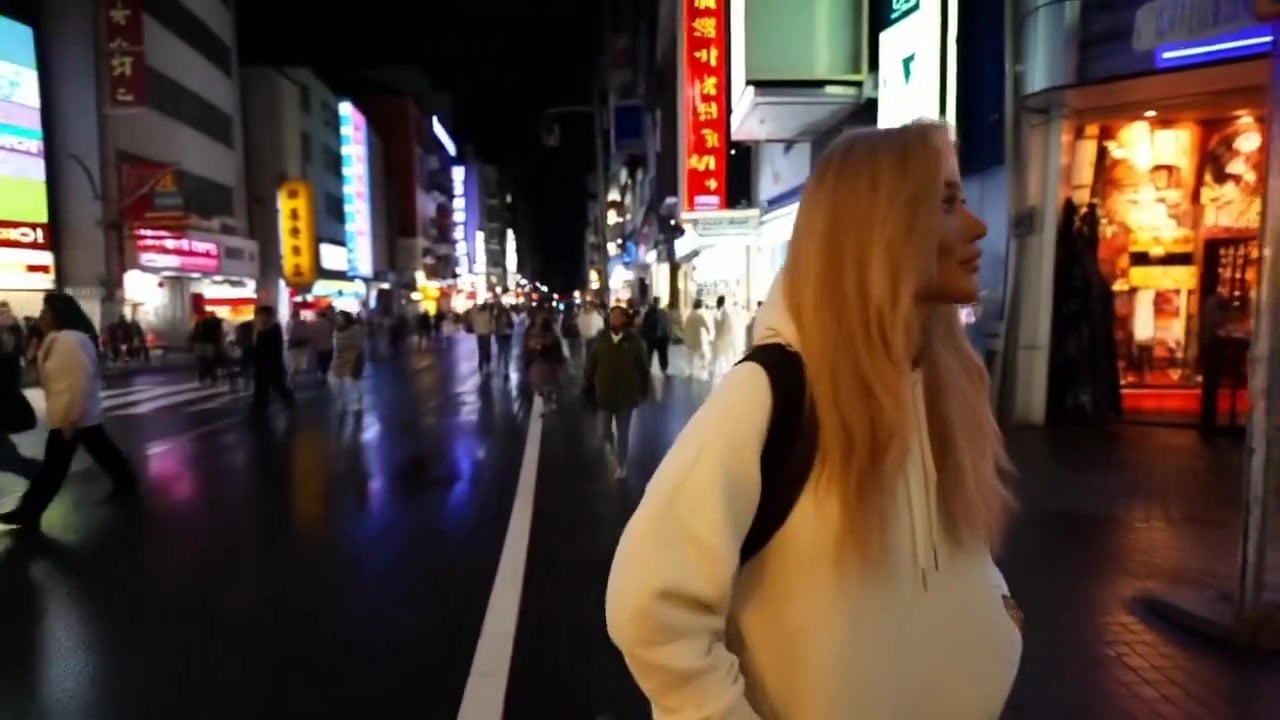
- Prompt included
- Model and format preset
- Free template
The prompt behind this video
Copy the exact prompt behind Minimax Subject Reference Breakthrough — Character Consistency, or open it in the studio and make it yours.
Minimax + Subject reference image (from Photo AI) + MMAudio (AI generated audio) + "a woman is walking through a busy Tokyo street at night" as free form AI video prompt
How to use Minimax Subject Reference Breakthrough — Character Consistency in 3 steps
- 1Upload ImagePNG, JPG or paste
Add your photo
Upload the photo the template builds on. The prompt, model and format are already set.
- 2…a portrait of your subject in softgolden-hour light, 85mm…
Personalize
Edit the subject and creative details for your destination.
- 3Generate
Generate
Press Generate — your video is created in PicX Studio, so you can compare it with the original and refine one variable at a time.
More like this
Templates with the same subject, style or setup. Open one to see its prompt.
Character Reference Sheet → Cinematic Intro — GPT Image 2 + Seedance 2.0

Dragon Rider Cinematic Flight — Seedance 2.5
Fighter Jet Aerial Combat Montage — Seedance 2.5
Hospital Car Park Dialogue Lip Sync
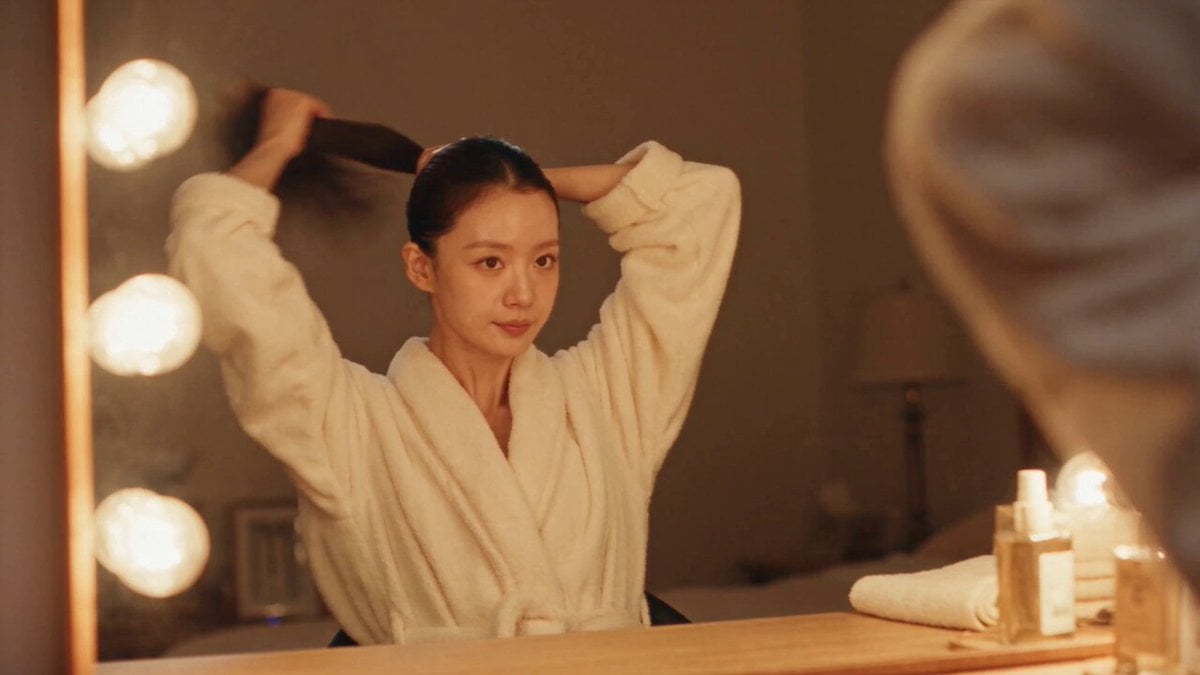
DV Camcorder POV Gym Montage — Seedance 2.5
DV Camcorder POV Gym Montage — Seedance 2.5
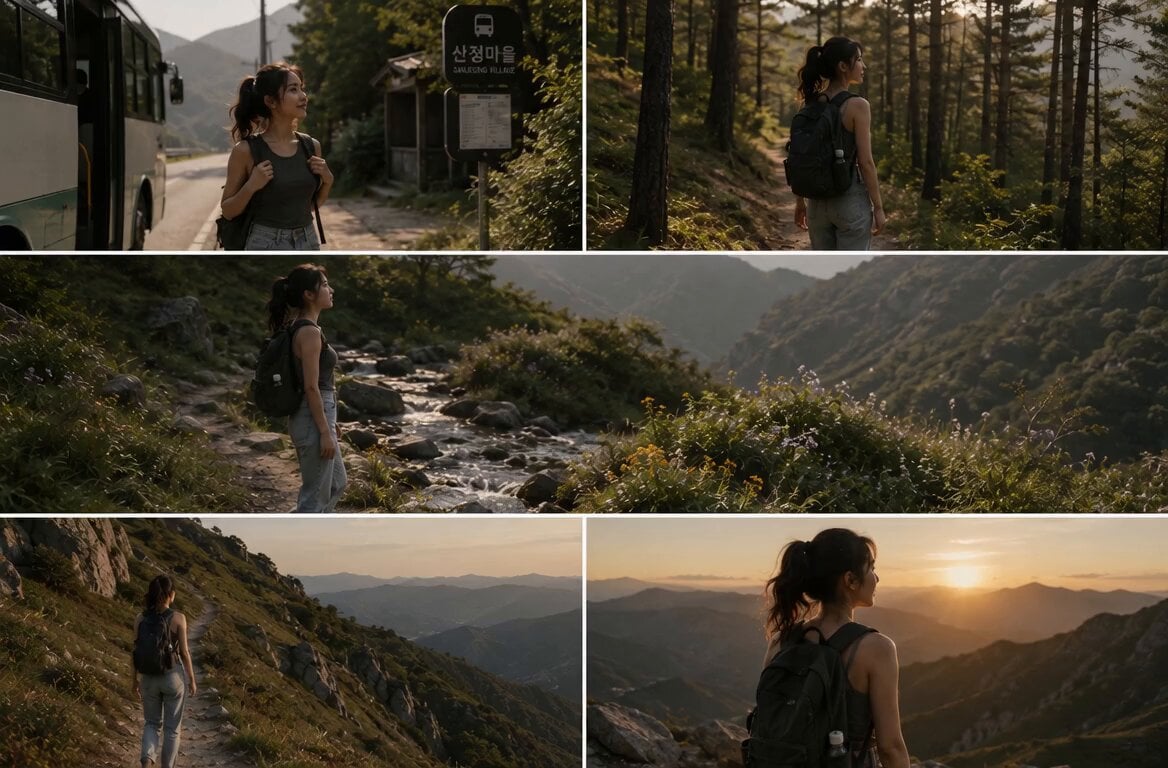
Cinematic Mountain Trekking Identity Lock
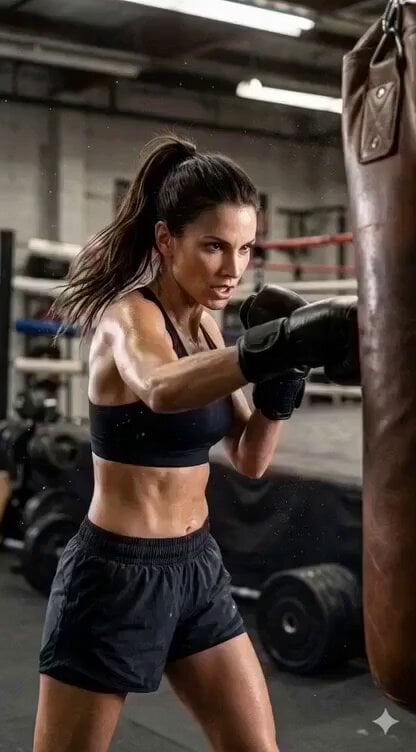
Image-to-Video Identity Lock for Athletic Expression
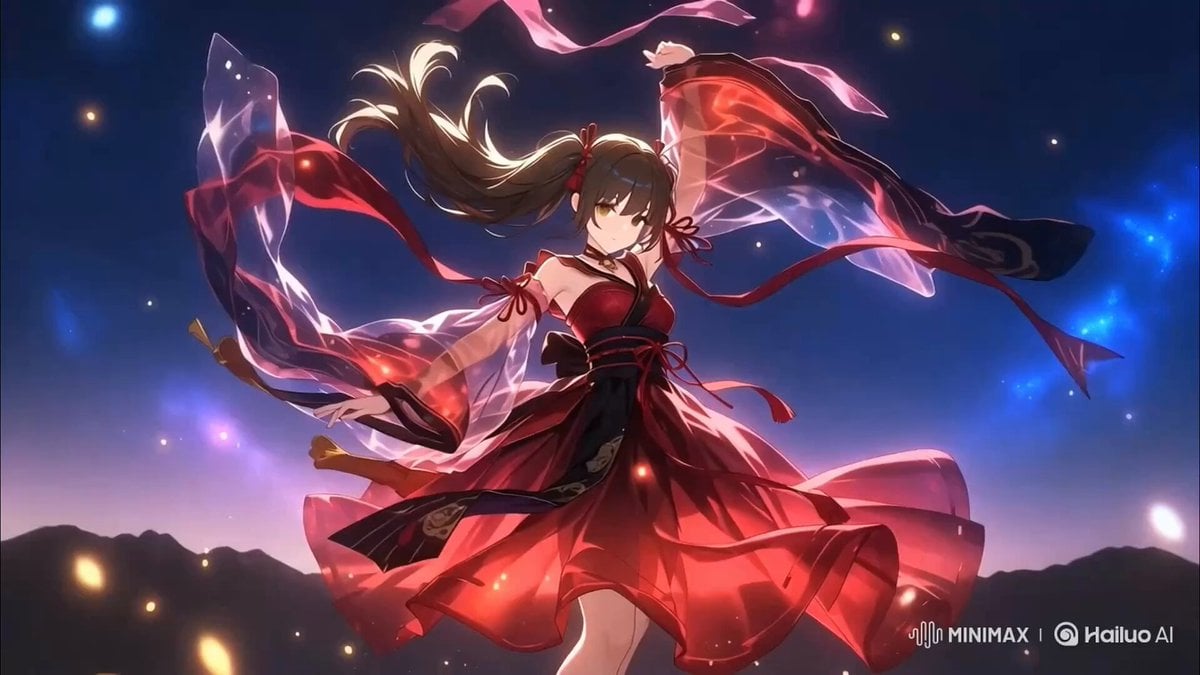
Two-Step Generation for Dancer Video using Grok Imagine and Hailuo 2.3

Identity Locked Image to Video
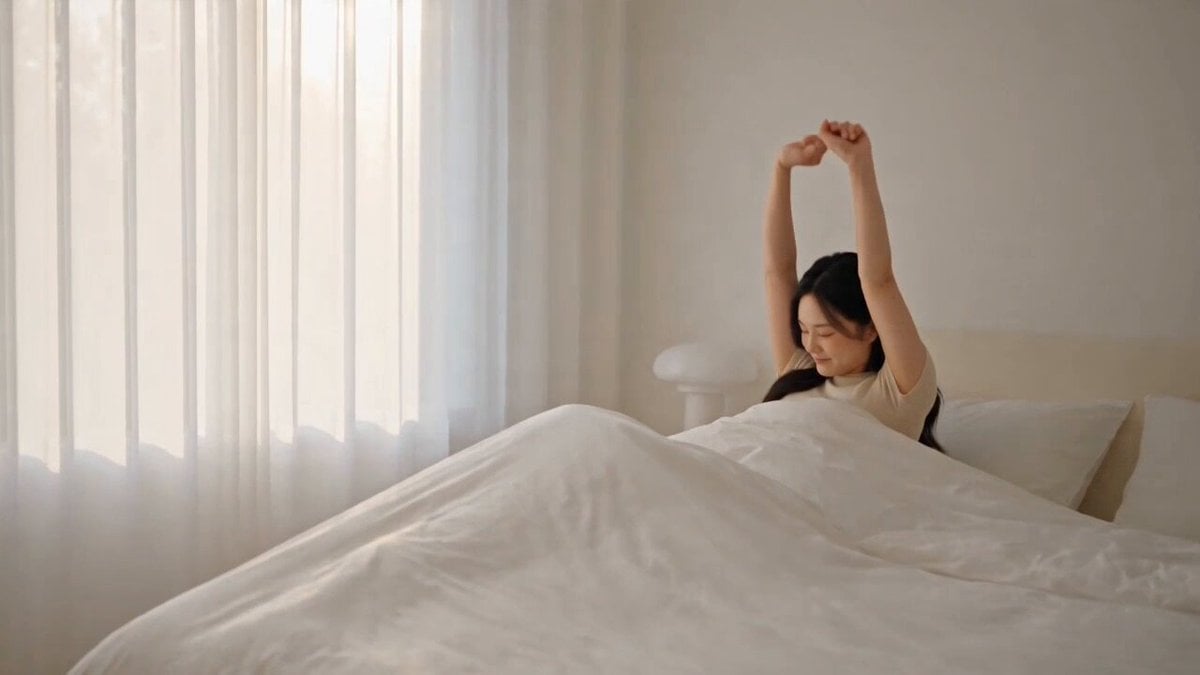
Cinematic Lifestyle Vlog Character Consistency
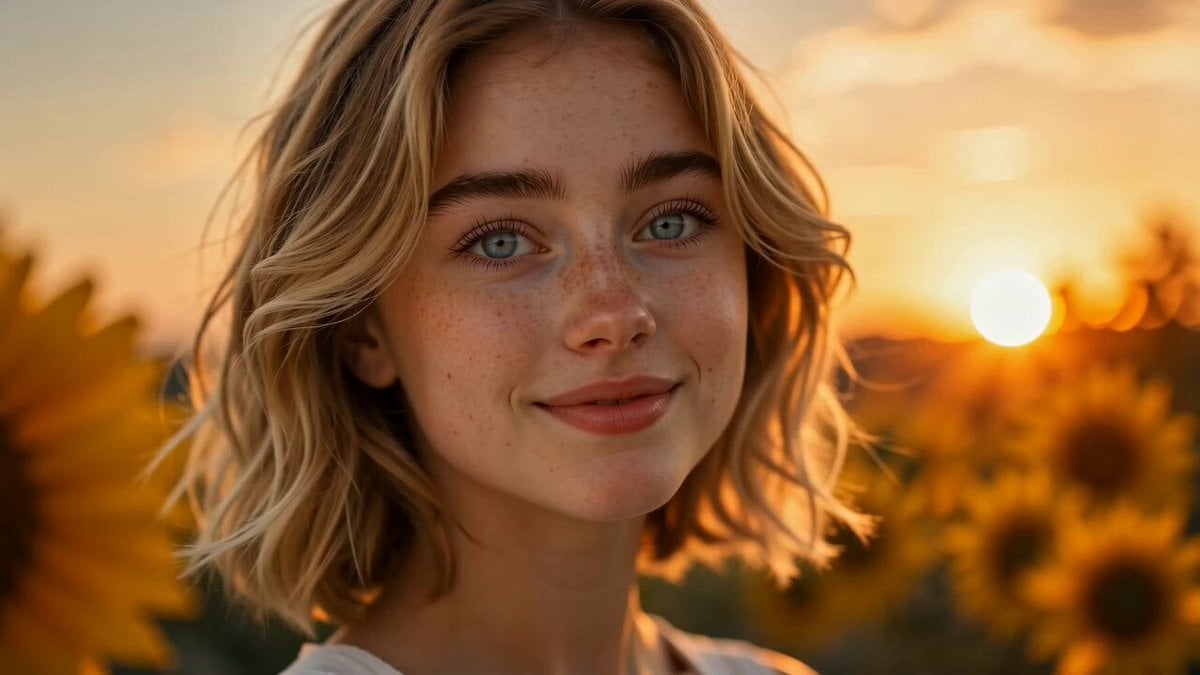
Sunflower Field Character Consistency Video Prompt
Make it yours
Minimax Subject Reference Breakthrough — Character Consistency works as-is. These are the safest ways to change it without losing the look.
Change one field
Copy a single group, rewrite it, and generate again so you can see what that field is doing.
Keep the frame, change the subject
Hold the composition and light of Minimax Subject Reference Breakthrough — Character Consistency, then swap wardrobe, props or the person for a new take.
| If the result… | Why | Fix |
|---|---|---|
| The result drifts from the preview | Too many fields changed at once. | Reuse Minimax Subject Reference Breakthrough — Character Consistency as-is first, then change one group — subject, light, or setting. |
| The model over-stylizes the scene | The prose prompt leaves finish and camera underspecified. | Add one camera or lighting sentence and stay on Minimax. |
More video prompts
Fresh picks from across the catalog.
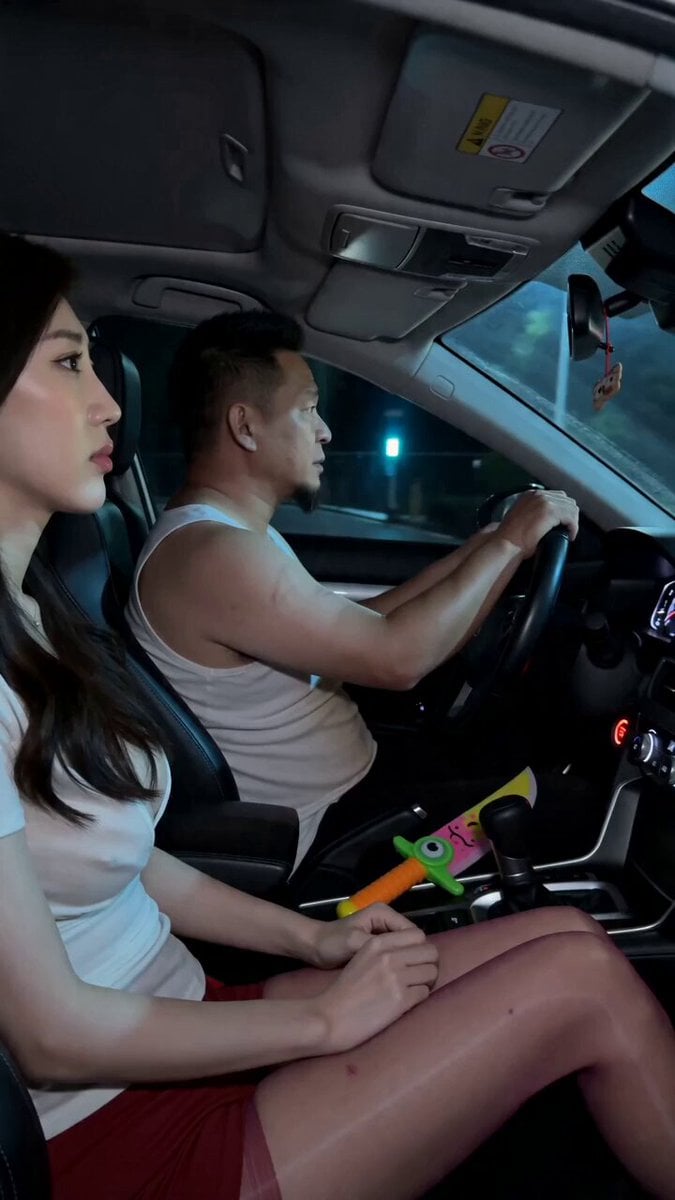
Road Rage Absurdist Comedy Scene
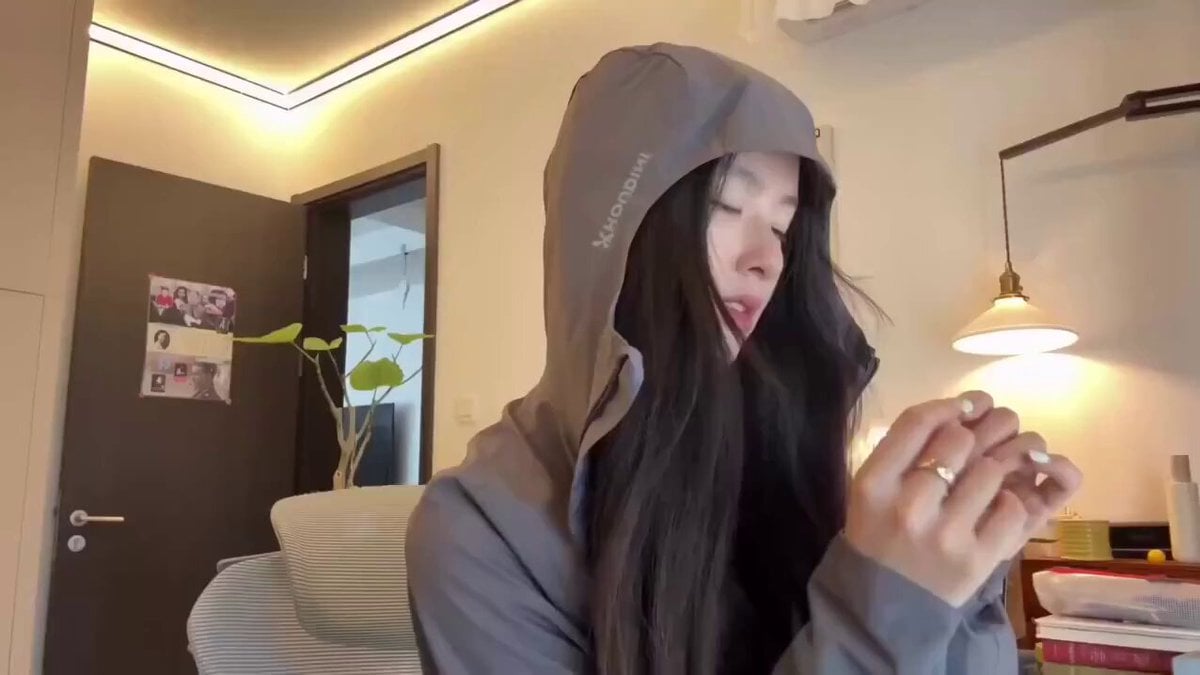
Multi-Style Transformation Dance

Extreme Off-Road Motorcycle Cinematic Stunt

Animated Ramen Chef Sequence

Futuristic Car Commercial Prompt (Y - Drive the Future)
Cinematic horror scene with creature attack
Character Description for a Kung Fu Chef
Cinematic Storyboard Sequence Reference

Ancient Sauvira Kingdom FPV
Tactical Agent Hotel Combat Sequence
Browse template categories
Minimax Subject Reference Breakthrough — Character Consistency questions
How do I use the Minimax Subject Reference Breakthrough — Character Consistency template?
Add your photo if the template asks for one, edit the prompt if you like — the template's model and format are already selected — and press Generate. Your version opens in PicX Studio.
Can I customize the Minimax Subject Reference Breakthrough — Character Consistency template?
Yes. You can change the subject, setting, lighting, mood, format, and available model controls before creating your video.
Is the Minimax Subject Reference Breakthrough — Character Consistency template free?
Opening and editing this template is free. Generating uses credits, shown on the Generate button when you are signed in.
Which AI model should I use?
Start with Minimax, which is the model associated with this template. You can compare another compatible model for a different finish.
Looking for something else? Browse all templates.

Your photo, any look
Thousands of ready templates for every top image and video model, from one credit balance.