
Producer's Office Dialogue Scene
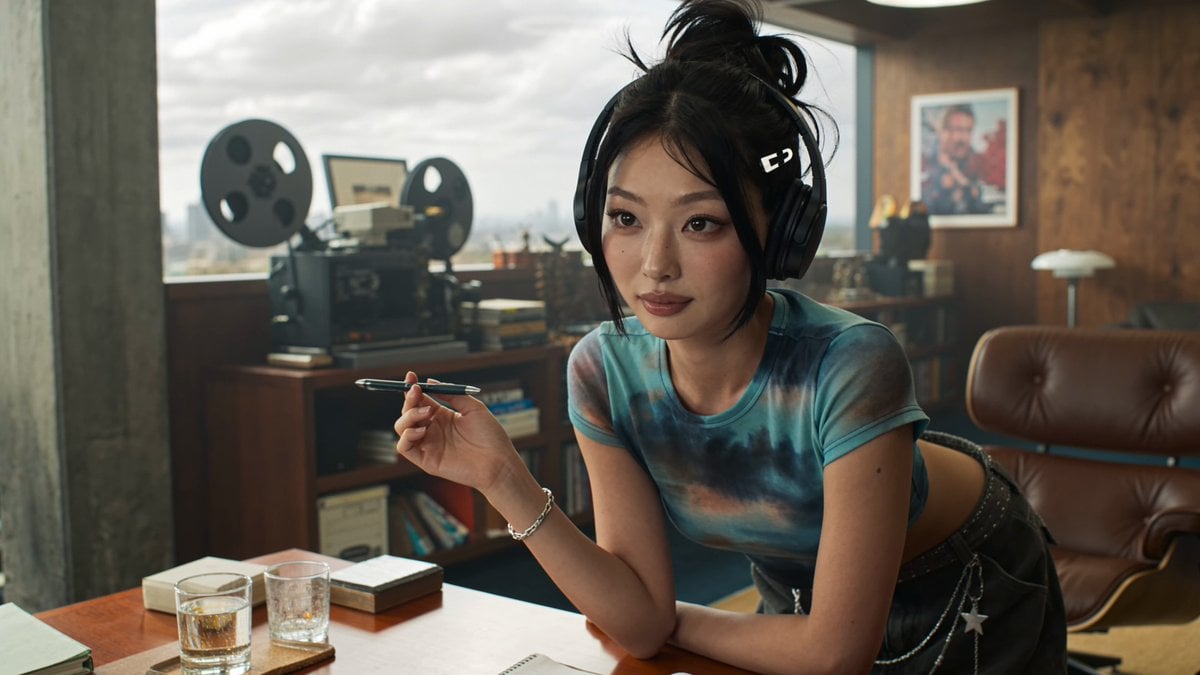
A character-driven cinematic prompt for a dialogue scene in a mid-century producer's office, featuring realistic handheld camera work and emotional acting.
- Prompt included
- Model and format preset
- Premium template
The prompt behind this video
Copy the exact prompt behind Producer's Office Dialogue Scene, or open it in the studio and make it yours.
INT. mid-century producer's office, day. Walnut-paneled walls hung with film posters and black-and-white photo collages, deep blue carpet, brown leather Eames chairs, a cluttered wooden desk with books and a film canister, tall windows behind with an overcast city skyline, warm circular ceiling lights overhead. A young East Asian woman — dark hair in a messy high bun with loose strands, black over-ear headphones pushed back on her head, blue-and-rust tie-dye cropped tee — sits across the desk from a bald man with a grey-flecked beard, white shirt sleeves rolled to the elbow. Entire scene shot on a restless handheld camera: the frame breathes, sways, drifts and reframes with every movement, never locked off. Shot 1 — handheld medium on the woman, frame loose and shifting: she leans forward on one forearm against the desk edge, the other hand turning a pen slowly between her fingers. Her body stays contained — a quick lift of the eyebrows, a small tilt of the head, a half-grin pulling one corner of her mouth. She stops the pen, taps it once on the desk, and holds his eyes. "I've got an idea." A flicker of a smile after the line; she lets the silence sit. The camera drifts slightly, breathing with her. Shot 2 — handheld over-the-shoulder onto the man, the frame snapping to him and settling unevenly: he slaps a palm flat on the desk, shoves his chair back, throws his head back and rubs his face with both hands, then jabs a finger at her, exasperated. "Stop — STOP. Voices like that, generated, for a real film? Kid—" he spreads his hands, shaking his head hard, "—that's not a thing." The handheld drifts in on his frustrated face. Shot 3 — handheld push-in on the woman, the camera creeping closer through the natural sway: she goes completely still. The pen lowers to the desk. Shoulders drop. The grin fades into calm, level certainty. She holds his eyes, and the frame tightens to a close-up as she says one quiet word: "Watch." The man stops moving; his hand freezes mid-gesture. The handheld settles on her steady face. Soft overcast daylight from the windows mixed with warm tungsten from the ceiling rings, natural color, shallow background. Dialogue in English, delivered with full emotion — hers calm and certain, his loud and rattled, then both dropping to stillness on the turn.
How to use Producer's Office Dialogue Scene in 3 steps
- 1
Open
The prompt is already in the box next to the preview, with the template's model and format selected.
- 2…a portrait of your subject in softgolden-hour light, 85mm…
Personalize
Edit the subject and creative details for your destination.
- 3Generate
Generate
Press Generate — your video is created in PicX Studio, so you can compare it with the original and refine one variable at a time.
More like this
Templates with the same subject, style or setup. Open one to see its prompt.
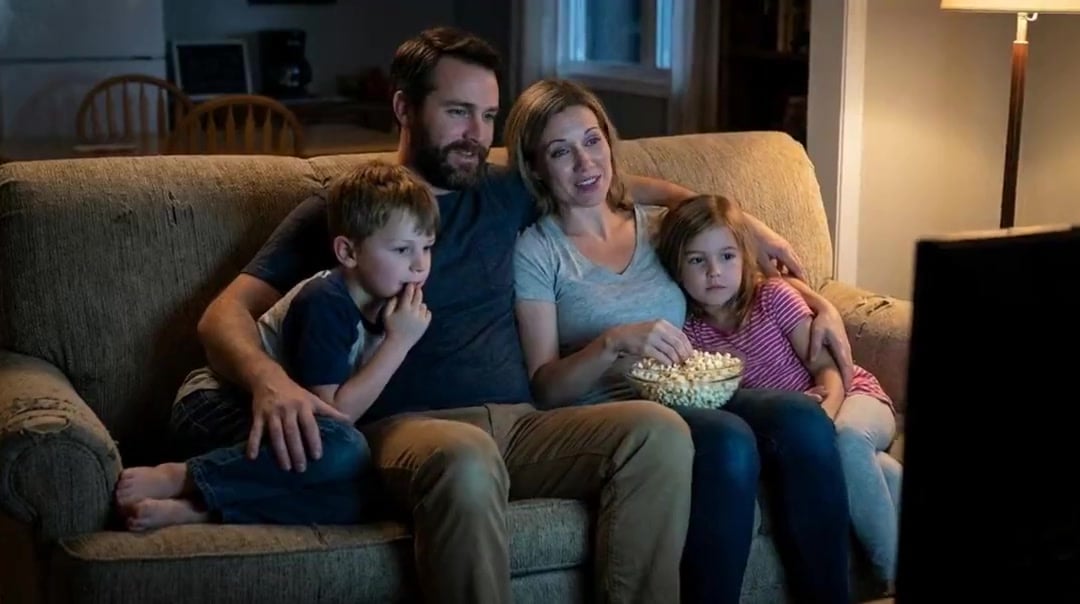
Family Dialogue 4 Characters — Kling 3.0 O3 Pro
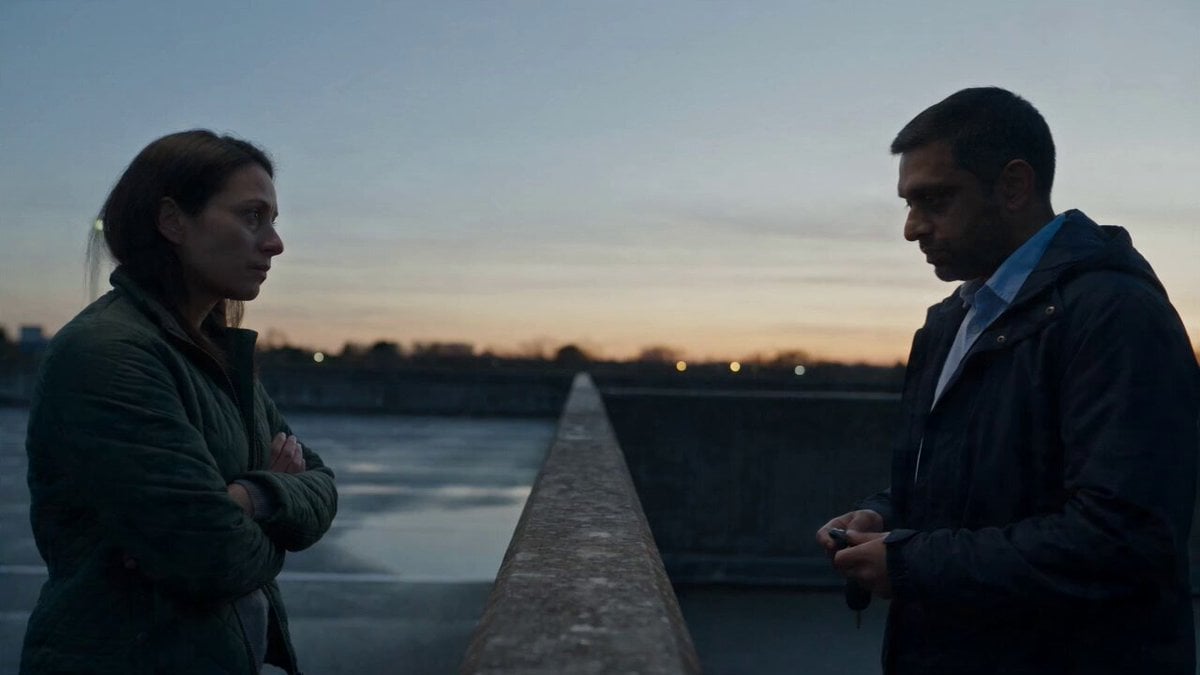
Hospital Car Park Dialogue Lip Sync
Animal Garden Party Bar — Comedy Short
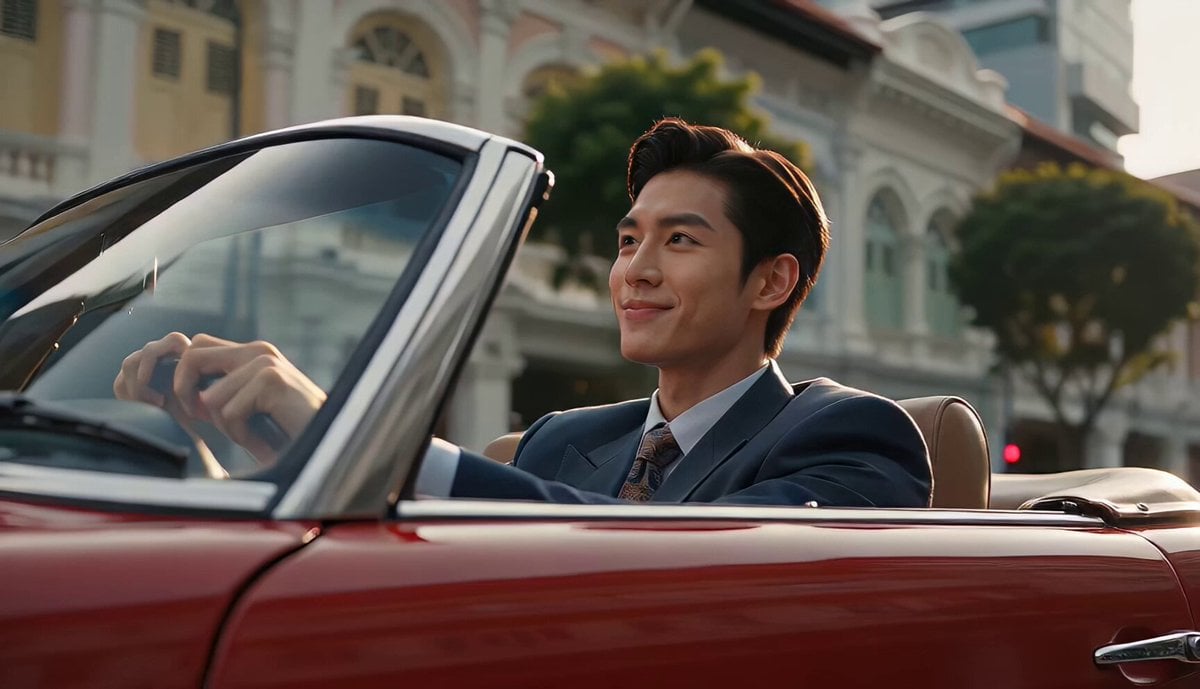
80s Singapore Office Yuppie Montage
Fashion Outfit Transformation Office Vlog
Cinematic GRWM Office Routine
Romantic Action Comedy Office Scene
Office Executive Cinematic Narrative
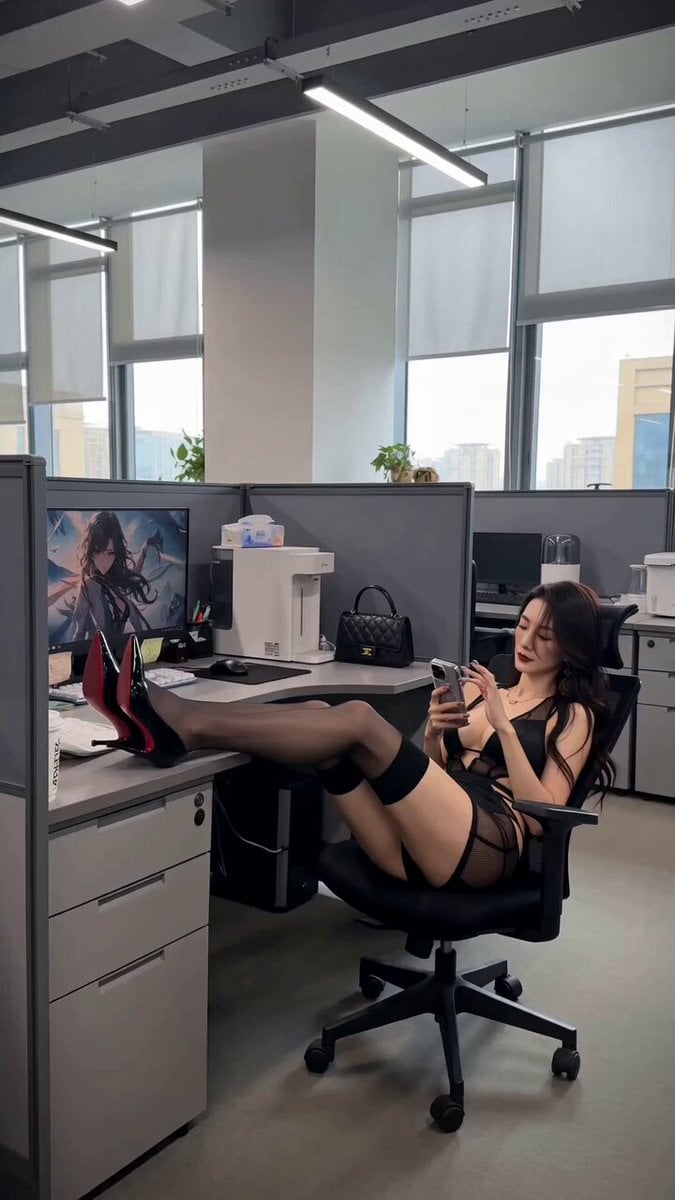
Office Absurdity Mockumentary Comedy Video
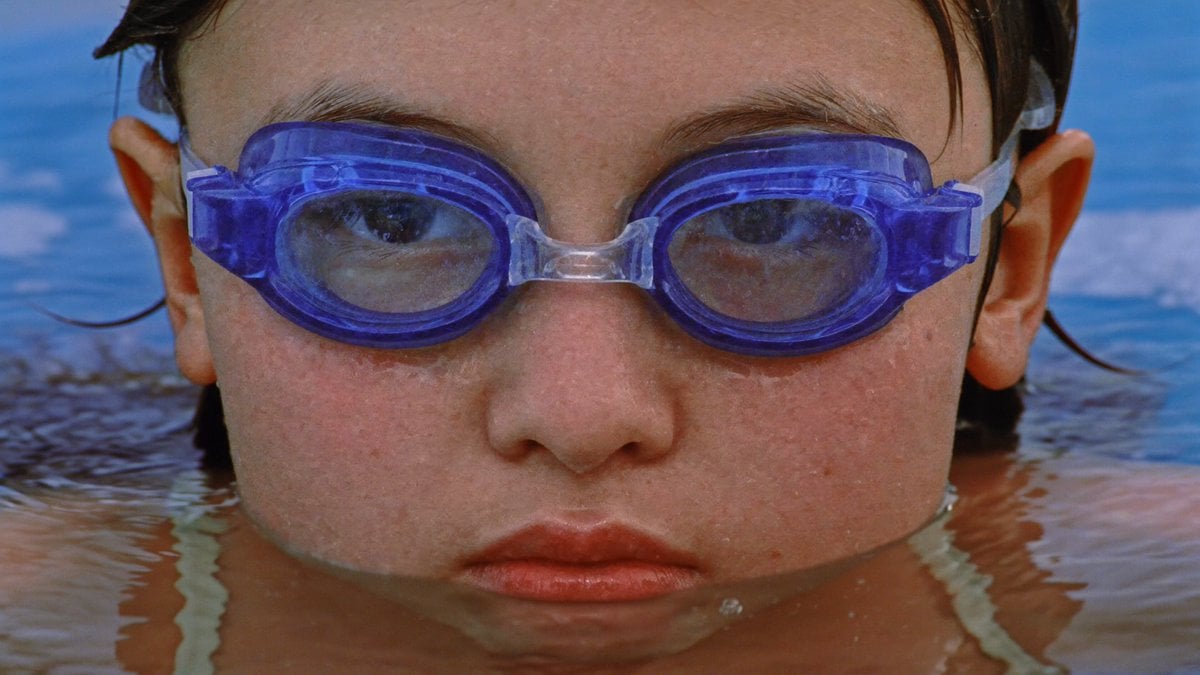
Flooded Office Surrealism Cinematic
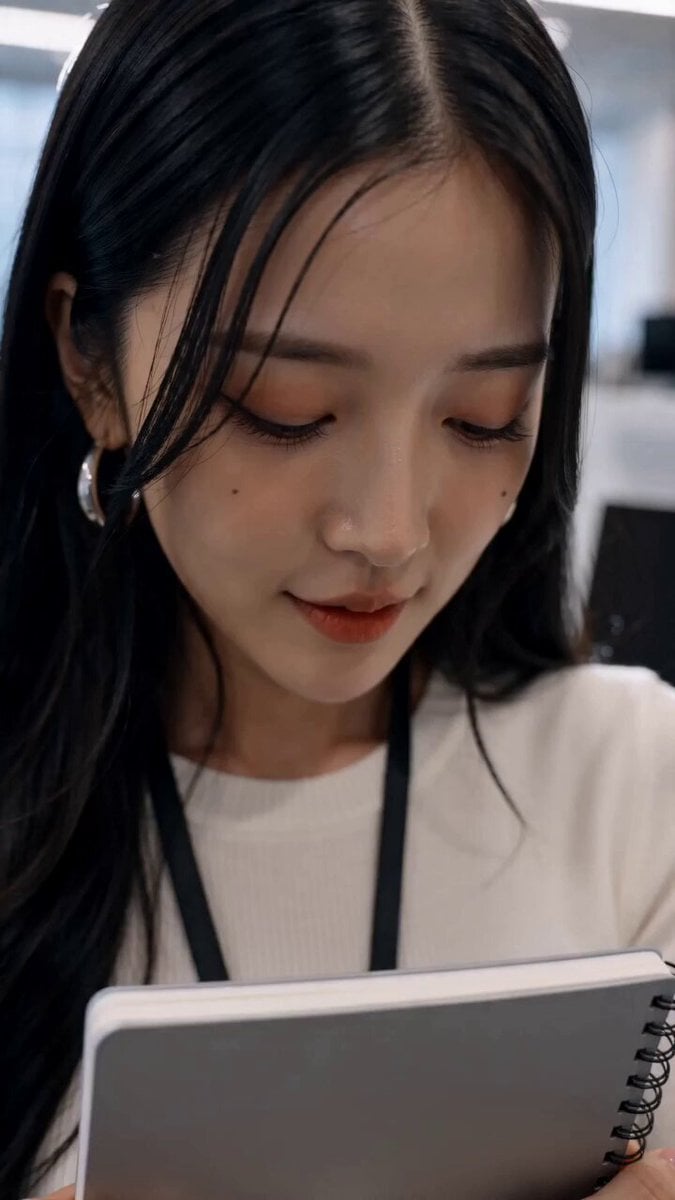
Surreal Office Romance Sequence
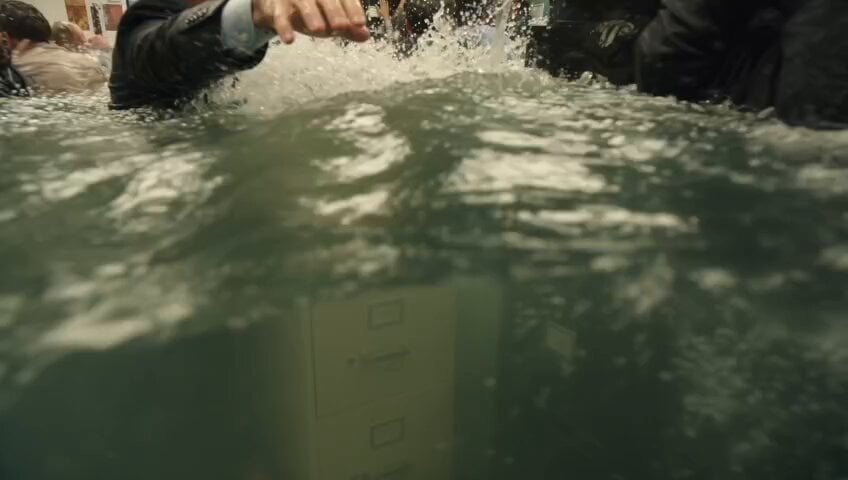
Slow Motion Office Flood Chaos
Make it yours
Producer's Office Dialogue Scene works as-is. These are the safest ways to change it without losing the look.
Change one field
Copy a single group, rewrite it, and generate again so you can see what that field is doing.
Keep the frame, change the subject
Hold the composition and light of Producer's Office Dialogue Scene, then swap wardrobe, props or the person for a new take.
| If the result… | Why | Fix |
|---|---|---|
| The result drifts from the preview | Too many fields changed at once. | Reuse Producer's Office Dialogue Scene as-is first, then change one group — subject, light, or setting. |
| The model over-stylizes the scene | The prose prompt leaves finish and camera underspecified. | Add one camera or lighting sentence and stay on Seedance 2.0. |
More Seedance 2.0 templates
Other prompts made for Seedance 2.0.

Comical Martial Arts Punch Scene

Maglev Train Action Sequence

Martial Arts Fight Sequence

Wuxia Protection and Trust Script

Vintage Korean Arcade MiniDV Vlog

Mercedes 190 SL Luxury Ad

Rainy Night Supernatural Reverse Comedy Video Script

Amazon Civilization Discovery

Futuristic South Asian City Transformation

Cozy Luxury Cafe Commercial
More video prompts
Fresh picks from across the catalog.

Claude Fable 5 prompt: Multishot action scene, he
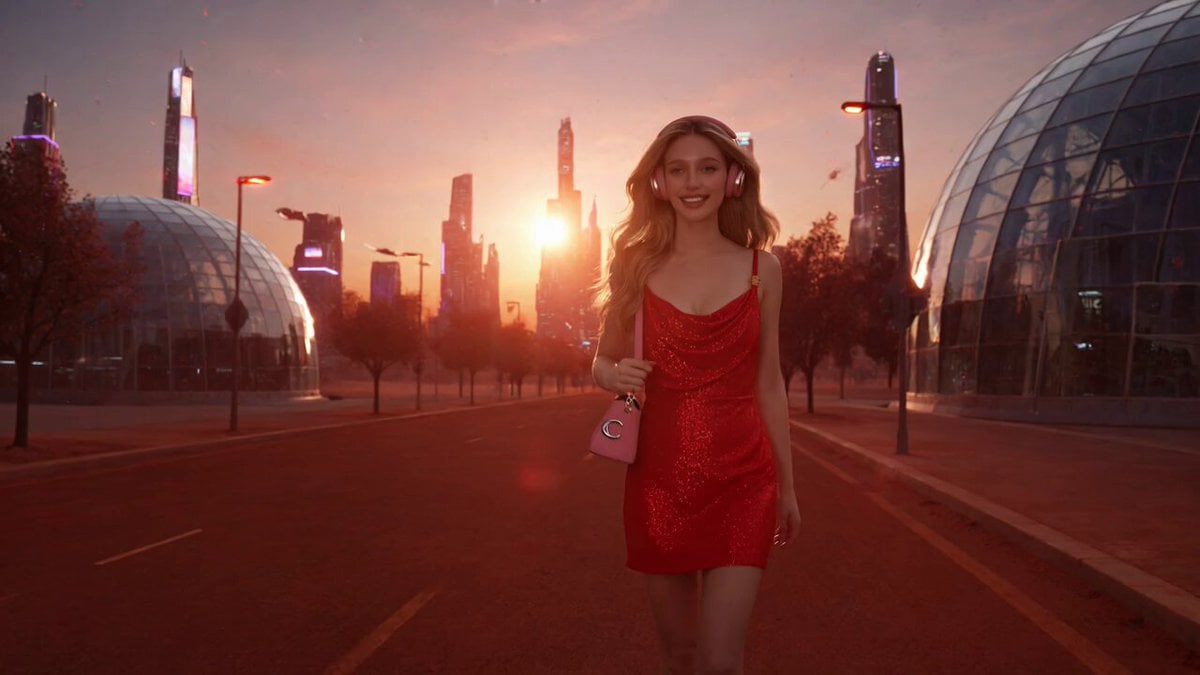
Sci-Fi Fashion Scene on Mars
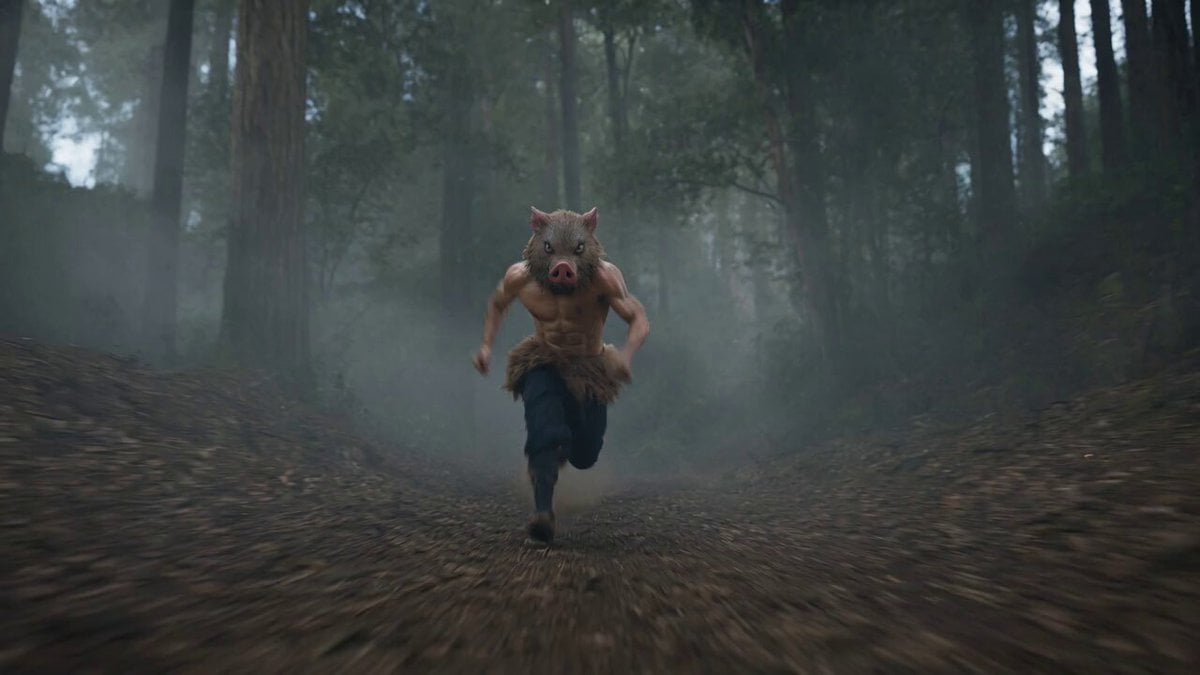
Live-Action Inosuke Combat Scene
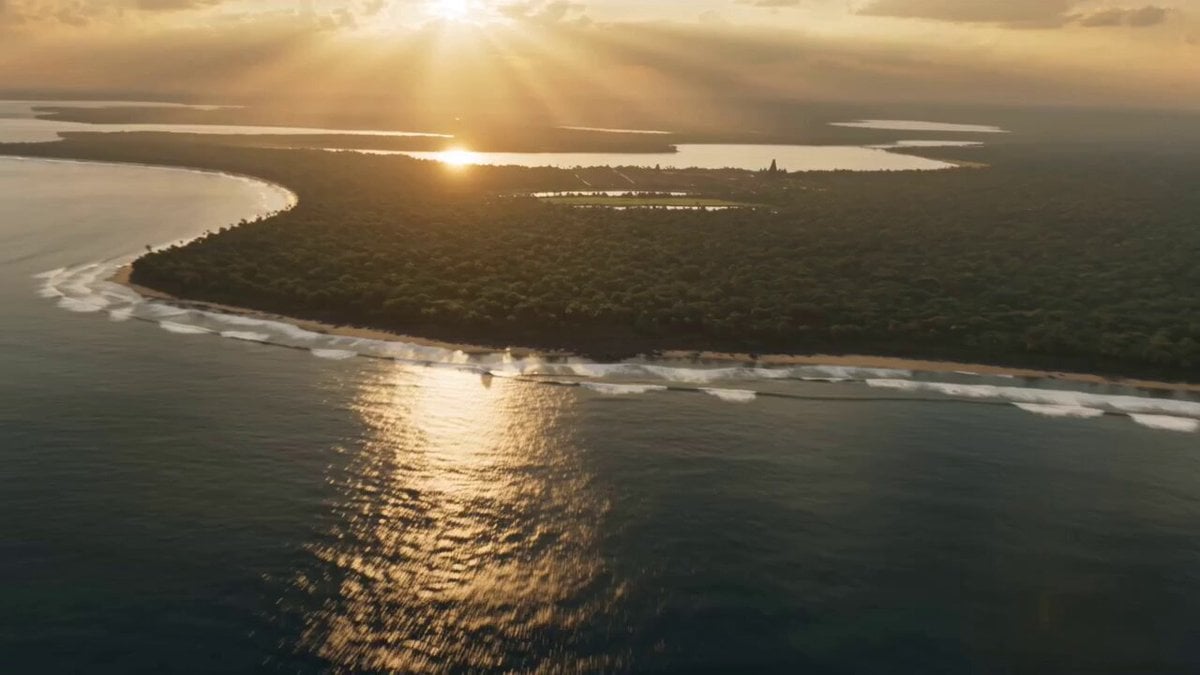
Ancient Kalinga Kingdom FPV Flythrough

MiniDV Coastal Train Station Vlog
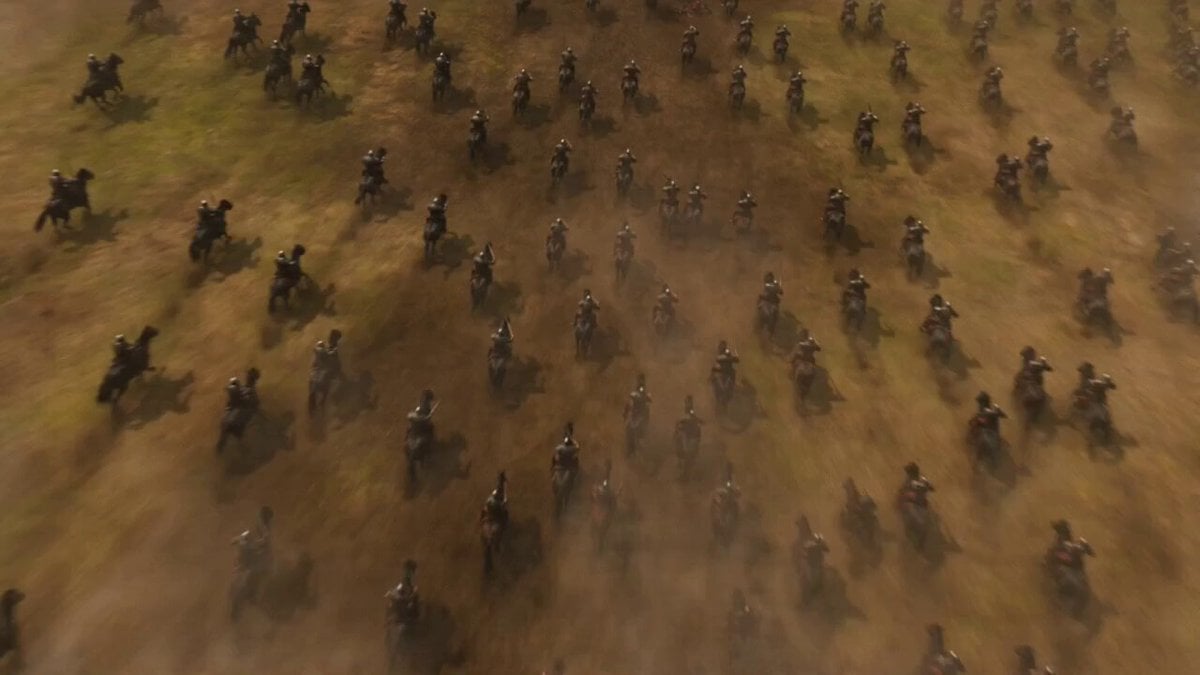
Impossible Cavalry Charge Camera Shot Prompt for Seedance 2.0
Man's Morning Grooming Routine
Coastal Downhill Skateboarding Chase
Arctic Glacier to Futuristic Megacity Transformation
Seedance 2.0 Transformation Prompt: 10 World Female Armors
Browse template categories
Producer's Office Dialogue Scene questions
How do I use the Producer's Office Dialogue Scene template?
Add your photo if the template asks for one, edit the prompt if you like — the template's model and format are already selected — and press Generate. Your version opens in PicX Studio.
Can I customize the Producer's Office Dialogue Scene template?
Yes. You can change the subject, setting, lighting, mood, format, and available model controls before creating your video.
Is the Producer's Office Dialogue Scene template free?
Opening and editing this template is free. Generating uses credits, shown on the Generate button when you are signed in.
Which AI model should I use?
Start with Seedance 2.0, which is the model associated with this template. You can compare another compatible model for a different finish.
Looking for something else? Browse all templates.

Your photo, any look
Thousands of ready templates for every top image and video model, from one credit balance.