
Romantic Cafe Dinner Date
A cinematic, ultra-realistic storyboard prompt for a 15-second video of a romantic candlelit dinner at a cozy café.

- Prompt included
- Model and format preset
- Free template
The prompt behind this video
Copy the exact prompt behind Romantic Cafe Dinner Date, or open it in the studio and make it yours.
Style: cinematic, ultra-realistic, soft romantic tone, warm lighting, shallow depth of field, 4K, smooth motion A cozy aesthetic café at night with warm golden candlelight and soft fairy lights. Elegant wooden table setup with candles, glassware, and subtle décor. A young couple sits across from each other, dressed in smart casual outfits. The atmosphere is intimate, calm, and romantic with soft instrumental background vibes. Scene Breakdown: 0–4s: Wide cinematic establishing shot of the café interior. Warm lighting, bokeh fairy lights in background. The couple sits at a candlelight dinner table, facing each other. Camera slowly pushes in. 4–8s: Medium close-up. The girl smiles softly, slightly shy. The boy looks at her with genuine warmth. Candle flame flickers between them. Subtle eye contact, natural expressions. 8–12s: Close-up slow motion. The boy gently takes out a fresh red rose from behind and presents it across the table. Soft glow highlights the rose petals. 12–15s: The girl accepts the rose with a gentle smile, slightly blushing. They share a quiet emotional moment, leaning slightly forward (no physical contact). Camera slowly pulls back, soft fade out. Camera & Effects: cinematic lens, shallow depth of field, soft focus, slow motion on key moments, smooth dolly in/out, warm color grading, natural skin tones Girls dressing bold romantic Negative Prompt: no kissing, no bold or inappropriate actions, no exaggerated expressions, no blur, no distortion, no extra limbs, no low quality
How to use Romantic Cafe Dinner Date in 3 steps
- 1
Open
The prompt is already in the box next to the preview, with the template's model and format selected.
- 2…a portrait of your subject in softgolden-hour light, 85mm…
Personalize
Edit the subject and creative details for your destination.
- 3Generate
Generate
Press Generate — your video is created in PicX Studio, so you can compare it with the original and refine one variable at a time.
More like this
Templates with the same subject, style or setup. Open one to see its prompt.
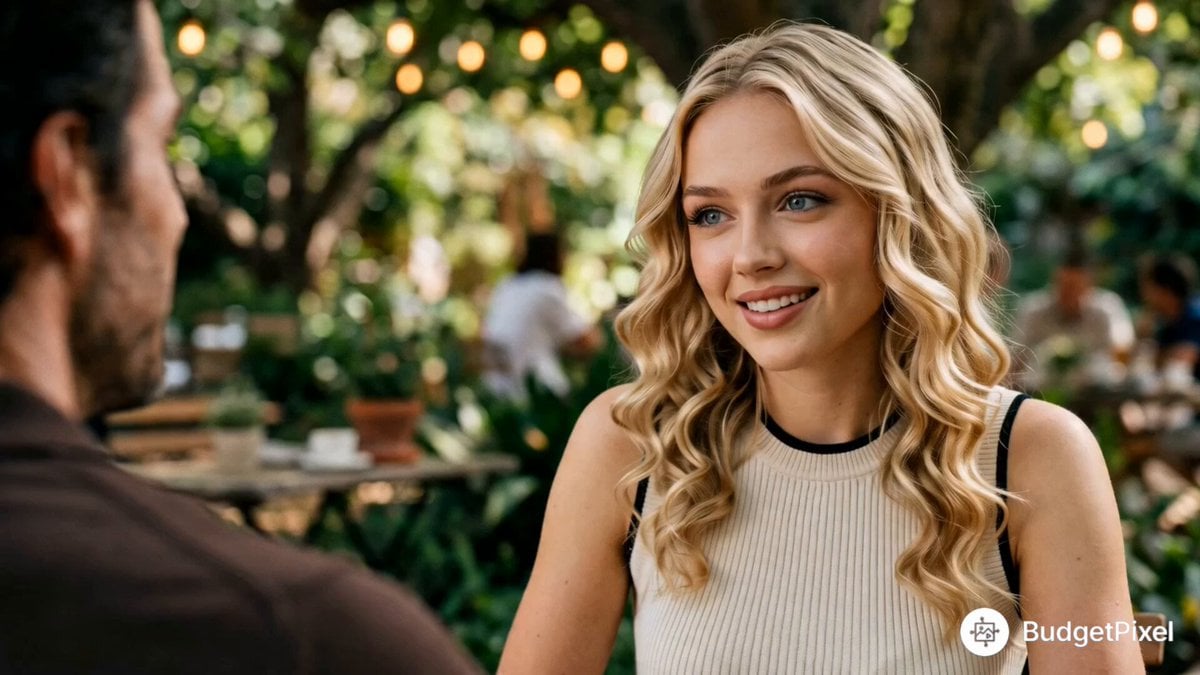
Cinematic First Date in Garden Cafe
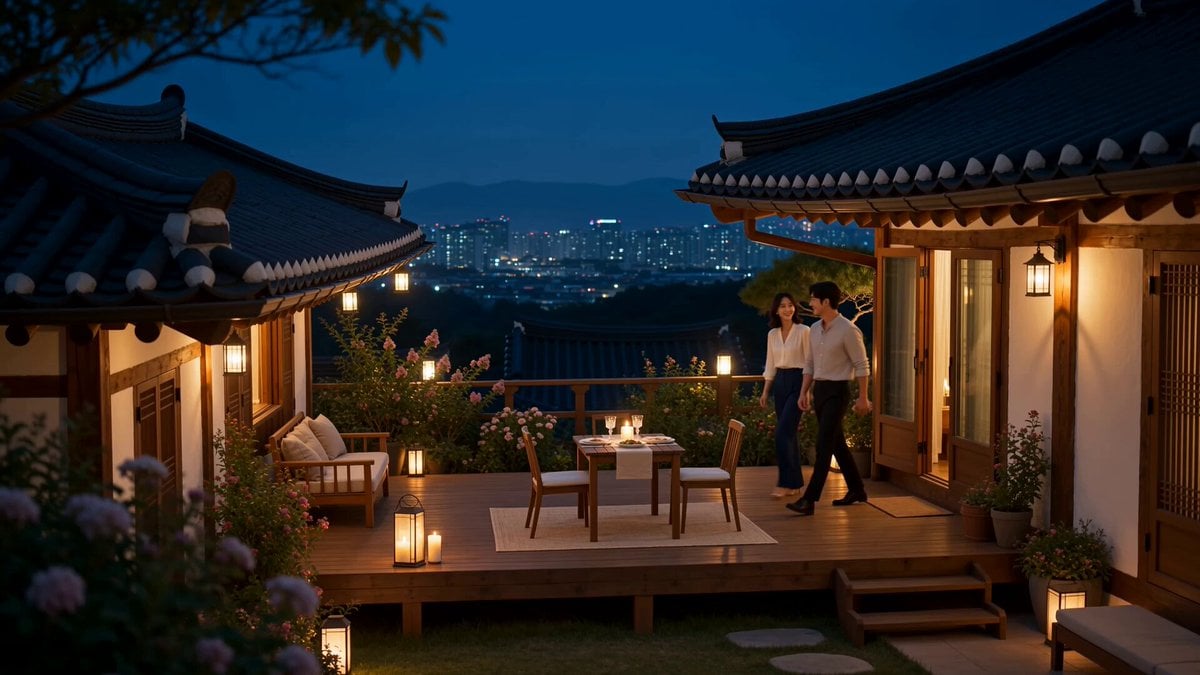
Romantic Korean Couple Courtyard Dinner
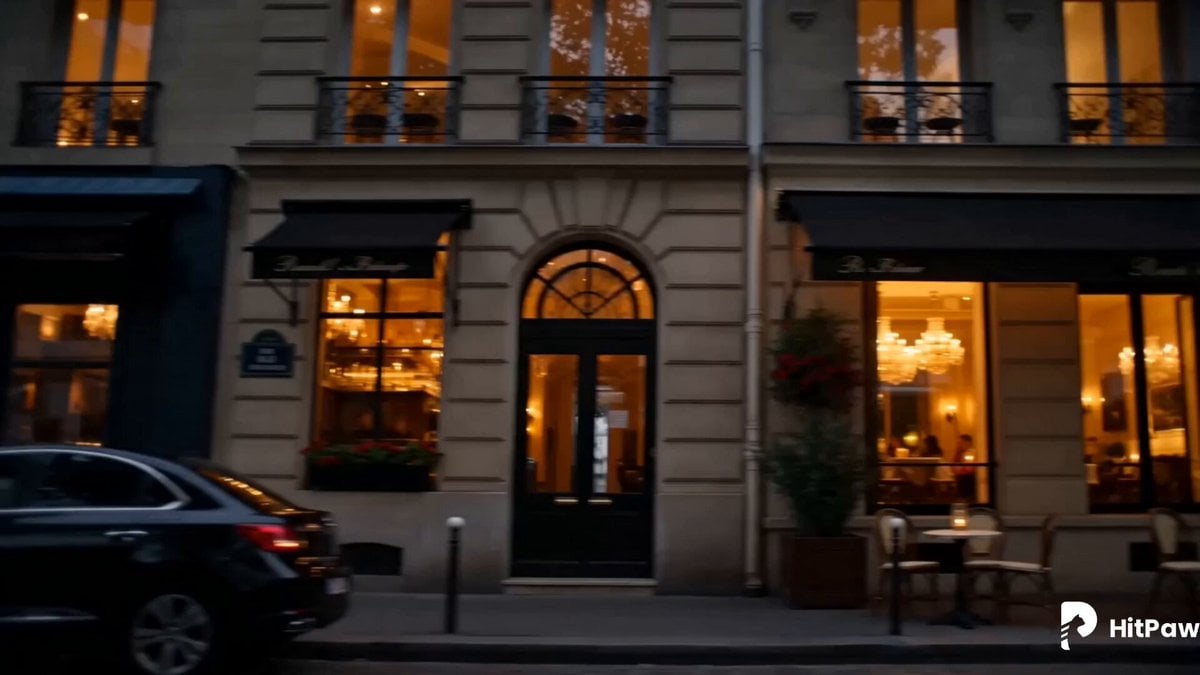
Elegant Red Dress Romantic Date Scene
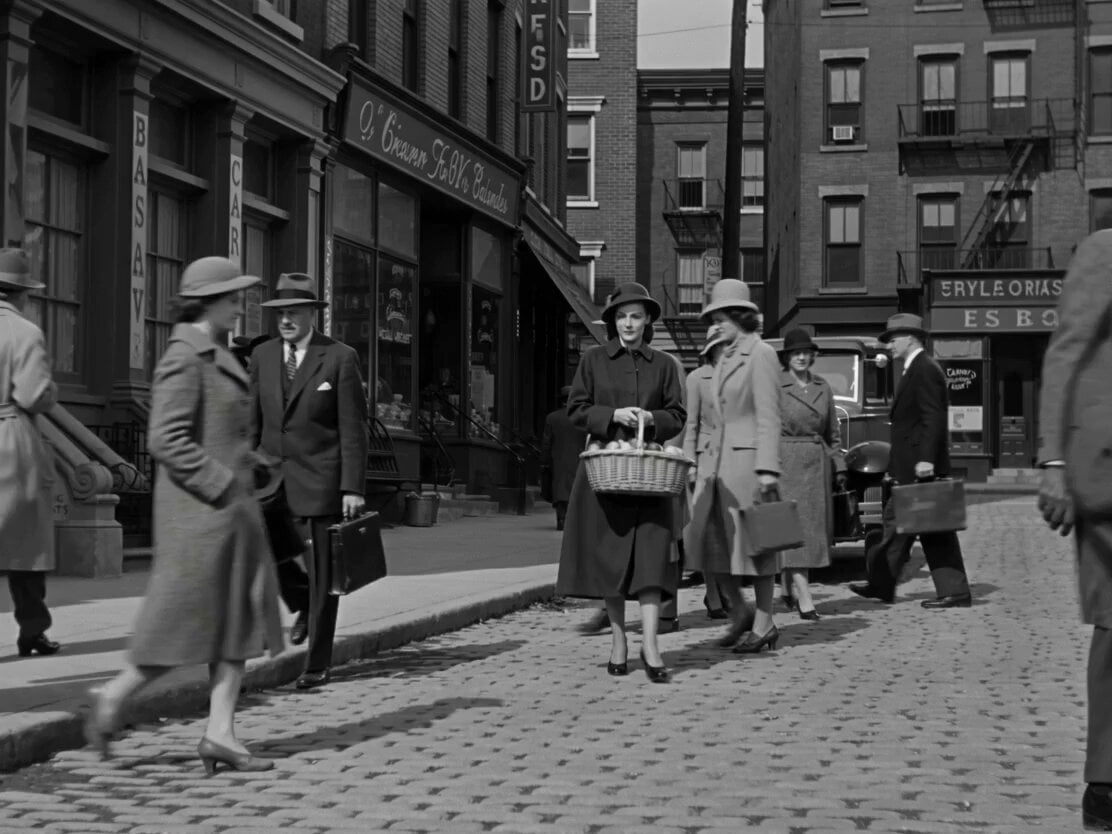
1950s Romantic Drama Scene
Stop-Motion Claymation Nutella Cafe
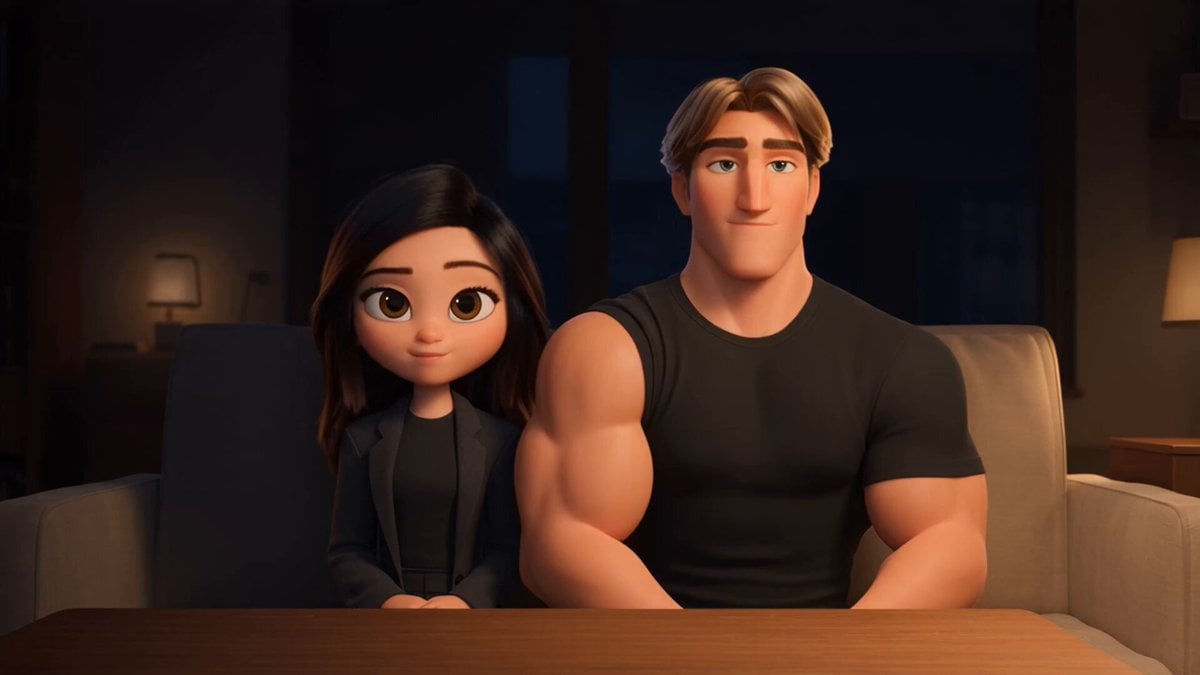
3D Animated Romantic Comedy Clip
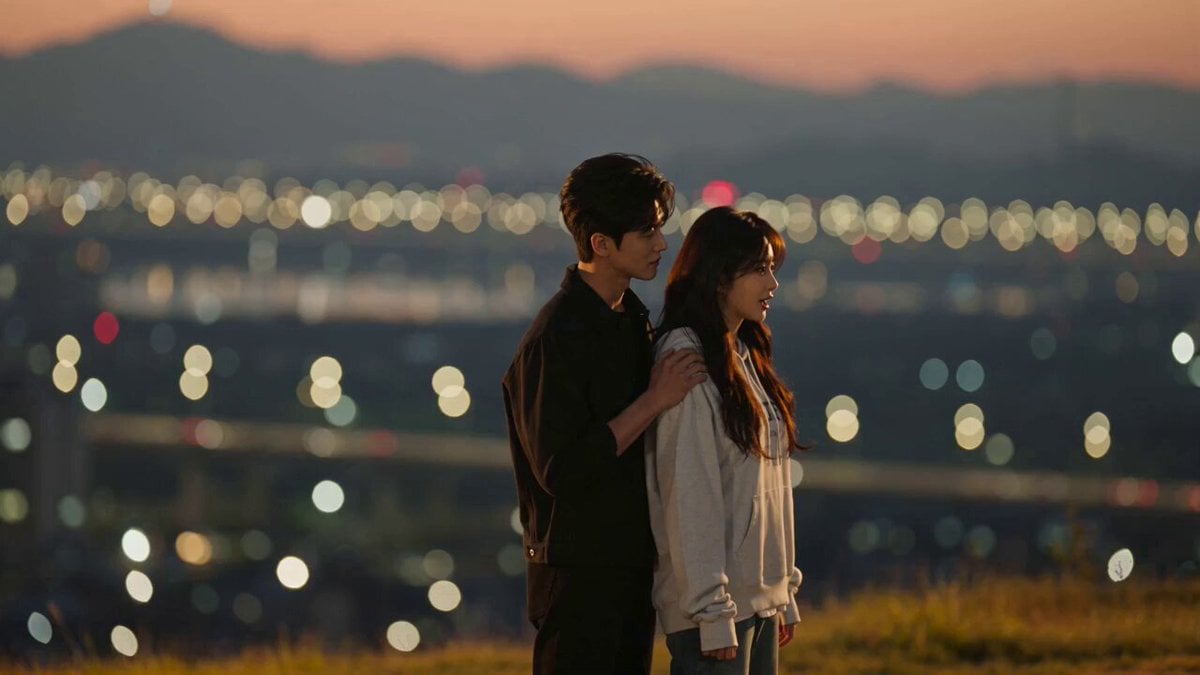
K-Drama Style Romantic Sunset Scene
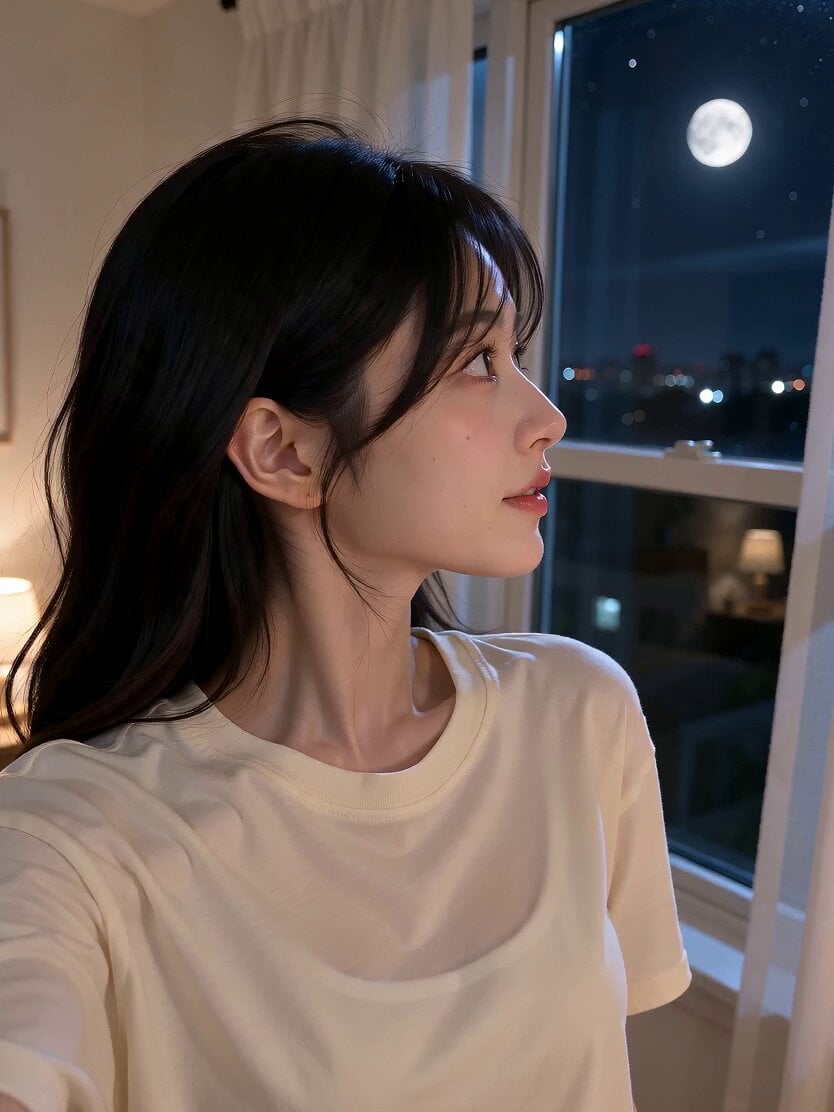
Romantic Bedroom Selfie Vlog
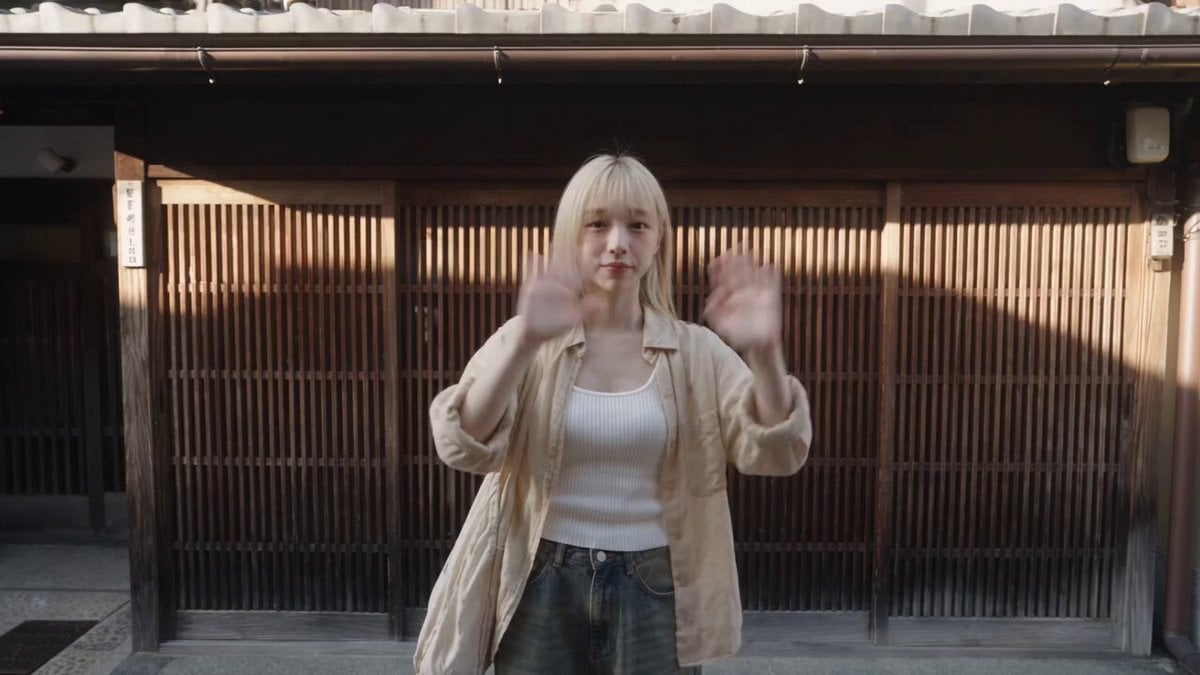
Kyoto Solo Date Travel Film

Romantic Comedy Tiktok Style Video
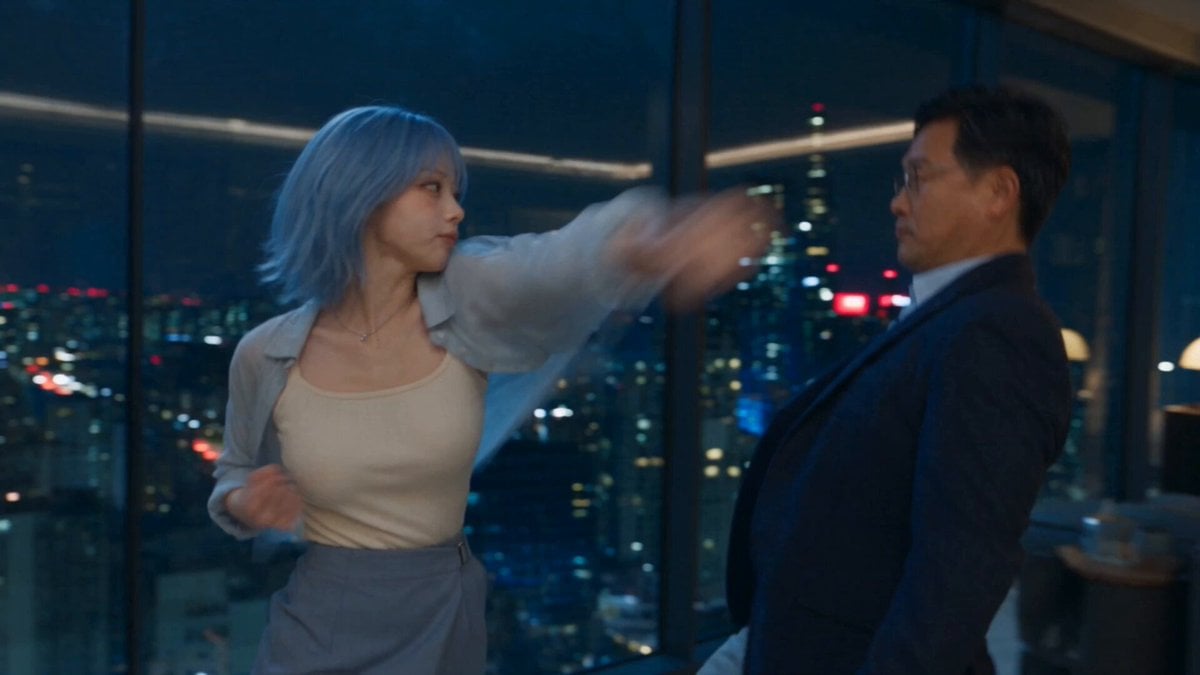
Romantic Action Comedy Office Scene
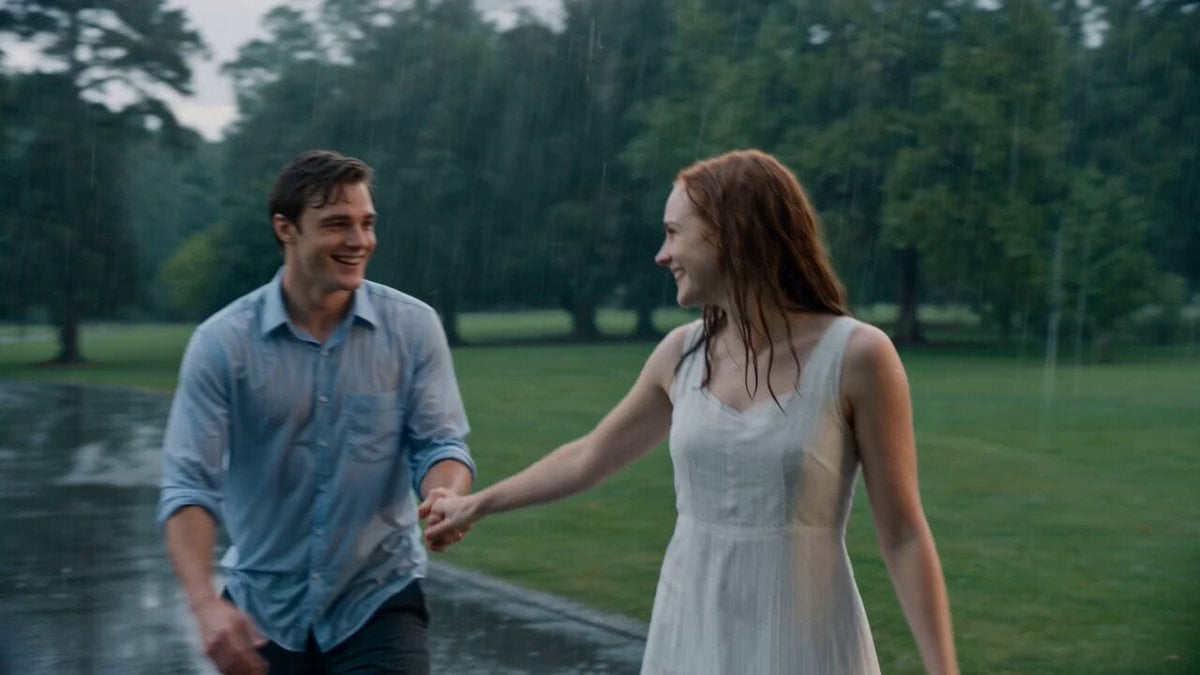
Cinematic Rainy Park Romantic Walk
Make it yours
Romantic Cafe Dinner Date works as-is. These are the safest ways to change it without losing the look.
Change one field
Copy a single group, rewrite it, and generate again so you can see what that field is doing.
Keep the frame, change the subject
Hold the composition and light of Romantic Cafe Dinner Date, then swap wardrobe, props or the person for a new take.
| If the result… | Why | Fix |
|---|---|---|
| The result drifts from the preview | Too many fields changed at once. | Reuse Romantic Cafe Dinner Date as-is first, then change one group — subject, light, or setting. |
| The model over-stylizes the scene | The prose prompt leaves finish and camera underspecified. | Add one camera or lighting sentence and stay on Seedance 2.0. |
More Seedance 2.0 templates
Other prompts made for Seedance 2.0.

Comical Martial Arts Punch Scene

Maglev Train Action Sequence

Martial Arts Fight Sequence

Wuxia Protection and Trust Script

Vintage Korean Arcade MiniDV Vlog

Mercedes 190 SL Luxury Ad

Rainy Night Supernatural Reverse Comedy Video Script

Amazon Civilization Discovery

Futuristic South Asian City Transformation

Cyber Ronin Nanotech Transformation Video
More video prompts
Fresh picks from across the catalog.
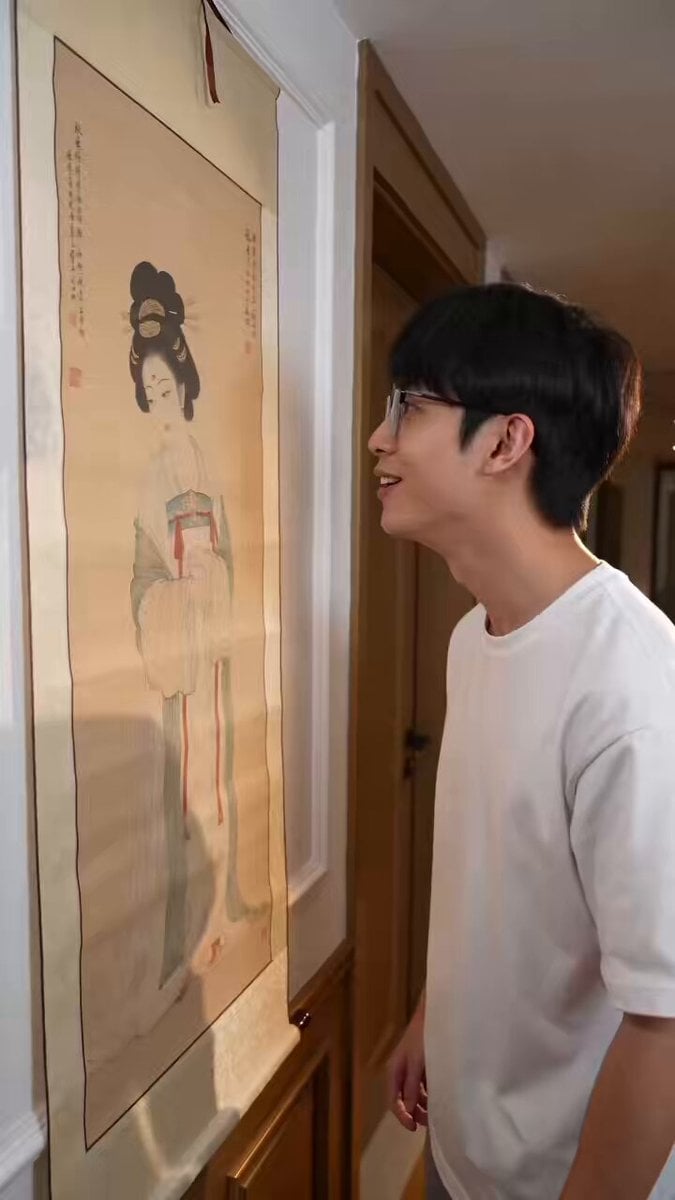
Fantasy Comedy Magical Painting Scene
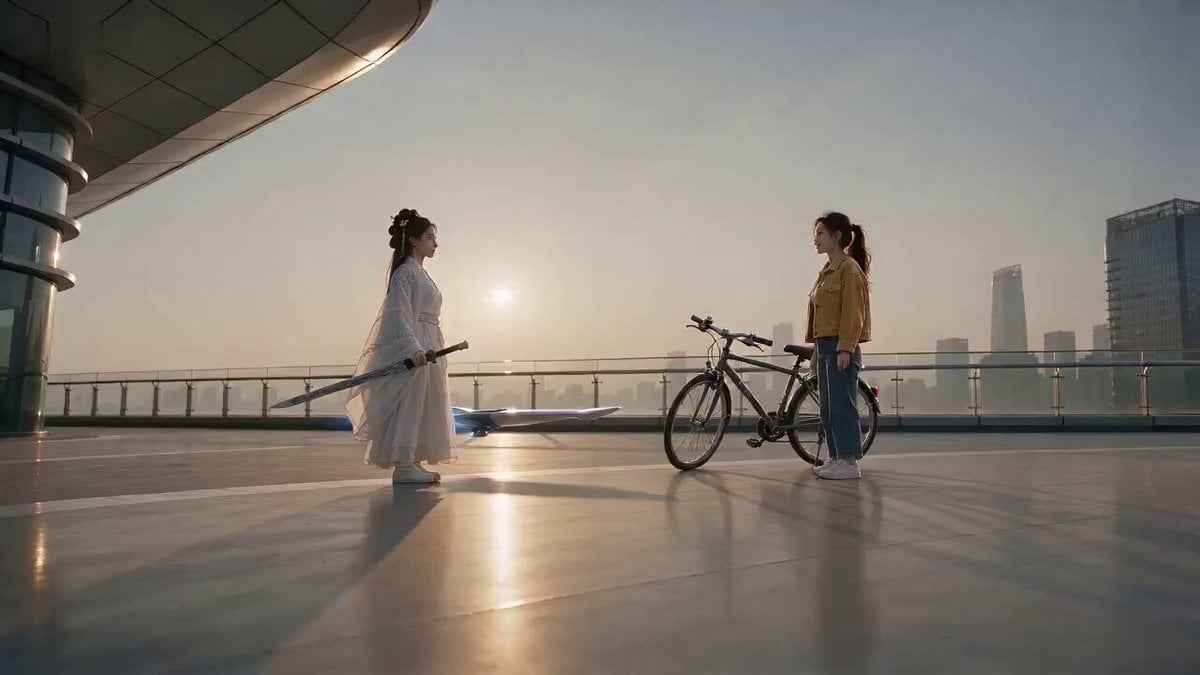
Comedy Sword and Bicycle Swap

Mechanical Jumping Robot Rabbit

Fluffy Kitten Playing in Snow

VR First-Person Pansi Cave Encounter

Dialogue Scene Video Prompt

Iain Banks' Excession Cinematic Scene

Video Prompt for Digital Wasteland and Grok Figures
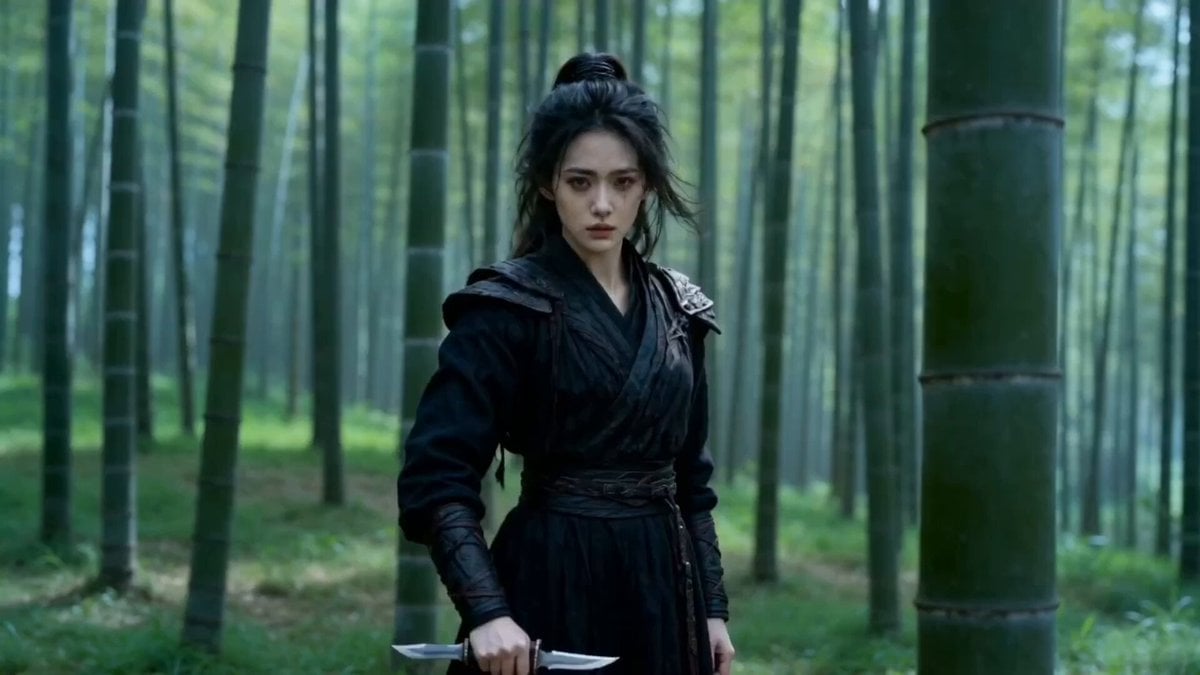
Seedance 2.0 Video Prompt: Classic Movie Scene Recreation (Two Segments)

Downhill Longboarder Shadow Dance Sequence
Browse template categories
Romantic Cafe Dinner Date questions
How do I use the Romantic Cafe Dinner Date template?
Add your photo if the template asks for one, edit the prompt if you like — the template's model and format are already selected — and press Generate. Your version opens in PicX Studio.
Can I customize the Romantic Cafe Dinner Date template?
Yes. You can change the subject, setting, lighting, mood, format, and available model controls before creating your video.
Is the Romantic Cafe Dinner Date template free?
Opening and editing this template is free. Generating uses credits, shown on the Generate button when you are signed in.
Which AI model should I use?
Start with Seedance 2.0, which is the model associated with this template. You can compare another compatible model for a different finish.
Looking for something else? Browse all templates.

Your photo, any look
Thousands of ready templates for every top image and video model, from one credit balance.