How do I use the VR First-Person Pansi Cave Encounter template?
Edit the prompt in the box under the preview — the template's model and format are already selected — and press Generate. Your version appears right on this page.
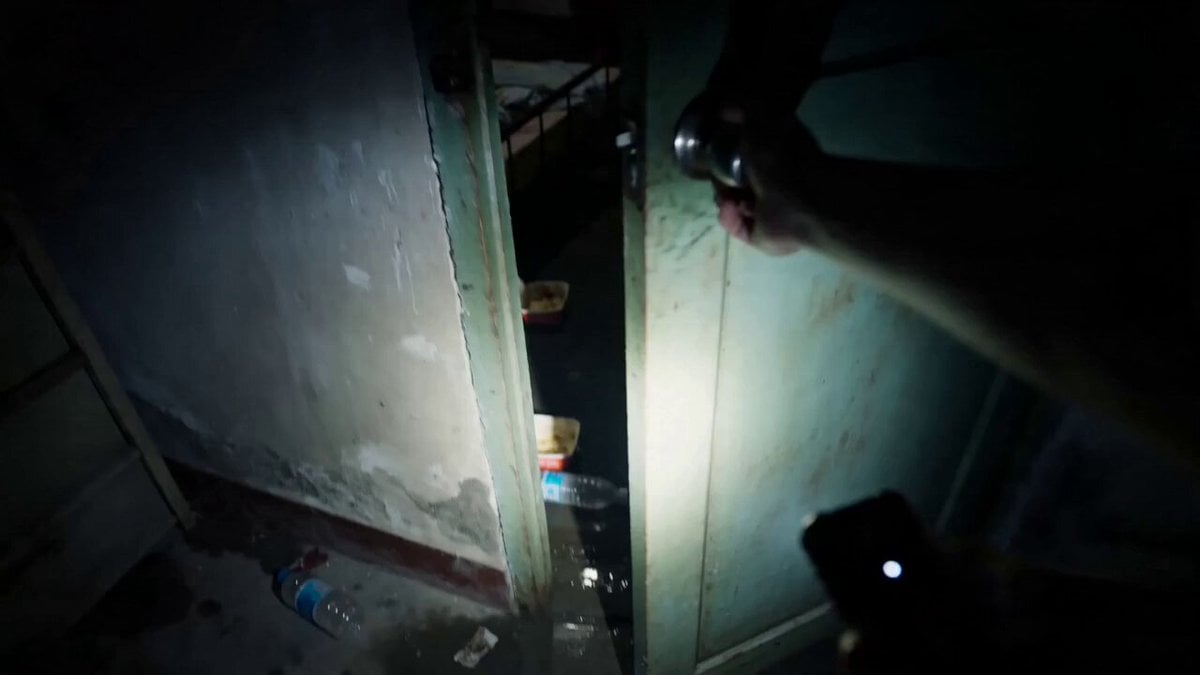
A detailed narrative prompt for a VR first-person perspective cinematic sequence, featuring environmental interactions, character movement, and HUD interface effects.
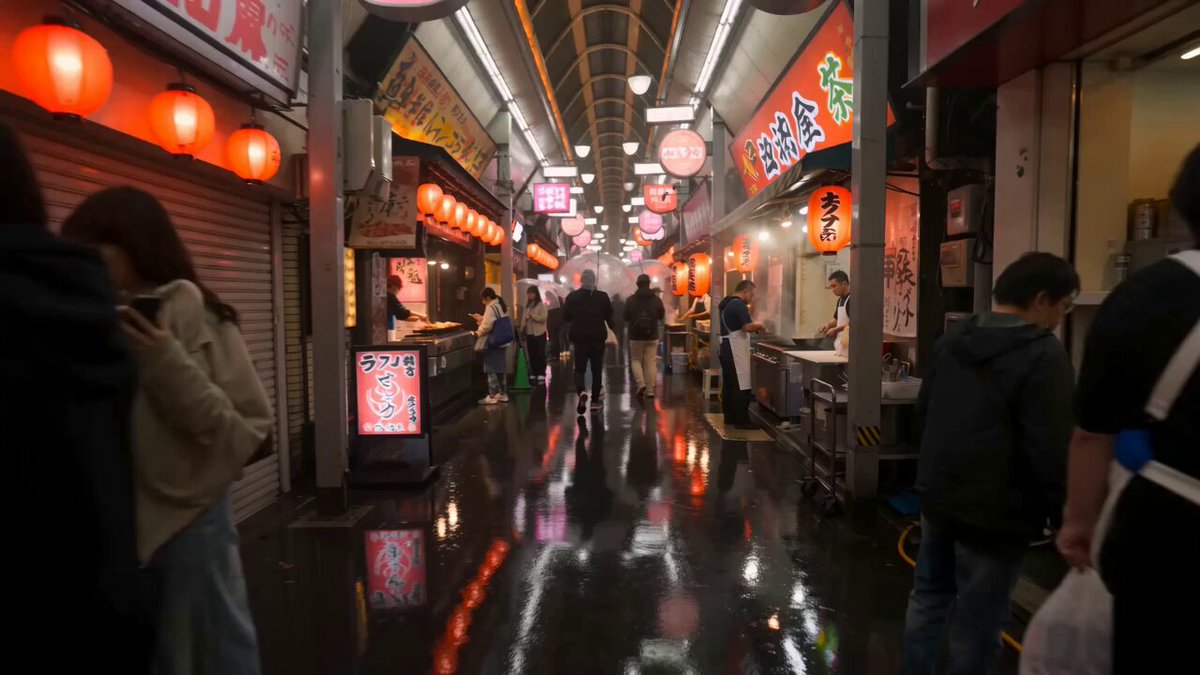
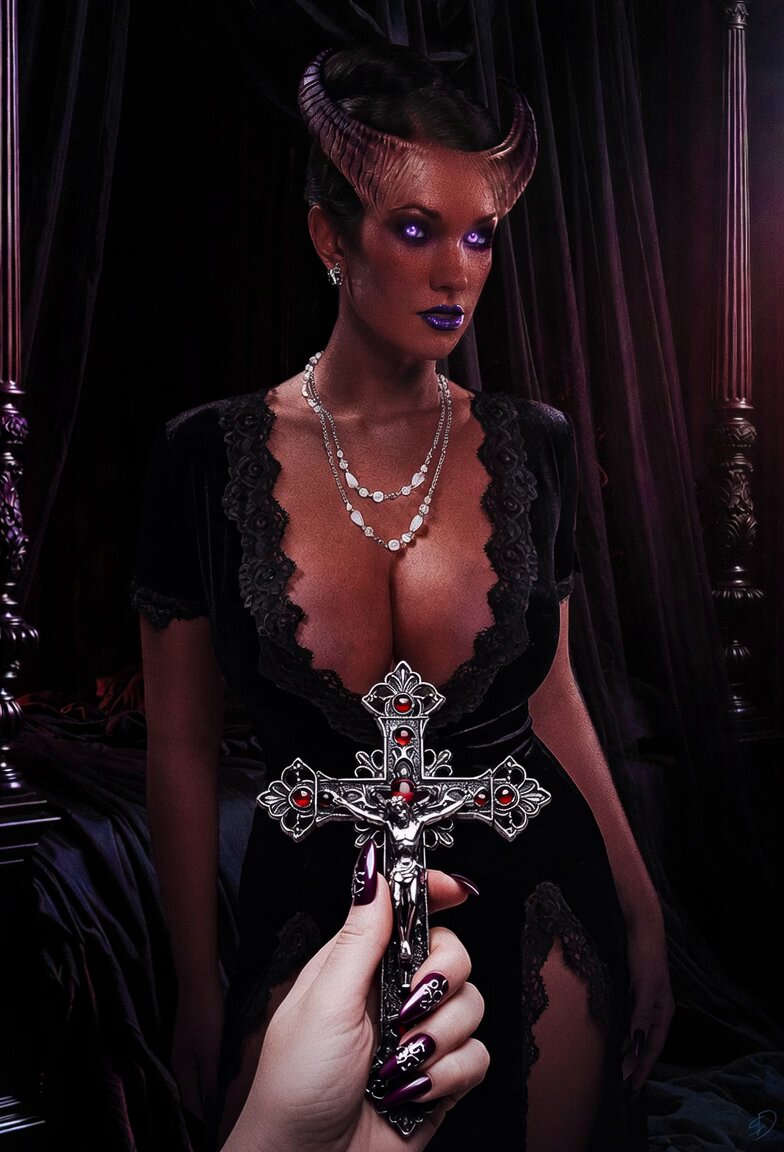
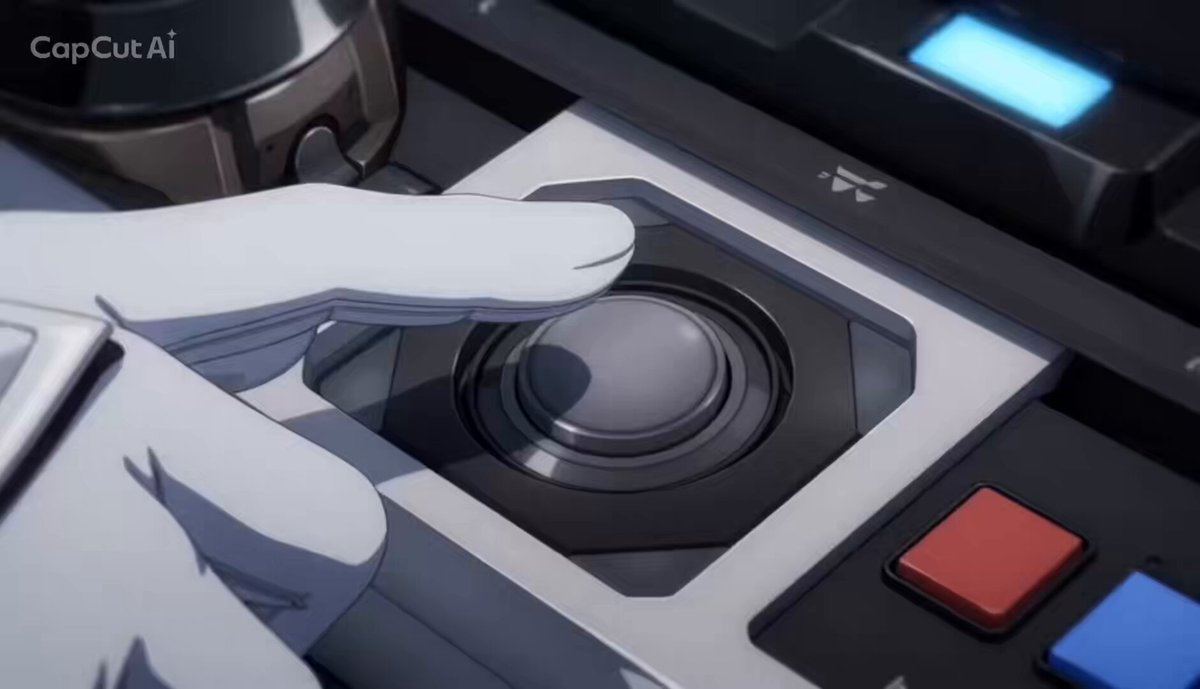
VR 第一人称视角缓缓推开盘丝洞石门,蒸汽和薄雾扑面而来镜片起雾后缓缓散开,七个蜘蛛精在温泉池中回头注视玩家,最近一个起身向镜头走来伸手轻触VR镜片,HUD 界面疯狂闪烁红色妖气警告,虚拟手套颤抖着举起,右侧弹出"呼叫悟空"按钮被手指慌忙点下,远处传来金箍棒破空声,VR 镜片边缘始终保持畸变光晕
VR 第一人称视角缓缓推开盘丝洞石门,蒸汽和薄雾扑面而来镜片起雾后缓缓散开,七个蜘蛛精在温泉池中回头注视玩家,最近一个起身向镜头走来伸手轻触VR镜片,HUD 界面疯狂闪烁红色妖气警告,虚拟手套颤抖着举起,右侧弹出"呼叫悟空"按钮被手指慌忙点下,远处传来金箍棒破空声,VR 镜片边缘始终保持畸变光晕
Edit the prompt in the box under the preview — the template's model and format are already selected — and press Generate. Your version appears right on this page.
Yes. You can change the subject, setting, lighting, mood, format, and available model controls before creating your video.
Opening and editing this template is free. Generating uses credits, shown on the Generate button when you are signed in.
Start with Seedance 2.0, which is the model associated with this template. You can compare another compatible model for a different finish.
Follow a topic to a crawlable collection of related PicX Studio templates.