
Hanfu Outfit Change Smooth Transition Video
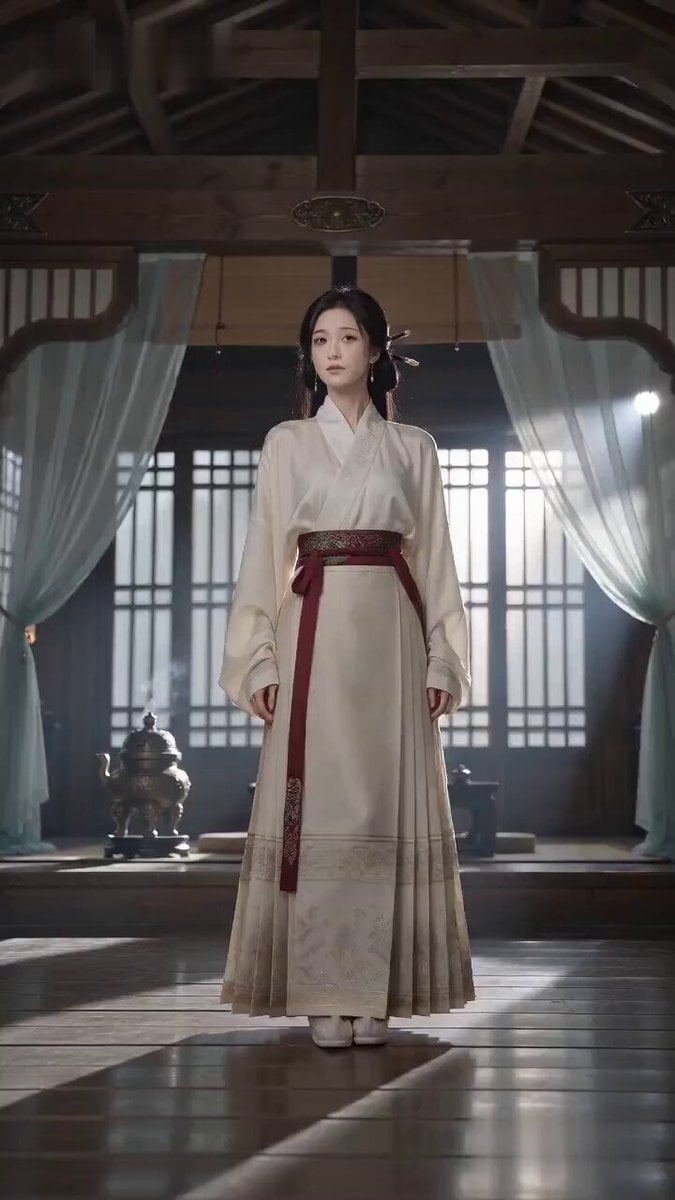
A complex multi-shot Seedance 2.0 prompt for generating a realistic cinematic video of a character switching between seven different historical Hanfu styles through smooth cover-the-lens transitions.
- Prompt included
- Model and format preset
- Free template
The prompt behind this video
Copy the exact prompt behind Hanfu Outfit Change Smooth Transition Video, or open it in the studio and make it yours.
【整体风格】 电影级写实古风质感,采用真实唐、宋、明制汉服语言,强调可信的布料物理、自然室内日光、克制含蓄的古典气质、真实皮肤纹理、无美颜滤镜,所有换装依靠真实遮镜完成,不使用魔法CG。 【人物设定】 人物 ID|HANFU-01 同一位23–28岁东亚女性,椭圆脸,暖象牙肤色,深棕色杏眼,黑色及腰直发,半束发并带细辫,身材纤细匀称。 【造型设定】 造型1 从绣花布鞋到浅玉色百褶马面裙、象牙白交领上衣、深红织纹腰带、珍珠发簪 and 小型玉佩完整呈现。 造型2 蓝色宋制褙子。 造型3 黑红明制飞鱼服。 造型4 白金配色唐制襦裙。 造型5 深绿色马面裙与织锦短袄。 造型6 月白刺绣汉服。 造型7 深绯色金凤刺绣婚服。 【场景设定】 安静的木构厅堂内,背景有格栅窗、铜香炉、矮桌、垂落纱帘、空气浮尘和偏冷的晨间侧光。 【镜头 1|0-5s|全景】 人物ID HANFU-01,同一位23–28岁东亚女性,椭圆脸,暖象牙肤色,深棕色杏眼,黑色及腰直发,半束发并带细辫,身材纤细匀称;造型1从绣花布鞋到浅玉色百褶马面裙、象牙白交领上衣、深红织纹腰带、珍珠发簪和小型玉佩完整呈现。 她站在安静的木构厅堂内,背景有格栅窗、铜香炉、矮桌、垂落纱帘、空气浮尘和偏冷的晨间侧光;低机位锁定,24mm镜头,缓慢推轨。 她抬起一侧膝盖,用整片裙摆横扫镜头,直到丝绸100%占满画面,在完全遮挡内部硬切为造型2蓝色宋制褙子,再切为造型3黑红明制飞鱼服;每次转换都保持同一条腿、相同方向、相同速度、连续重心、同一张脸、同一发型、同一首饰和同一背景。 【镜头 2|5-10s|牛仔景】 同一位女性,同一座木构厅堂,此时穿造型4白金配色唐制襦裙;她扭转腰胯,侧目看向镜头,露出克制而俏皮的浅笑,随后迅速打开一把圆形绢扇。 扇面完整遮镜3–5帧后,显现同一位女性身穿造型5深绿色马面裙与织锦短袄;她延续完全相同的手腕动作,原地旋转一次,再用超长水袖横向甩过画面形成快速摇摄,在完全遮镜内部切换为造型6月白刺绣汉服,背景仍保持同一座木构厅堂。 【镜头 3|10-15s|特写】 同一位女性身穿月白汉服,保持同一枚玉佩与珍珠发簪,50mm镜头,稳定凝视并带轻微手持呼吸感。 一层半透明红色面纱缓缓升起,完全遮住镜头后再落下,显现造型7深绯色金凤刺绣婚服;她的深棕色眼睛始终位于画面中心,睫毛清晰,毛孔可见,嘴角轻轻上扬,下眼睑有一处泪光高光,香烟在背景缓慢漂浮。 结尾从金色发饰缓慢焦点转移到她直视镜头的双眼。 【技术要求】 15秒,9:16竖屏,30fps,遮挡靠近时出现真实连续自动对焦迟疑,自然运动模糊、布料惯性、丝绸光泽、刺绣厚度、轻微衣料摩擦声、扇面弹开声和水袖破风声;所有硬切只能发生在镜头100%被遮挡时,全片无对白、字幕、Logo或水印。 【负面词】 blurry, bad quality, low quality, low resolution, noisy, jpeg artifacts, watermark, text, error; deformed, mutated, bad anatomy, poorly drawn hands, bad composition, out of frame, disfigured; inconsistent character, changing clothes, face morphing, background shift, glitching cuts, disappearing props
How to use Hanfu Outfit Change Smooth Transition Video in 3 steps
- 1
Open
The prompt is already in the box next to the preview, with the template's model and format selected.
- 2…a portrait of your subject in softgolden-hour light, 85mm…
Personalize
Edit the subject and creative details for your destination.
- 3Generate
Generate
Press Generate — your video is created in PicX Studio, so you can compare it with the original and refine one variable at a time.
More like this
Templates with the same subject, style or setup. Open one to see its prompt.
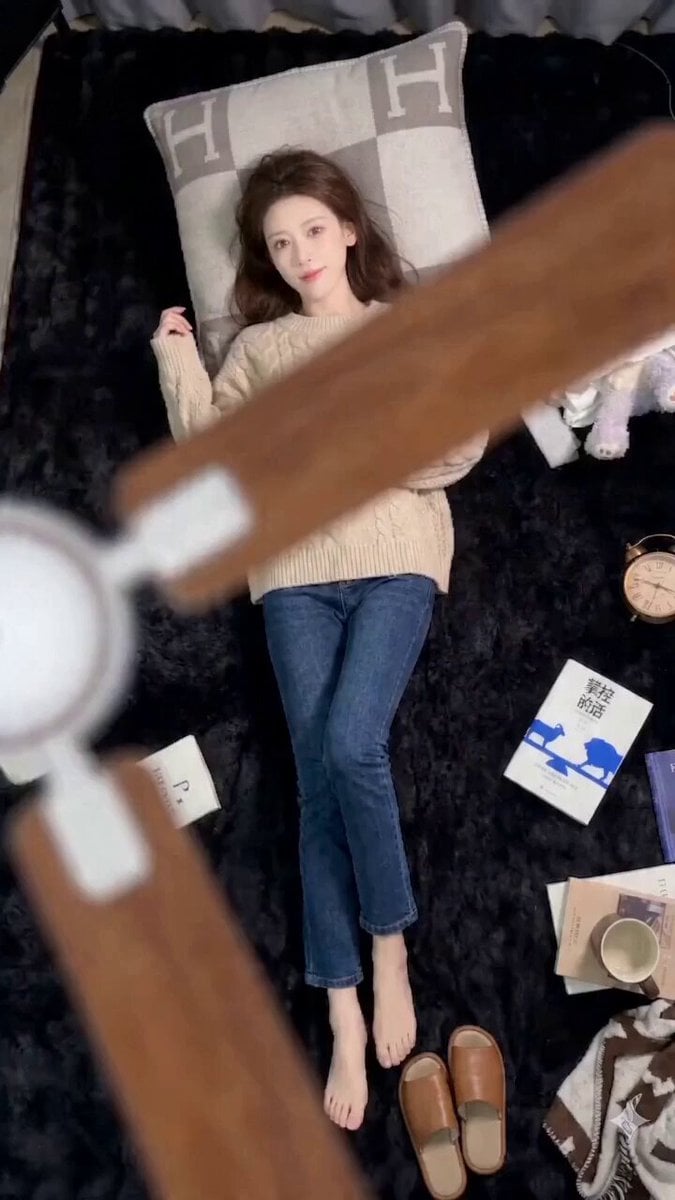
Seedance 2.0 Seamless Outfit Change Prompt (Fan Blade Transition)
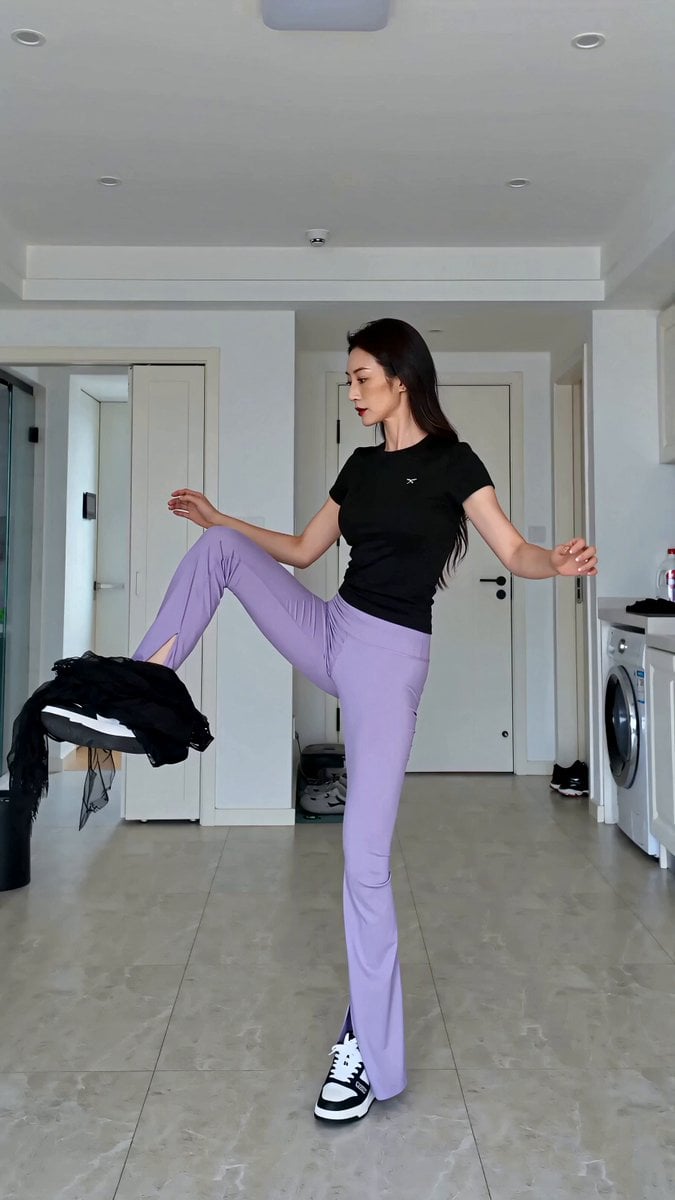
Realistic Outfit Change Video Sequence
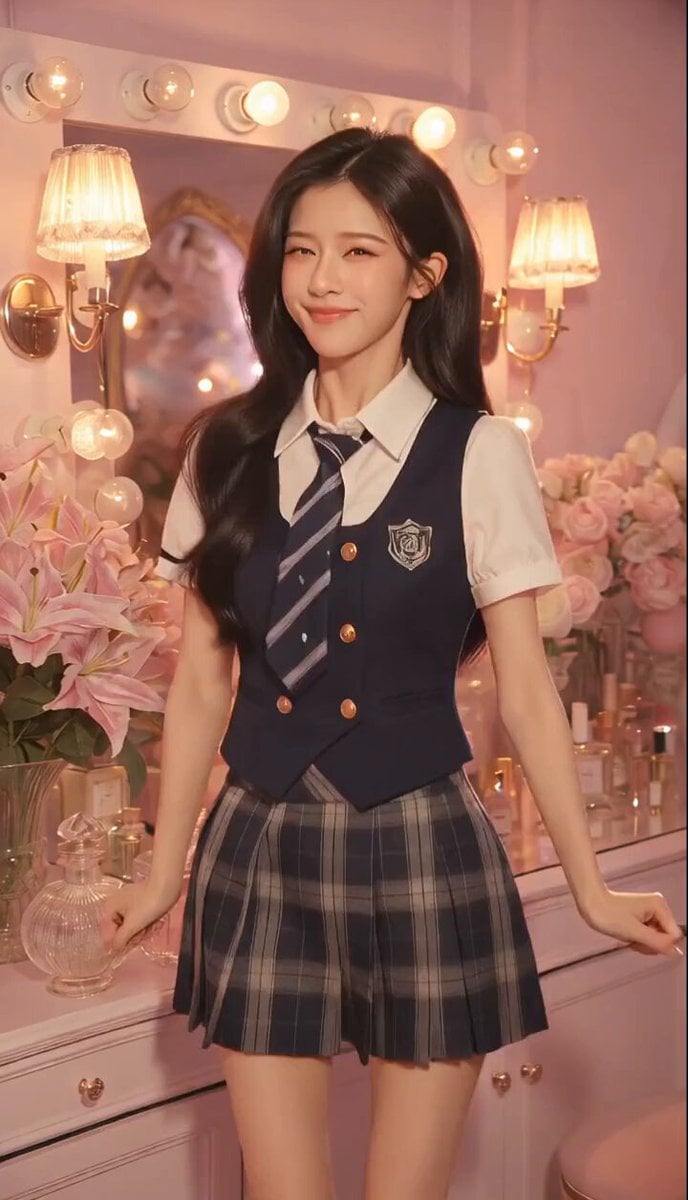
Sweet and Cool Rapid Outfit Change
Character Outfit Color Change Sequence
Mobile Controlled POV Outfit Transition
Chimp Character Outfit Transition
Hanfu Character Dance and Motion Transfer
Fashion Outfit Transformation Office Vlog
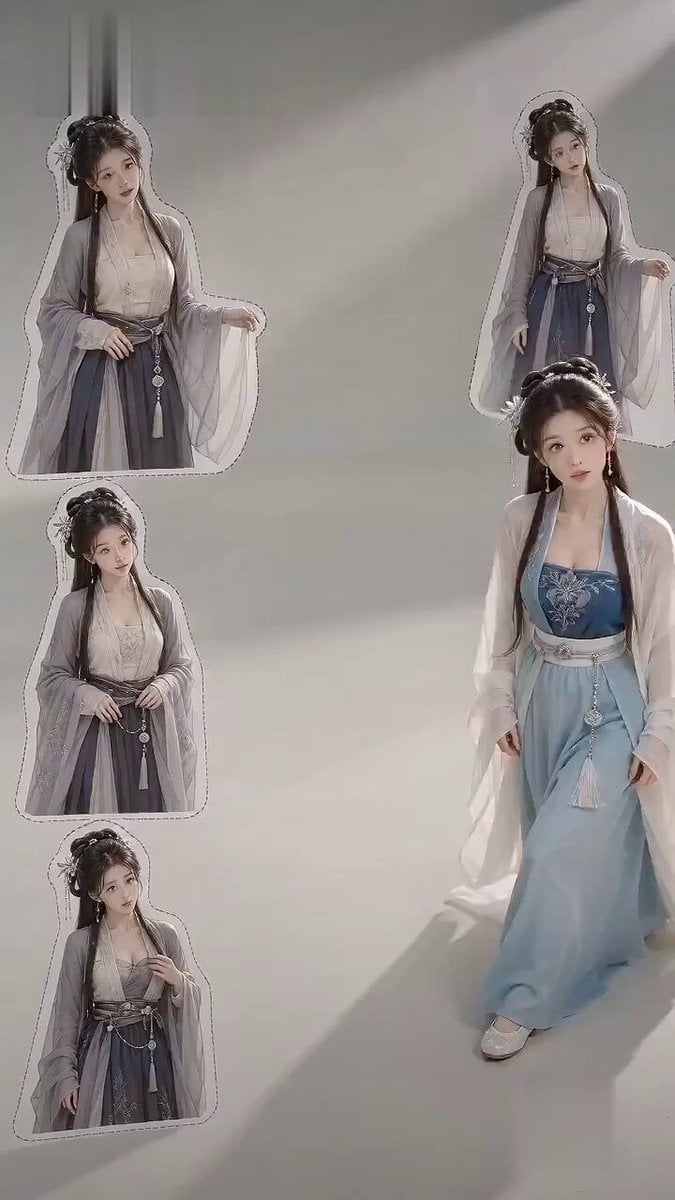
Ancient Style Fashion Outfit Swap
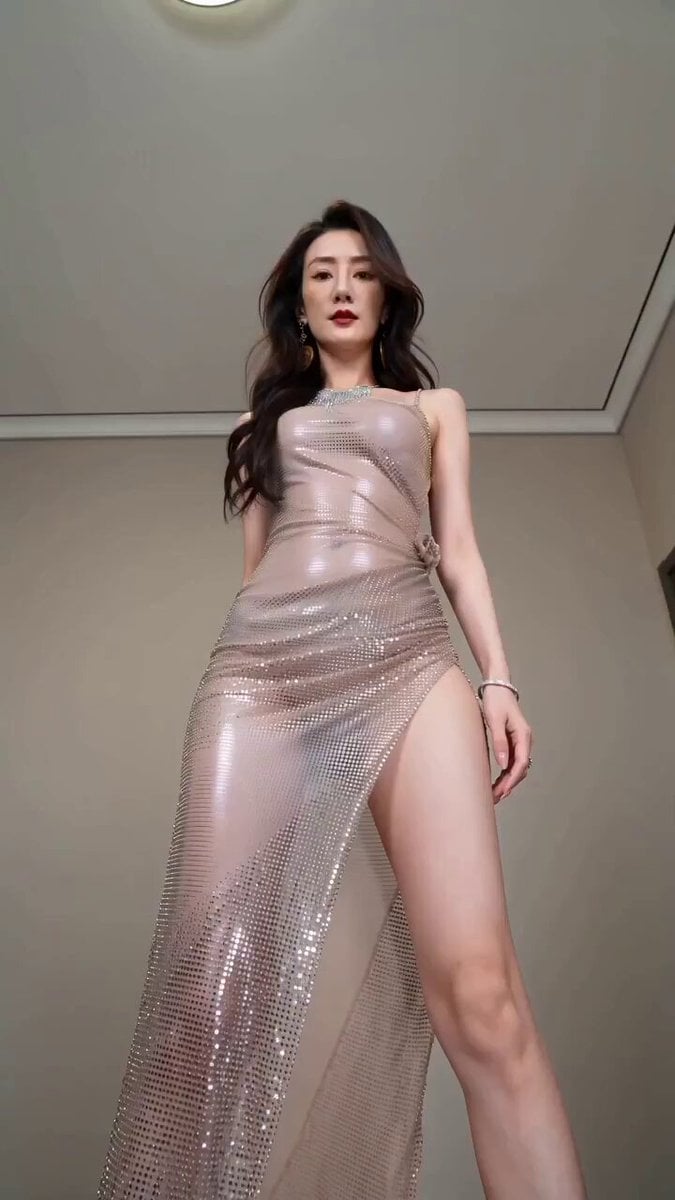
Realistic Fashion Quick Change Storyboard
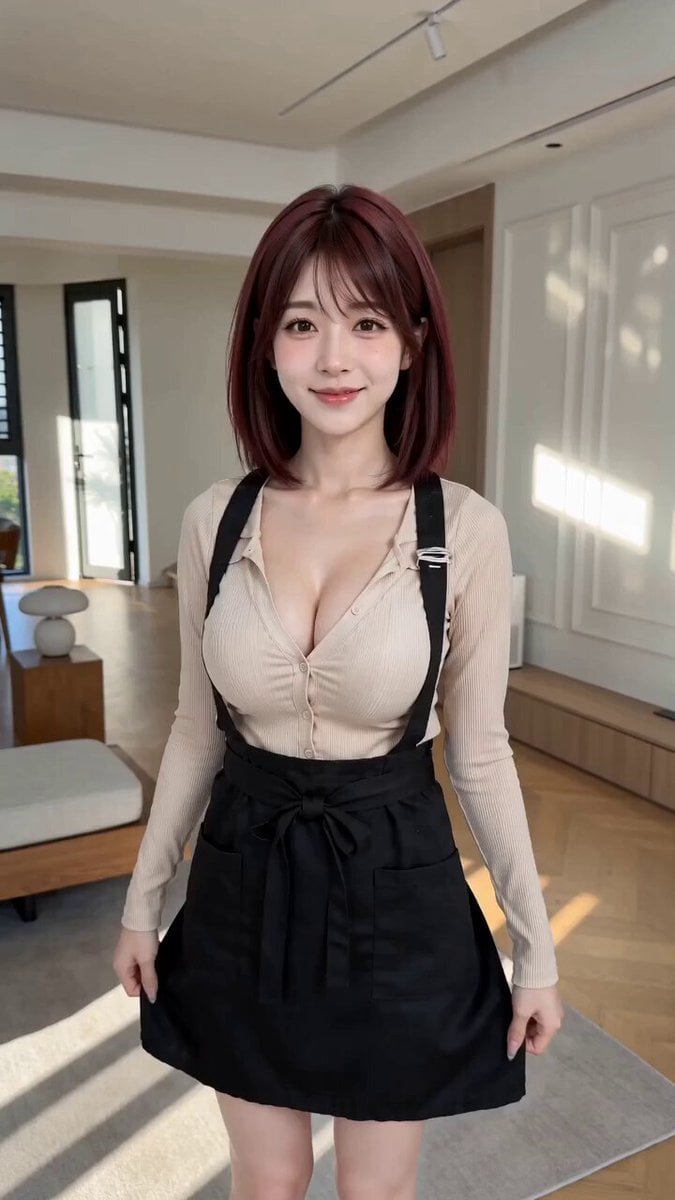
POV First-Person Remote Outfit Swap
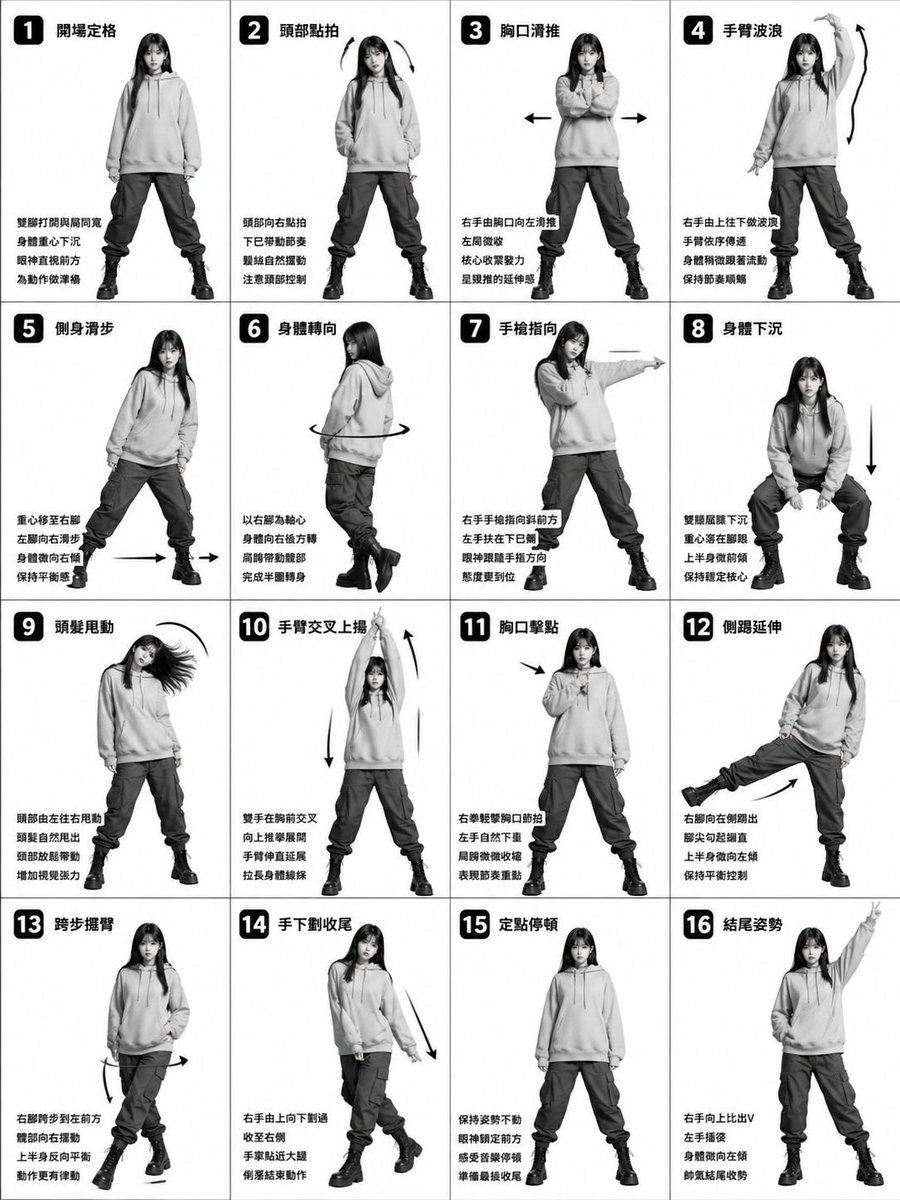
Beat-Synced Outfit Transformation Dance
Make it yours
Hanfu Outfit Change Smooth Transition Video works as-is. These are the safest ways to change it without losing the look.
Change one field
Copy a single group, rewrite it, and generate again so you can see what that field is doing.
Keep the frame, change the subject
Hold the composition and light of Hanfu Outfit Change Smooth Transition Video, then swap wardrobe, props or the person for a new take.
| If the result… | Why | Fix |
|---|---|---|
| The result drifts from the preview | Too many fields changed at once. | Reuse Hanfu Outfit Change Smooth Transition Video as-is first, then change one group — subject, light, or setting. |
| The model over-stylizes the scene | The prose prompt leaves finish and camera underspecified. | Add one camera or lighting sentence and stay on Seedance 2.0. |
More Seedance 2.0 templates
Other prompts made for Seedance 2.0.

Comical Martial Arts Punch Scene

Maglev Train Action Sequence

Martial Arts Fight Sequence

Wuxia Protection and Trust Script

Vintage Korean Arcade MiniDV Vlog

Mercedes 190 SL Luxury Ad

Rainy Night Supernatural Reverse Comedy Video Script

Amazon Civilization Discovery

Futuristic South Asian City Transformation

Cozy Luxury Cafe Commercial
More video prompts
Fresh picks from across the catalog.
European Piazza guitar performance
Freestyle Football 16-Step Storyboard
Late Night Study Resilience Scene

Dreamy Fairytale Logo Animation
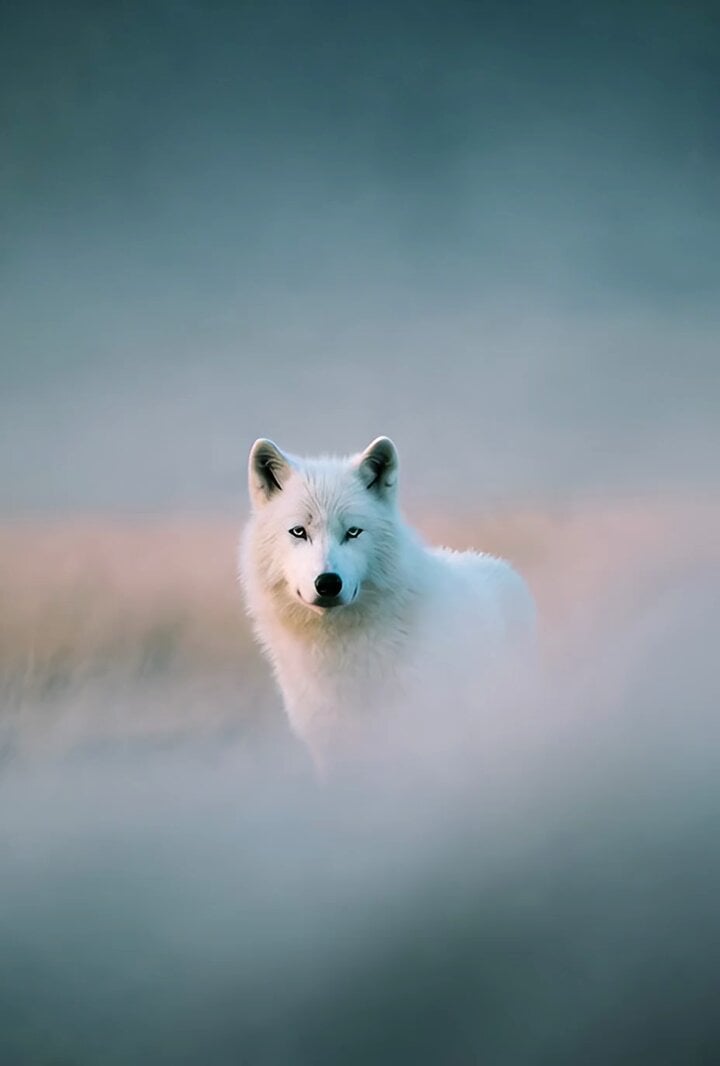
Grok Imagine prompt: White wolf photograph

Character Dialogue Storyboard
Sea Serpent vs Crab Titan — Ocean Battle

Cinematic Rainy Seaside Anime Scene

Global Football Dream Cinematic Story
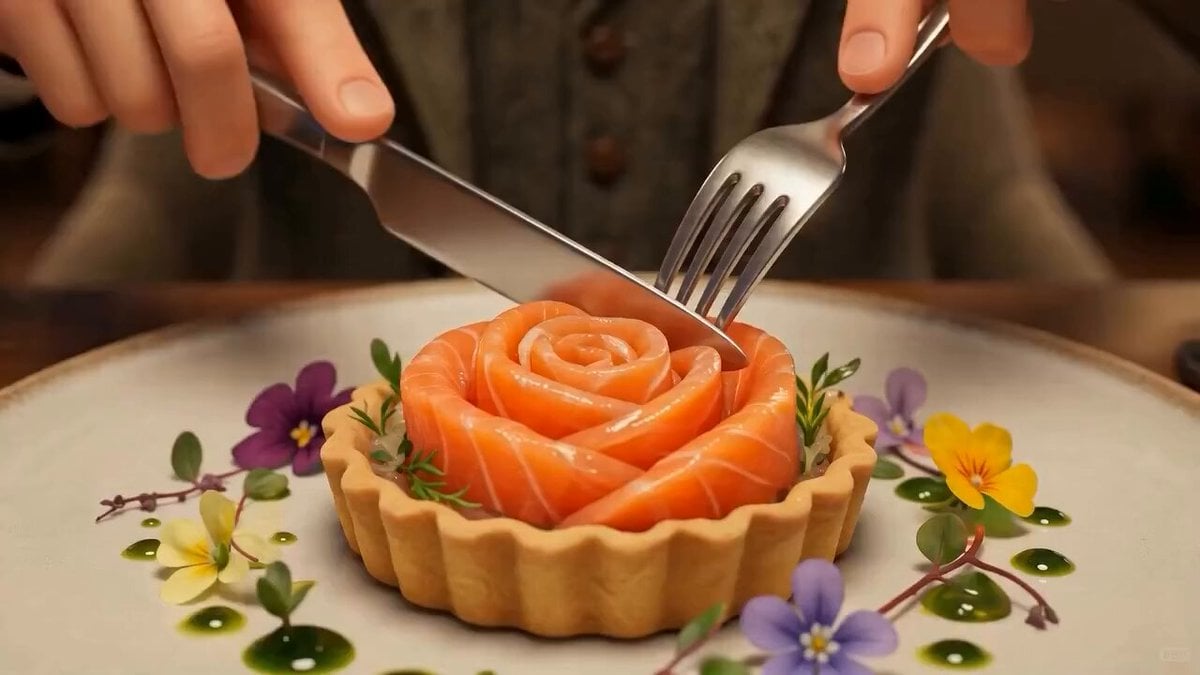
Salmon Bite Sensory Experience Prompt
Browse template categories
Hanfu Outfit Change Smooth Transition Video questions
How do I use the Hanfu Outfit Change Smooth Transition Video template?
Add your photo if the template asks for one, edit the prompt if you like — the template's model and format are already selected — and press Generate. Your version opens in PicX Studio.
Can I customize the Hanfu Outfit Change Smooth Transition Video template?
Yes. You can change the subject, setting, lighting, mood, format, and available model controls before creating your video.
Is the Hanfu Outfit Change Smooth Transition Video template free?
Opening and editing this template is free. Generating uses credits, shown on the Generate button when you are signed in.
Which AI model should I use?
Start with Seedance 2.0, which is the model associated with this template. You can compare another compatible model for a different finish.
Looking for something else? Browse all templates.

Your photo, any look
Thousands of ready templates for every top image and video model, from one credit balance.