How do I use the Anime Meteor Apocalypse and Rebirth template?
Edit the prompt in the box under the preview — the template's model and format are already selected — and press Generate. Your version appears right on this page.
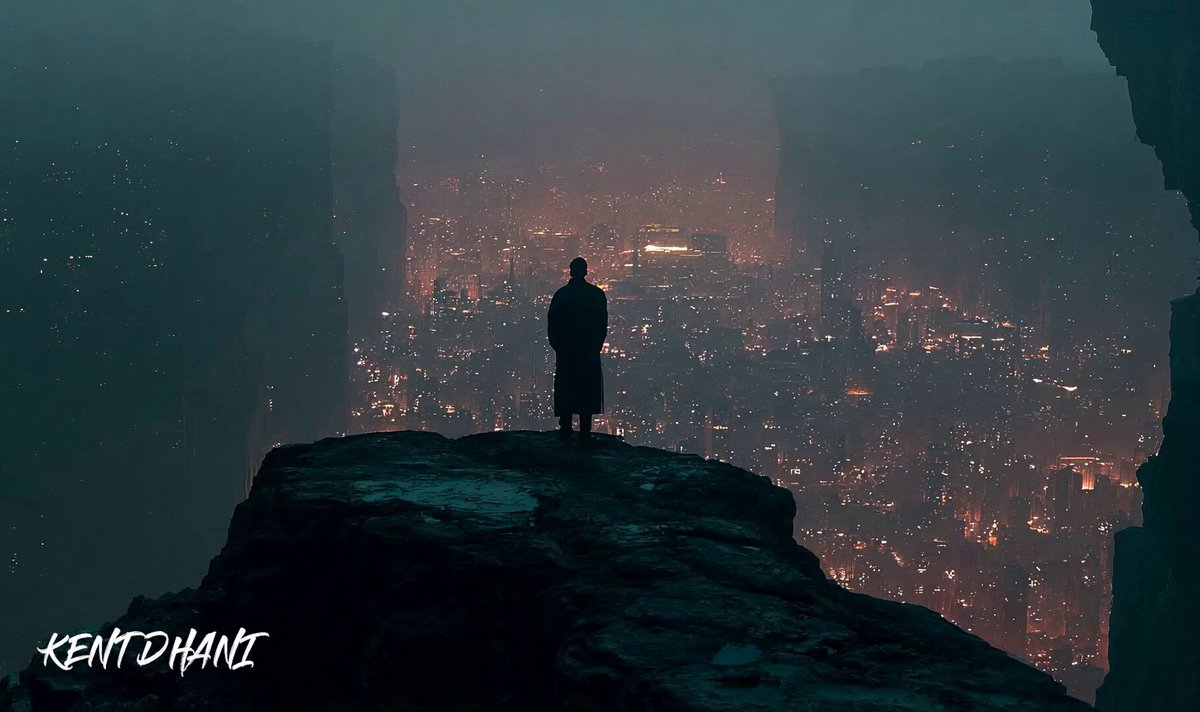
A two-part anime movie prompt describing an Earth-shattering meteor impact followed by a boy waking up from a prophetic dream.
1/2: This is the final moments before a meteor 15km across is about to hit earth. It will wipe out humanity. Rapid cuts to people all around the world reacting to the impending doom. Even the sounds of chaos and panic subsides as the meteor enters the atmosphere. A man in his early 30s looks up at the sky with horror as the meteor that fills the sky falls directly toward him. His eyes widen and sinks to his knees as tears well up to his eyes. The meteor lands, causing a devastating explosion with the entire city wiped out in an instant. The shockwave and explosion can be seen from space. 2/2: The sleeping boy wakes up screaming with terror. He slowly turns to look at the digital clock which reads "3:22am" in large font, and below it in a slightly smaller font, "5月7日2007年" The boys slowly compose himself as he says calmly, "また一年少なくなってる。" The bow slowly slumps and hangs his head. ECU on his hands trembling. He grits his teeth and says in a frightened voice of extreme sorrow that cracks, "俺に人類が救えるわけないだろ!”The boy sobbs quietly in the dark.
1/2: This is the final moments before a meteor 15km across is about to hit earth. It will wipe out humanity. Rapid cuts to people all around the world reacting to the impending doom. Even the sounds of chaos and panic subsides as the meteor enters the atmosphere. A man in his early 30s looks up at the sky with horror as the meteor that fills the sky falls directly toward him. His eyes widen and sinks to his knees as tears well up to his eyes. The meteor lands, causing a devastating explosion with the entire city wiped out in an instant. The shockwave and explosion can be seen from space. 2/2: The sleeping boy wakes up screaming with terror. He slowly turns to look at the digital clock which reads "3:22am" in large font, and below it in a slightly smaller font, "5月7日2007年" The boys slowly compose himself as he says calmly, "また一年少なくなってる。" The bow slowly slumps and hangs his head. ECU on his hands trembling. He grits his teeth and says in a frightened voice of extreme sorrow that cracks, "俺に人類が救えるわけないだろ!”The boy sobbs quietly in the dark.
Edit the prompt in the box under the preview — the template's model and format are already selected — and press Generate. Your version appears right on this page.
Yes. You can change the subject, setting, lighting, mood, format, and available model controls before creating your video.
Opening and editing this template is free. Generating uses credits, shown on the Generate button when you are signed in.
Start with Seedance 2.0, which is the model associated with this template. You can compare another compatible model for a different finish.
Follow a topic to a crawlable collection of related PicX Studio templates.