
Zombie Apocalypse Convenience Store Shot
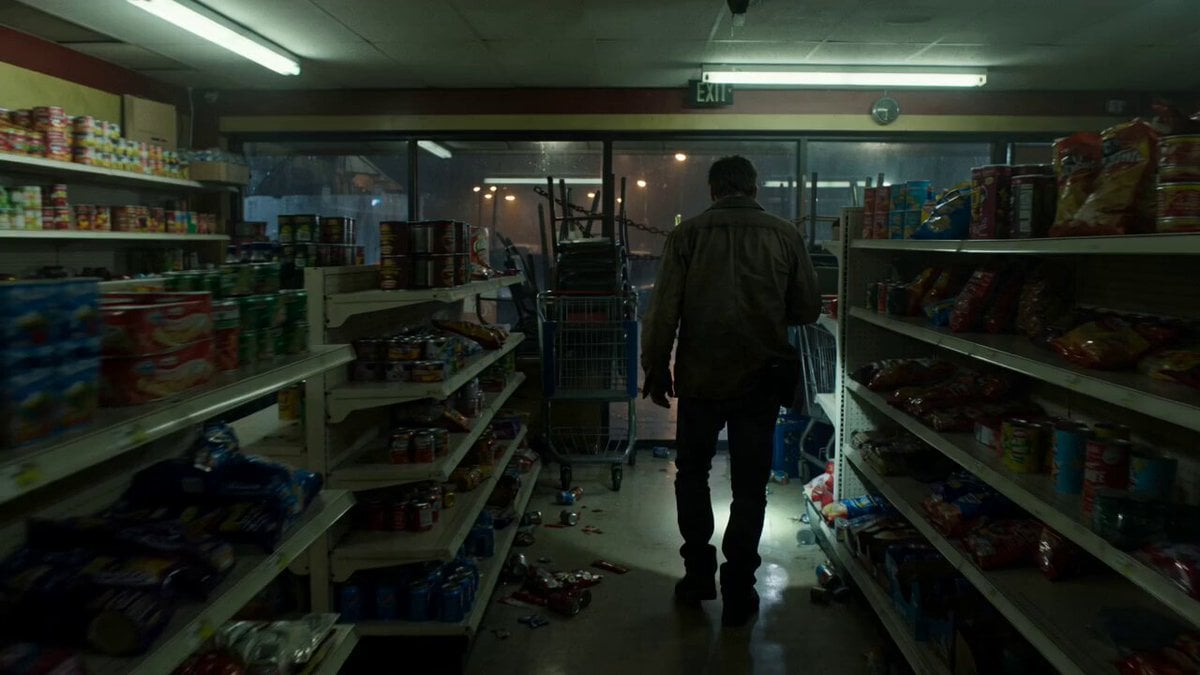
A gritty, 15-second continuous cinematic shot of a survivor in a convenience store during a zombie outbreak.
- Prompt included
- Model and format preset
- Free template
The prompt behind this video
Copy the exact prompt behind Zombie Apocalypse Convenience Store Shot, or open it in the studio and make it yours.
Single continuous shot, 15 seconds, no cuts. Realistic cinematic live-action style — gritty film grain, shallow depth of field, muted desaturated color grade with cold blues and sickly fluorescent greens, subtle handheld camera feel, A24 horror atmosphere. Setting: a looted, messy convenience store at night during light rain. Shelves knocked askew with scattered remaining goods — fallen cans, torn snack wrappers, spilled bottles on the floor, a few products still standing. The large glass storefront door is barricaded from the inside with shopping carts and stacked chairs wrapped in chains. Outside: a dark rain-slicked street with dead streetlights. Subject: a lone survivor — a tired man in his 30s, stubble, worn jacket, holding a flashlight. He stays inside the store at all times. Action (continuous progression): the survivor calmly walks from the dark aisles toward the barricaded glass door, stepping around debris, flashlight aimed low. He stops behind the barricade and slowly raises the beam through the glass toward the street. As the light sweeps left to right, it reveals zombies shuffling slowly through the rain — first a few, then dozens, then hundreds wandering aimlessly down the entire block, limping, drifting between abandoned cars. None notice the store. He finishes the sweep and slowly lowers the flashlight, shoulders sinking in quiet defeat. Camera: entire shot stays INSIDE the store, never crossing the glass. Slow tracking shot behind him as he walks, settling into an over-the-shoulder framing at the barricade — the zombies are always seen THROUGH the glass door, with the barricade carts and chains visible in the foreground of the frame throughout. The camera never goes outside. Lighting and mood: flickering fluorescent interior, the flashlight beam as the only light reaching the street, rain glittering in the beam; slow dread, eerie stillness, hopeless quiet.
How to use Zombie Apocalypse Convenience Store Shot in 3 steps
- 1
Open
The prompt is already in the box next to the preview, with the template's model and format selected.
- 2…a portrait of your subject in softgolden-hour light, 85mm…
Personalize
Edit the subject and creative details for your destination.
- 3Generate
Generate
Press Generate — your video is created in PicX Studio, so you can compare it with the original and refine one variable at a time.
More like this
Templates with the same subject, style or setup. Open one to see its prompt.
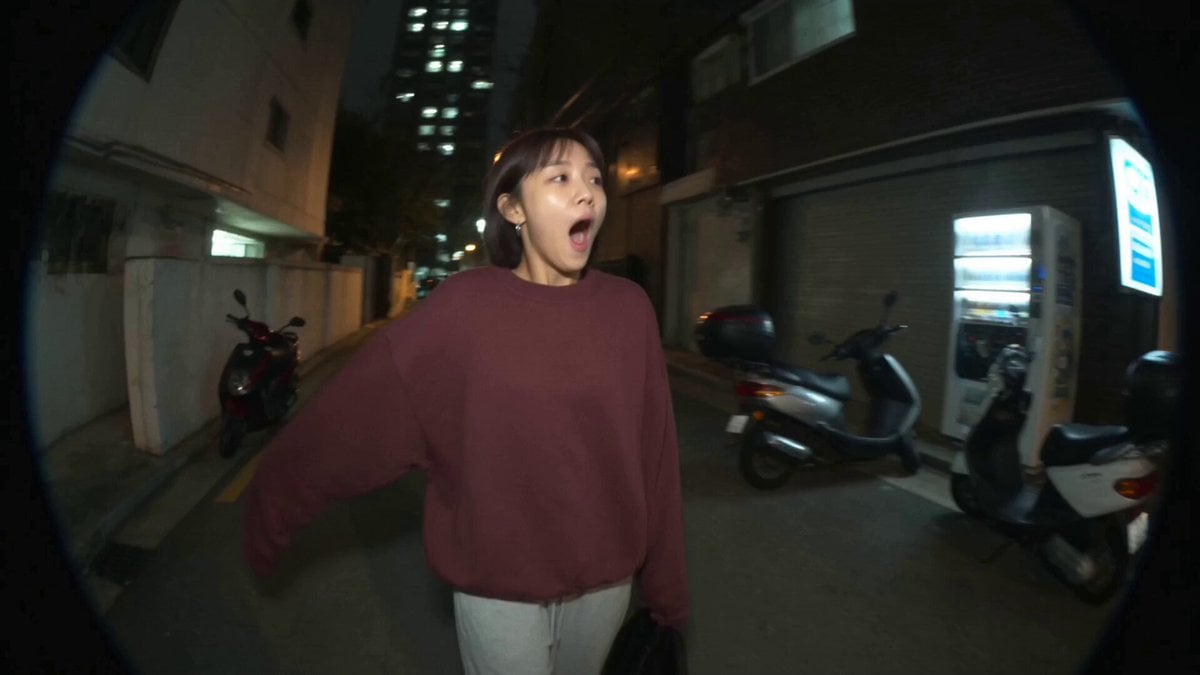
Nostalgic MiniDV Convenience Store Vlog - Seedance 2.5
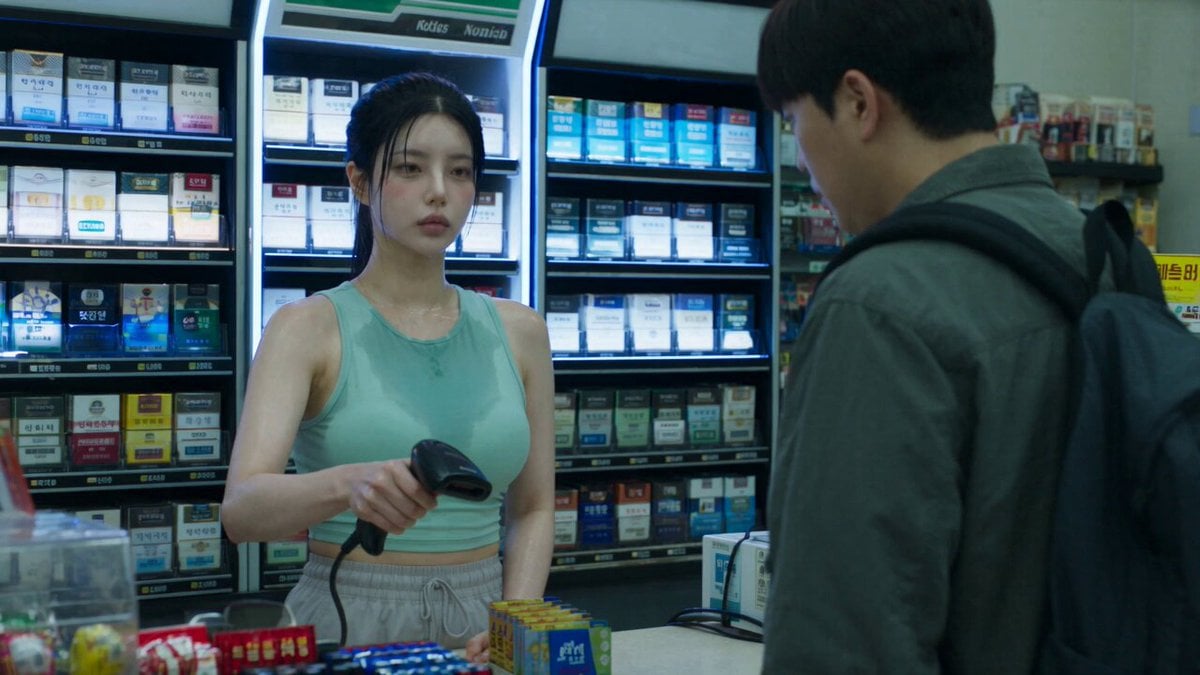
Korean Horror Zombie Convenience Store Attack
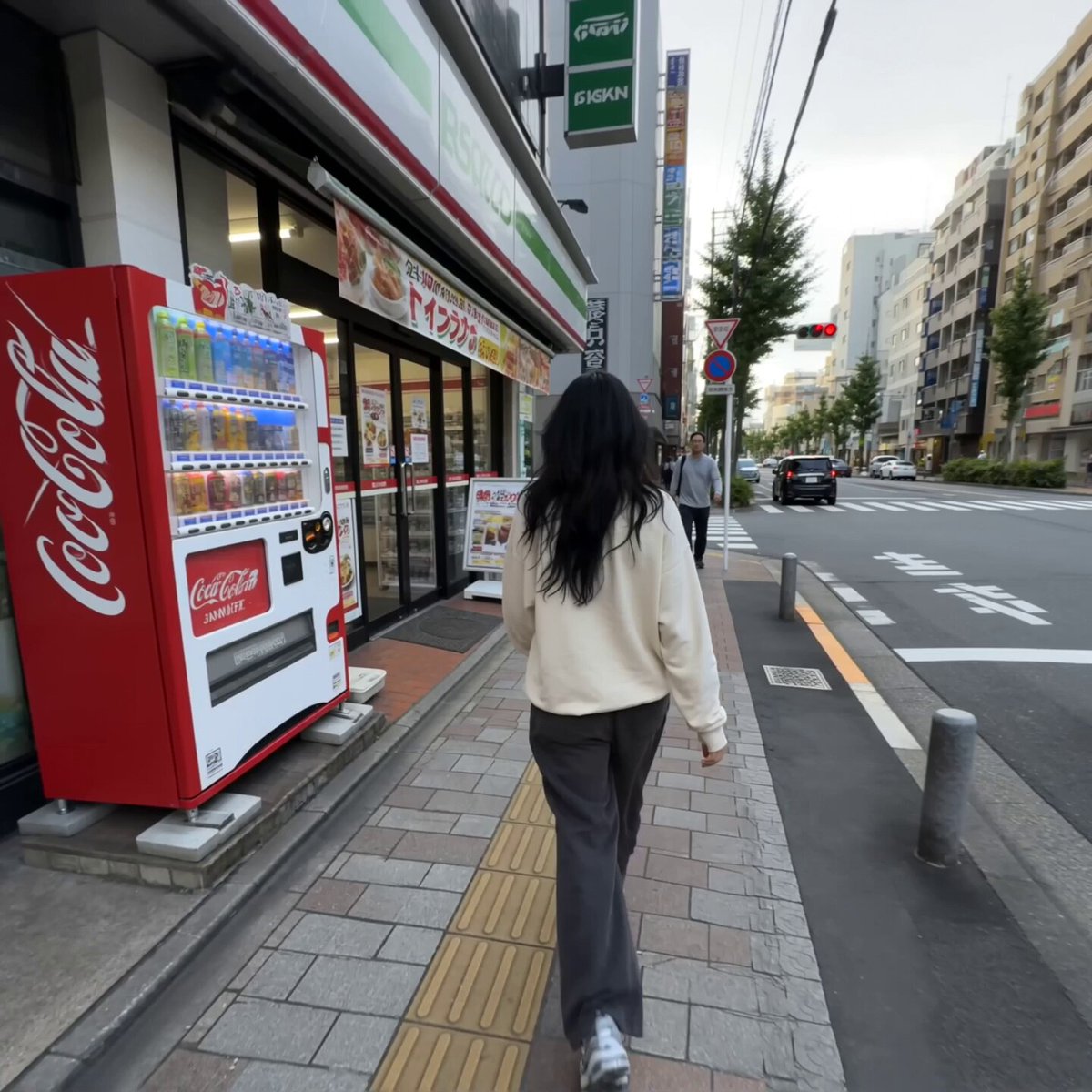
Realistic Tokyo Convenience Store Vlog

Cinematic Suspense Convenience Store Video Prompt
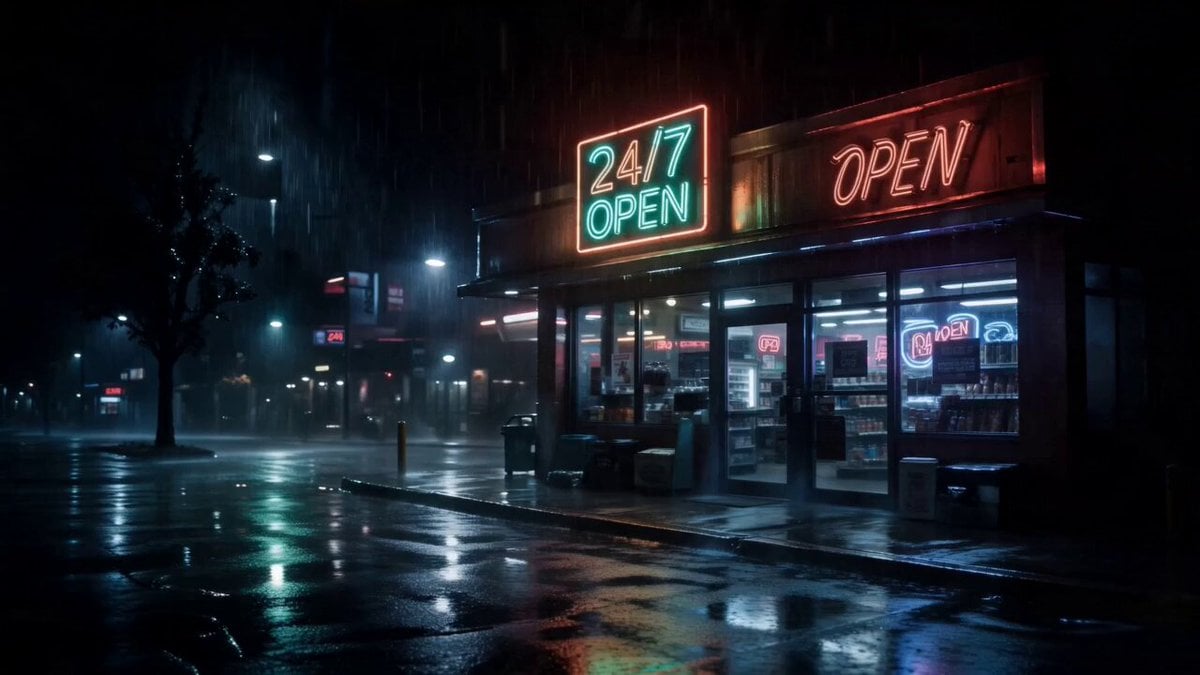
Cinematic Raccoon Convenience Store Shift Prompt
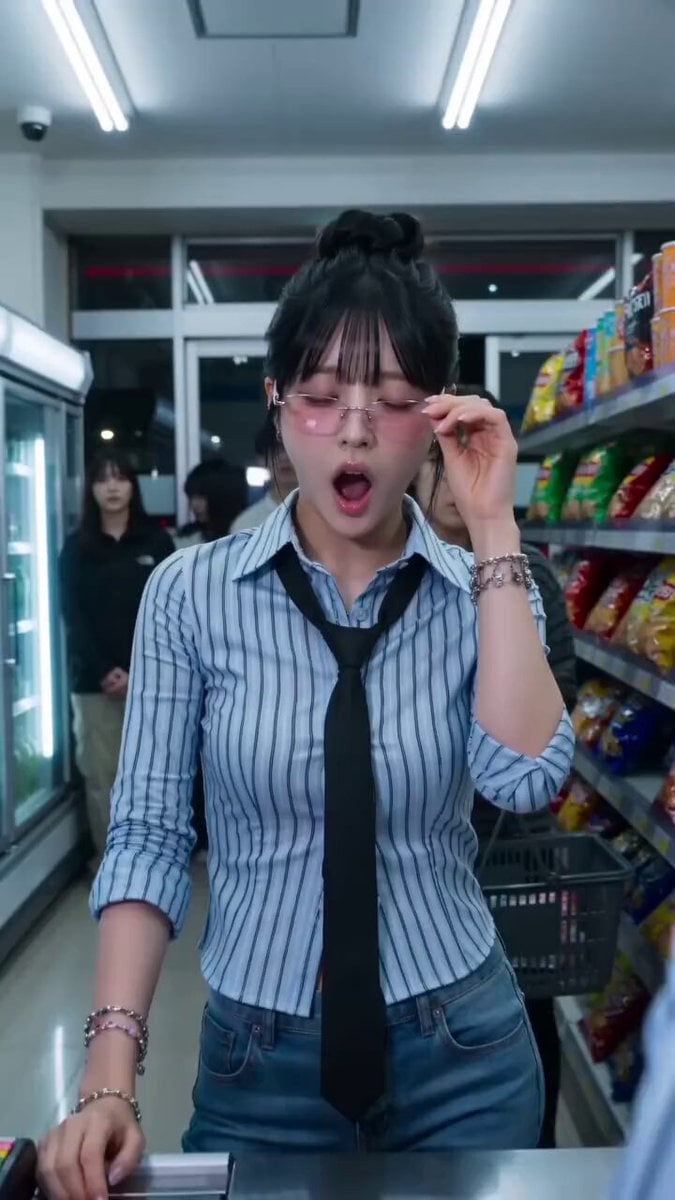
Convenience Store K-Pop Dance Performance
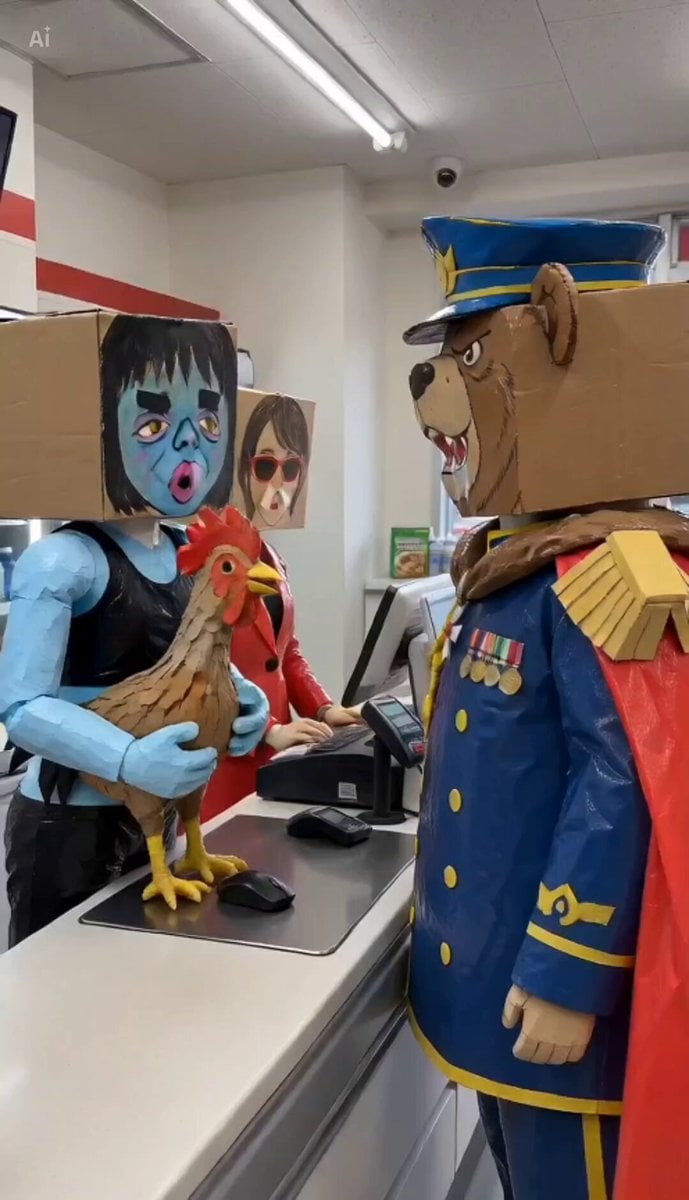
Convenience Store Quarrel Scene
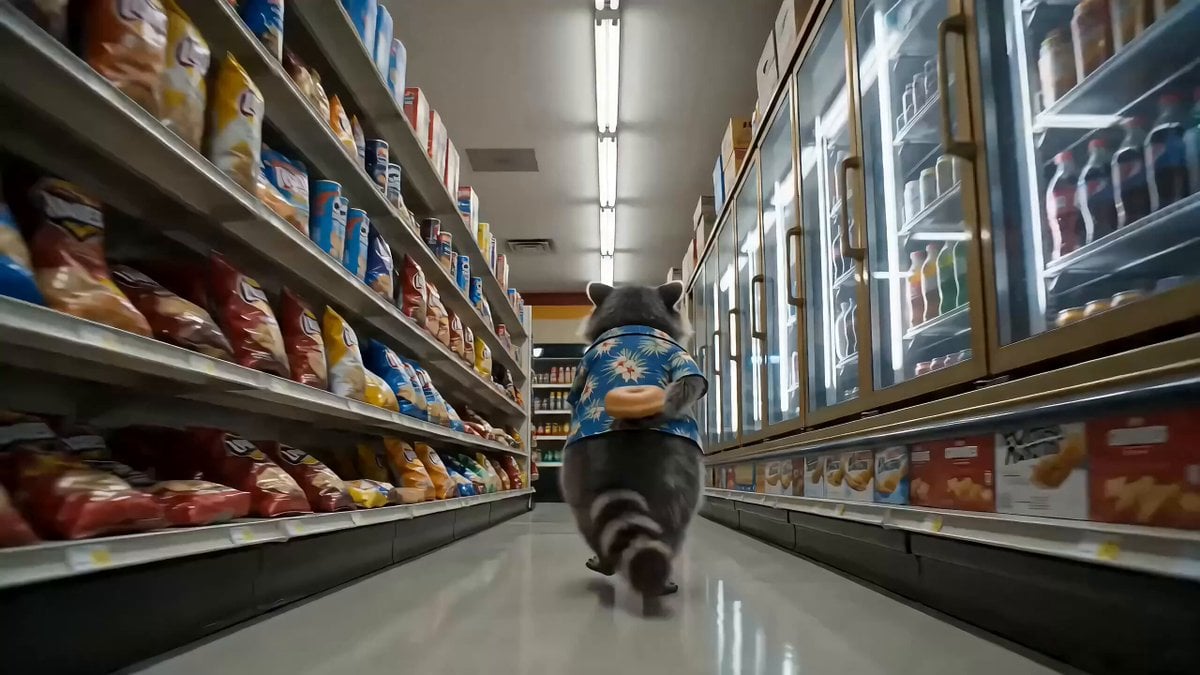
Convenience Store Raccoon and Pug Comedy
Video prompt for a convenience store devolving into another dimension
Surreal live-action video of convenience store worker on the moon

Indian Village Zombie Chase Intercut
Bookstore Slice-of-Life Encounter
Make it yours
Zombie Apocalypse Convenience Store Shot works as-is. These are the safest ways to change it without losing the look.
Change one field
Copy a single group, rewrite it, and generate again so you can see what that field is doing.
Keep the frame, change the subject
Hold the composition and light of Zombie Apocalypse Convenience Store Shot, then swap wardrobe, props or the person for a new take.
| If the result… | Why | Fix |
|---|---|---|
| The result drifts from the preview | Too many fields changed at once. | Reuse Zombie Apocalypse Convenience Store Shot as-is first, then change one group — subject, light, or setting. |
| The model over-stylizes the scene | The prose prompt leaves finish and camera underspecified. | Add one camera or lighting sentence and stay on Seedance 2.0. |
More Seedance 2.0 templates
Other prompts made for Seedance 2.0.

Comical Martial Arts Punch Scene

Maglev Train Action Sequence

Martial Arts Fight Sequence

Wuxia Protection and Trust Script

Vintage Korean Arcade MiniDV Vlog

Mercedes 190 SL Luxury Ad

Rainy Night Supernatural Reverse Comedy Video Script

Amazon Civilization Discovery

Futuristic South Asian City Transformation

Cozy Luxury Cafe Commercial
More video prompts
Fresh picks from across the catalog.
Cinematic Emotional Confrontation Prompt
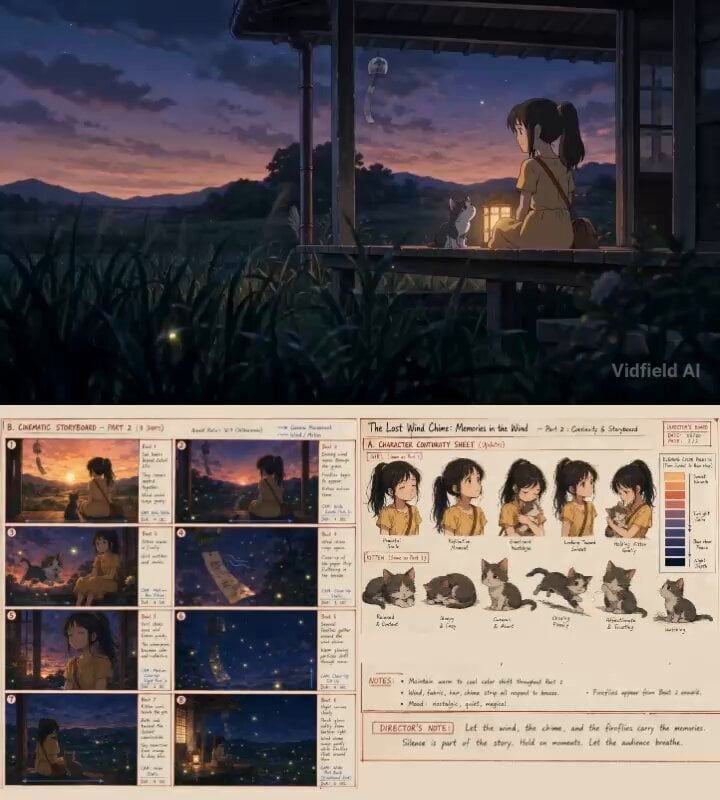
Emotional Anime Short Film Prompt
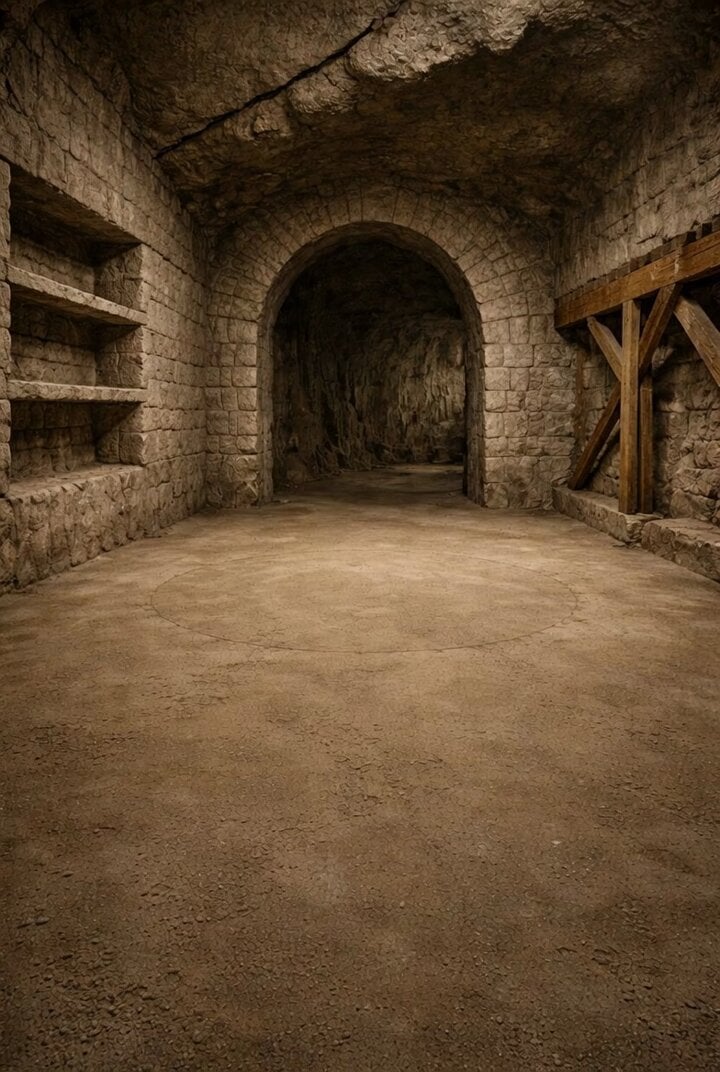
Cash and Gold Stacking Scene Prompt
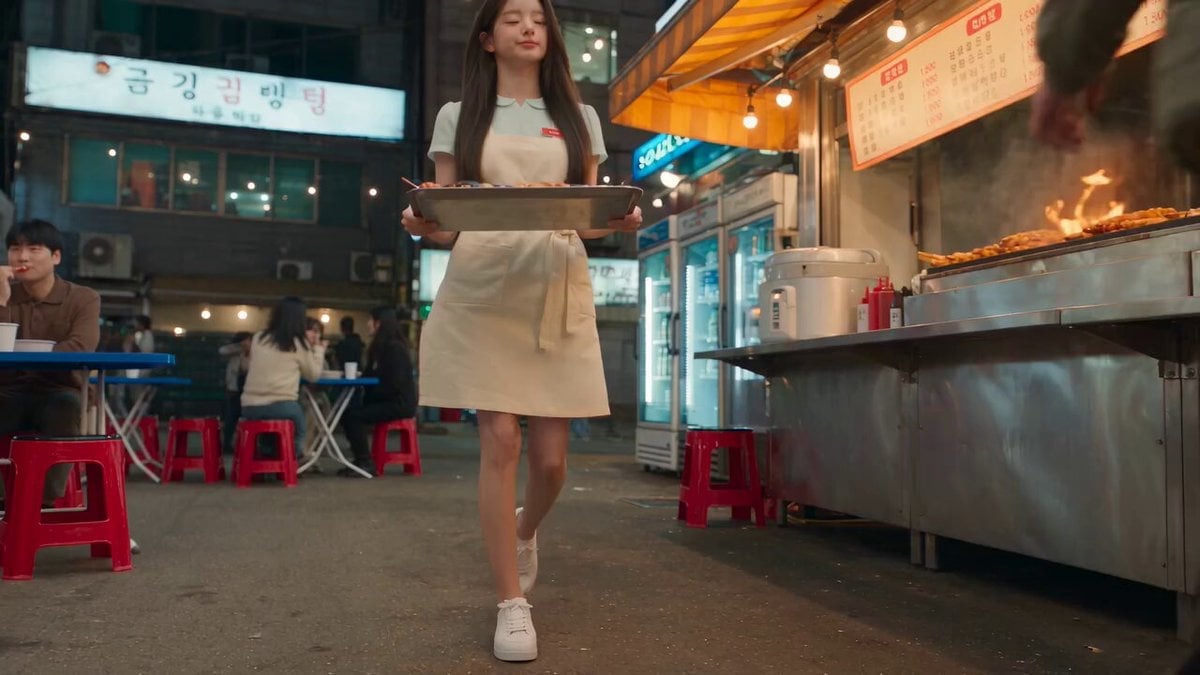
Korean Night Market Bullet-Time Scene - Seedance 2.5
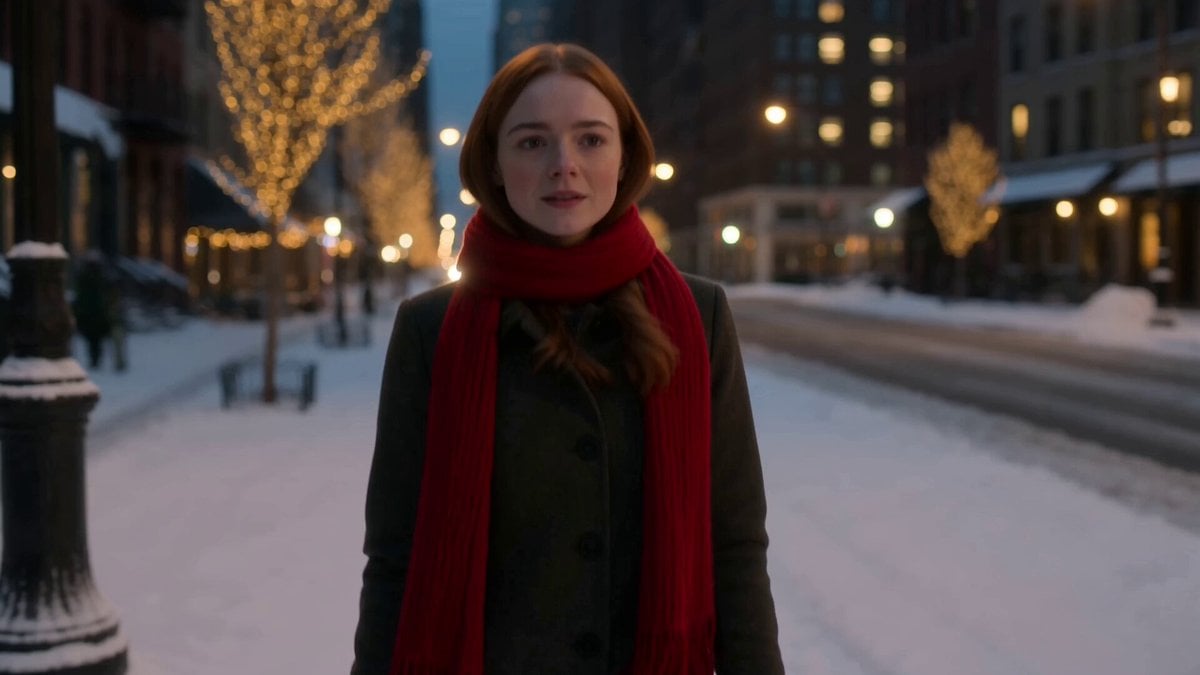
Winter Romance Scarf Sequence

Anime Girl Tokyo Travel Vlog

Stealth Fighter Jet Missile Evasion
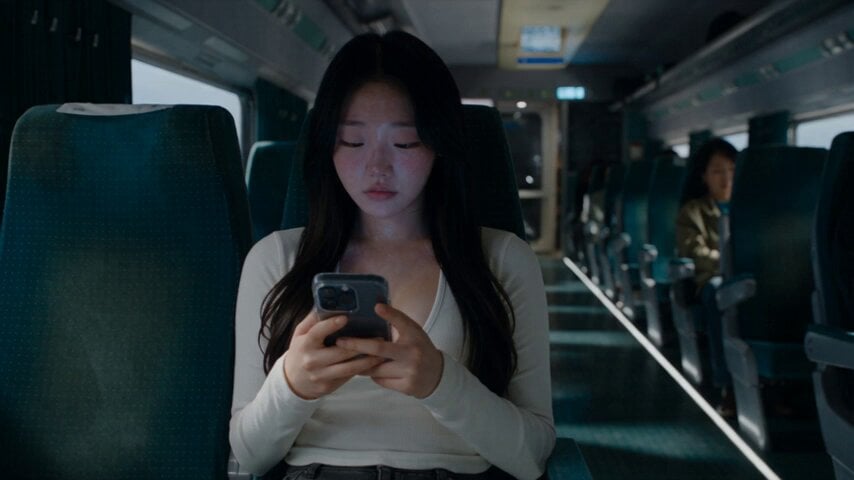
Last Ride Train Outbreak Horror

Lightspeed Cinematic Time Freeze

Epic Fantasy Ice Predator Hunt
Browse template categories
Zombie Apocalypse Convenience Store Shot questions
How do I use the Zombie Apocalypse Convenience Store Shot template?
Add your photo if the template asks for one, edit the prompt if you like — the template's model and format are already selected — and press Generate. Your version opens in PicX Studio.
Can I customize the Zombie Apocalypse Convenience Store Shot template?
Yes. You can change the subject, setting, lighting, mood, format, and available model controls before creating your video.
Is the Zombie Apocalypse Convenience Store Shot template free?
Opening and editing this template is free. Generating uses credits, shown on the Generate button when you are signed in.
Which AI model should I use?
Start with Seedance 2.0, which is the model associated with this template. You can compare another compatible model for a different finish.
Looking for something else? Browse all templates.

Your photo, any look
Thousands of ready templates for every top image and video model, from one credit balance.