
Cinematic Suspense Convenience Store Video Prompt
A complex multi-scene video prompt for Seedance 2.0 designed to create a 15-second high-density cinematic suspense short, detailing character interactions, lighting, and specific camera movements.

- Prompt included
- Model and format preset
- Free template
The prompt behind this video
Copy the exact prompt behind Cinematic Suspense Convenience Store Video Prompt, or open it in the studio and make it yours.
生成一段15秒竖屏电影感悬疑短片。\n\n【人物】\n一名年轻便利店店员,穿深色制服,神情警惕。\n一名戴帽子的陌生顾客,站在收银台外,刻意隐藏表情。\n\n【场景】\n暴雨夜的便利店。\n冷白灯光略微闪烁,玻璃窗外雨水滑落,地面有霓虹倒影。\n整体为冷蓝灰色调,安静、压迫、带有悬疑感。\n\n【第一场:0—5秒|悬念出现】\n镜头从一枚在店员掌心滚动的硬币极近特写开始。\n硬币反射冷白灯光,镜头带轻微呼吸抖动。\n快速甩镜到店员面部,瞬间对焦他的眼睛。\n店员低声说:“你到底想拿走什么?”\n镜头进行轻微推拉变焦,货架背景产生压迫性空间变化。\n店员转身经过冰柜,包装袋从镜头前擦过,完成自然转场。\n\n【第二场:5—10秒|冲突升级】\n俯拍店员伸手握住收银台下方的门闩。\n低机位贴近地面跟随陌生顾客向前迈步,鞋底踩过水迹。\n镜头围绕两人移动半圈,显示他们之间的距离迅速缩短。\n快速切换三个镜头:\n门闩特写;\n陌生顾客藏在袖口里的手;\n便利店顶部监控器闪烁的红色指示灯。\n\n【第三场:10—15秒|结果揭示】\n镜头倒退跟拍陌生顾客继续逼近。\n店内灯光突然熄灭又重新亮起。\n快速甩镜回到店员面部,他抬头看向监控器。\n镜头缓慢拉远,店员说:“别急,监控一直开着。”\n最后停在便利店大全景,保留电流声、雨声和监控器轻微提示音。\n\n【画面要求】\n人物身份和服装保持一致。\n动作符合真实物理规律。\n运镜连续流畅,避免无意义晃动。\n电影级光影,真实雨夜环境声,轻微胶片颗粒。
How to use Cinematic Suspense Convenience Store Video Prompt in 3 steps
- 1
Open
The prompt is already in the box next to the preview, with the template's model and format selected.
- 2…a portrait of your subject in softgolden-hour light, 85mm…
Personalize
Edit the subject and creative details for your destination.
- 3Generate
Generate
Press Generate — your video is created in PicX Studio, so you can compare it with the original and refine one variable at a time.
More like this
Templates with the same subject, style or setup. Open one to see its prompt.
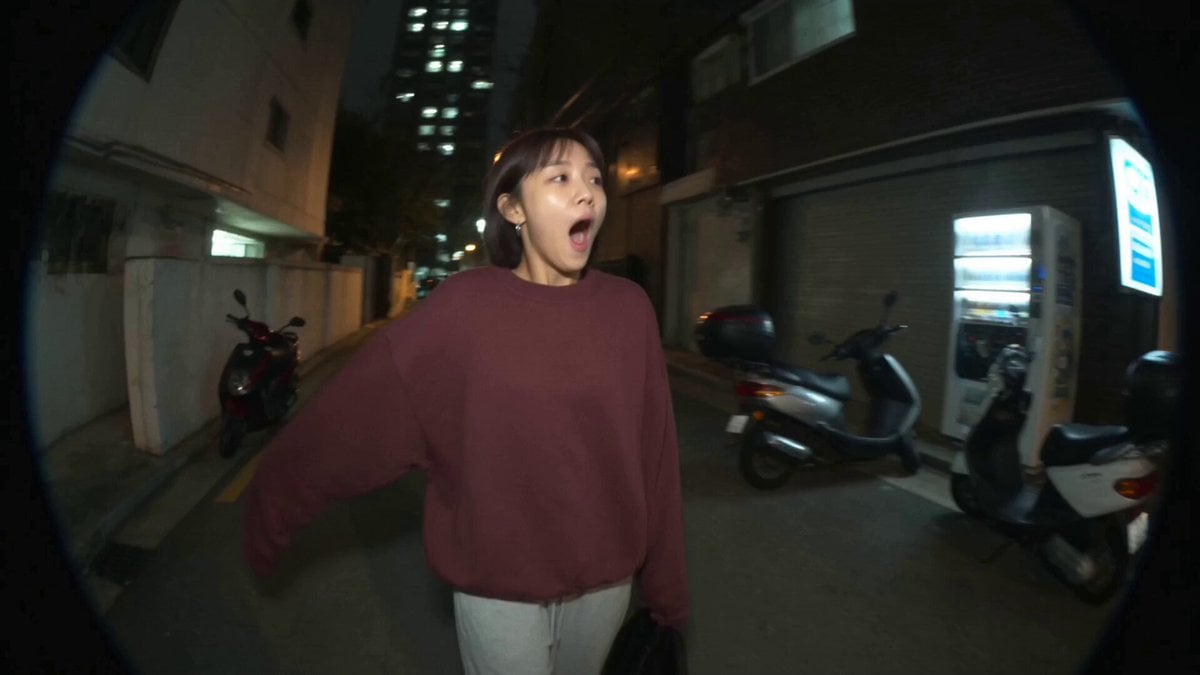
Nostalgic MiniDV Convenience Store Vlog - Seedance 2.5
Cartoon Bullfight Arena — Girl vs Bull (Seedance)
Chibi Cave Adventure — He Doesn't Know What's Coming
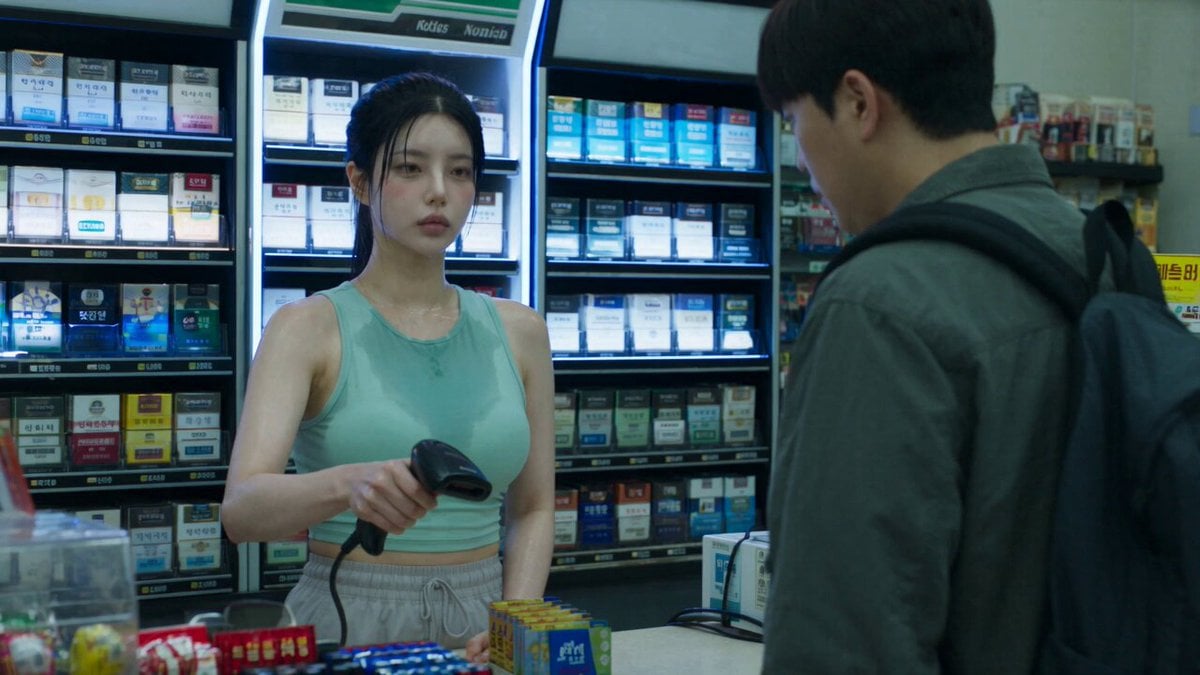
Korean Horror Zombie Convenience Store Attack
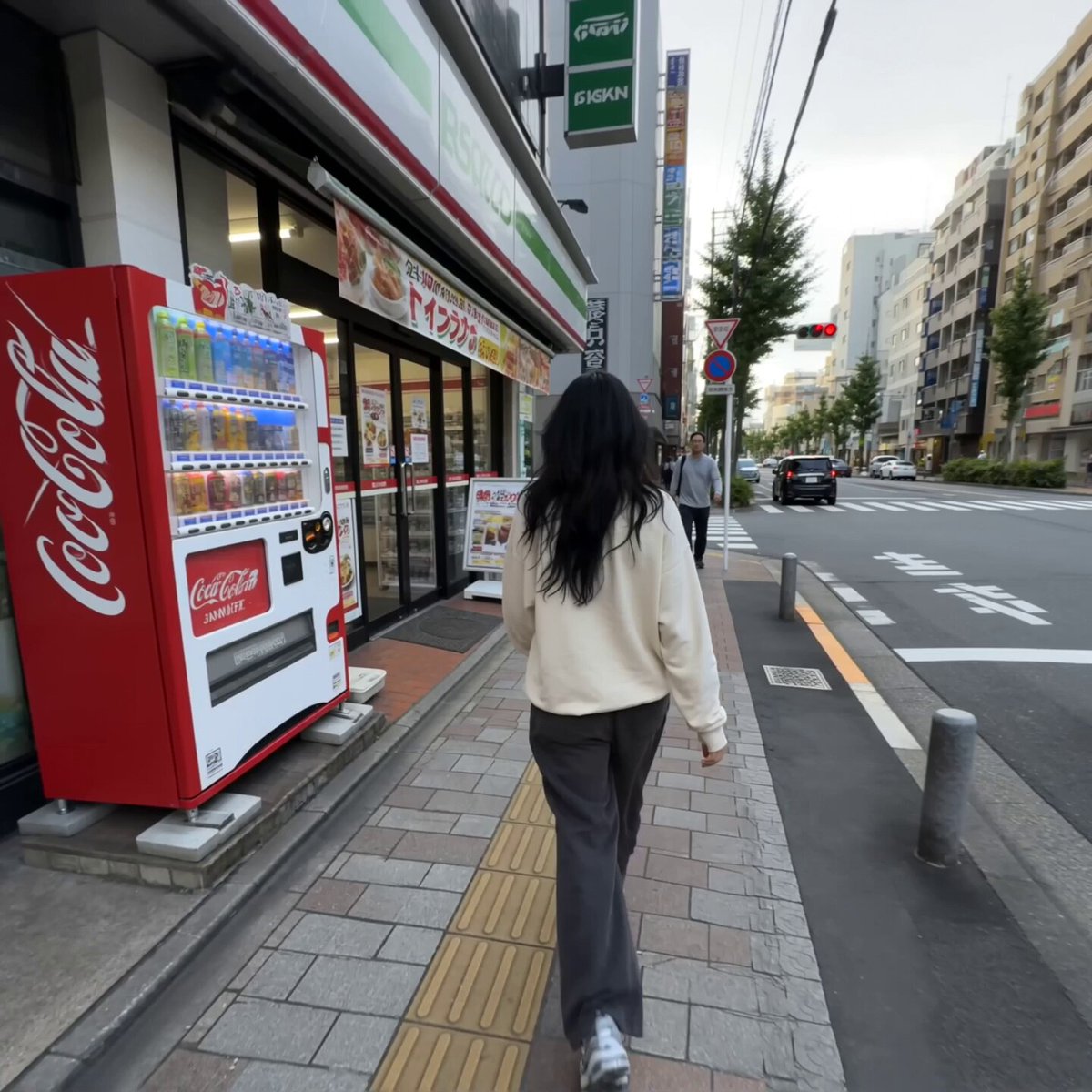
Realistic Tokyo Convenience Store Vlog
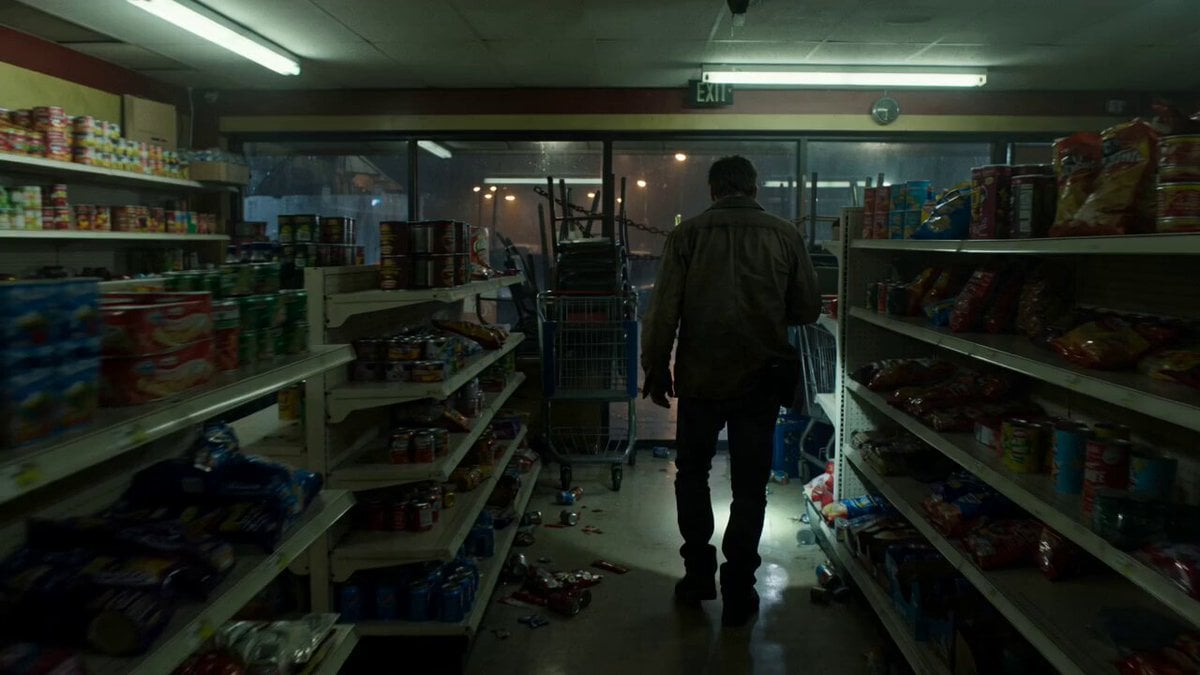
Zombie Apocalypse Convenience Store Shot
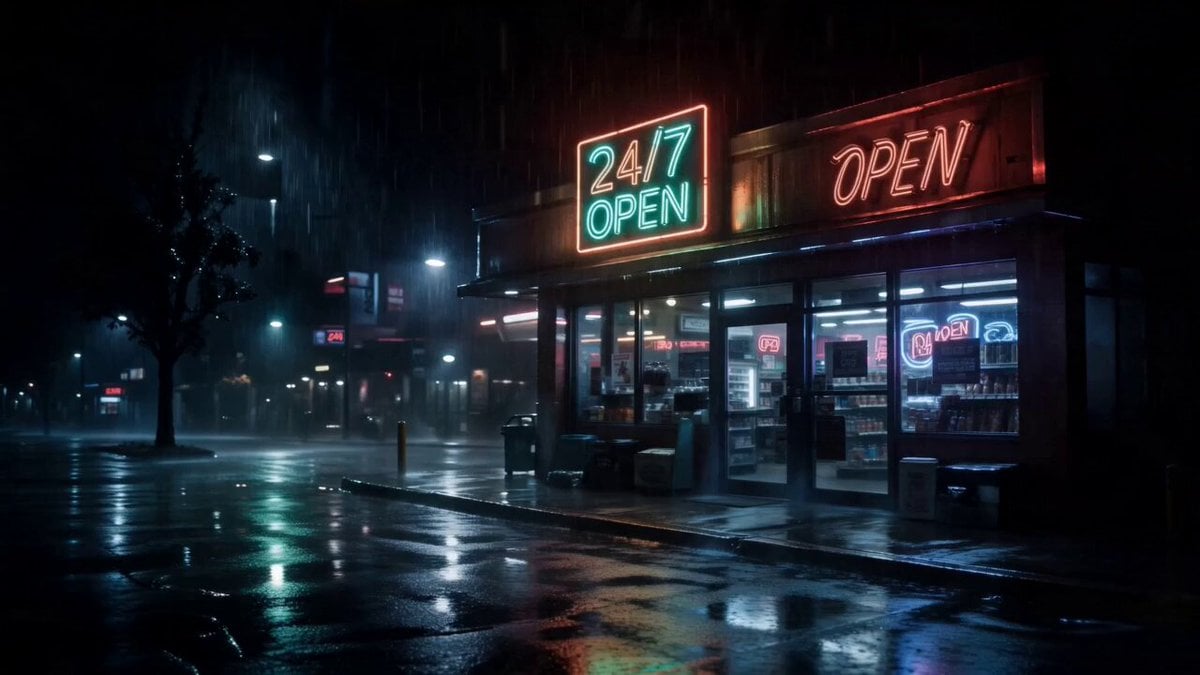
Cinematic Raccoon Convenience Store Shift Prompt

Convenience Store K-Pop Dance Performance
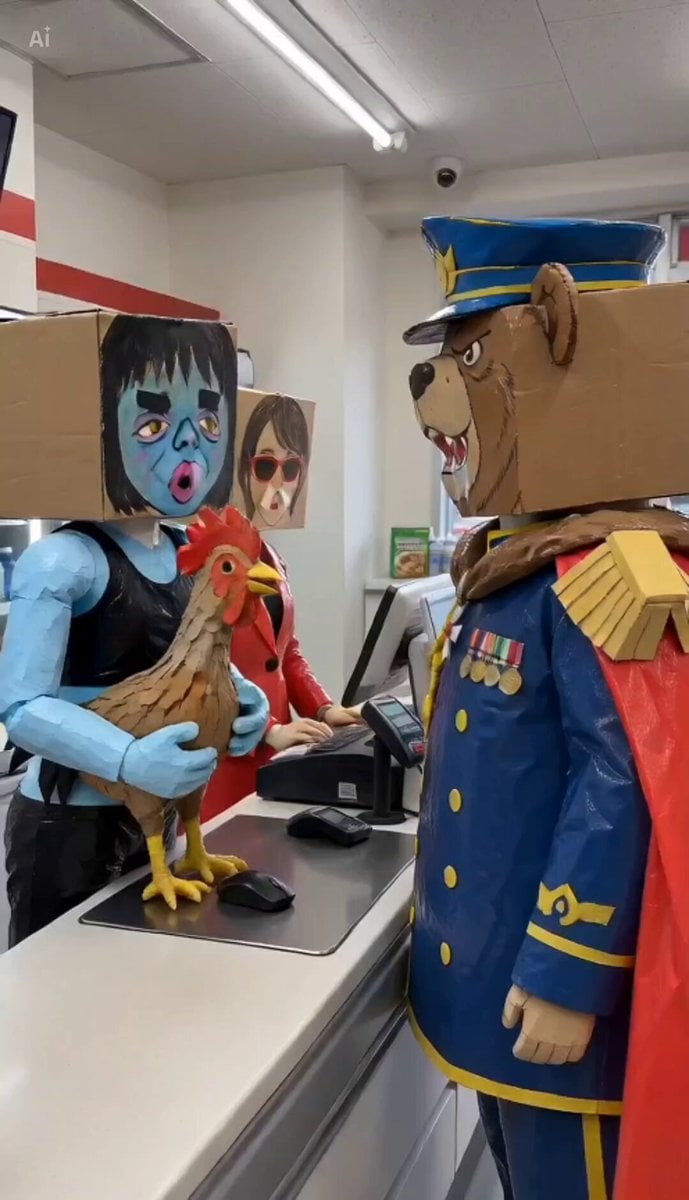
Convenience Store Quarrel Scene
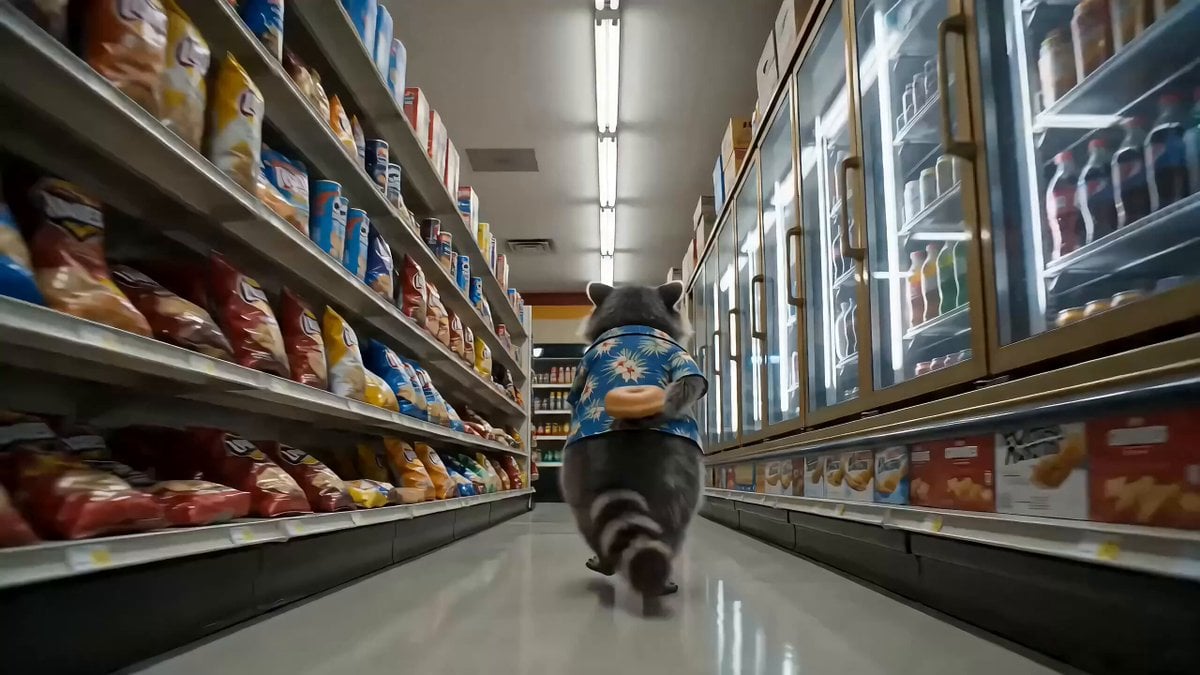
Convenience Store Raccoon and Pug Comedy
Video prompt for a convenience store devolving into another dimension
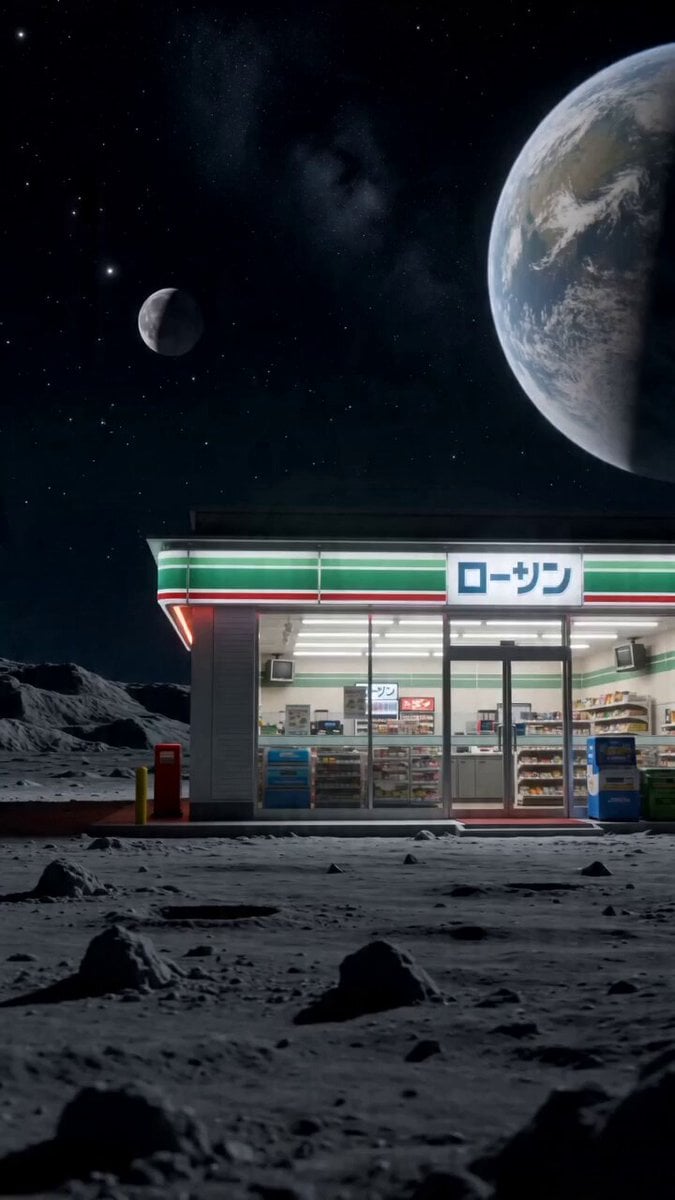
Surreal live-action video of convenience store worker on the moon
Make it yours
Cinematic Suspense Convenience Store Video Prompt works as-is. These are the safest ways to change it without losing the look.
Change one field
Copy a single group, rewrite it, and generate again so you can see what that field is doing.
Keep the frame, change the subject
Hold the composition and light of Cinematic Suspense Convenience Store Video Prompt, then swap wardrobe, props or the person for a new take.
| If the result… | Why | Fix |
|---|---|---|
| The result drifts from the preview | Too many fields changed at once. | Reuse Cinematic Suspense Convenience Store Video Prompt as-is first, then change one group — subject, light, or setting. |
| The model over-stylizes the scene | The prose prompt leaves finish and camera underspecified. | Add one camera or lighting sentence and stay on Seedance 2.0. |
More Seedance 2.0 templates
Other prompts made for Seedance 2.0.

Comical Martial Arts Punch Scene

Maglev Train Action Sequence

Martial Arts Fight Sequence

Wuxia Protection and Trust Script

Vintage Korean Arcade MiniDV Vlog

Mercedes 190 SL Luxury Ad

Rainy Night Supernatural Reverse Comedy Video Script

Amazon Civilization Discovery

Futuristic South Asian City Transformation

Cozy Luxury Cafe Commercial
More video prompts
Fresh picks from across the catalog.
Raw iPhone Bystander Footage Template

Cinematic Train Sequence Prompt for Seedance 2.0
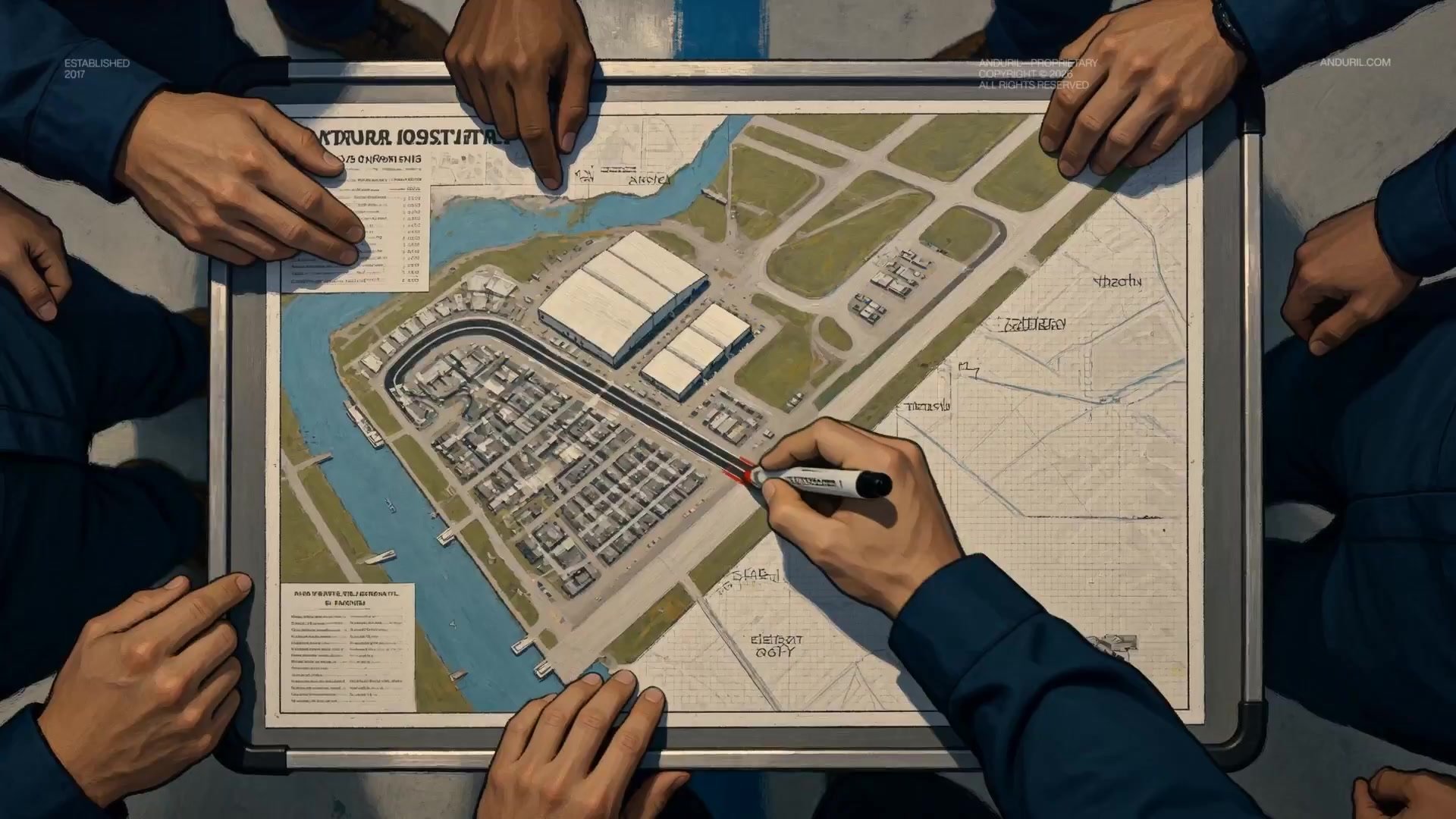
Fighter Jet Aerial Combat Montage — Seedance 2.5

3D Gothic Seraphim Video

College Dorm Move-in Day Vlog
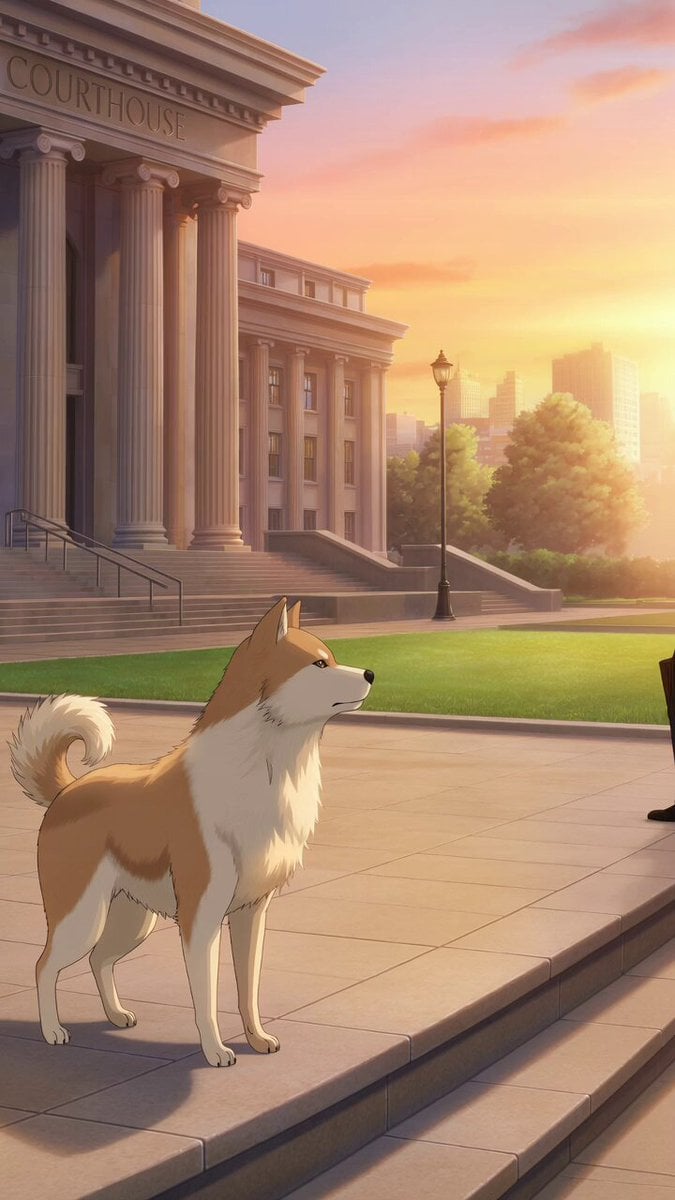
Epic Anime Hachiko Video Prompt
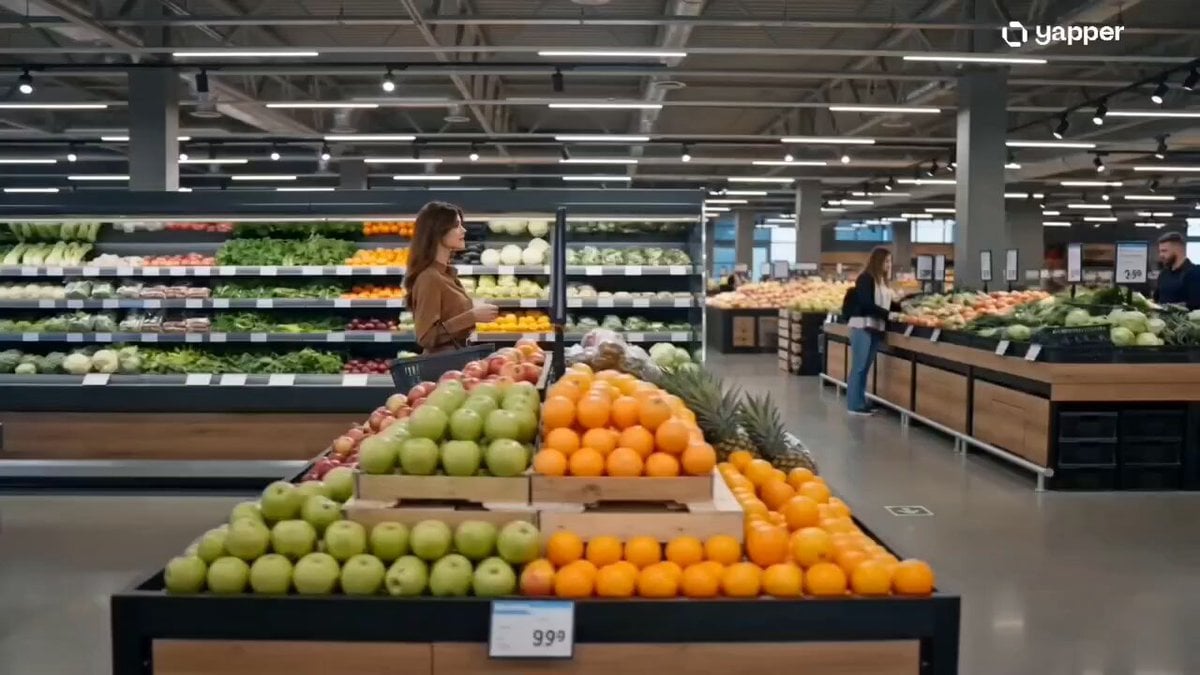
Luxury Modern Grocery Market Ad
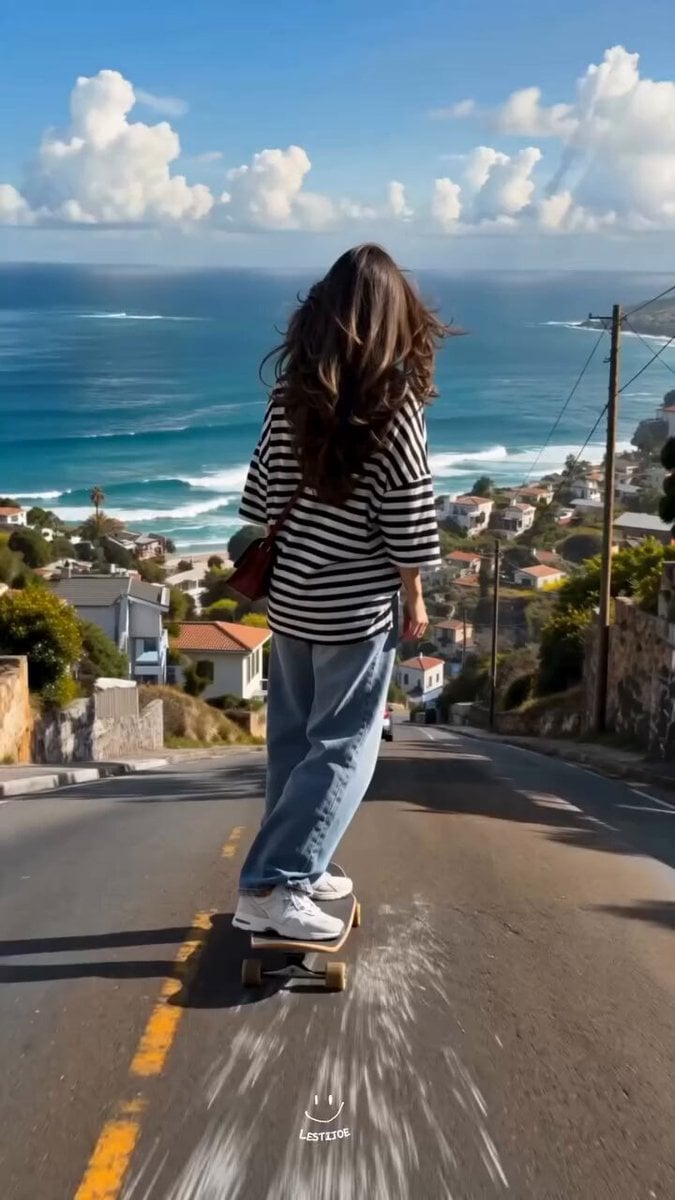
Coastal Downhill Skateboarding Chase
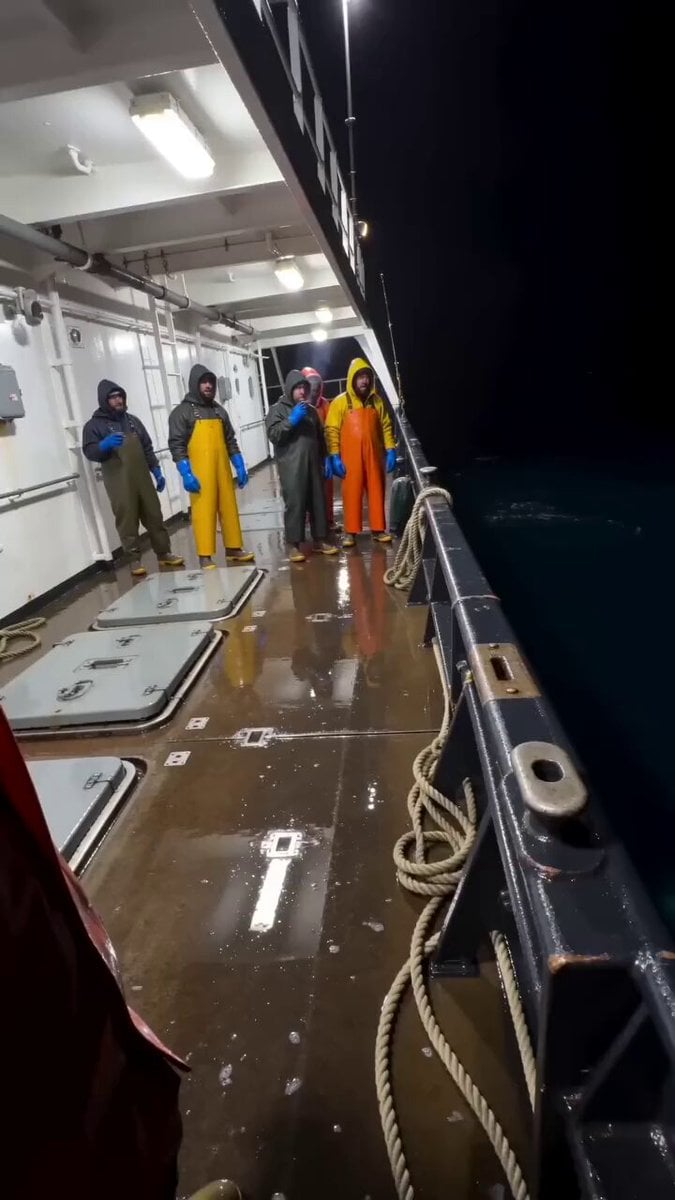
Shark Chasing Tuna on Fishing Boat

Train Zooming in Star Field Video Prompt
Browse template categories
Cinematic Suspense Convenience Store Video Prompt questions
How do I use the Cinematic Suspense Convenience Store Video Prompt template?
Add your photo if the template asks for one, edit the prompt if you like — the template's model and format are already selected — and press Generate. Your version opens in PicX Studio.
Can I customize the Cinematic Suspense Convenience Store Video Prompt template?
Yes. You can change the subject, setting, lighting, mood, format, and available model controls before creating your video.
Is the Cinematic Suspense Convenience Store Video Prompt template free?
Opening and editing this template is free. Generating uses credits, shown on the Generate button when you are signed in.
Which AI model should I use?
Start with Seedance 2.0, which is the model associated with this template. You can compare another compatible model for a different finish.
Looking for something else? Browse all templates.

Your photo, any look
Thousands of ready templates for every top image and video model, from one credit balance.