
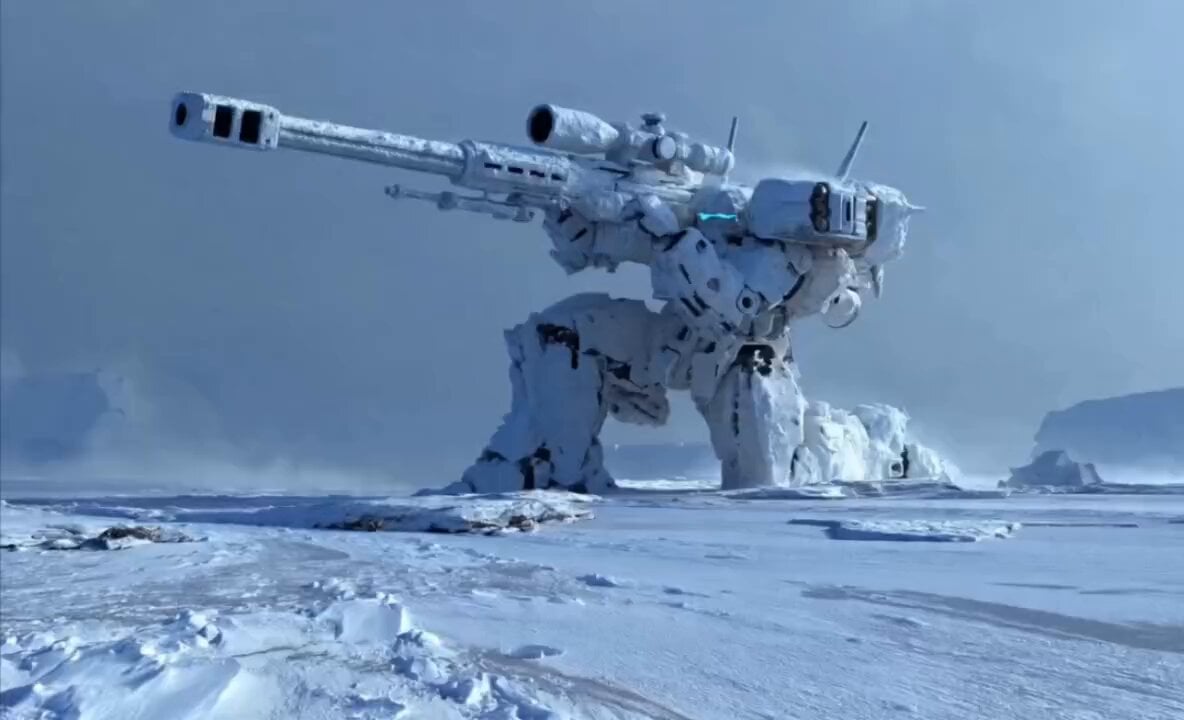
Cinematic Mecha Sniper in Arctic Tundra
A comprehensive cinematic prompt for an armored mecha sniper with energy weapons in a frozen environment, including shot sequences and VFX details.
- Prompt included
- Model and format preset
- Free template
The prompt behind this video
Copy the exact prompt behind Cinematic Mecha Sniper in Arctic Tundra, or open it in the studio and make it yours.
A cinematic, wide-angle shot of a massive, heavily armored mecha sniper emerging from a thick layer of ice and snow in a desolate arctic tundra. The mecha is pristine white and industrial, featuring a colossal railgun-style sniper rifle with glowing blue energy components. It shifts into a stable firing stance, shedding chunks of ice as it moves. The Shot Sequence: The Activation: Close-up on the barrel as blue electrical arcs and a swirling energy vortex charge up at the muzzle. A high-tech digital HUD overlay flickers across the screen with targeting data. The Firing: The railgun fires a powerful kinetic blast, creating a massive sonic boom and shockwave that clears the snow. The Impact: The camera follows a high-speed projectile or a jet-propelled craft streaking across the frozen plains at ground level, leaving a dual trail of displaced snow behind it, culminating in a massive explosion against a distant ice wall. Environment & Atmosphere: Setting: A vast, wind-swept arctic landscape with towering icebergs and a heavy, overcast grey sky. Lighting: Cold, diffused natural light with high-contrast glowing blue accents from the mecha’s sensors and weaponry. VFX: Realistic particle effects for falling snow, shattering ice, and swirling mist. Heavy motion blur on the high-speed chase sequence. Style: * Ultra-realistic 3D animation, 8k resolution, cinematic sci-fi aesthetic, reminiscent of Armored Core or Metal Gear Solid.
How to use Cinematic Mecha Sniper in Arctic Tundra in 3 steps
- 1
Open
The prompt is already in the box next to the preview, with the template's model and format selected.
- 2…a portrait of your subject in softgolden-hour light, 85mm…
Personalize
Edit the subject and creative details for your destination.
- 3Generate
Generate
Press Generate — your video is created in PicX Studio, so you can compare it with the original and refine one variable at a time.
More like this
Templates with the same subject, style or setup. Open one to see its prompt.
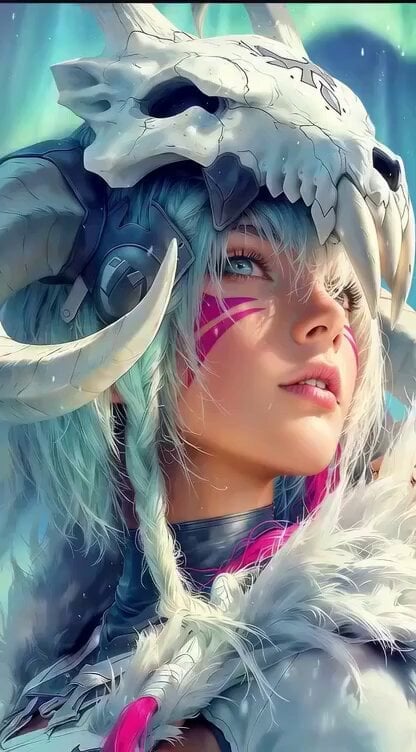
Cinematic Portrait of Female Fantasy Warrior in Arctic Tundra Video Prompt
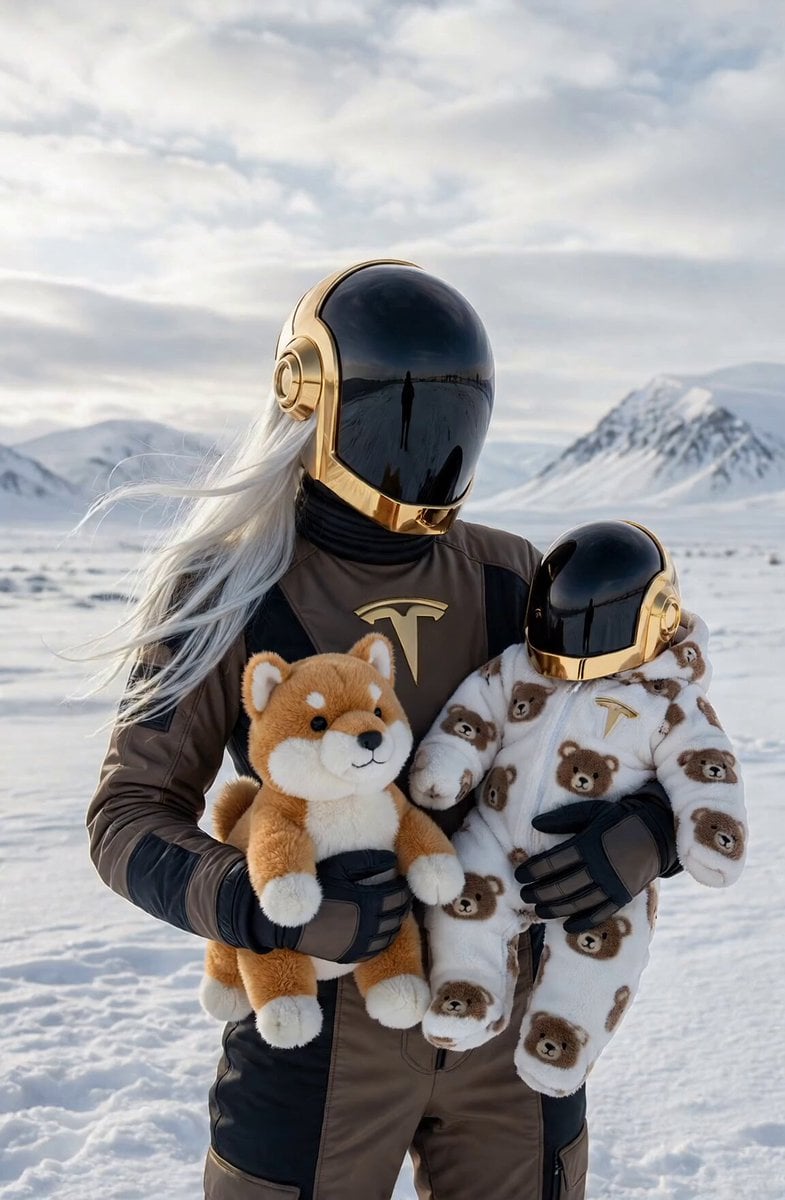
Daft Punk Tesla Spacesuit Arctic Adventure

Mecha Runway Tap Dance Video Prompt
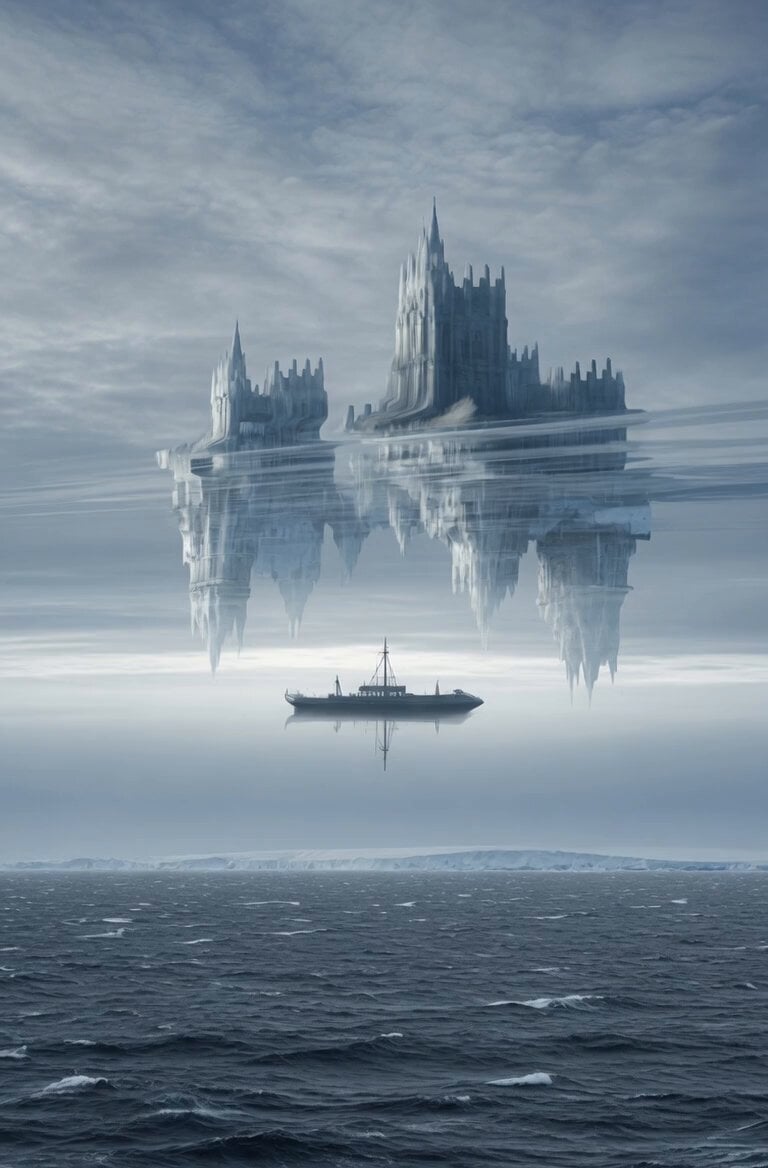
Superior Mirage Arctic Sea Video
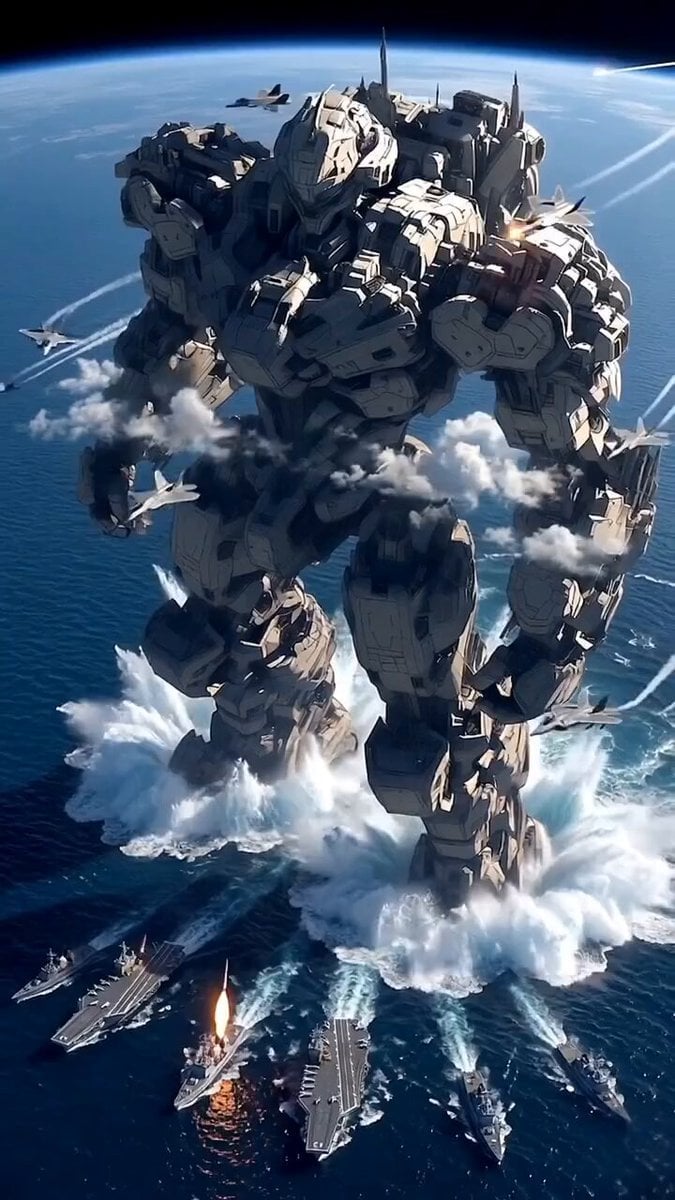
Giant Mecha Naval Battle
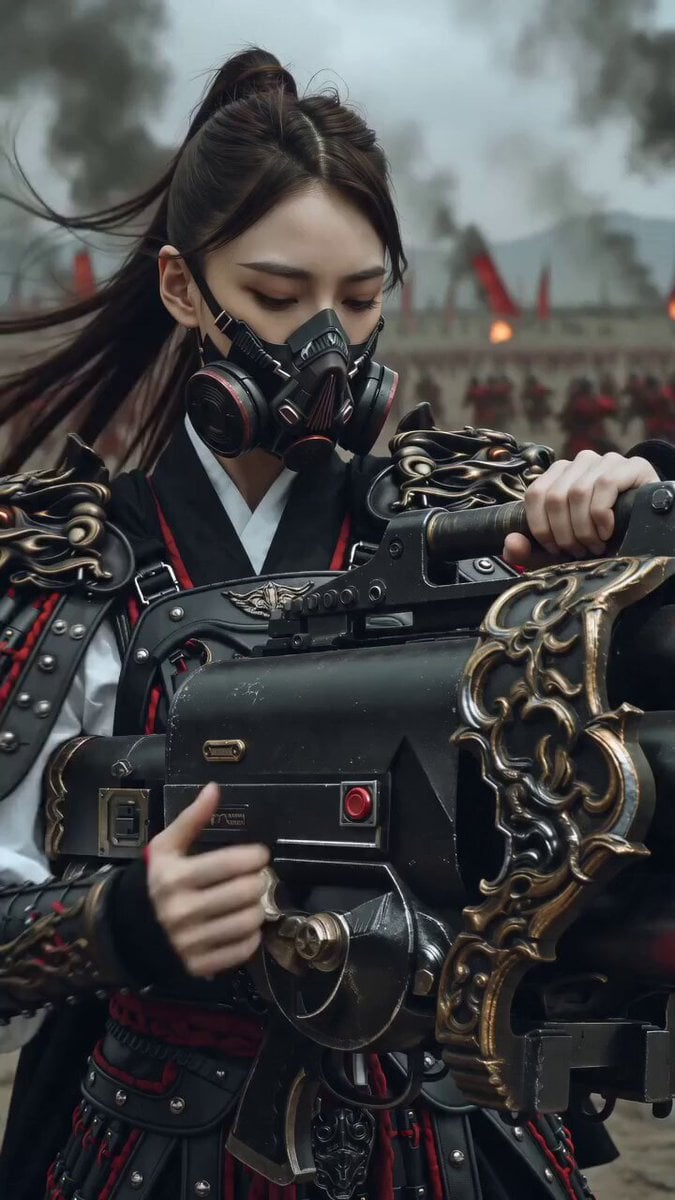
East Asian Female Warrior Mecha Transformation
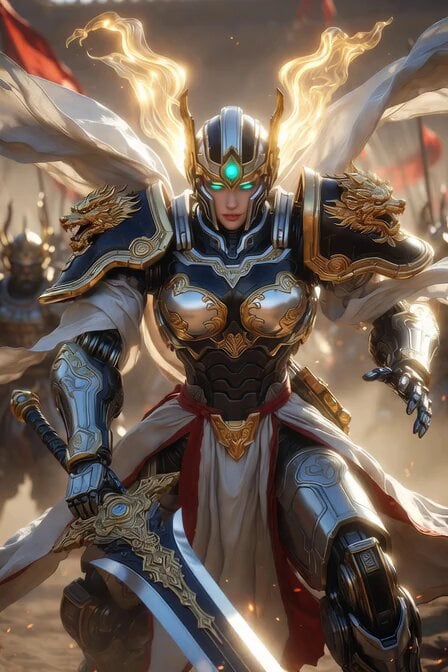
Imperial Dragon Mecha Warrior
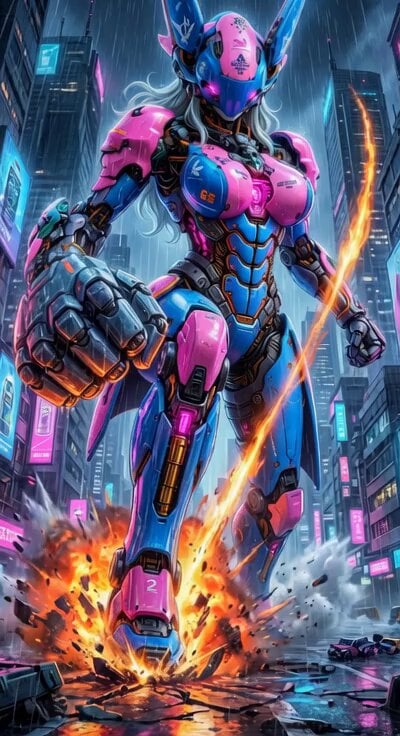
Cyberpunk Mecha Action Scene
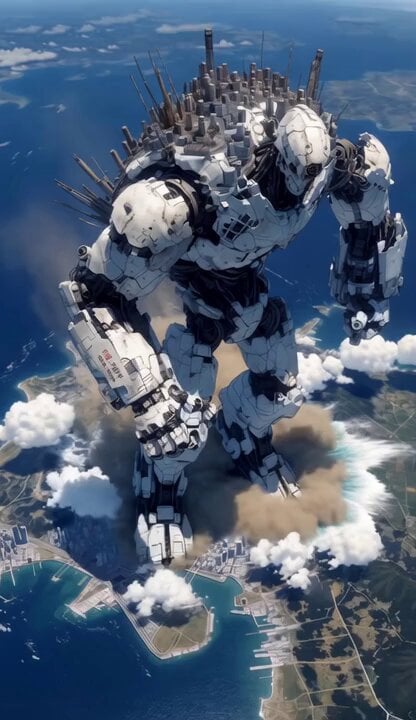
Mecha City Transformers Cinematic Video
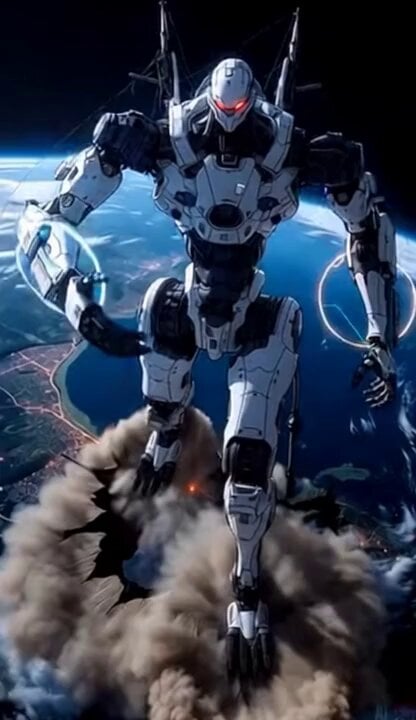
Giant Mecha Orbital Landing
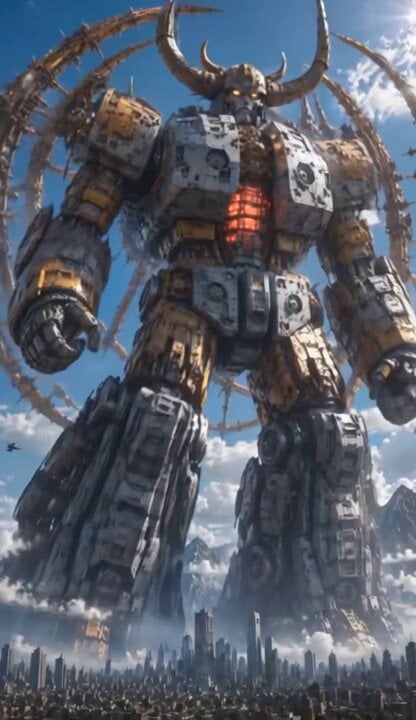
Colossal Biomechanical Cyberpunk Mecha Video

Kaleidoscopic Cosmic Dolphin Video
Make it yours
Cinematic Mecha Sniper in Arctic Tundra works as-is. These are the safest ways to change it without losing the look.
Change one field
Copy a single group, rewrite it, and generate again so you can see what that field is doing.
Keep the frame, change the subject
Hold the composition and light of Cinematic Mecha Sniper in Arctic Tundra, then swap wardrobe, props or the person for a new take.
| If the result… | Why | Fix |
|---|---|---|
| The result drifts from the preview | Too many fields changed at once. | Reuse Cinematic Mecha Sniper in Arctic Tundra as-is first, then change one group — subject, light, or setting. |
| The model over-stylizes the scene | The prose prompt leaves finish and camera underspecified. | Add one camera or lighting sentence and stay on Grok Imagine. |
More Grok Imagine templates
Other prompts made for Grok Imagine.

Emotional Angry Couple Drama

Train Zooming in Star Field Video Prompt

Cyberpunk Guerrilla Girl Video Generation

Detailed multi-part video prompt

Interior View Video Generation Prompt
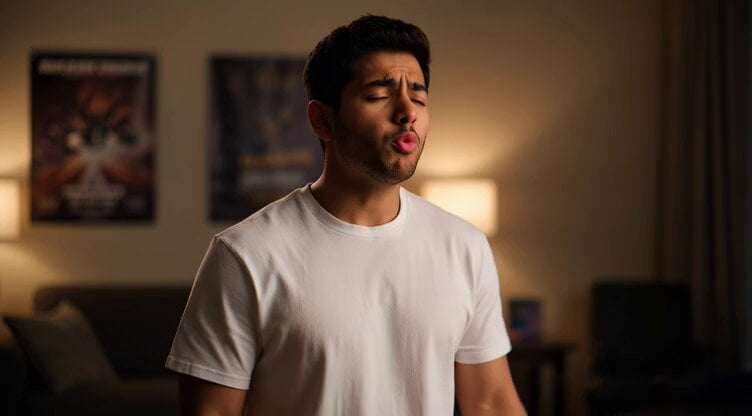
GTA 6 never came out in 1 million years

Bitcoin liferaft video prompt

Woman floating down, opening eyes and looking deeply into the viewer's eyes

Utopian World of Harmony and Peace
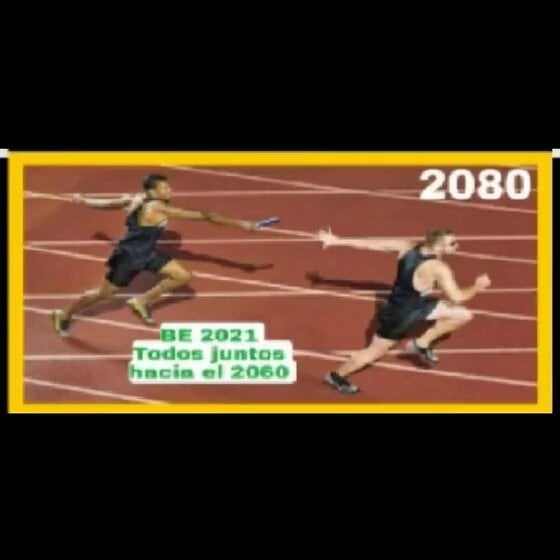
Runner with BE 2060 i inscription passing through sequential doors video prompt
More video prompts
Fresh picks from across the catalog.
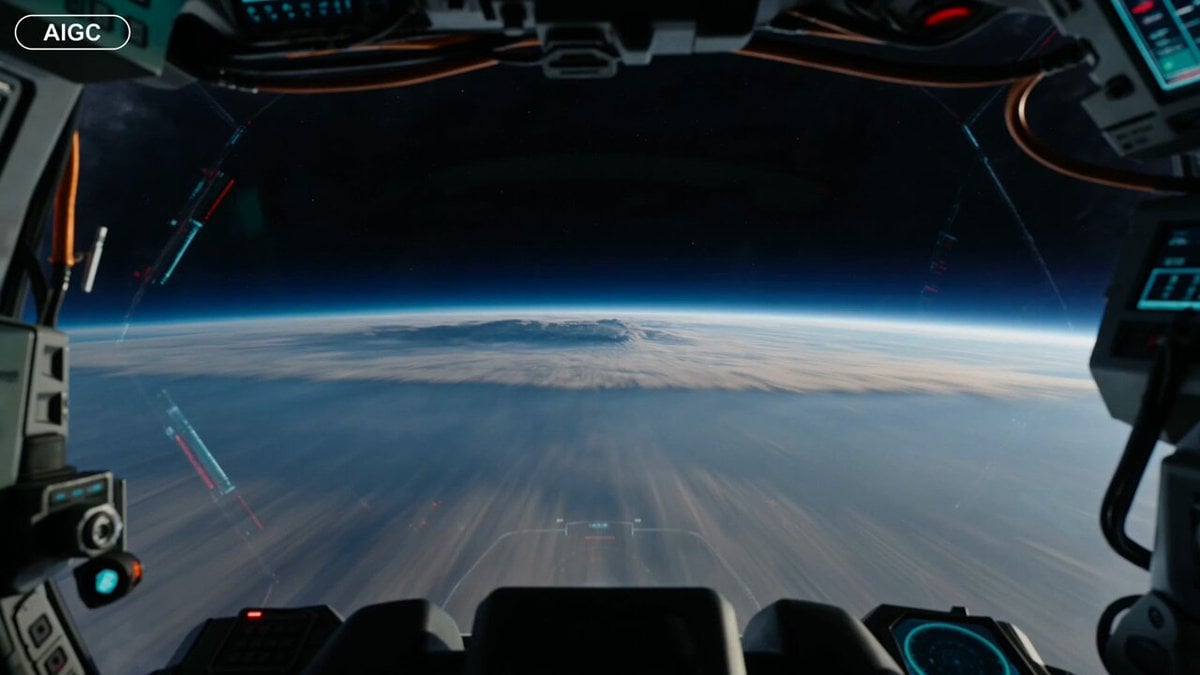
First-Person Spaceship Cockpit Flight
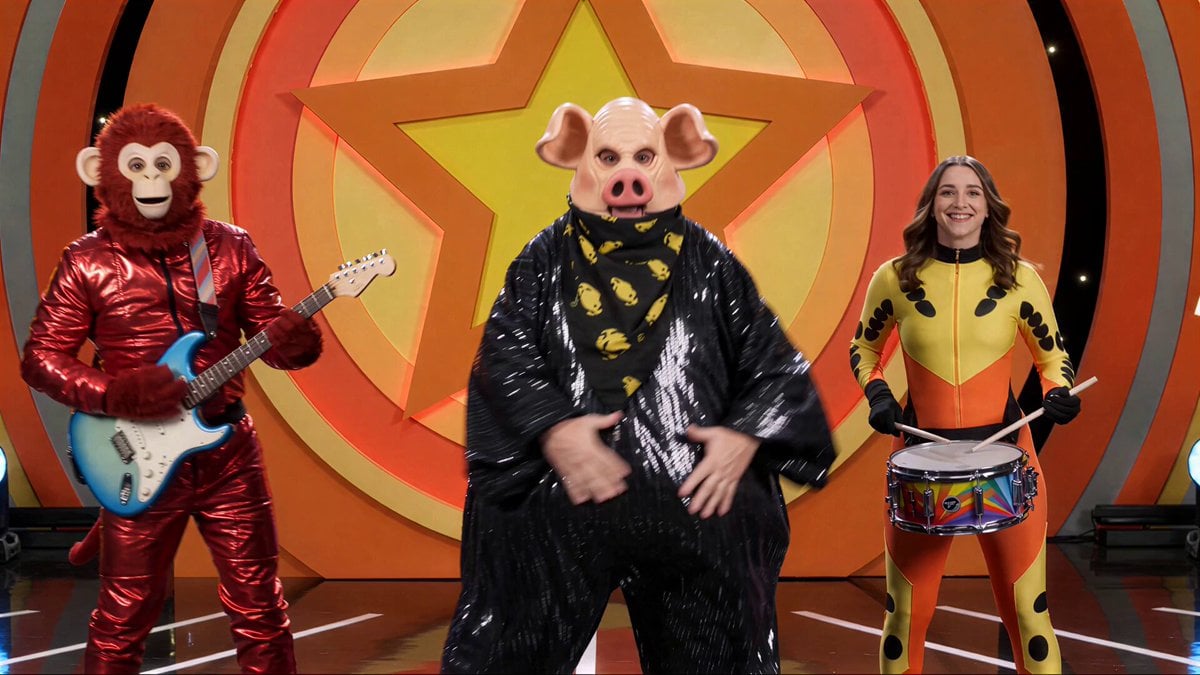
Kids TV Studio Pig Man Host Prompt
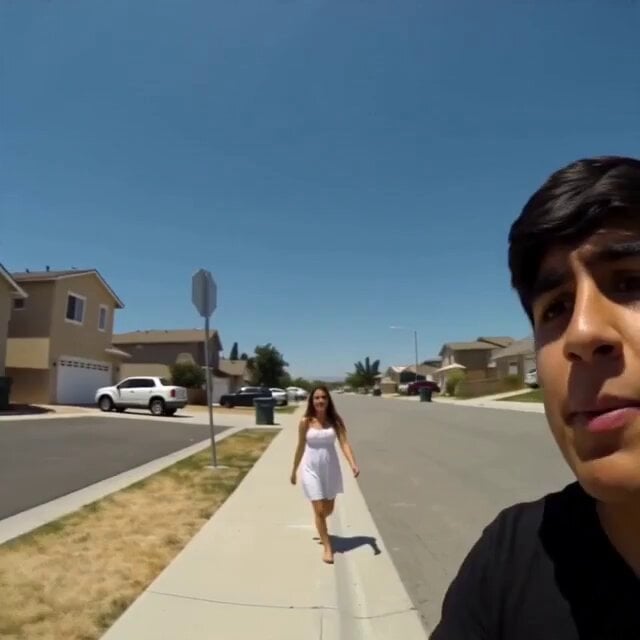
Handheld UFO Attack Vlog
Cinematic Bungee Jump Sea Monster Attack

French Comic Octopus Detective Mystery
Flying dragons over ocean
Second Action Sequence Video Prompt (Seedance 2.0)
Joseon Dynasty Historical Documentary
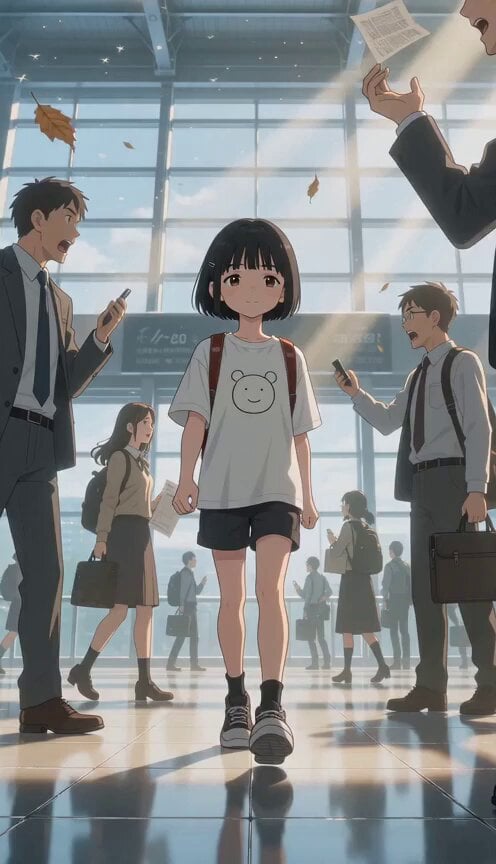
Slow Motion Station Anime Girl
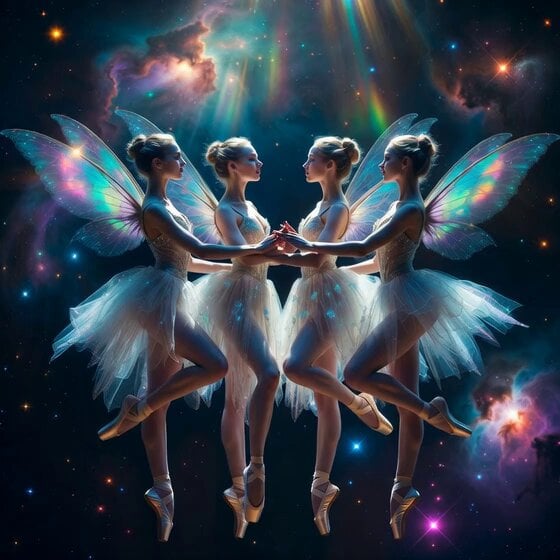
Fairy Ballerinas in Space Video Prompt
Browse template categories
Cinematic Mecha Sniper in Arctic Tundra questions
How do I use the Cinematic Mecha Sniper in Arctic Tundra template?
Add your photo if the template asks for one, edit the prompt if you like — the template's model and format are already selected — and press Generate. Your version opens in PicX Studio.
Can I customize the Cinematic Mecha Sniper in Arctic Tundra template?
Yes. You can change the subject, setting, lighting, mood, format, and available model controls before creating your video.
Is the Cinematic Mecha Sniper in Arctic Tundra template free?
Opening and editing this template is free. Generating uses credits, shown on the Generate button when you are signed in.
Which AI model should I use?
Start with Grok Imagine, which is the model associated with this template. You can compare another compatible model for a different finish.
Looking for something else? Browse all templates.

Your photo, any look
Thousands of ready templates for every top image and video model, from one credit balance.