
Studio Ghibli Style Magical Adventure
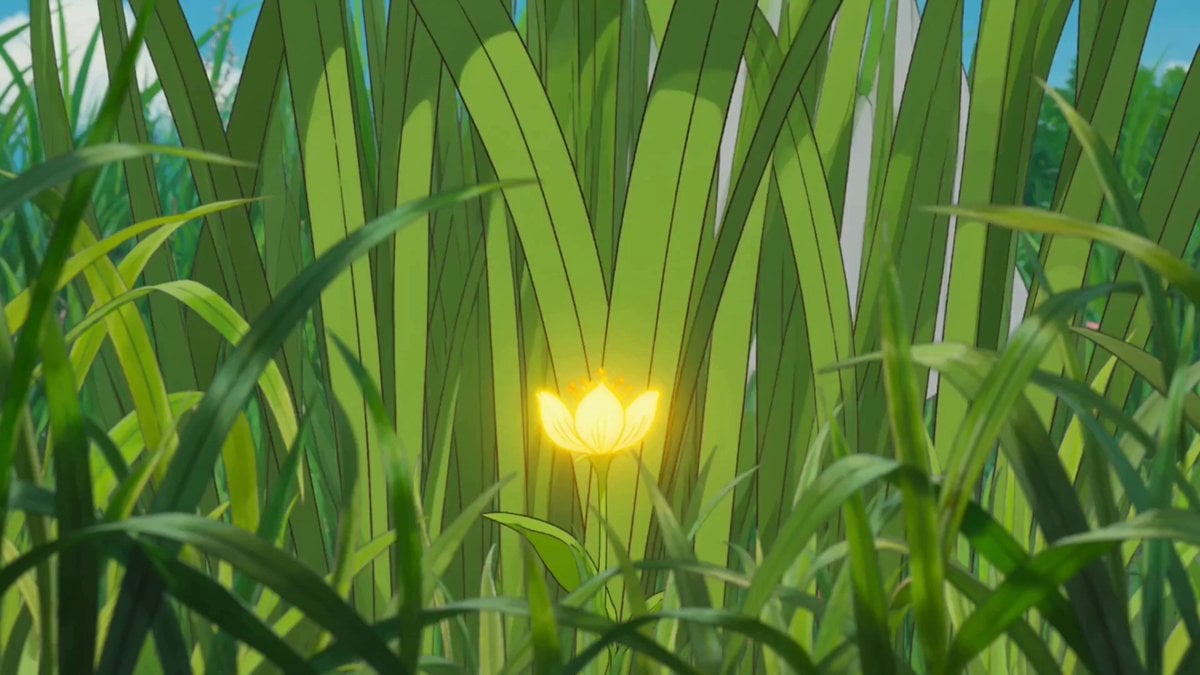
A cinematic Ghibli-inspired video prompt for Seedance 2.0 detailing a magical journey where a young girl discovers a glowing flower and encounters a giant sky creature.
- Prompt included
- Model and format preset
- Premium template
The prompt behind this video
Copy the exact prompt behind Studio Ghibli Style Magical Adventure, or open it in the studio and make it yours.
0:00-0:03 | The Discovery Scene: A young girl with a messy bob and a sundress finds a fallen "Star-Sprout"—a glowing, pulsing flower—tangled in high grass. Camera: A sweeping low-altitude "grass-cam" fly-through, parting the blades of grass to reveal the glowing flower in a soft glow. 0:03-0:06 | The Touch Scene: As she reaches out, the flower shivers and floats upward, trailing golden stardust that defies gravity. Camera: A slow-motion extreme close-up on her wide, shimmering eyes reflecting the golden light. 0:06-0:09 | The Chase Begins Scene: The girl leaps over a mossy log, her dress billowing. The Star-Sprout darts toward a massive, ancient camphor tree. Camera: A dynamic side-profile tracking shot, capturing the fluid, "weightless" Ghibli-style running animation. 0:09-0:12 | The Ascent Scene: She begins climbing the gnarled roots. The wind picks up, sending a swirl of pink flower petals around her. Camera: A corkscrew crane shot that circles upward with her, spiraling toward the canopy. 0:12-0:15 | The Great Leap Scene: The sprout flies into the open sky. Without hesitation, she leaps from the highest branch into the bright blue void. Camera: A vertigo-inducing "top-down" plunge, looking past her feet at the distant, rolling green hills below. 0:15-0:18 | The Flight Scene: The wind catches her hair and dress, turning her fall into a graceful glide. She reaches out with both hands. Camera: A 360-degree orbital rotation around the girl as she "floats" against a backdrop of fluffy, towering cumulonimbus clouds. 0:18-0:21 | The Catch Scene: Her fingers gently cup the glowing sprout. It instantly calms, bathing her face in a warm, ethereal light. Camera: A tight handheld-style close-up, focusing on the soft contact between her hands and the light. 0:21-0:24 | The Forest Spirit Scene: From the shadows of the clouds, a massive, soft-furred sky-creature (think Totoro-sized) drifts into view to collect the sprout. Camera: A massive "pull-back" (dolly out) revealing the scale of the girl compared to the giant, gentle creature. 0:24-0:27 | The Gentle Hand-off Scene: The girl places the sprout on the creature’s nose. It blinks slowly, and she giggles as it exhales a cloud of sparkles. Camera: A low-angle hero shot, looking up at the creature’s face with sunlight breaking through the clouds (The "God Ray" effect). 0:27-0:30 | The Farewell Scene: The creature floats away into the sunset. The girl is left standing on a hill, waving as the screen fades to a soft parchment texture. Camera: A static, wide "postcard" shot that slowly pans toward the horizon as the music swells.
How to use Studio Ghibli Style Magical Adventure in 3 steps
- 1
Open
The prompt is already in the box next to the preview, with the template's model and format selected.
- 2…a portrait of your subject in softgolden-hour light, 85mm…
Personalize
Edit the subject and creative details for your destination.
- 3Generate
Generate
Press Generate — your video is created in PicX Studio, so you can compare it with the original and refine one variable at a time.
More like this
Templates with the same subject, style or setup. Open one to see its prompt.
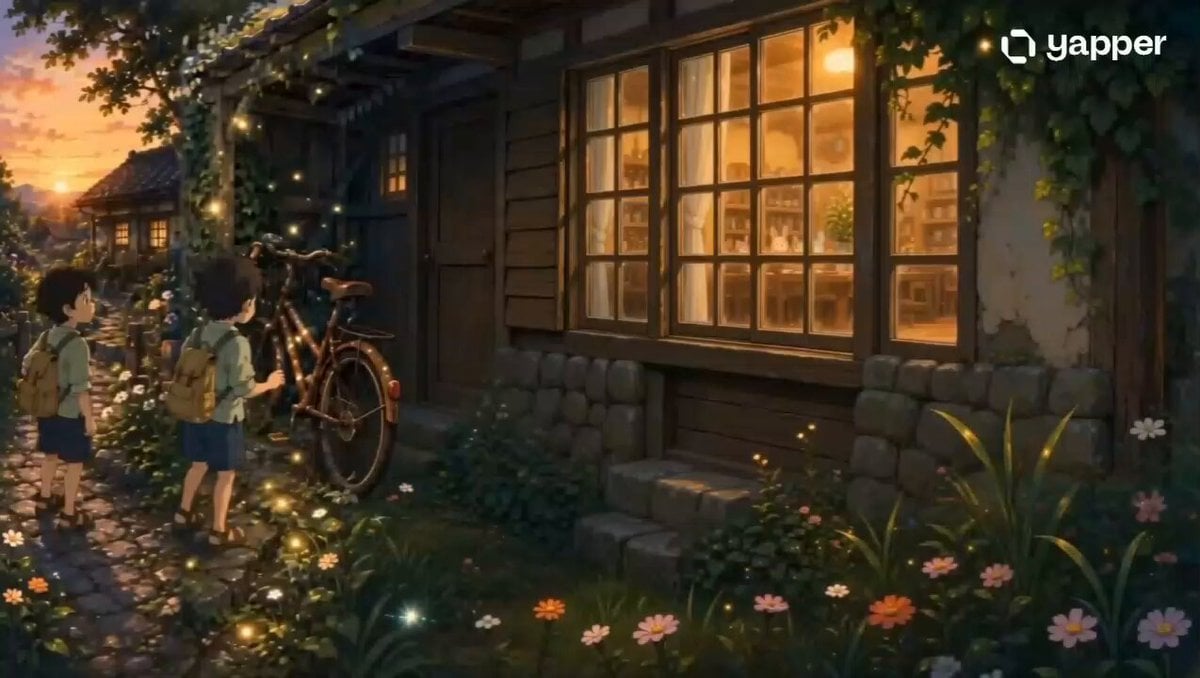
Studio Ghibli Style Magical Bicycle Journey

Magical Room Transformation - Seedance 2.5
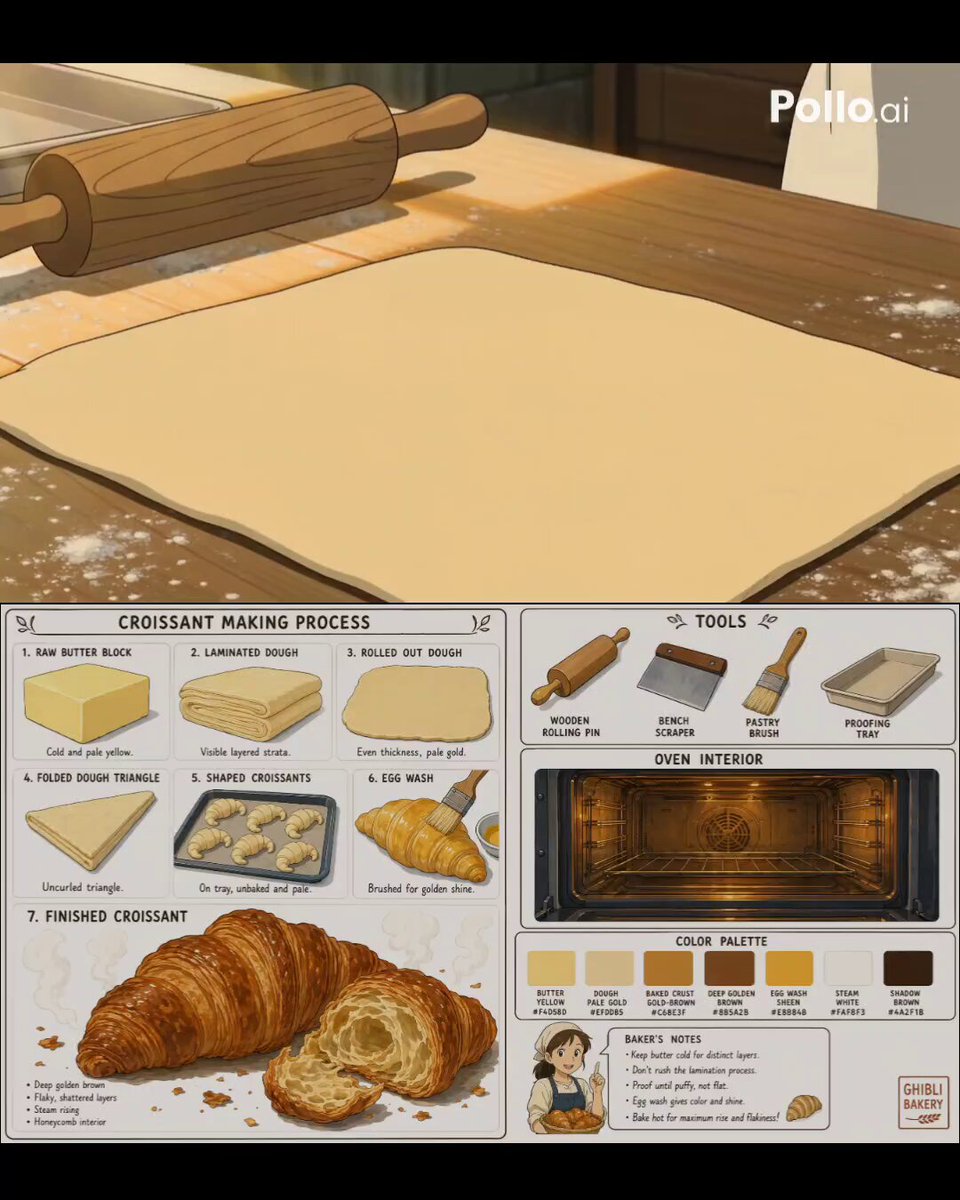
Studio Ghibli Style Croissant Bakery

Studio Ghibli Inspired Bamboo Soup Scene
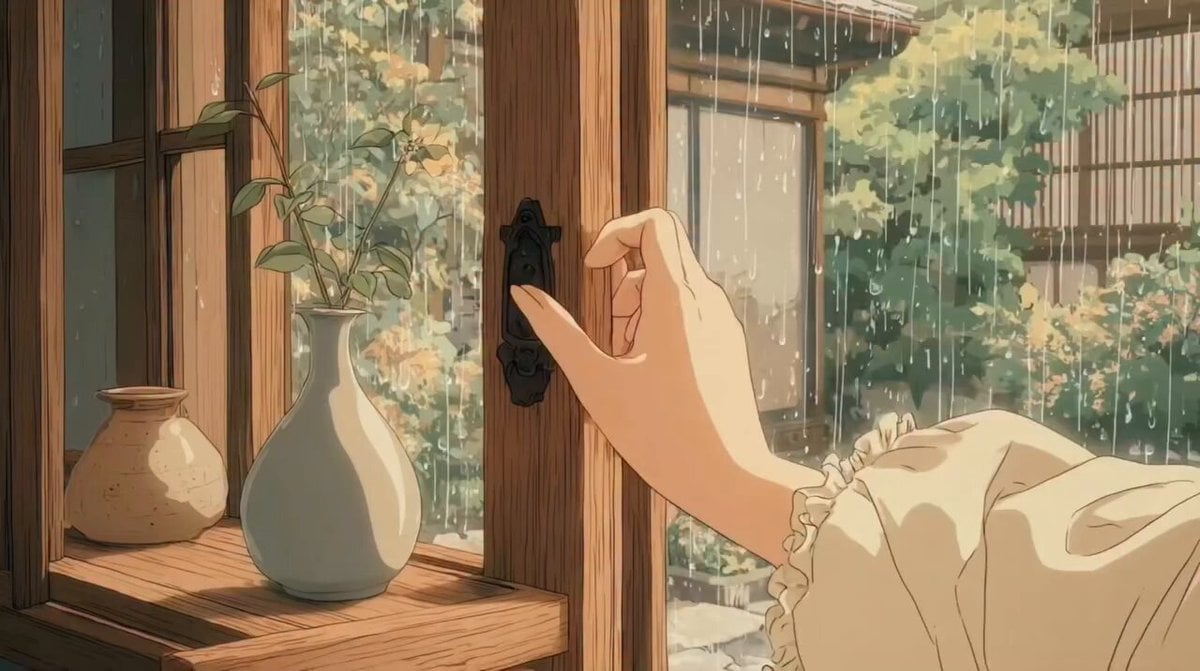
Studio Ghibli Inspired Rainy Garden
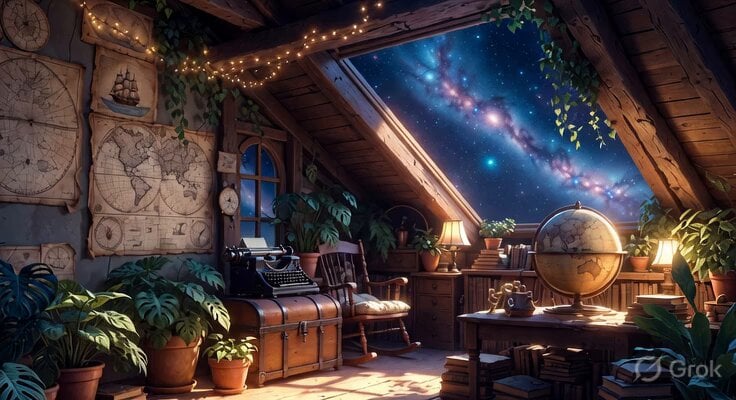
Studio Ghibli Inspired Cozy Attic
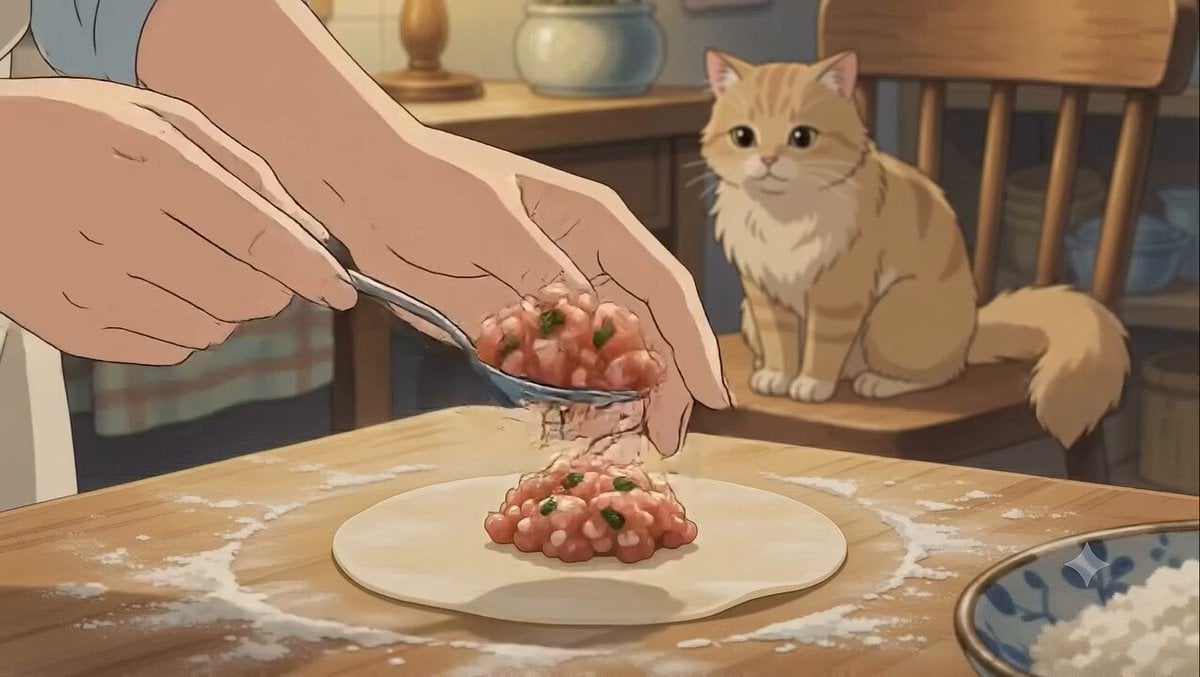
Studio Ghibli Style Dumpling Cooking
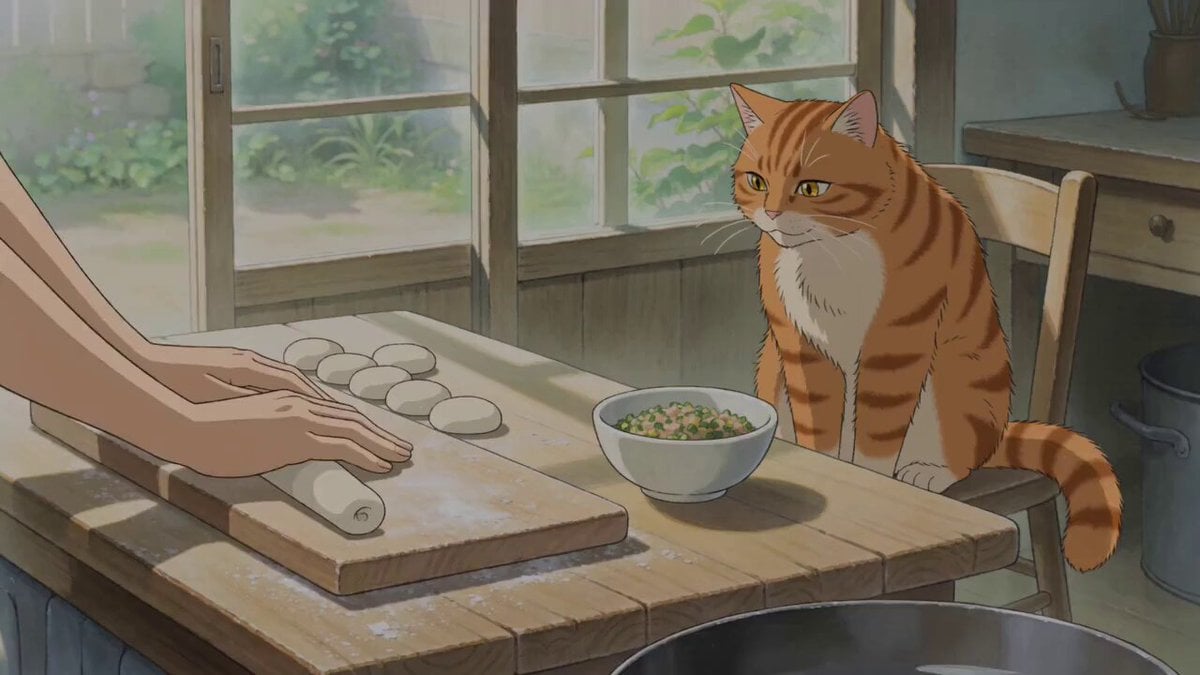
Studio Ghibli Style Cooking Animation
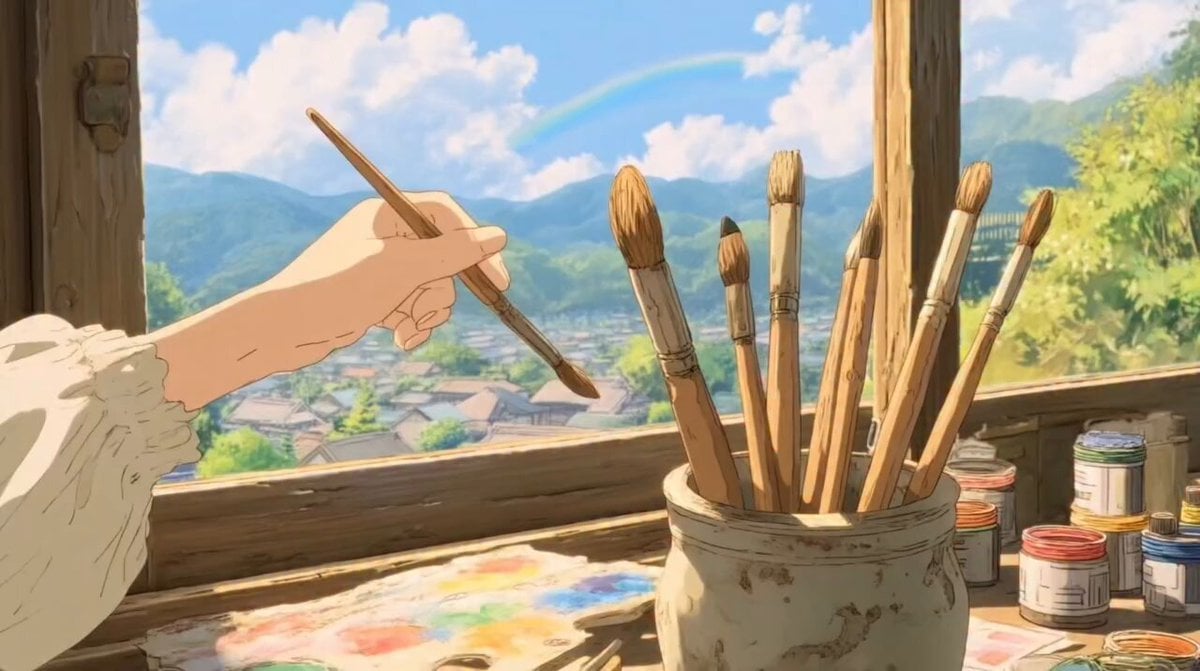
Ghibli-Style Studio Anime Sequence

Studio Ghibli Dumpling Kitchen Cooking Scene

Studio Ghibli Rainy Village Animation
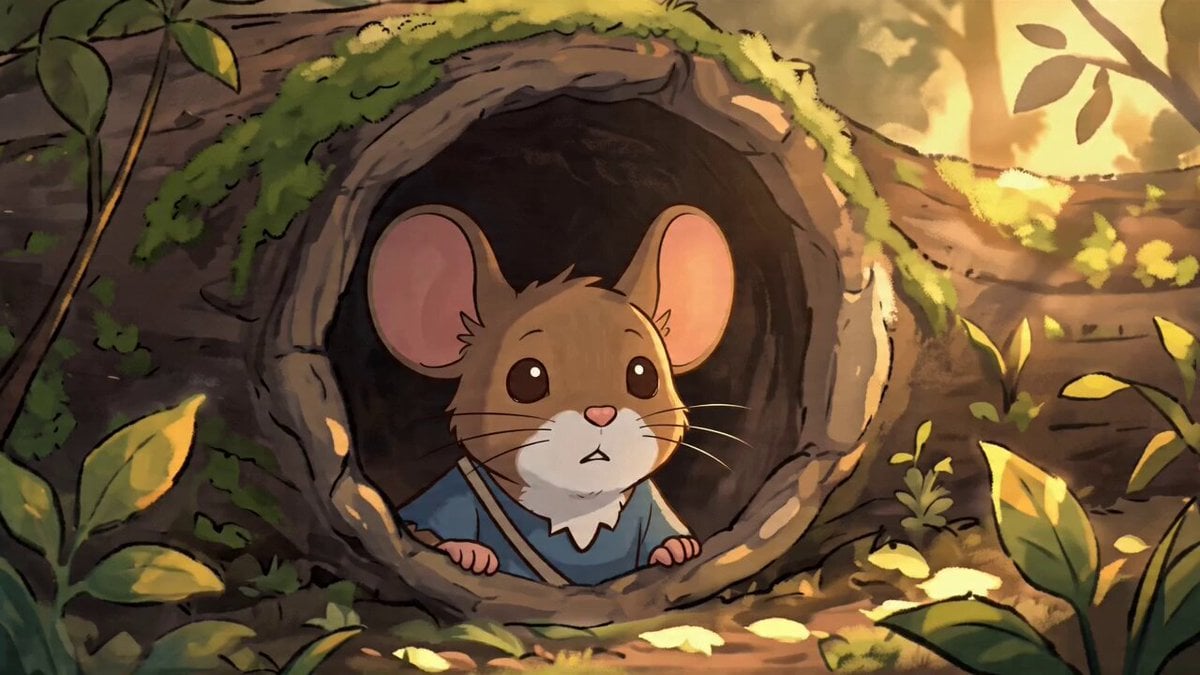
Studio Ghibli Style Animation Scene
Make it yours
Studio Ghibli Style Magical Adventure works as-is. These are the safest ways to change it without losing the look.
Change one field
Copy a single group, rewrite it, and generate again so you can see what that field is doing.
Keep the frame, change the subject
Hold the composition and light of Studio Ghibli Style Magical Adventure, then swap wardrobe, props or the person for a new take.
| If the result… | Why | Fix |
|---|---|---|
| The result drifts from the preview | Too many fields changed at once. | Reuse Studio Ghibli Style Magical Adventure as-is first, then change one group — subject, light, or setting. |
| The model over-stylizes the scene | The prose prompt leaves finish and camera underspecified. | Add one camera or lighting sentence and stay on Seedance 2.0. |
More Seedance 2.0 templates
Other prompts made for Seedance 2.0.

Comical Martial Arts Punch Scene

Maglev Train Action Sequence

Martial Arts Fight Sequence

Wuxia Protection and Trust Script

Vintage Korean Arcade MiniDV Vlog

Mercedes 190 SL Luxury Ad

Rainy Night Supernatural Reverse Comedy Video Script

Amazon Civilization Discovery

Futuristic South Asian City Transformation

Cozy Luxury Cafe Commercial
More video prompts
Fresh picks from across the catalog.
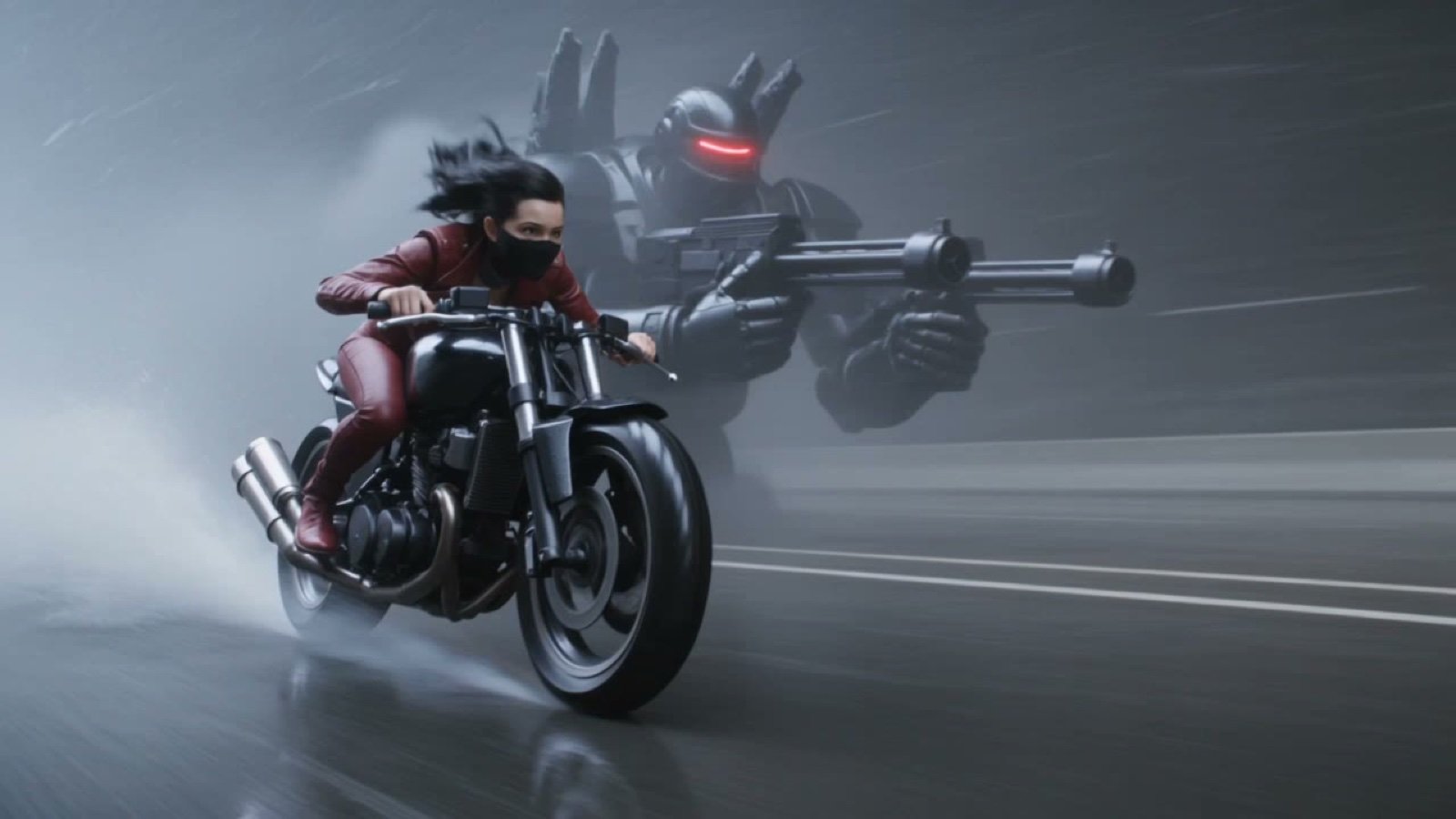
Photorealistic Cyberpunk Motorcycle-Robot Chase in Heavy Rain

Seedance 2.0 Realistic Ancient Town Parkour Transformation
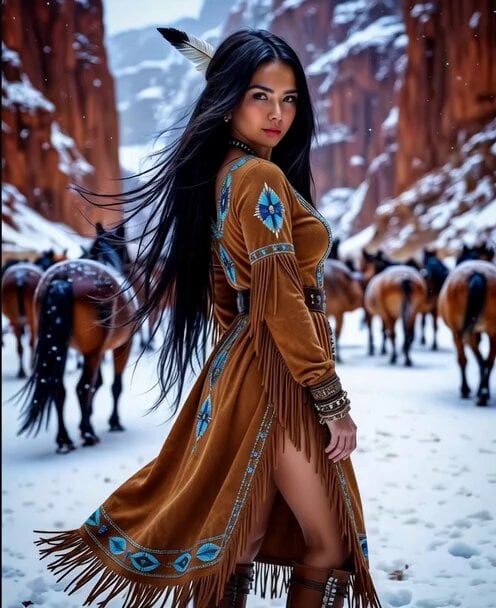
Snowy Canyon Horse Riding
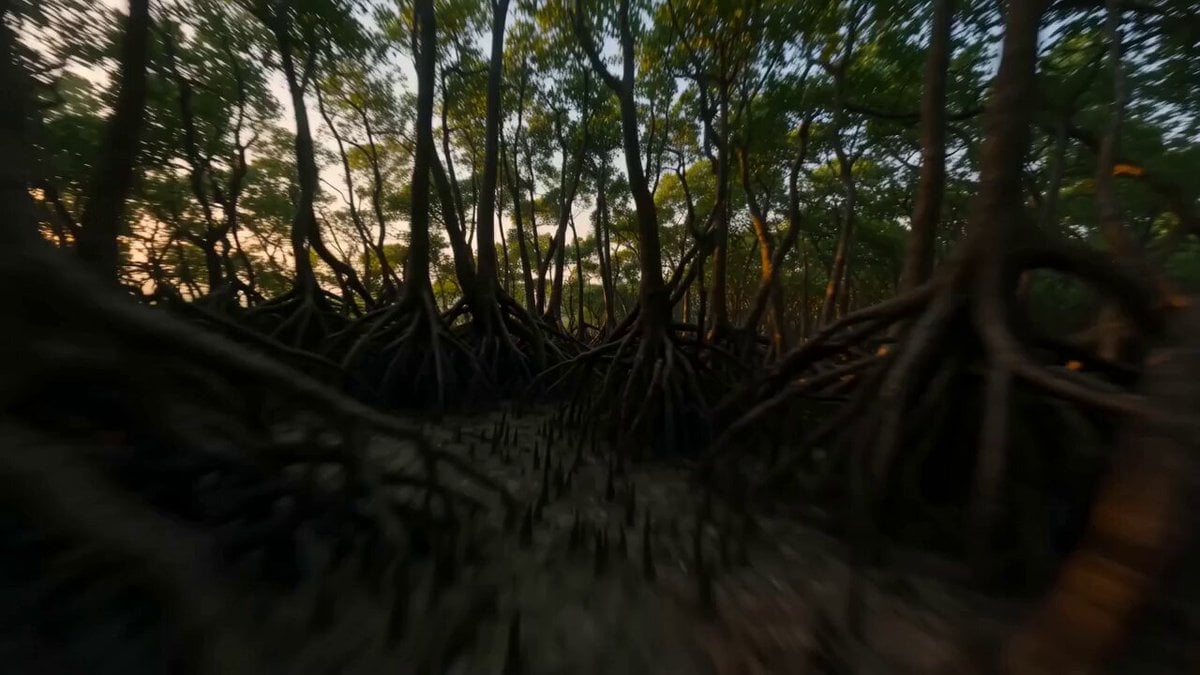
FPV Ancient Indian Kingdom Fly-through
3D Paper Quilling Doll Prompt
Structured Chibi Character Animation Prompt
East Asian Fighter Pilot Video
Seedance 2.5 - @Diplomeme - 446818
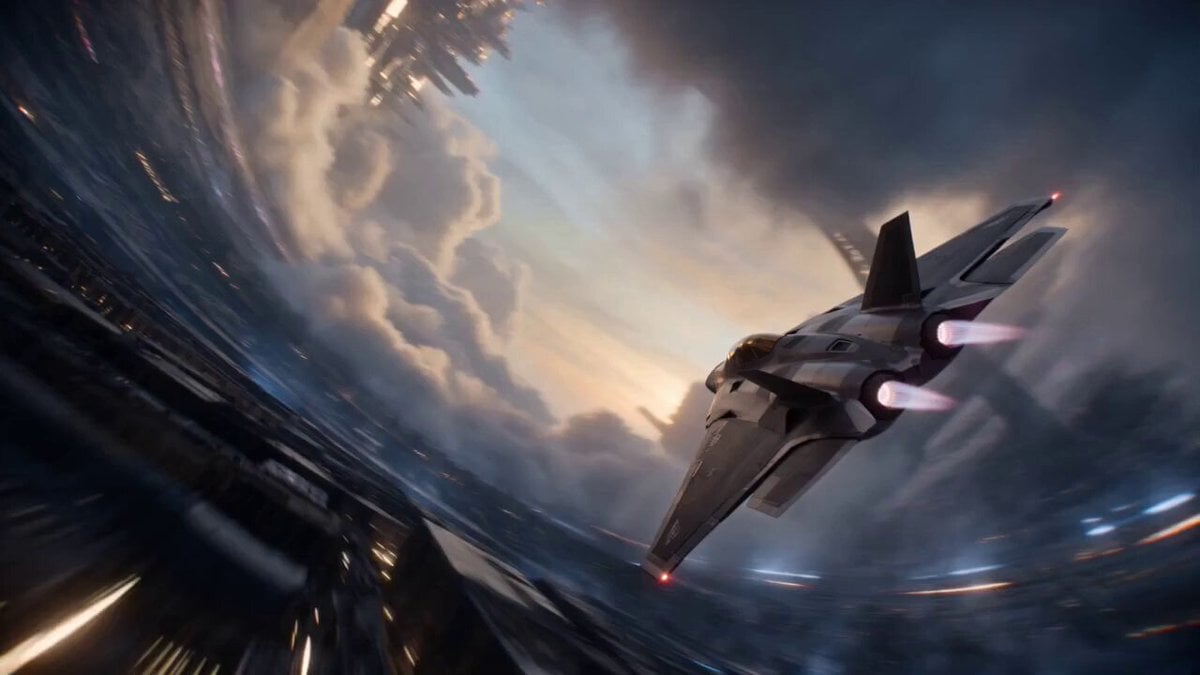
Cinematic Sci-Fi Ring World Action

Blonde Woman Driving Green 1960s Mustang Golden Hour
Browse template categories
Studio Ghibli Style Magical Adventure questions
How do I use the Studio Ghibli Style Magical Adventure template?
Add your photo if the template asks for one, edit the prompt if you like — the template's model and format are already selected — and press Generate. Your version opens in PicX Studio.
Can I customize the Studio Ghibli Style Magical Adventure template?
Yes. You can change the subject, setting, lighting, mood, format, and available model controls before creating your video.
Is the Studio Ghibli Style Magical Adventure template free?
Opening and editing this template is free. Generating uses credits, shown on the Generate button when you are signed in.
Which AI model should I use?
Start with Seedance 2.0, which is the model associated with this template. You can compare another compatible model for a different finish.
Looking for something else? Browse all templates.

Your photo, any look
Thousands of ready templates for every top image and video model, from one credit balance.