How do I use the Cinematic Electrical Storm Prompt template?
Edit the prompt in the box under the preview — the template's model and format are already selected — and press Generate. Your version appears right on this page.
A detailed multi-shot cinematic prompt for a violent electrical storm, featuring fast-paced camera work and survival perspectives.
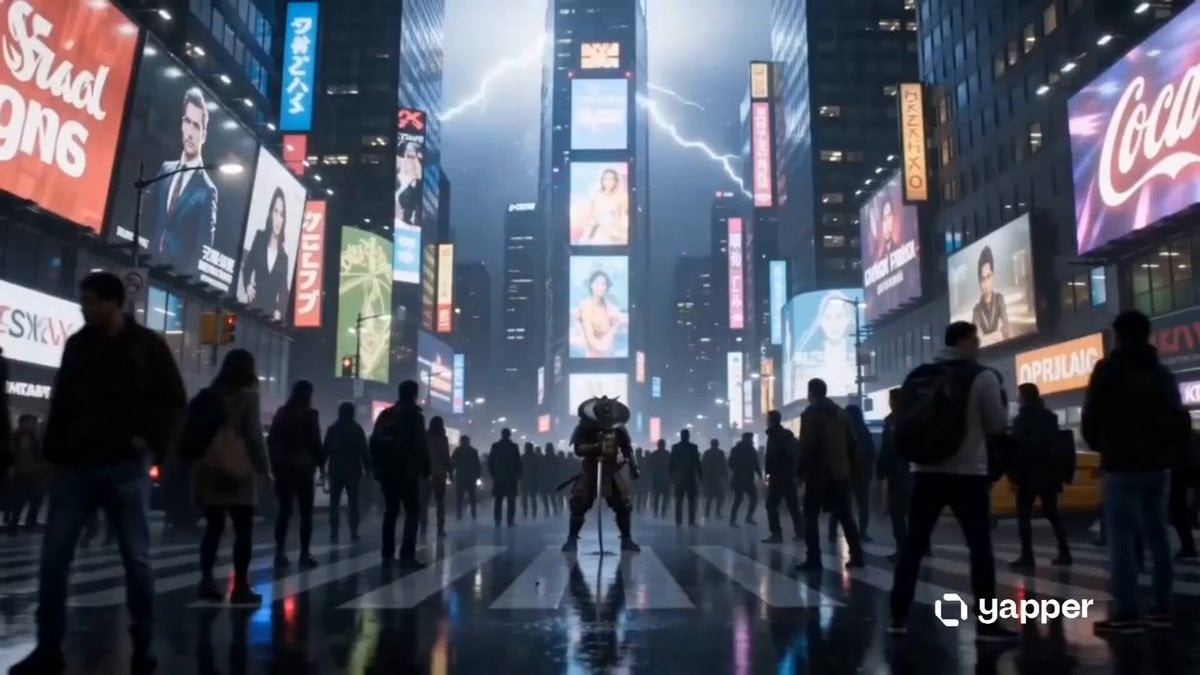
Ultra-realistic cinematic disaster, extreme electrical storm, continuous lightning impacts, ground-level survival perspective, explosive energy strikes, debris ignition, rapid pacing, handheld chase camera, high contrast lighting flashes, hard cuts only, no fade, no dissolve, no morph transition. Shot 1: Camera sprinting, sky already flashing violently, thunder nearly constant Cut to Shot 2: Lightning strikes the ground ahead, exploding pavement upward Cut to Shot 3: Camera dodges successive strikes hitting closer and closer in rapid sequence Cut to Shot 4: Electrical arcs travel across the ground, chasing movement Cut to Shot 5: FULL ACTION multiple strikes hit simultaneously, blowing apart structures Cut to Shot 6: IMPOSSIBLE MOMENT lightning freezes mid-air for a split second as camera runs beneath branching arcs Cut to Shot 7: Ground becomes electrified, sparks erupting with each step Cut to Shot 8: A massive strike hits directly behind, shockwave pushing camera forward Cut to Shot 9: Final blinding strike engulfs frame completely
Ultra-realistic cinematic disaster, extreme electrical storm, continuous lightning impacts, ground-level survival perspective, explosive energy strikes, debris ignition, rapid pacing, handheld chase camera, high contrast lighting flashes, hard cuts only, no fade, no dissolve, no morph transition. Shot 1: Camera sprinting, sky already flashing violently, thunder nearly constant Cut to Shot 2: Lightning strikes the ground ahead, exploding pavement upward Cut to Shot 3: Camera dodges successive strikes hitting closer and closer in rapid sequence Cut to Shot 4: Electrical arcs travel across the ground, chasing movement Cut to Shot 5: FULL ACTION multiple strikes hit simultaneously, blowing apart structures Cut to Shot 6: IMPOSSIBLE MOMENT lightning freezes mid-air for a split second as camera runs beneath branching arcs Cut to Shot 7: Ground becomes electrified, sparks erupting with each step Cut to Shot 8: A massive strike hits directly behind, shockwave pushing camera forward Cut to Shot 9: Final blinding strike engulfs frame completely
Edit the prompt in the box under the preview — the template's model and format are already selected — and press Generate. Your version appears right on this page.
Yes. You can change the subject, setting, lighting, mood, format, and available model controls before creating your video.
Opening and editing this template is free. Generating uses credits, shown on the Generate button when you are signed in.
Start with Seedance 2.0, which is the model associated with this template. You can compare another compatible model for a different finish.
Follow a topic to a crawlable collection of related PicX Studio templates.