
Dubai Hypercar Chase Commercial
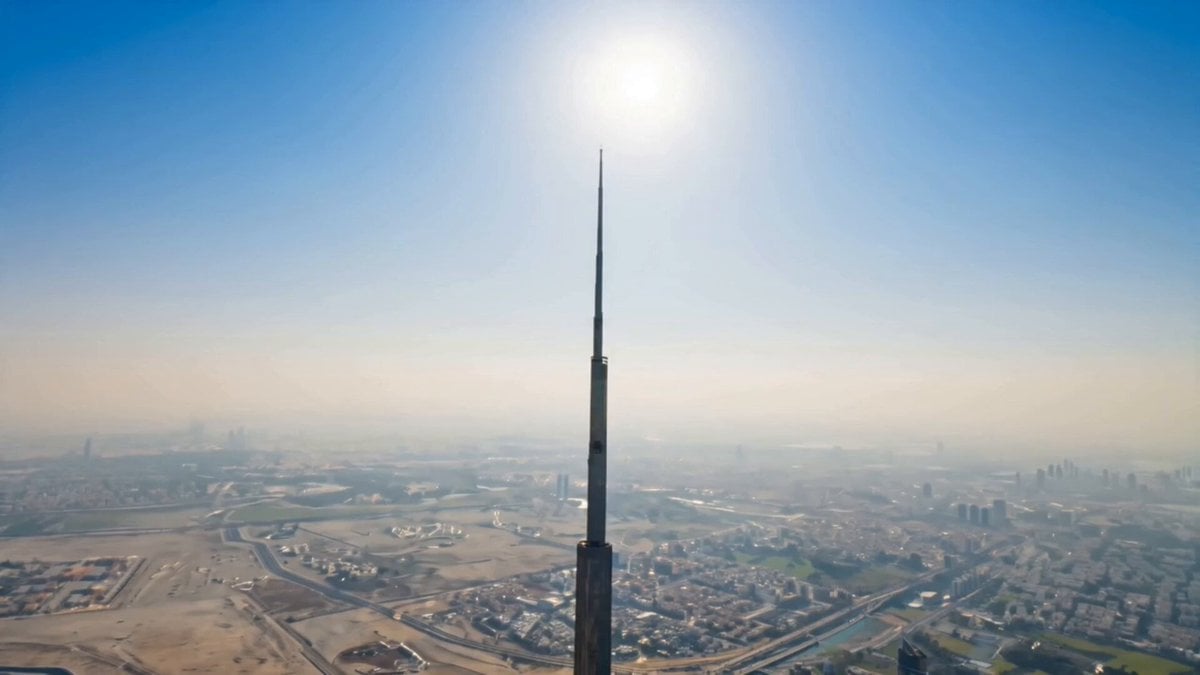
A high-end cinematic storyboard prompt for a luxury car film in Dubai, using character, vehicle, and environment references for consistent multi-shot video generation.
- Prompt included
- Model and format preset
- Premium template
The prompt behind this video
Copy the exact prompt behind Dubai Hypercar Chase Commercial, or open it in the studio and make it yours.
@Image 1 is the main character — attractive, confident European businesswoman in her early 30s. Emerald-green eyes, long lashes, winged eyeliner, refined facial features, fair skin, soft natural makeup, chestnut-brown wavy hair. Maintain exact face, body, tattoos, and outfit consistency across all shots.Outfit: tailored executive suit (black/charcoal/navy), blazer with rolled sleeves revealing elegant black-and-gray floral/geometric tattoo sleeves. Minimal luxury accessories. Premium pointed heels. Professional high-fashion look.@Image 2 is the vehicle — deep metallic burgundy Koenigsegg Jesko with exposed carbon fiber, aggressive aero body, large rear wing, black forged wheels, brown quilted leather interior. One car only, doors closed, all details consistent.@Image 3 is the environment — ultra-modern European financial district at golden hour. Glass skyscrapers, clean boulevards, reflective surfaces, soft sun haze. Continuous cinematic world.Shot 1 (0:00–0:02) Camera on skyscraper facade in @Image 2, slow vertical descent begins.Shot 2 (0:02–0:06) Drone accelerates down glass tower, city reflections stretch, street level emerges.Shot 3 (0:06–0:09) @Image 1 crosses sunlit financial district crosswalk, calm confident walk.Shot 4 (0:09–0:12) Tracking beside and behind her at walking speed, wind in hair, reflections moving across glass 4K ultra-realistic cinematic style, sharp focus, natural skin texture, stable identity, no distortion or flicker. Luxury corporate fashion film aesthetic. Continuous single-take feel.
How to use Dubai Hypercar Chase Commercial in 3 steps
- 1Upload ImagePNG, JPG or paste
Add your photo
Upload the photo the template builds on. The prompt, model and format are already set.
- 2…a portrait of your subject in softgolden-hour light, 85mm…
Personalize
Edit the subject and creative details for your destination.
- 3Generate
Generate
Press Generate — your video is created in PicX Studio, so you can compare it with the original and refine one variable at a time.
More like this
Templates with the same subject, style or setup. Open one to see its prompt.
Fruit Cookie Commercial

Silk Road Pomegranate Folk Animation

Mechanical Flower Bloom Brand Film

Crystal Ball Match-Cut Brand Film

Sneaker Product Commercial

Skincare Product Commercial 3

Cinematic Portrait Study 3

Product UGC Commercial

Cinematic Portrait Study
Skincare Product Commercial

Cartoon Donut Heist Bakery Chase

Walking Factory with Rebel on Hoverbike - Wasteland
Make it yours
Dubai Hypercar Chase Commercial works as-is. These are the safest ways to change it without losing the look.
Change one field
Copy a single group, rewrite it, and generate again so you can see what that field is doing.
Keep the frame, change the subject
Hold the composition and light of Dubai Hypercar Chase Commercial, then swap wardrobe, props or the person for a new take.
| If the result… | Why | Fix |
|---|---|---|
| The result drifts from the preview | Too many fields changed at once. | Reuse Dubai Hypercar Chase Commercial as-is first, then change one group — subject, light, or setting. |
| The model over-stylizes the scene | The prose prompt leaves finish and camera underspecified. | Add one camera or lighting sentence and stay on Seedance 2.0. |
More Seedance 2.0 templates
Other prompts made for Seedance 2.0.

Comical Martial Arts Punch Scene

Maglev Train Action Sequence

Martial Arts Fight Sequence

Wuxia Protection and Trust Script

Vintage Korean Arcade MiniDV Vlog

Mercedes 190 SL Luxury Ad

Rainy Night Supernatural Reverse Comedy Video Script

Amazon Civilization Discovery

Futuristic South Asian City Transformation

Cozy Luxury Cafe Commercial
More video prompts
Fresh picks from across the catalog.
Frozen Planet Fortress Battle
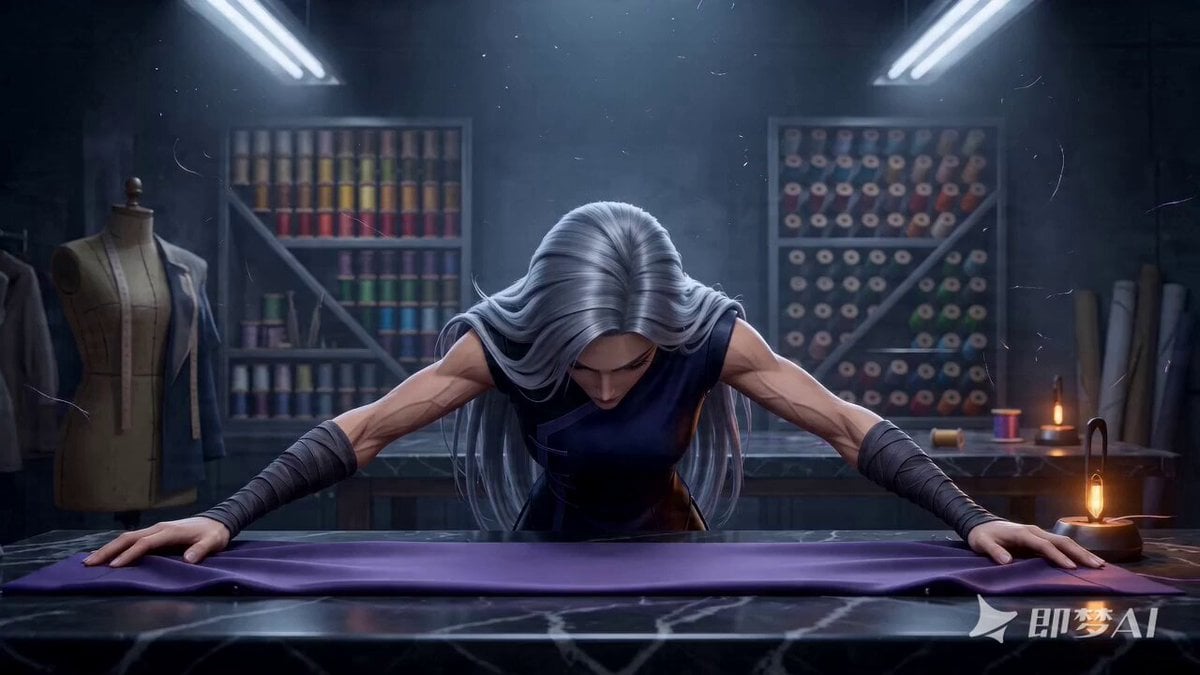
The Sewing Master - Seedance 2.0 Video Prompt
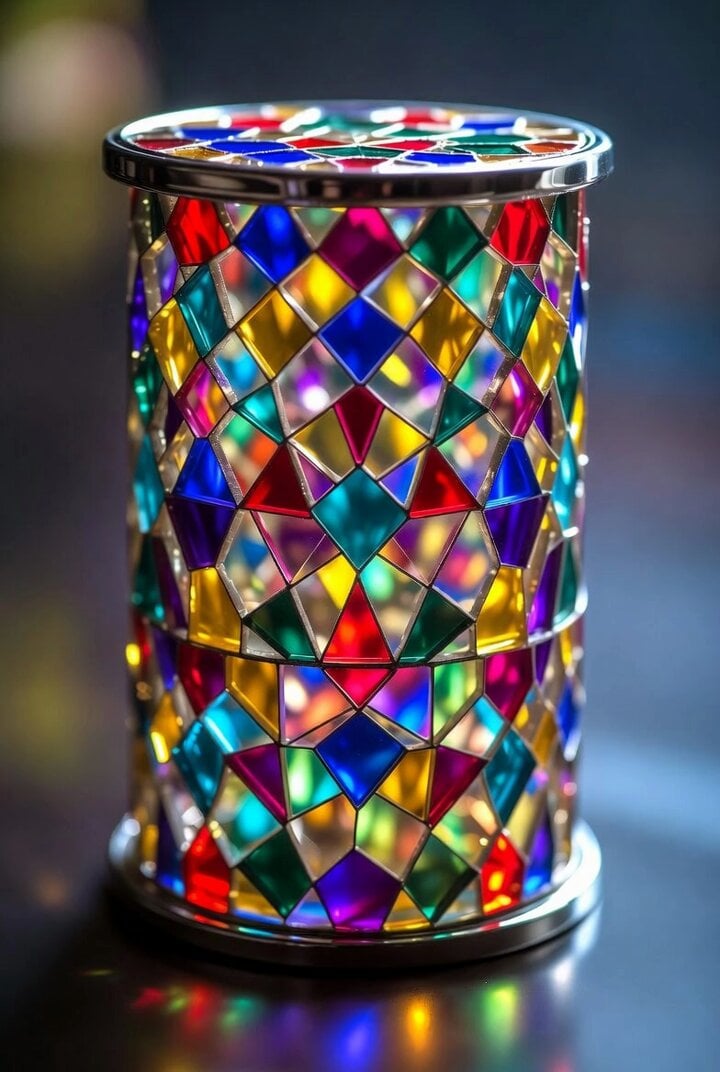
Spaceship Landing and Alien Departure
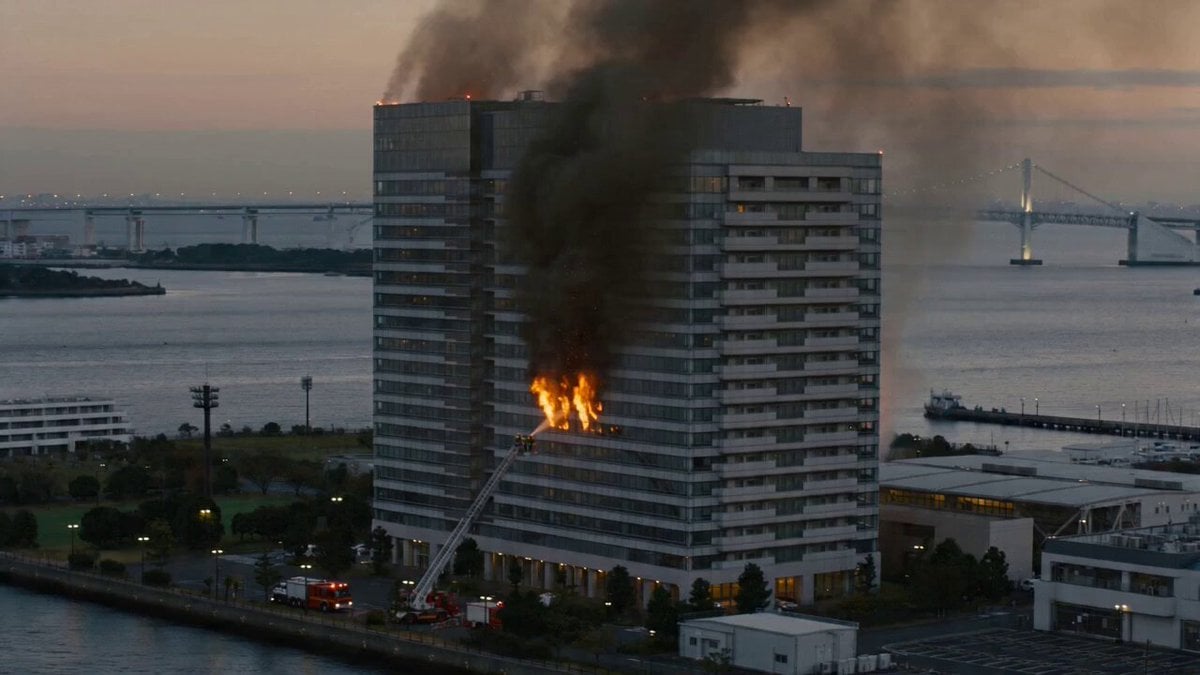
Live-Action Documentary Style Fire Video Prompt (Scene Setup)

Cinematic Fantasy Overgrown Ruins Animation
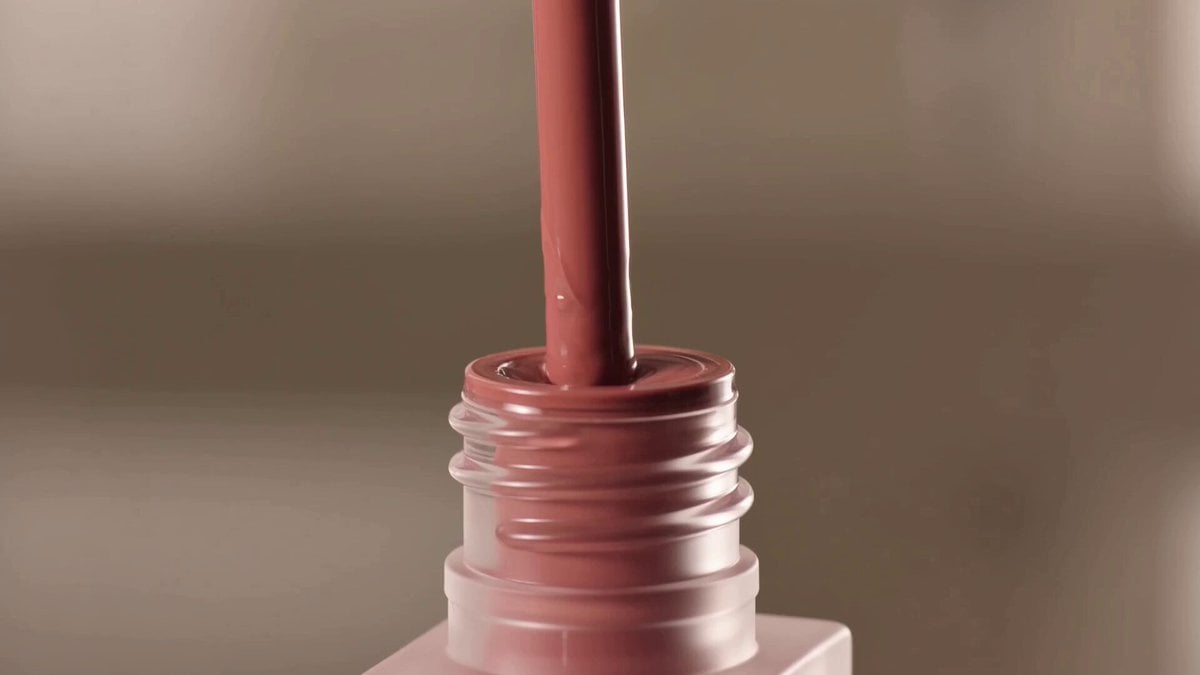
Expensive Makeup Product Promo Videos
Magical Glowing Forest Portal Journey
90s Anime Style Demon Lord Ramen Shop Break
Funny Dog Rally Racing Team
Bullet Time Dragon Battle Cinematic
Browse template categories
Dubai Hypercar Chase Commercial questions
How do I use the Dubai Hypercar Chase Commercial template?
Add your photo if the template asks for one, edit the prompt if you like — the template's model and format are already selected — and press Generate. Your version opens in PicX Studio.
Can I customize the Dubai Hypercar Chase Commercial template?
Yes. You can change the subject, setting, lighting, mood, format, and available model controls before creating your video.
Is the Dubai Hypercar Chase Commercial template free?
Opening and editing this template is free. Generating uses credits, shown on the Generate button when you are signed in.
Which AI model should I use?
Start with Seedance 2.0, which is the model associated with this template. You can compare another compatible model for a different finish.
Looking for something else? Browse all templates.

Your photo, any look
Thousands of ready templates for every top image and video model, from one credit balance.