
Reflective Glowing Orb Fantasy Journey
A detailed, multi-environment cinematic prompt following a glowing orb through forests, mountains, and futuristic worlds.
- Prompt included
- Model and format preset
- Free template
The prompt behind this video
Copy the exact prompt behind Reflective Glowing Orb Fantasy Journey, or open it in the studio and make it yours.
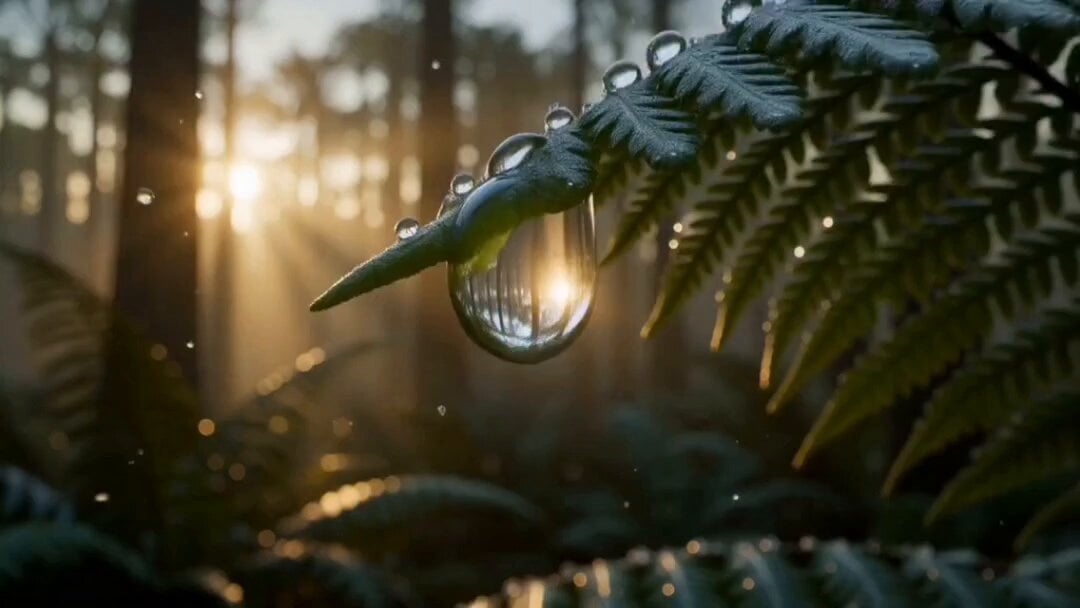
Create an ultra-realistic cinematic fantasy video centered around a small, perfectly spherical, highly reflective glowing glass-metal orb. The orb must remain the main subject and maintain the exact same shape, size, material, color, and appearance throughout the entire video. Begin in a magical dense green forest at sunrise, with lush ferns, wet leaves, water droplets, soft golden sunlight, volumetric light rays, mist, and realistic shadows. The camera moves smoothly in a cinematic macro style as the reflective orb gently rolls across a wet leaf and falls toward the forest floor. Seamlessly transition into a crystal-clear shallow mountain stream surrounded by moss-covered stones and dense green vegetation. The orb moves naturally through the flowing water, creating tiny realistic ripples, splashes, and beautiful reflections. Seamlessly transition into a breathtaking prehistoric landscape where a gigantic dinosaur walks slowly through shallow water in the background while the tiny reflective orb remains in the foreground. Add mist, prehistoric vegetation, distant mountains, warm sunlight, atmospheric depth, and realistic water reflections. Seamlessly transition into a frozen mountain valley covered with snow and transparent ice. The orb glides smoothly across a thin layer of ice and melting snow, creating subtle reflections and tiny cracks in the ice. Show detailed frozen textures, distant mountains, soft cloudy daylight, and cinematic atmospheric lighting. Seamlessly transition into a peaceful ancient riverside village with traditional wooden houses, palm trees, small wooden boats, and calm reflective water. The orb travels smoothly along the center of the river while warm sunset light creates beautiful reflections on the water. Finally, transition into an elegant futuristic environment made entirely of transparent glass, crystal, and polished reflective surfaces. The orb slowly moves between glass structures while colorful cinematic lights create stunning reflections, refractions, and soft bokeh in the background. Use seamless transitions between every environment, ultra-realistic physics, photorealistic textures, realistic water and reflections, cinematic depth of field, macro photography, volumetric lighting, atmospheric fog, smooth camera movement, dramatic composition, 4K/8K detail, premium Hollywood cinematic quality. Keep the orb perfectly consistent throughout the entire video. No text, no subtitles, no logos, no watermark, no flickering, no distorted objects, no duplicate orb, no unnatural movement.
How to use Reflective Glowing Orb Fantasy Journey in 3 steps
- 1
Open
The prompt is already in the box next to the preview, with the template's model and format selected.
- 2…a portrait of your subject in softgolden-hour light, 85mm…
Personalize
Edit the subject and creative details for your destination.
- 3Generate
Generate
Press Generate — your video is created in PicX Studio, so you can compare it with the original and refine one variable at a time.
More like this
Templates with the same subject, style or setup. Open one to see its prompt.
Adventurer Path Creator - Seedance 2
Necromancer Battlefield Orbit
Underground Ocean Fantasy Journey
Magical Glowing Forest Portal Journey
Fantasy Glowing Potion and Floating Herbs
Dragon Rider Cinematic Flight — Seedance 2.5
Forest Fantasy Girl Short Film
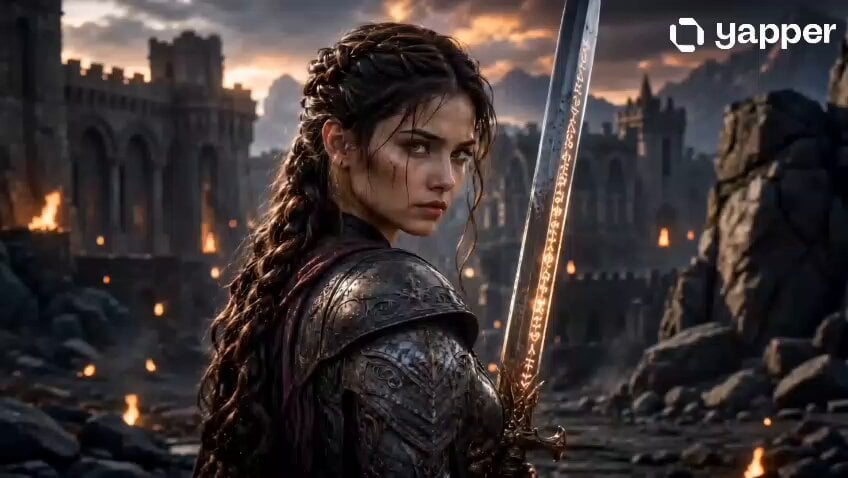
Fantasy Female Warrior Journey
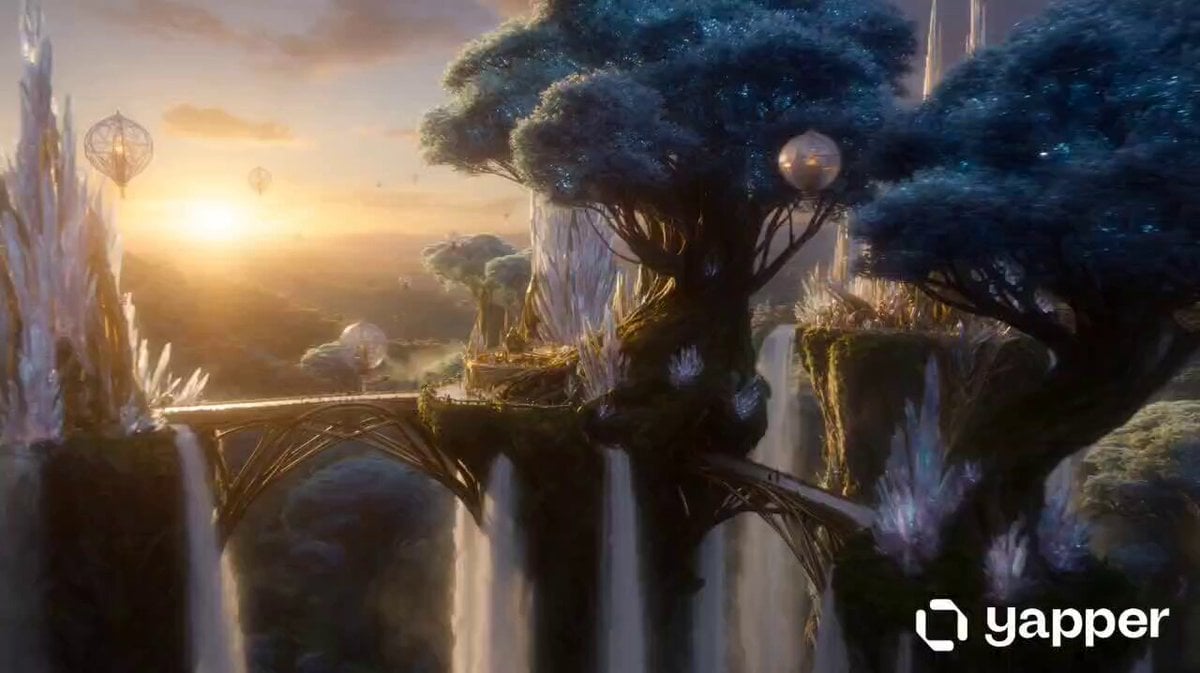
Magical Elf Kingdom Fantasy Journey
Majestic Glowing Whale Fantasy
Griffin Knight Mountain Kingdom — Seedance 2.0
Ice Queen — Frozen Battlefield Time Control (Seedance)
Make it yours
Reflective Glowing Orb Fantasy Journey works as-is. These are the safest ways to change it without losing the look.
Change one field
Copy a single group, rewrite it, and generate again so you can see what that field is doing.
Keep the frame, change the subject
Hold the composition and light of Reflective Glowing Orb Fantasy Journey, then swap wardrobe, props or the person for a new take.
| If the result… | Why | Fix |
|---|---|---|
| The result drifts from the preview | Too many fields changed at once. | Reuse Reflective Glowing Orb Fantasy Journey as-is first, then change one group — subject, light, or setting. |
| The model over-stylizes the scene | The prose prompt leaves finish and camera underspecified. | Add one camera or lighting sentence and stay on Seedance 2.0. |
More Seedance 2.0 templates
Other prompts made for Seedance 2.0.

Comical Martial Arts Punch Scene

Maglev Train Action Sequence

Martial Arts Fight Sequence

Wuxia Protection and Trust Script

Vintage Korean Arcade MiniDV Vlog

Mercedes 190 SL Luxury Ad

Rainy Night Supernatural Reverse Comedy Video Script

Amazon Civilization Discovery

Futuristic South Asian City Transformation

Cozy Luxury Cafe Commercial
More video prompts
Fresh picks from across the catalog.
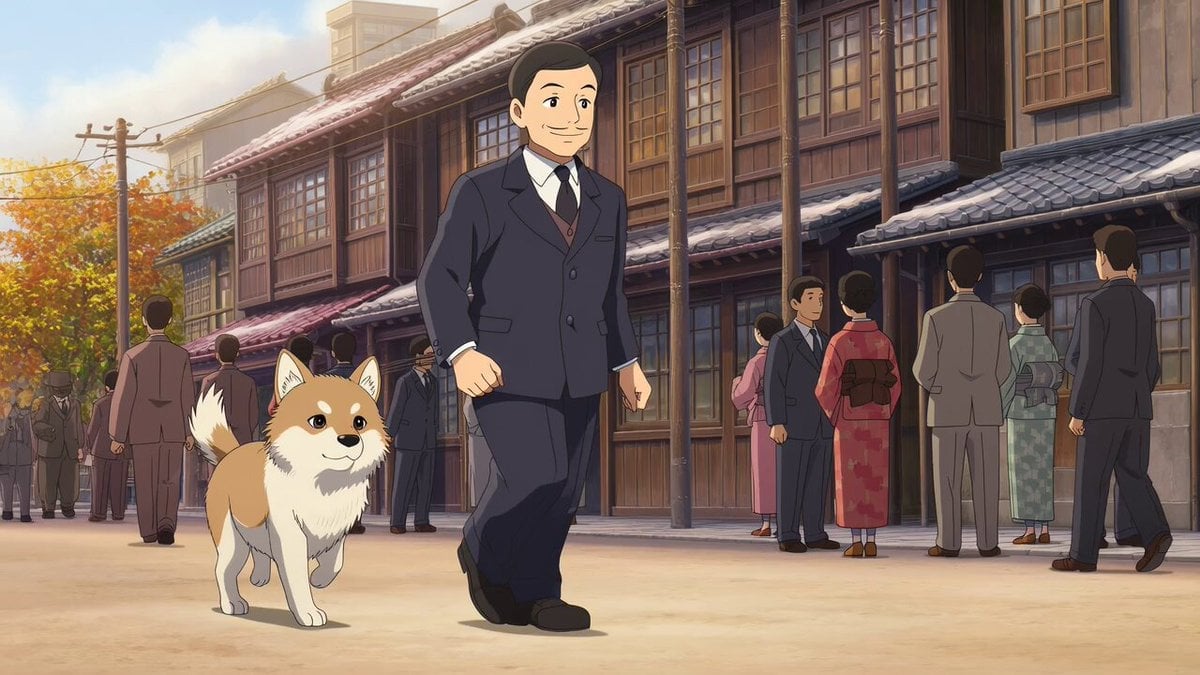
Grok Imagine prompt for Hachiko's life video
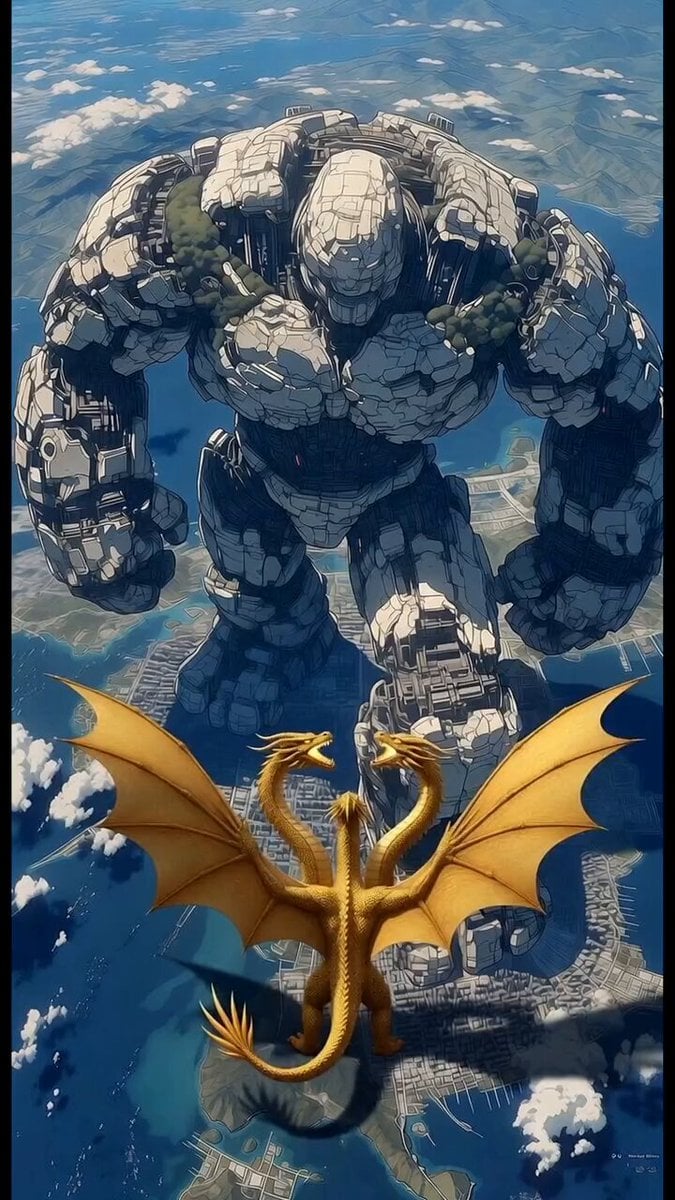
Robot vs Golden Dragon Epic Battle
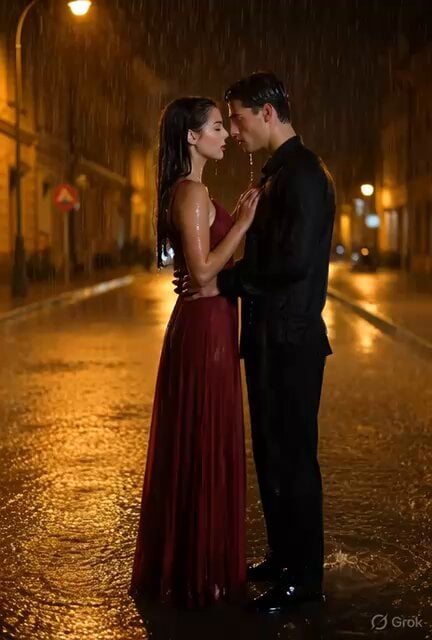
Cinematic Couple Dancing in Rain
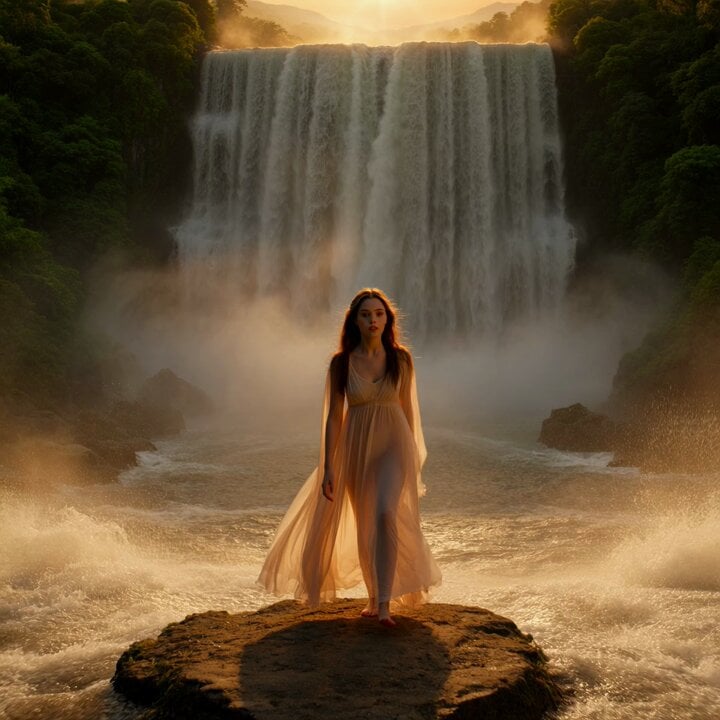
Woman at Waterfall Sunrise Video Prompt
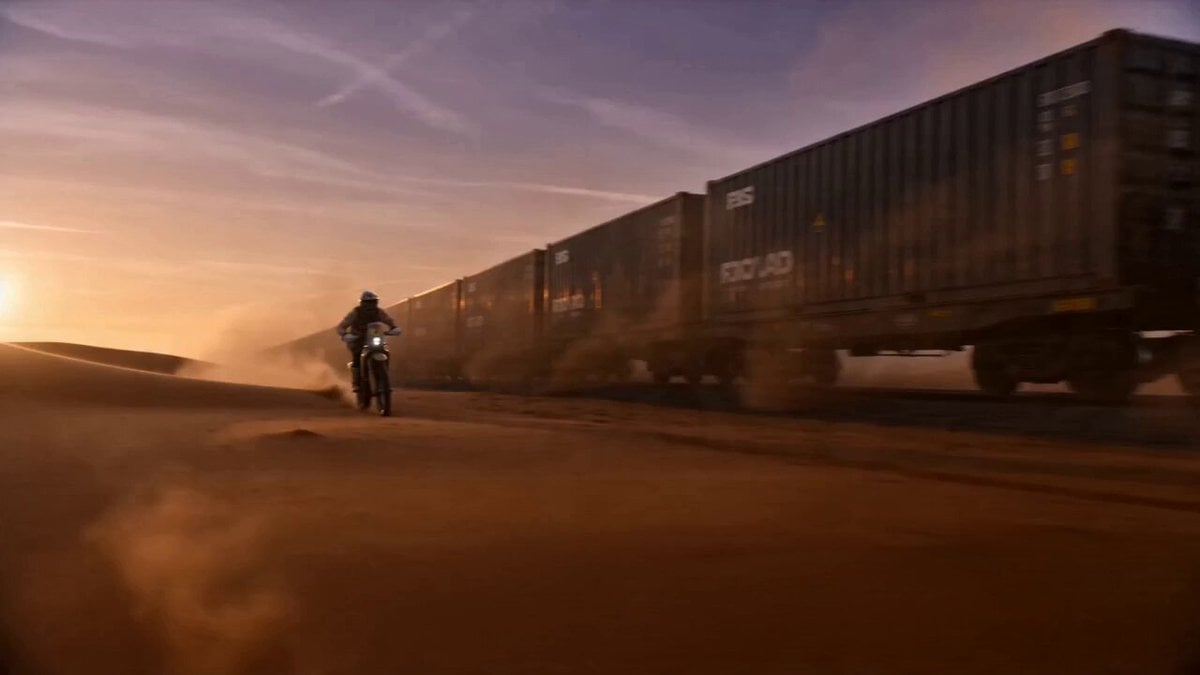
The Desert Train Heist
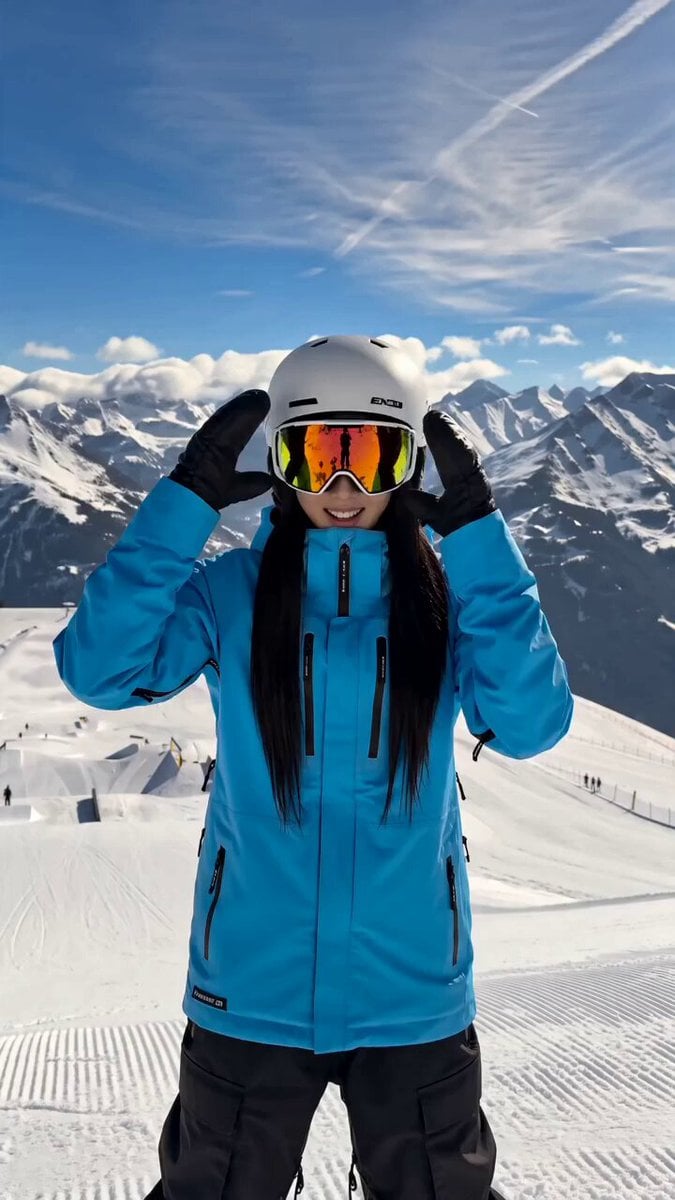
Snowboarding Cinematic Action

Freestyle Football Performance Animation
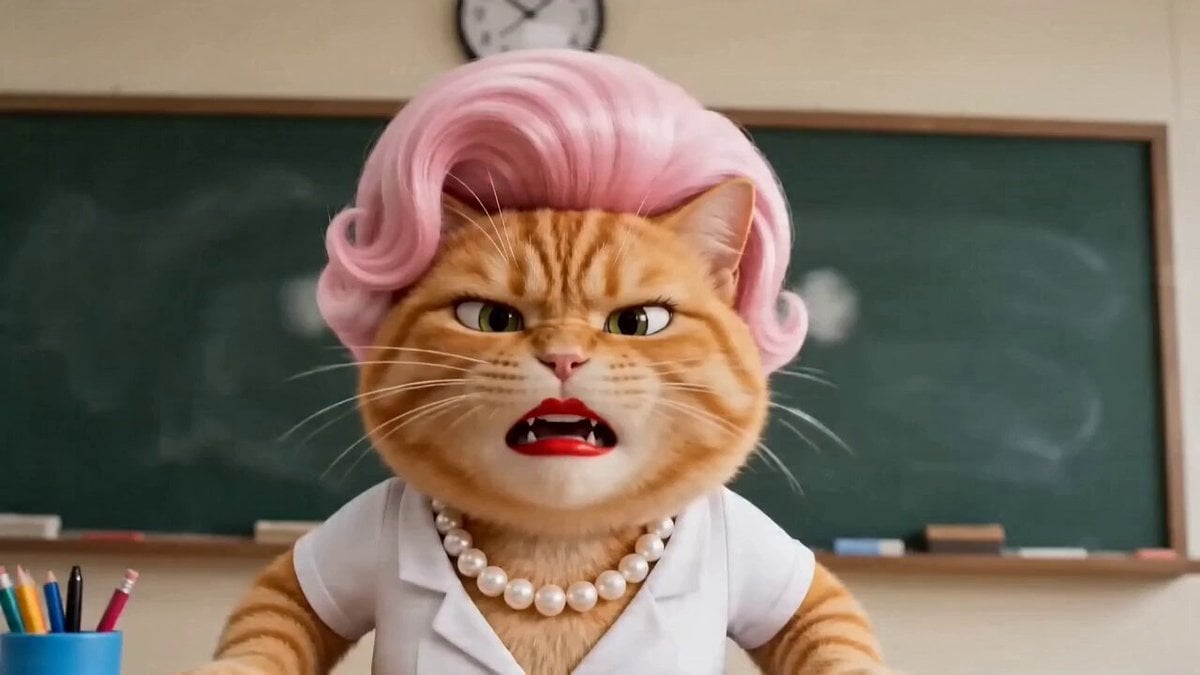
Comedic ADHD Cat Teacher Short Film
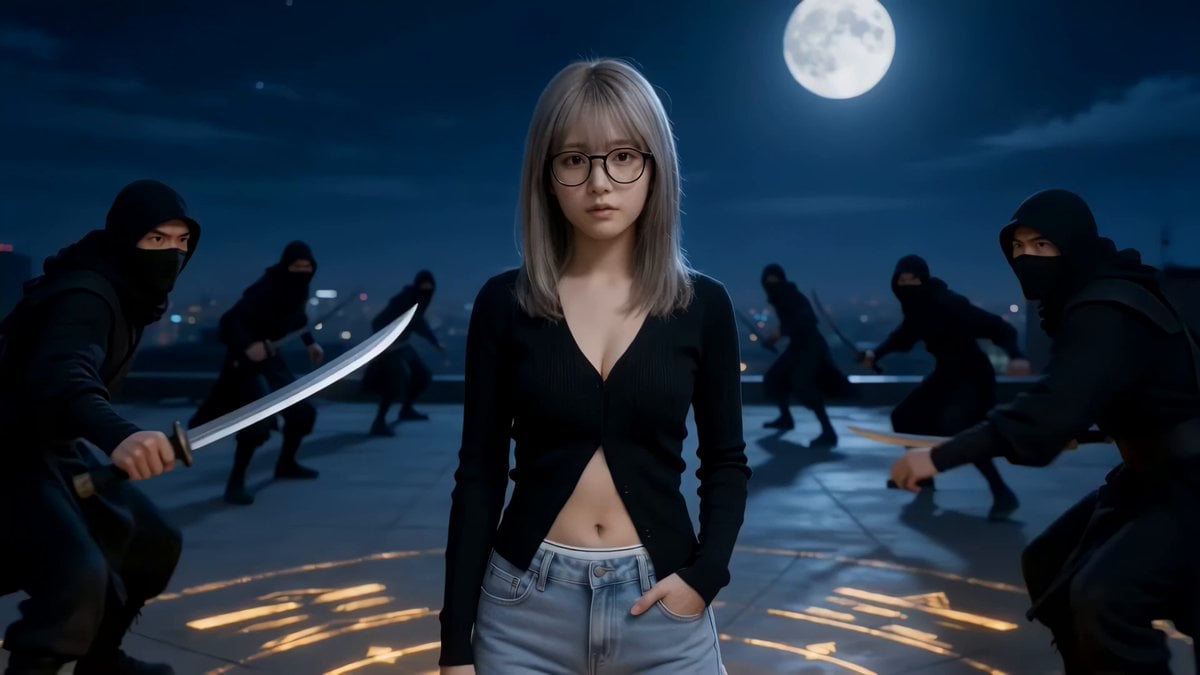
Seedance 2.0 Urban Fantasy Wuxia Film Prompt
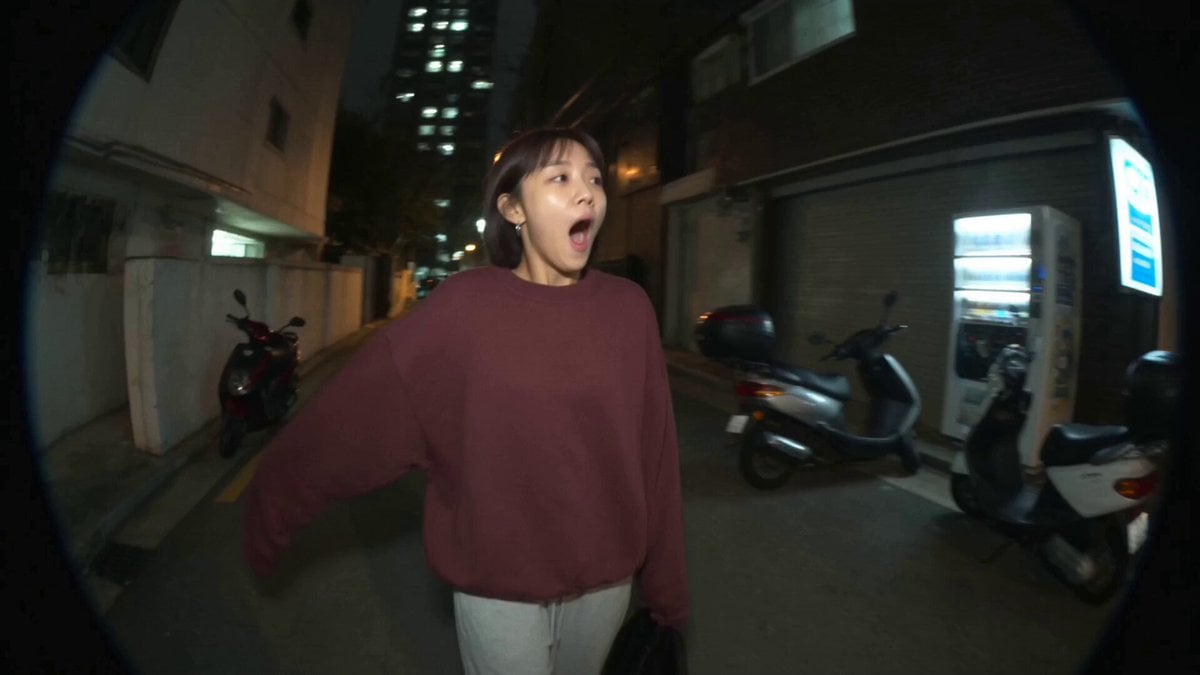
Nostalgic MiniDV Convenience Store Vlog - Seedance 2.5
Browse template categories
Reflective Glowing Orb Fantasy Journey questions
How do I use the Reflective Glowing Orb Fantasy Journey template?
Add your photo if the template asks for one, edit the prompt if you like — the template's model and format are already selected — and press Generate. Your version opens in PicX Studio.
Can I customize the Reflective Glowing Orb Fantasy Journey template?
Yes. You can change the subject, setting, lighting, mood, format, and available model controls before creating your video.
Is the Reflective Glowing Orb Fantasy Journey template free?
Opening and editing this template is free. Generating uses credits, shown on the Generate button when you are signed in.
Which AI model should I use?
Start with Seedance 2.0, which is the model associated with this template. You can compare another compatible model for a different finish.
Looking for something else? Browse all templates.

Your photo, any look
Thousands of ready templates for every top image and video model, from one credit balance.