
The Great Wall Qin Dynasty Comedy Prompt
A complex cinematic video prompt for Seedance 2.0 featuring a wuxia-comedy parody set at the Great Wall of China with cat and bear characters.
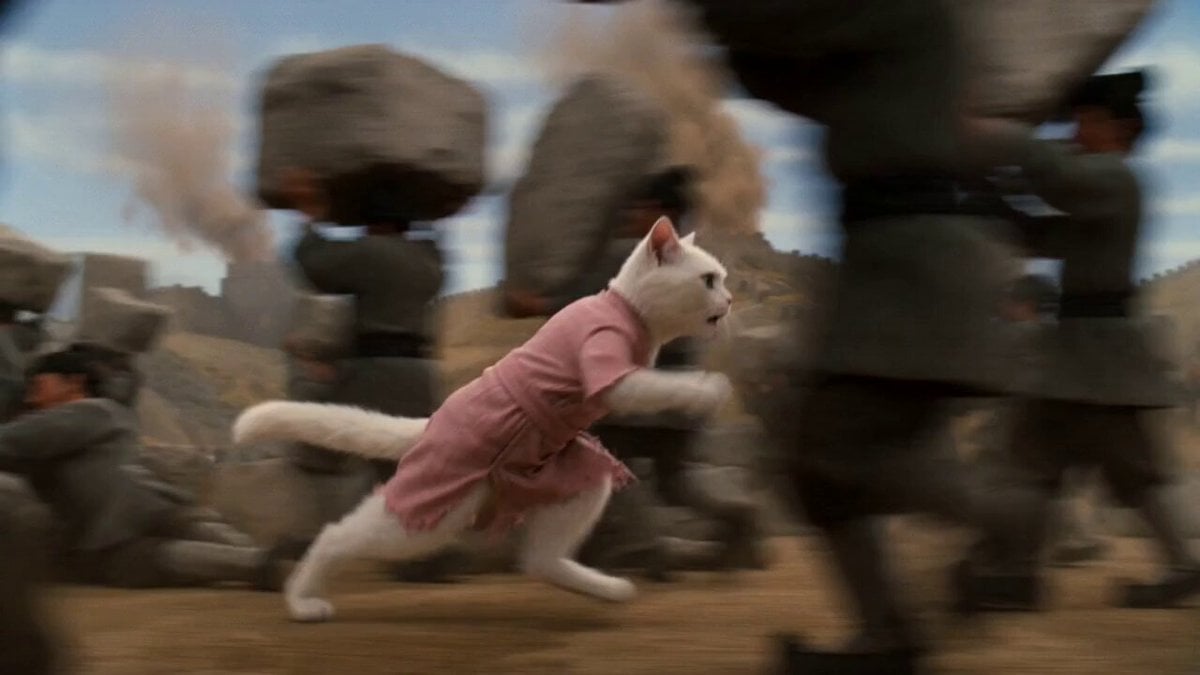
- Prompt included
- Model and format preset
- Premium template
The prompt behind this video
Copy the exact prompt behind The Great Wall Qin Dynasty Comedy Prompt, or open it in the studio and make it yours.
TITLE: “The Missing Dad Incident at the Great Wall of Qin (Ultra Fast Chaos Cut)” Seedance 2 | 15s cinematic AI video prompt | wuxia-comedy absurd historical parody | 1960s Shaw Brothers-inspired aesthetic | film grain | exaggerated acting | rapid-fire editing | punchy sound design | constant motion | no pauses | slapstick chaos A surreal Qin Dynasty Great Wall construction site across a vast cinematic landscape. Dust storms sweep through stylized terrain. In the far background, a deliberately fake painted miniature Mount Fuji backdrop adds absurd humor. Everything feels theatrical, slightly over-cranked in speed. Gray cat workers in Qin uniforms move massive stone blocks in rhythmic, almost musical motion. 0–2s Handheld chaotic tracking shot. White cat in a worn pink Qin-era peasant dress stumbles through dense moving workers, getting pushed, spun, nearly crushed by exaggerated stone-carrying choreography. She turns left—blocked. Turns right—workers slam past. Eyes wide, breathing fast. Music: frantic percussion rising. She bursts through a gap. IMPERIAL PROCESSION SLAMS IN at full speed. Orange cat Qin Emperor rides a white tiger. White cat GASPS—drops to knees directly in front of tiger. Record scratch. Tiger freezes mid-step. 2–6s Extreme close-up. Emperor furious. Emperor (shouting) WHO DARES BLOCK THE IMPERIAL PATH White Cat (rapid, desperate) MY FATHER IS MISSING PLEASE HELP ME She shows black bear photo. Micro beat. Emperor squints… then bursts into explosive laughter. Emperor I KNOW EXACTLY WHERE HE IS Smash cut. 6–11s Imperial garden. Over-saturated, theatrical, fake Mount Fuji still visible. Black bear in red dudou + yellow blindfold plays chaotic hide-and-seek. White rabbits in gauze dresses swirl, pose, giggle exaggeratedly. Black Bear I AM DEFINITELY WINNING THIS He lunges—GRABS hands— Hard cut: it’s white cat. 11–15s (INTERCUT CHAOS FINALE) White cat FREEZES—then erupts. White Cat DAD WHAT ARE YOU DOING FAST INTERCUT BEGINS: — EXTREME CLOSE-UP: white cat face, eyes blazing, veins popping, pure rage — EXTREME CLOSE-UP: black bear face, frozen, sweat forming, eyes darting — white cat yelling again, slightly zoomed, more distorted — black bear gulping, forced smile cracking — rabbits in background laughing in slow motion — emperor in background smirking White Cat (echoing, layered) WHAT. ARE. YOU. DOING Black Bear rips off blindfold, panicking. Black Bear (whisper, direct to camera) DON’T TELL YOUR MOM FINAL BEATS: — EXTREME CLOSE-UP: white cat deadly glare — EXTREME CLOSE-UP: black bear guilt face, tiny nervous smile — smash zoom out: full chaotic scene Freeze frame at peak absurdity. Overdramatic musical sting. CUT TO BLACK.
How to use The Great Wall Qin Dynasty Comedy Prompt in 3 steps
- 1
Open
The prompt is already in the box next to the preview, with the template's model and format selected.
- 2…a portrait of your subject in softgolden-hour light, 85mm…
Personalize
Edit the subject and creative details for your destination.
- 3Generate
Generate
Press Generate — your video is created in PicX Studio, so you can compare it with the original and refine one variable at a time.
More like this
Templates with the same subject, style or setup. Open one to see its prompt.
Viking in Modern America Comedy - Seedance 2.5
Comedy Coke Bottle Prank Reel — Kling 3.0 O3 Pro
Cartoon Donut Heist Bakery Chase
Seedance 2.0 Qing Dynasty Painting Revival Prompt
Dim Sum Chase — Shrimp Dumpling Monster
Animal Garden Party Bar — Comedy Short
Romantic Comedy Scene: Wall Pin and Flirtation
Great Pyramid Construction Documentary Footage
High-Octane Wall-Running Anime Animation
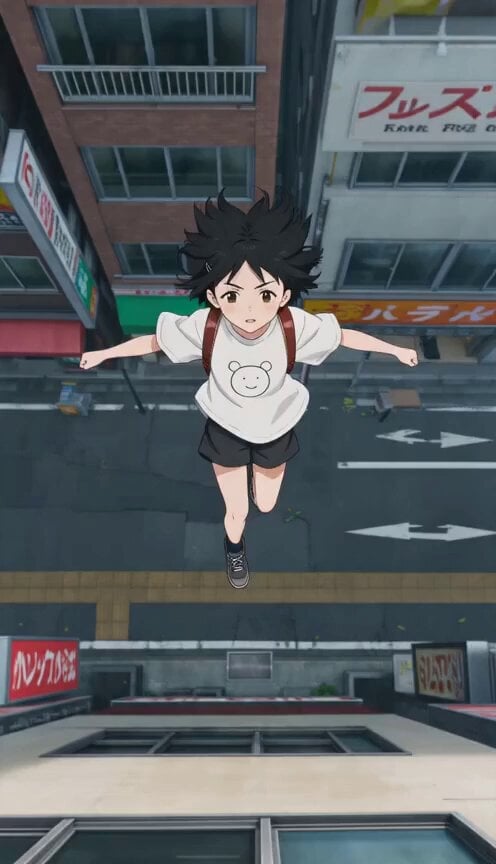
Anime Wall Running Action Scene

Anime Girl Wall Running Escape Sequence
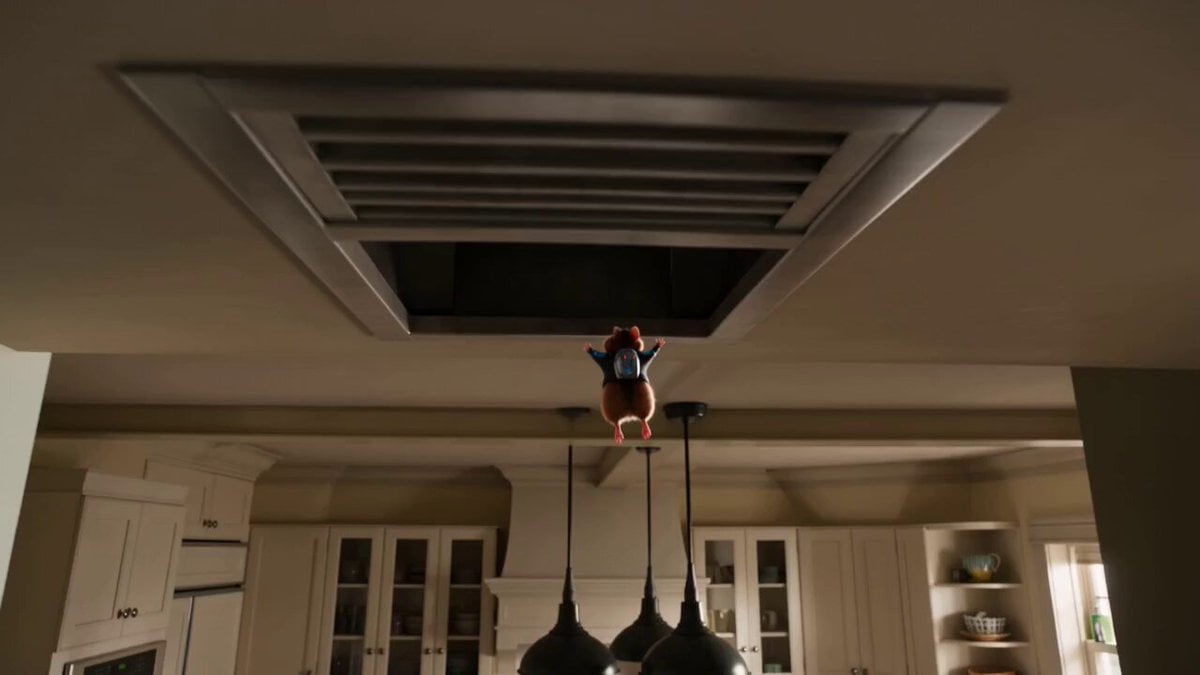
The Great Cookie Heist: Hamster Animation
Make it yours
The Great Wall Qin Dynasty Comedy Prompt works as-is. These are the safest ways to change it without losing the look.
Change one field
Copy a single group, rewrite it, and generate again so you can see what that field is doing.
Keep the frame, change the subject
Hold the composition and light of The Great Wall Qin Dynasty Comedy Prompt, then swap wardrobe, props or the person for a new take.
| If the result… | Why | Fix |
|---|---|---|
| The result drifts from the preview | Too many fields changed at once. | Reuse The Great Wall Qin Dynasty Comedy Prompt as-is first, then change one group — subject, light, or setting. |
| The model over-stylizes the scene | The prose prompt leaves finish and camera underspecified. | Add one camera or lighting sentence and stay on Seedance 2.0. |
More Seedance 2.0 templates
Other prompts made for Seedance 2.0.

Comical Martial Arts Punch Scene

Maglev Train Action Sequence

Martial Arts Fight Sequence

Wuxia Protection and Trust Script

Vintage Korean Arcade MiniDV Vlog

Mercedes 190 SL Luxury Ad

Rainy Night Supernatural Reverse Comedy Video Script

Amazon Civilization Discovery

Futuristic South Asian City Transformation

Cozy Luxury Cafe Commercial
More video prompts
Fresh picks from across the catalog.
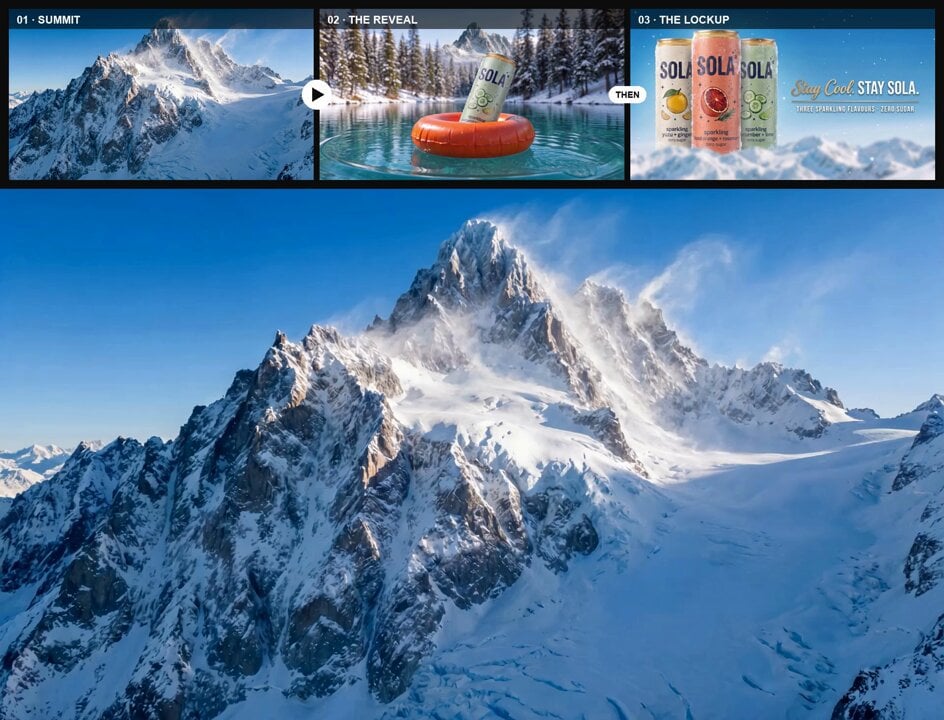
Mountain Summit to Glacial Lake Reveal
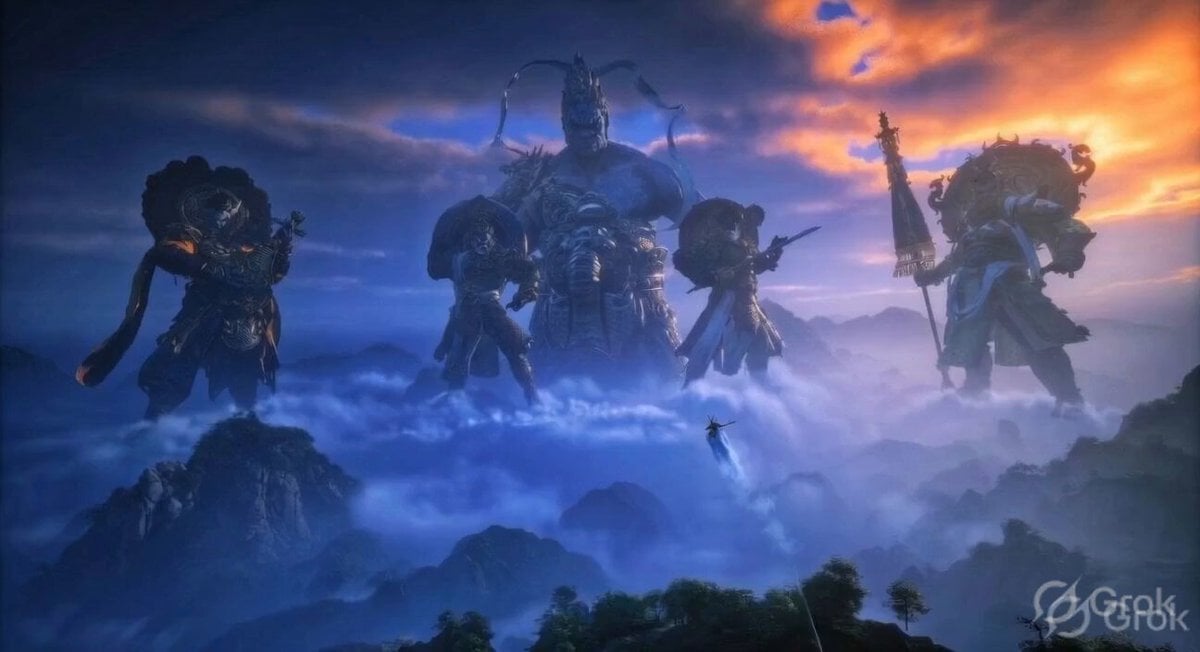
Ancient Guardian Deities Above Clouds
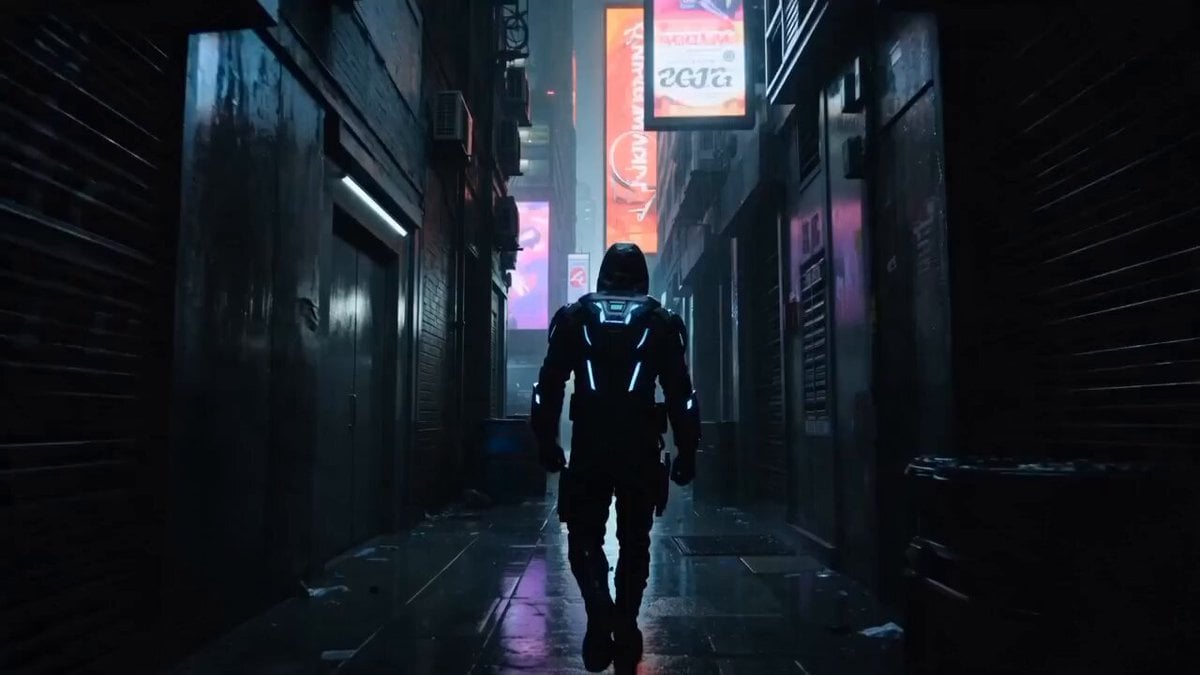
Cyberpunk Assassin Neon Action Sequence
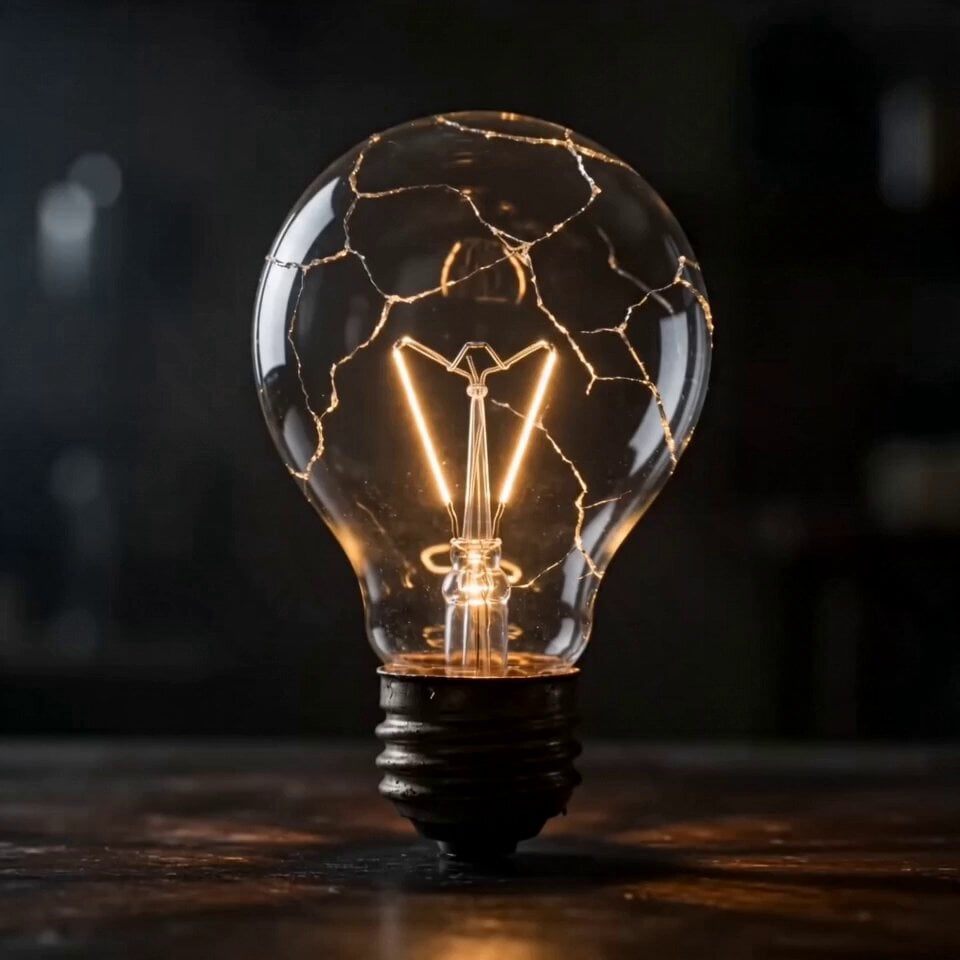
Miniature City Timelapse Inside Light Bulb

Japanese Summer Festival Travel Vlog
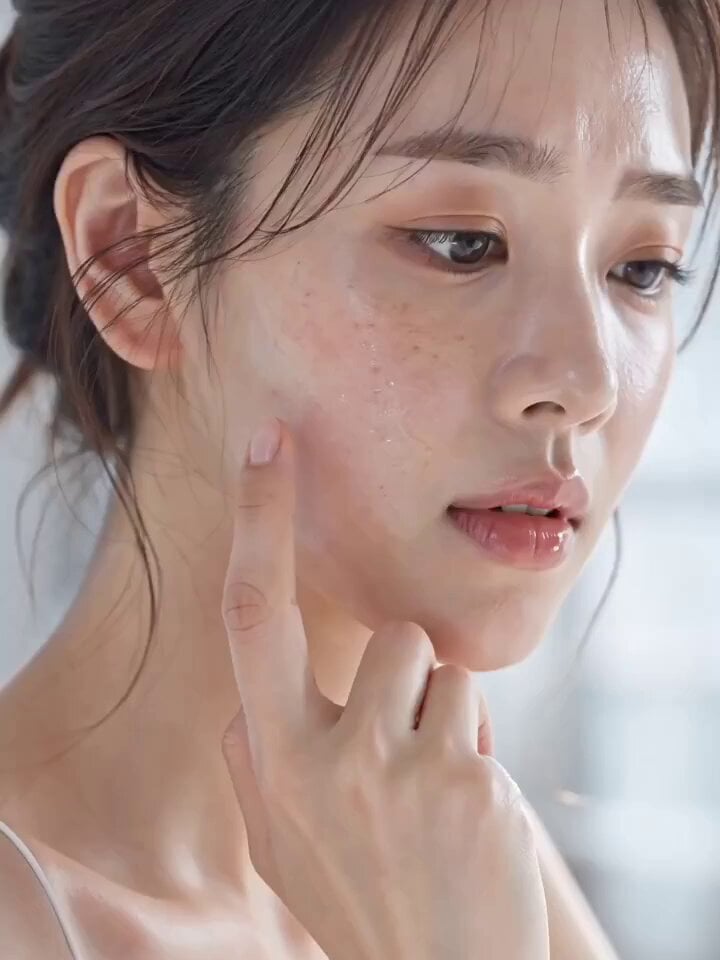
Skincare Serum Glass Skin Commercial
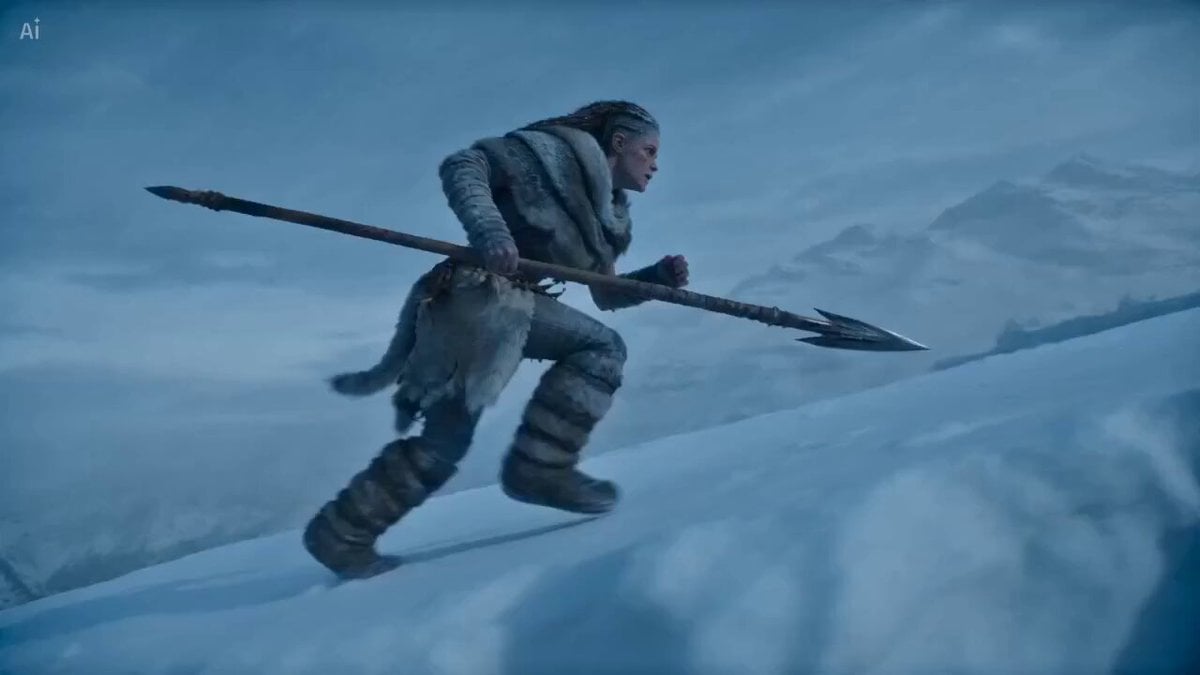
Winter Shaman Combat Sequence

RX-7 to Mech Transformation Cyberpunk
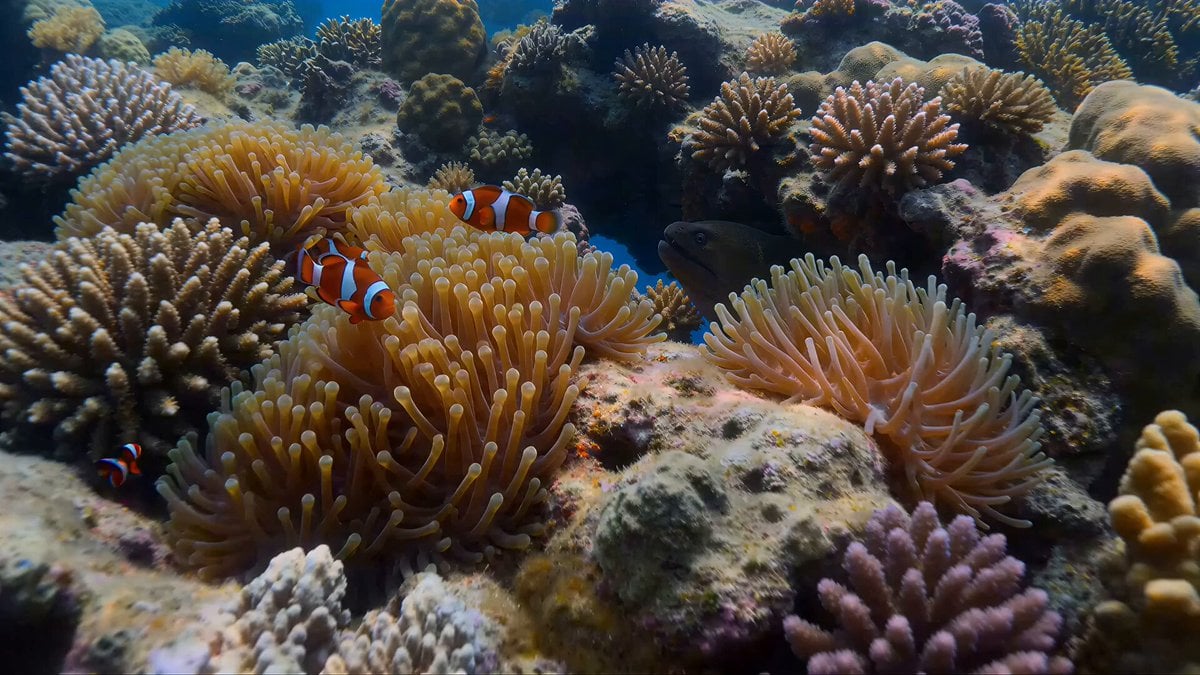
Coral Reef and Hammerhead Shark Scene Prompt
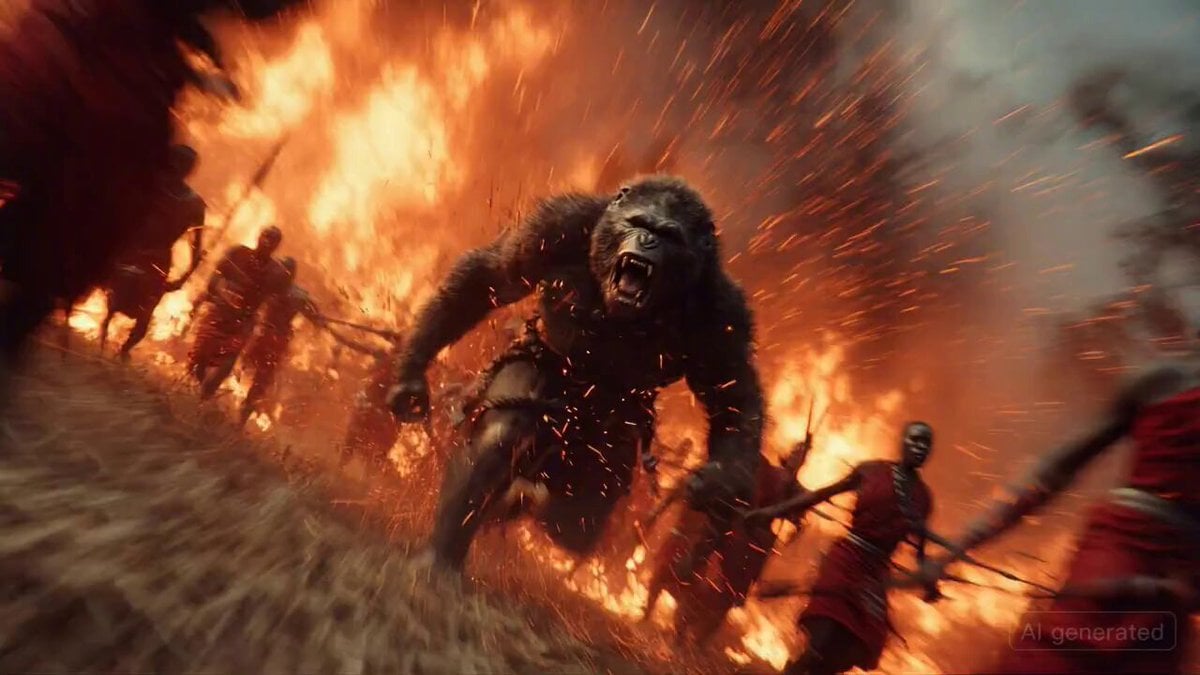
Chaos erupts in a Maasai village
Browse template categories
The Great Wall Qin Dynasty Comedy Prompt questions
How do I use the The Great Wall Qin Dynasty Comedy Prompt template?
Add your photo if the template asks for one, edit the prompt if you like — the template's model and format are already selected — and press Generate. Your version opens in PicX Studio.
Can I customize the The Great Wall Qin Dynasty Comedy Prompt template?
Yes. You can change the subject, setting, lighting, mood, format, and available model controls before creating your video.
Is the The Great Wall Qin Dynasty Comedy Prompt template free?
Opening and editing this template is free. Generating uses credits, shown on the Generate button when you are signed in.
Which AI model should I use?
Start with Seedance 2.0, which is the model associated with this template. You can compare another compatible model for a different finish.
Looking for something else? Browse all templates.

Your photo, any look
Thousands of ready templates for every top image and video model, from one credit balance.