
Great Pyramid Construction Documentary Footage
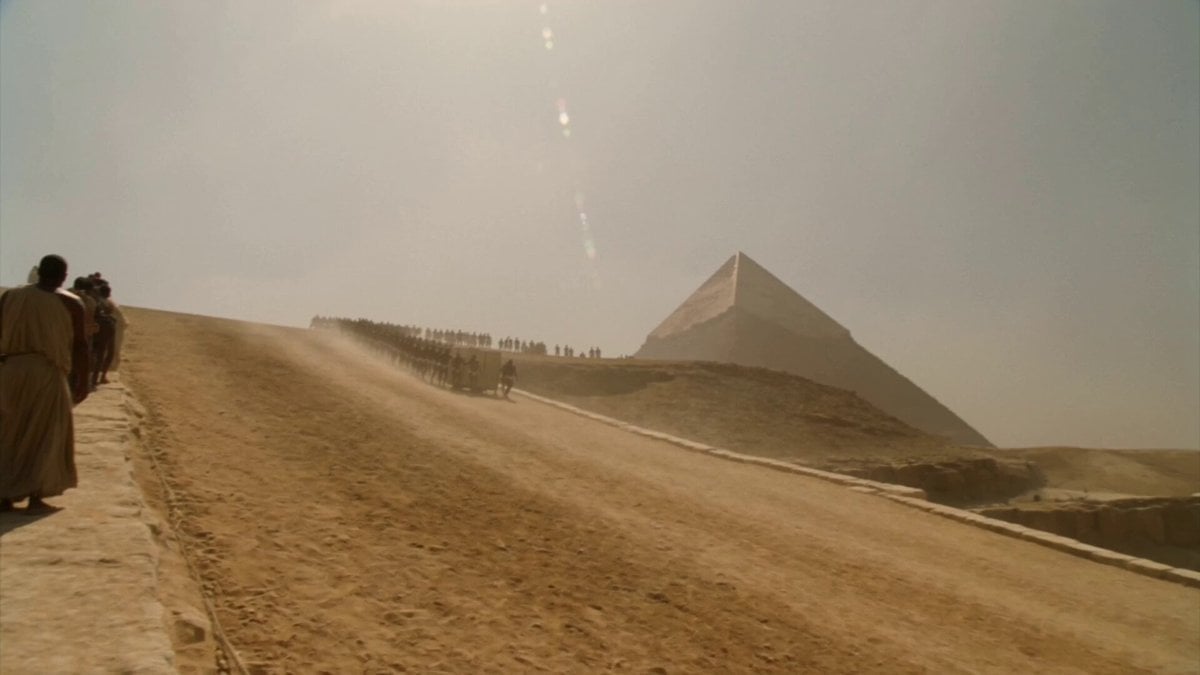
A prompt for generating realistic 2000s-style handheld camcorder footage documenting the construction of the Great Pyramid of Giza.
- Prompt included
- Model and format preset
- Free template
The prompt behind this video
Copy the exact prompt behind Great Pyramid Construction Documentary Footage, or open it in the studio and make it yours.
This is handheld documentary footage recorded on an early-2000s consumer DV camcorder at the construction site of the Great Pyramid of Giza. The footage feels like real, imperfect documentation of one of the largest building projects in history. The recording shows hundreds of workers moving massive stone blocks on a large construction ramp. Teams of men are pulling ropes attached to sledges with heavy limestone blocks. Overseers with sticks walk along the lines giving orders. Dust fills the air. In the background, the partially built pyramid rises against the sky. The work is extremely physical and organized. The camera moves along one of the work gangs, following a team of workers as they pull a large block up the ramp. It occasionally tilts up to show the height of the structure. There are natural cuts between different groups of workers and close views of the ropes straining and the stone moving slowly. The movement of the camera feels like someone walking among the workers documenting the labor. The handheld camera shows constant shake, drifting framing, autofocus hunting in the bright sunlight and dust, exposure changes, motion blur, and the typical look of filming heavy physical work with an old DV camcorder. The person filming is clearly moving through the active construction site. Natural sound only: the sound of hundreds of men shouting and grunting in rhythm, ropes creaking under tension, stones scraping on the ground, and general noise of a massive construction site. No music. The result must feel like authentic, raw footage of the construction of the Great Pyramid, captured on an old camcorder.
How to use Great Pyramid Construction Documentary Footage in 3 steps
- 1Upload ImagePNG, JPG or paste
Add your photo
Upload the photo the template builds on. The prompt, model and format are already set.
- 2…a portrait of your subject in softgolden-hour light, 85mm…
Personalize
Edit the subject and creative details for your destination.
- 3Generate
Generate
Press Generate — your video is created in PicX Studio, so you can compare it with the original and refine one variable at a time.
More like this
Templates with the same subject, style or setup. Open one to see its prompt.

Dolphin Marine Documentary Footage
Forgotten 1980s High School Documentary Seedance
Live-Action Firefighter Rescue Night Scene
Pokemon Found Footage Documentary
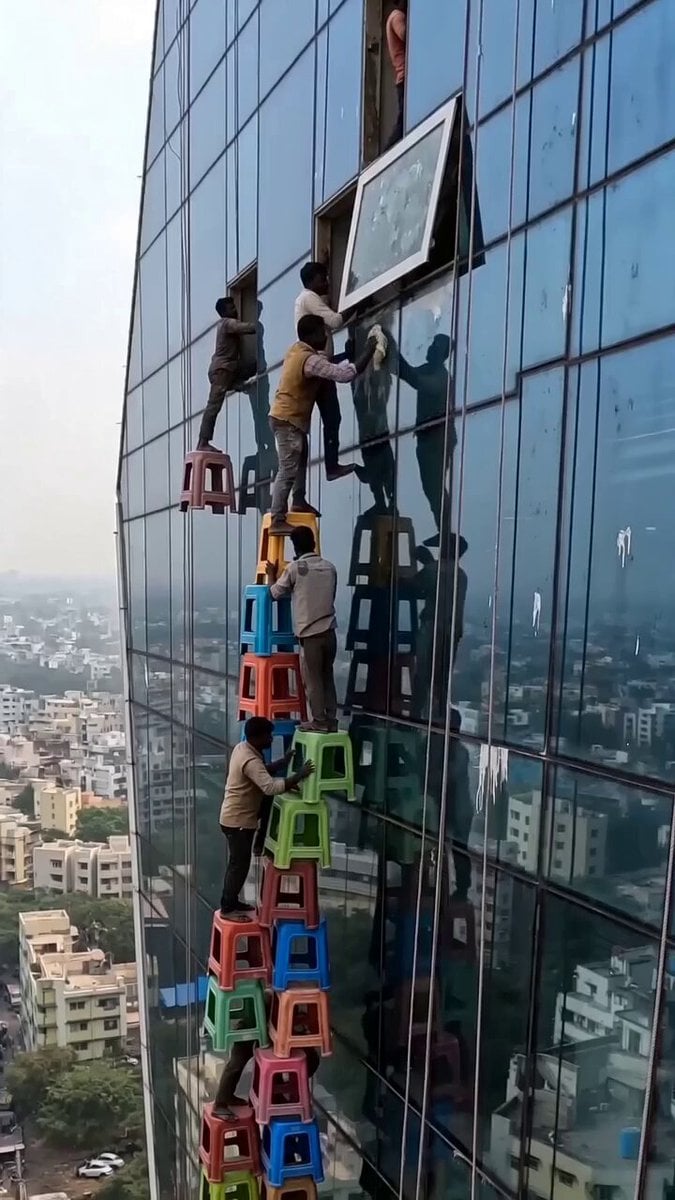
Viral Construction Stools Footage

Ultra-realistic Wildlife Documentary Footage
City Timelapse Growth — Seedance 2.0
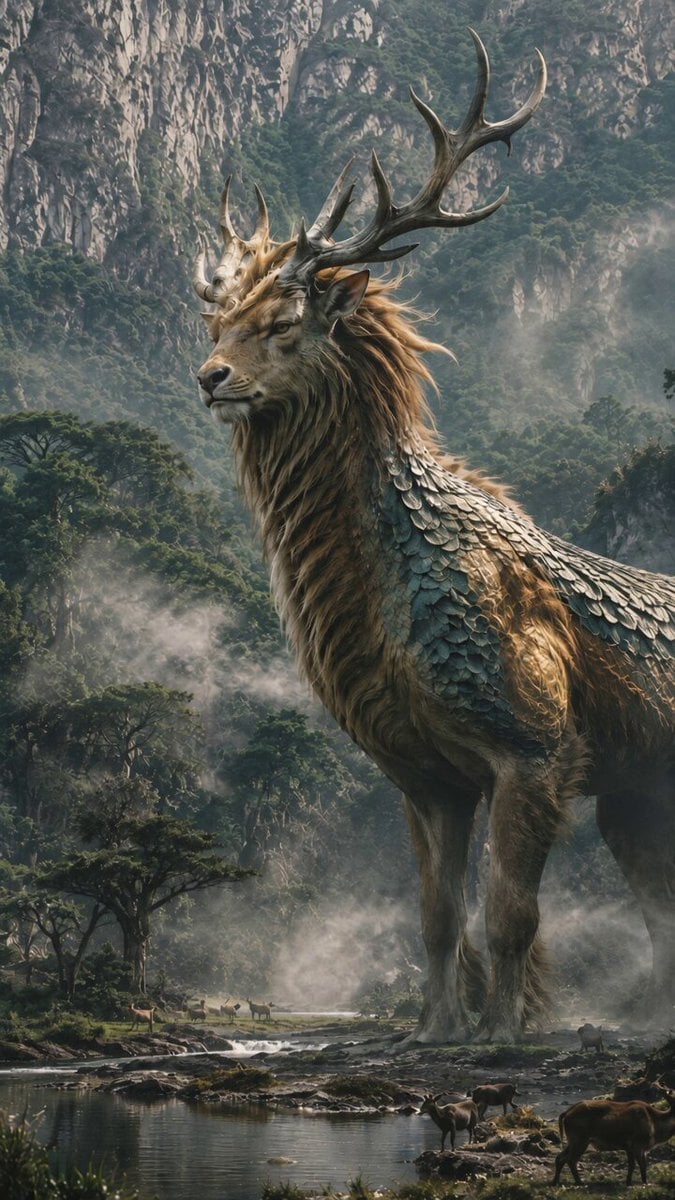
BBC Style Qilin Documentary

Nostalgic Early 2000s Handheld Home Footage
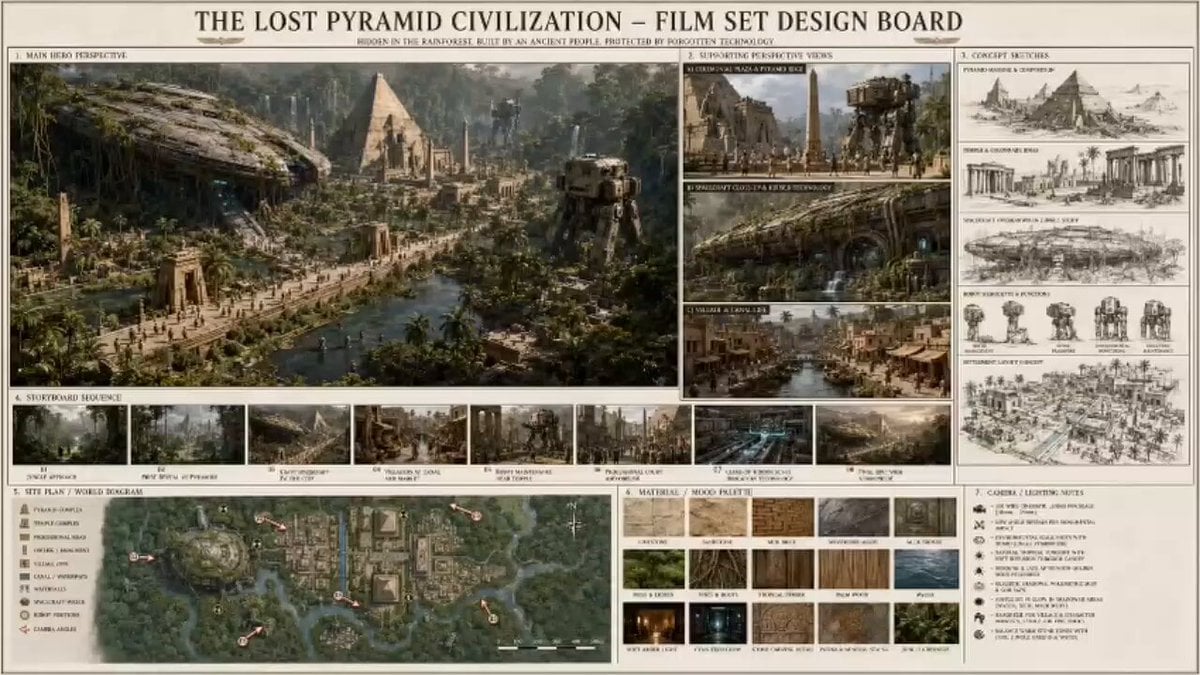
Sci-Fi Lost Pyramid Civilization

2007 Heisei Gal Documentary Style
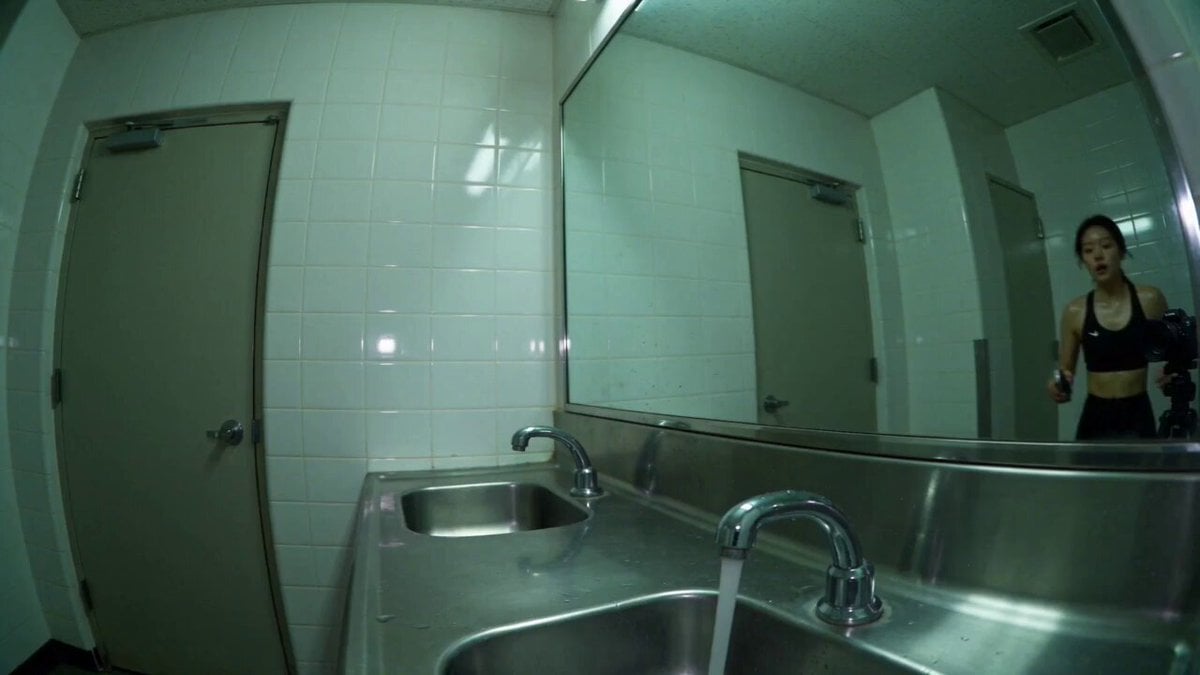
Gym Bathroom Found-Footage Horror
Make it yours
Great Pyramid Construction Documentary Footage works as-is. These are the safest ways to change it without losing the look.
Change one field
Copy a single group, rewrite it, and generate again so you can see what that field is doing.
Keep the frame, change the subject
Hold the composition and light of Great Pyramid Construction Documentary Footage, then swap wardrobe, props or the person for a new take.
| If the result… | Why | Fix |
|---|---|---|
| The result drifts from the preview | Too many fields changed at once. | Reuse Great Pyramid Construction Documentary Footage as-is first, then change one group — subject, light, or setting. |
| The model over-stylizes the scene | The prose prompt leaves finish and camera underspecified. | Add one camera or lighting sentence and stay on Seedance 2.0. |
More Seedance 2.0 templates
Other prompts made for Seedance 2.0.

Comical Martial Arts Punch Scene

Maglev Train Action Sequence

Martial Arts Fight Sequence

Wuxia Protection and Trust Script

Vintage Korean Arcade MiniDV Vlog

Mercedes 190 SL Luxury Ad

Rainy Night Supernatural Reverse Comedy Video Script

Amazon Civilization Discovery

Futuristic South Asian City Transformation

Cozy Luxury Cafe Commercial
More video prompts
Fresh picks from across the catalog.
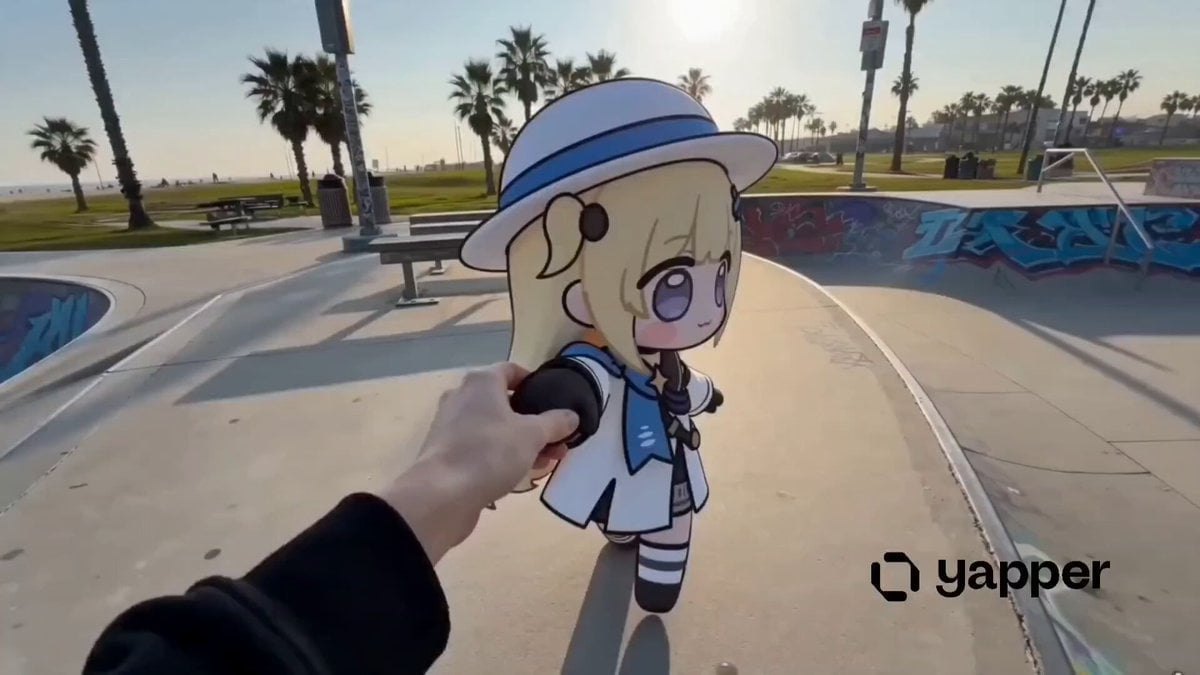
Phoebe Chibi Hybrid Animation

Stylish Woman at Stadium Broadcast

Cyberpunk RPG Anime Action
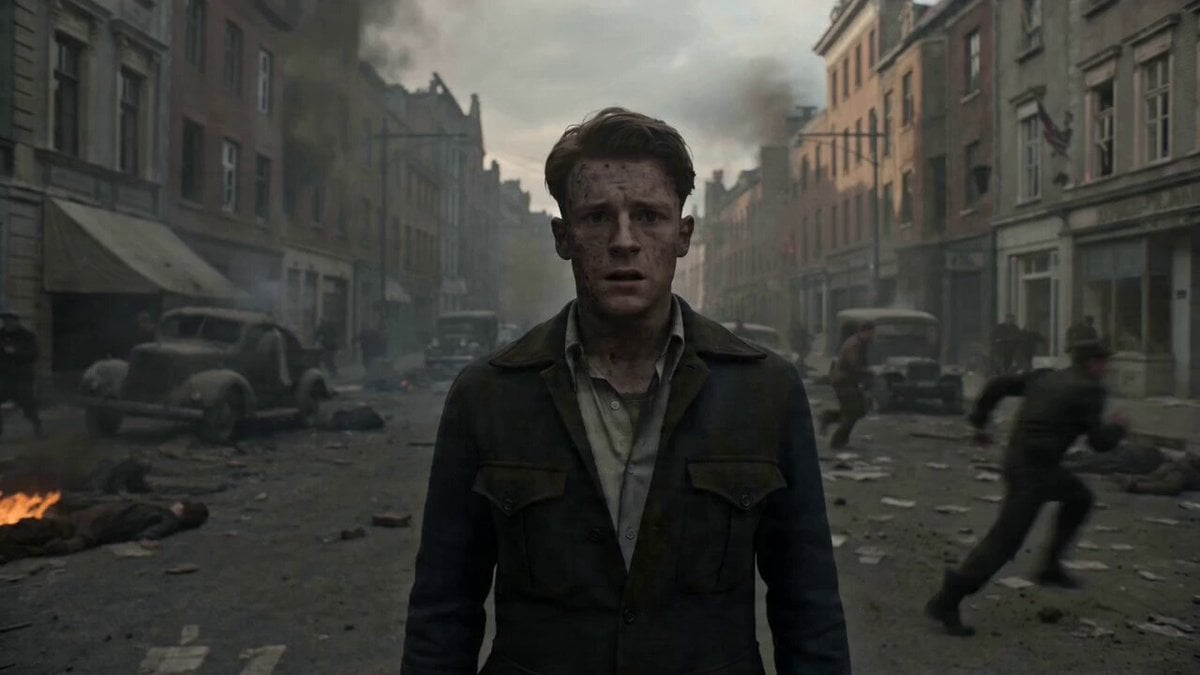
Warzone Chaos Sensory Overload Video
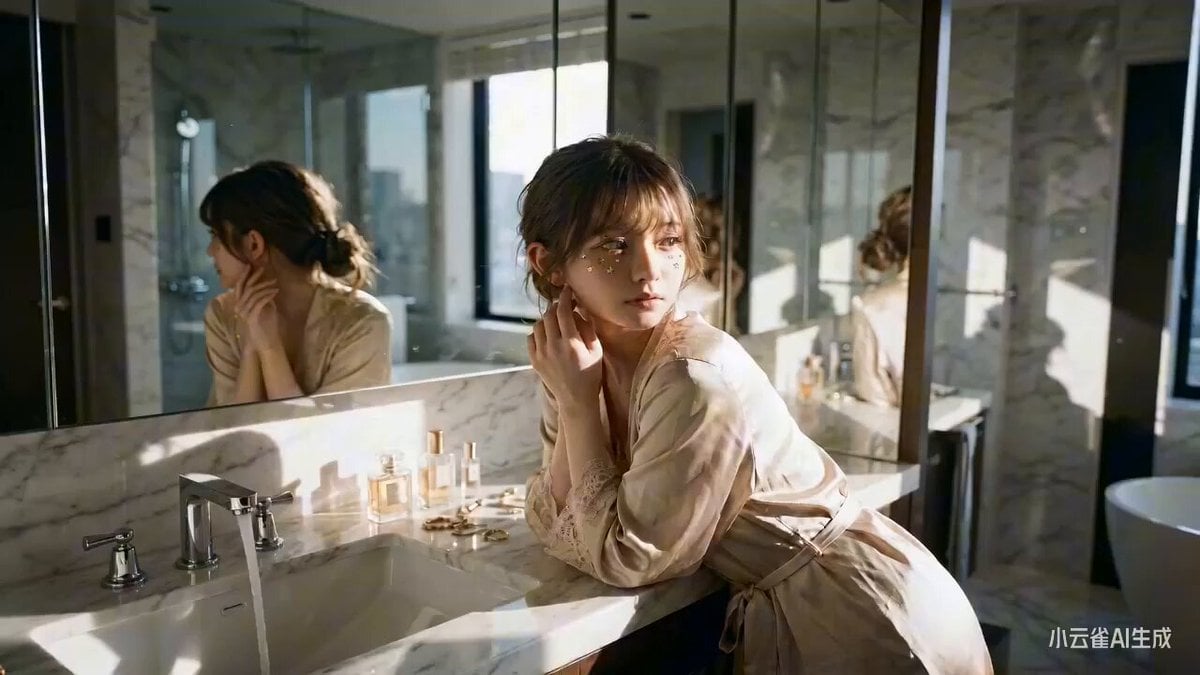
Refined Portrait Generation Prompt
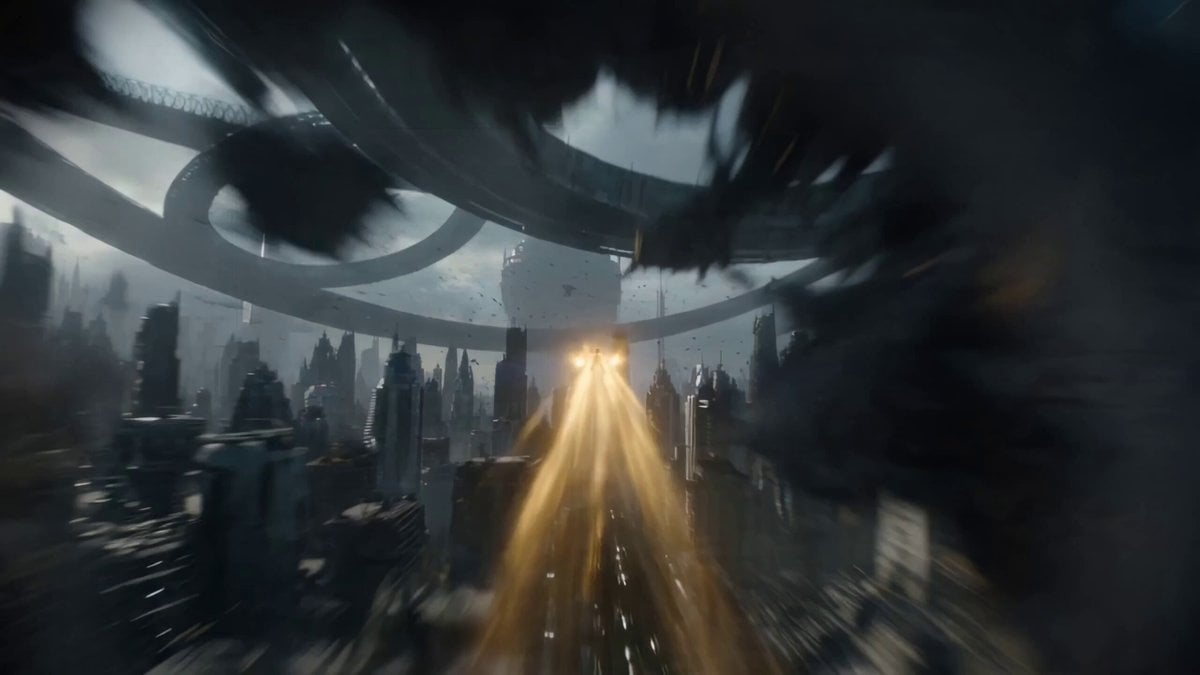
One-Shot Continuous Fall Through Four Layers of Reality
Tokyo Tower Parkour Leap

Sci-Fi Explorer Hovercraft Adventure
Cinematic Archer Character Profile

Military Thriller Typography Animation
Browse template categories
Great Pyramid Construction Documentary Footage questions
How do I use the Great Pyramid Construction Documentary Footage template?
Add your photo if the template asks for one, edit the prompt if you like — the template's model and format are already selected — and press Generate. Your version opens in PicX Studio.
Can I customize the Great Pyramid Construction Documentary Footage template?
Yes. You can change the subject, setting, lighting, mood, format, and available model controls before creating your video.
Is the Great Pyramid Construction Documentary Footage template free?
Opening and editing this template is free. Generating uses credits, shown on the Generate button when you are signed in.
Which AI model should I use?
Start with Seedance 2.0, which is the model associated with this template. You can compare another compatible model for a different finish.
Looking for something else? Browse all templates.

Your photo, any look
Thousands of ready templates for every top image and video model, from one credit balance.