
Nostalgic Sanya Romance Movie Montage
A cinematic prompt for generating a nostalgic 35mm film-style romance video montage based on a storyboard image.
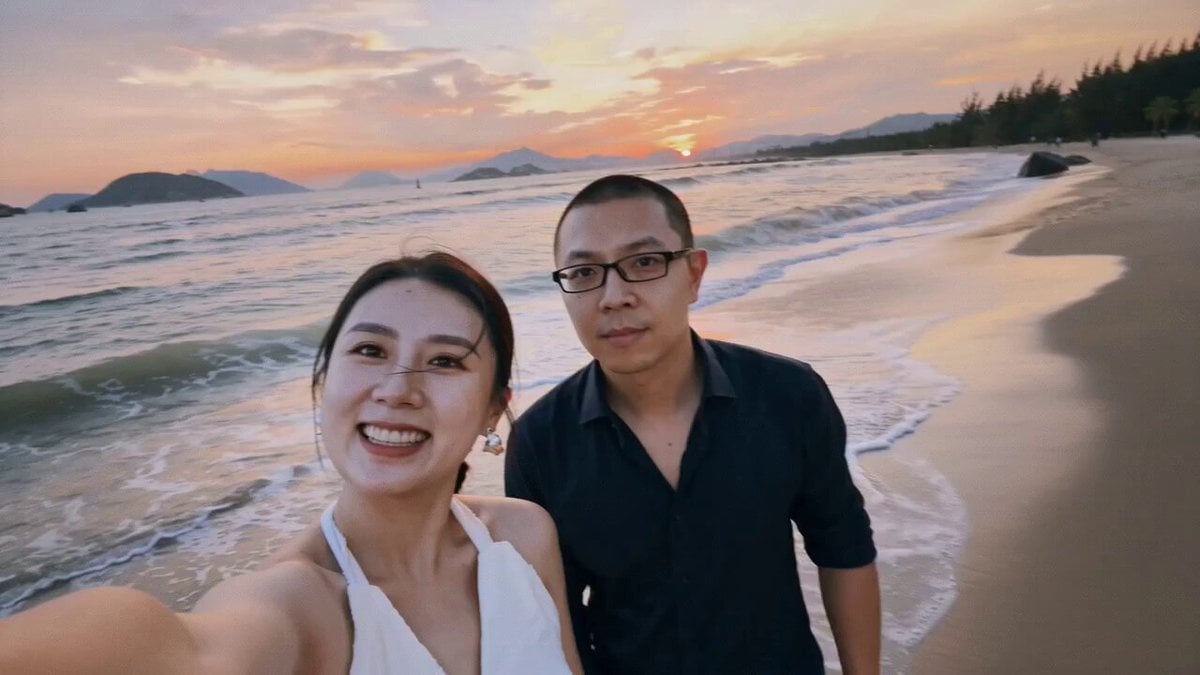
- Prompt included
- Model and format preset
- Free template
The prompt behind this video
Copy the exact prompt behind Nostalgic Sanya Romance Movie Montage, or open it in the studio and make it yours.
根据参考图像的故事板,剪辑成一段快速剪辑的回忆蒙太奇。这是一部充满怀旧气息的海南三亚爱情电影,采用柯达 Portra 800 风格的 35 毫米胶片拍摄。柔和的颗粒感、梦幻般的虚化、温暖的高光和轻微的色彩偏移营造出复古的电影氛围。背景BGM使用中文歌曲。
How to use Nostalgic Sanya Romance Movie Montage in 3 steps
- 1
Open
The prompt is already in the box next to the preview, with the template's model and format selected.
- 2…a portrait of your subject in softgolden-hour light, 85mm…
Personalize
Edit the subject and creative details for your destination.
- 3Generate
Generate
Press Generate — your video is created in PicX Studio, so you can compare it with the original and refine one variable at a time.
More like this
Templates with the same subject, style or setup. Open one to see its prompt.
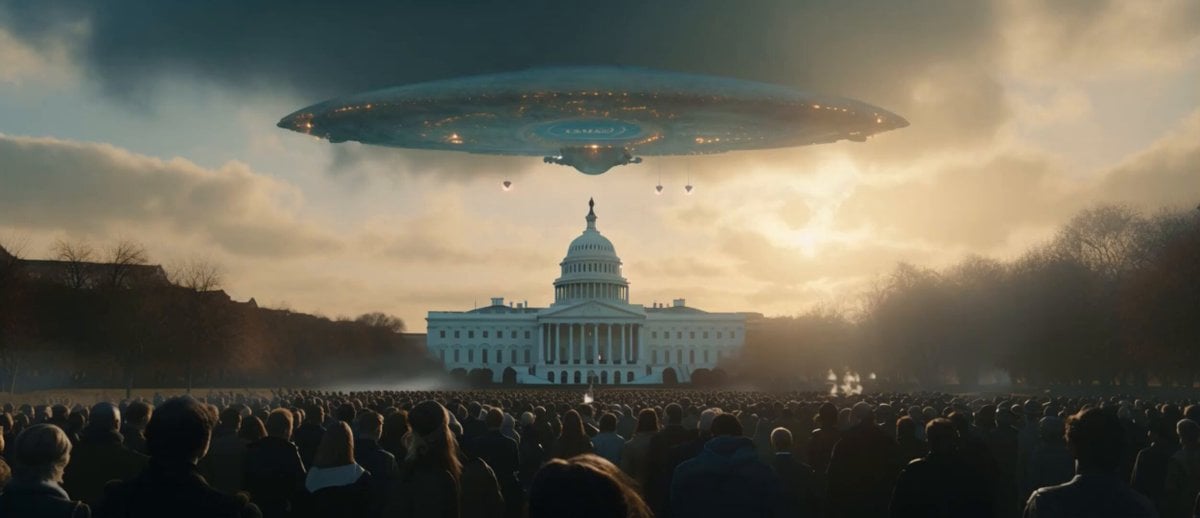
Sci-Fi Disaster Movie Scene - Seedance 2.5
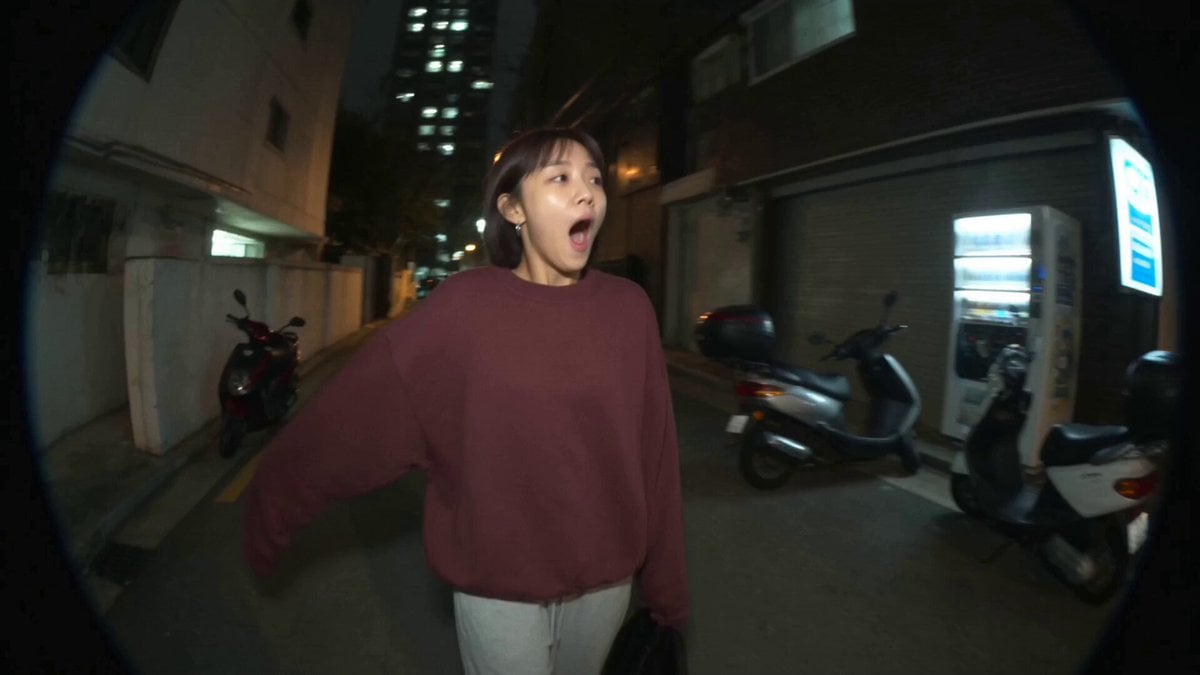
Nostalgic MiniDV Convenience Store Vlog - Seedance 2.5
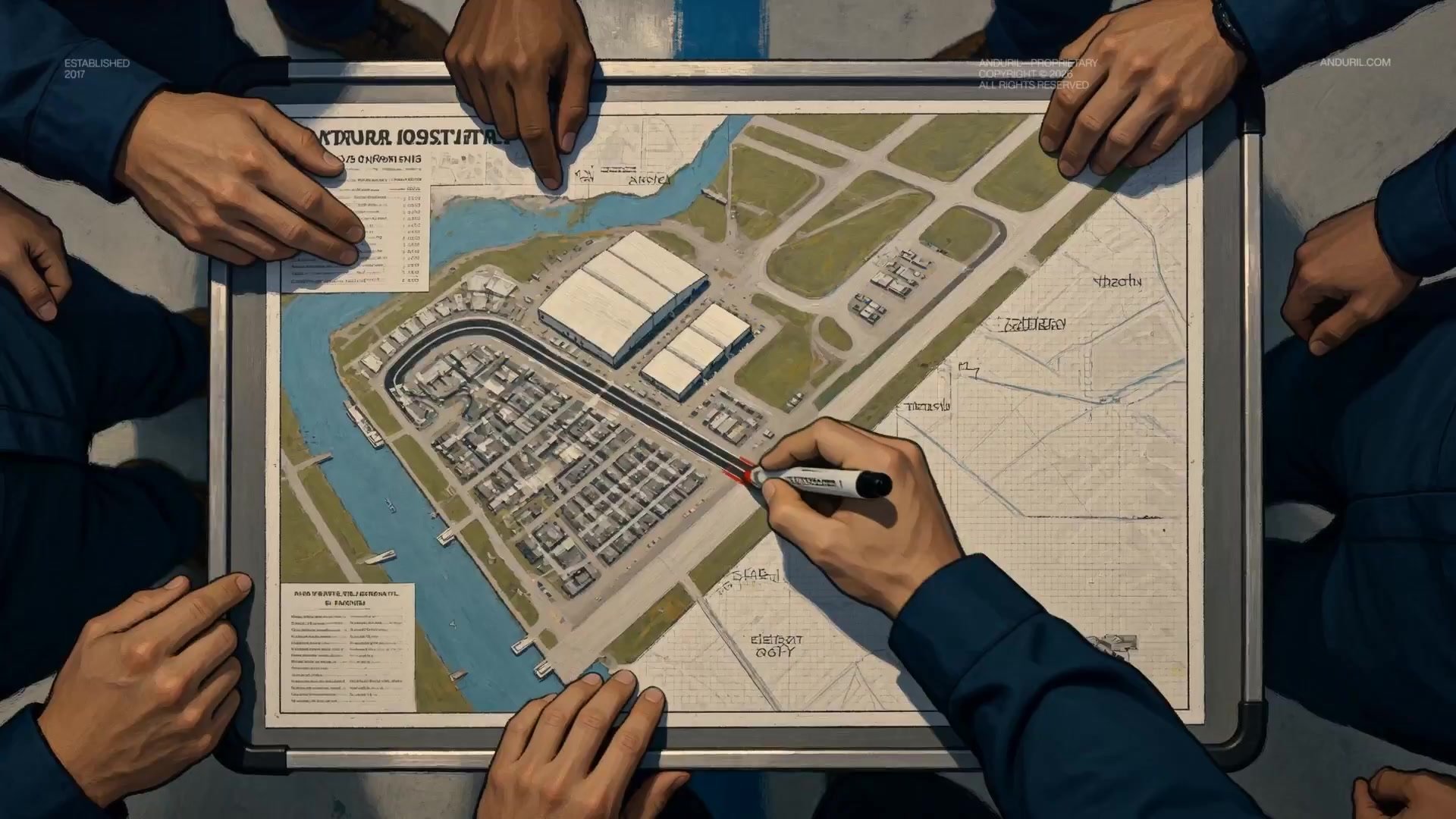
Fighter Jet Aerial Combat Montage — Seedance 2.5
Rushed Morning Routine Montage
Green Dragon Training Short
DV Camcorder POV Gym Montage — Seedance 2.5
DV Camcorder POV Gym Montage — Seedance 2.5
Japanese Romance Drama Getting-Ready Montage
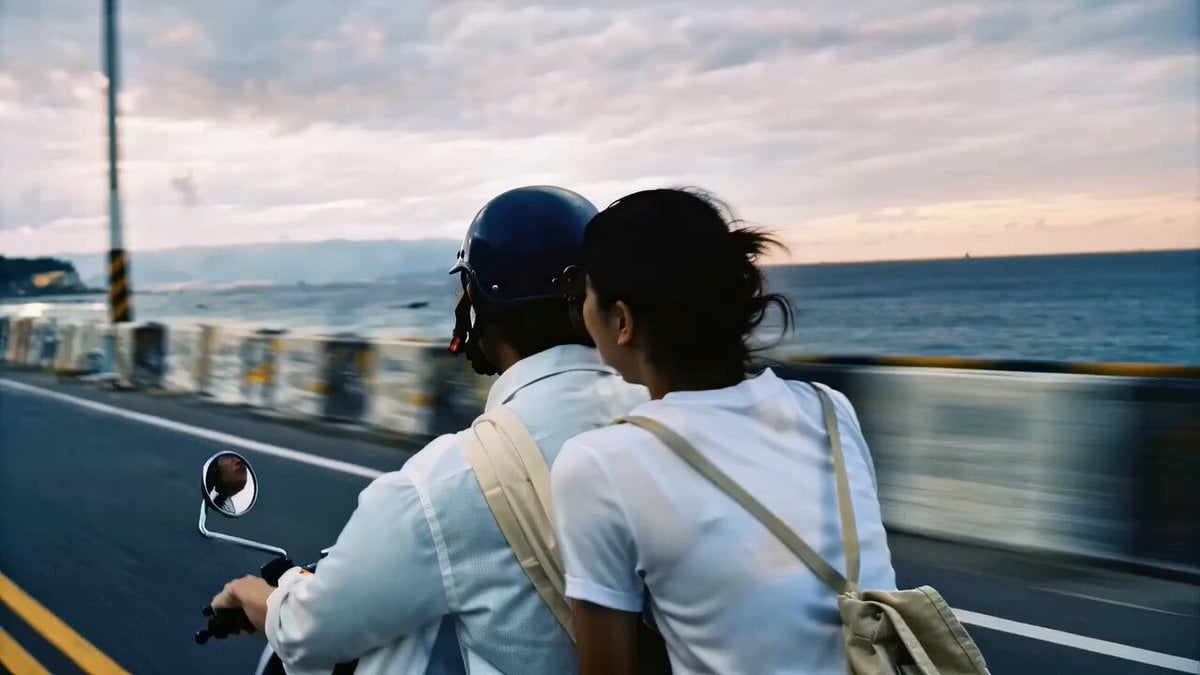
Nostalgic Taiwan Seaside Romance Film
Luxury Handbag Commercial — Hollywood VFX Ad
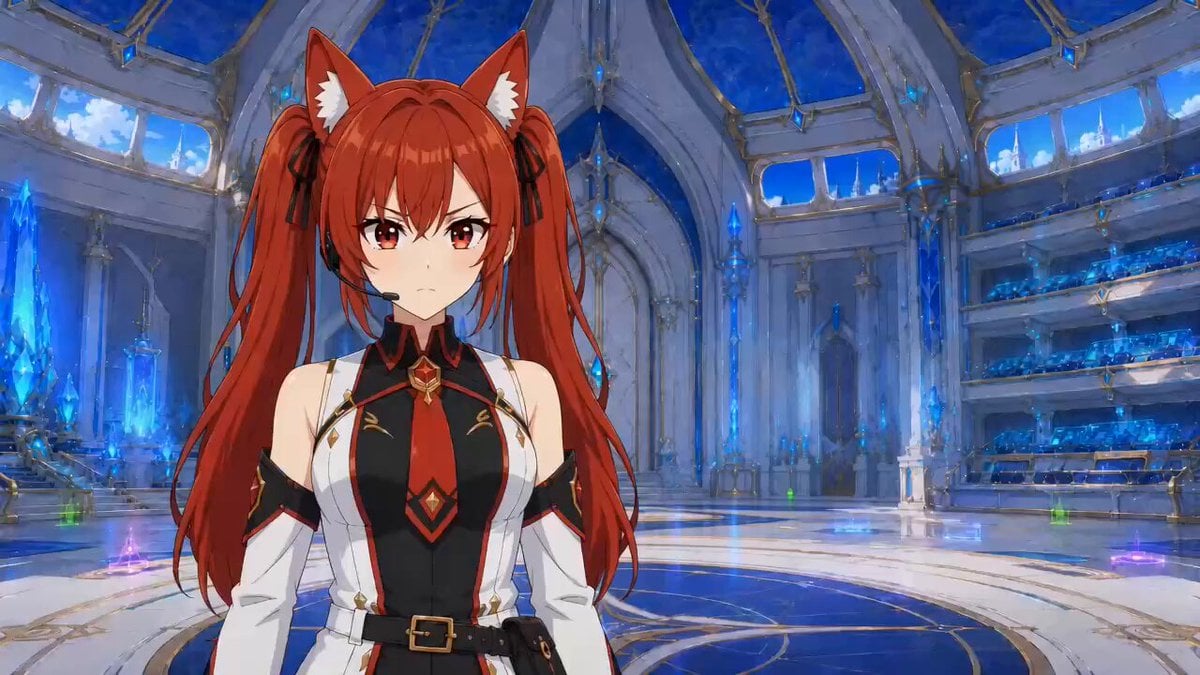
Hologram Interaction Scene Montage
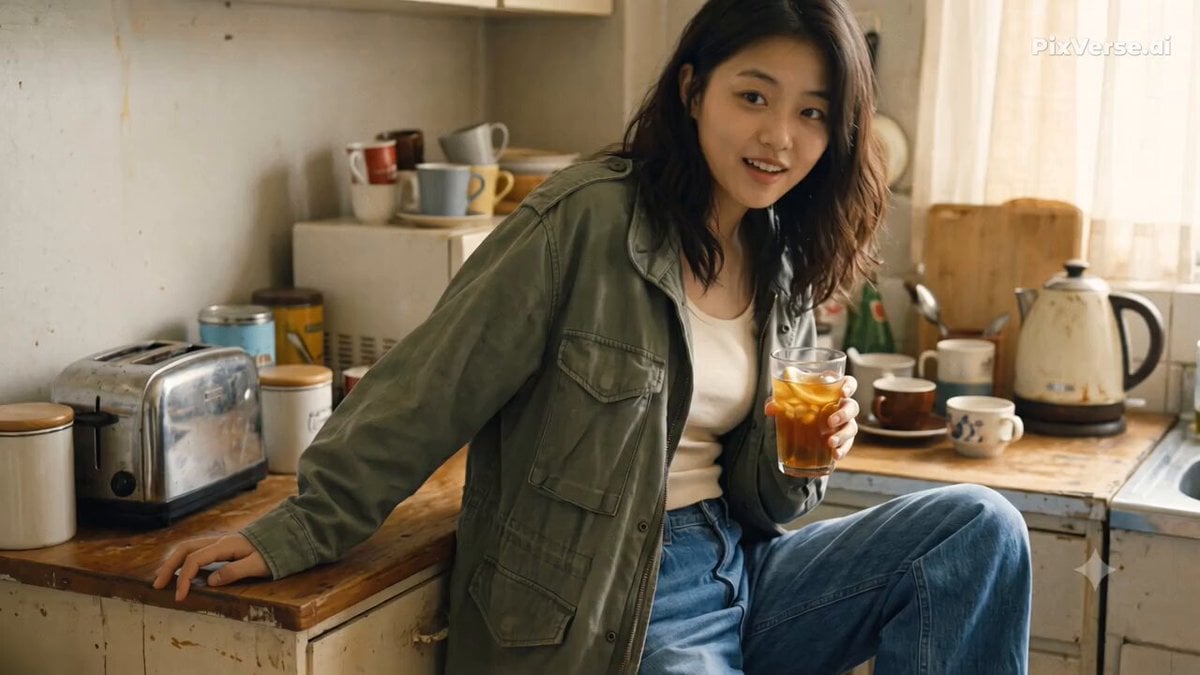
Nostalgic Early 2000s Handheld Home Footage
Make it yours
Nostalgic Sanya Romance Movie Montage works as-is. These are the safest ways to change it without losing the look.
Change one field
Copy a single group, rewrite it, and generate again so you can see what that field is doing.
Keep the frame, change the subject
Hold the composition and light of Nostalgic Sanya Romance Movie Montage, then swap wardrobe, props or the person for a new take.
| If the result… | Why | Fix |
|---|---|---|
| The result drifts from the preview | Too many fields changed at once. | Reuse Nostalgic Sanya Romance Movie Montage as-is first, then change one group — subject, light, or setting. |
| The model over-stylizes the scene | The prose prompt leaves finish and camera underspecified. | Add one camera or lighting sentence and stay on Seedance 2.0. |
More Seedance 2.0 templates
Other prompts made for Seedance 2.0.

Comical Martial Arts Punch Scene

Maglev Train Action Sequence

Martial Arts Fight Sequence

Wuxia Protection and Trust Script

Vintage Korean Arcade MiniDV Vlog

Mercedes 190 SL Luxury Ad

Rainy Night Supernatural Reverse Comedy Video Script

Amazon Civilization Discovery

Futuristic South Asian City Transformation

Cozy Luxury Cafe Commercial
More video prompts
Fresh picks from across the catalog.
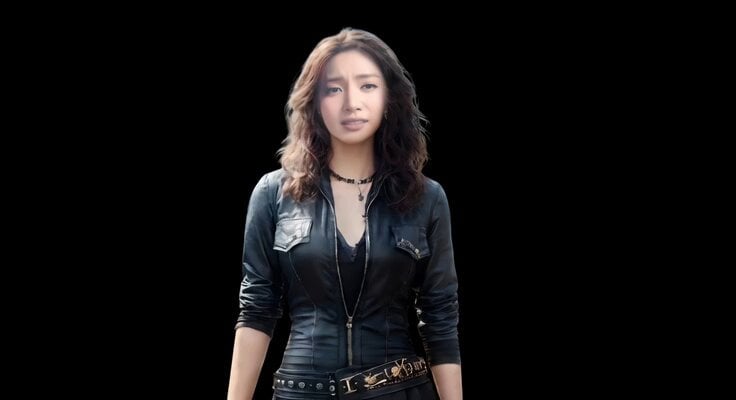
Realistic Emotional Natural Tears Video
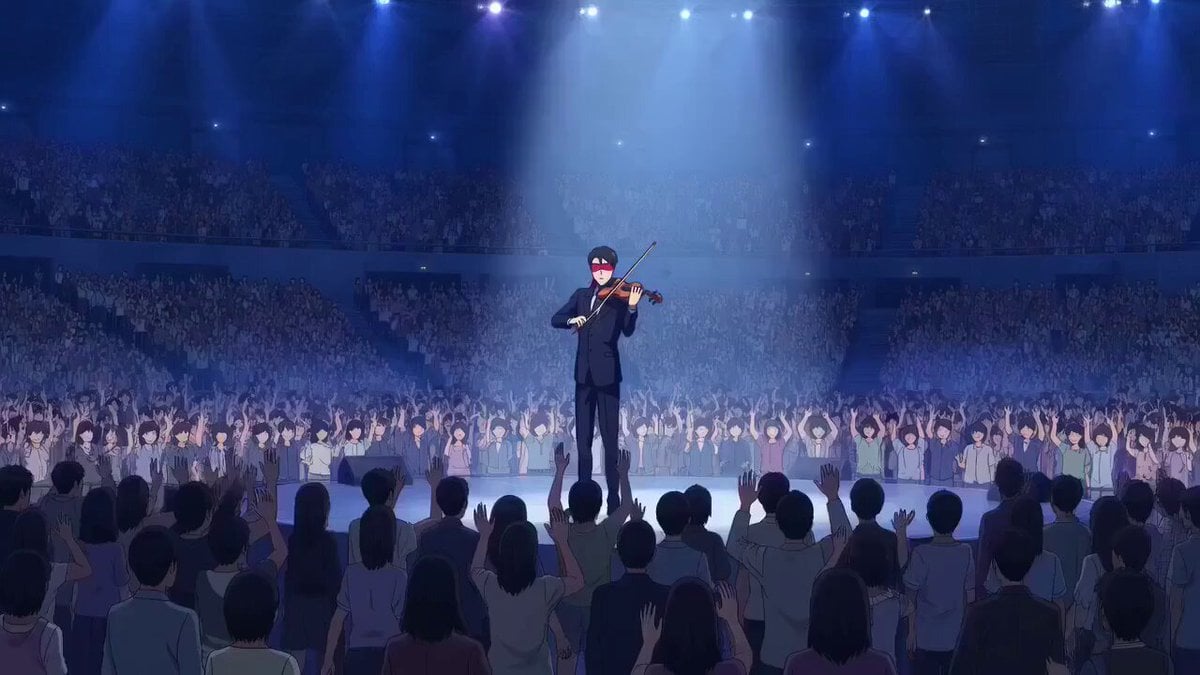
OVA anime style violinist with levitation and sinister observer
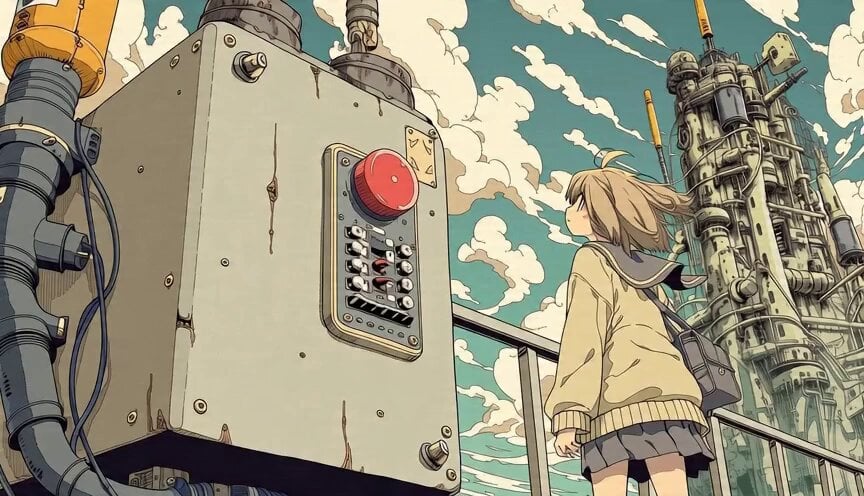
Anime Girl and Explosion Video Prompt
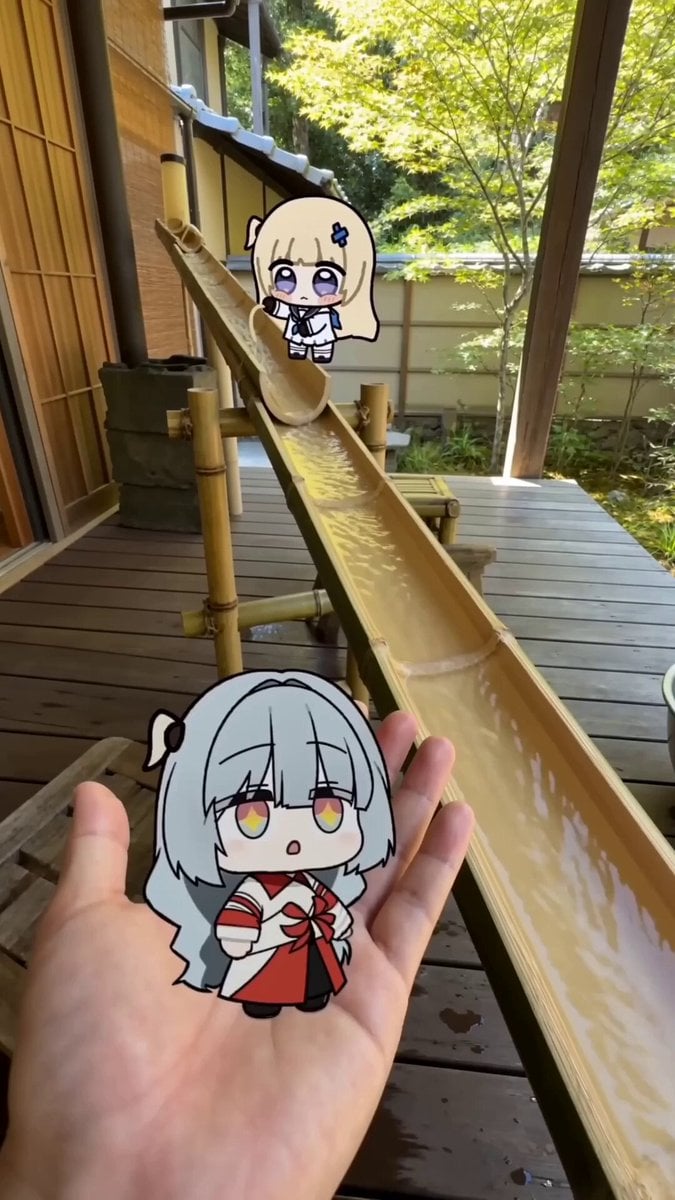
POV Japanese Garden Nagashi Somen Lunch
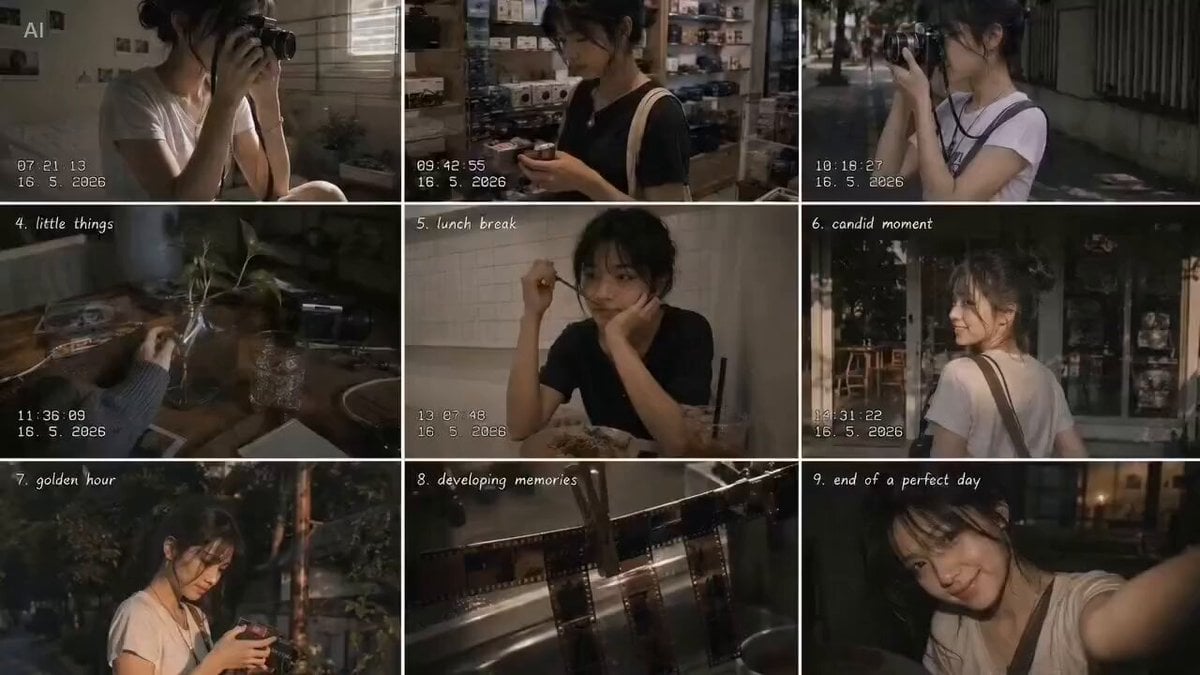
Analog 35mm Style Indonesian Girl Vlog
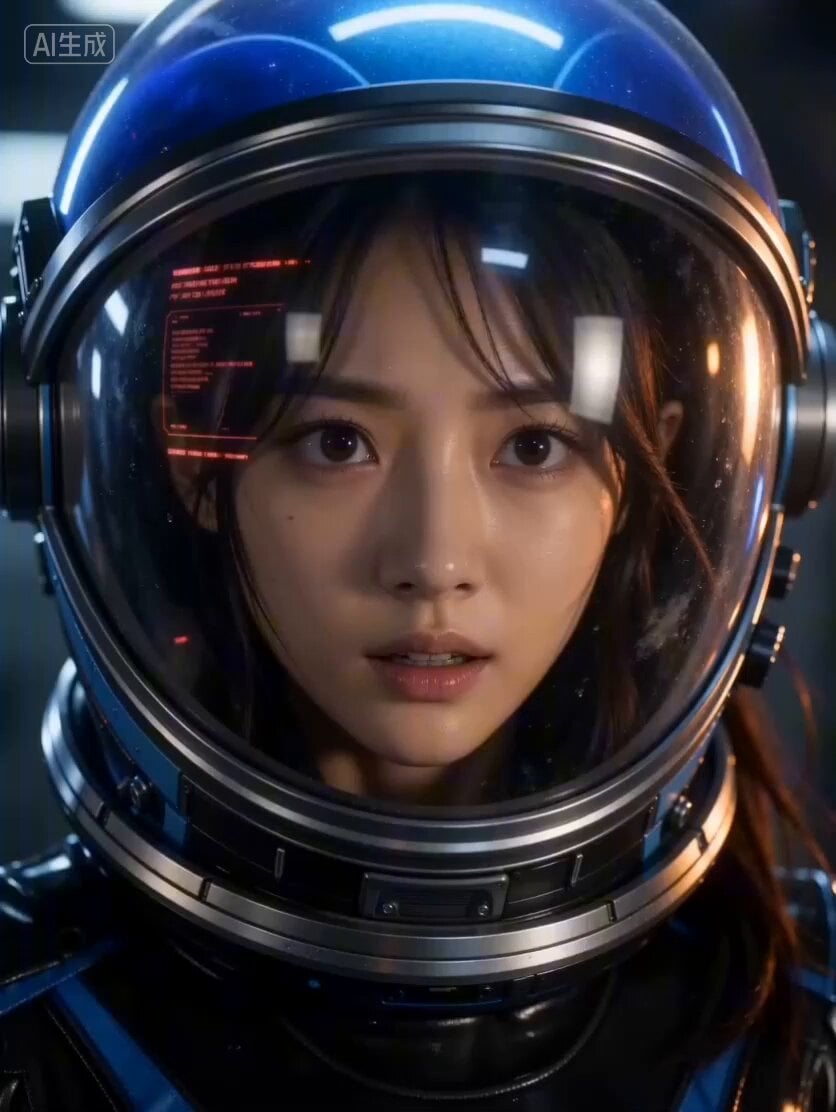
Continuous Shot Transformation and Lightsaber Ignition
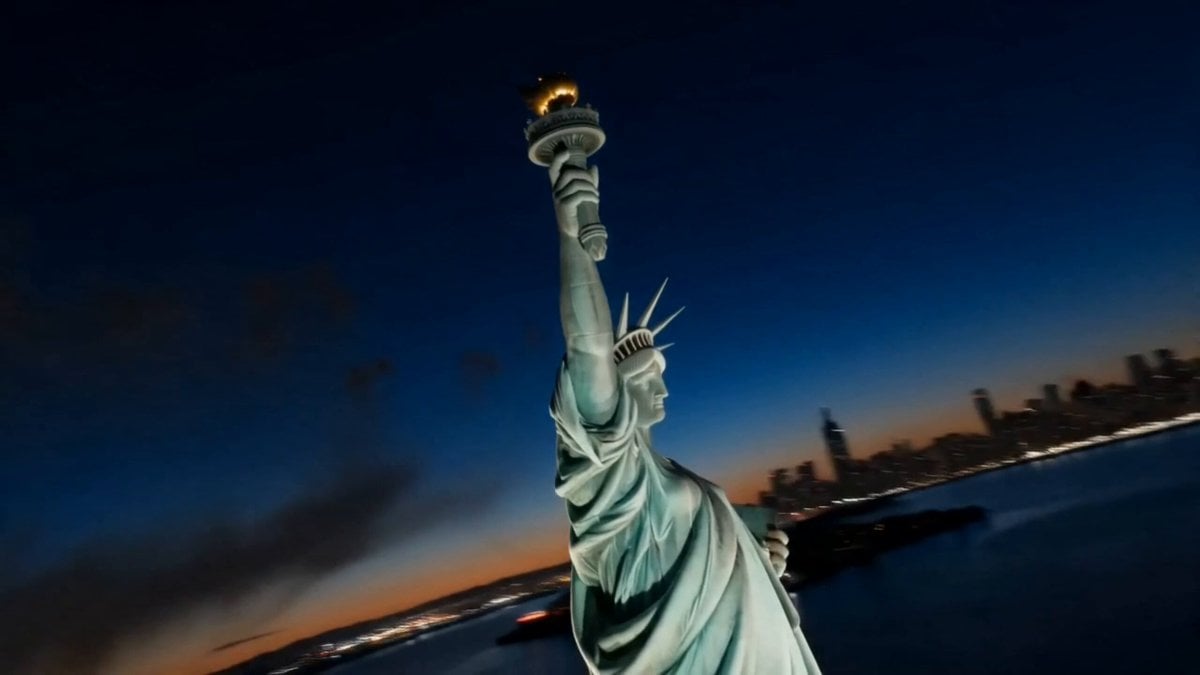
America 250th Anniversary Celebration Drone Show
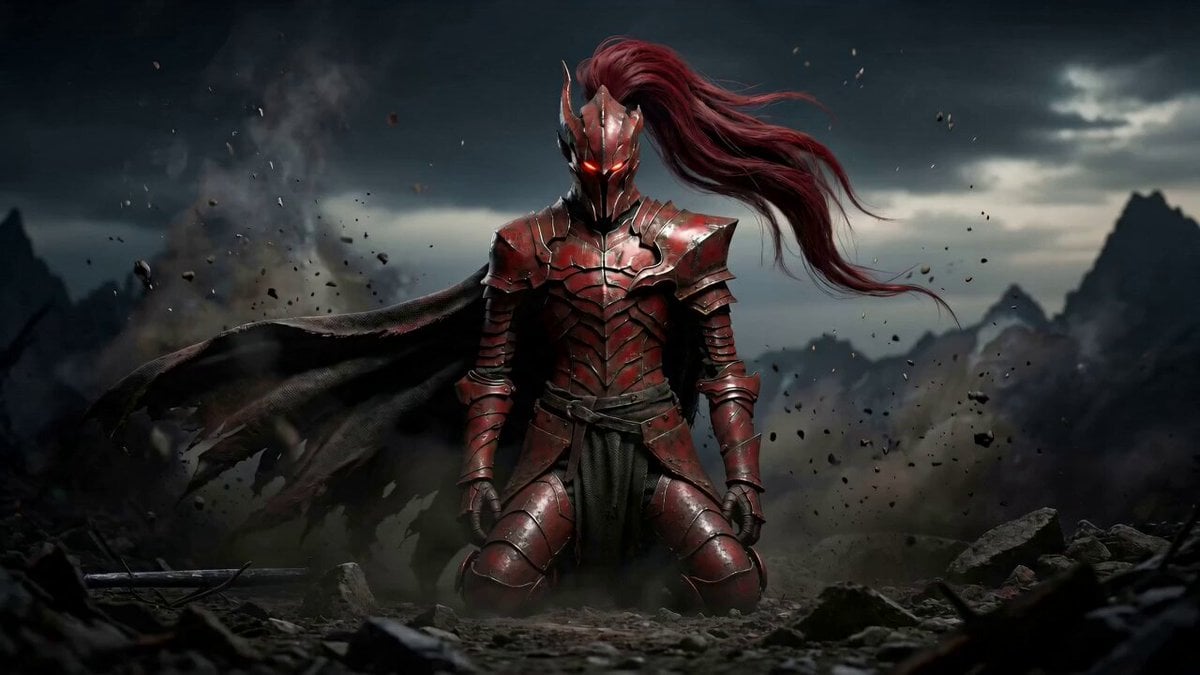
Dark Fantasy Duel: Shadow Monarch vs Knight
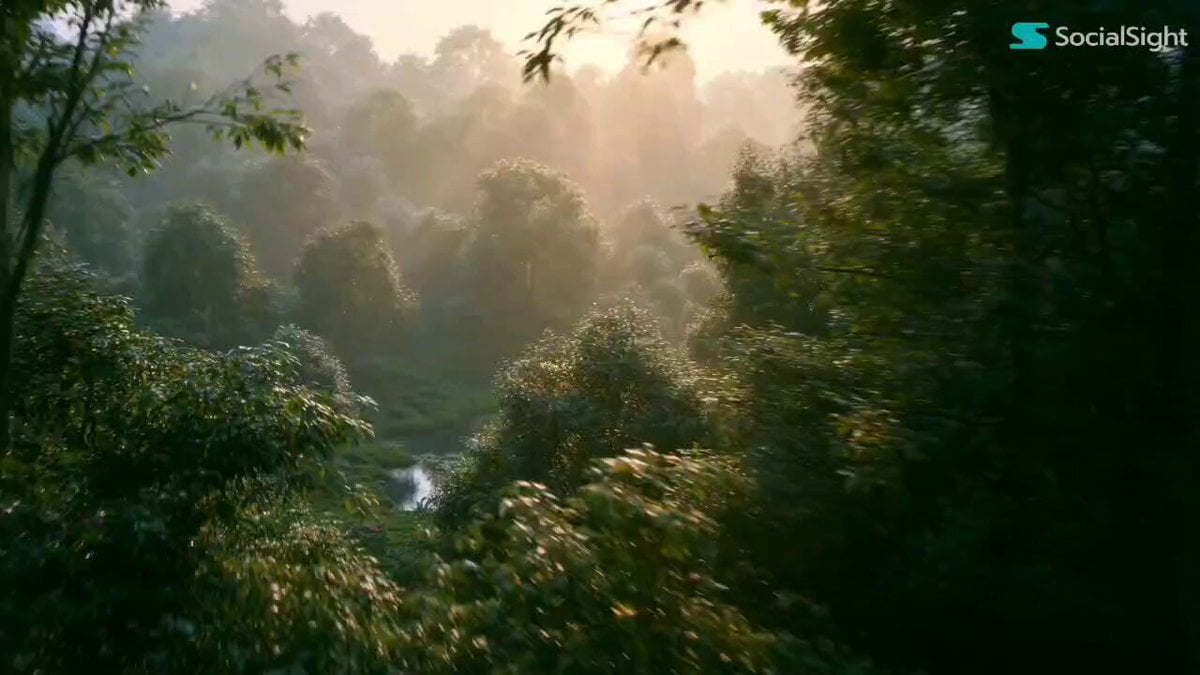
Dreamy Yellow Glass House
Cyberpunk singularity awakening video prompt
Browse template categories
Nostalgic Sanya Romance Movie Montage questions
How do I use the Nostalgic Sanya Romance Movie Montage template?
Add your photo if the template asks for one, edit the prompt if you like — the template's model and format are already selected — and press Generate. Your version opens in PicX Studio.
Can I customize the Nostalgic Sanya Romance Movie Montage template?
Yes. You can change the subject, setting, lighting, mood, format, and available model controls before creating your video.
Is the Nostalgic Sanya Romance Movie Montage template free?
Opening and editing this template is free. Generating uses credits, shown on the Generate button when you are signed in.
Which AI model should I use?
Start with Seedance 2.0, which is the model associated with this template. You can compare another compatible model for a different finish.
Looking for something else? Browse all templates.

Your photo, any look
Thousands of ready templates for every top image and video model, from one credit balance.