
Pixar Style Father Son Football Story
A wholesome Pixar-style 3D animated video prompt depicting a father and son's shared love for Portugal football.
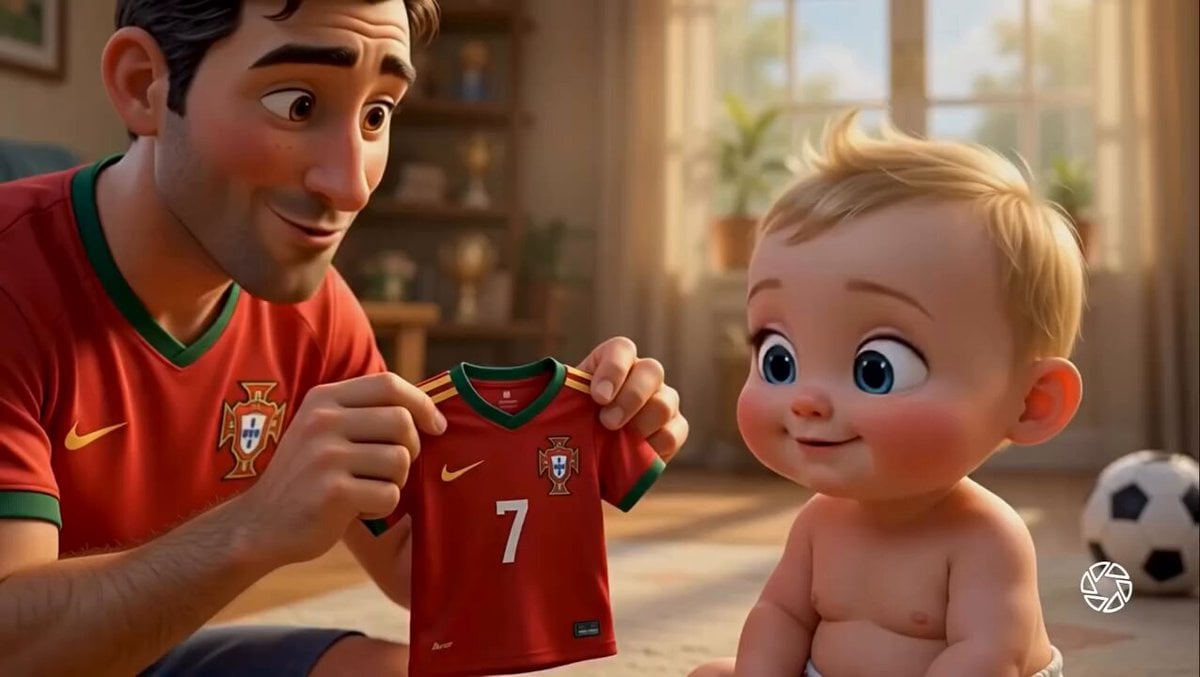
- Prompt included
- Model and format preset
- Premium template
The prompt behind this video
Copy the exact prompt behind Pixar Style Father Son Football Story, or open it in the studio and make it yours.
Pixar-style 3D animated cinematic video, heartwarming father-and-son football story inside a cozy sunlit living room. A loving father wearing a red Portugal football jersey gently shows a tiny Portugal jersey with number 7 to his adorable blonde baby. The baby has huge expressive blue eyes, chubby cheeks, and realistic skin details. Warm golden morning sunlight streams through large windows, soft depth of field, ultra-detailed character animation, emotional storytelling. Scene 1: Father proudly presents a miniature Portugal jersey to the baby. Scene 2: Baby smiles and laughs as the father helps him wear the jersey. Scene 3: Close-up of the father carefully painting football fan markings on the baby's cheeks. Scene 4: The baby transforms into a tiny football player wearing a complete Portugal kit with number 7, football boots, and socks. Scene 5: Hero shot of the baby standing confidently beside a soccer ball, determined expression, Portugal flag visible in the background. Camera movements: smooth cinematic dolly shots, close-ups, gentle push-ins, shallow depth of field. Lighting: warm golden-hour sunlight, soft shadows, cozy family atmosphere. Style: Disney Pixar, ultra-realistic 3D animation, vibrant colors, emotional storytelling, highly detailed facial expressions, professional cinematic rendering, 4K, masterpiece quality, smooth motion, cute and wholesome family moment.
How to use Pixar Style Father Son Football Story in 3 steps
- 1
Open
The prompt is already in the box next to the preview, with the template's model and format selected.
- 2…a portrait of your subject in softgolden-hour light, 85mm…
Personalize
Edit the subject and creative details for your destination.
- 3Generate
Generate
Press Generate — your video is created in PicX Studio, so you can compare it with the original and refine one variable at a time.
More like this
Templates with the same subject, style or setup. Open one to see its prompt.

Three-Thousand-Year Football History

Pigeon Nemesis Pixar Animation Storyboard

Wholesome Puppy and Kitten Story - Seedance 2.5

Realistic City Street Story Cinematic Video - Seedance

3D Animated Football Story
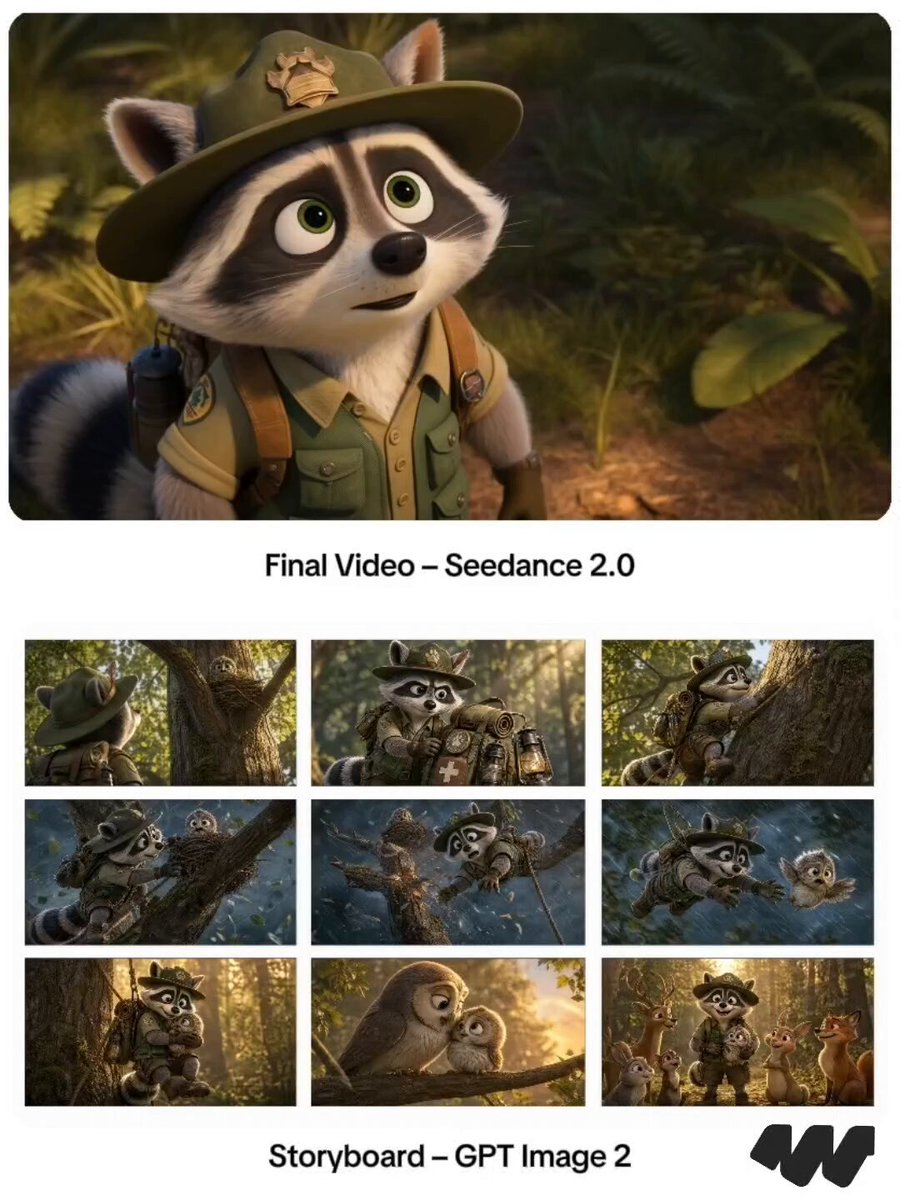
Pixar Raccoon Storyboard

Emotional Father and Son Reunion

Freestyle Football 16-Step Storyboard

Pixar Style Wok Cooking Animation Storyboard
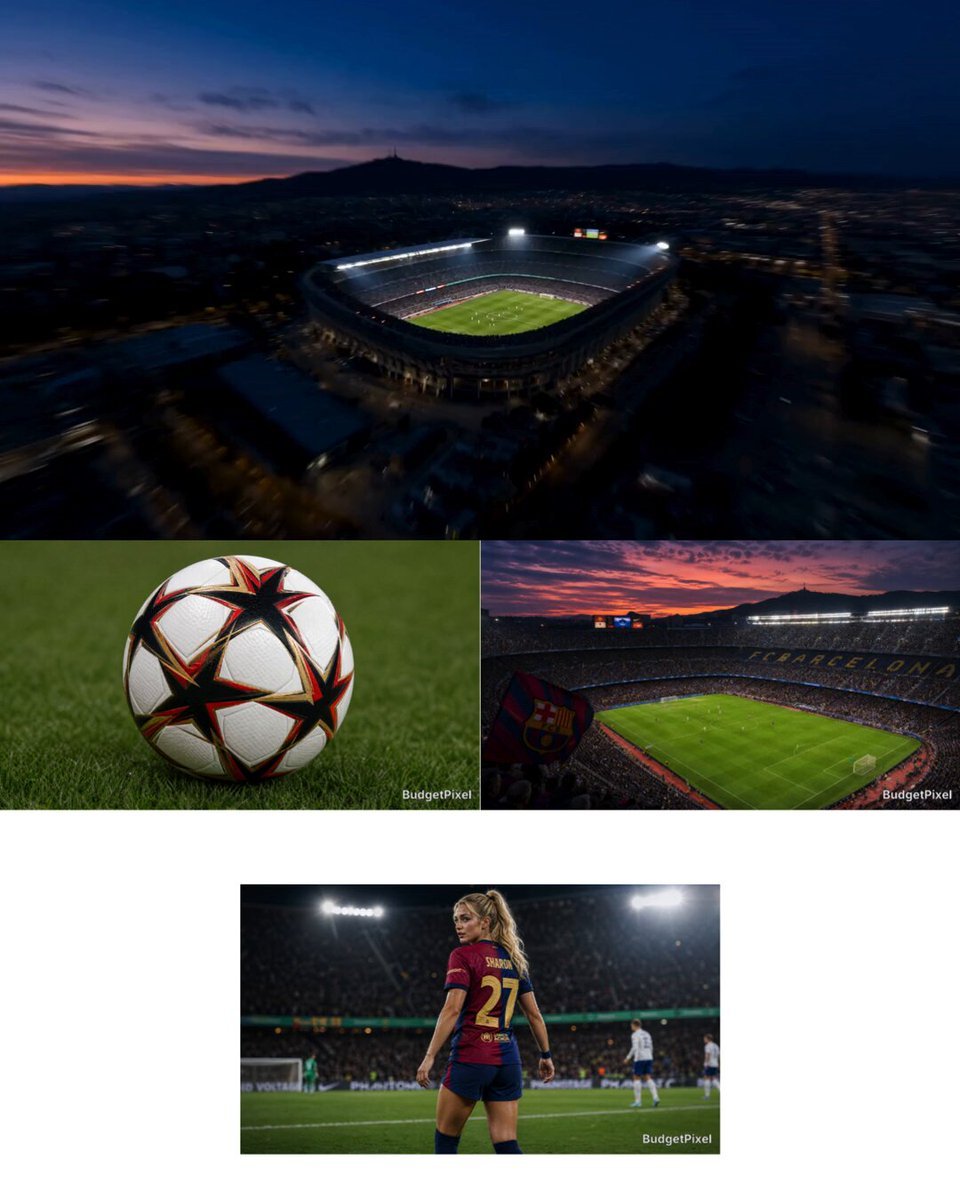
Intense Football Match Storyboard

Cinematic LEGO Football Match Storyboard
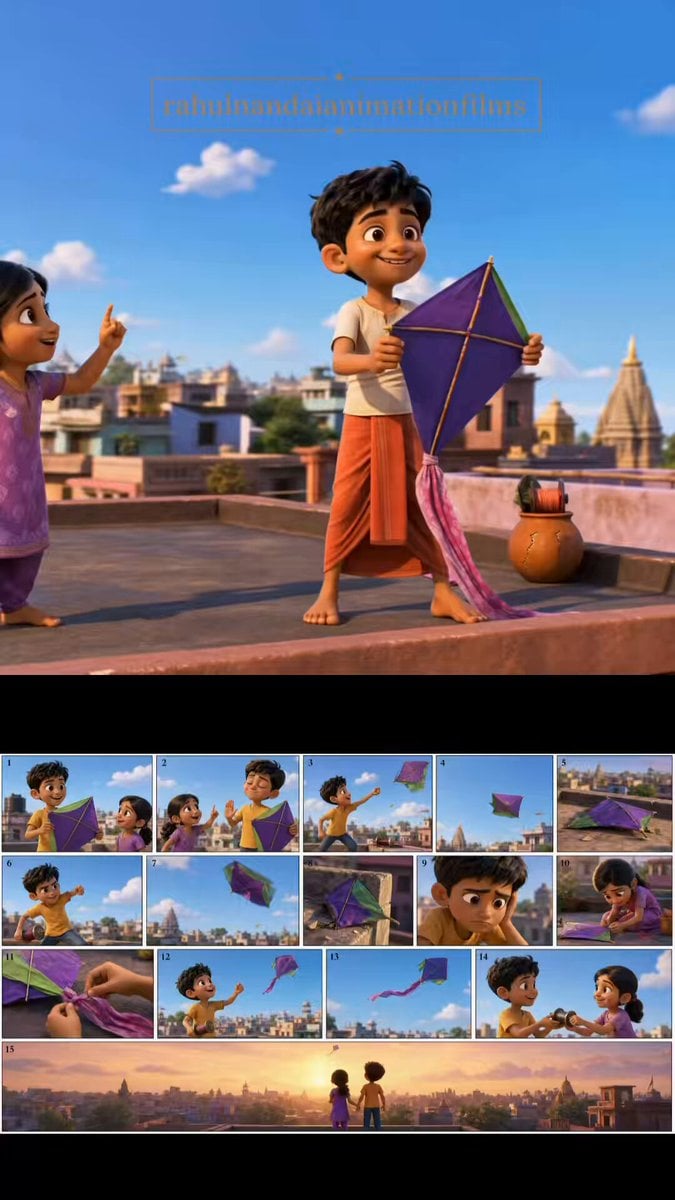
Pixar Style Animated Short Storyboard
Make it yours
Pixar Style Father Son Football Story works as-is. These are the safest ways to change it without losing the look.
Change one field
Copy a single group, rewrite it, and generate again so you can see what that field is doing.
Keep the frame, change the subject
Hold the composition and light of Pixar Style Father Son Football Story, then swap wardrobe, props or the person for a new take.
| If the result… | Why | Fix |
|---|---|---|
| The result drifts from the preview | Too many fields changed at once. | Reuse Pixar Style Father Son Football Story as-is first, then change one group — subject, light, or setting. |
| The model over-stylizes the scene | The prose prompt leaves finish and camera underspecified. | Add one camera or lighting sentence and stay on Seedance 2.0. |
More Seedance 2.0 templates
Other prompts made for Seedance 2.0.

Comical Martial Arts Punch Scene

Maglev Train Action Sequence

Martial Arts Fight Sequence

Wuxia Protection and Trust Script

Vintage Korean Arcade MiniDV Vlog

Mercedes 190 SL Luxury Ad

Rainy Night Supernatural Reverse Comedy Video Script

Amazon Civilization Discovery

Futuristic South Asian City Transformation

Cozy Luxury Cafe Commercial
More video prompts
Fresh picks from across the catalog.

Nostalgic MiniDV Convenience Store Vlog - Seedance 2.5

Street Fighter Classic Battle Video Generation
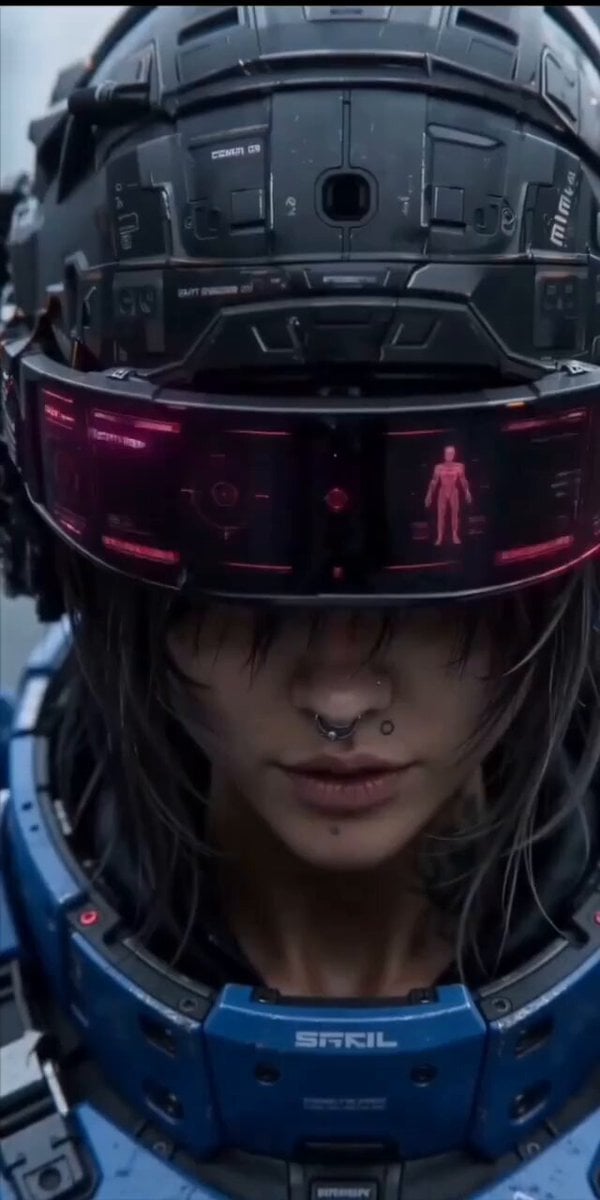
Cinematic action sequence video prompt of a futuristic female warrior
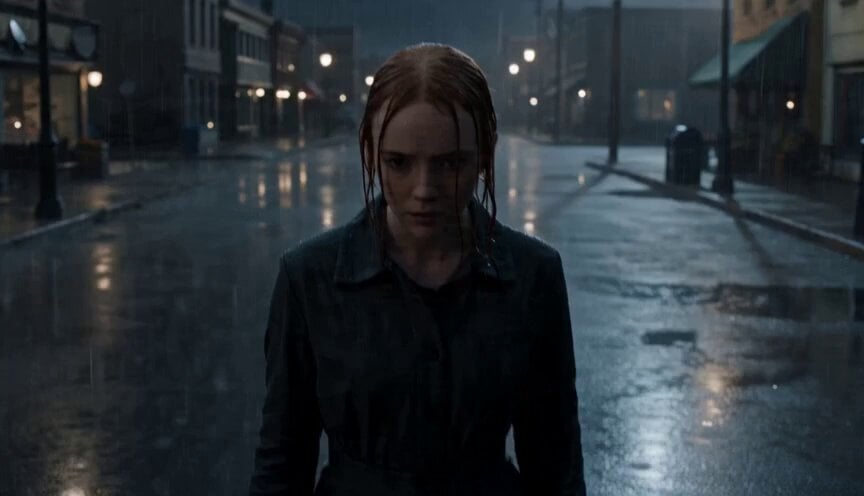
Cinematic Unreal Engine Video Prompt with Shockwave Effect

Mutant Horse and Wolf Transformation
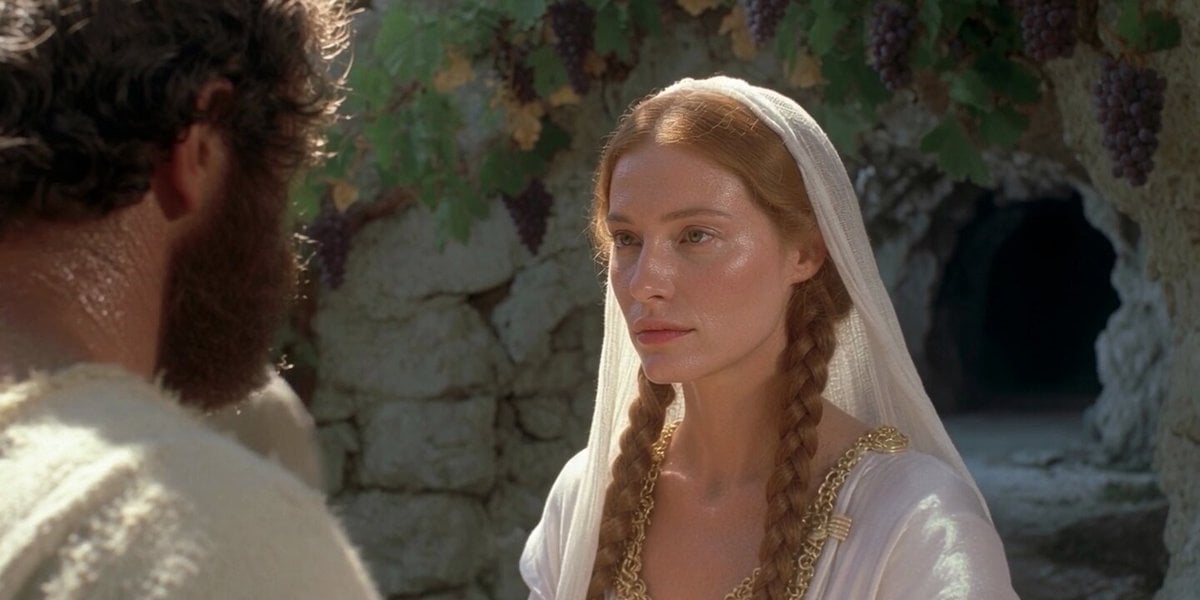
Realistic Human Laugh Performance

Urban Street Dance Commercial

Cinematic Cyberpunk Vertical Reel Video Prompt
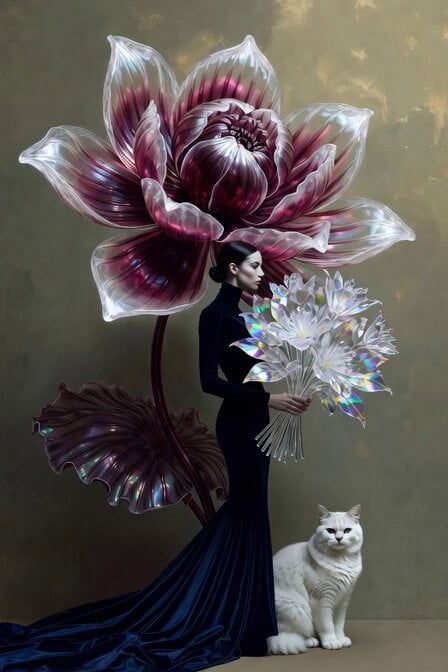
Surrealist Fashion Crystal Lotus

Science Fiction Short Film
Browse template categories
Pixar Style Father Son Football Story questions
How do I use the Pixar Style Father Son Football Story template?
Add your photo if the template asks for one, edit the prompt if you like — the template's model and format are already selected — and press Generate. Your version opens in PicX Studio.
Can I customize the Pixar Style Father Son Football Story template?
Yes. You can change the subject, setting, lighting, mood, format, and available model controls before creating your video.
Is the Pixar Style Father Son Football Story template free?
Opening and editing this template is free. Generating uses credits, shown on the Generate button when you are signed in.
Which AI model should I use?
Start with Seedance 2.0, which is the model associated with this template. You can compare another compatible model for a different finish.
Looking for something else? Browse all templates.

Your photo, any look
Thousands of ready templates for every top image and video model, from one credit balance.