
Urban Street Dance Commercial
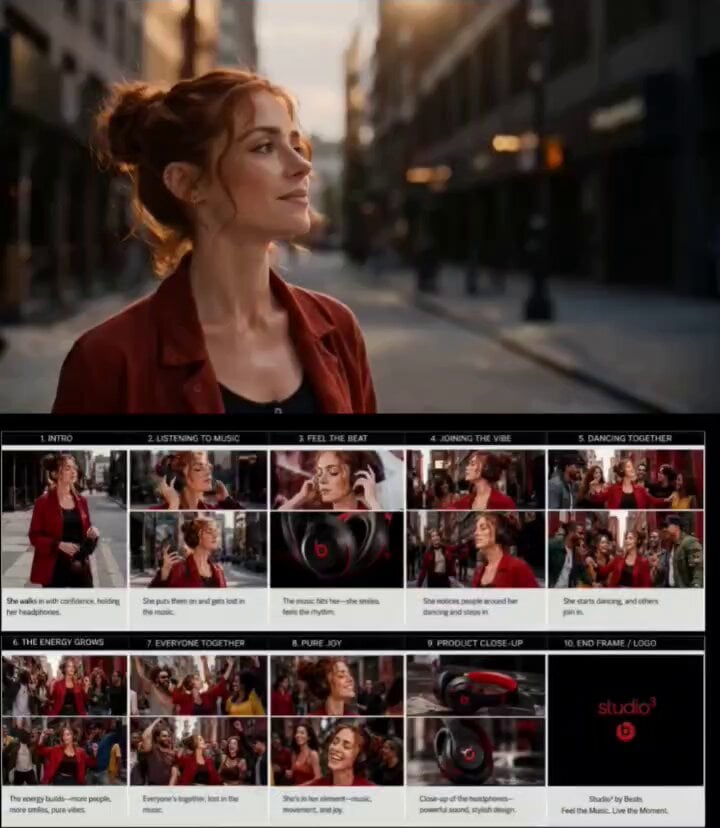
A cinematic commercial prompt for a stylish woman walking through a city and listening to music, leading into a spontaneous street dance with a growing crowd.
- Prompt included
- Model and format preset
- Free template
The prompt behind this video
Copy the exact prompt behind Urban Street Dance Commercial, or open it in the studio and make it yours.
A stylish young woman with red hair walks confidently through a vibrant urban street wearing premium black-and-red over-ear headphones. Cinematic lifestyle commercial, warm golden-hour lighting, shallow depth of field, realistic city atmosphere, fashionable streetwear. She pauses, puts on the headphones, closes her eyes, and immerses herself in the music. Close-up shots of the headphones, subtle smile, hair gently moving in the breeze, synchronized with the beat. As the music builds, she starts moving naturally to the rhythm while walking through the city. Smooth tracking shots and cinematic orbit camera movements capture her energy and confidence. Nearby pedestrians notice her vibe and begin smiling. One by one, people join her, creating a spontaneous street dance moment. The crowd grows larger, dancing together through city streets and open plazas, celebrating music, connection, and joy. Dynamic camera movement, seamless transitions, slow-motion highlights, expressive reactions, energetic choreography, authentic emotions, premium advertising aesthetic. Alternating close-ups of the woman, wide shots of the growing crowd, and detailed product shots of the headphones. Music-driven editing, rhythmic cuts, cinematic lens flares, natural lighting, vibrant urban colors, ultra-realistic textures. End with a dramatic hero shot of the headphones rotating against a cinematic city backdrop, subtle audio-wave visual effects, premium reflections, luxury product-commercial styling, shallow depth of field, high-end brand campaign look, flawless commercial cinematography, 16:9 aspect ratio, photorealistic, visually stunning.
How to use Urban Street Dance Commercial in 3 steps
- 1
Open
The prompt is already in the box next to the preview, with the template's model and format selected.
- 2…a portrait of your subject in softgolden-hour light, 85mm…
Personalize
Edit the subject and creative details for your destination.
- 3Generate
Generate
Press Generate — your video is created in PicX Studio, so you can compare it with the original and refine one variable at a time.
More like this
Templates with the same subject, style or setup. Open one to see its prompt.

Realistic City Street Story Cinematic Video - Seedance
Out of Control — Seedance 2.0

Nano Banana Seedance Time Control Streets

Cyberpunk Holographic Dance Performance - Seedance 2.5
Fruit Cookie Commercial

Silk Road Pomegranate Folk Animation

Mechanical Flower Bloom Brand Film

Crystal Ball Match-Cut Brand Film

Sneaker Product Commercial

Skincare Product Commercial 3

Cinematic Portrait Study 3

Product UGC Commercial
Make it yours
Urban Street Dance Commercial works as-is. These are the safest ways to change it without losing the look.
Change one field
Copy a single group, rewrite it, and generate again so you can see what that field is doing.
Keep the frame, change the subject
Hold the composition and light of Urban Street Dance Commercial, then swap wardrobe, props or the person for a new take.
| If the result… | Why | Fix |
|---|---|---|
| The result drifts from the preview | Too many fields changed at once. | Reuse Urban Street Dance Commercial as-is first, then change one group — subject, light, or setting. |
| The model over-stylizes the scene | The prose prompt leaves finish and camera underspecified. | Add one camera or lighting sentence and stay on Seedance 2.0. |
More Seedance 2.0 templates
Other prompts made for Seedance 2.0.

Comical Martial Arts Punch Scene

Maglev Train Action Sequence

Martial Arts Fight Sequence

Wuxia Protection and Trust Script

Vintage Korean Arcade MiniDV Vlog

Mercedes 190 SL Luxury Ad

Rainy Night Supernatural Reverse Comedy Video Script

Amazon Civilization Discovery

Futuristic South Asian City Transformation

Cozy Luxury Cafe Commercial
More video prompts
Fresh picks from across the catalog.

Kamen Rider Villain Transformation Sequence Video
Seedance 2.0 Video Prompt for Dancing Girl
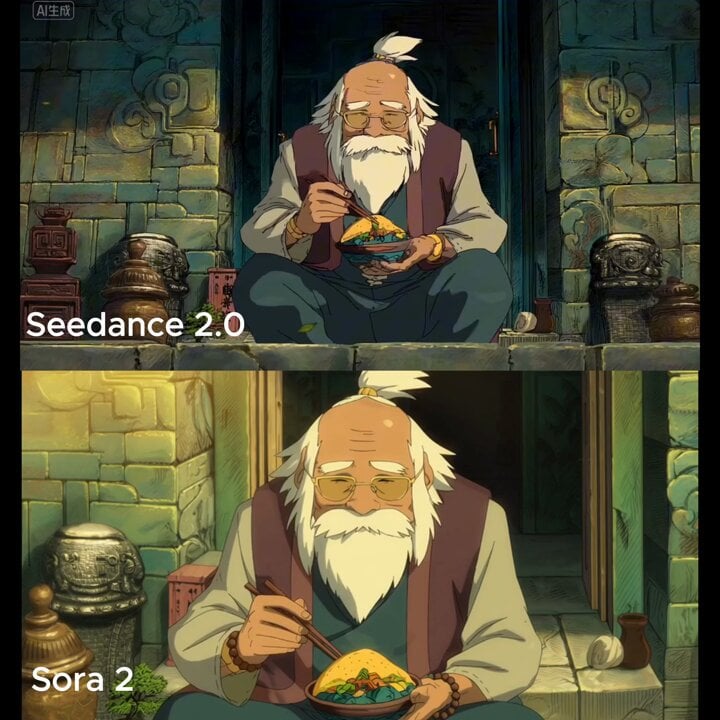
Old man eating taco slowly with chopsticks in warm golden light

First Date of Molecular Strand Robots Video Prompt
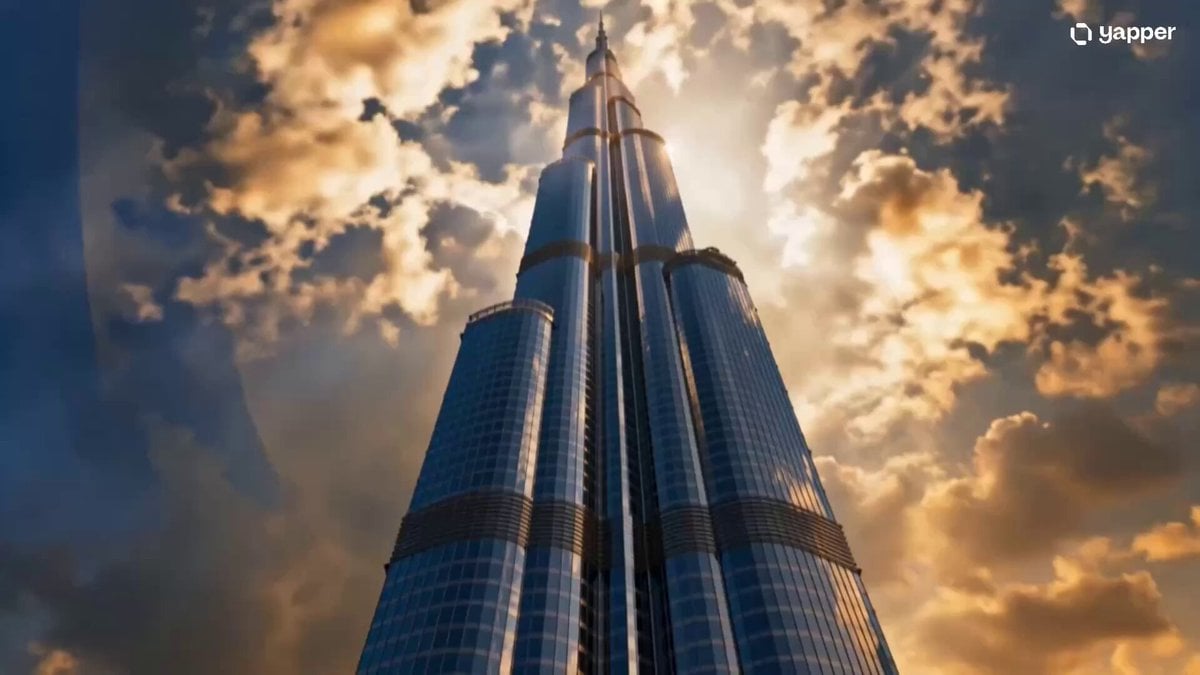
Wingsuit Jump Dubai Cinematic

Cinematic Hollywood Style Video

Han River Bicycle Influencer Vlog
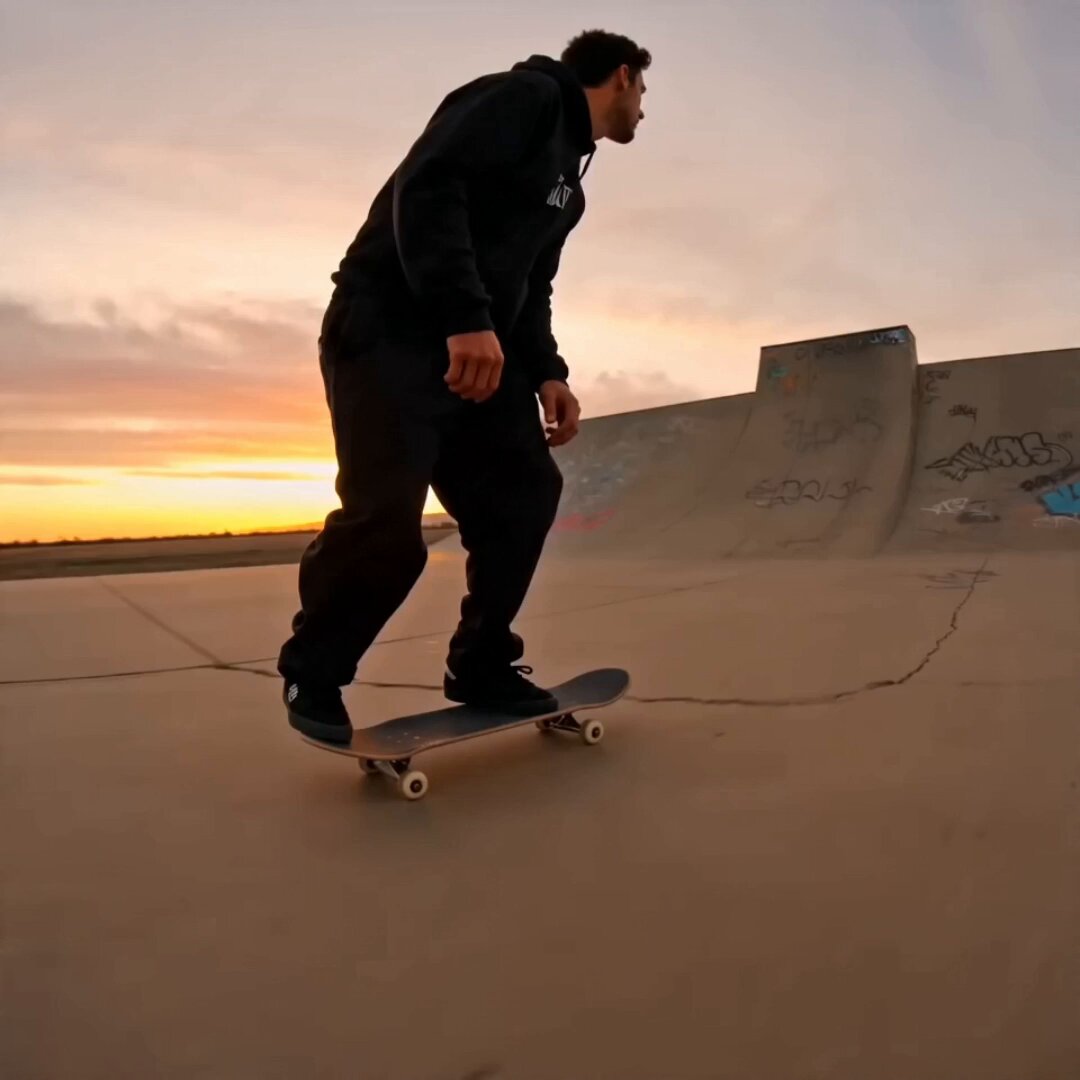
Skateboard Big Air Sunset Highlight
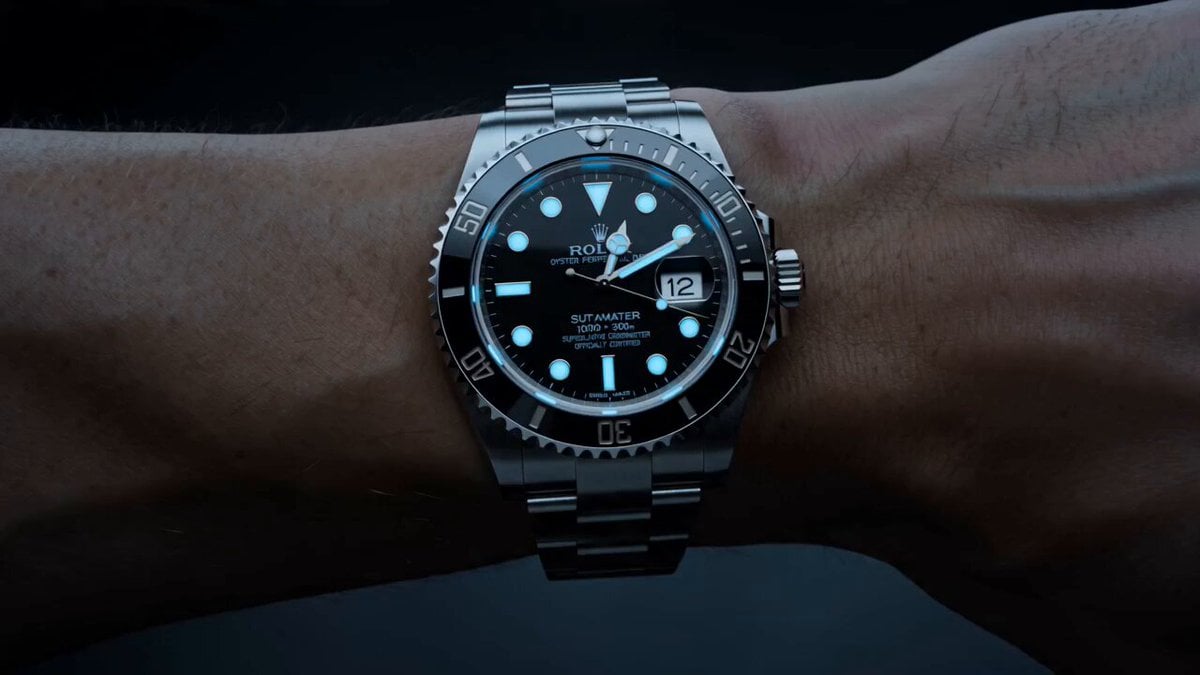
Watch to Mechanical Butterfly Transformation Prompt
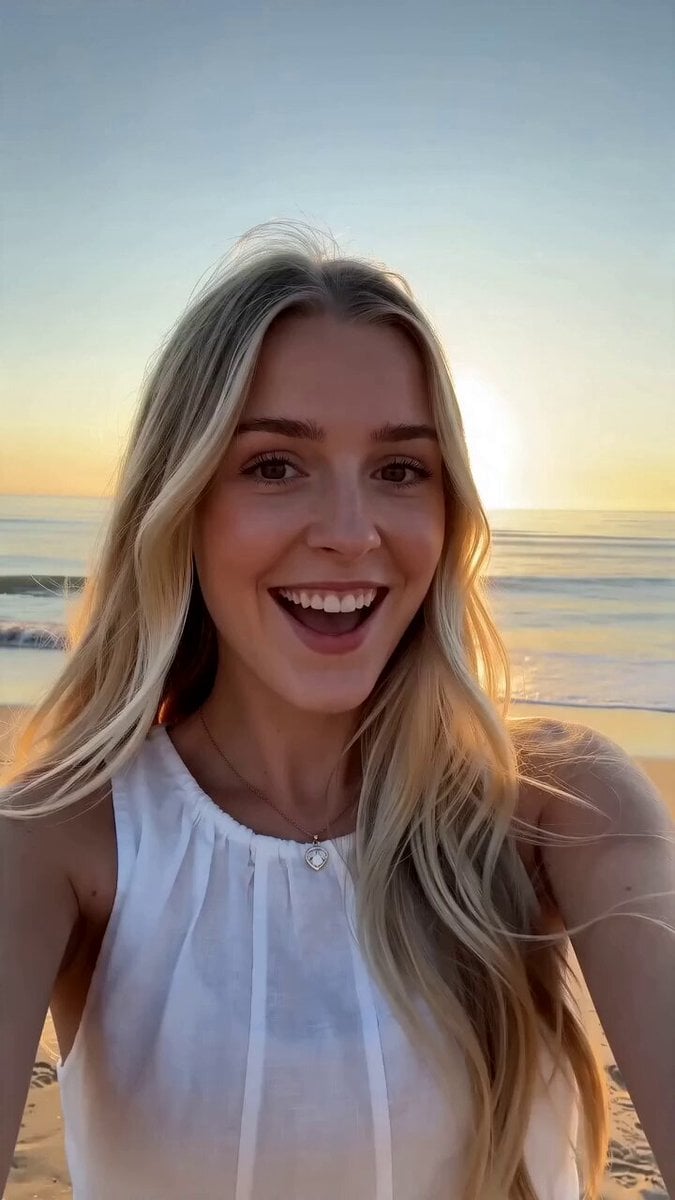
First-Person Beach Family Travel Vlog
Browse template categories
Urban Street Dance Commercial questions
How do I use the Urban Street Dance Commercial template?
Add your photo if the template asks for one, edit the prompt if you like — the template's model and format are already selected — and press Generate. Your version opens in PicX Studio.
Can I customize the Urban Street Dance Commercial template?
Yes. You can change the subject, setting, lighting, mood, format, and available model controls before creating your video.
Is the Urban Street Dance Commercial template free?
Opening and editing this template is free. Generating uses credits, shown on the Generate button when you are signed in.
Which AI model should I use?
Start with Seedance 2.0, which is the model associated with this template. You can compare another compatible model for a different finish.
Looking for something else? Browse all templates.

Your photo, any look
Thousands of ready templates for every top image and video model, from one credit balance.