
Skateboard Big Air Sunset Highlight
A cinematic 15-second skateboarding highlight featuring a single rider performing a 360 aerial rotation on a large outdoor ramp during a golden sunset, with dynamic tracking shots and high-impact sound design.
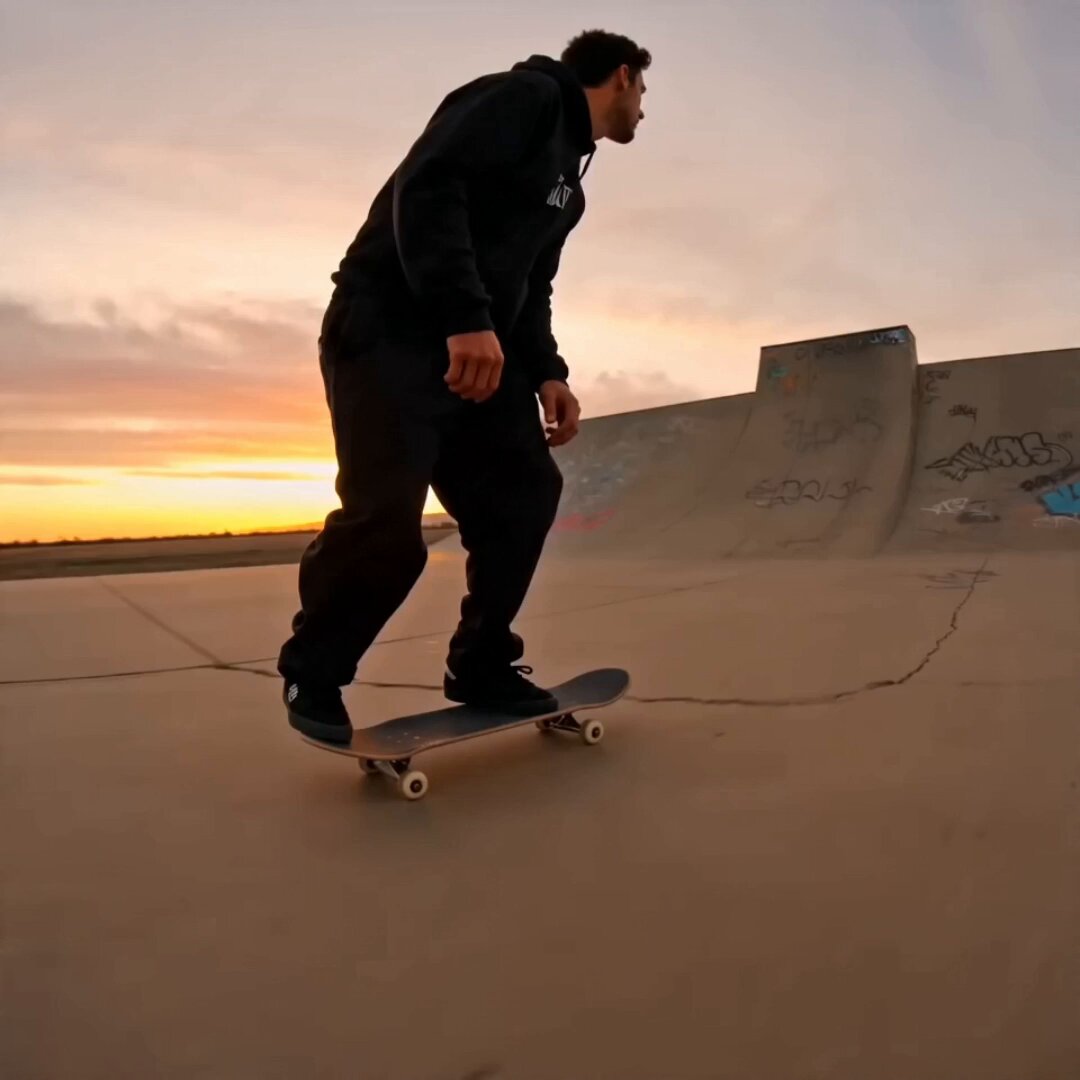
- Prompt included
- Model and format preset
- Free template
The prompt behind this video
Copy the exact prompt behind Skateboard Big Air Sunset Highlight, or open it in the studio and make it yours.
15-second live-action big-air skateboarding highlight continuing at the same huge outdoor ramp during deep golden sunset. Only one skateboarder and only one skateboard exist in the entire video. Do not duplicate the rider. Do not add extra skateboarders in the background. Start with a fast low side-rear tracking shot as the rider accelerates toward the largest ramp, not only from directly behind. Use one quick close-up of the wheels, feet, and board while the rider climbs the ramp with power and control. Briefly switch to a low side angle just before takeoff to show the ramp height and speed. The rider launches into the highest big air and performs one clean 360 aerial rotation near the peak of the jump. Keep the aerial action clear and readable. Use a brief stop-motion-style freeze effect only at the peak moment of the rotation, then continue the motion naturally. Do not make the whole aerial section slow motion. Do not create ghost trails, overlapping silhouettes, or multiple riders. The real rider remains one person, and the skateboard stays controlled under the rider’s feet. After the peak rotation, return to normal motion for a clear descent and landing. Show the board aligning for touchdown, the wheels touching down, a short controlled slide, and a strong impact. End with the rider gliding away into the sunset in a short cinematic silhouette from behind. Strong sports highlight energy, dynamic but simple camera changes, low tracking shot, side-rear angle, brief side angle during takeoff and air, ground-level landing angle, clear takeoff and clear landing, dramatic height difference, readable body silhouette, realistic skateboard motion, no static sports introduction. No clear spoken commentary, no narration, no understandable dialogue. Sound effects only: fast rolling wheels, ramp rumble, wind rush, brief silence at the peak freeze, heavy landing impact, distant crowd reaction. No logo, no watermark, no readable text.
How to use Skateboard Big Air Sunset Highlight in 3 steps
- 1
Open
The prompt is already in the box next to the preview, with the template's model and format selected.
- 2…a portrait of your subject in softgolden-hour light, 85mm…
Personalize
Edit the subject and creative details for your destination.
- 3Generate
Generate
Press Generate — your video is created in PicX Studio, so you can compare it with the original and refine one variable at a time.
More like this
Templates with the same subject, style or setup. Open one to see its prompt.

Blonde Woman Driving Green 1960s Mustang Golden Hour
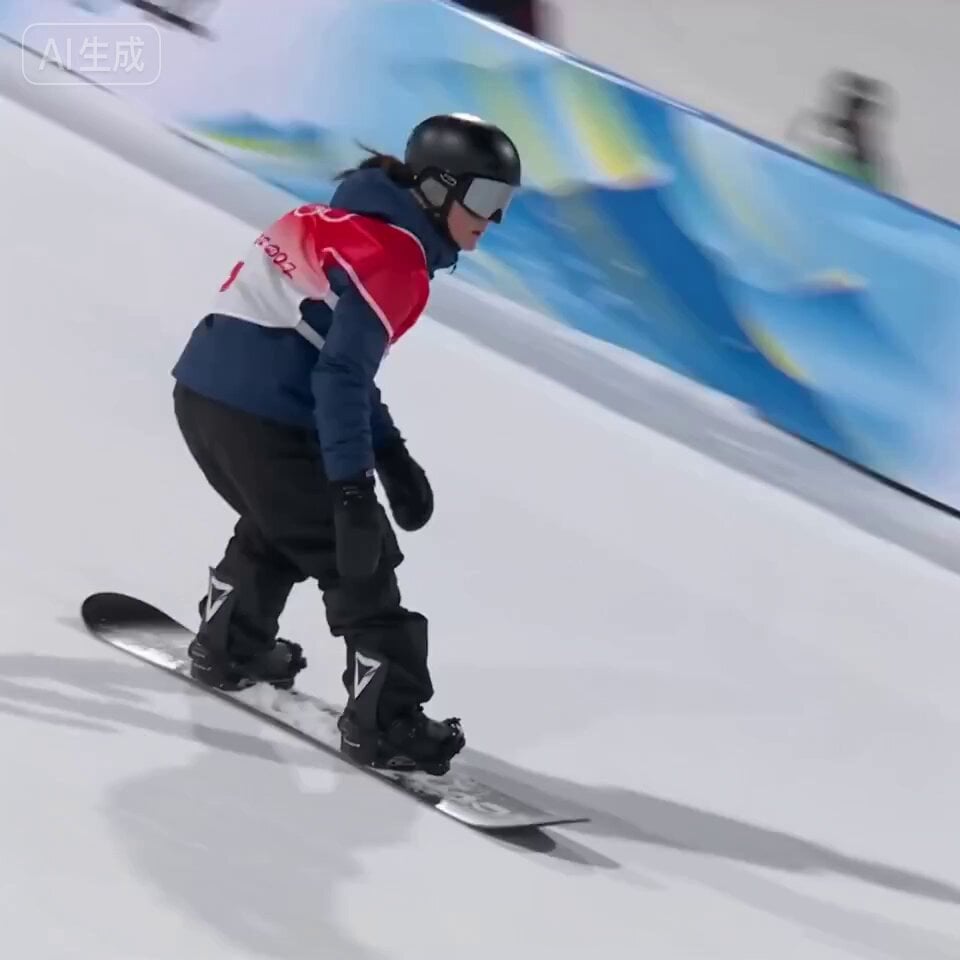
Olympic Snowboard Big Air Competition
Luxury House Tour — 15 Shots in 15 Seconds (Seedance)
Vertical City — São Paulo Parkour at Sunset
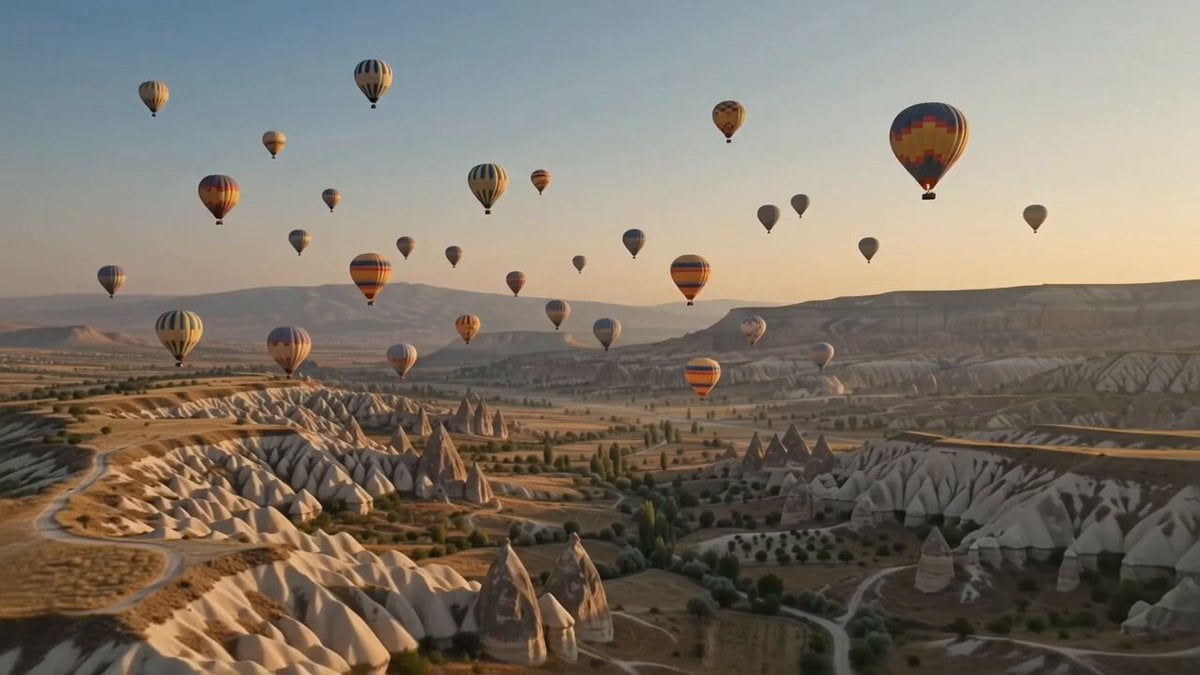
Hot-Air Balloon Travel Vlog
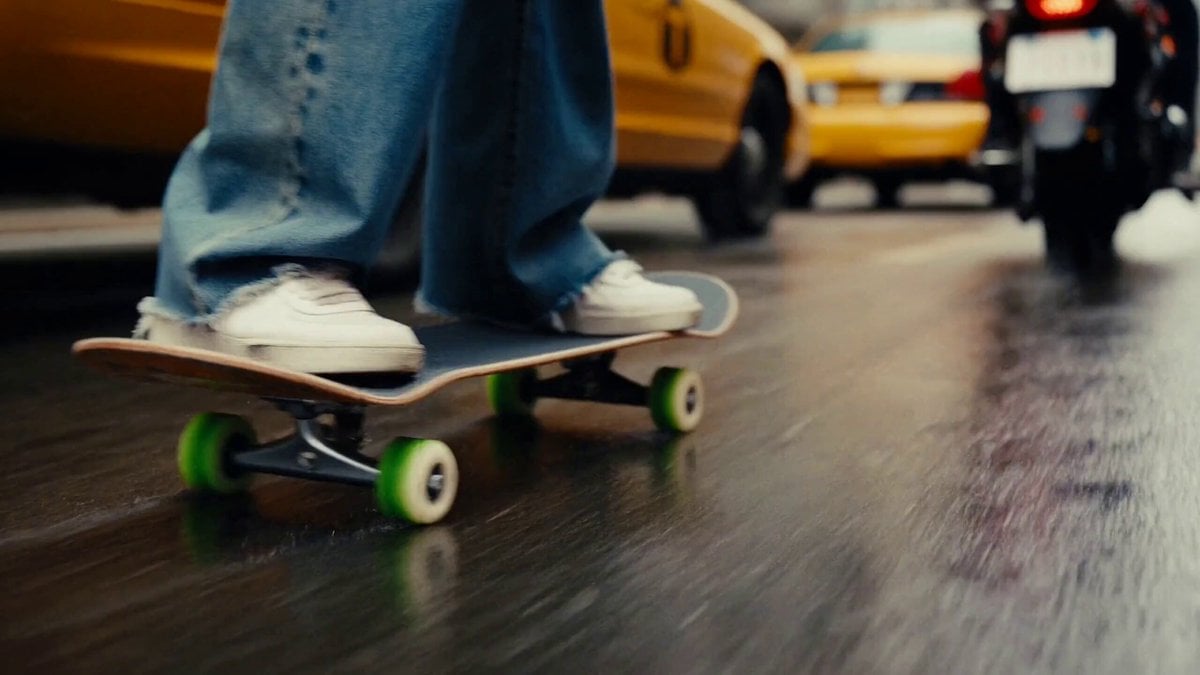
Chaotic City Skateboarding Action
Japanese Airplane Travel Vlog
K-Drama Style Romantic Sunset Scene
Floating Woman Sunset Cloudscape
Cinematic Air Fryer Cooking Commercial
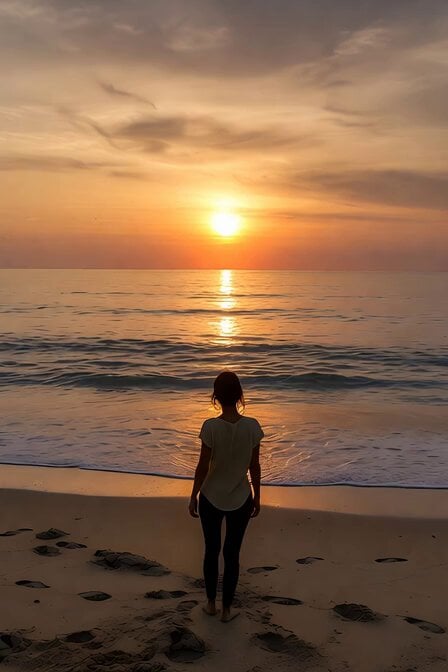
Serene Sunset Beach Scene
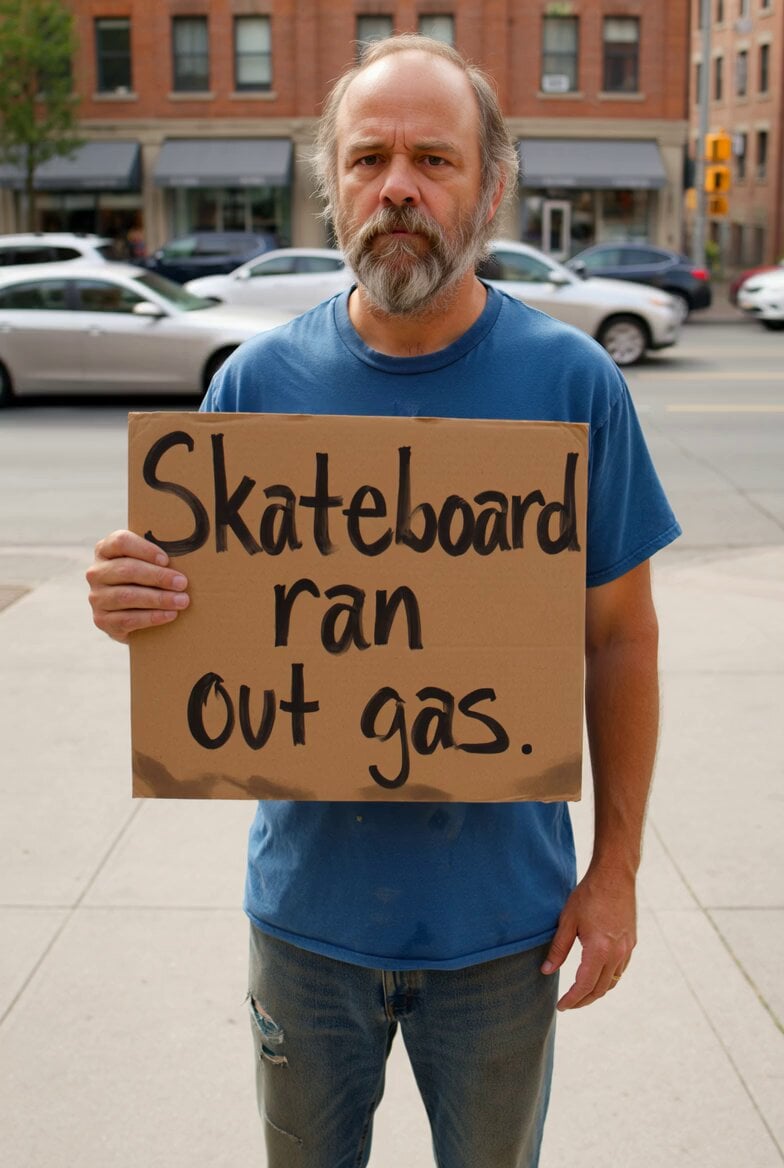
Homeless Man Skateboard Sign Video
Make it yours
Skateboard Big Air Sunset Highlight works as-is. These are the safest ways to change it without losing the look.
Change one field
Copy a single group, rewrite it, and generate again so you can see what that field is doing.
Keep the frame, change the subject
Hold the composition and light of Skateboard Big Air Sunset Highlight, then swap wardrobe, props or the person for a new take.
| If the result… | Why | Fix |
|---|---|---|
| The result drifts from the preview | Too many fields changed at once. | Reuse Skateboard Big Air Sunset Highlight as-is first, then change one group — subject, light, or setting. |
| The model over-stylizes the scene | The prose prompt leaves finish and camera underspecified. | Add one camera or lighting sentence and stay on Seedance 2.0. |
More Seedance 2.0 templates
Other prompts made for Seedance 2.0.

Comical Martial Arts Punch Scene

Maglev Train Action Sequence

Martial Arts Fight Sequence

Wuxia Protection and Trust Script

Vintage Korean Arcade MiniDV Vlog

Mercedes 190 SL Luxury Ad

Rainy Night Supernatural Reverse Comedy Video Script

Amazon Civilization Discovery

Futuristic South Asian City Transformation

Cozy Luxury Cafe Commercial
More video prompts
Fresh picks from across the catalog.
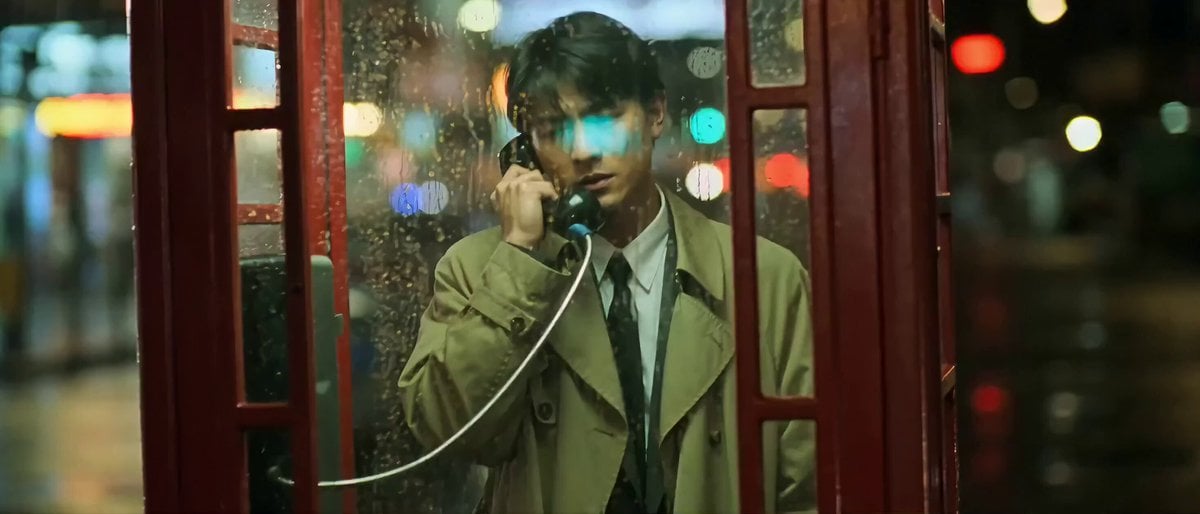
Wong Kar-wai style rainy phone booth scene
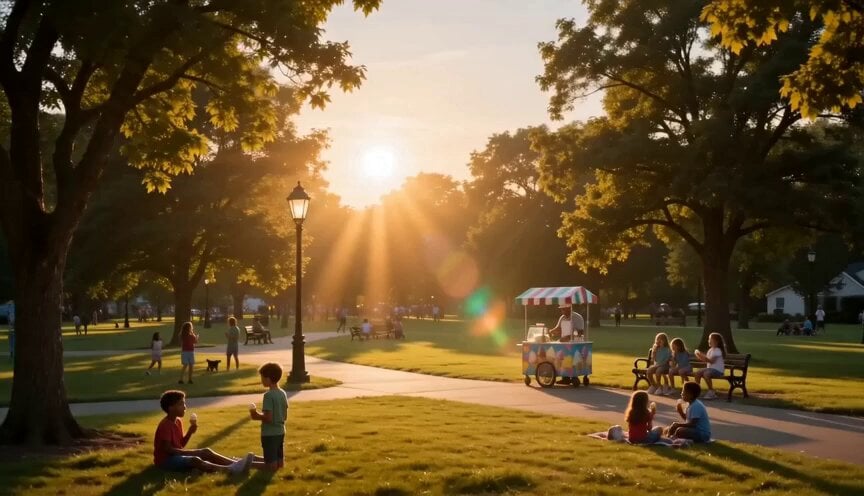
Summer Park Kindness Story
Action Stunt Scene: Bridge Jump
Futuristic Nomadic Dune Festival
Grok Imagine prompt for ethereal lake scene
Arena Concert Documentary Video
Coastal Landscape Skydiver Video
Luxury Nail Polish Beauty Commercial
Grok Imagine prompt for a Starship encased in a tungsten cocoon
Seedance 2.0 Video Prompt: Fashion Commercial for Adam Hat Brand
Browse template categories
Skateboard Big Air Sunset Highlight questions
How do I use the Skateboard Big Air Sunset Highlight template?
Add your photo if the template asks for one, edit the prompt if you like — the template's model and format are already selected — and press Generate. Your version opens in PicX Studio.
Can I customize the Skateboard Big Air Sunset Highlight template?
Yes. You can change the subject, setting, lighting, mood, format, and available model controls before creating your video.
Is the Skateboard Big Air Sunset Highlight template free?
Opening and editing this template is free. Generating uses credits, shown on the Generate button when you are signed in.
Which AI model should I use?
Start with Seedance 2.0, which is the model associated with this template. You can compare another compatible model for a different finish.
Looking for something else? Browse all templates.

Your photo, any look
Thousands of ready templates for every top image and video model, from one credit balance.