
Kamen Rider Transformation and Battle Scene Prompt
A highly detailed, multi-segment, one-shot prompt for a Kamen Rider-style transformation and battle video, emphasizing realistic, dark, sci-fi aesthetics and strong impact.
- Prompt included
- Model and format preset
- Free template
The prompt behind this video
Copy the exact prompt behind Kamen Rider Transformation and Battle Scene Prompt, or open it in the studio and make it yours.
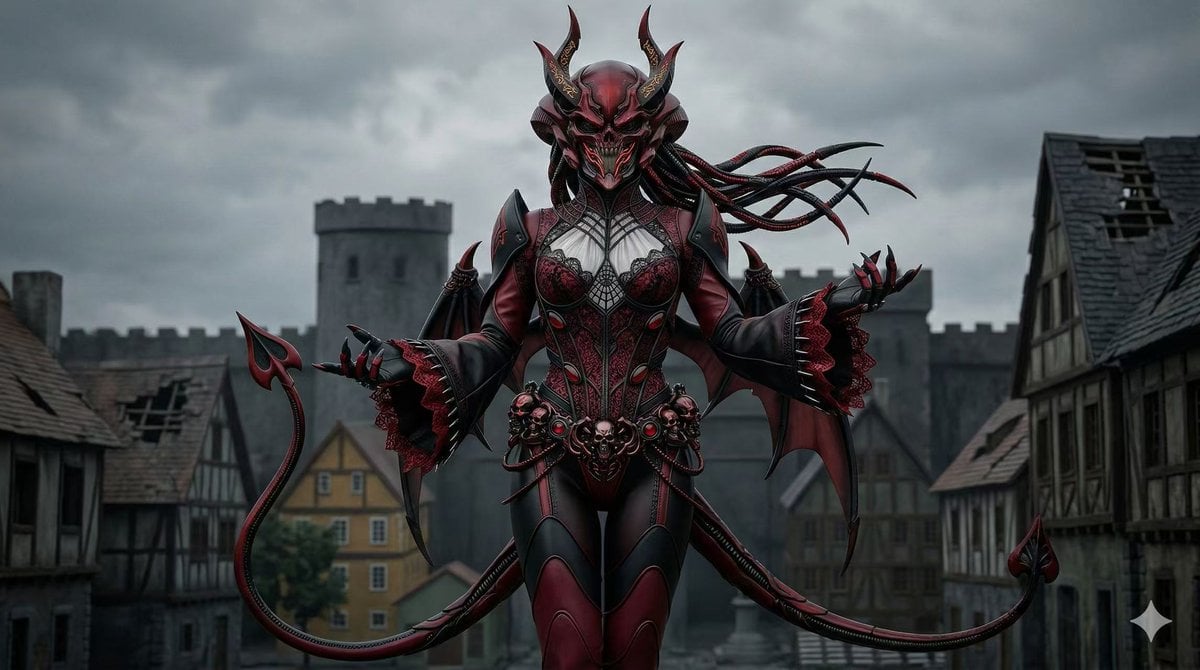
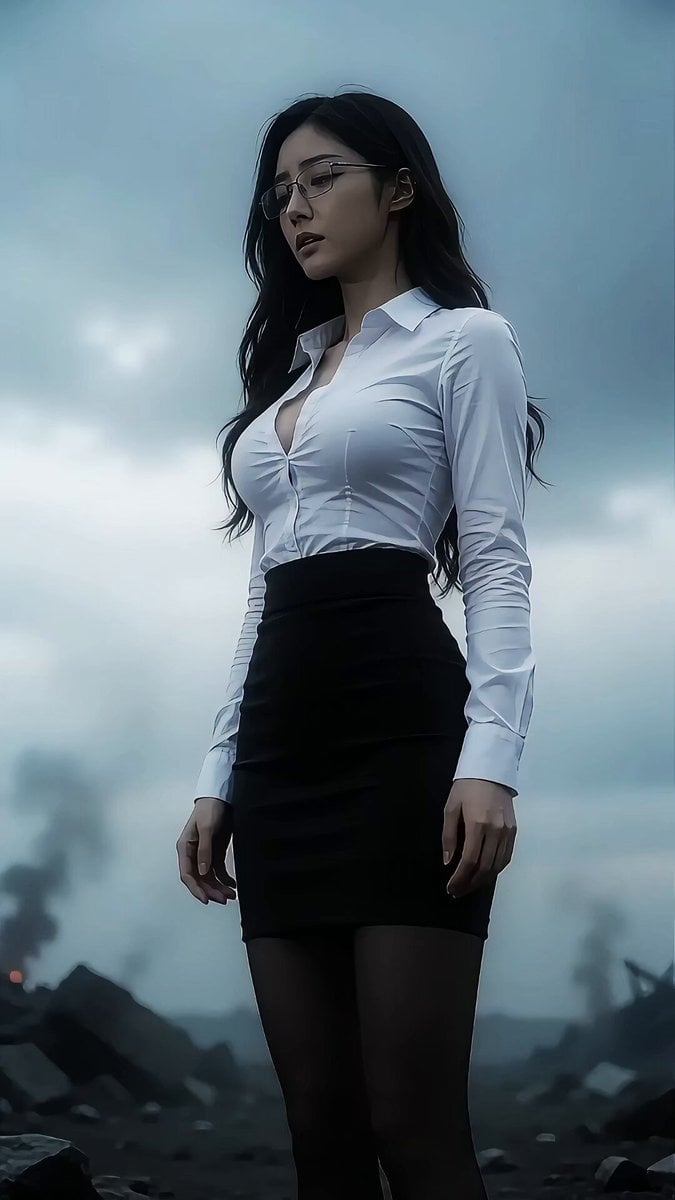
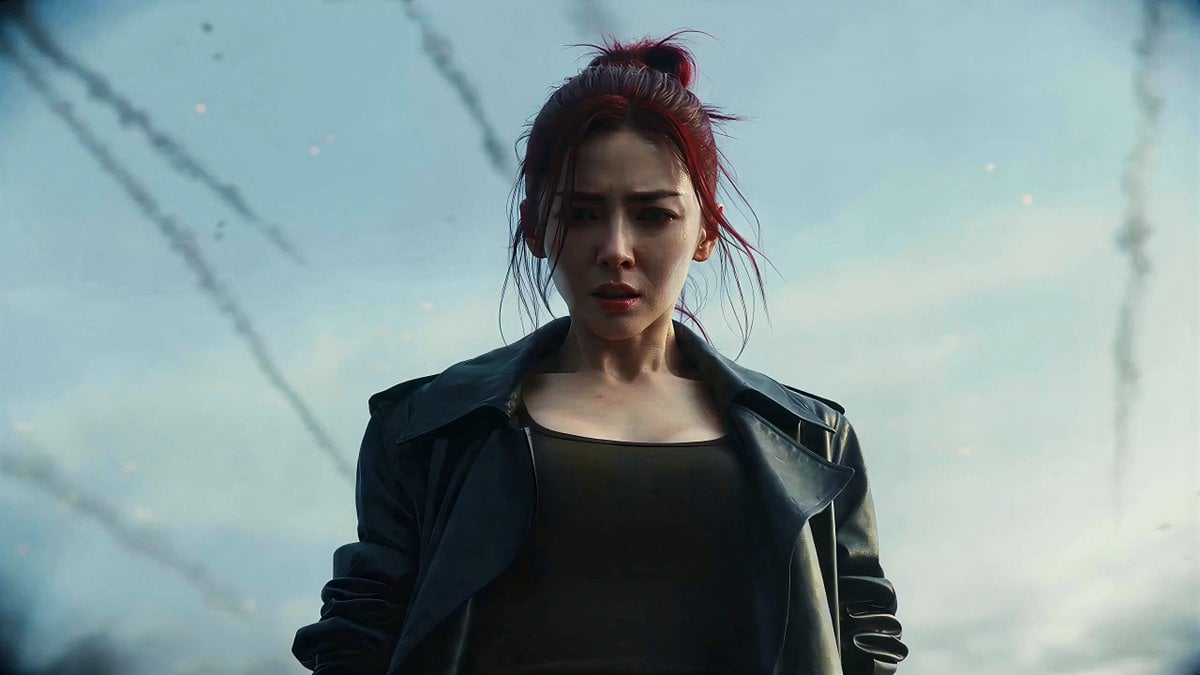
Use @Image1 / the digital human as the facial reference for the character, keeping the face completely consistent — do not change the features, hair, or face shape. Style reference: Armor Hero, realistic and dark, alien sci-fi feel, oppressive and heavy. Belt: @high-grade matte metal design, amber gemstone energy core, reference the belt in @Image2, no toy-like feel. Pre-transformation look: blue-and-white middle-school uniform, ponytail, face slightly dirty, style cold and stern, gloomy and composed. Battle suit: reference @Image2. One continuous take, opening on a fixed medium shot, about a 30-degree side angle. The scene is set on a smoke-filled apocalyptic battlefield, with disaster-ravaged city skyscraper ruins in the distance, strong wind carrying scattered rain, the ground made of cracked concrete slabs, scattered metal debris, pools of standing water reflecting a dim light. The camera pushes in on @Image1, the woman is dueling with the @Image3 monster; the woman dodges the monster's punch, then ducks to dodge another spinning kick from the monster, the woman immediately spins and delivers a back kick, which is blocked by the monster and she is knocked back; the camera follows the woman as she plants both hands on the ground after being knocked back and rolls continuously to absorb the impact, then steadies herself. The woman's right hand immediately reaches for the transformation belt at her waist, pinches it with her thumb and index finger, and the woman shouts loudly, "Transform!" The belt flashes with golden light, and black smoke laced with black-gold particles instantly bursts out and begins spreading over her whole body; the armor then rapidly grows from the belt outward across her body and quickly hardens and turns black. The transformation stops once it reaches her neck. The camera pans counterclockwise to the woman's right side, the monster attacks quickly from the left, the woman quickly crosses her fists to block the monster's sweeping kick, then immediately delivers a combo of kicks to the monster's body with both feet, then jumps and spins for a back roundhouse kick, kicking the monster away. Every attack carries powerful impact; by now the woman's head armor has slowly finished covering her, her compound eyes flash red, and the black smoke begins to clear. The woman lets out a deep, low growl, "Damn it…", the camera pushes in from behind for a close-up of the woman's armored hands, both fists immediately clench and charge up, black-red matter particles instantly gather across her whole body, the gaps in the armor light up red once charged, and after charging, dense red lightning surrounds her entire body; the camera slowly pulls back. The @Image3 monster tries to lunge at the woman again, the woman immediately charges forward, using the momentum to leap into the air and unleash a dynamic aerial flying kick, her right foot pressing down in an impact stance, her left leg bent close to her thigh, both hands spread out to keep her balance, her body leaning back, one leg extended forward striking, flames spiraling around the tip of her front foot, a powerful move, full of impact, motion blur on the limbs, sharp focus, a strong sense of atmosphere, epic scale. Japanese lip-sync.
How to use Kamen Rider Transformation and Battle Scene Prompt in 3 steps
- 1
Open
The prompt is already in the box next to the preview, with the template's model and format selected.
- 2…a portrait of your subject in softgolden-hour light, 85mm…
Personalize
Edit the subject and creative details for your destination.
- 3
 Generate
Press Generate — your video is created in PicX Studio, so you can compare it with the original and refine one variable at a time.
More like this
Templates with the same subject, style or setup. Open one to see its prompt.
Mecha Transformation vs Kaiju — 4-Scene Epic
Kamen Rider Transformation Sequence

Kamen Rider Villain Transformation Sequence Video
Kamen Rider-Style Transformation Sequence
Beastman Dragon Rider Battle

Magical Room Transformation - Seedance 2.5

Dark Tokusatsu Transformation - Seedance 2.5

RX-7 to Mech Transformation Cyberpunk
Martial Arts Cyborg Battle and Transformation
School Monster Transformation Battle
Cinematic Fantasy Transformation Battle
Fantasy Dragon Rider Anime Battle
Make it yours
Kamen Rider Transformation and Battle Scene Prompt works as-is. These are the safest ways to change it without losing the look.
Change one field
Copy a single group, rewrite it, and generate again so you can see what that field is doing.
Keep the frame, change the subject
Hold the composition and light of Kamen Rider Transformation and Battle Scene Prompt, then swap wardrobe, props or the person for a new take.
| If the result… | Why | Fix |
|---|---|---|
| The result drifts from the preview | Too many fields changed at once. | Reuse Kamen Rider Transformation and Battle Scene Prompt as-is first, then change one group — subject, light, or setting. |
| The model over-stylizes the scene | The prose prompt leaves finish and camera underspecified. | Add one camera or lighting sentence and stay on Seedance 2.0. |
More Seedance 2.0 templates
Other prompts made for Seedance 2.0.

Comical Martial Arts Punch Scene

Maglev Train Action Sequence

Martial Arts Fight Sequence

Wuxia Protection and Trust Script

Vintage Korean Arcade MiniDV Vlog

Mercedes 190 SL Luxury Ad

Rainy Night Supernatural Reverse Comedy Video Script

Amazon Civilization Discovery

Futuristic South Asian City Transformation

Cozy Luxury Cafe Commercial
More video prompts
Fresh picks from across the catalog.

Cinematic Multi-Shot Luxury Street Scene
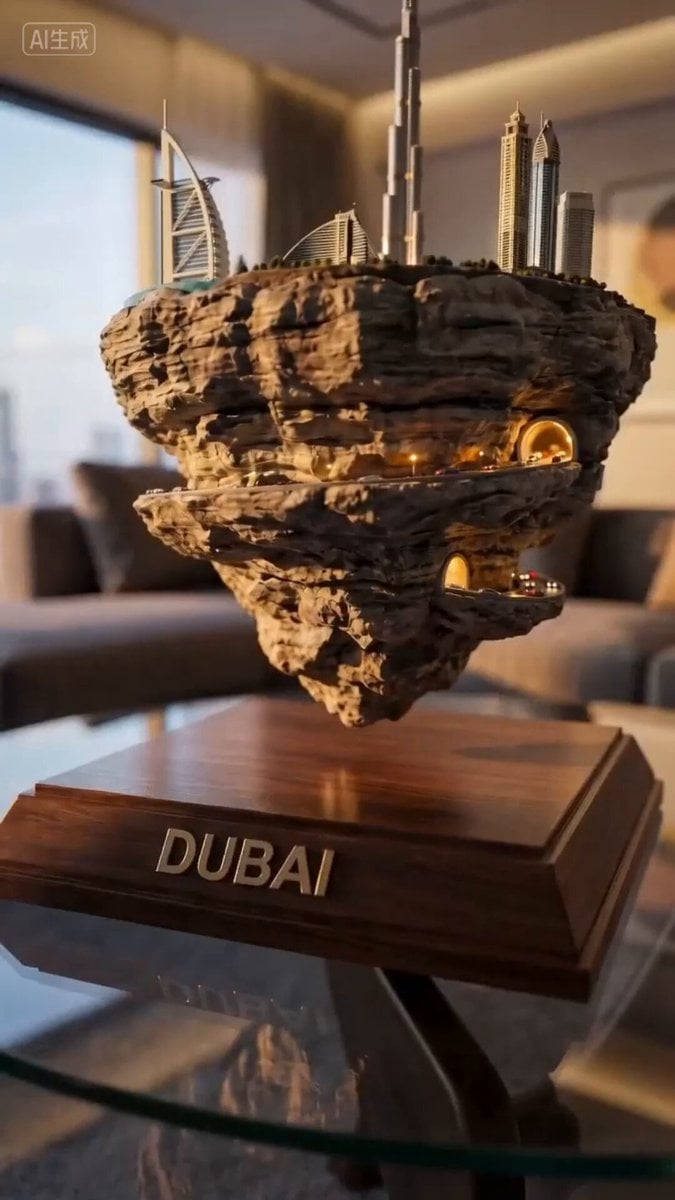
Ultra-realistic Macro Miniature City Prompt (Structured JSON)

Futuristic 3D Blueprints and Alien Tech
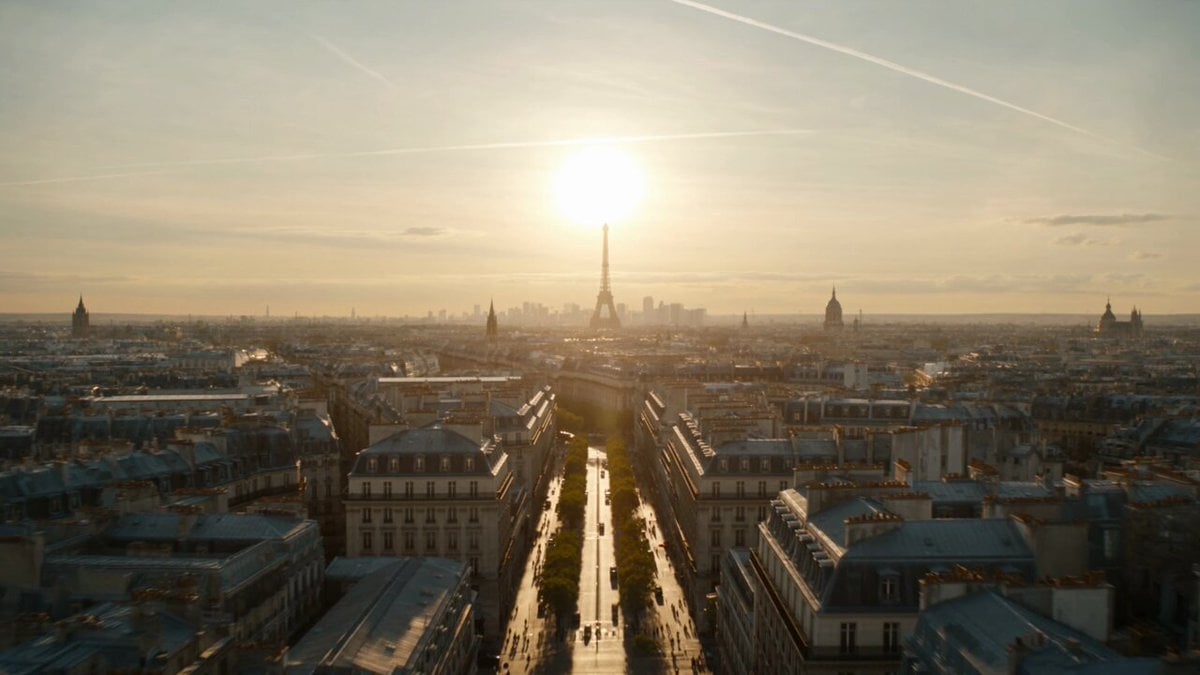
Apocalyptic Surreal Paris Eclipse Video
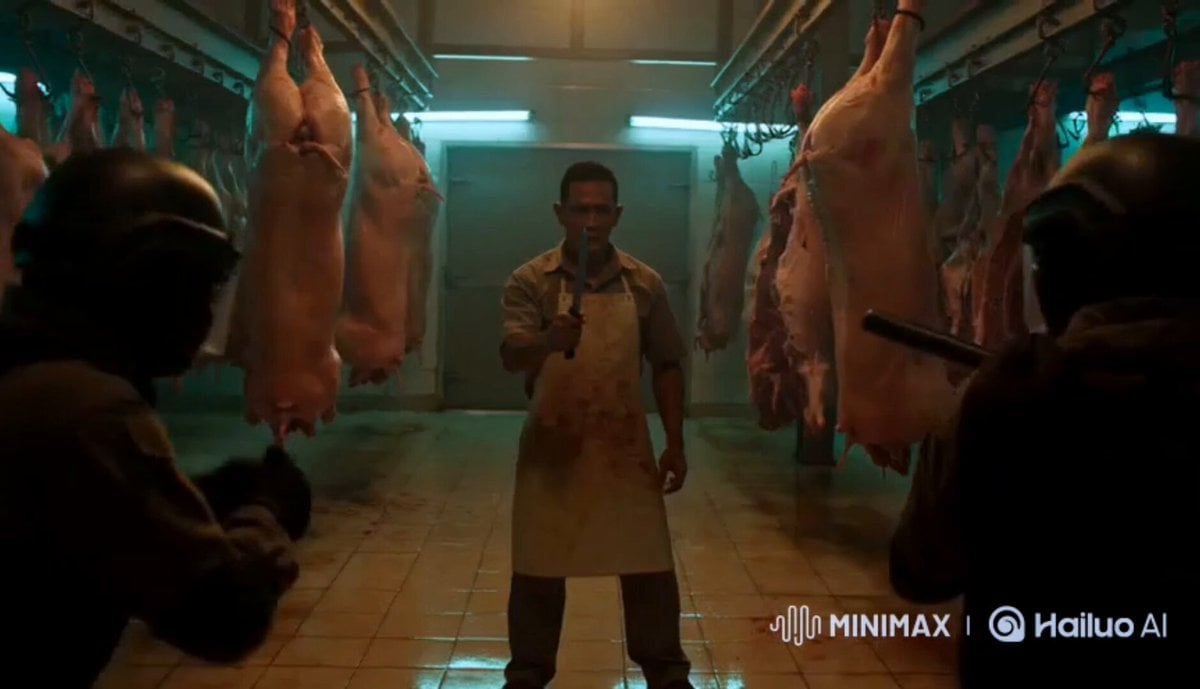
Silat Slaughterhouse Fight Scene
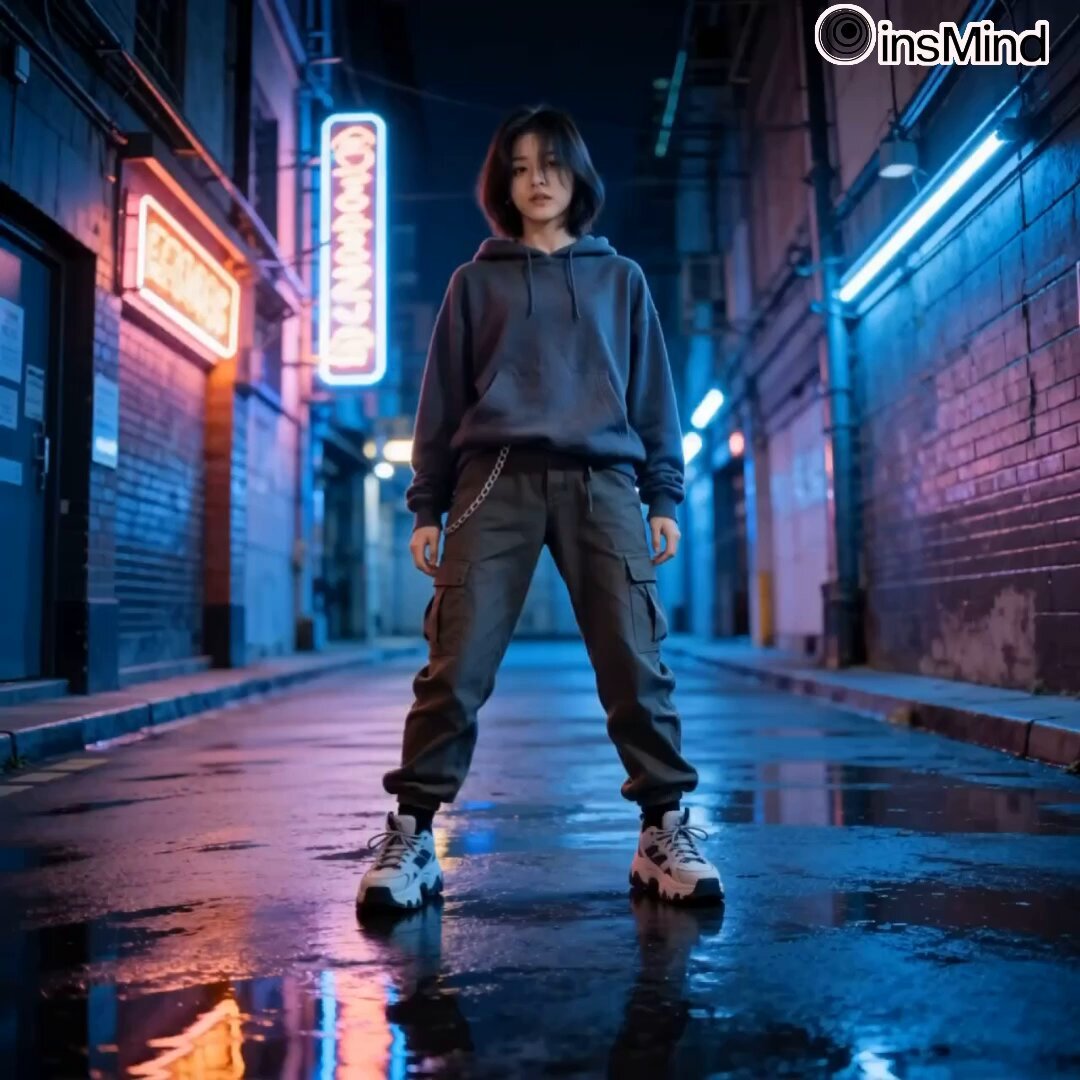
Urban Freestyle Dance Script
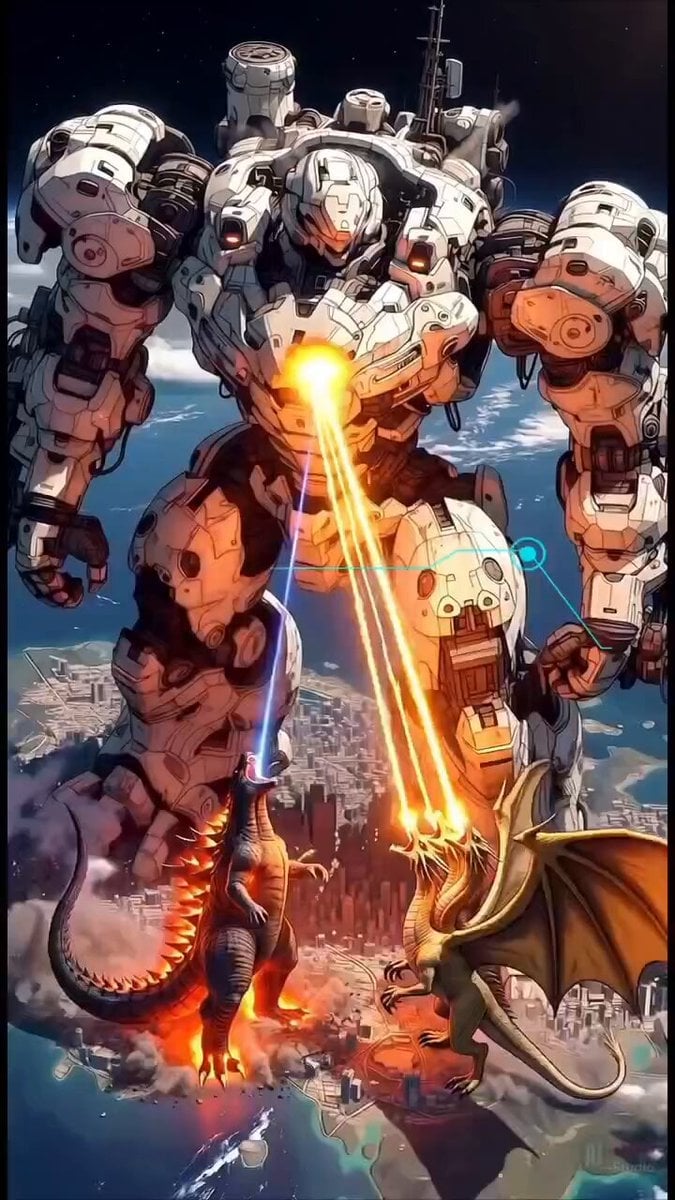
Epic Mecha vs Kaiju Aerial Battle
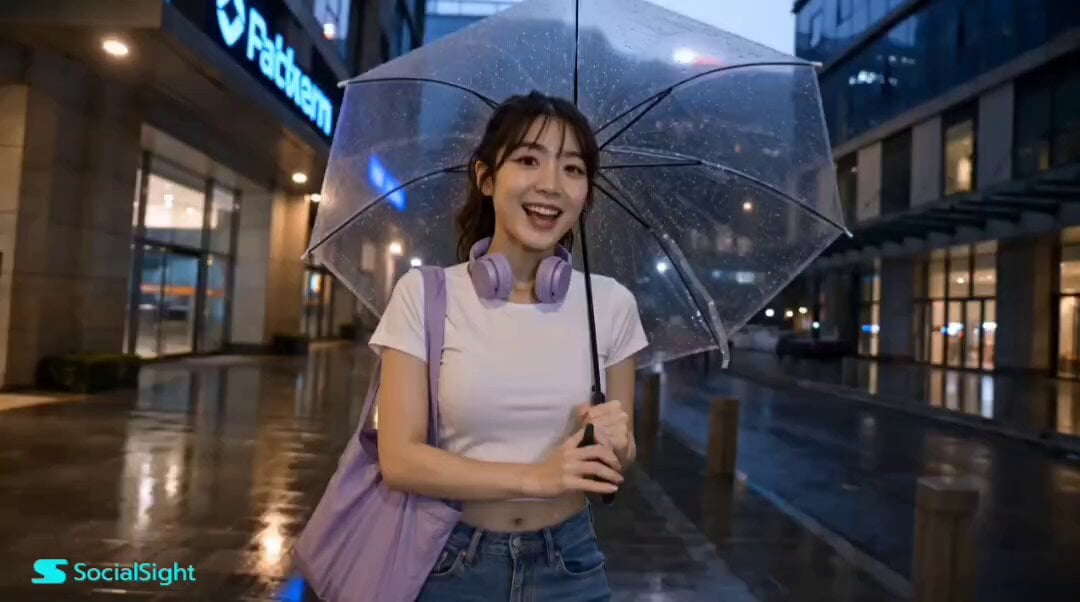
Korean Lifestyle Vlog Storyboard
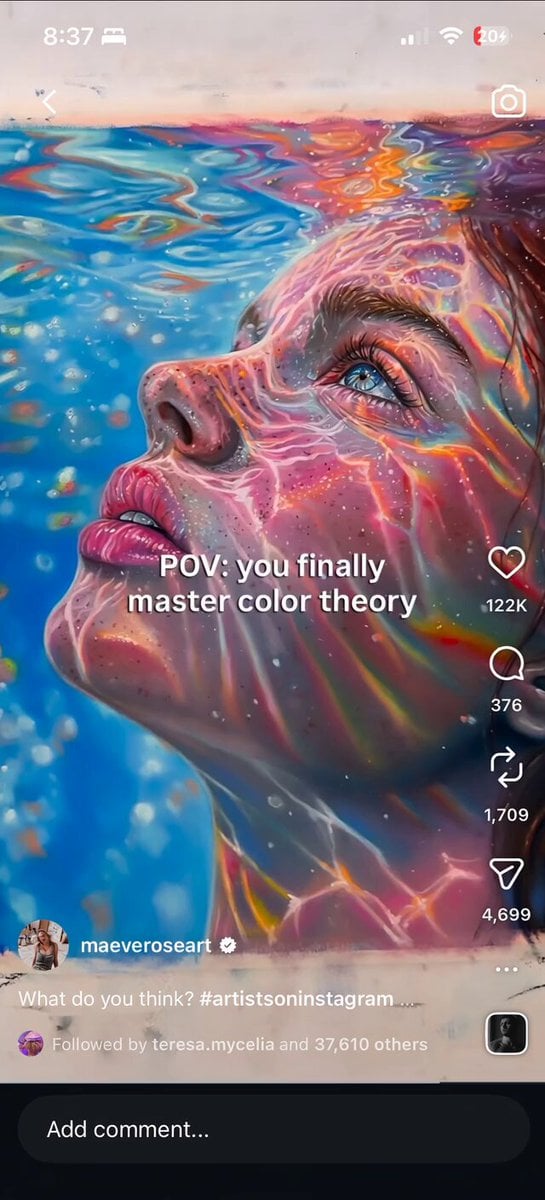
Iridescent Water Face Animation

90s Hand-Drawn Shark Animation
Browse template categories
Kamen Rider Transformation and Battle Scene Prompt questions
How do I use the Kamen Rider Transformation and Battle Scene Prompt template?
Add your photo if the template asks for one, edit the prompt if you like — the template's model and format are already selected — and press Generate. Your version opens in PicX Studio.
Can I customize the Kamen Rider Transformation and Battle Scene Prompt template?
Yes. You can change the subject, setting, lighting, mood, format, and available model controls before creating your video.
Is the Kamen Rider Transformation and Battle Scene Prompt template free?
Opening and editing this template is free. Generating uses credits, shown on the Generate button when you are signed in.
Which AI model should I use?
Start with Seedance 2.0, which is the model associated with this template. You can compare another compatible model for a different finish.
Looking for something else? Browse all templates.

Your photo, any look
Thousands of ready templates for every top image and video model, from one credit balance.