
Urban Freestyle Dance Script
An extremely detailed technical script for a 16-step urban dance video with specific wardrobe, environment, and timing requirements.
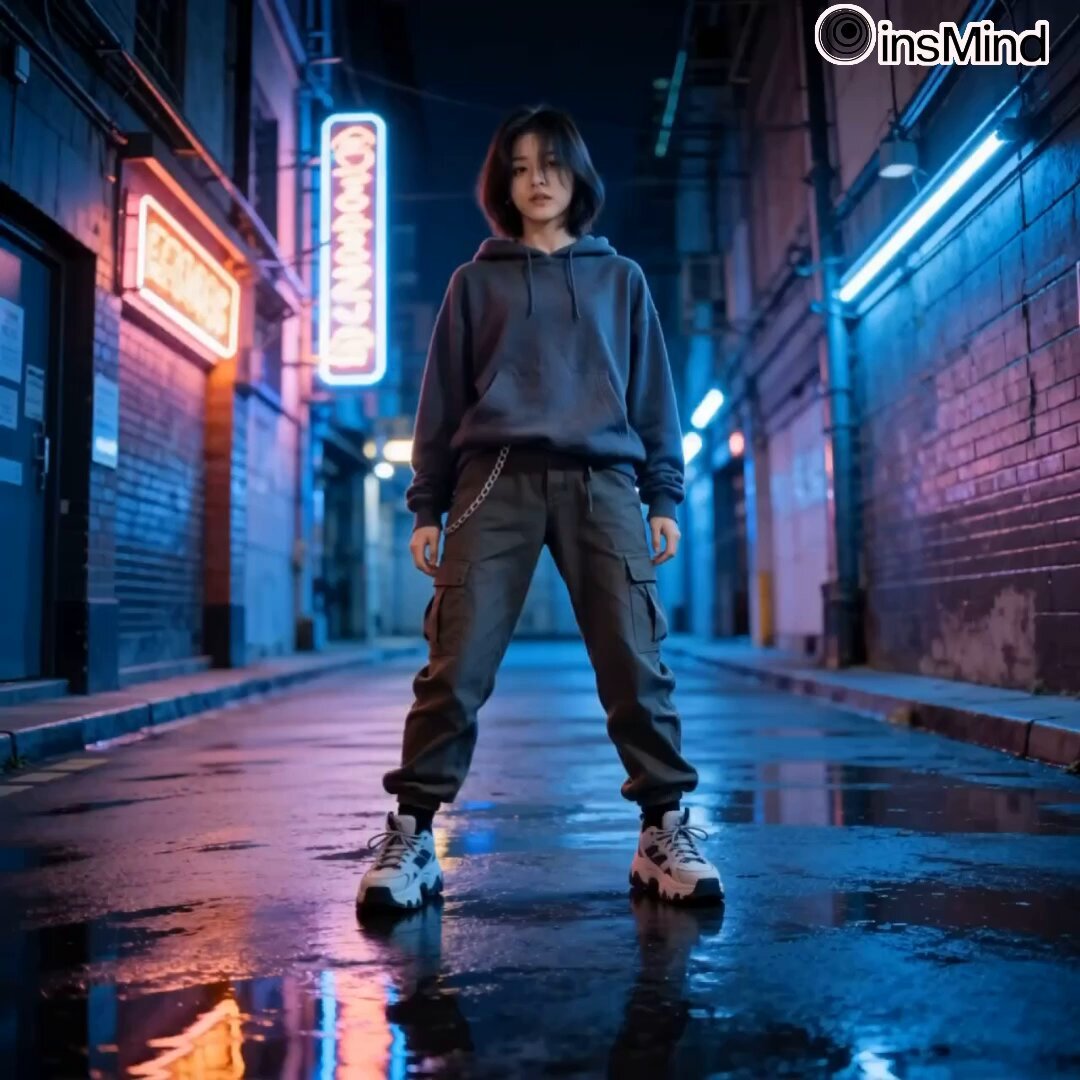
- Prompt included
- Model and format preset
- Premium template
The prompt behind this video
Copy the exact prompt behind Urban Freestyle Dance Script, or open it in the studio and make it yours.
Urban Freestyle Sequence (16 Steps, Night Alley) [PROJECT TYPE] Cinematic urban dance video (freestyle precision with structured sequence) [CORE REQUIREMENT — STRICT] The video must follow the exact 16-step movement sequence below in the same order. No steps added, removed, or rearranged. Each movement flows naturally into the next with clean transitions. 🧍♀️ [CHARACTER] Female street dancer (urban / performance aesthetic) Lean, athletic build Same consistent face and proportions throughout Confident, grounded presence Movement style: controlled, expressive, rhythm-driven 👕 [WARDROBE — URBAN STYLE] Oversized hoodie Cargo pants Chunky sneakers Subtle accessories (chain or wristband) Fabric behavior: Heavy cotton folds, natural motion drag, realistic cloth physics 📍 [LOCATION / ENVIRONMENT] Empty neon-lit alley (Asian urban aesthetic, not limited to Korea) Environment details: Wet pavement reflections Soft neon signage glow Concrete textures, depth perspective No people, no traffic Lighting: Night setting Neon accents (blue, pink, purple tones) Soft reflections on ground 🔢 [16-STEP MOVEMENT SEQUENCE — LOCKED] Idle Bounce Start Right Groove Step Left Groove Step Shoulder Roll Combo Slow Body Wave Down Back Glide Step Half Turn Slide Head Whip Accent Side Lean Drag Cross Step Pivot Body Wave Up Hip Bounce Loop Step Tap Combo Arm Swing Hit Chest Hit Accent Freeze End Pose (hold) 🎥 [CAMERA DIRECTION] Full-body framing maintained throughout Start: centered wide shot Smooth tracking (slight lateral + forward motion) Subtle handheld realism (very controlled) Gentle angle shifts during turns (front → slight side) ⚠️ No hard cuts — continuous cinematic flow 💃 [MOVEMENT STYLE — IMPORTANT] Urban freestyle with musical groove Deep bounce and rhythm control Smooth transitions between steps Strong accents on hits (Step 8, 14, 15) Clean isolations (shoulders, chest, arms) Balanced footwork, grounded stance No robotic motion, no unnatural speed ⏱️ [TIMING] Each step: ~2–3 seconds Total duration: ~35–50 seconds Smooth timing continuity 🎵 [MUSIC DIRECTION — VERY IMPORTANT] Genre: Lo-fi hip-hop / chill trap Tempo: 85–100 BPM Style: Deep bass Soft hi-hats Ambient synth layers Sync Notes: Groove steps match beat bounce Step 8 (Head Whip) hits a sharp snare/accent Step 15 (Chest Hit) aligns with bass drop Final freeze lands on beat fade 🎨 [VISUAL STYLE] Photorealistic with stylized neon mood High contrast highlights + soft shadows Cinematic color grading (cool tones) Moody, atmospheric look ⚙️ [OUTPUT SETTINGS] 4K resolution 24 FPS High motion clarity Clean rendering, no artifacts 🚫 [RESTRICTIONS] No extra dancers No crowd or vehicles No outfit changes No choreography deviation No jump cuts or broken continuity
How to use Urban Freestyle Dance Script in 3 steps
- 1
Open
The prompt is already in the box next to the preview, with the template's model and format selected.
- 2…a portrait of your subject in softgolden-hour light, 85mm…
Personalize
Edit the subject and creative details for your destination.
- 3Generate
Generate
Press Generate — your video is created in PicX Studio, so you can compare it with the original and refine one variable at a time.
More like this
Templates with the same subject, style or setup. Open one to see its prompt.
Out of Control — Seedance 2.0

Cyberpunk Holographic Dance Performance - Seedance 2.5
Early-2000s Trainee Flashback Film

Luxury Airport Travel Vlog
Seedance 2.0 Urban Fantasy Wuxia Film Prompt
Seedance Seedance 20 Urban Romance Wall Pin Kiss
Ballerina Opera House — Seedance 2.0
In Each Other's Gravity — Dance Duo
Whale in the Sky — City Shadows (Kling AI)
Urban Night Rain Tracking Shot

Wuxia Protection and Trust Script
Wuxia Letting Go Drama Script
Make it yours
Urban Freestyle Dance Script works as-is. These are the safest ways to change it without losing the look.
Change one field
Copy a single group, rewrite it, and generate again so you can see what that field is doing.
Keep the frame, change the subject
Hold the composition and light of Urban Freestyle Dance Script, then swap wardrobe, props or the person for a new take.
| If the result… | Why | Fix |
|---|---|---|
| The result drifts from the preview | Too many fields changed at once. | Reuse Urban Freestyle Dance Script as-is first, then change one group — subject, light, or setting. |
| The model over-stylizes the scene | The prose prompt leaves finish and camera underspecified. | Add one camera or lighting sentence and stay on Seedance 2.0. |
More Seedance 2.0 templates
Other prompts made for Seedance 2.0.

Comical Martial Arts Punch Scene

Maglev Train Action Sequence

Martial Arts Fight Sequence

Vintage Korean Arcade MiniDV Vlog

Mercedes 190 SL Luxury Ad

Amazon Civilization Discovery

Futuristic South Asian City Transformation

Cozy Luxury Cafe Commercial

Cyber Ronin Nanotech Transformation Video

Desert Courier and Sandstorm Leviathan Chase
More video prompts
Fresh picks from across the catalog.
Cyberpunk Tokyo Rainy Car Chase

Pterodactyls vs Fairies Party
Keyboard Ctrl+C/V Money Generator
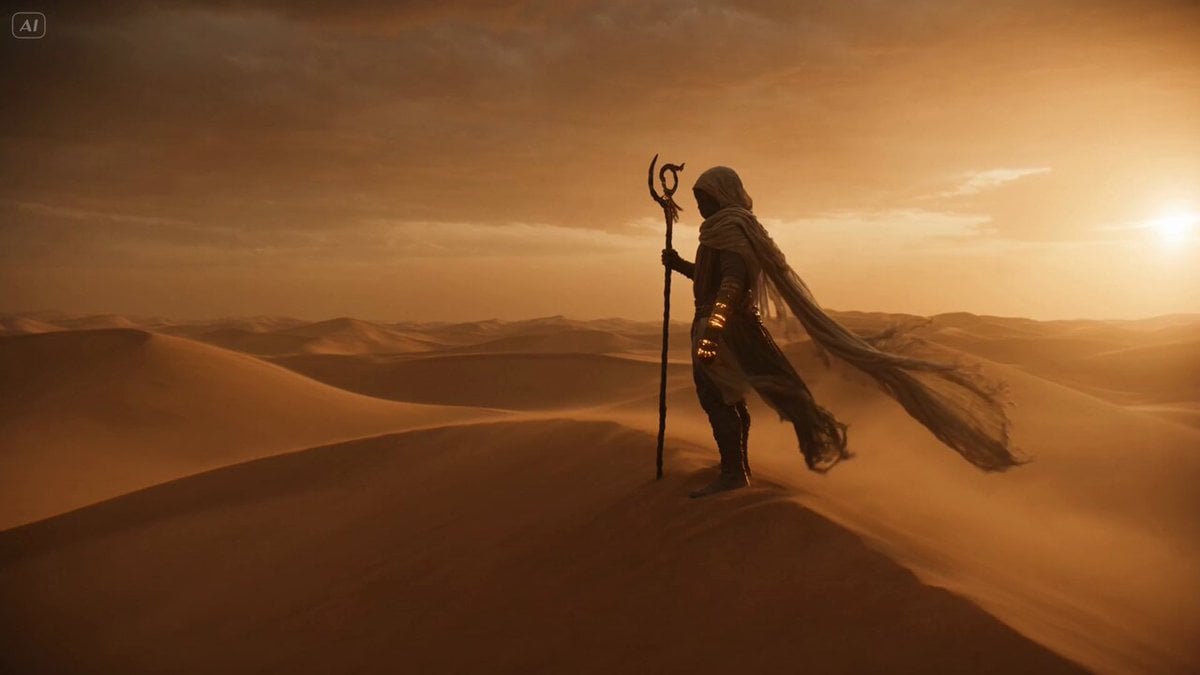
Desert Nomad and Sand Dragon Sequence
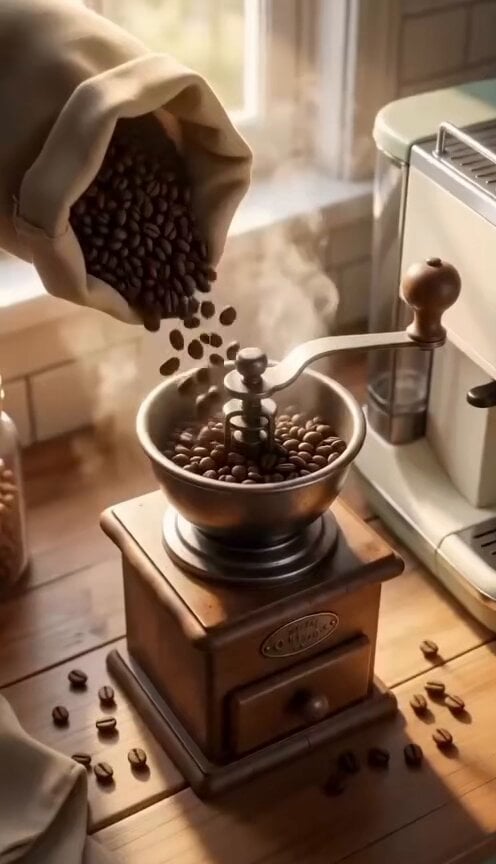
Pixar Style Farmhouse Kitchen Animation
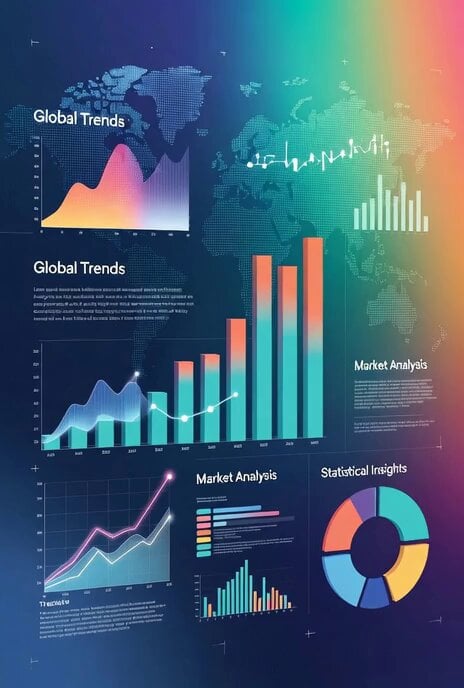
Universal Statistics Promotional Video Prompt

Woman Juggling on Moving Car
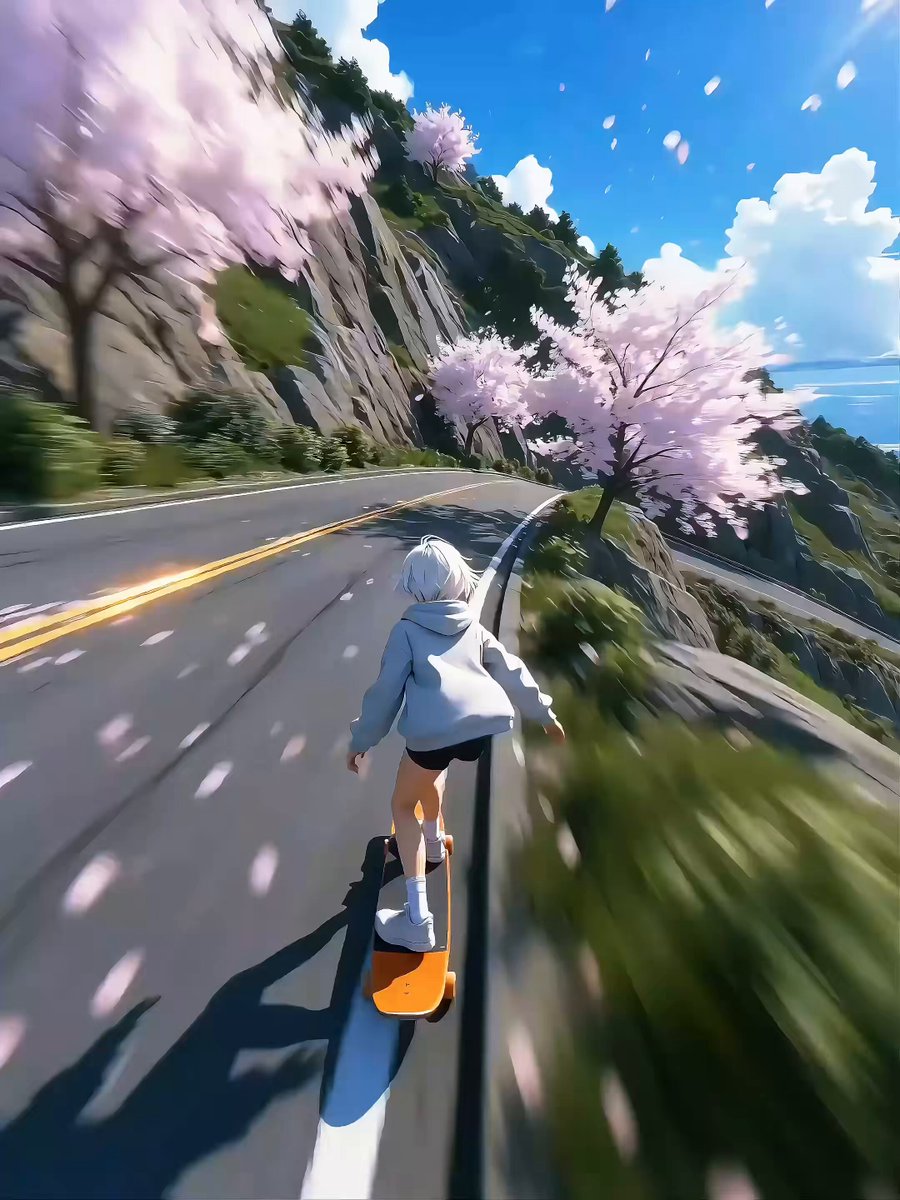
Seedance 2.0 Video Prompt: High-Speed Skateboard Chase
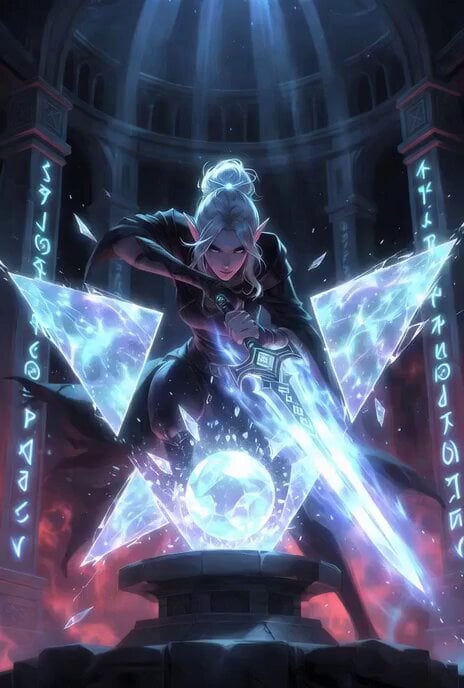
Epic fantasy Grok Imagine prompt of an elf rogue shattering barriers
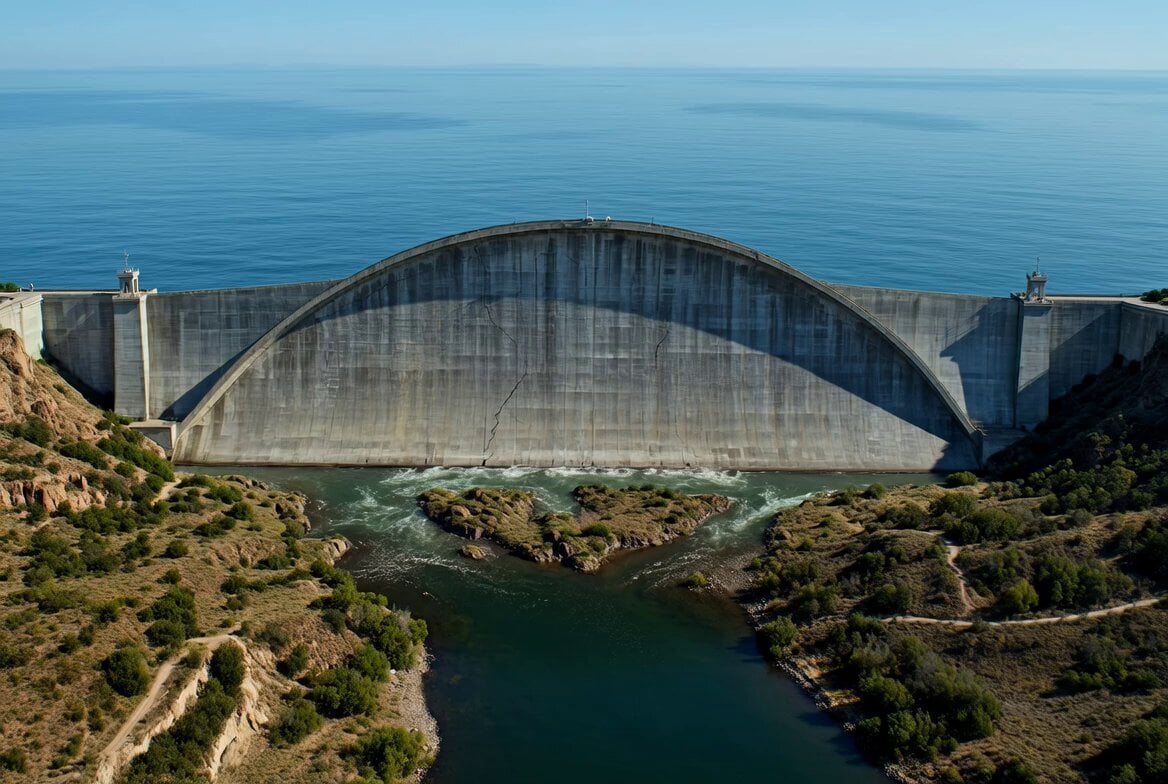
Concrete Dam Collapse Sequence
Browse template categories
Urban Freestyle Dance Script questions
How do I use the Urban Freestyle Dance Script template?
Add your photo if the template asks for one, edit the prompt if you like — the template's model and format are already selected — and press Generate. Your version opens in PicX Studio.
Can I customize the Urban Freestyle Dance Script template?
Yes. You can change the subject, setting, lighting, mood, format, and available model controls before creating your video.
Is the Urban Freestyle Dance Script template free?
Opening and editing this template is free. Generating uses credits, shown on the Generate button when you are signed in.
Which AI model should I use?
Start with Seedance 2.0, which is the model associated with this template. You can compare another compatible model for a different finish.
Looking for something else? Browse all templates.

Your photo, any look
Thousands of ready templates for every top image and video model, from one credit balance.