
One-Shot War Disaster Film Sequence
A detailed Chinese prompt for Seedance 2.0 to generate a cinematic, one-take (one-shot) war disaster sequence.
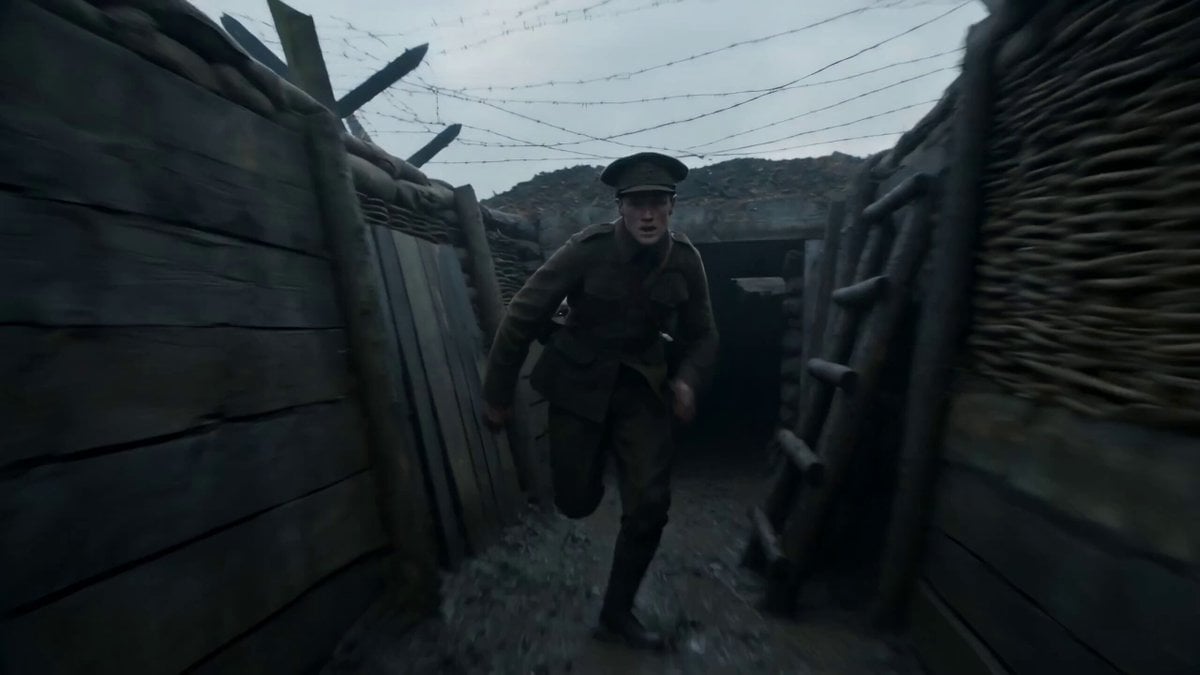
- Prompt included
- Model and format preset
- Free template
The prompt behind this video
Copy the exact prompt behind One-Shot War Disaster Film Sequence, or open it in the studio and make it yours.
战争灾难电影感,一镜到底,清晨灰蓝色天光下,一名年轻传令员冲出被炮火撕开的地下掩体,镜头紧贴其身后高速跟随,穿过泥泞战壕、燃烧的补给车、炸裂的木桥和四散奔逃的人群。远处不断有炮弹落下,泥土、木屑、火焰和烟柱在镜头两侧连续爆开,士兵和担架队从前景横穿而过,极具临场感。主角翻越一段坍塌沙袋墙,滑下满是积水的斜坡,穿过一片布满铁丝网和弹坑的开阔地,爆炸冲击波在身后掀起巨大尘浪。最后他冲上一座半毁钟楼废墟,将一枚发光信号筒插入高处装置,镜头随之迅速拉起,俯瞰整片燃烧战场与远处仍在推进的军阵,电影级写实战争规模感,强节奏,无剪辑。
How to use One-Shot War Disaster Film Sequence in 3 steps
- 1
Open
The prompt is already in the box next to the preview, with the template's model and format selected.
- 2…a portrait of your subject in softgolden-hour light, 85mm…
Personalize
Edit the subject and creative details for your destination.
- 3Generate
Generate
Press Generate — your video is created in PicX Studio, so you can compare it with the original and refine one variable at a time.
More like this
Templates with the same subject, style or setup. Open one to see its prompt.

Desert War Zone Action Sequence
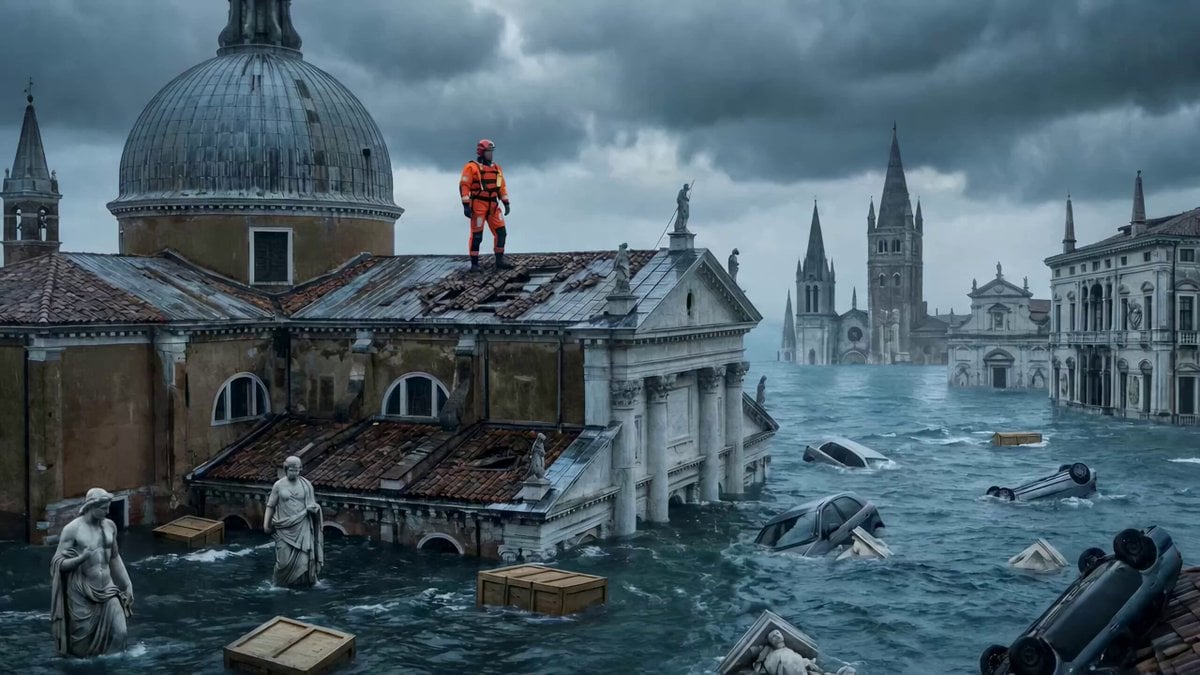
Continuous One-Take Disaster Film Realism
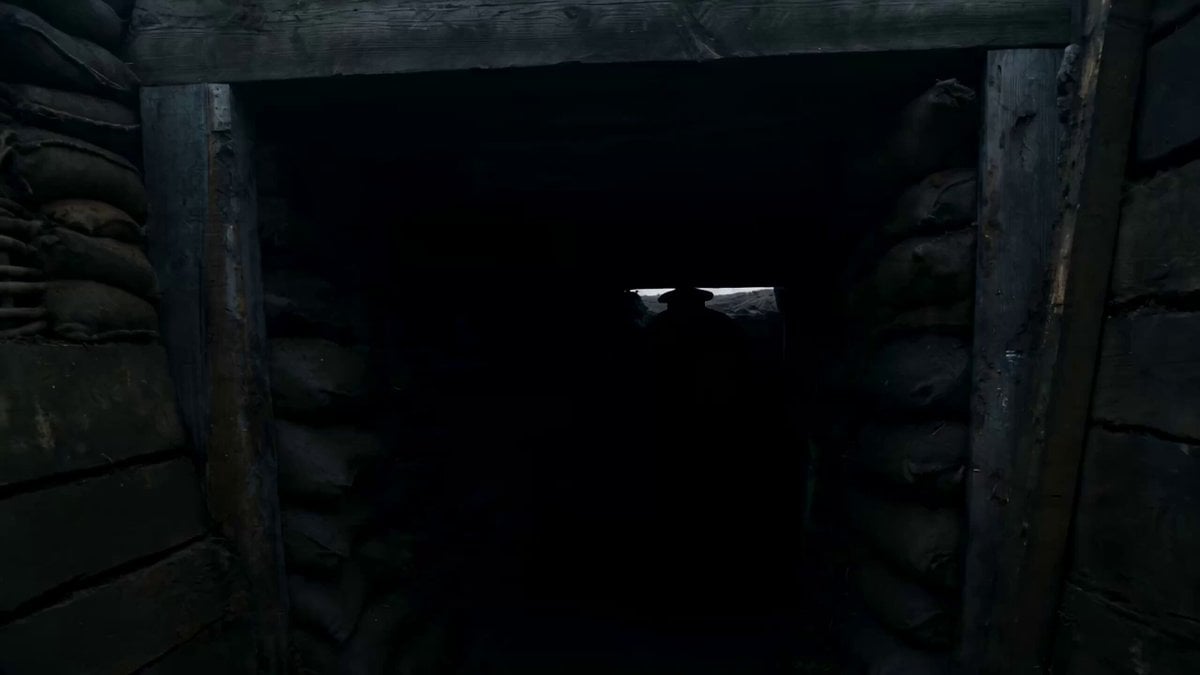
Wartime Disaster Movie Scene, One-Shot

Crusader Battlefield War Sequence
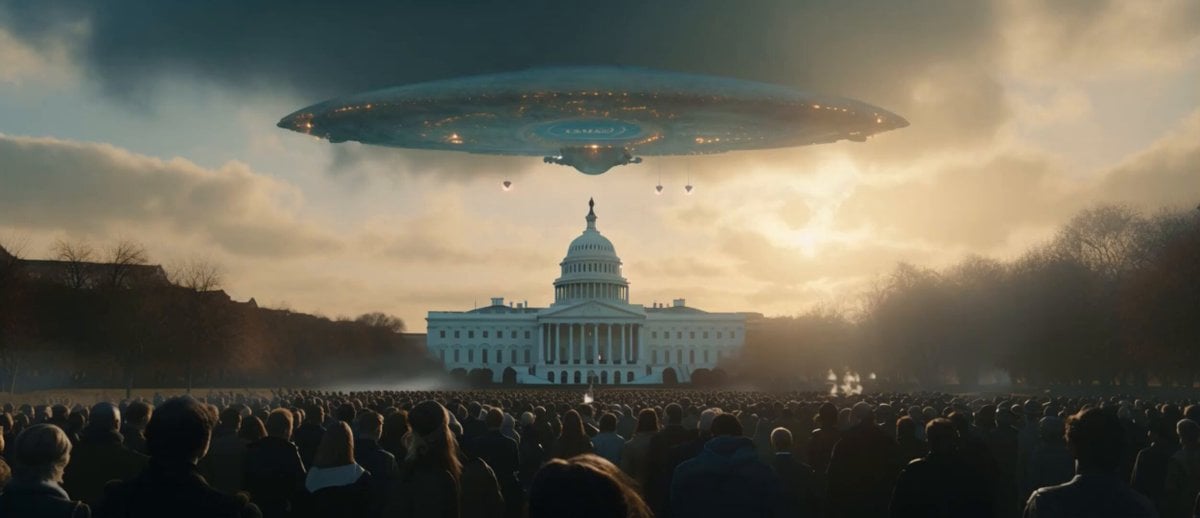
Sci-Fi Disaster Movie Scene - Seedance 2.5
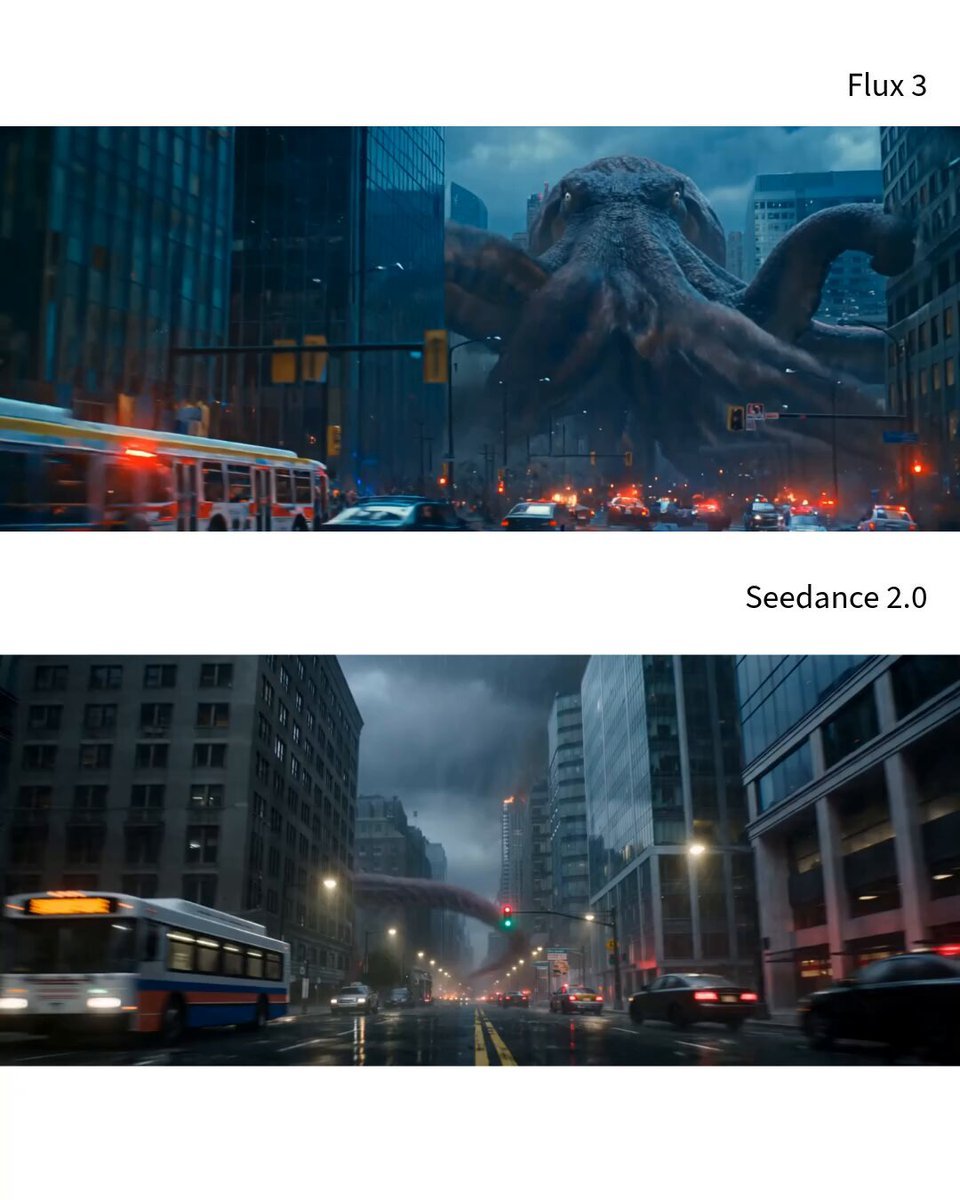
Photorealistic Kaiju Disaster Film
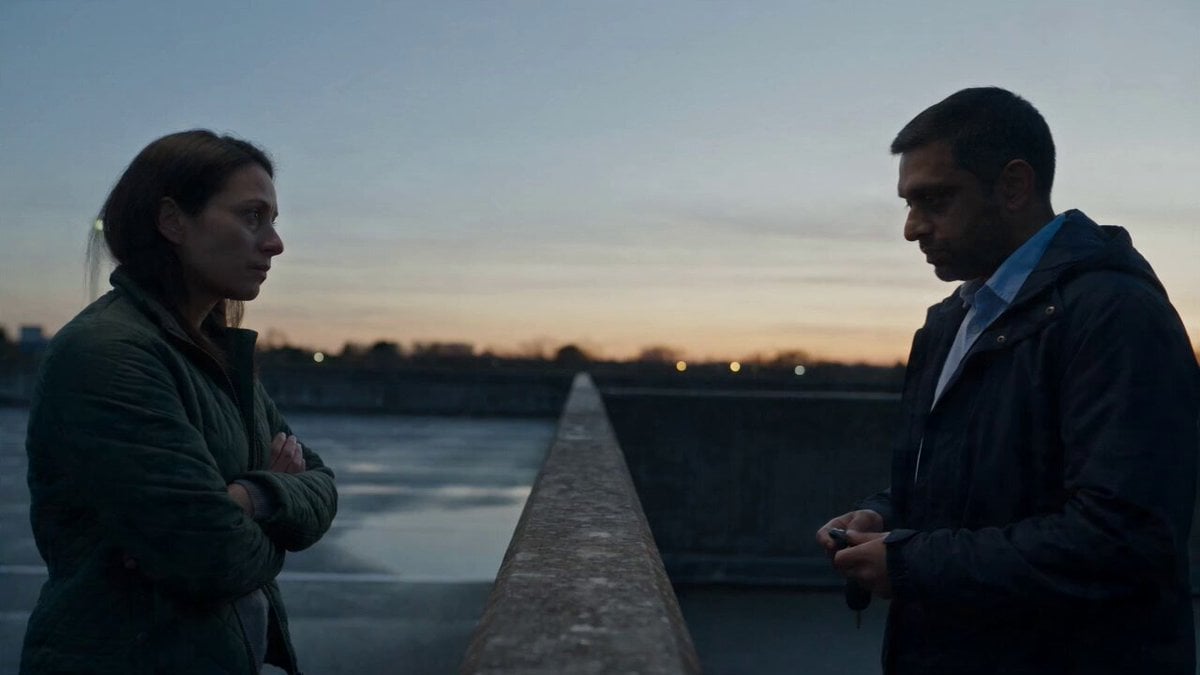
Hospital Car Park Dialogue Lip Sync

Global Flower Thank-You Film
Youth Racing Short Film
Mechanical Flower Bloom Brand Film
Oceanic Civilization Epic Sci-Fi Film
Floating Desert Museum Cinematic Film
Make it yours
One-Shot War Disaster Film Sequence works as-is. These are the safest ways to change it without losing the look.
Change one field
Copy a single group, rewrite it, and generate again so you can see what that field is doing.
Keep the frame, change the subject
Hold the composition and light of One-Shot War Disaster Film Sequence, then swap wardrobe, props or the person for a new take.
| If the result… | Why | Fix |
|---|---|---|
| The result drifts from the preview | Too many fields changed at once. | Reuse One-Shot War Disaster Film Sequence as-is first, then change one group — subject, light, or setting. |
| The model over-stylizes the scene | The prose prompt leaves finish and camera underspecified. | Add one camera or lighting sentence and stay on Seedance 2.0. |
More Seedance 2.0 templates
Other prompts made for Seedance 2.0.

Comical Martial Arts Punch Scene

Maglev Train Action Sequence

Martial Arts Fight Sequence

Wuxia Protection and Trust Script

Vintage Korean Arcade MiniDV Vlog

Mercedes 190 SL Luxury Ad

Rainy Night Supernatural Reverse Comedy Video Script

Amazon Civilization Discovery

Futuristic South Asian City Transformation

Cozy Luxury Cafe Commercial
More video prompts
Fresh picks from across the catalog.
Ghost River Cinematic Push-In

Dim Bedroom Cinematic Push-in Prompt
Olympic Gymnastics Beam Final
Smartphone Style Slapstick Comedy Fall
Botanical Garden Future Scenery
Fashion Vogue Dance Break

Boatman Bitcoin Passage
Surreal Eye Ocean Macro
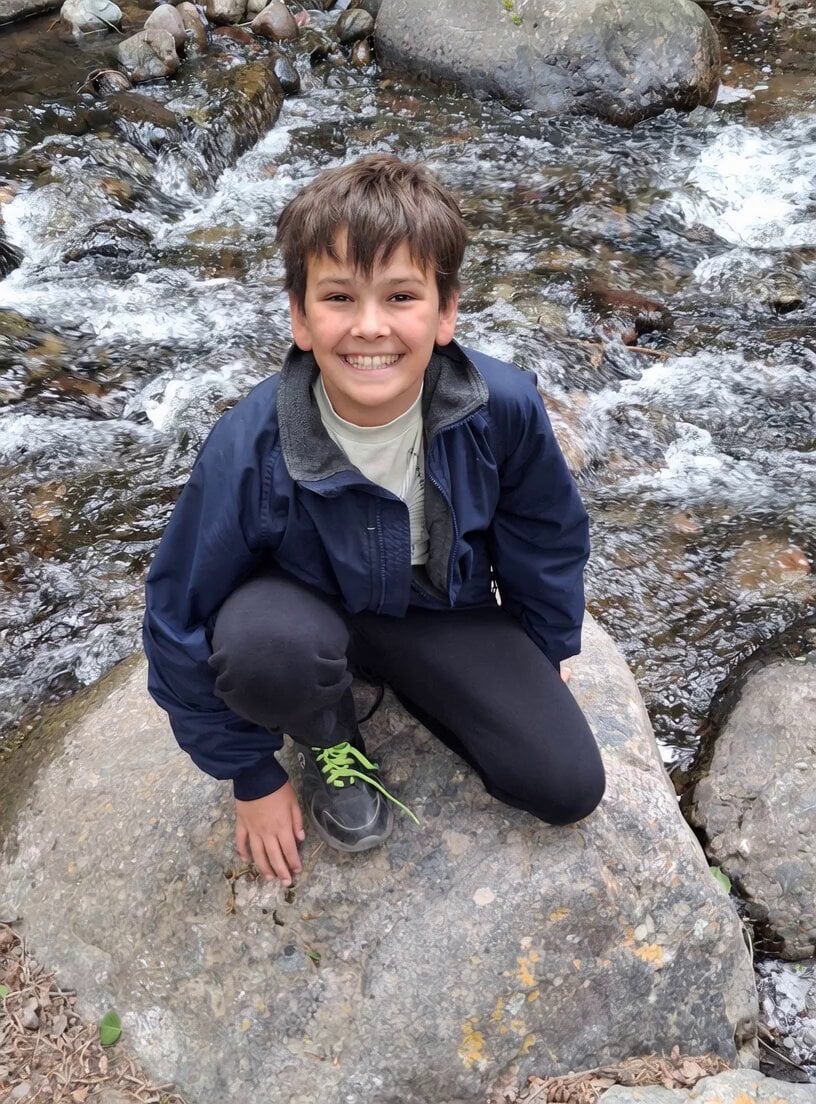
Boy Diving Into Water Scene
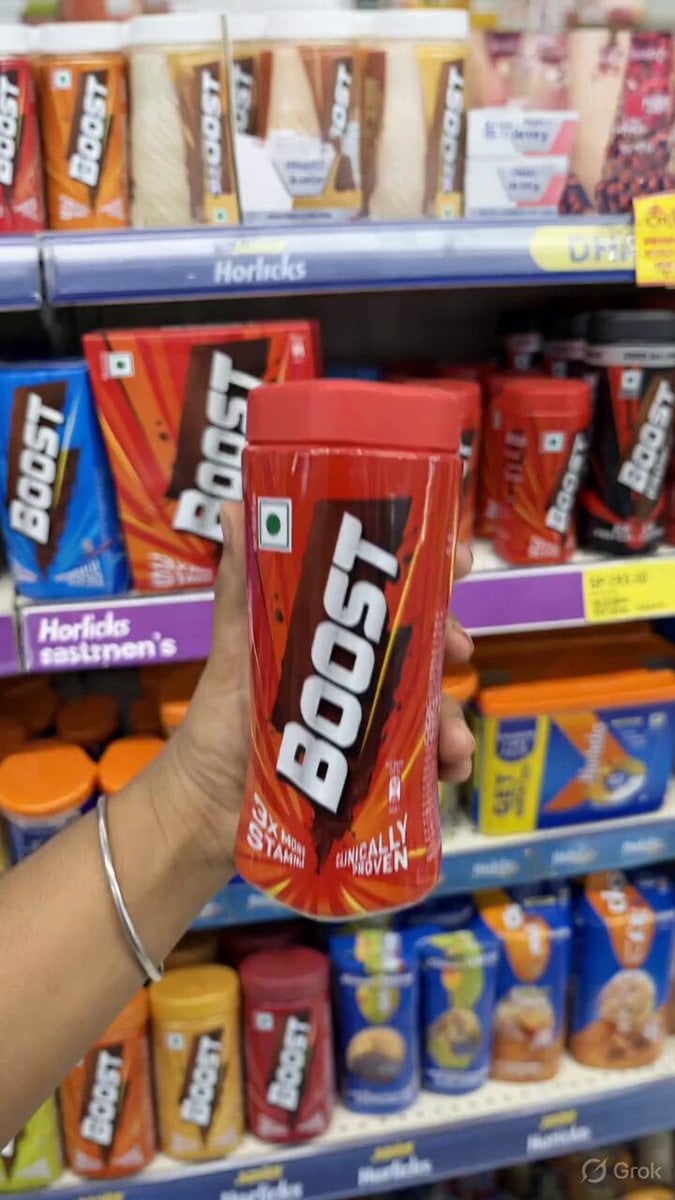
Dissolving Hand and Floating Jar Video Prompt
Browse template categories
One-Shot War Disaster Film Sequence questions
How do I use the One-Shot War Disaster Film Sequence template?
Add your photo if the template asks for one, edit the prompt if you like — the template's model and format are already selected — and press Generate. Your version opens in PicX Studio.
Can I customize the One-Shot War Disaster Film Sequence template?
Yes. You can change the subject, setting, lighting, mood, format, and available model controls before creating your video.
Is the One-Shot War Disaster Film Sequence template free?
Opening and editing this template is free. Generating uses credits, shown on the Generate button when you are signed in.
Which AI model should I use?
Start with Seedance 2.0, which is the model associated with this template. You can compare another compatible model for a different finish.
Looking for something else? Browse all templates.

Your photo, any look
Thousands of ready templates for every top image and video model, from one credit balance.