
Edo Period Dark Fantasy Anime Battle
A complex, time-coded prompt for a high-budget 2D anime swordfight between a ronin and a paper exorcist.
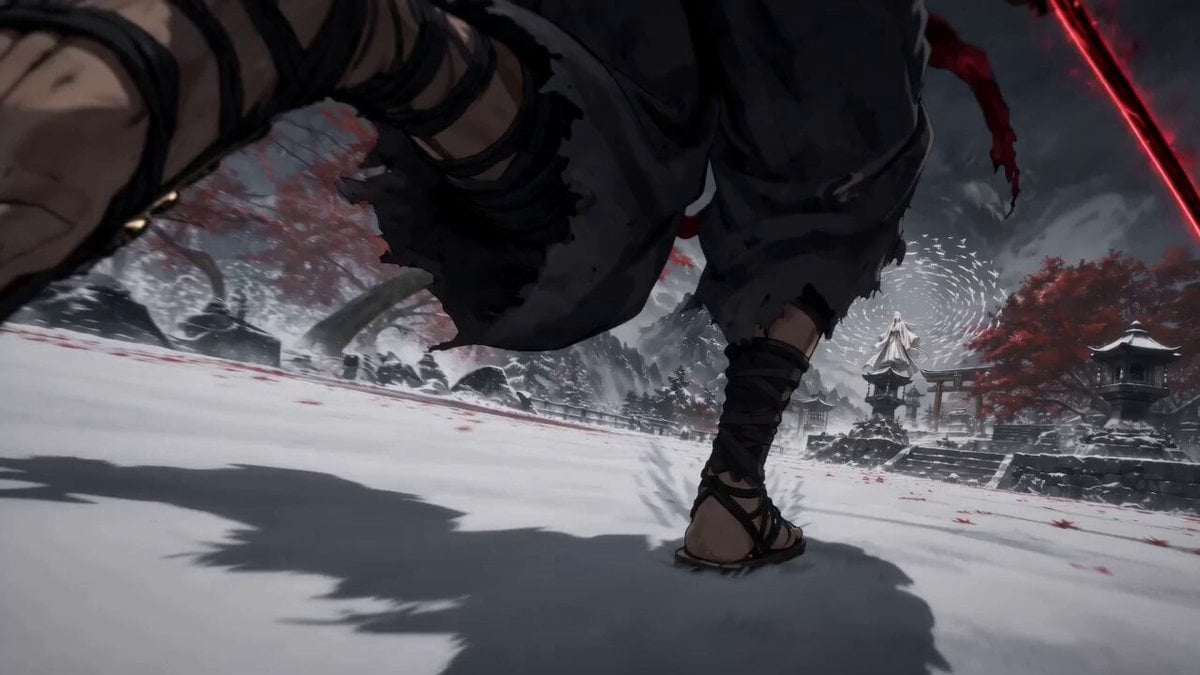
- Prompt included
- Model and format preset
- Free template
The prompt behind this video
Copy the exact prompt behind Edo Period Dark Fantasy Anime Battle, or open it in the studio and make it yours.
Generate a 15-second 16:9 horizontal action-packed cinematic Edo-period dark fantasy anime video from the provided first frame. Characters: Ren (tattered charcoal kimono, cursed black katana, aggressive ronin) and Master Orikami (white Shinto robes, blind exorcist, floating paper cranes). Maintain 100% design consistency throughout. Style & Quality: High-budget TV anime style, sharp ink-wash line art, fluid 2D swordplay choreography, snow and leaf physics, dramatic speed lines, high-contrast cel shading. Time-Coded Action: 0.0s – 3.0s: Ren dashes across the snowy shrine courtyard, executing heavy crimson-energy sword slashes. Orikami summons a dense wall of paper cranes to absorb the initial blow. 3.0s – 7.0s: High-speed flurry. Orikami launches a vortex of sharp paper shurikens; Ren deflects them mid-air with lightning-fast sword spins before attempting a jumping overhead strike. 7.0s – 11.0s: Ren cuts through a paper decoy. Orikami reappears behind him, using folded paper talismans to wrap around Ren's katana and arms, absorbing all momentum. 11.0s – 15.0s: The paper bindings lock Ren completely in place, disarming his sword into the snow. End on a wide cinematic frame of the defeated ronin locked in paper while Orikami steps away silently amidst falling red maple leaves. Camera & Technical: Fast camera tracking, dynamic angle cuts, close-up blade clangs, wide dramatic ending frame. 16:9 horizontal format, no text, no watermark.
How to use Edo Period Dark Fantasy Anime Battle in 3 steps
- 1
Open
The prompt is already in the box next to the preview, with the template's model and format selected.
- 2…a portrait of your subject in softgolden-hour light, 85mm…
Personalize
Edit the subject and creative details for your destination.
- 3Generate
Generate
Press Generate — your video is created in PicX Studio, so you can compare it with the original and refine one variable at a time.
More like this
Templates with the same subject, style or setup. Open one to see its prompt.
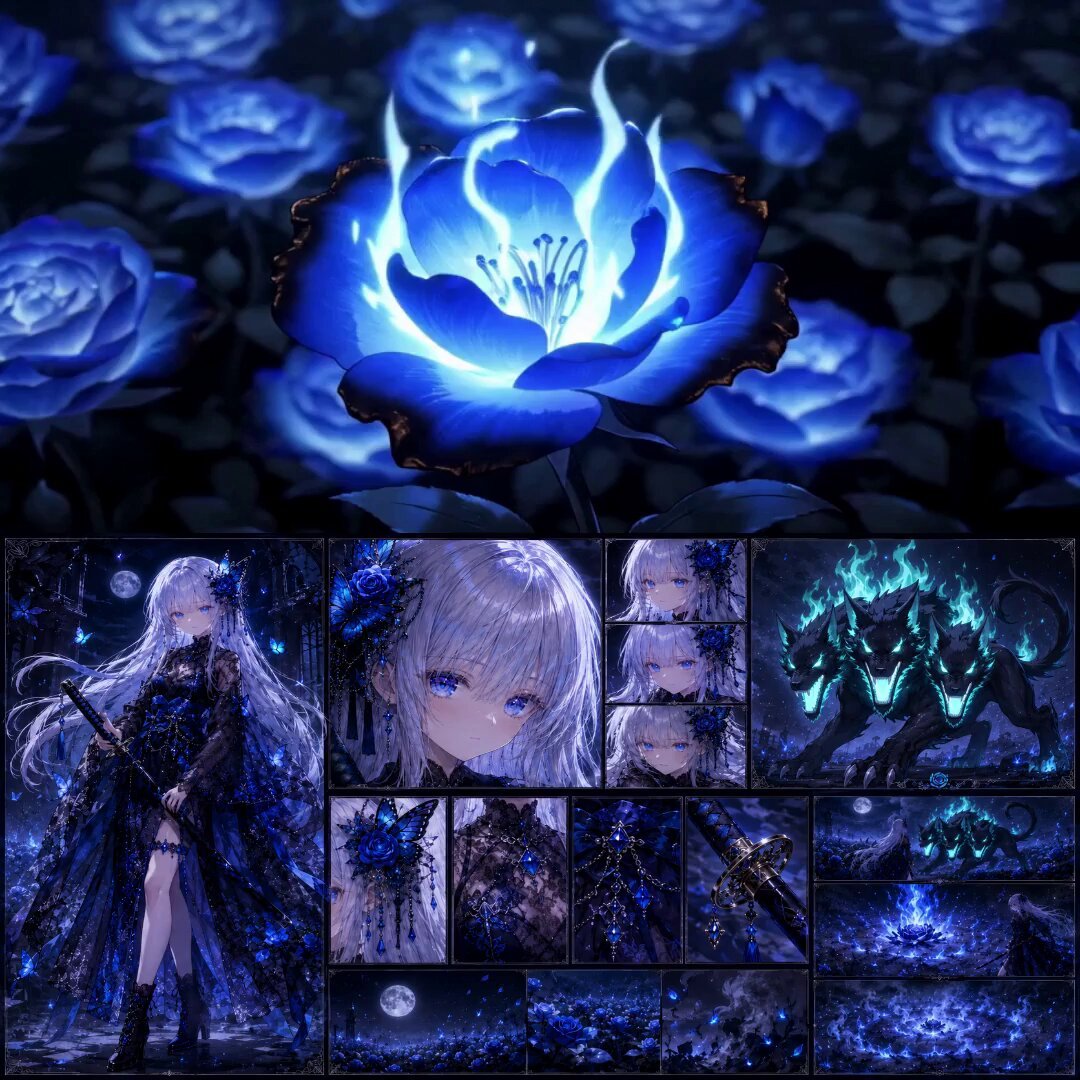
High-End Anime Dark Fantasy Cerberus Battle
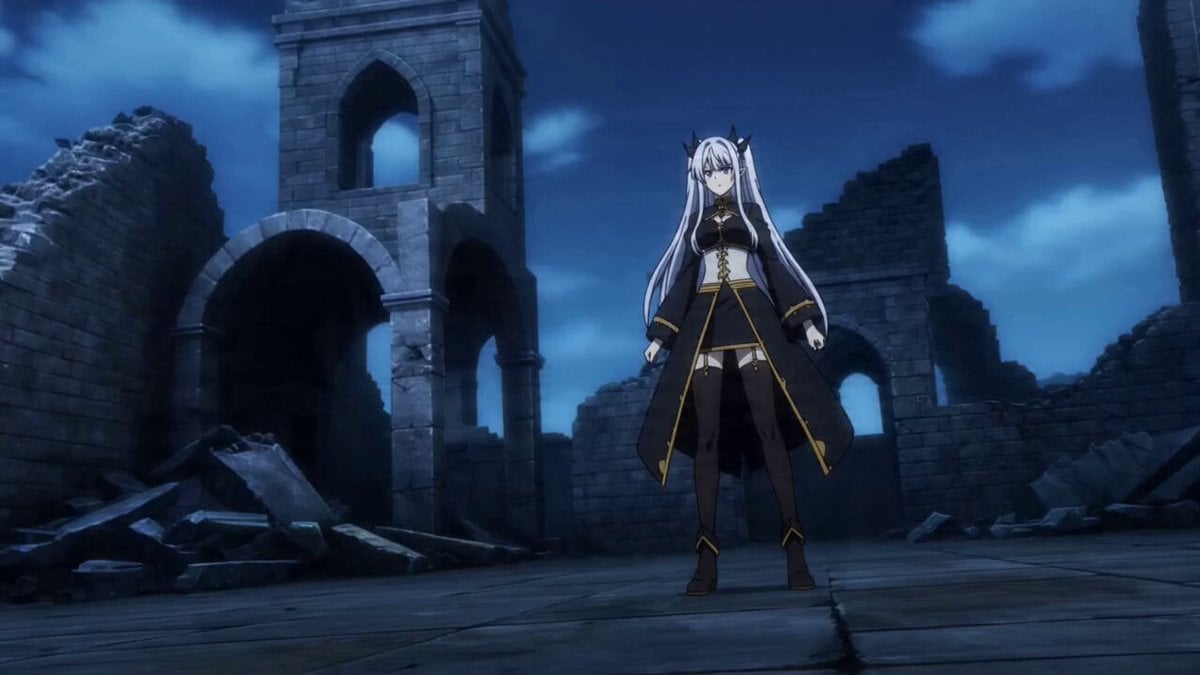
Prompt for Dark Fantasy Anime Battle
Swordsman vs Shadow Monster — Bamboo Forest Battle
Mecha Transformation vs Kaiju — 4-Scene Epic
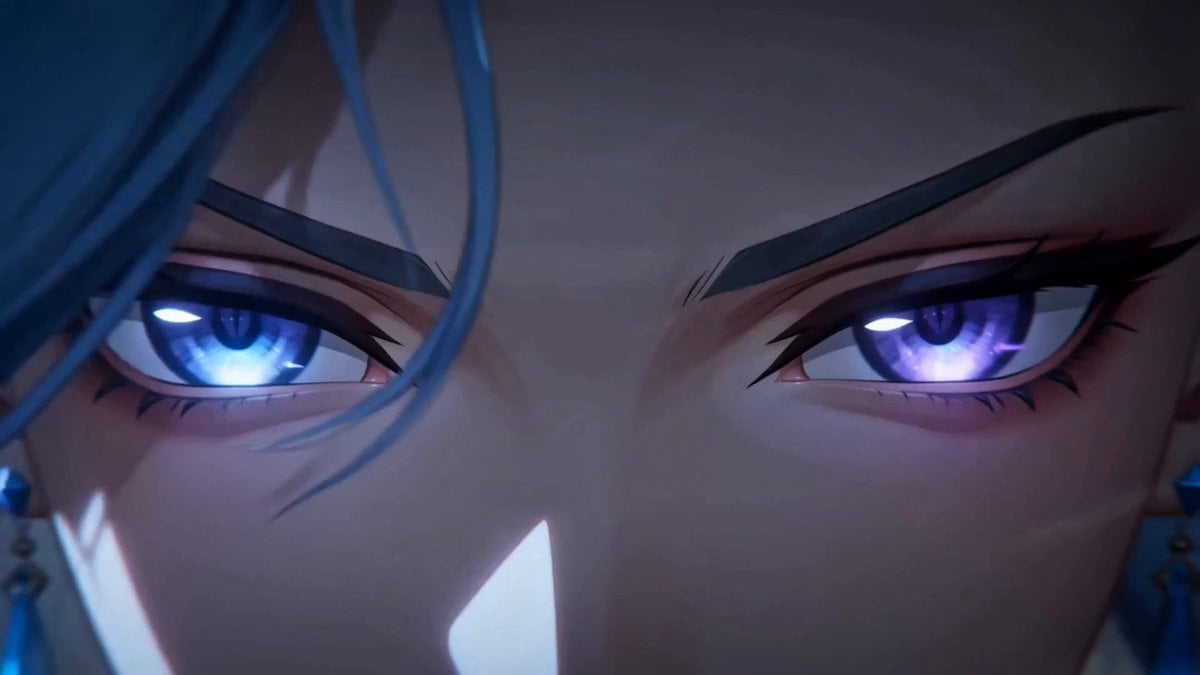
Dark Fantasy Anime Summoning Ritual

Necromancer Battlefield Orbit
Dark Fantasy Anime Opening Montage
Dark Fantasy FPV Battle Video Prompt
Dark Fantasy Anime Opening Prompt
Ice Queen — Frozen Battlefield Time Control (Seedance)
Sea Serpent vs Crab Titan — Ocean Battle

Dark Tokusatsu Transformation - Seedance 2.5
Make it yours
Edo Period Dark Fantasy Anime Battle works as-is. These are the safest ways to change it without losing the look.
Change one field
Copy a single group, rewrite it, and generate again so you can see what that field is doing.
Keep the frame, change the subject
Hold the composition and light of Edo Period Dark Fantasy Anime Battle, then swap wardrobe, props or the person for a new take.
| If the result… | Why | Fix |
|---|---|---|
| The result drifts from the preview | Too many fields changed at once. | Reuse Edo Period Dark Fantasy Anime Battle as-is first, then change one group — subject, light, or setting. |
| The model over-stylizes the scene | The prose prompt leaves finish and camera underspecified. | Add one camera or lighting sentence and stay on Seedance 2.0. |
More Seedance 2.0 templates
Other prompts made for Seedance 2.0.

Comical Martial Arts Punch Scene

Maglev Train Action Sequence

Martial Arts Fight Sequence

Wuxia Protection and Trust Script

Vintage Korean Arcade MiniDV Vlog

Mercedes 190 SL Luxury Ad

Rainy Night Supernatural Reverse Comedy Video Script

Amazon Civilization Discovery

Futuristic South Asian City Transformation

Cozy Luxury Cafe Commercial
More video prompts
Fresh picks from across the catalog.
Browse template categories
Edo Period Dark Fantasy Anime Battle questions
How do I use the Edo Period Dark Fantasy Anime Battle template?
Add your photo if the template asks for one, edit the prompt if you like — the template's model and format are already selected — and press Generate. Your version opens in PicX Studio.
Can I customize the Edo Period Dark Fantasy Anime Battle template?
Yes. You can change the subject, setting, lighting, mood, format, and available model controls before creating your video.
Is the Edo Period Dark Fantasy Anime Battle template free?
Opening and editing this template is free. Generating uses credits, shown on the Generate button when you are signed in.
Which AI model should I use?
Start with Seedance 2.0, which is the model associated with this template. You can compare another compatible model for a different finish.
Looking for something else? Browse all templates.

Your photo, any look
Thousands of ready templates for every top image and video model, from one credit balance.