
POV F1 Racing Video
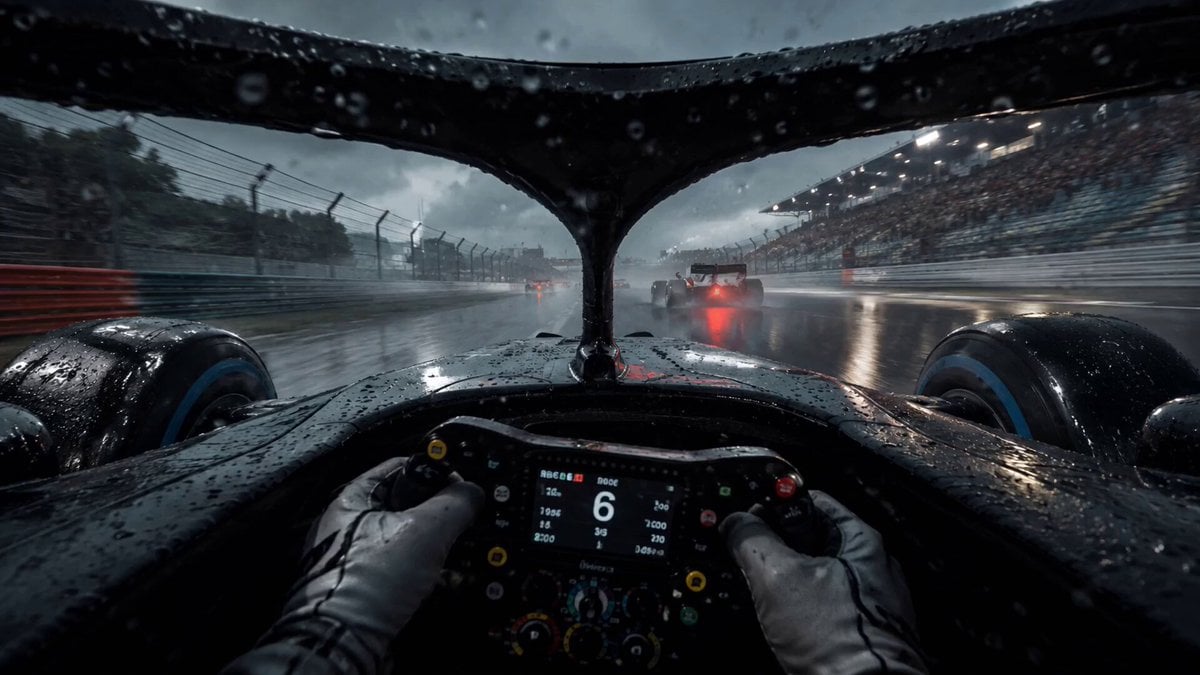
A multi-scene timeline prompt for generating a cinematic F1 race sequence from a POV perspective, featuring rain, splashes, and high-speed overtaking.
- Prompt included
- Model and format preset
- Free template
The prompt behind this video
Copy the exact prompt behind POV F1 Racing Video, or open it in the studio and make it yours.
0:00 - 0:03 POV視点でF1カーを運転していく 雨が降っていて、水飛沫が舞う 0:03 - 0:05 タイヤが水飛沫を舞いながら走っているタイヤのクローズアップ 0:05- 0:08 別の車両とのデッドヒートで、スレスレを走る 0:08-0:11 上空から車両が走っているのを写す 0:11- 0:15 ゴールラインからのカメラで、車両が次々とゴールしてくるのを正面から映す カメラの高さは地面の高さで迫力ある 既存のブランドや会社のロゴは使用しないで シネマティック
How to use POV F1 Racing Video in 3 steps
- 1
Open
The prompt is already in the box next to the preview, with the template's model and format selected.
- 2…a portrait of your subject in softgolden-hour light, 85mm…
Personalize
Edit the subject and creative details for your destination.
- 3Generate
Generate
Press Generate — your video is created in PicX Studio, so you can compare it with the original and refine one variable at a time.
More like this
Templates with the same subject, style or setup. Open one to see its prompt.
Cinematic Rainy Tokyo Night Racing POV

3x3 Grid Storyboard Racing — Kling 3.0 O3 Pro
Youth Racing Short Film

DV Camcorder POV Gym Montage — Seedance 2.5
DV Camcorder POV Gym Montage — Seedance 2.5
Prehistoric Dirt Bike POV: Racing Against Dinosaurs
Ice Queen — Frozen Battlefield Time Control (Seedance)
Porsche 911 GT3 RS Night Racing — Neon City Streets
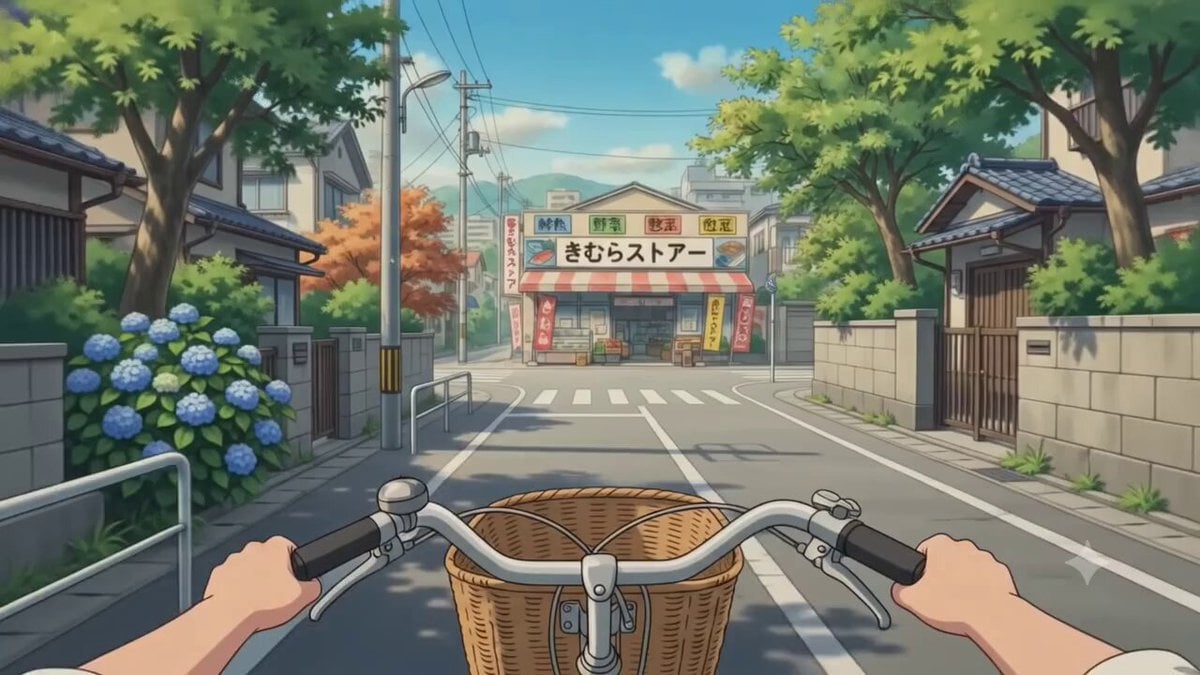
POV Japanese Residential Neighborhood Bike Trip
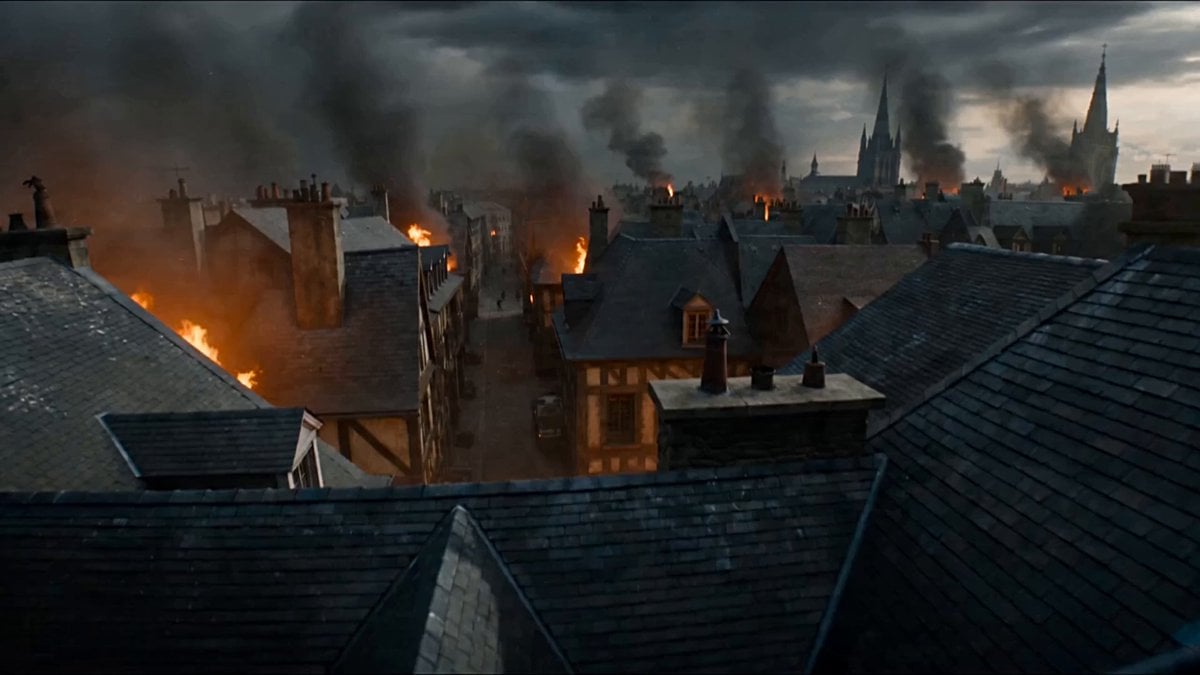
First-Person POV Fantasy Demon Battle
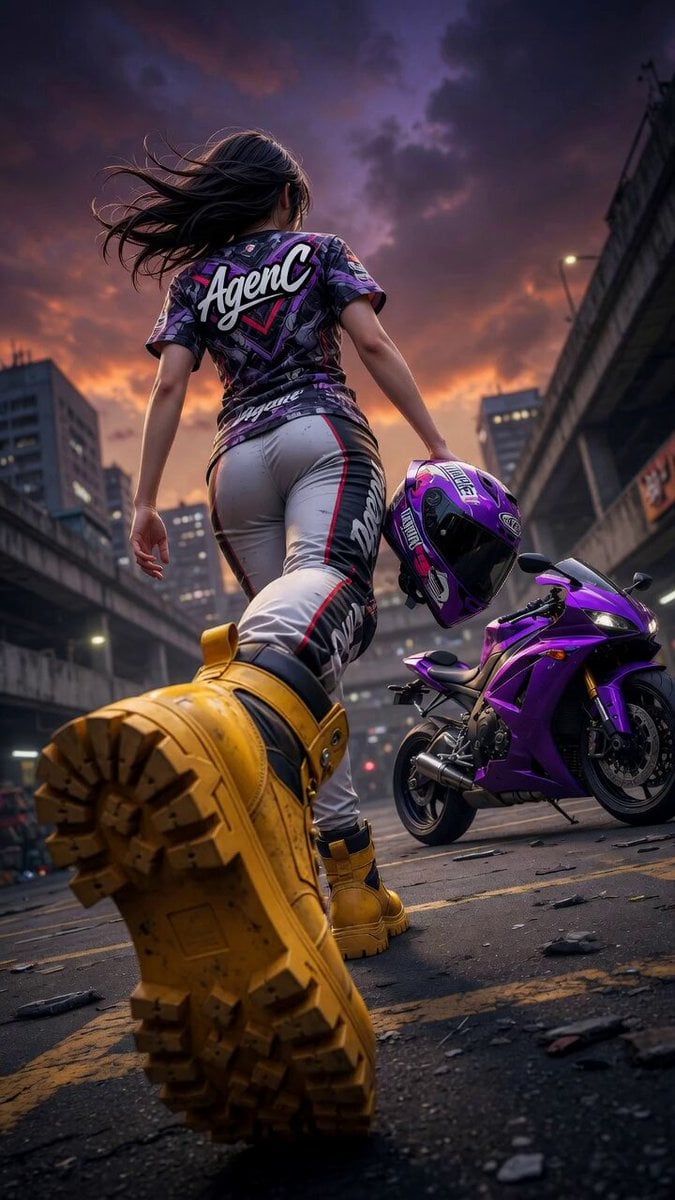
Cinematic Anime Racing Girl in Urban Parking Lot
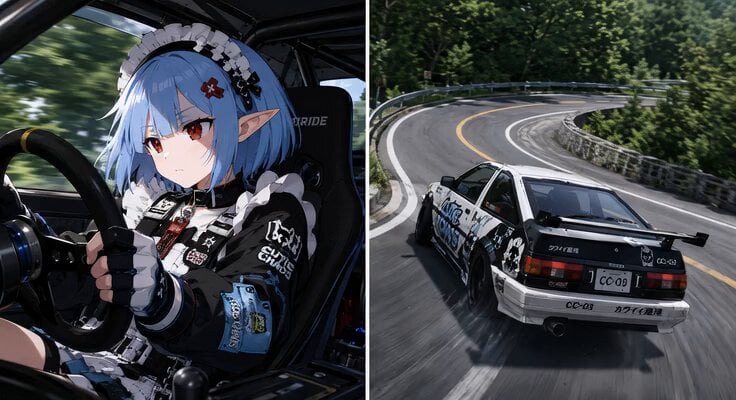
Synchronized Split-Screen Racing Video
Make it yours
POV F1 Racing Video works as-is. These are the safest ways to change it without losing the look.
Change one field
Copy a single group, rewrite it, and generate again so you can see what that field is doing.
Keep the frame, change the subject
Hold the composition and light of POV F1 Racing Video, then swap wardrobe, props or the person for a new take.
| If the result… | Why | Fix |
|---|---|---|
| The result drifts from the preview | Too many fields changed at once. | Reuse POV F1 Racing Video as-is first, then change one group — subject, light, or setting. |
| The model over-stylizes the scene | The prose prompt leaves finish and camera underspecified. | Add one camera or lighting sentence and stay on Seedance 2.0. |
More Seedance 2.0 templates
Other prompts made for Seedance 2.0.

Comical Martial Arts Punch Scene

Maglev Train Action Sequence

Martial Arts Fight Sequence

Wuxia Protection and Trust Script

Vintage Korean Arcade MiniDV Vlog

Mercedes 190 SL Luxury Ad

Rainy Night Supernatural Reverse Comedy Video Script

Amazon Civilization Discovery

Futuristic South Asian City Transformation

Cozy Luxury Cafe Commercial
More video prompts
Fresh picks from across the catalog.
Master Prompts on Vadoo AI
Cinematic Anime Battle Sequence
Late Night News Reader
Funny Dog Rally Racing Team

Japanese Anime Mapo Tofu Cooking Process
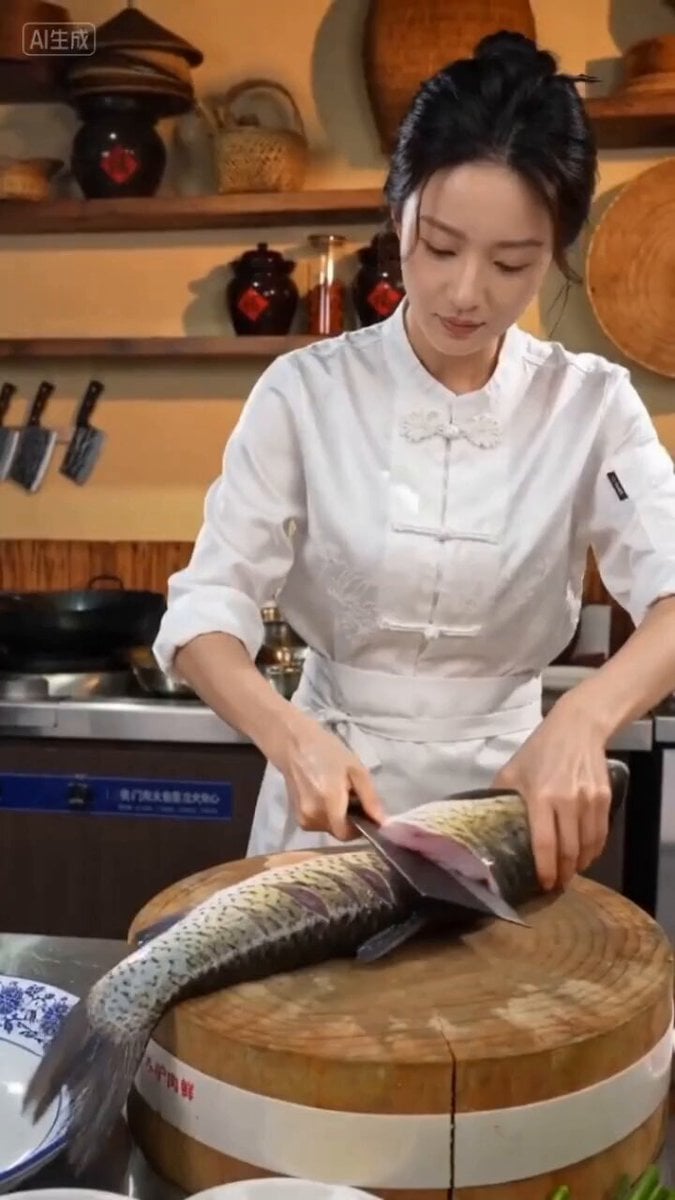
Seedance 2.0 Prompt for Beautiful Chef Cooking Sour Fish Soup
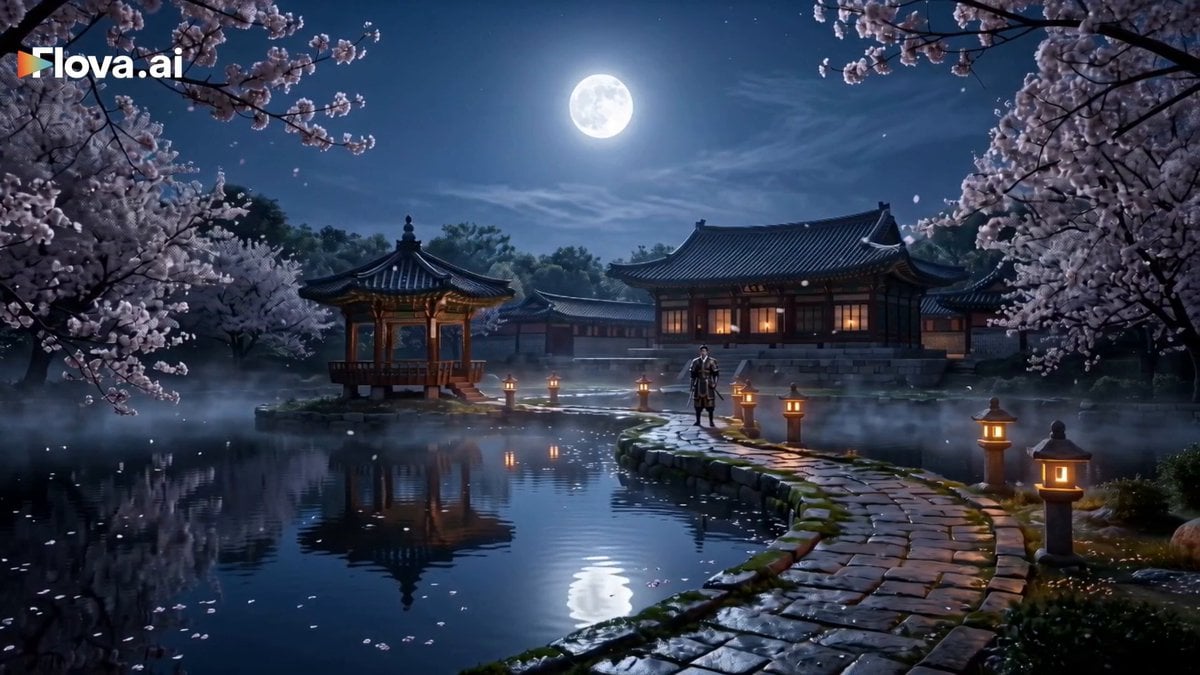
Korean Fantasy Romance Drama
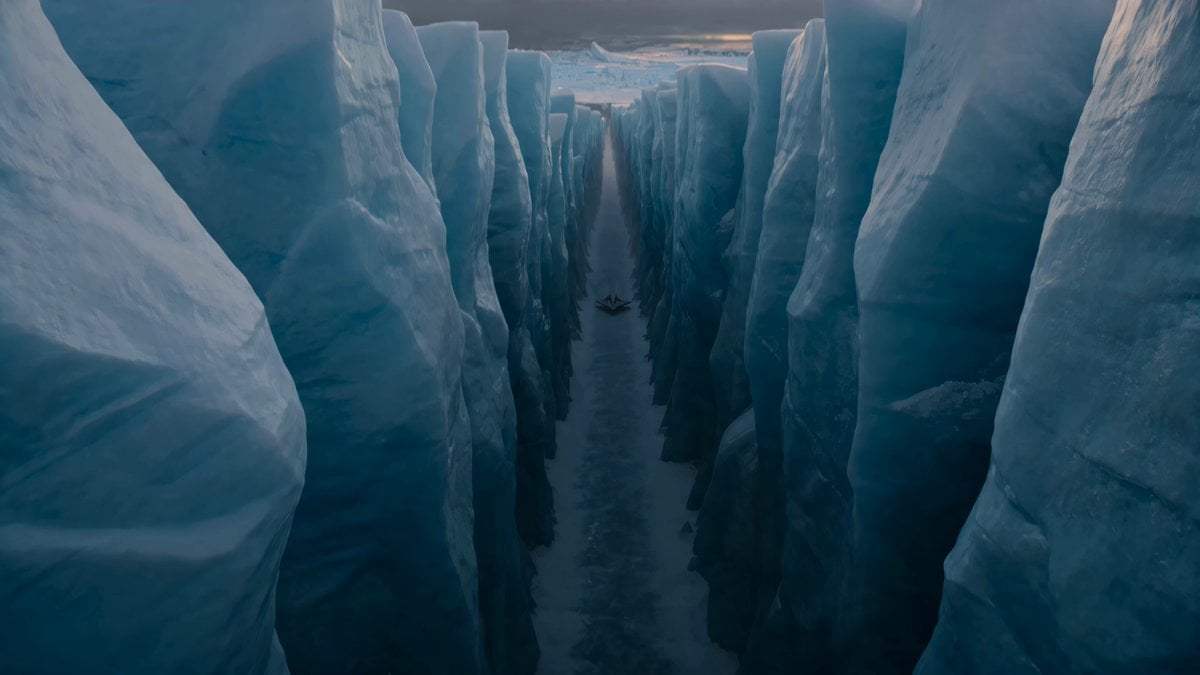
Alien Ice Canyon Escape
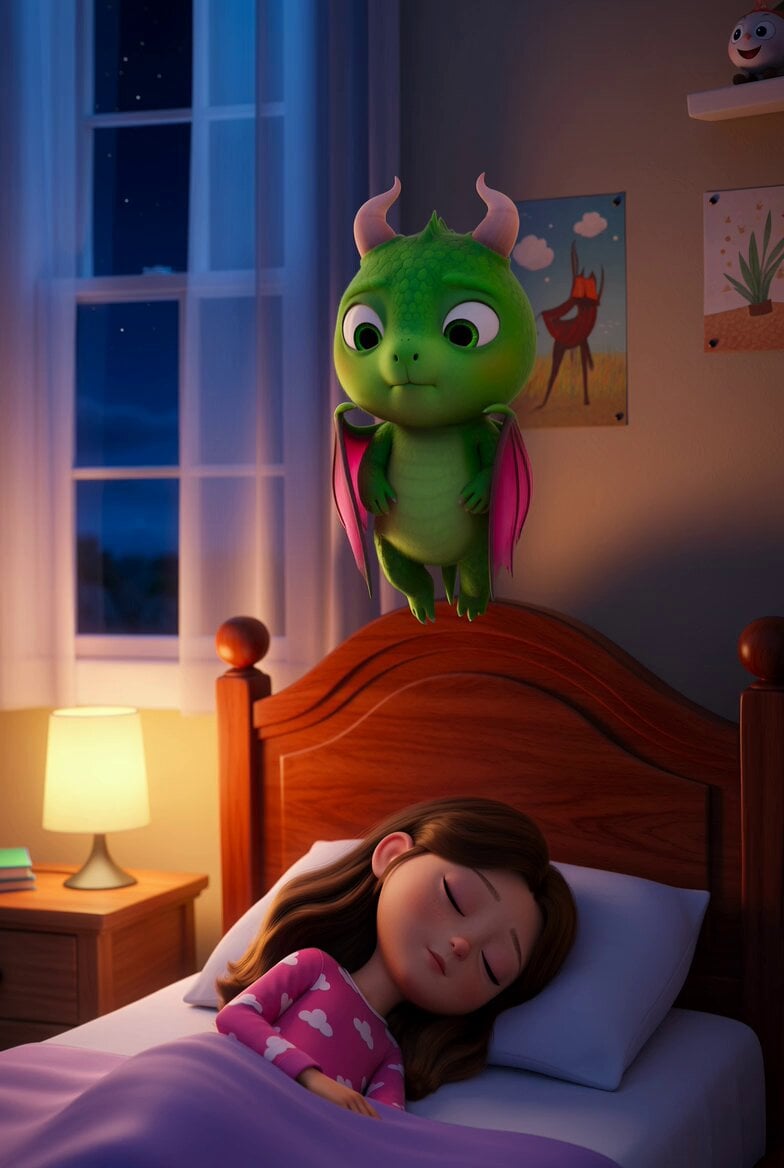
Bedboard Guardian Monster
Fountain of Youth Secret Garden
Browse template categories
POV F1 Racing Video questions
How do I use the POV F1 Racing Video template?
Add your photo if the template asks for one, edit the prompt if you like — the template's model and format are already selected — and press Generate. Your version opens in PicX Studio.
Can I customize the POV F1 Racing Video template?
Yes. You can change the subject, setting, lighting, mood, format, and available model controls before creating your video.
Is the POV F1 Racing Video template free?
Opening and editing this template is free. Generating uses credits, shown on the Generate button when you are signed in.
Which AI model should I use?
Start with Seedance 2.0, which is the model associated with this template. You can compare another compatible model for a different finish.
Looking for something else? Browse all templates.

Your photo, any look
Thousands of ready templates for every top image and video model, from one credit balance.