How do I use the Cinematic Mecha Transformation Scene template?
Edit the prompt in the box under the preview — the template's model and format are already selected — and press Generate. Your version appears right on this page.
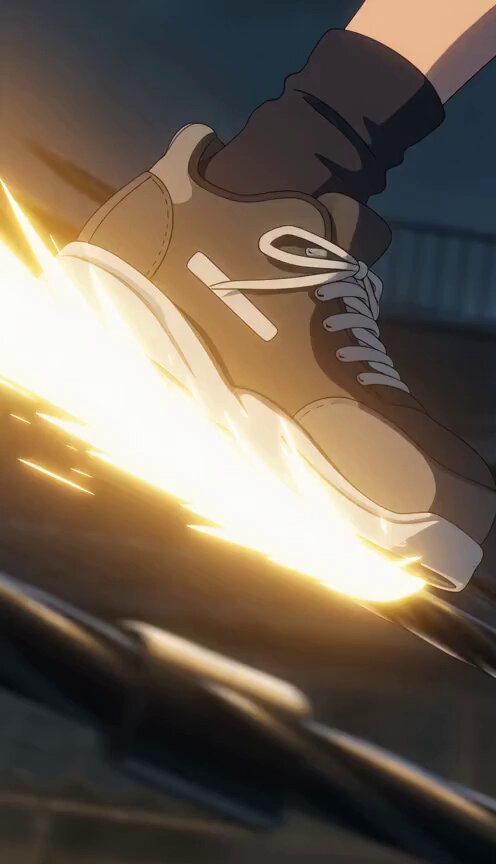
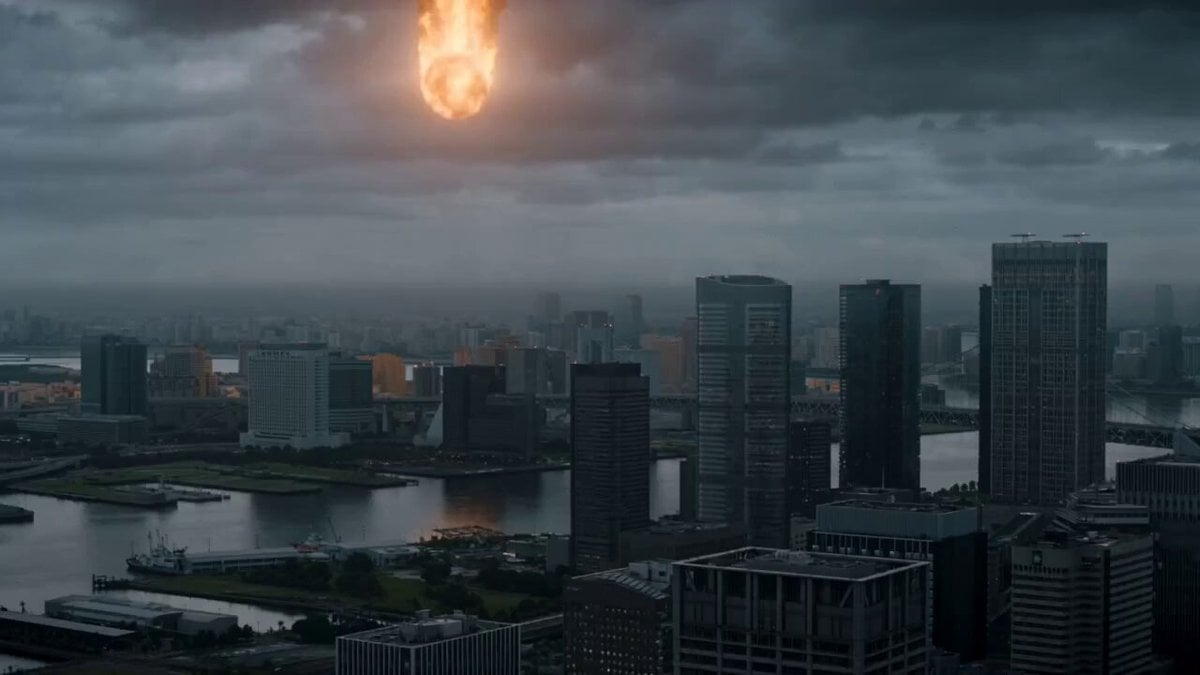
A comprehensive multi-scene storyboard prompt for Seedance 2.0 depicting a character transforming into an armored suit in a ruined Shibuya setting.
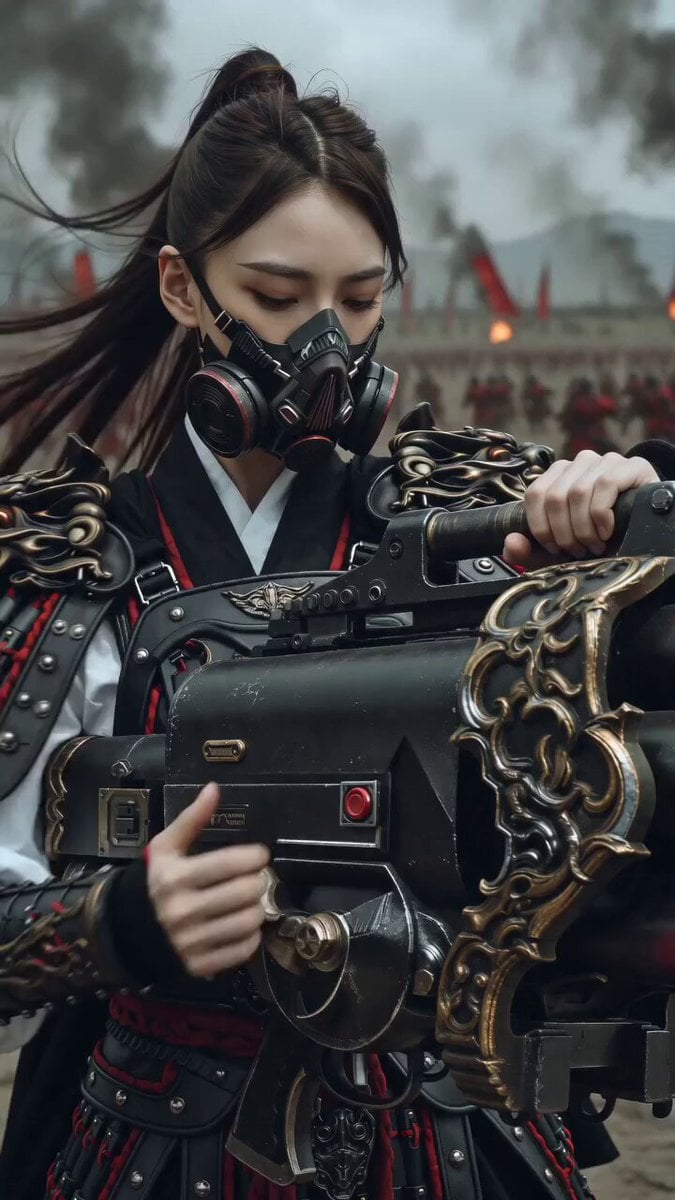
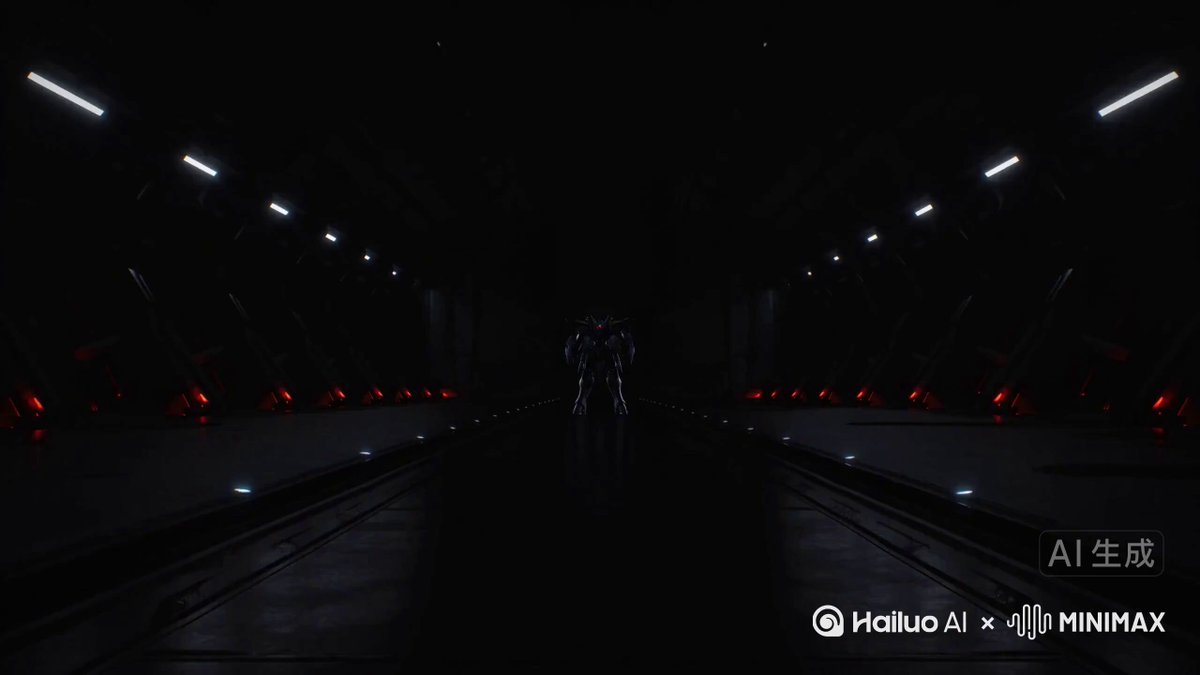
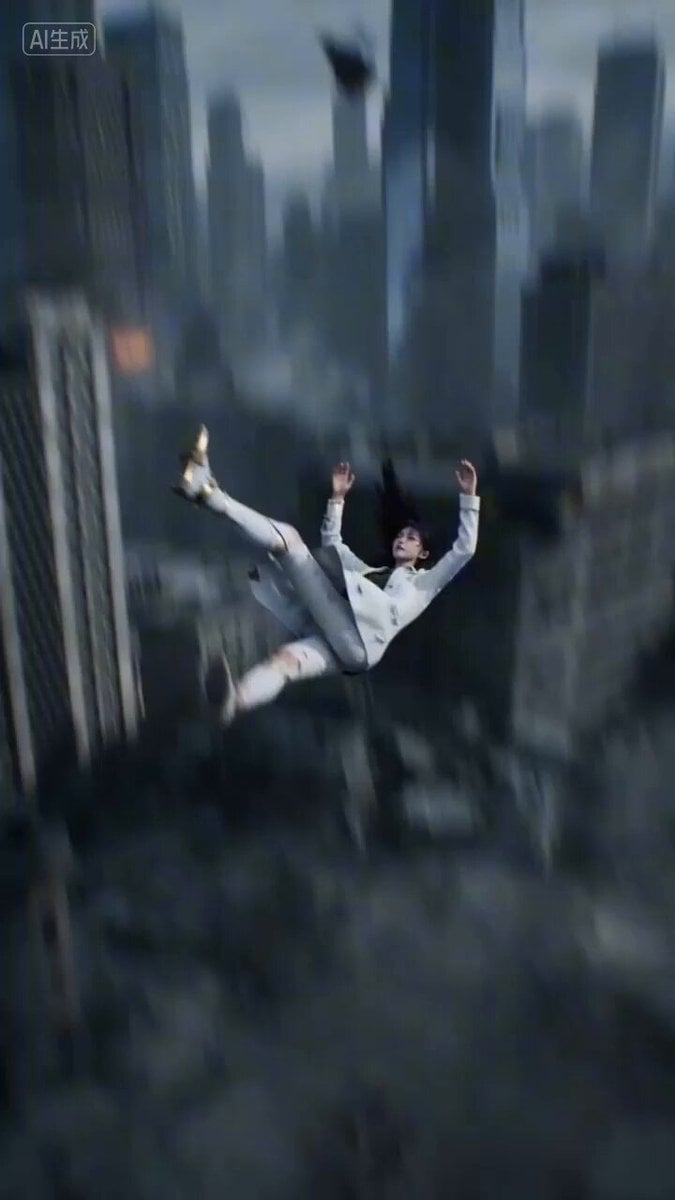
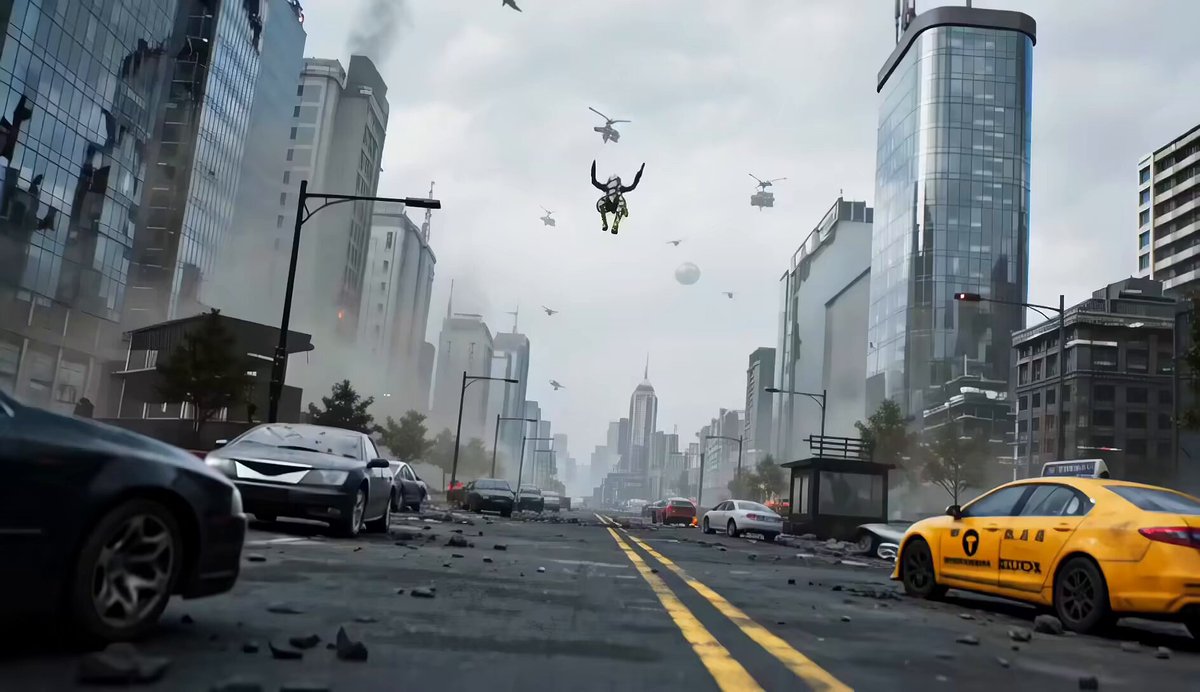
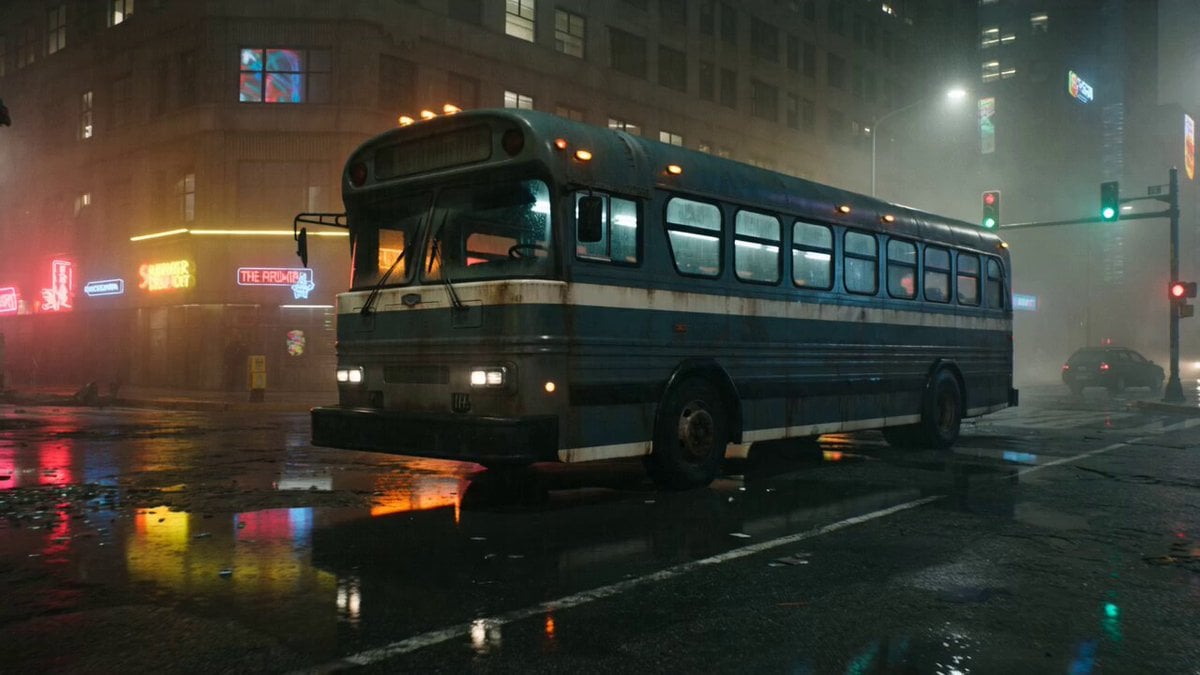
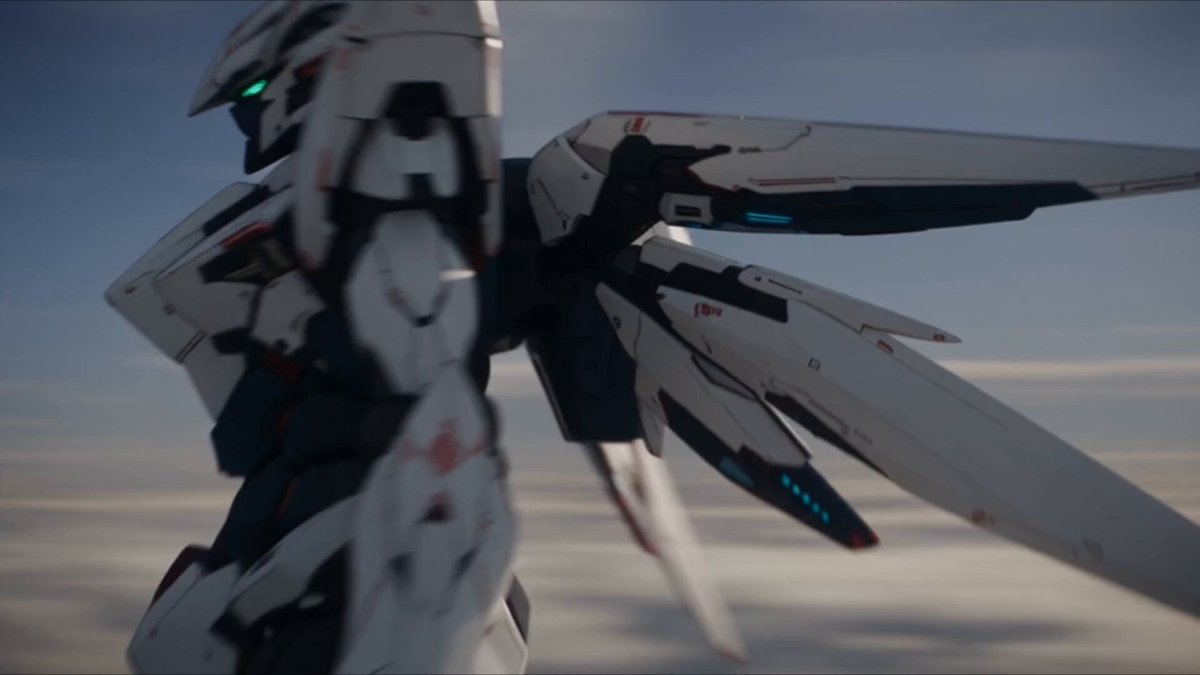
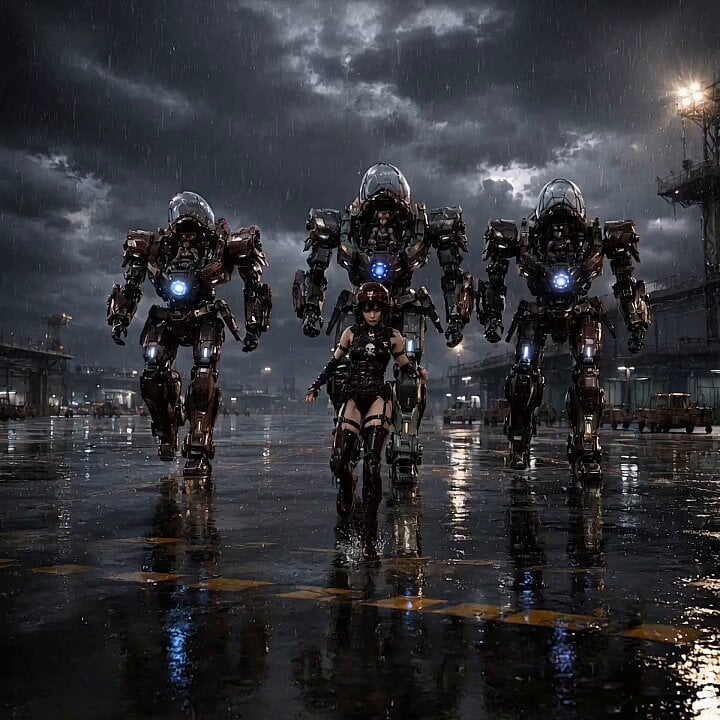
破壊された渋谷のスクランブル交差点の超現実的で映画的なシーン。ひび割れた道路、燃える車両、瓦礫、そして煙が周囲を埋め尽くす。手持ちカメラ、浅い被写界深度強烈な衝撃、火花。 [キャラクター] 主人公は image1と完全に一致、埃まみれで、冷静かつ集中した表情。絵柄は image1の絵柄を完全再現。 [アーマー] モジュラー式外部装甲スーツ( image2 )。部品が飛び込み、金属的な精密さでロックされ、火花と衝撃音を伴う。表面は鏡面加工されており周囲の景色が映り込む。 [敵] 自立型戦闘ロボットの image3。表面は鏡面加工されており周囲の景色が映り込む。 [シーン] 1)ワイドショット。主人公である image1が渋谷のスクランブル交差点にあるビルの上に立っている。 2)ビルの上に立っている image1に image2 がパーツとして左足、右足、腰、右腕、左腕、胴体の順番でパーツが金属ロックで装着される。 カメラは360度 image1 の周りを回転しながら撮影する。 3)頭にヘルメットが装着されるクローズアップ。赤のエネルギーが輝き、 image1 は image3 に変身を完了する。 4) image3 は 大きくジャンプをしてヒーロー着地をすると地面が割れて炎と衝撃波が生まれて周囲が歪み、3体の image2 が吹き飛ぶ。 image2 はゆっくり立ち上がり、 image3 に囲まれる。 5) image2 のアップ。「かかってきなさい!」と言う image1 の声がして、目が赤く光る。
破壊された渋谷のスクランブル交差点の超現実的で映画的なシーン。ひび割れた道路、燃える車両、瓦礫、そして煙が周囲を埋め尽くす。手持ちカメラ、浅い被写界深度強烈な衝撃、火花。 [キャラクター] 主人公は image1と完全に一致、埃まみれで、冷静かつ集中した表情。絵柄は image1の絵柄を完全再現。 [アーマー] モジュラー式外部装甲スーツ( image2 )。部品が飛び込み、金属的な精密さでロックされ、火花と衝撃音を伴う。表面は鏡面加工されており周囲の景色が映り込む。 [敵] 自立型戦闘ロボットの image3。表面は鏡面加工されており周囲の景色が映り込む。 [シーン] 1)ワイドショット。主人公である image1が渋谷のスクランブル交差点にあるビルの上に立っている。 2)ビルの上に立っている image1に image2 がパーツとして左足、右足、腰、右腕、左腕、胴体の順番でパーツが金属ロックで装着される。 カメラは360度 image1 の周りを回転しながら撮影する。 3)頭にヘルメットが装着されるクローズアップ。赤のエネルギーが輝き、 image1 は image3 に変身を完了する。 4) image3 は 大きくジャンプをしてヒーロー着地をすると地面が割れて炎と衝撃波が生まれて周囲が歪み、3体の image2 が吹き飛ぶ。 image2 はゆっくり立ち上がり、 image3 に囲まれる。 5) image2 のアップ。「かかってきなさい!」と言う image1 の声がして、目が赤く光る。
Edit the prompt in the box under the preview — the template's model and format are already selected — and press Generate. Your version appears right on this page.
Yes. You can change the subject, setting, lighting, mood, format, and available model controls before creating your video.
Opening and editing this template is free. Generating uses credits, shown on the Generate button when you are signed in.
Start with Seedance 2.0, which is the model associated with this template. You can compare another compatible model for a different finish.
Follow a topic to a crawlable collection of related PicX Studio templates.