How do I use the Anime Style Beef Pho Cooking template?
Edit the prompt in the box under the preview — the template's model and format are already selected — and press Generate. Your version appears right on this page.
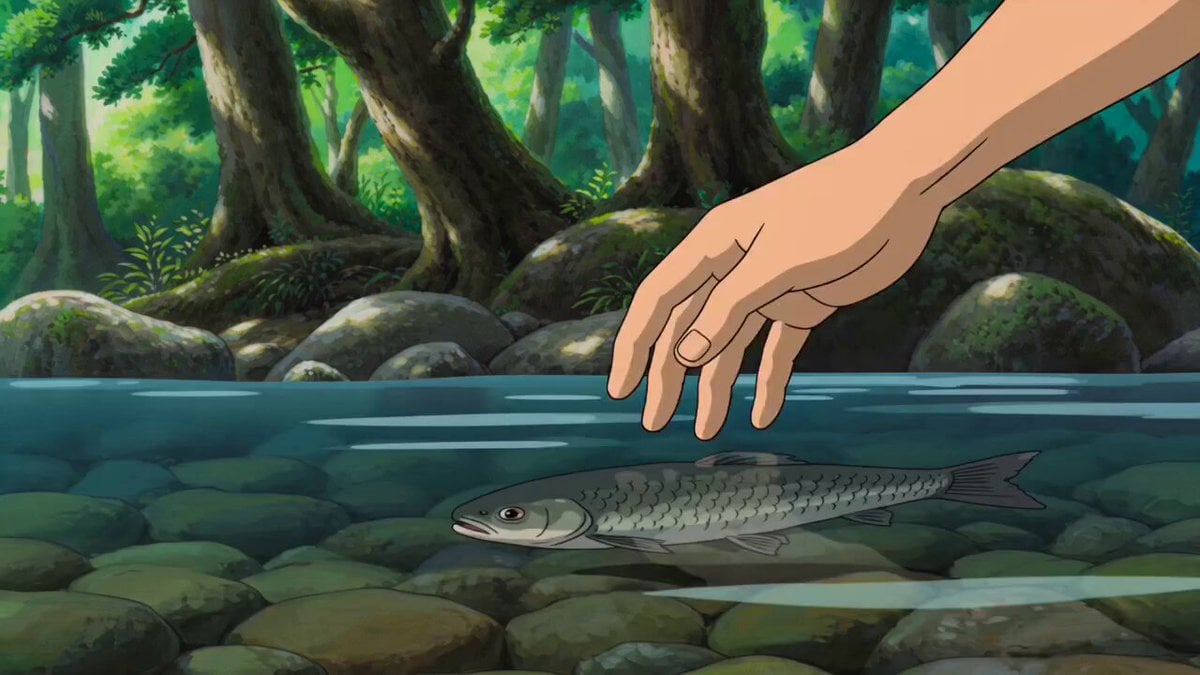
An anime-inspired video prompt detailing the outdoor preparation of beef pho at a riverside campsite, from ingredients to the final steaming bowl.
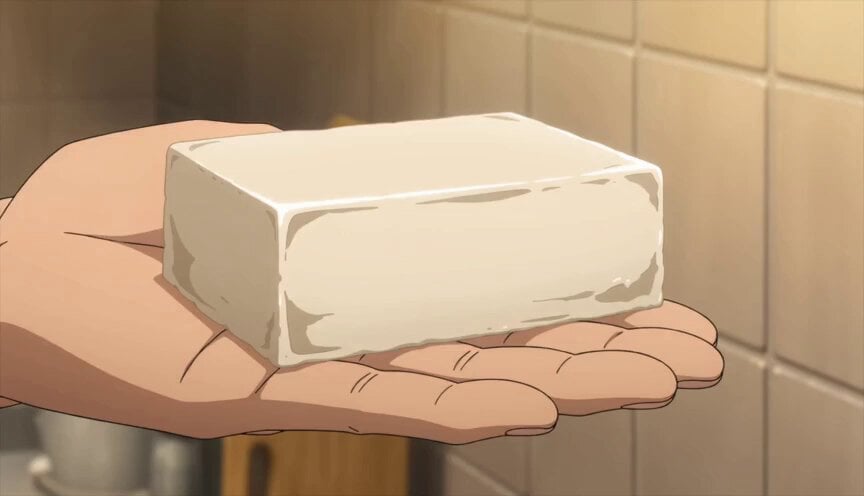
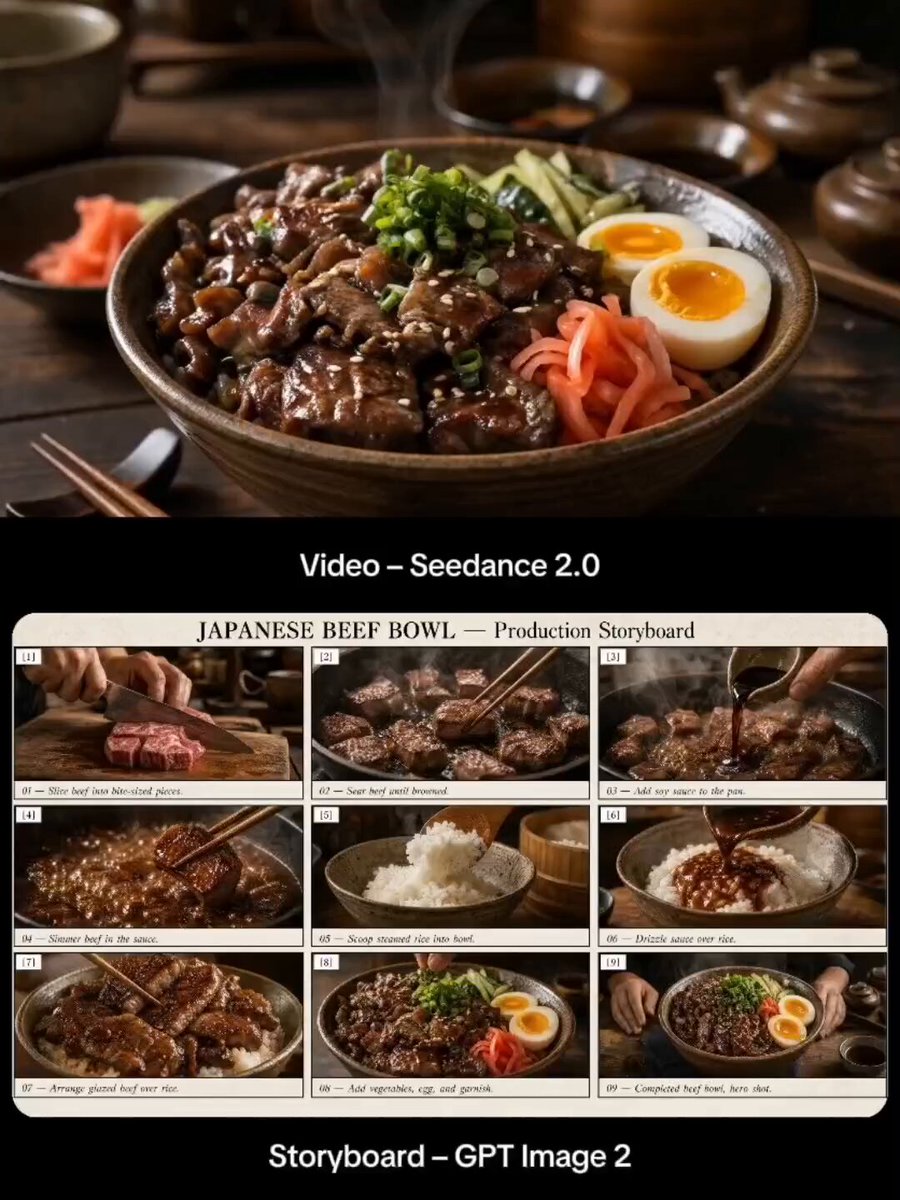
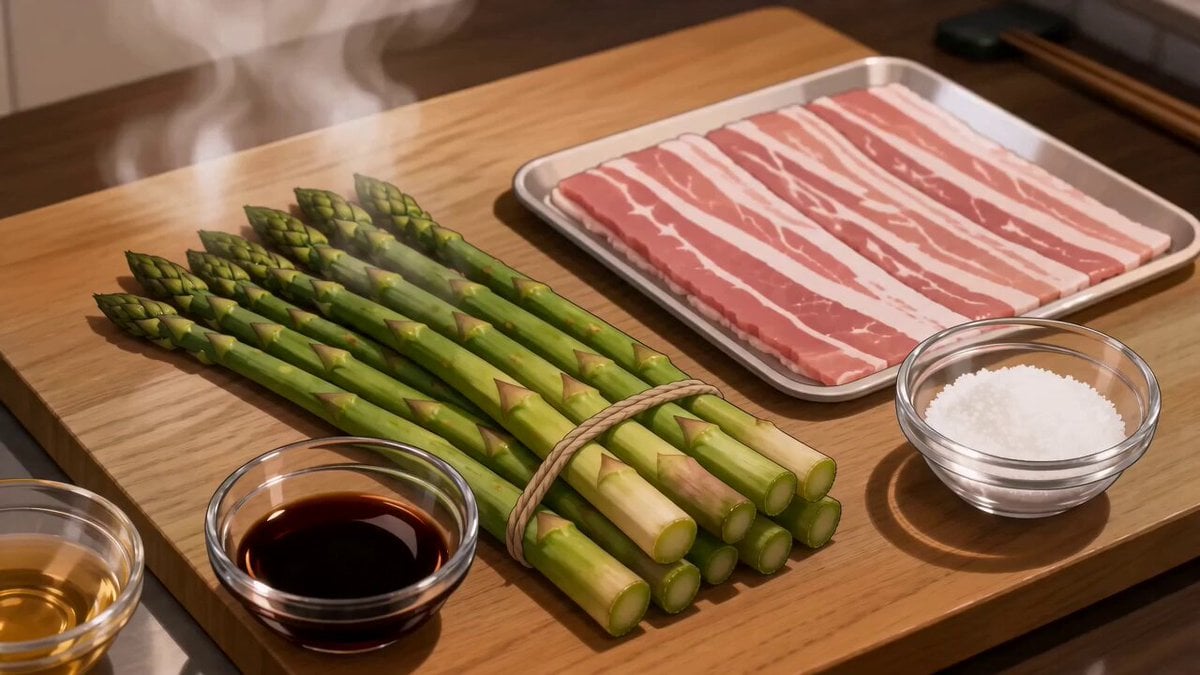
Create a cinematic anime-style cooking video showing the outdoor preparation of authentic beef pho at a peaceful riverside campsite. Begin with slicing marbled beef, preparing ginger, onions, whole spices, fresh Thai basil, bean sprouts, and lime, then simmer beef bones, aromatics, and spices in a cast-iron pot over a crackling campfire to create a rich broth. Finally, place rice noodles in a ceramic bowl, top with thin beef slices, pour steaming broth to gently cook the meat, and finish with herbs, chili, red onion, and lime. Capture warm golden lighting, cozy camping vibes, detailed food close-ups, smooth transitions, and beautiful anime-inspired visuals.
Create a cinematic anime-style cooking video showing the outdoor preparation of authentic beef pho at a peaceful riverside campsite. Begin with slicing marbled beef, preparing ginger, onions, whole spices, fresh Thai basil, bean sprouts, and lime, then simmer beef bones, aromatics, and spices in a cast-iron pot over a crackling campfire to create a rich broth. Finally, place rice noodles in a ceramic bowl, top with thin beef slices, pour steaming broth to gently cook the meat, and finish with herbs, chili, red onion, and lime. Capture warm golden lighting, cozy camping vibes, detailed food close-ups, smooth transitions, and beautiful anime-inspired visuals.
Edit the prompt in the box under the preview — the template's model and format are already selected — and press Generate. Your version appears right on this page.
Yes. You can change the subject, setting, lighting, mood, format, and available model controls before creating your video.
Opening and editing this template is free. Generating uses credits, shown on the Generate button when you are signed in.
Start with Seedance 2.0, which is the model associated with this template. You can compare another compatible model for a different finish.
Follow a topic to a crawlable collection of related PicX Studio templates.