
Nine-Tailed Fox Divine Bow Transformation
An extensive, multi-shot cinematic video prompt describing the mystical transformation of a character into a kitsune, featuring fox-fire, spiritual armor, and a divine longbow.
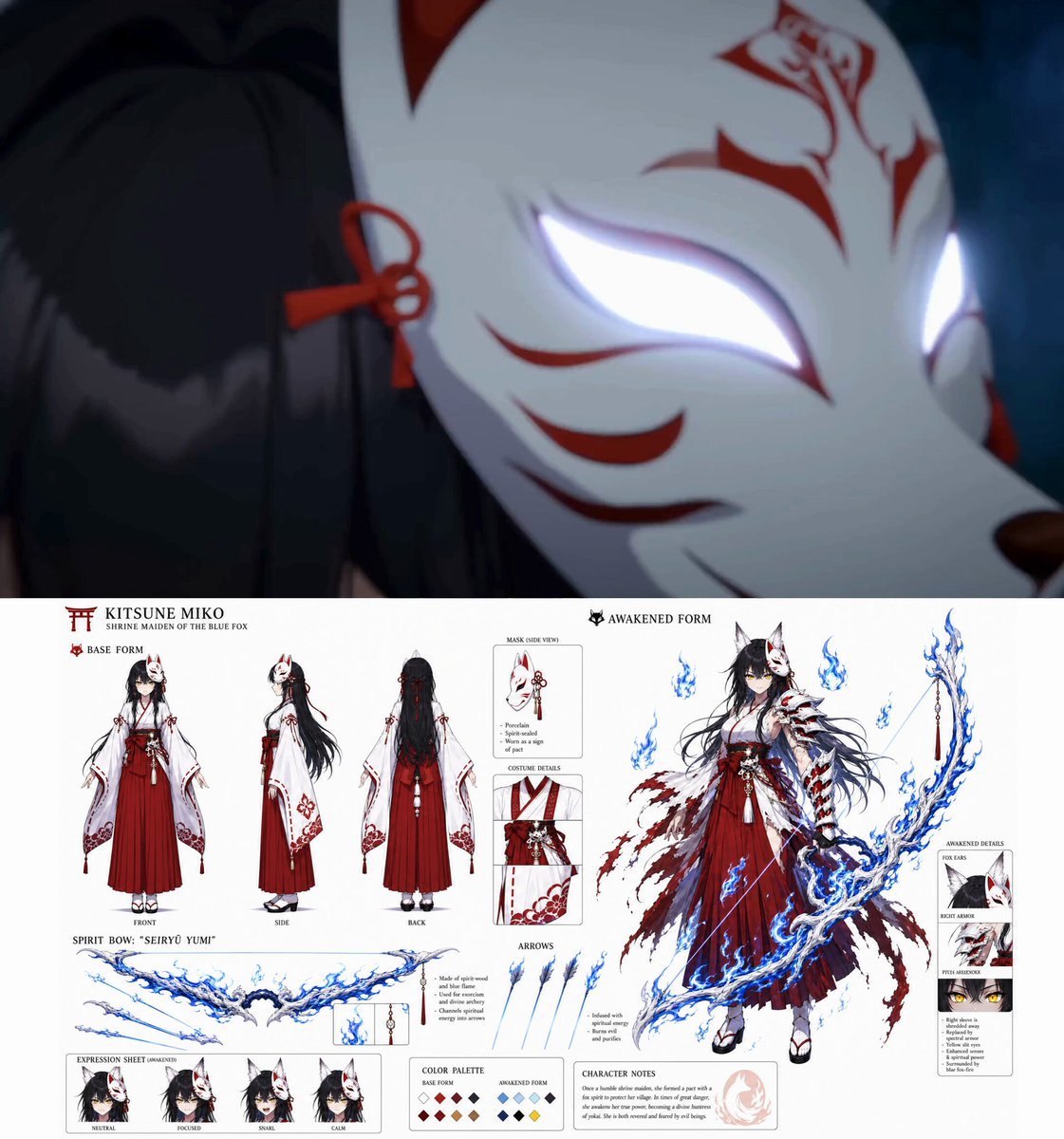
- Prompt included
- Model and format preset
- Free template
The prompt behind this video
Copy the exact prompt behind Nine-Tailed Fox Divine Bow Transformation, or open it in the studio and make it yours.
00:00–00:03 (Magic Circle Generation · Fox-Fire Awakening) Camera: Macro close-up of a fox mask's eye glowing white-hot → Rapid whip-pan down to an overhead shot. Action: The character snaps their fingers; a crimson and white origami talisman floats between their fingers, burning with a silent, blue flame. They drop the talisman, which touches the ground like a single raindrop hitting water. Effects: A massive, intricate circular geometric grid (Inari-shrine style) unfolds instantly across the floor. Blue and white fox-fire (kitsunebi) erupts from the lines, swirling upward. Surrounding pebbles and dust disintegrate into glowing embers. Atmosphere: Eerie, mystical, and intensely hot. 00:03–00:06 (Shikigami Manifestation · Kyubi Shadow Descent) Camera: Low-angle tracking shot orbiting the character's silhouette. Action: The character claps their hands together, fingers interlacing into a complex "Kitsune Seal" (mimicking a fox face with the fingers). Their body sways slightly, channeling the spiritual pressure. Effects: From the blue flames behind them, nine massive, ethereal tails made of white mist and crimson sparks unfurl, tearing the air apart. A giant, spectral fox head with burning golden eyes manifests above, roaring silently as its spiritual pressure ripples through the environment. 00:06–00:09 (Possession Fusion · Phantom Armor Awakening) Camera: Extreme close-up of the character's eyes → Fast zoom-out to a full-body spin. Action: They cross their arms over their chest, pulling the spiritual tails inward. The fox phantom collapses into their body. The character gasps, back arching as a shockwave of blue fire blasts outward. Effects: The character's traditional haori sleeve shreds away, replaced by crimson-and-white spectral armor plates wrapping around their shoulders and forearms. White fox ears manifest from their hair, and their eyes glow with a piercing, predatory yellow slit. 00:09–00:12 (Final Transformation · Great Bow Manifestation) Camera: Side-profile slow-motion tracking shot. Action: Extending a single hand forward, a massive, ornate Japanese longbow (Yumi) woven from solid blue flame and white spirit-wood materializes in their grip. They grab the string, pulling it back to their cheek in a flawless, traditional archery stance, body low and stable. Effects: As the bowstring is drawn, a crystalline, burning blue arrow manifests. Wisps of white fox-fire spiral around the arrow tip, distorting the air with heat. 00:12–00:15 (Preparation Complete · Sure-Kill Stance) Camera: 360-degree dynamic orbit centering on the glowing arrow tip → Snap-focus to the character’s sharp, locked-in gaze. Action: Holding the draw, the character breathes out a visible puff of blue mist. The ground beneath their feet cracks from the concentrated spiritual weight. Atmosphere: Absolute focus, lethal tension, ready to pierce the heavens.
How to use Nine-Tailed Fox Divine Bow Transformation in 3 steps
- 1
Open
The prompt is already in the box next to the preview, with the template's model and format selected.
- 2…a portrait of your subject in softgolden-hour light, 85mm…
Personalize
Edit the subject and creative details for your destination.
- 3Generate
Generate
Press Generate — your video is created in PicX Studio, so you can compare it with the original and refine one variable at a time.
More like this
Templates with the same subject, style or setup. Open one to see its prompt.

Magical Room Transformation - Seedance 2.5

Dark Tokusatsu Transformation - Seedance 2.5

RX-7 to Mech Transformation Cyberpunk
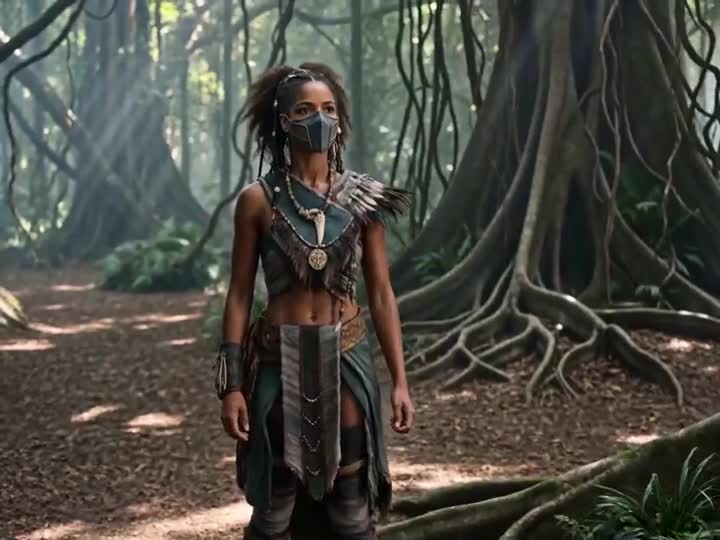
Energy Bow Jungle Edit

Highly detailed 3D Art Deco embroidery of an elegant young woman and a white fox
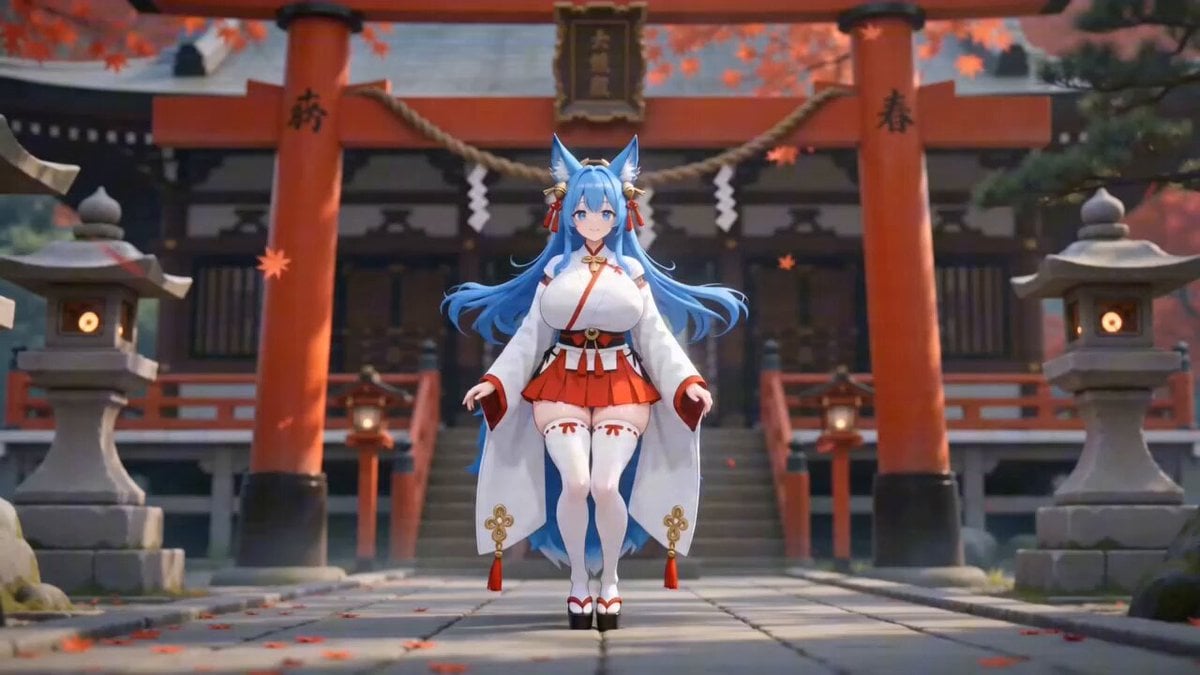
Detailed Seedance 2.0 prompt for a dancing fox girl
Civilization Timelapse — Centuries in One Shot
Mecha Transformation vs Kaiju — 4-Scene Epic
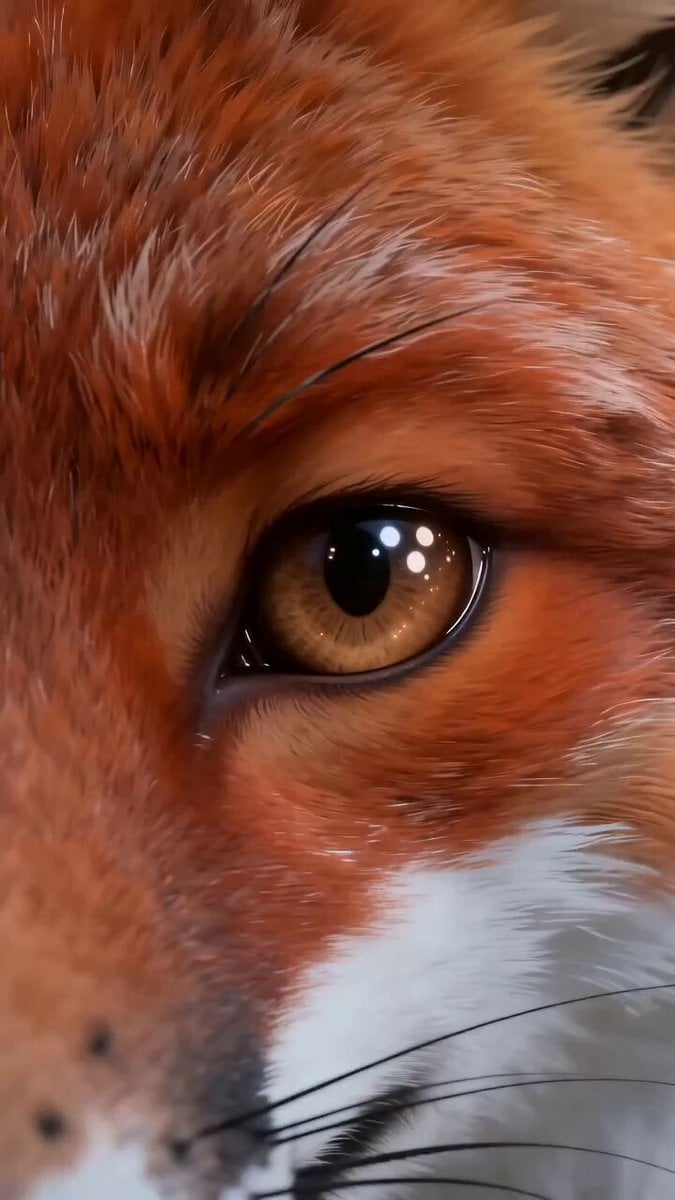
Fox Spirit Transformation Video Prompt for Seedance 2.0
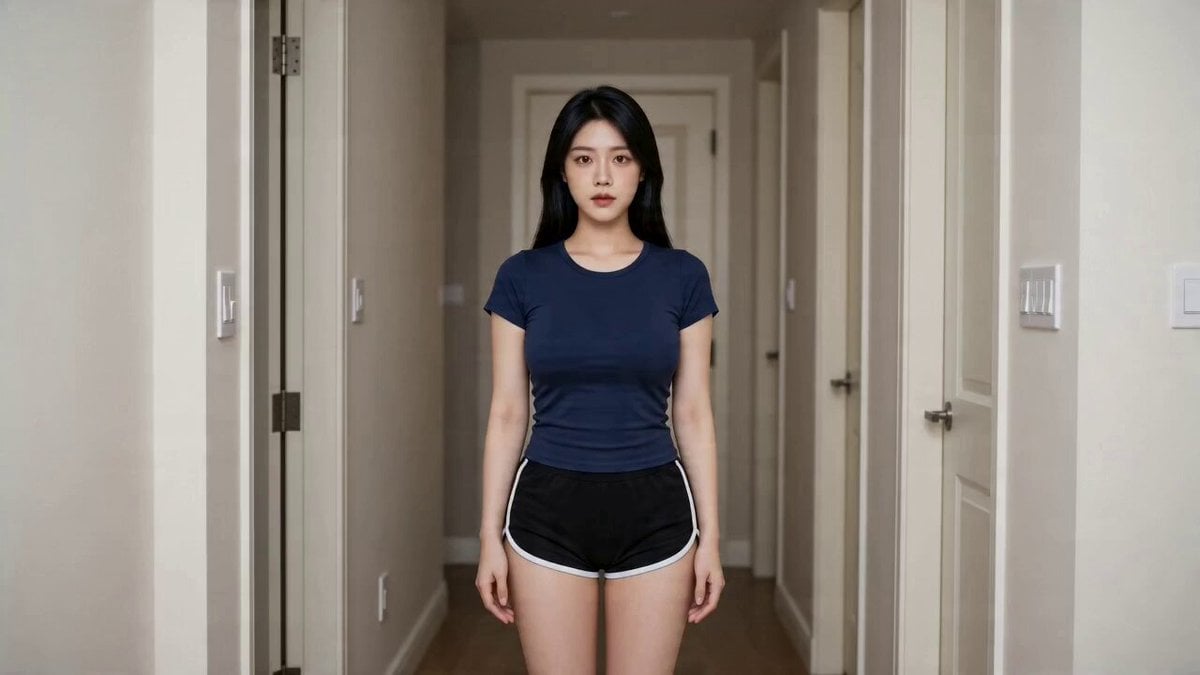
Seedance 2.0 Fox Beauty Transformation Effect Replication
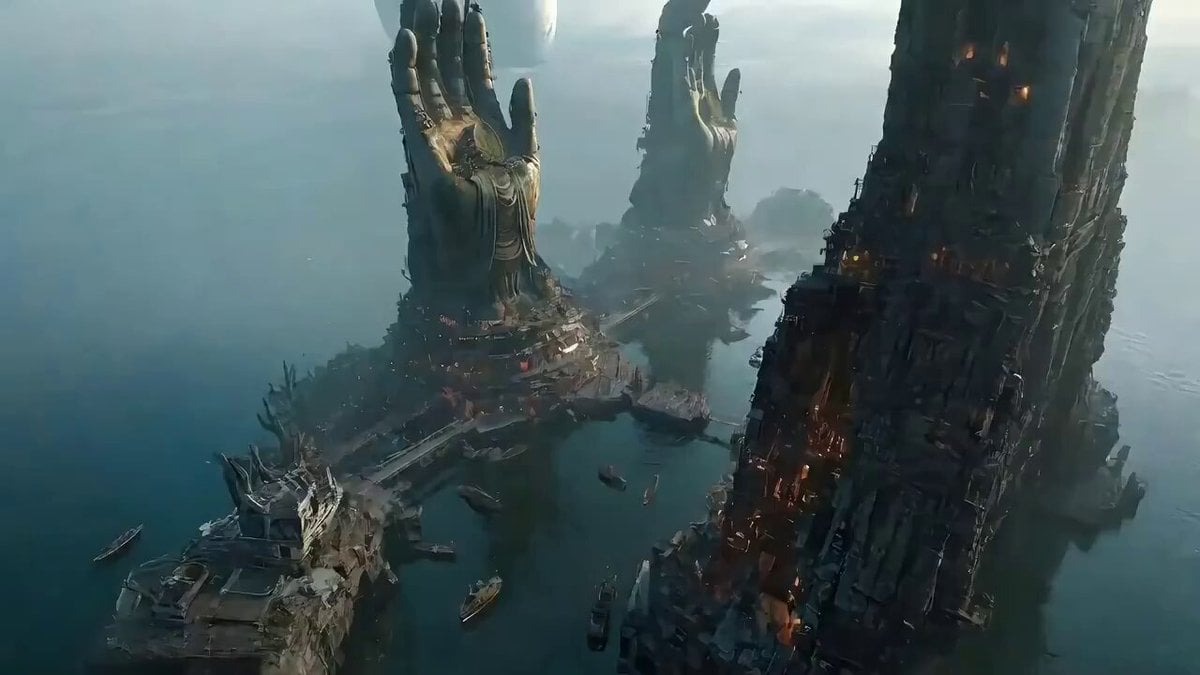
Epic One-Shot Oriental Fantasy Divine City
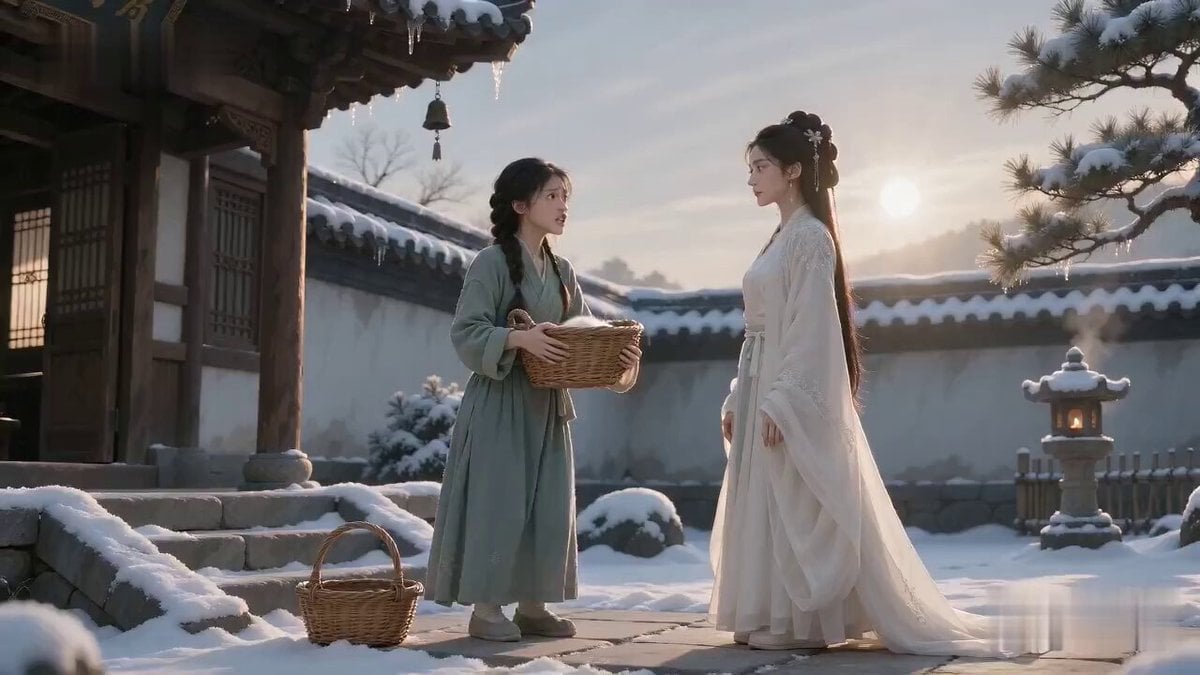
Mischievous Spirit Fox Comedy Video
Make it yours
Nine-Tailed Fox Divine Bow Transformation works as-is. These are the safest ways to change it without losing the look.
Change one field
Copy a single group, rewrite it, and generate again so you can see what that field is doing.
Keep the frame, change the subject
Hold the composition and light of Nine-Tailed Fox Divine Bow Transformation, then swap wardrobe, props or the person for a new take.
| If the result… | Why | Fix |
|---|---|---|
| The result drifts from the preview | Too many fields changed at once. | Reuse Nine-Tailed Fox Divine Bow Transformation as-is first, then change one group — subject, light, or setting. |
| The model over-stylizes the scene | The prose prompt leaves finish and camera underspecified. | Add one camera or lighting sentence and stay on Seedance 2.0. |
More Seedance 2.0 templates
Other prompts made for Seedance 2.0.

Comical Martial Arts Punch Scene

Maglev Train Action Sequence

Martial Arts Fight Sequence

Wuxia Protection and Trust Script

Vintage Korean Arcade MiniDV Vlog

Mercedes 190 SL Luxury Ad

Rainy Night Supernatural Reverse Comedy Video Script

Amazon Civilization Discovery

Futuristic South Asian City Transformation

Cozy Luxury Cafe Commercial
More video prompts
Fresh picks from across the catalog.

Comic Style Cowboy and Cattle Pasture

Urban Time-Shift Martial Arts Epic: Cat Ninja vs. Tiger Warrior
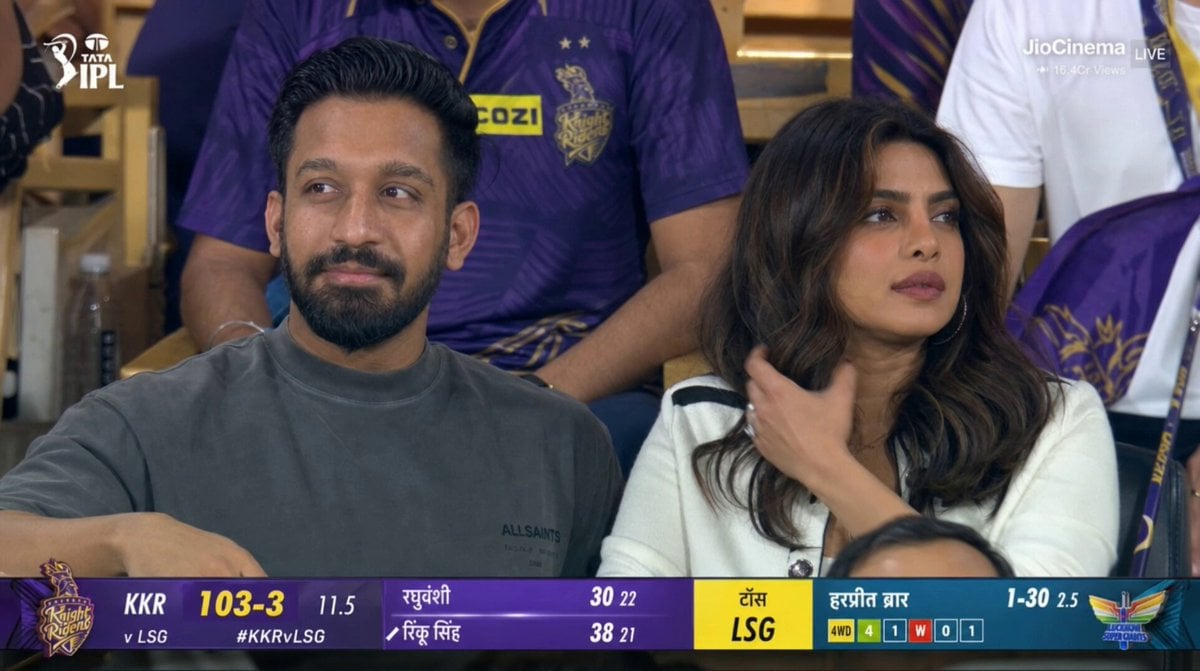
Live IPL Cricket Audience Broadcast

Film Noir Menacing Figure Cinematography
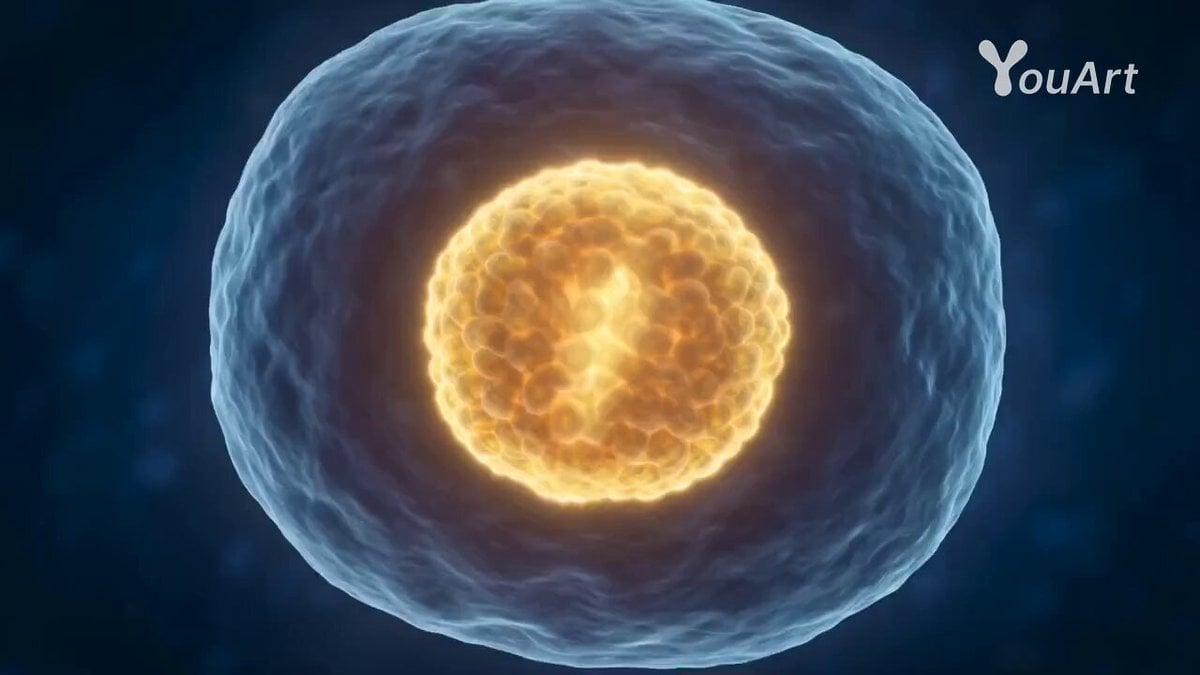
Biological Process Cellular Mechanism Animation Prompt
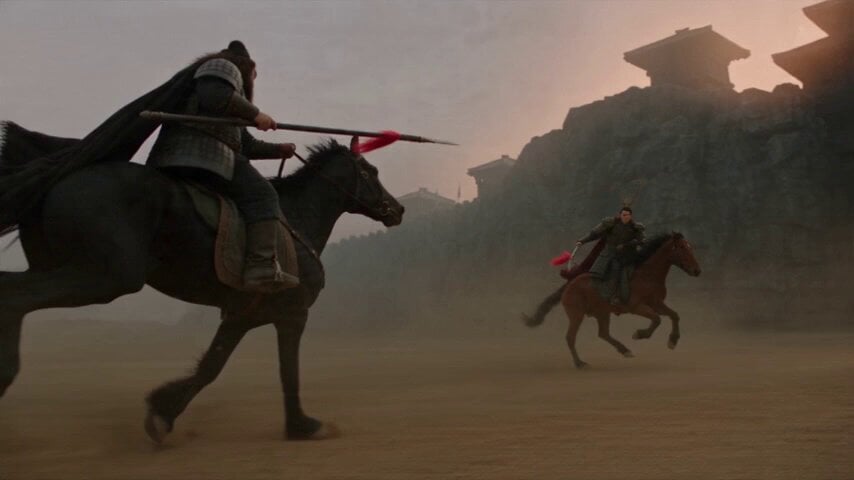
Three Kingdoms Battle Epic
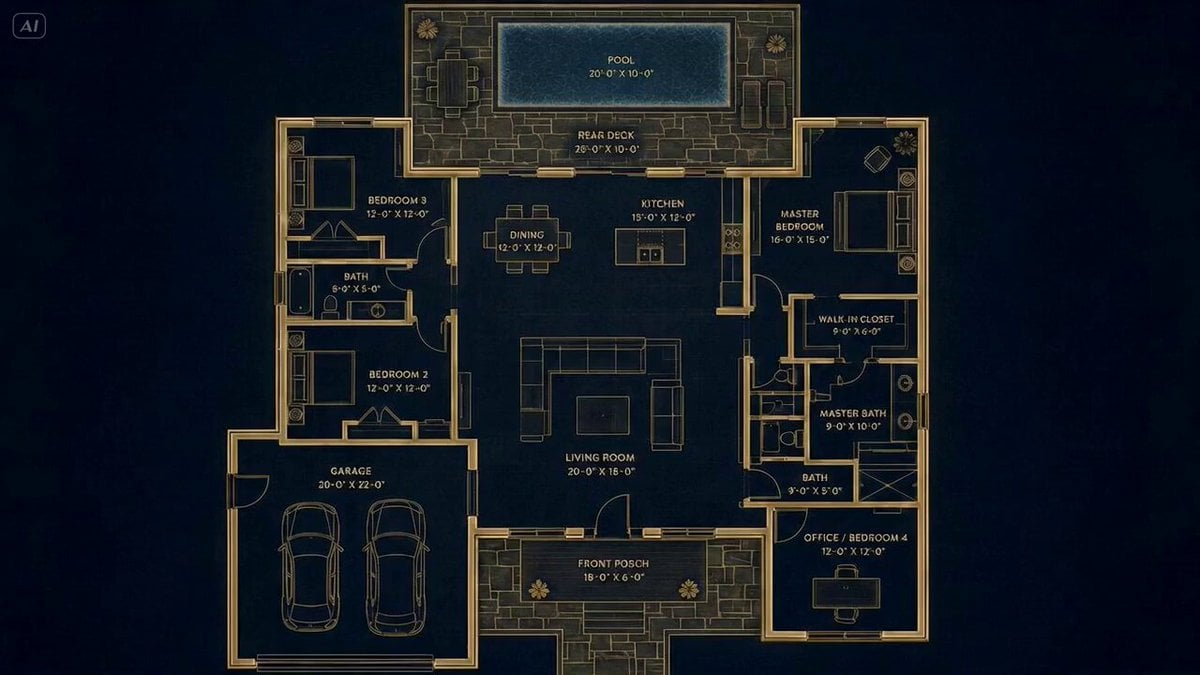
Architectural Blueprint to Reality Transformation

Pixar Style Pizzeria Animation
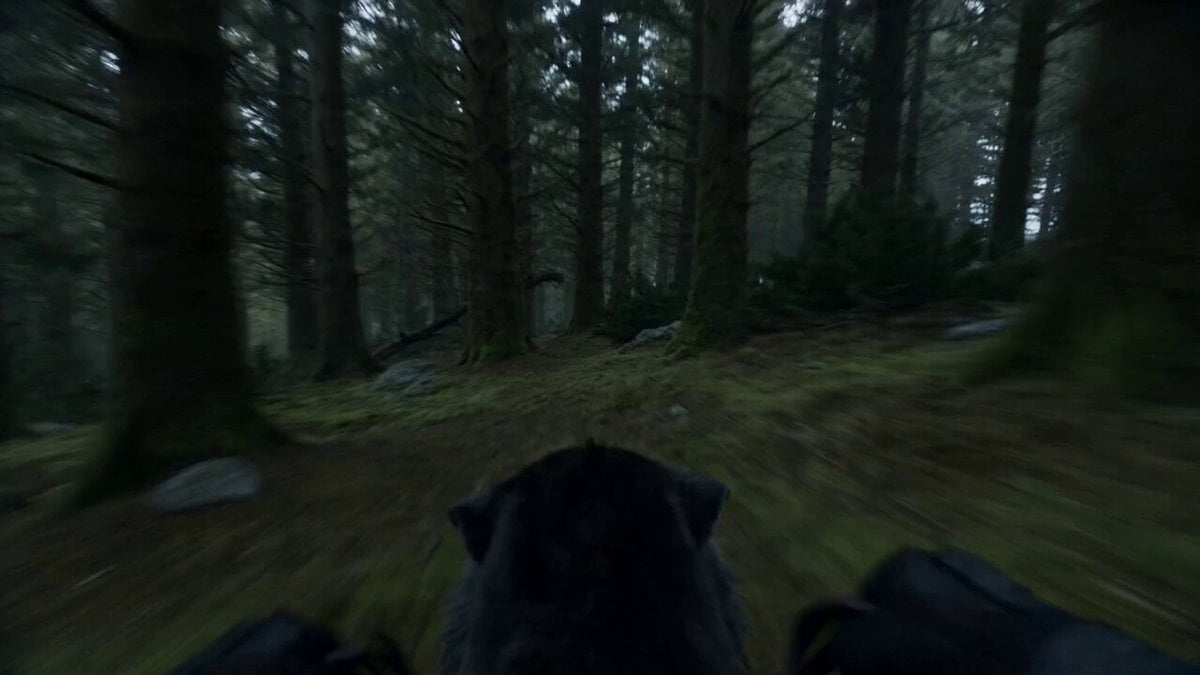
Second Single-Shot Action Sequence Prompt

Luffy Coding on Thousand Sunny
Browse template categories
Nine-Tailed Fox Divine Bow Transformation questions
How do I use the Nine-Tailed Fox Divine Bow Transformation template?
Add your photo if the template asks for one, edit the prompt if you like — the template's model and format are already selected — and press Generate. Your version opens in PicX Studio.
Can I customize the Nine-Tailed Fox Divine Bow Transformation template?
Yes. You can change the subject, setting, lighting, mood, format, and available model controls before creating your video.
Is the Nine-Tailed Fox Divine Bow Transformation template free?
Opening and editing this template is free. Generating uses credits, shown on the Generate button when you are signed in.
Which AI model should I use?
Start with Seedance 2.0, which is the model associated with this template. You can compare another compatible model for a different finish.
Looking for something else? Browse all templates.

Your photo, any look
Thousands of ready templates for every top image and video model, from one credit balance.