
MMA Cage Fight Sequence
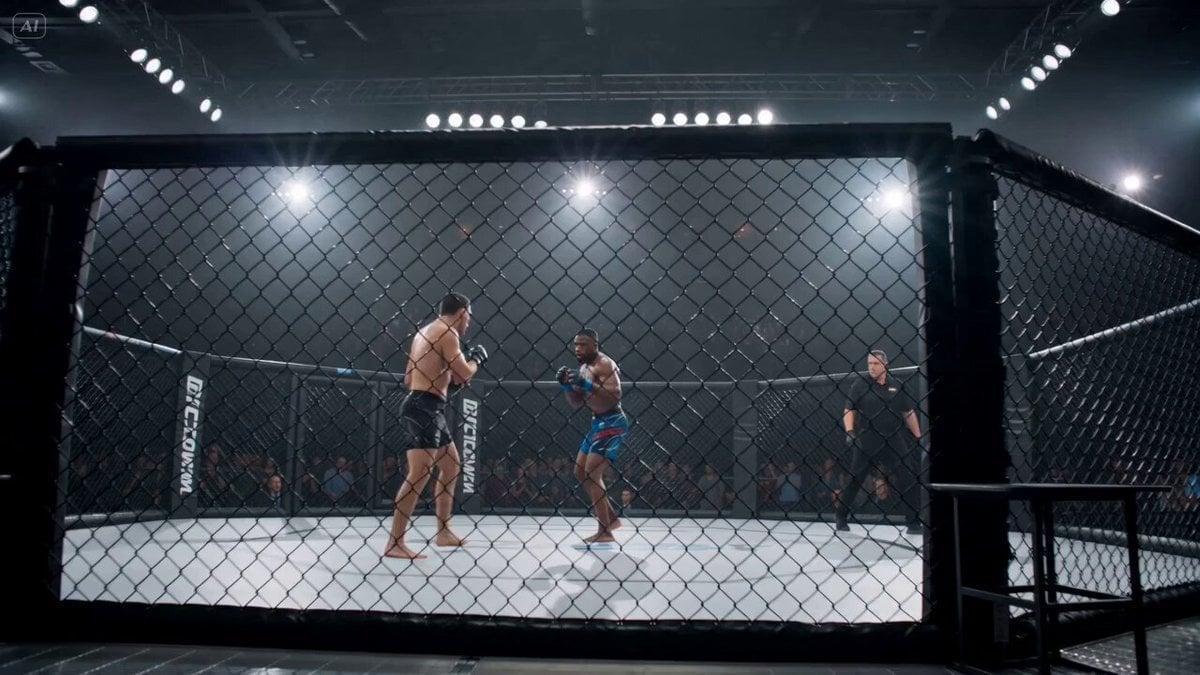
A technical 15-second multi-shot prompt detailing an MMA fight, including camera angles, lighting, and movement choreography.
- Prompt included
- Model and format preset
- Free template
The prompt behind this video
Copy the exact prompt behind MMA Cage Fight Sequence, or open it in the studio and make it yours.
Ultra-cinematic 15-second MMA cage fight inside a packed arena, bright overhead lights, chain-link fence surrounding the fighters, crowd blurred in the background. 0–2s: Wide cage shot — two fighters circle near the fence, gloves up, footwork light, tension high. 2–4s: Medium handheld shot — Fighter A pressures forward, Fighter B backs toward the cage, breathing heavy, shoulders tense. 4–6s: Close exchange — fast jab feint, low kick check, quick head movement, both athletes reacting realistically. 6–8s: Cage pressure — Fighter A pins Fighter B briefly against the fence, strong shoulder contact, hands fighting for position. 8–10s: Break and counter — Fighter B turns off the cage, but Fighter A times a clean hook with full hip rotation. 10–12s: Impact slow-motion — punch lands cleanly, sweat sprays, Fighter B’s head turns sharply, balance breaks, legs buckle. 12–13.5s: Fall — Fighter B drops to the mat with realistic body weight, arms trying to catch balance, referee rushing closer. 13.5–15s: Aftermath — Fighter A steps back, breathing hard, gloves raised slightly, crowd erupting behind the fence. Camera: ringside cage angles, handheld intensity, fast but readable cuts, slight slow-motion only at impact. Lighting: harsh arena lights, sweat highlights, strong contrast, fence shadows crossing the fighters. Style: ultra-cinematic realism, MMA broadcast intensity, grounded physics, close-range aggression, no text, no overlays, stable proportions without stretch.
How to use MMA Cage Fight Sequence in 3 steps
- 1
Open
The prompt is already in the box next to the preview, with the template's model and format selected.
- 2…a portrait of your subject in softgolden-hour light, 85mm…
Personalize
Edit the subject and creative details for your destination.
- 3Generate
Generate
Press Generate — your video is created in PicX Studio, so you can compare it with the original and refine one variable at a time.
More like this
Templates with the same subject, style or setup. Open one to see its prompt.

Cinematic Istanbul Night Fight - Seedance 2.5
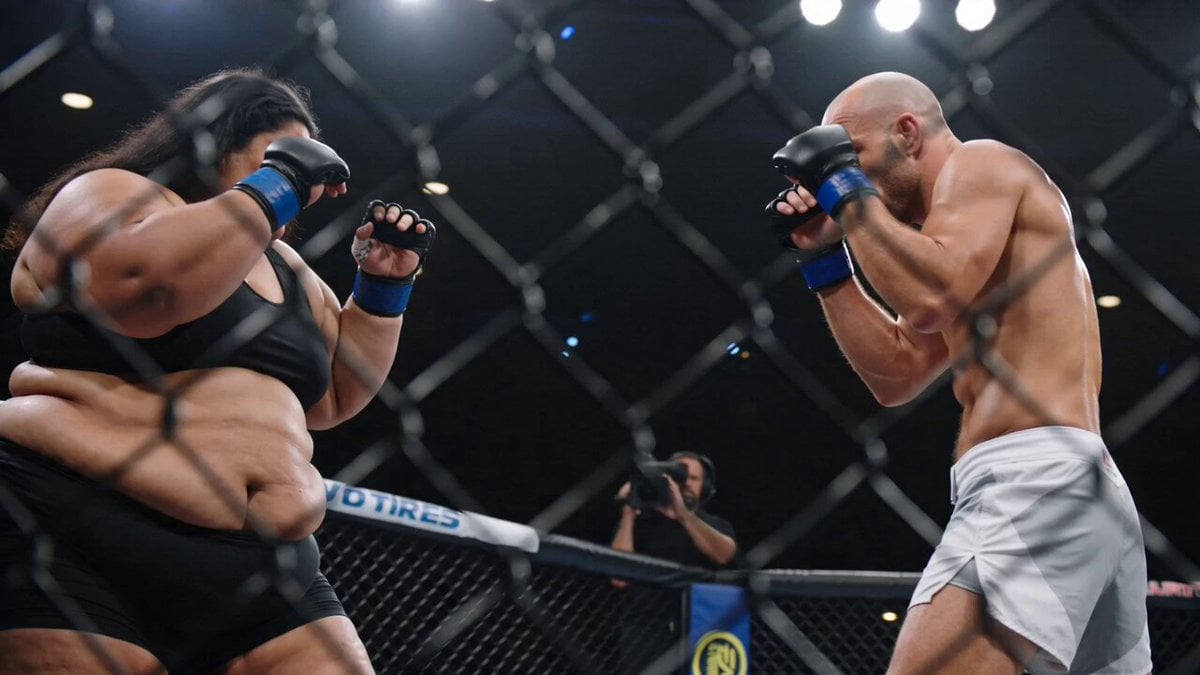
MMA Fighting Broadcast Highlight
Swordsman vs Shadow Monster — Bamboo Forest Battle

Martial Arts Fight Sequence
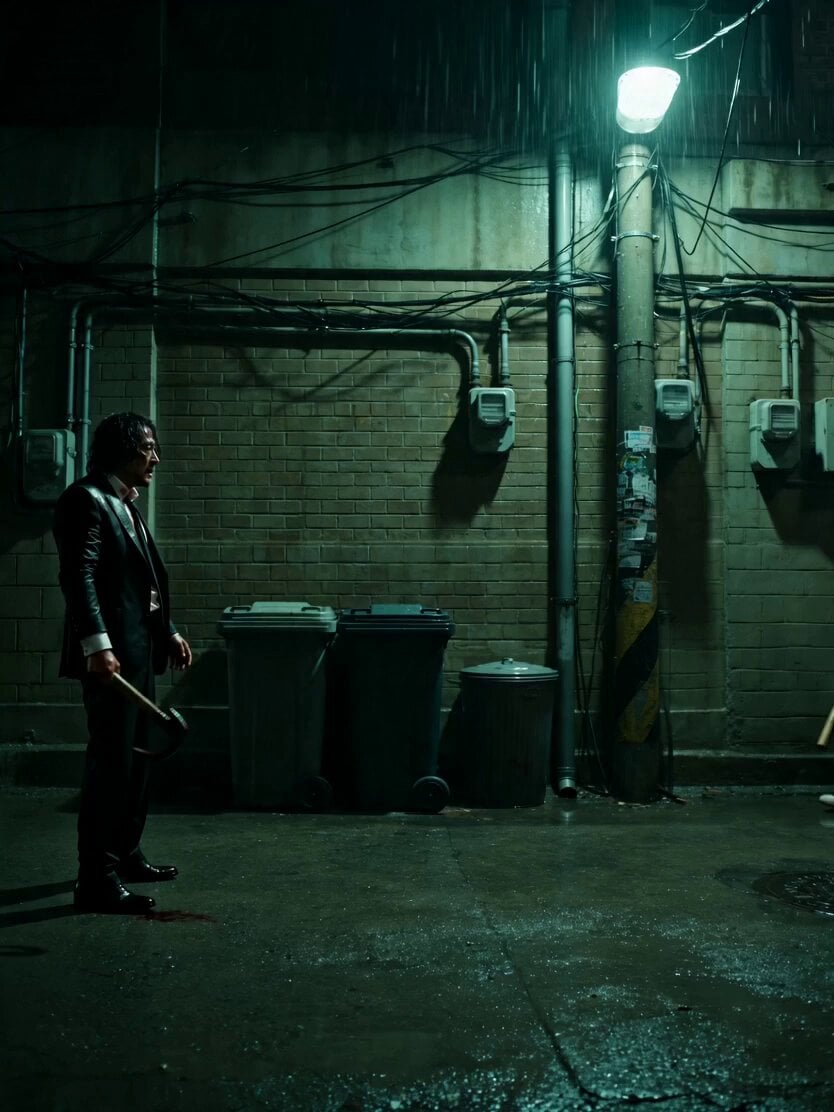
Neo-Noir Alleyway Fight Sequence
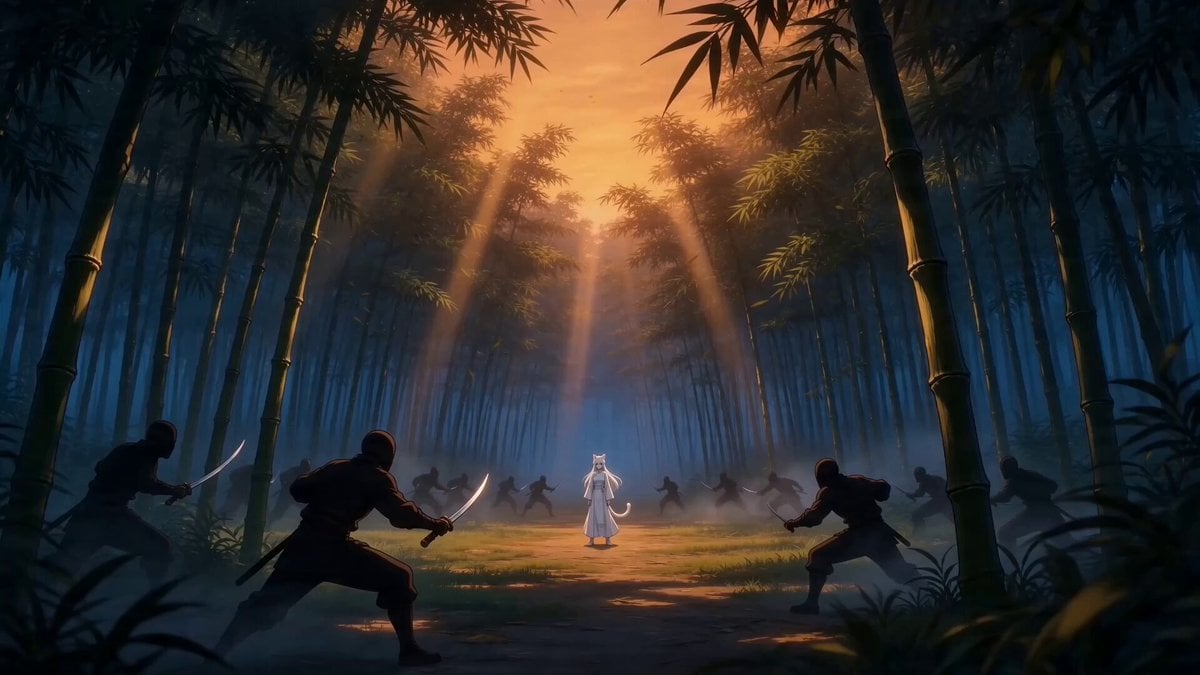
Taiqi Martial Arts Fight Sequence
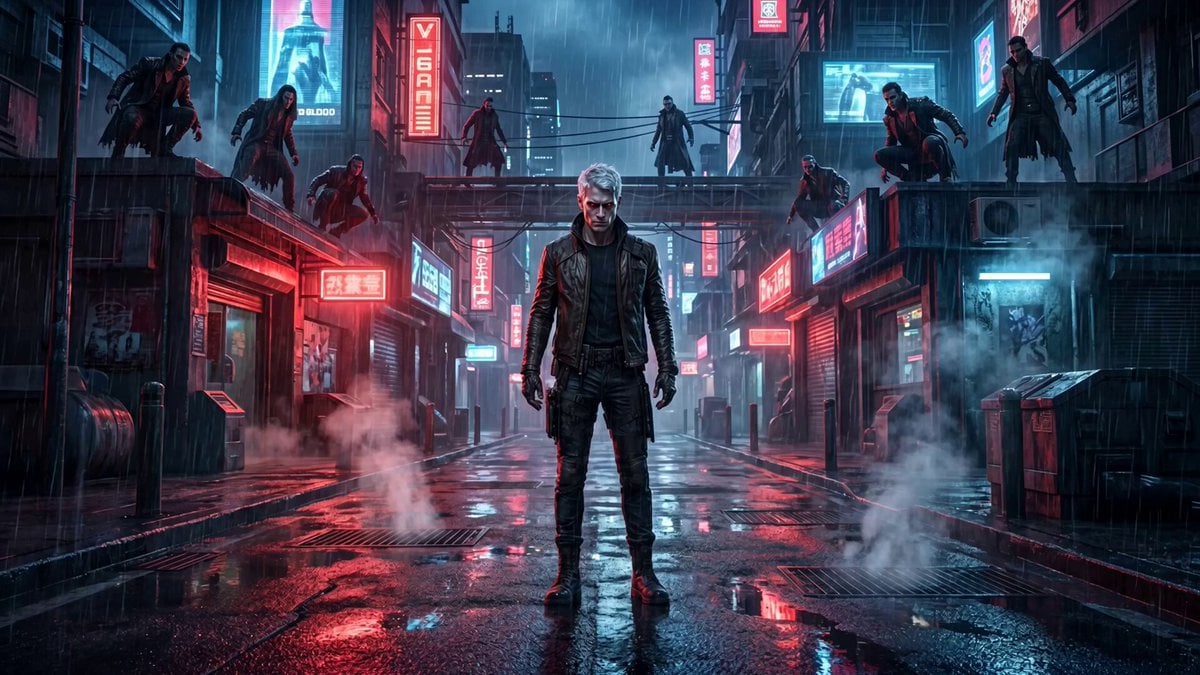
Cinematic vampire alley fight sequence
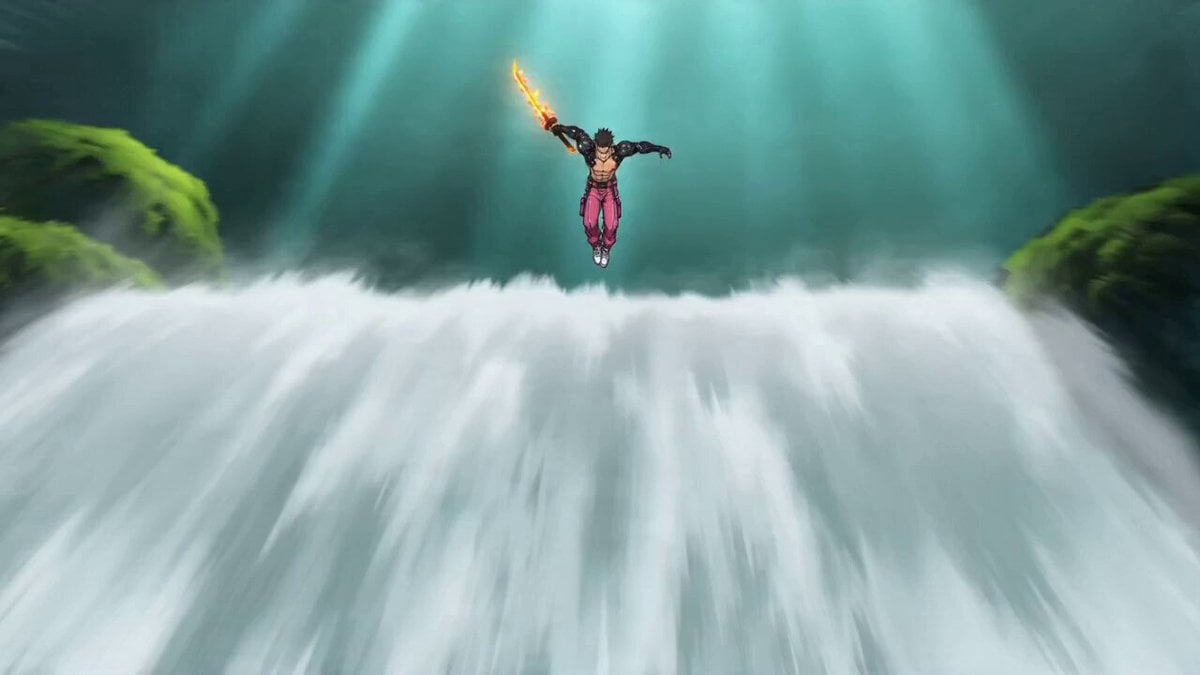
Video Prompt: Cyber Wuxia Fight Sequence (Detailed Storyboard)
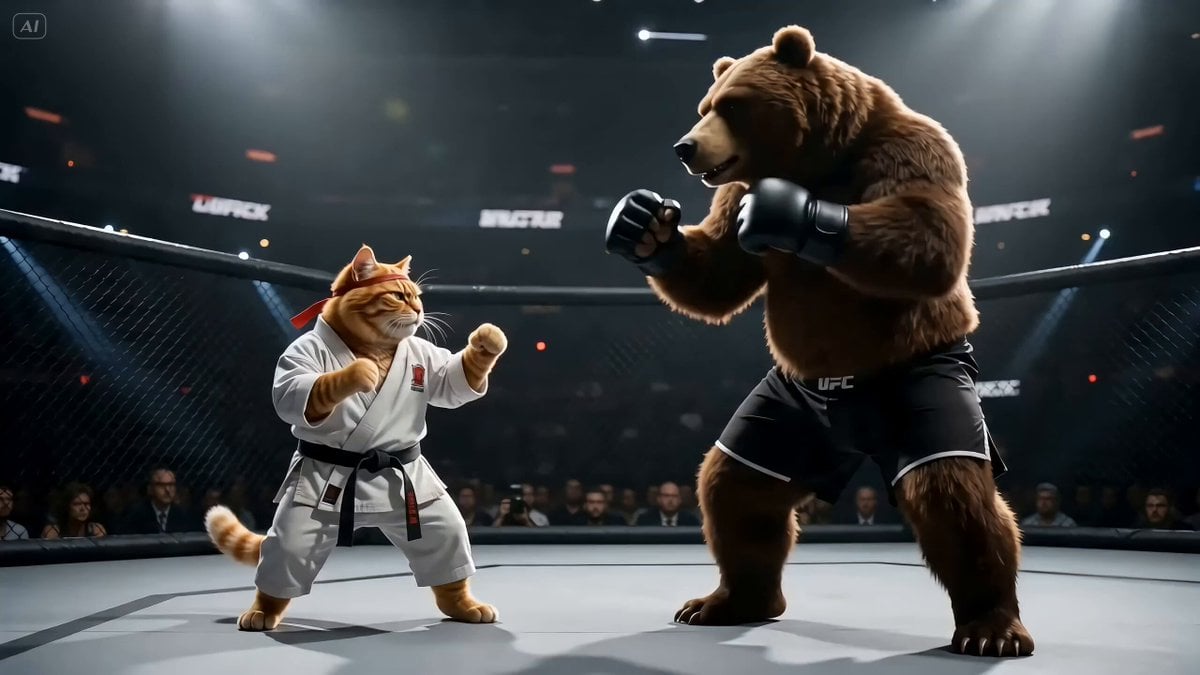
Fighting Game Uppercut Sequence from Reference Image
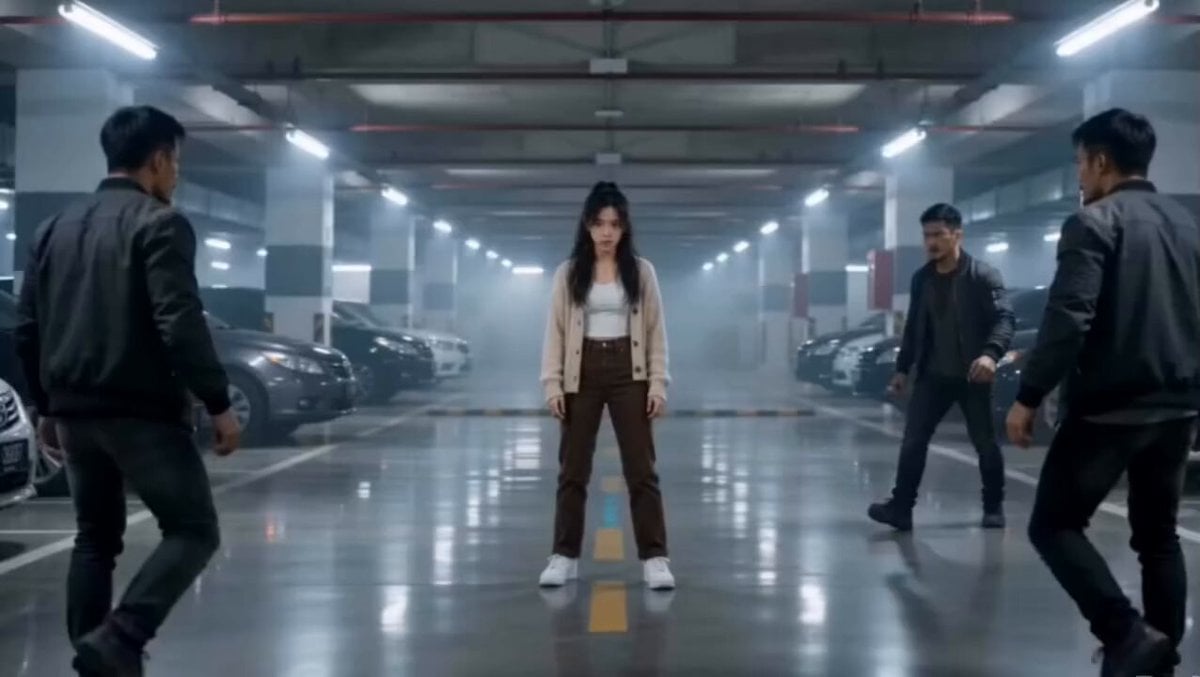
Martial Arts Parking Garage Fight
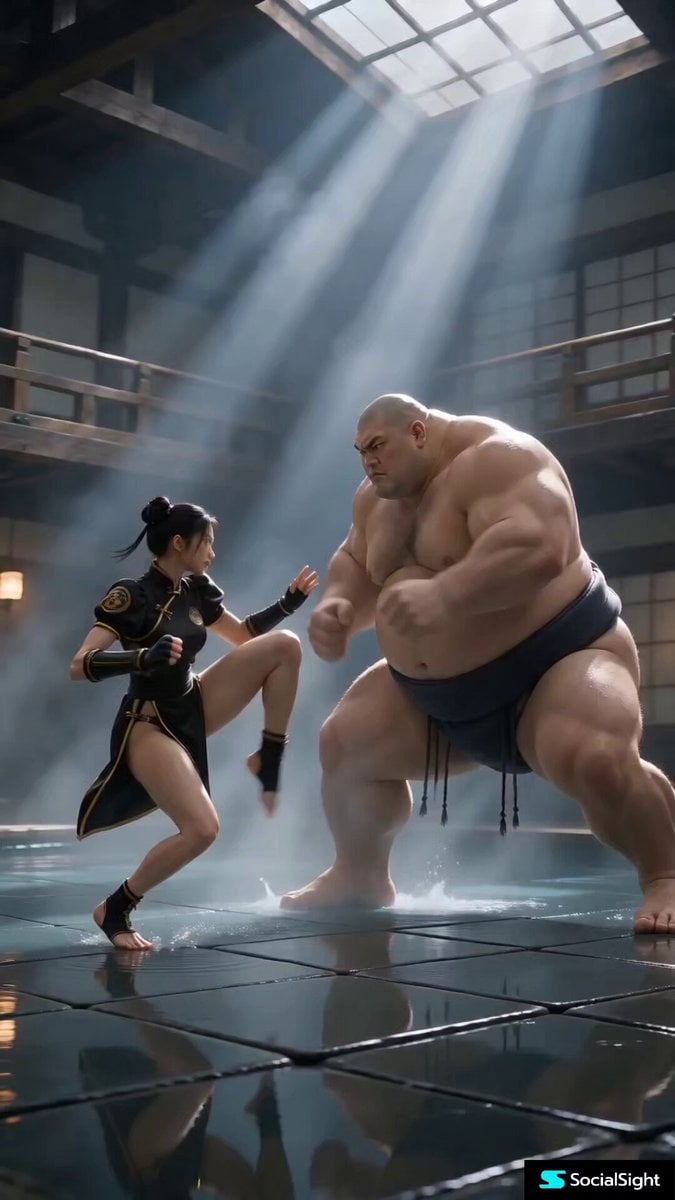
Cinematic Street Fighter Bathhouse Fight
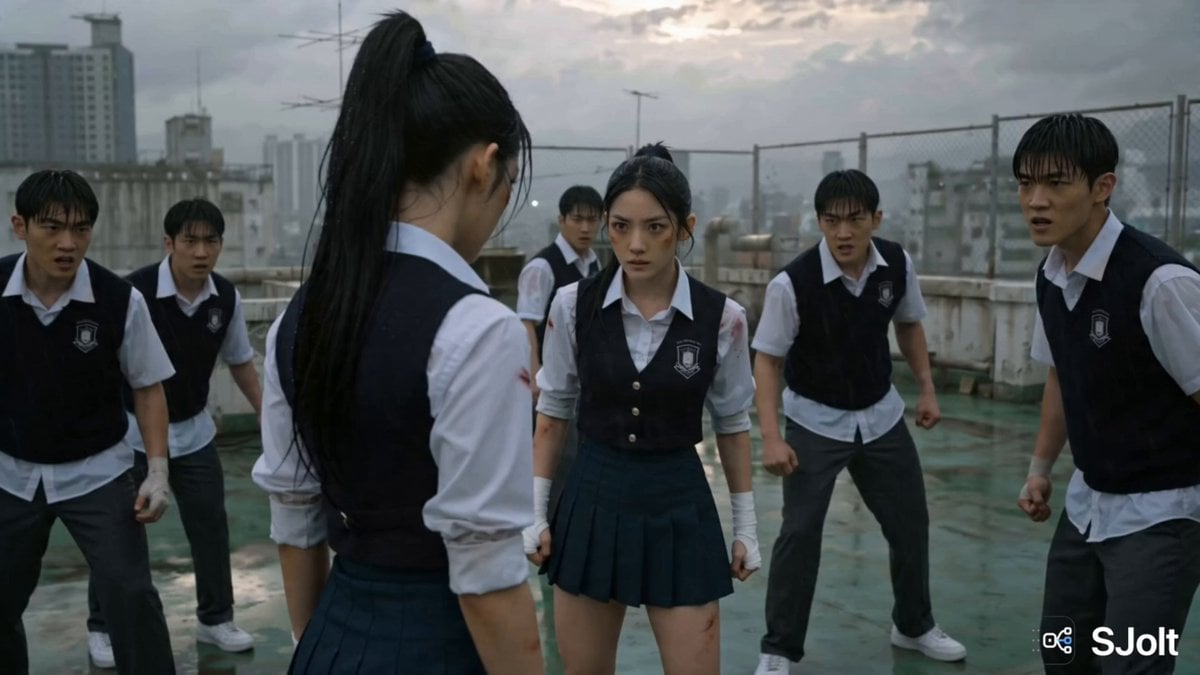
Korean Rooftop Martial Arts Fight
Make it yours
MMA Cage Fight Sequence works as-is. These are the safest ways to change it without losing the look.
Change one field
Copy a single group, rewrite it, and generate again so you can see what that field is doing.
Keep the frame, change the subject
Hold the composition and light of MMA Cage Fight Sequence, then swap wardrobe, props or the person for a new take.
| If the result… | Why | Fix |
|---|---|---|
| The result drifts from the preview | Too many fields changed at once. | Reuse MMA Cage Fight Sequence as-is first, then change one group — subject, light, or setting. |
| The model over-stylizes the scene | The prose prompt leaves finish and camera underspecified. | Add one camera or lighting sentence and stay on Seedance 2.0. |
More Seedance 2.0 templates
Other prompts made for Seedance 2.0.

Comical Martial Arts Punch Scene

Maglev Train Action Sequence

Wuxia Protection and Trust Script

Vintage Korean Arcade MiniDV Vlog

Mercedes 190 SL Luxury Ad

Rainy Night Supernatural Reverse Comedy Video Script

Amazon Civilization Discovery

Futuristic South Asian City Transformation

Cozy Luxury Cafe Commercial

Cyber Ronin Nanotech Transformation Video
More video prompts
Fresh picks from across the catalog.
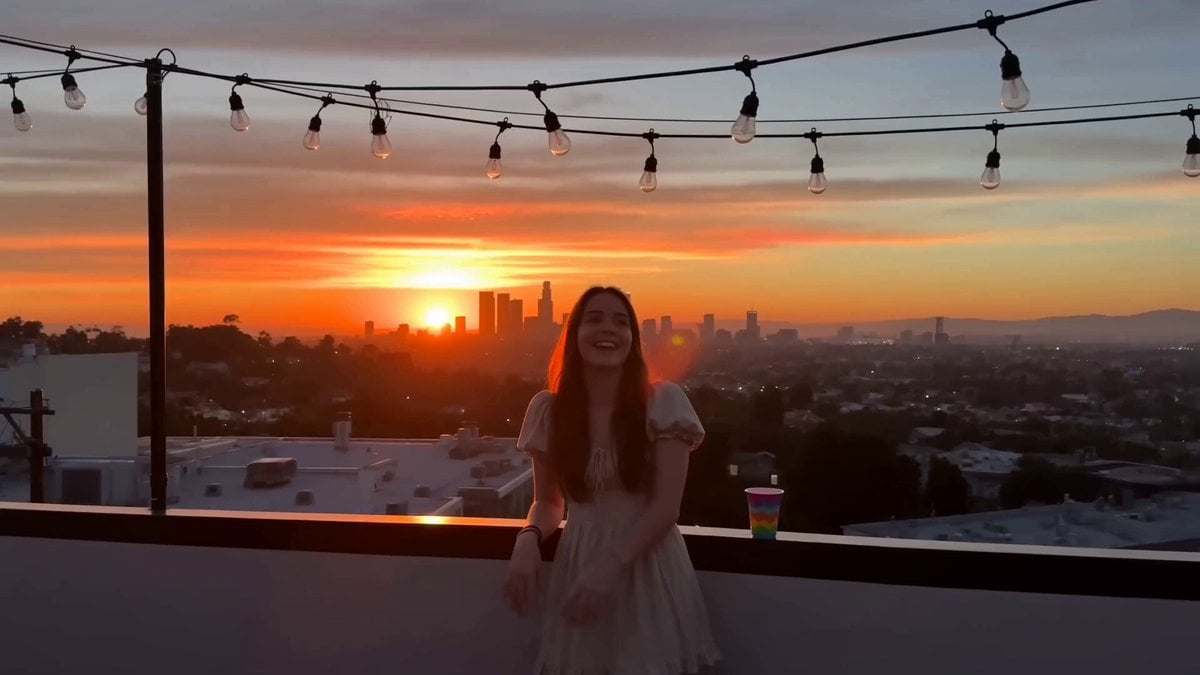
Rooftop Hangout Smartphone Video

Ghibli-Style Studio Anime Sequence
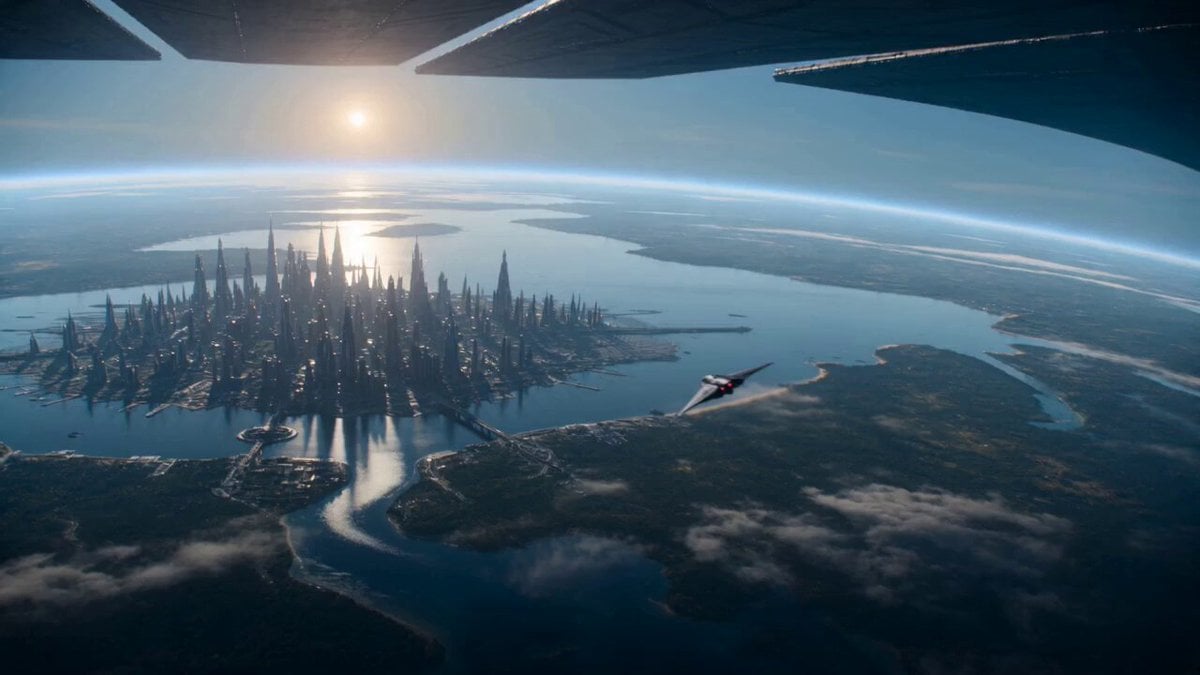
Sci-Fi Planetary Defense Sequence
Griffin Knight Mountain Kingdom — Seedance 2.0
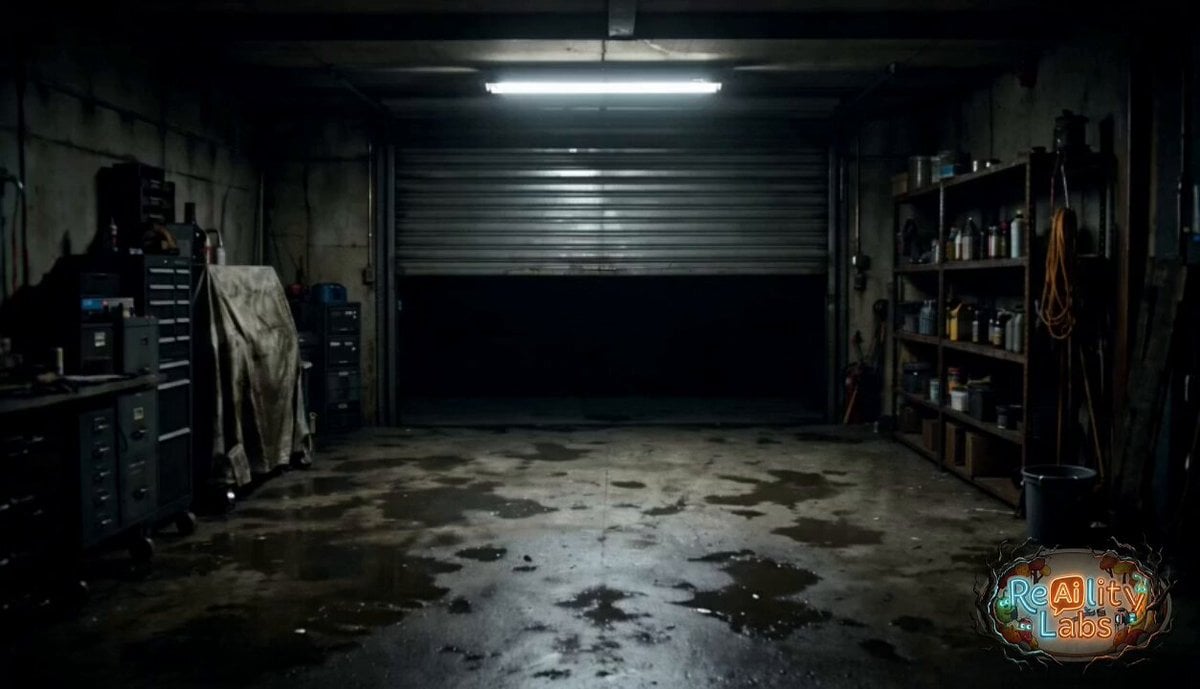
Garage CCTV Horror Creature

Andean Condor Flight Cinematic
Cartoon Naan Pizza Animation
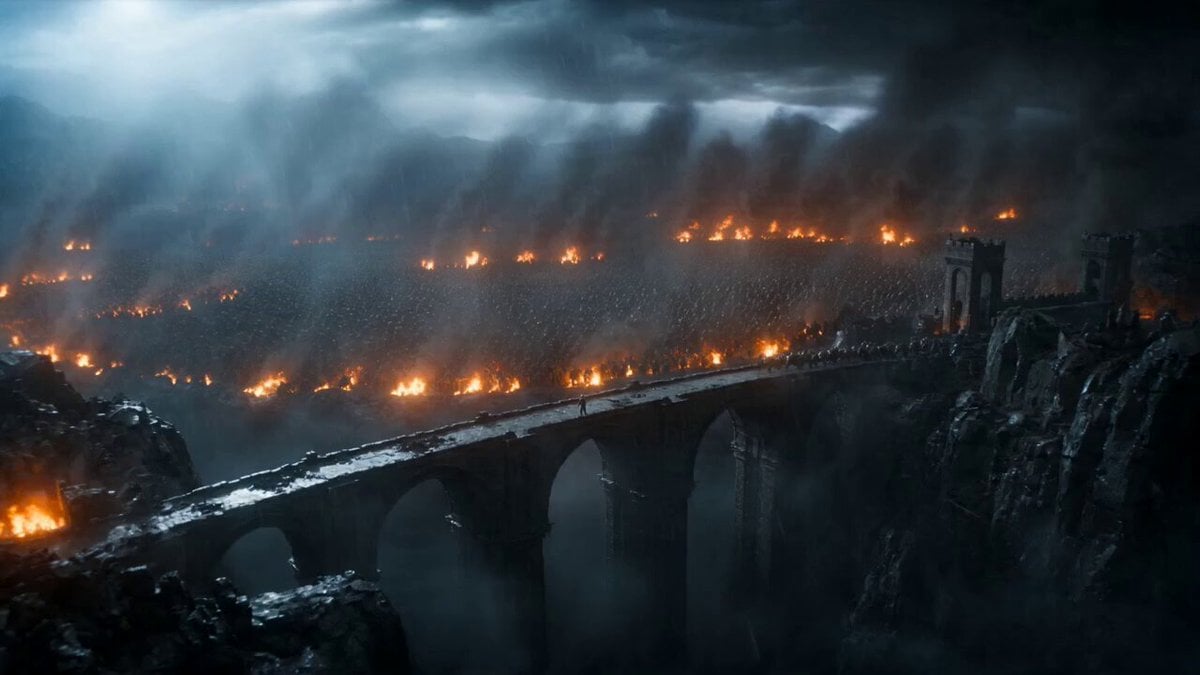
Epic Knight Battle on Ruined Bridge
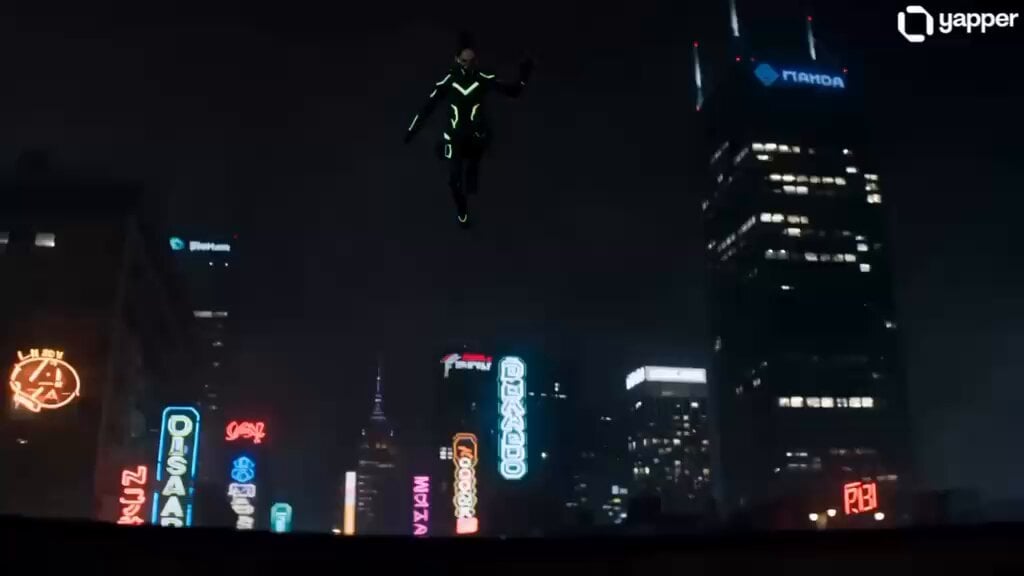
Cyberpunk Ninja TikTok Action
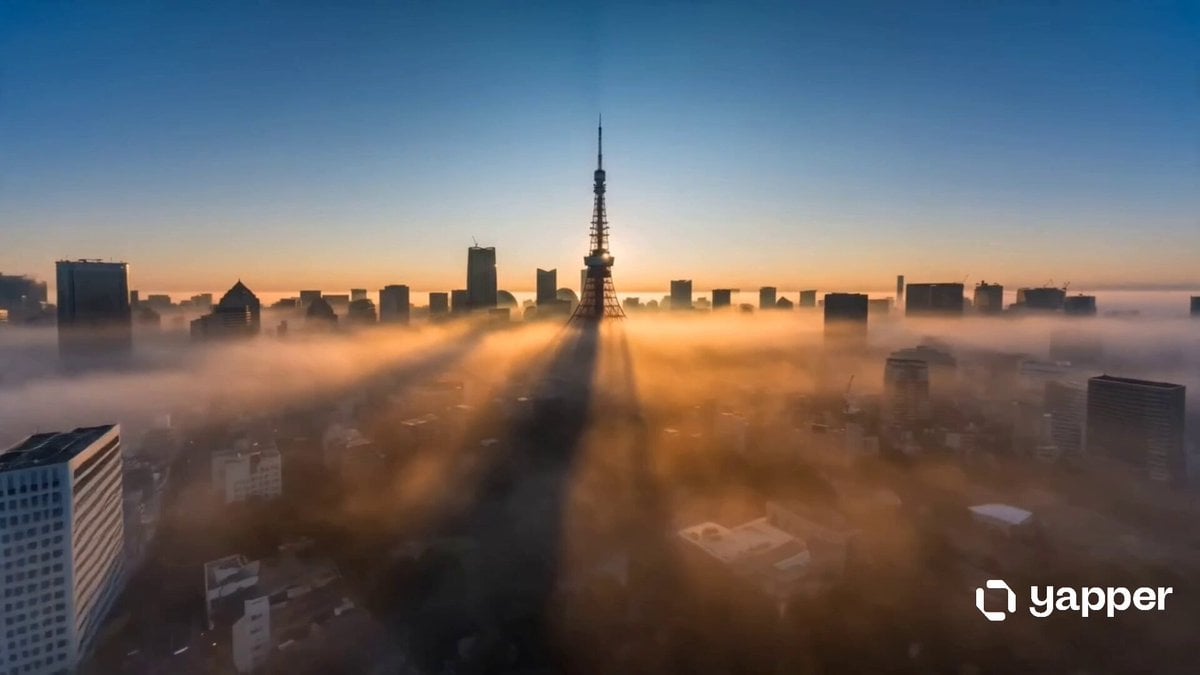
Cinematic Tokyo Travel Intro
Browse template categories
MMA Cage Fight Sequence questions
How do I use the MMA Cage Fight Sequence template?
Add your photo if the template asks for one, edit the prompt if you like — the template's model and format are already selected — and press Generate. Your version opens in PicX Studio.
Can I customize the MMA Cage Fight Sequence template?
Yes. You can change the subject, setting, lighting, mood, format, and available model controls before creating your video.
Is the MMA Cage Fight Sequence template free?
Opening and editing this template is free. Generating uses credits, shown on the Generate button when you are signed in.
Which AI model should I use?
Start with Seedance 2.0, which is the model associated with this template. You can compare another compatible model for a different finish.
Looking for something else? Browse all templates.

Your photo, any look
Thousands of ready templates for every top image and video model, from one credit balance.