
Cinematic Tokyo Travel Intro
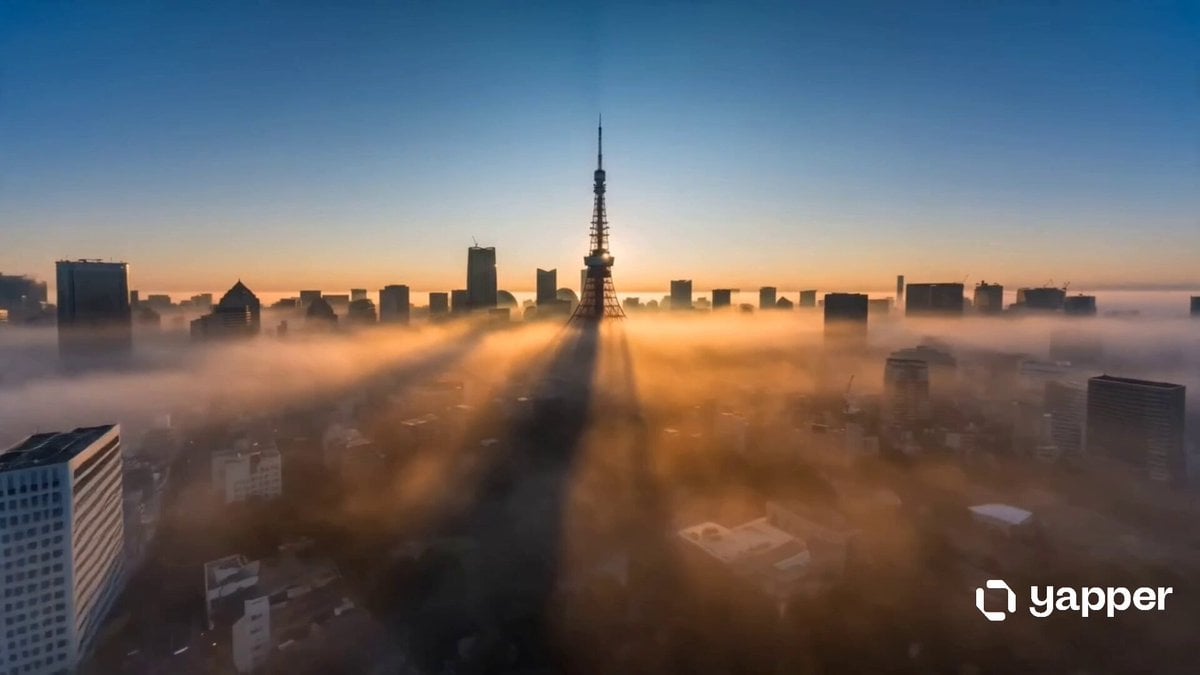
A rhythmic and fast-paced travel film prompt designed for 15 scenes of Tokyo's urban landscape, ranging from Shibuya Crossing to traditional temples.
- Prompt included
- Model and format preset
- Free template
The prompt behind this video
Copy the exact prompt behind Cinematic Tokyo Travel Intro, or open it in the studio and make it yours.
Create an ultra-cinematic 15-second travel film composed of 15 fast-paced scenes (1 second each) showcasing the energy, beauty, culture, and futuristic atmosphere of Tokyo. The video should feel like a premium Netflix-style city intro mixed with luxury tourism cinematography and modern Japanese street culture. Style & Tone: Hyper-realistic, cinematic, emotionally immersive, dynamic camera movement, dramatic lighting, natural motion blur, realistic crowds, neon reflections, detailed architecture, smooth transitions, rhythmic pacing synced to cinematic electronic music. Visual Quality: 8K, HDR, anamorphic lens, shallow depth of field, realistic atmospheric haze, volumetric lighting, cinematic color grading, stabilized drone shots mixed with handheld street shots, high frame-rate motion, premium travel documentary aesthetic. Scene Breakdown (15 scenes / 15 seconds) Sunrise aerial over Tokyo skyline, Tokyo Tower glowing in early morning haze, cinematic drone push forward. Shibuya Crossing at rush hour, massive crowd movement, neon signs, umbrellas, fast tracking shot. Tokyo Skytree at night, glowing city lights stretching endlessly below. Shinjuku neon streets, cyberpunk atmosphere, rain reflections, bustling nightlife. Senso-ji Temple in Asakusa, slow cinematic dolly through lantern gates, warm golden lighting. Akihabara electric district; anime billboards, arcades, futuristic screens, energetic motion. Cherry blossoms in Ueno Park, petals floating in slow motion, dreamy cinematic look. Tokyo train sequence, sleek bullet train speeding past with dynamic motion blur. Harajuku fashion street, stylish youth culture, colorful outfits, energetic handheld camera. Tokyo Tower close-up at blue hour, dramatic skyline reveal behind it. Odaiba waterfront, Rainbow Bridge reflections across the bay at night. Tsukiji-style sushi preparation, cinematic macro food shots, steam, knife motion. Luxury rooftop overlooking Tokyo, elegant nightlife vibe, city sparkling below. Shibuya sky observation deck, cinematic panoramic reveal over the megacity. Final aerial pullback of Tokyo at night, entire city glowing like a futuristic metropolis, ending with cinematic fade to black. Cinematic Direction Every shot should have strong camera motion: drone flythroughs, whip pans, smooth gimbal movement, handheld realism. Transitions should feel seamless and music-driven. Mix modern Tokyo futurism with traditional Japanese beauty. Include realistic weather elements: light rain, haze, neon reflections, wind movement. Avoid touristy postcard look, make it feel like a high-budget cinematic film trailer. Use authentic Japanese signage and realistic urban density. Keep pacing fast but visually readable. Optional Negative Prompt Avoid: low detail, cartoon style, CGI look, unrealistic crowds, empty streets, washed colors, static shots, o
How to use Cinematic Tokyo Travel Intro in 3 steps
- 1
Open
The prompt is already in the box next to the preview, with the template's model and format selected.
- 2…a portrait of your subject in softgolden-hour light, 85mm…
Personalize
Edit the subject and creative details for your destination.
- 3Generate
Generate
Press Generate — your video is created in PicX Studio, so you can compare it with the original and refine one variable at a time.
More like this
Templates with the same subject, style or setup. Open one to see its prompt.

Handheld Tokyo Travel Vlog - Seedance 2.5

Smartphone Travel Vlog Tokyo Trip Identity Preserved
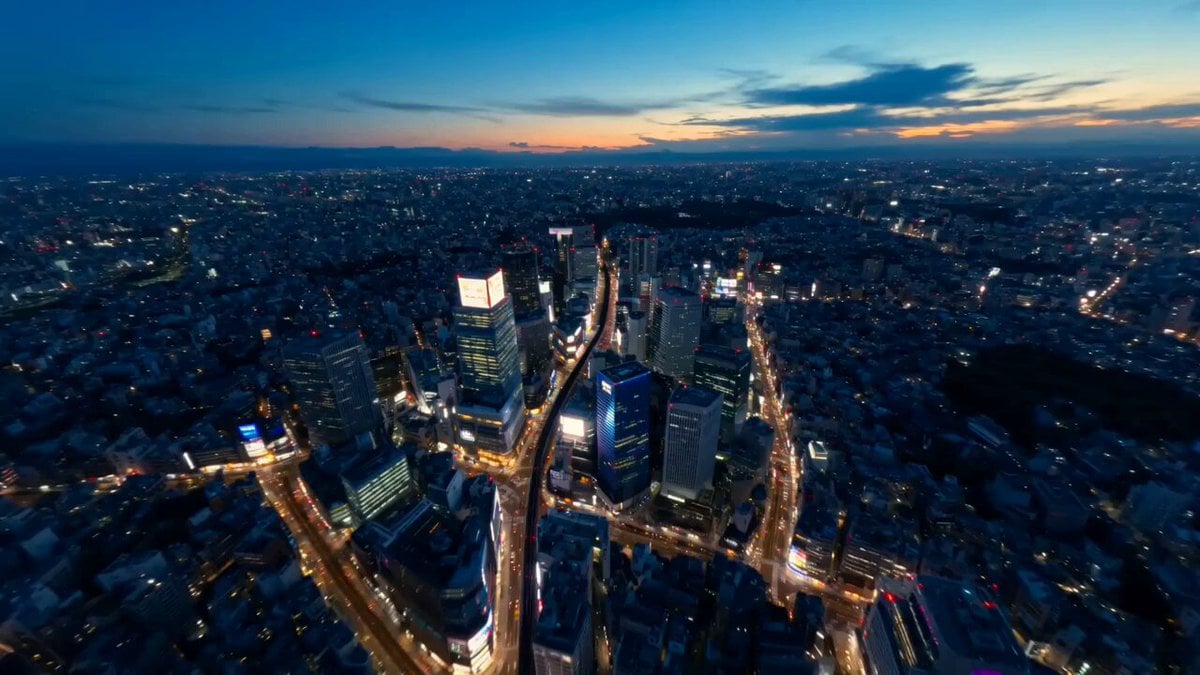
Tokyo Street Style Travel Film

Product UGC Commercial

Luxury Airport Travel Vlog

Kenting Lifestyle Travel Vlog
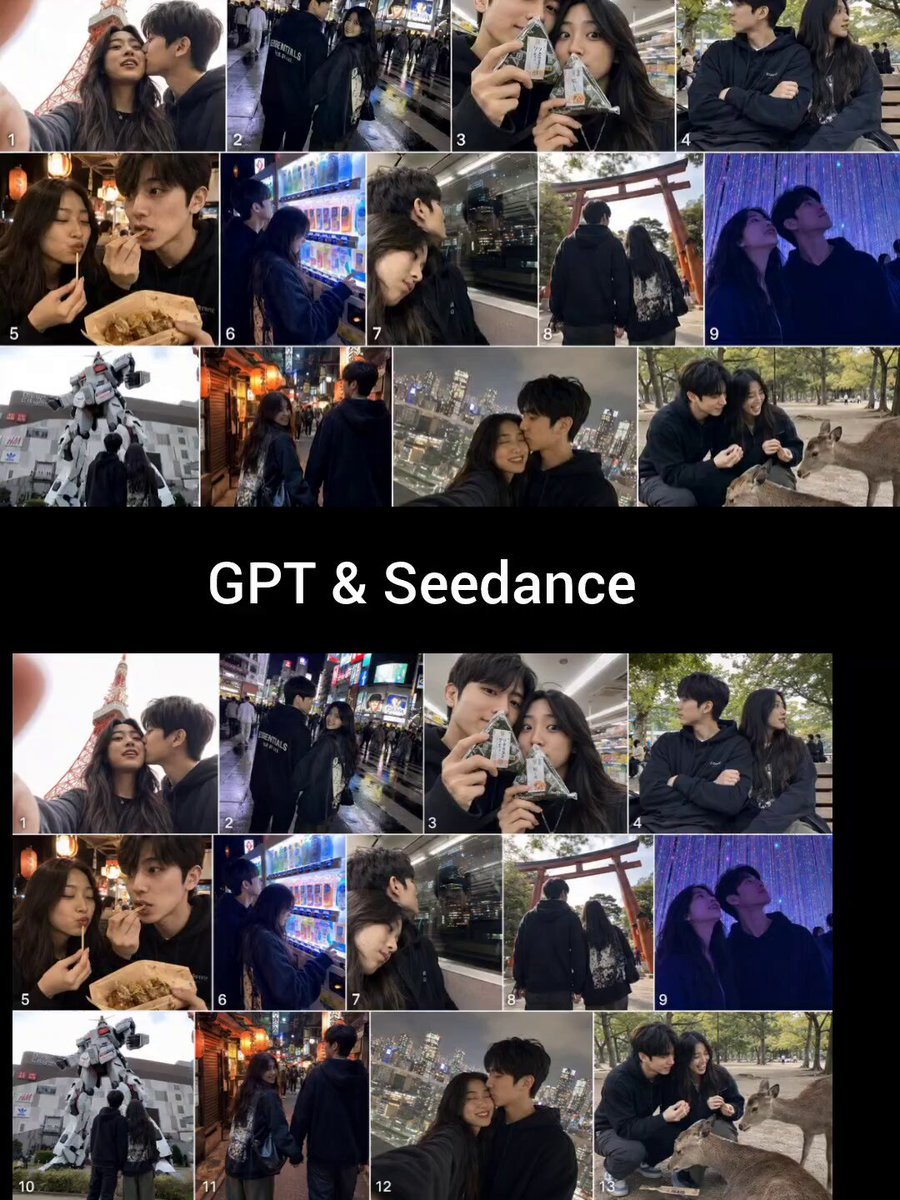
Realistic Tokyo Travel Vlog Aesthetic
Johnnywang Tokyo Time Freeze

Gothic Cathedral Boss Arena Intro
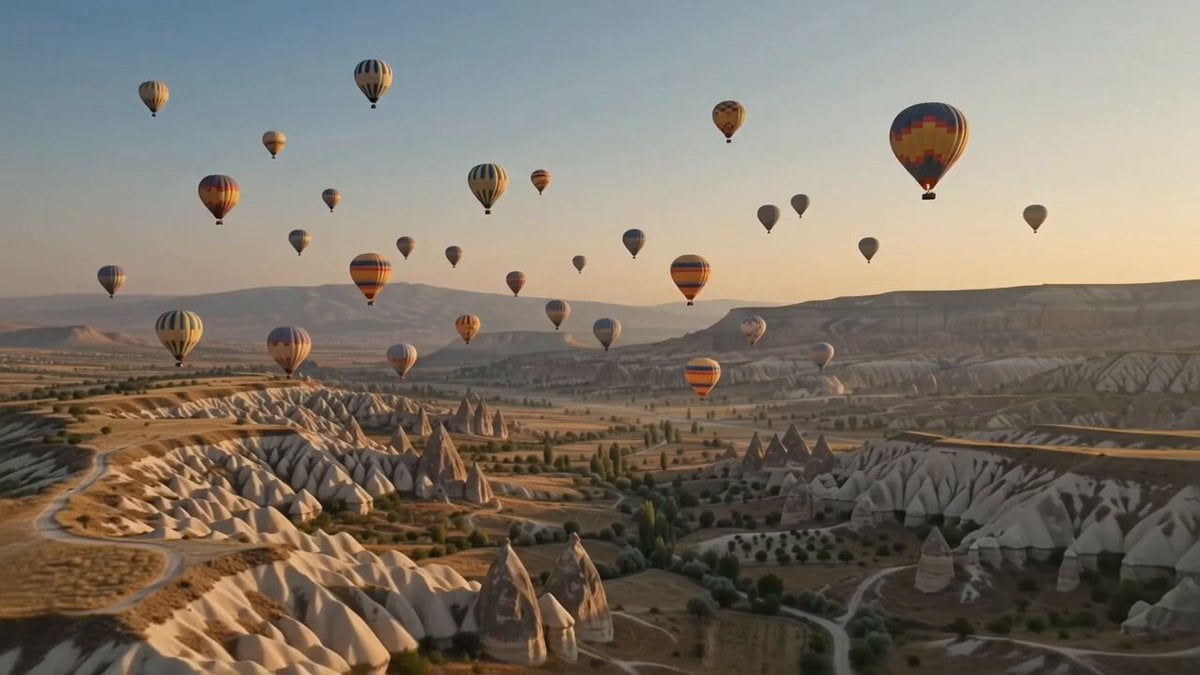
Hot-Air Balloon Travel Vlog
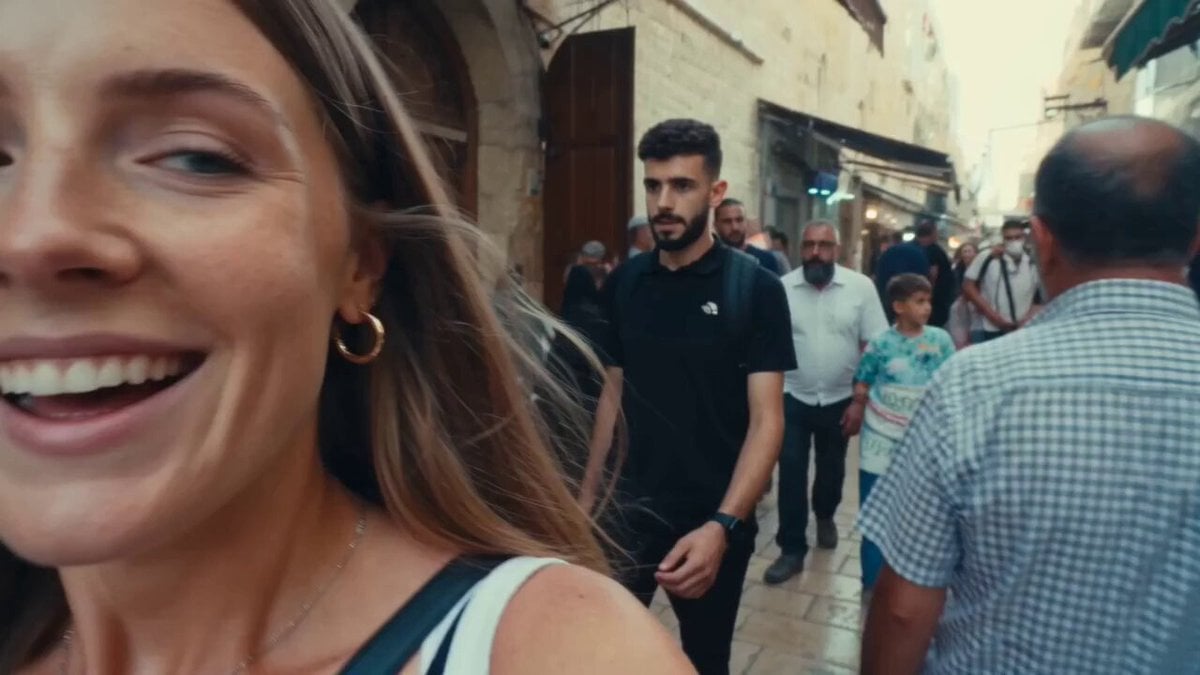
Vintage 16mm Jerusalem Travel Vlog

Japanese Summer Festival Travel Vlog
Make it yours
Cinematic Tokyo Travel Intro works as-is. These are the safest ways to change it without losing the look.
Change one field
Copy a single group, rewrite it, and generate again so you can see what that field is doing.
Keep the frame, change the subject
Hold the composition and light of Cinematic Tokyo Travel Intro, then swap wardrobe, props or the person for a new take.
| If the result… | Why | Fix |
|---|---|---|
| The result drifts from the preview | Too many fields changed at once. | Reuse Cinematic Tokyo Travel Intro as-is first, then change one group — subject, light, or setting. |
| The model over-stylizes the scene | The prose prompt leaves finish and camera underspecified. | Add one camera or lighting sentence and stay on Seedance 2.0. |
More Seedance 2.0 templates
Other prompts made for Seedance 2.0.

Comical Martial Arts Punch Scene

Maglev Train Action Sequence

Martial Arts Fight Sequence

Wuxia Protection and Trust Script

Vintage Korean Arcade MiniDV Vlog

Mercedes 190 SL Luxury Ad

Rainy Night Supernatural Reverse Comedy Video Script

Amazon Civilization Discovery

Futuristic South Asian City Transformation

Cozy Luxury Cafe Commercial
More video prompts
Fresh picks from across the catalog.
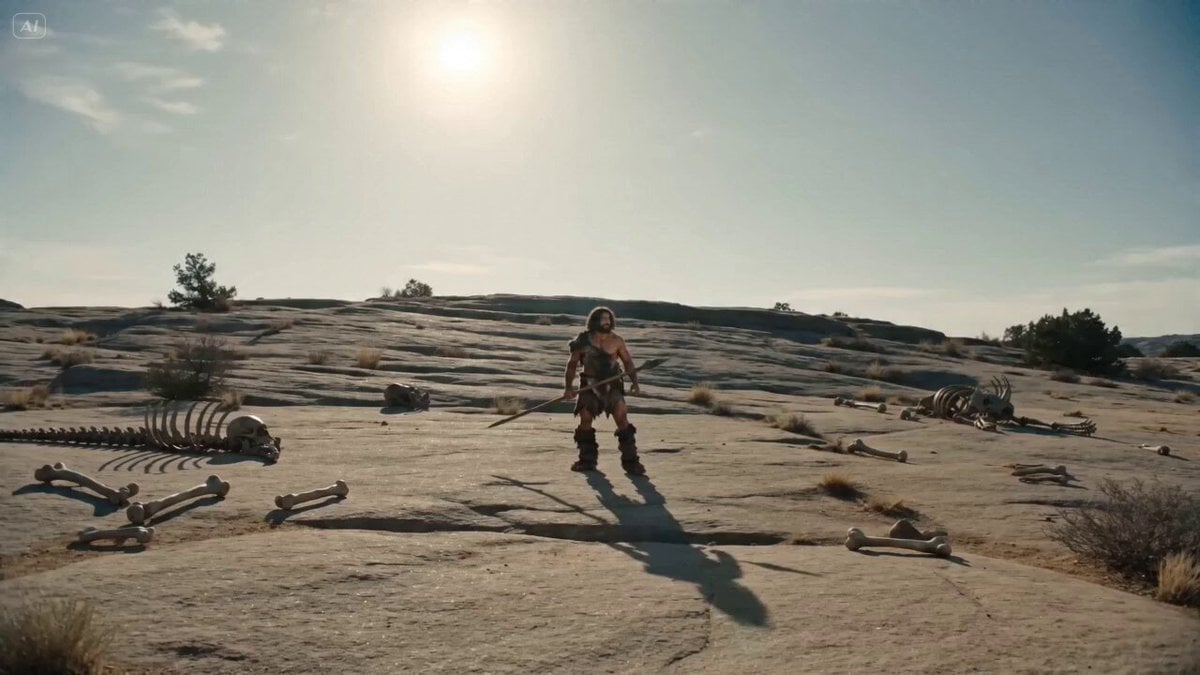
Bullet Time Selfie - Primitive Caveman
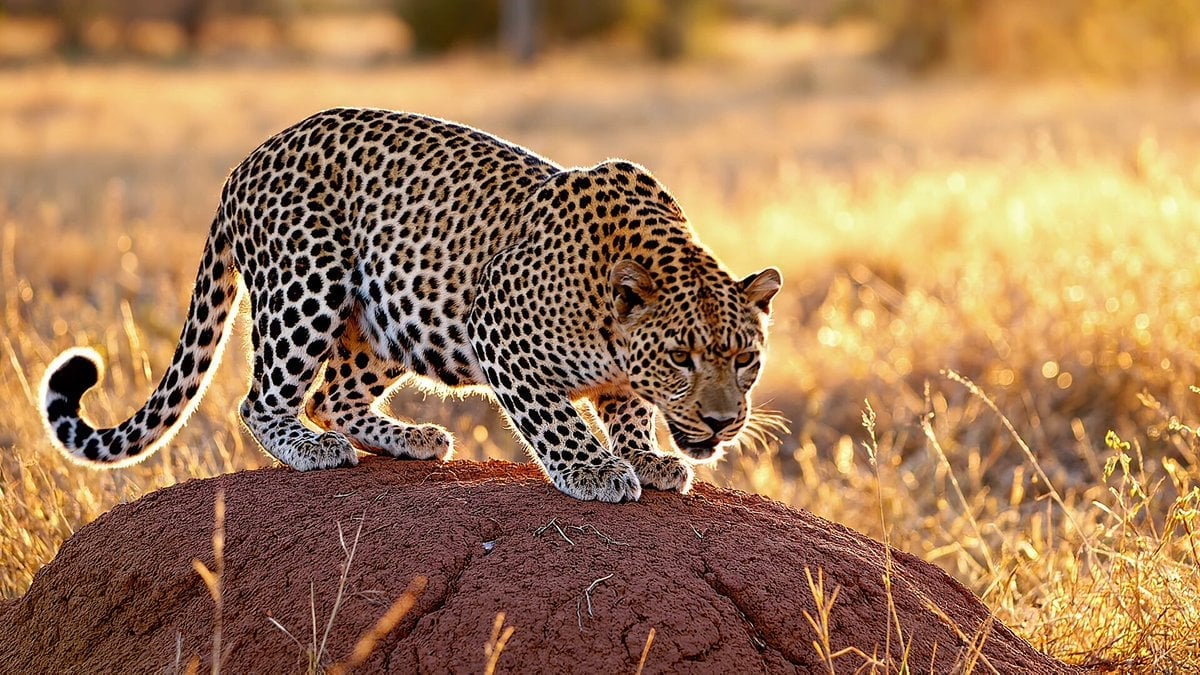
VEO 3.1 Leopard on Termite Mound Prompt
Colossal Prehistoric Shark Attack Video Prompt
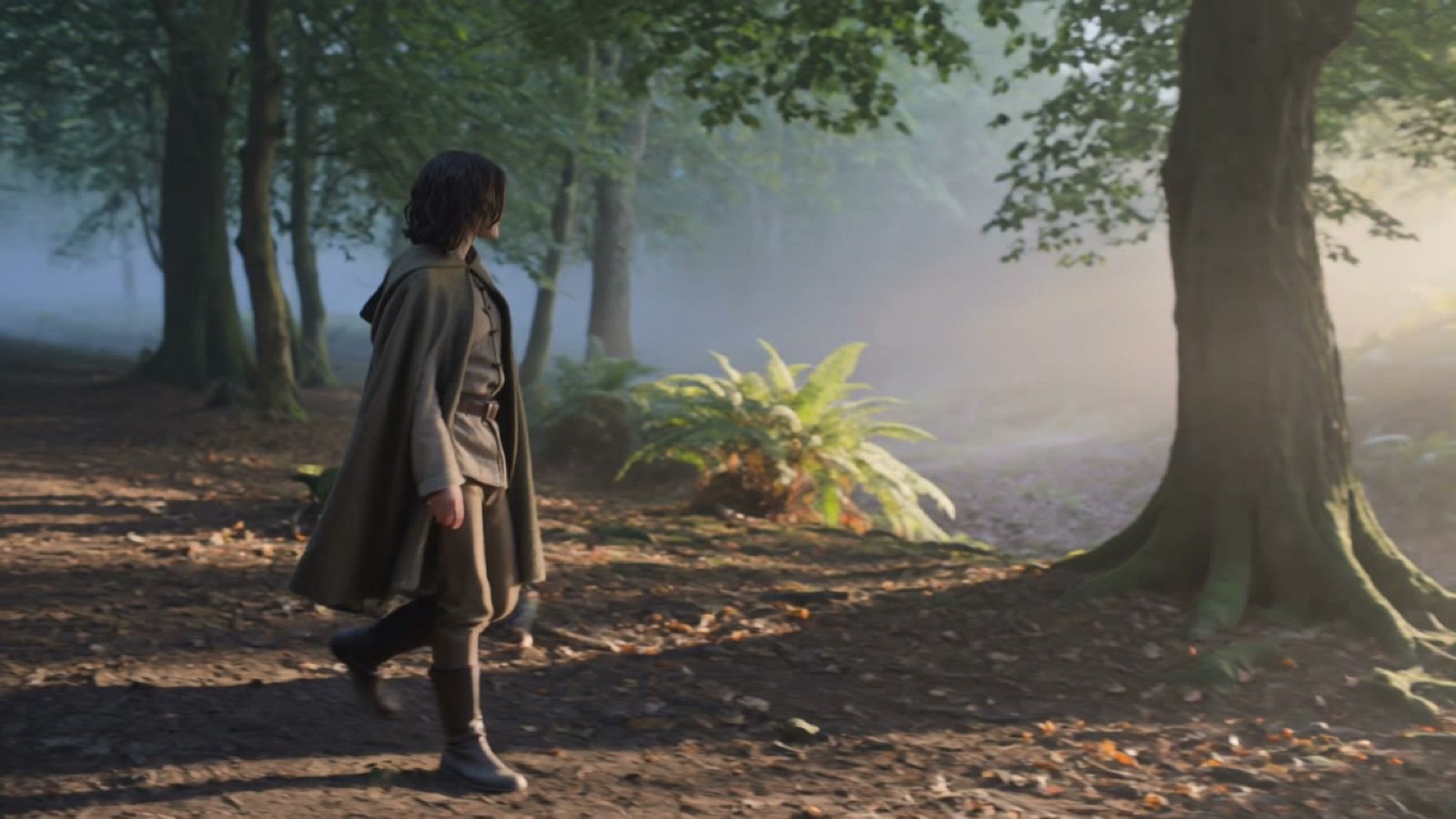
Quiet Forest Traveler
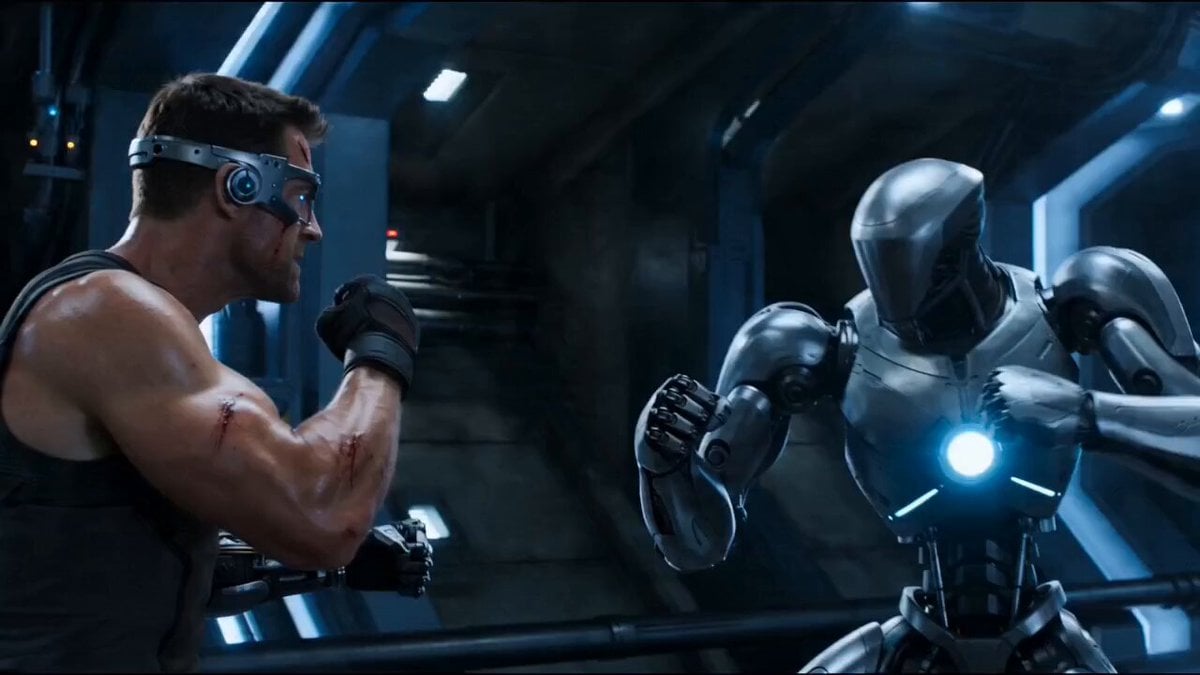
Cybernetic Sci-Fi Duel
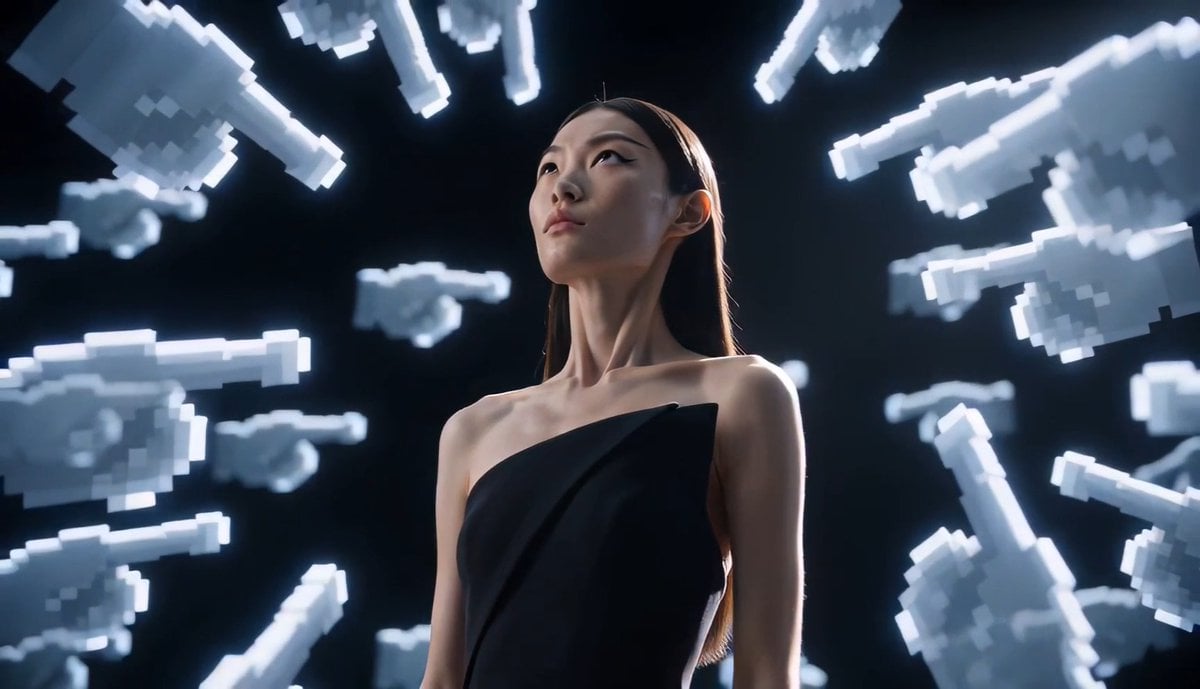
Avant-Garde Pixel Finger Portrait
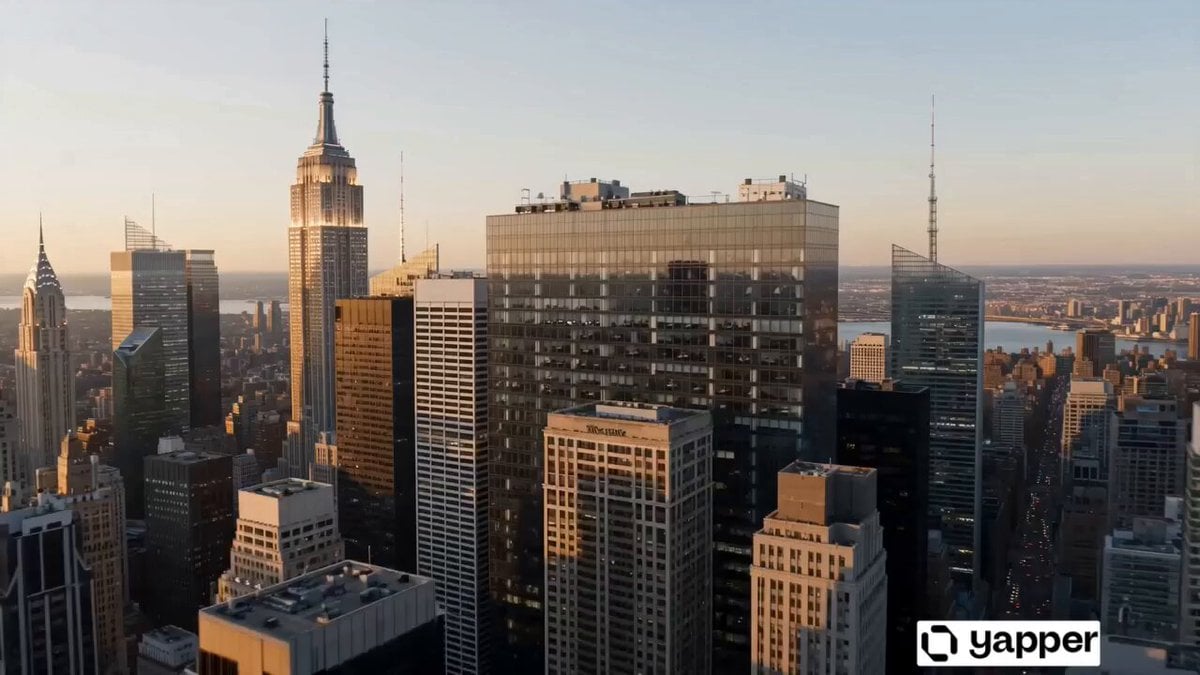
World Evolution Cinematic Animation

Cyberpunk Neon Cage Freedom Story
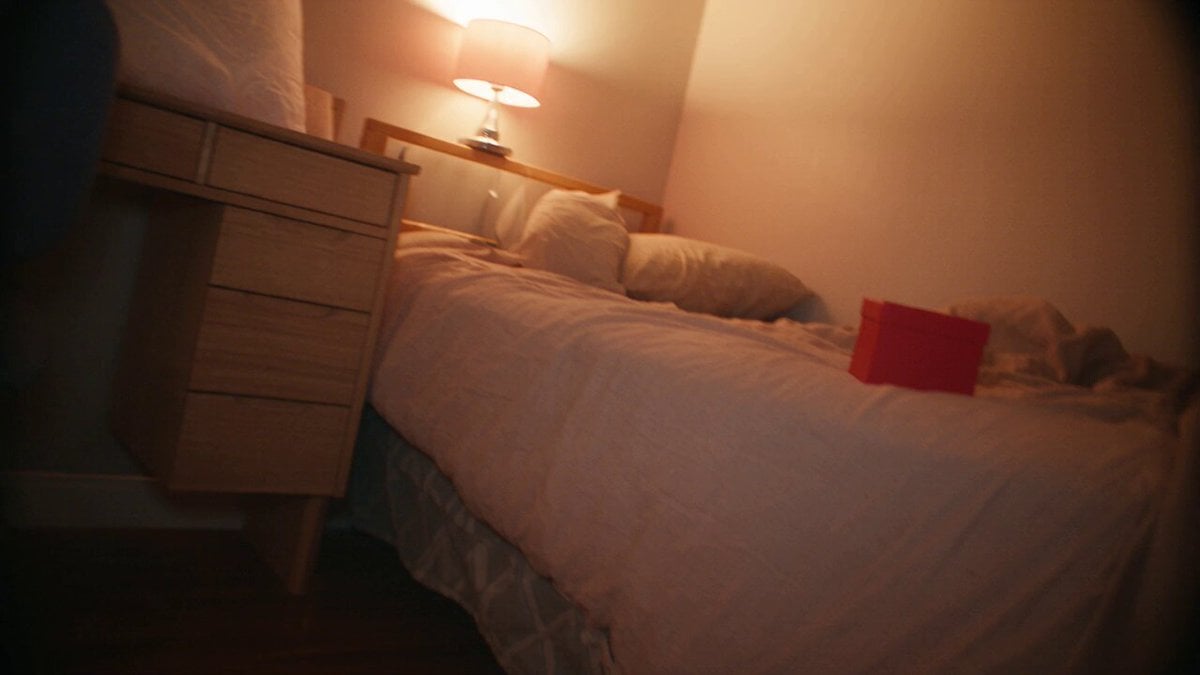
Nostalgic MiniDV Korean Home Video
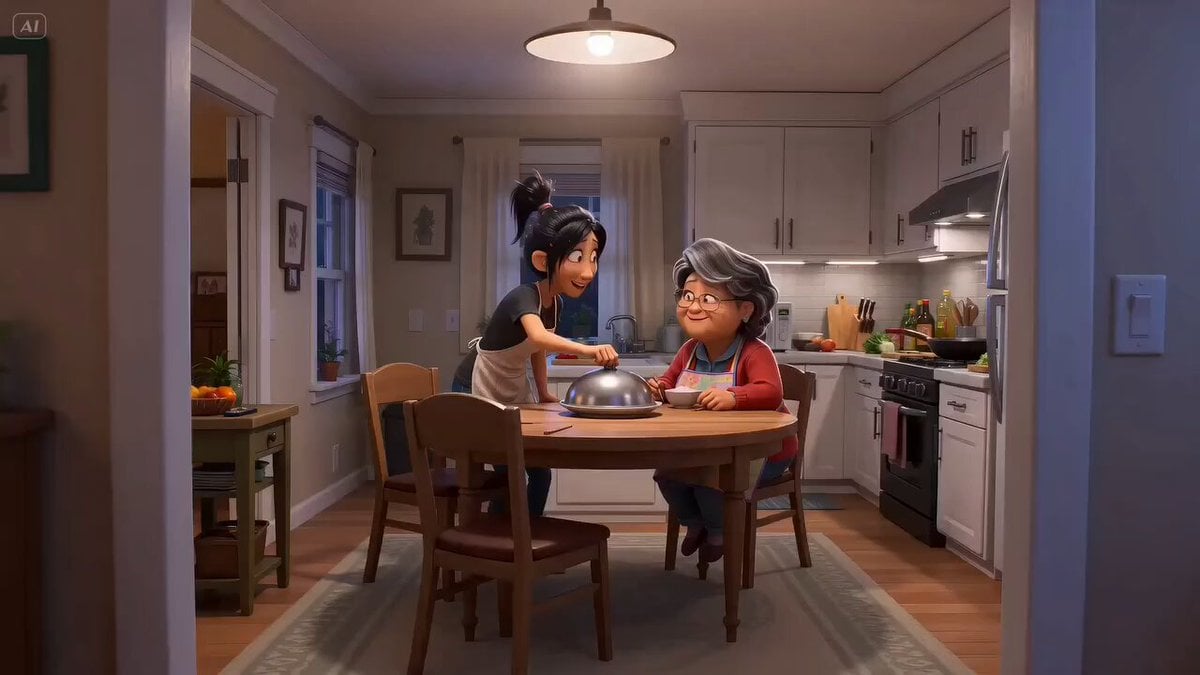
Pixar Style Mother Daughter Cooking Animation
Browse template categories
Cinematic Tokyo Travel Intro questions
How do I use the Cinematic Tokyo Travel Intro template?
Add your photo if the template asks for one, edit the prompt if you like — the template's model and format are already selected — and press Generate. Your version opens in PicX Studio.
Can I customize the Cinematic Tokyo Travel Intro template?
Yes. You can change the subject, setting, lighting, mood, format, and available model controls before creating your video.
Is the Cinematic Tokyo Travel Intro template free?
Opening and editing this template is free. Generating uses credits, shown on the Generate button when you are signed in.
Which AI model should I use?
Start with Seedance 2.0, which is the model associated with this template. You can compare another compatible model for a different finish.
Looking for something else? Browse all templates.

Your photo, any look
Thousands of ready templates for every top image and video model, from one credit balance.