
Jogging Trail Horror Scare
A high-tension horror short film prompt featuring an intense jump scare on a dark forest path.
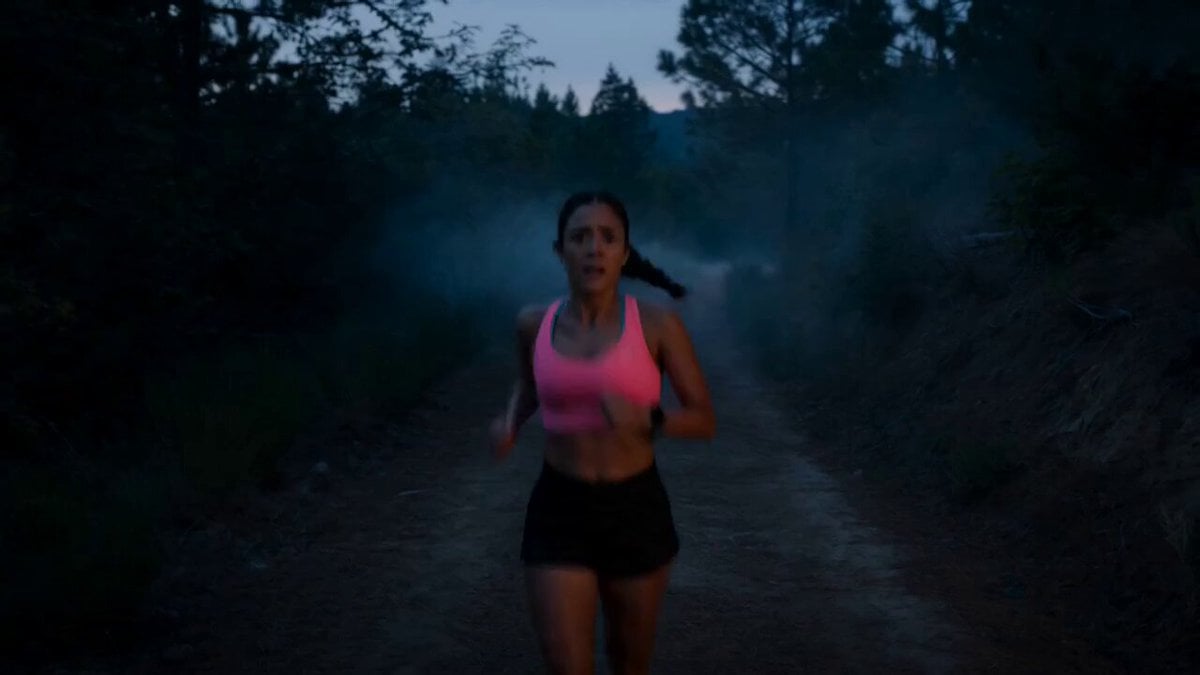
- Prompt included
- Model and format preset
- Free template
The prompt behind this video
Copy the exact prompt behind Jogging Trail Horror Scare, or open it in the studio and make it yours.
Cinematic horror short film, photorealistic, 15-second intense jump scare sequence set in a dark forest path during evening twilight. Dim blue-orange ambient lighting, light fog, natural forest sounds mixed with eerie tension. A fit young woman in bright jogging attire jogs steadily toward the camera on a narrow dirt path surrounded by dense dark trees. She slows down and stops, breathing heavily, looking ahead with concern. 10 meters ahead stands a terrifying woman in a dirty, blood-stained, tattered white hospital gown. Her skin is pale and decaying with visible wounds, hair messy and tangled. The jogger walks forward cautiously and says, “Hey, are you okay? Can I help you?” The creepy woman slowly lifts her head, revealing milky white lifeless eyes. She stares directly with a horrifying expression and starts walking aggressively toward the jogger. The jogger backpedals quickly, raising her hands and saying nervously, “Hey, I can help you… whatever you need!” The entity replies in a distorted, menacing voice: “I don’t need help… I need you.” The jogger’s eyes widen in terror. She turns around to sprint away. Sudden extreme jump scare — the entity instantly appears right in front of her face (teleport effect). The jogger screams loudly. The entity lunges aggressively straight at the camera with mouth open. The video ends abruptly with loud distorted scream + screen cuts to heavy TV static and noise. Ultra-realistic details, dynamic camera movement (handheld for tension), fast cuts, heavy breathing sounds, scary atmospheric music building up. High tension horror atmosphere, photorealistic skin textures, natural evening forest lighting, terrifying jump scare payoff. 15-second vertical video format for maximum impact.
How to use Jogging Trail Horror Scare in 3 steps
- 1
Open
The prompt is already in the box next to the preview, with the template's model and format selected.
- 2…a portrait of your subject in softgolden-hour light, 85mm…
Personalize
Edit the subject and creative details for your destination.
- 3Generate
Generate
Press Generate — your video is created in PicX Studio, so you can compare it with the original and refine one variable at a time.
More like this
Templates with the same subject, style or setup. Open one to see its prompt.
Rainforest Thriller — Searching the Unseen
Chibi Cave Adventure — He Doesn't Know What's Coming
Recursive Horror Jump-Scare Prompt

Goldfish with Ribbon Trails

Delhi Street Monitor Lizard Scare
Park Jogging Comedic Dog Chase
Cinematic Cliff Trail Motorcycle Action
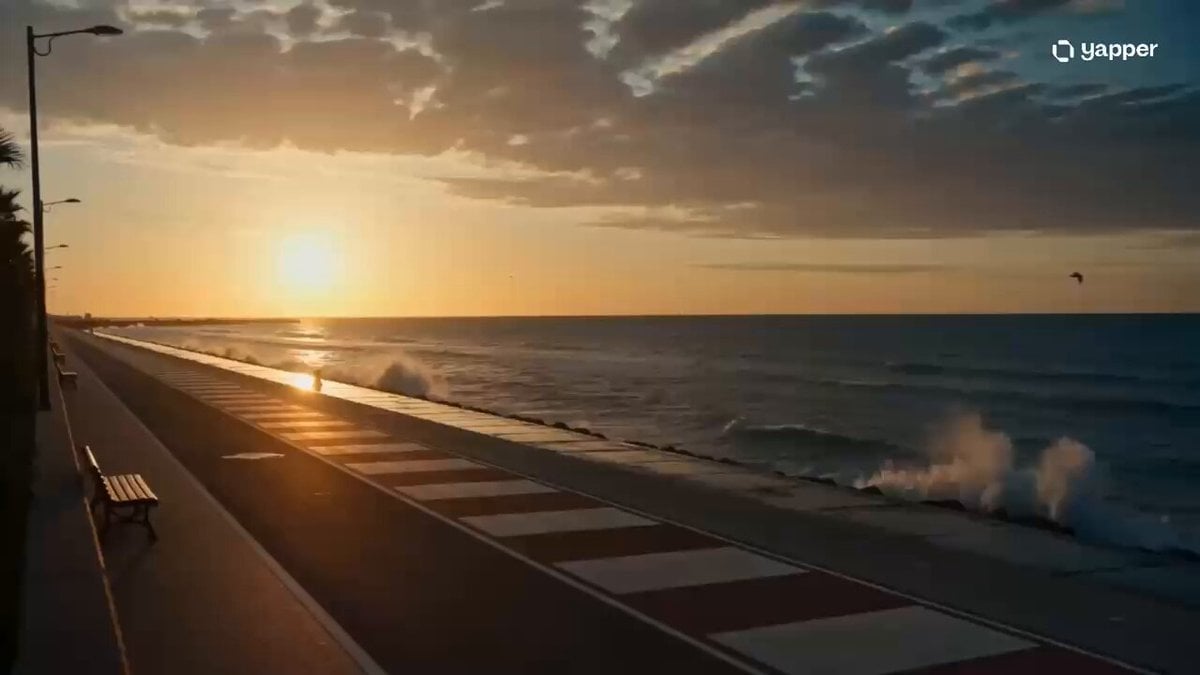
Seaside Sunrise Jogging Cinematic

High-Tempo Dark Fantasy Action Trailer
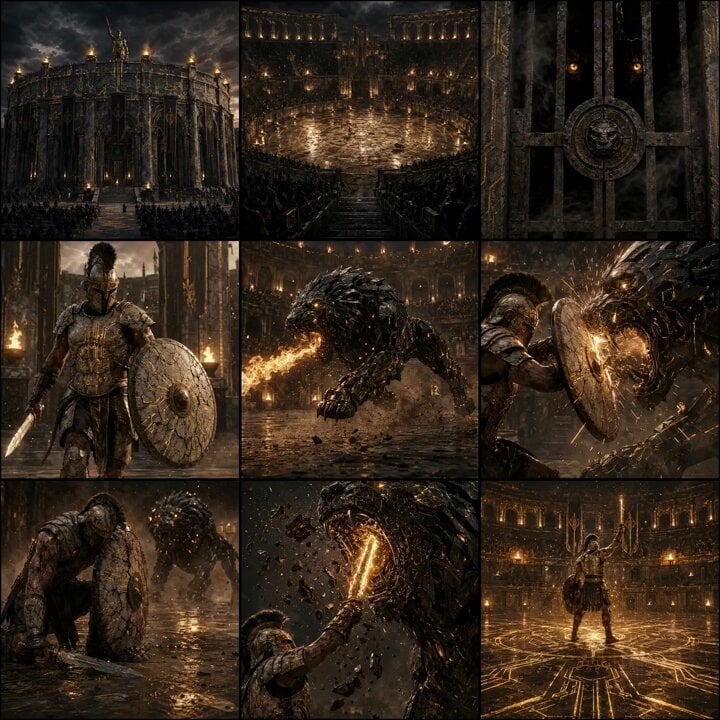
Epic Gladiator Arena Trailer
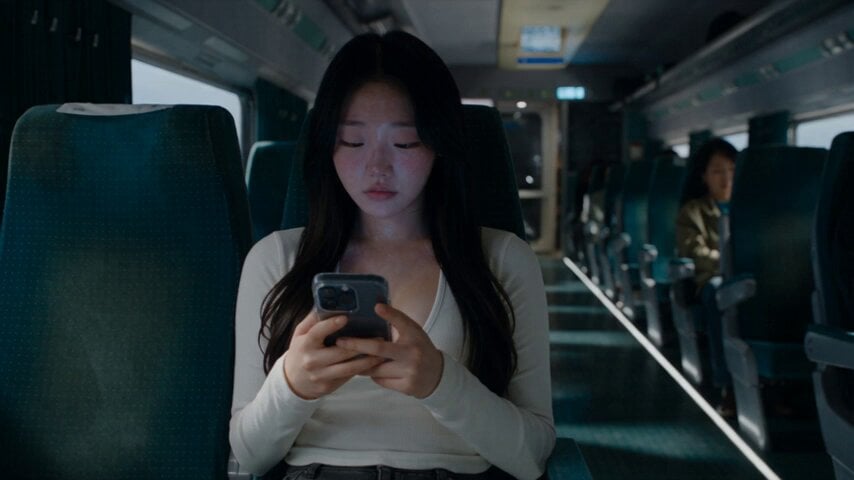
Last Ride Train Outbreak Horror
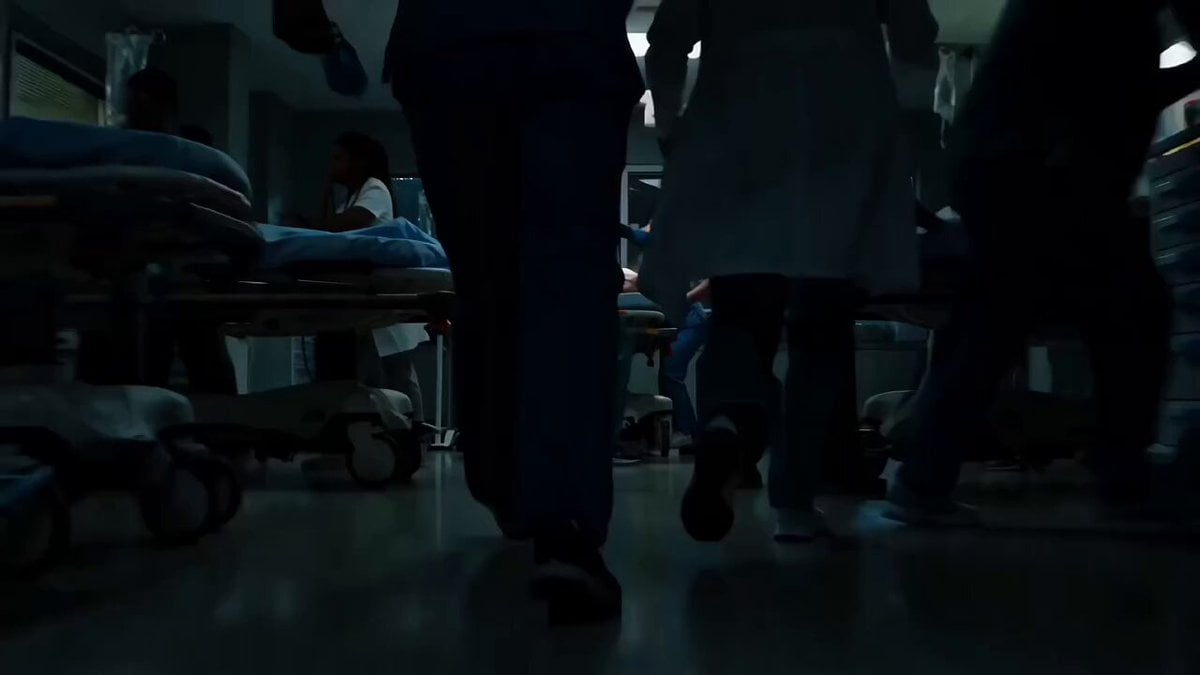
Sci-Fi Horror Hospital Alien Scene
Make it yours
Jogging Trail Horror Scare works as-is. These are the safest ways to change it without losing the look.
Change one field
Copy a single group, rewrite it, and generate again so you can see what that field is doing.
Keep the frame, change the subject
Hold the composition and light of Jogging Trail Horror Scare, then swap wardrobe, props or the person for a new take.
| If the result… | Why | Fix |
|---|---|---|
| The result drifts from the preview | Too many fields changed at once. | Reuse Jogging Trail Horror Scare as-is first, then change one group — subject, light, or setting. |
| The model over-stylizes the scene | The prose prompt leaves finish and camera underspecified. | Add one camera or lighting sentence and stay on Seedance 2.0. |
More Seedance 2.0 templates
Other prompts made for Seedance 2.0.

Comical Martial Arts Punch Scene

Maglev Train Action Sequence

Martial Arts Fight Sequence

Wuxia Protection and Trust Script

Vintage Korean Arcade MiniDV Vlog

Mercedes 190 SL Luxury Ad

Rainy Night Supernatural Reverse Comedy Video Script

Amazon Civilization Discovery

Futuristic South Asian City Transformation

Cozy Luxury Cafe Commercial
More video prompts
Fresh picks from across the catalog.
Arctic Ice Queen Transformation
Enchanted Twilight Fairy Tale Cottage
Character Name Repetition Prompt (Serina and Suzumi)
Hanbok Woman and Demon Labyrinth Chase

Cinematic sci-fi hospital video scene
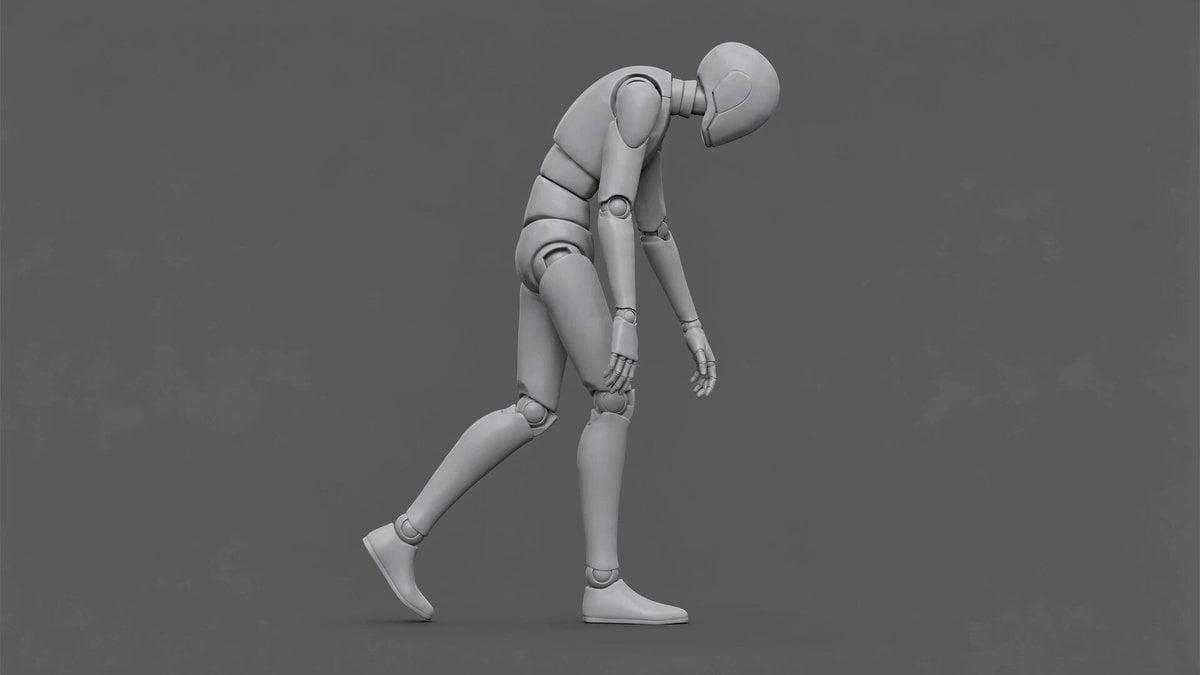
Hunched Character Animation

Cat and Robot Vacuum Narrative Script
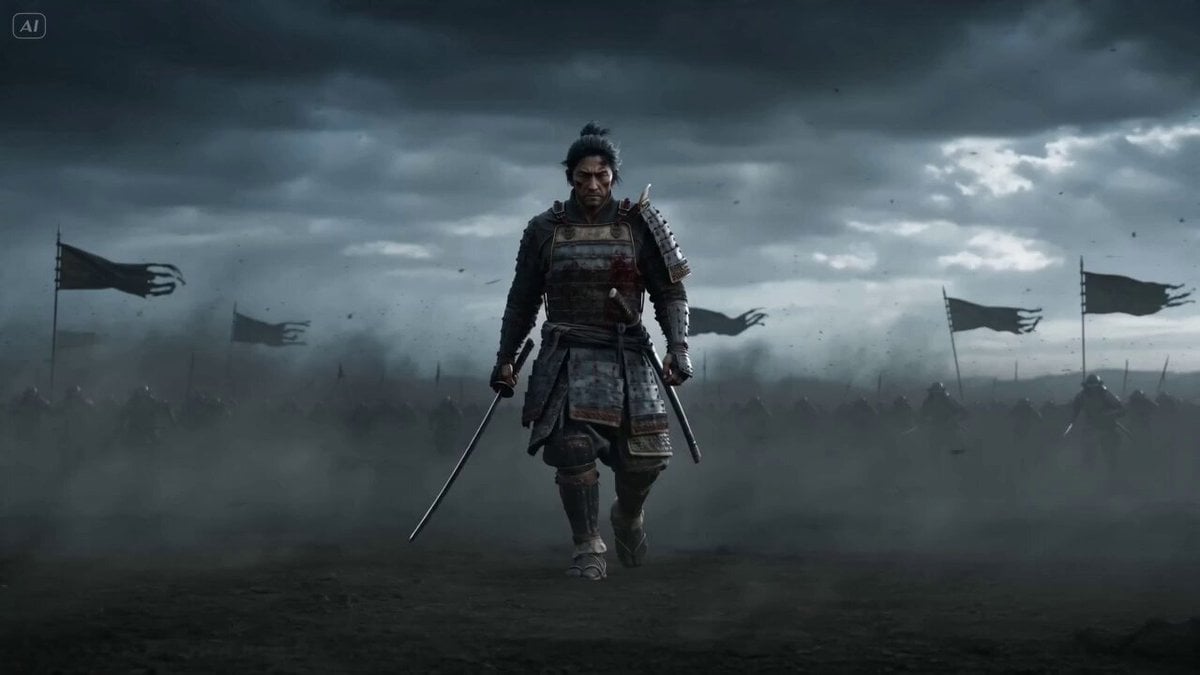
Epic Samurai Multi-Slash Sequence
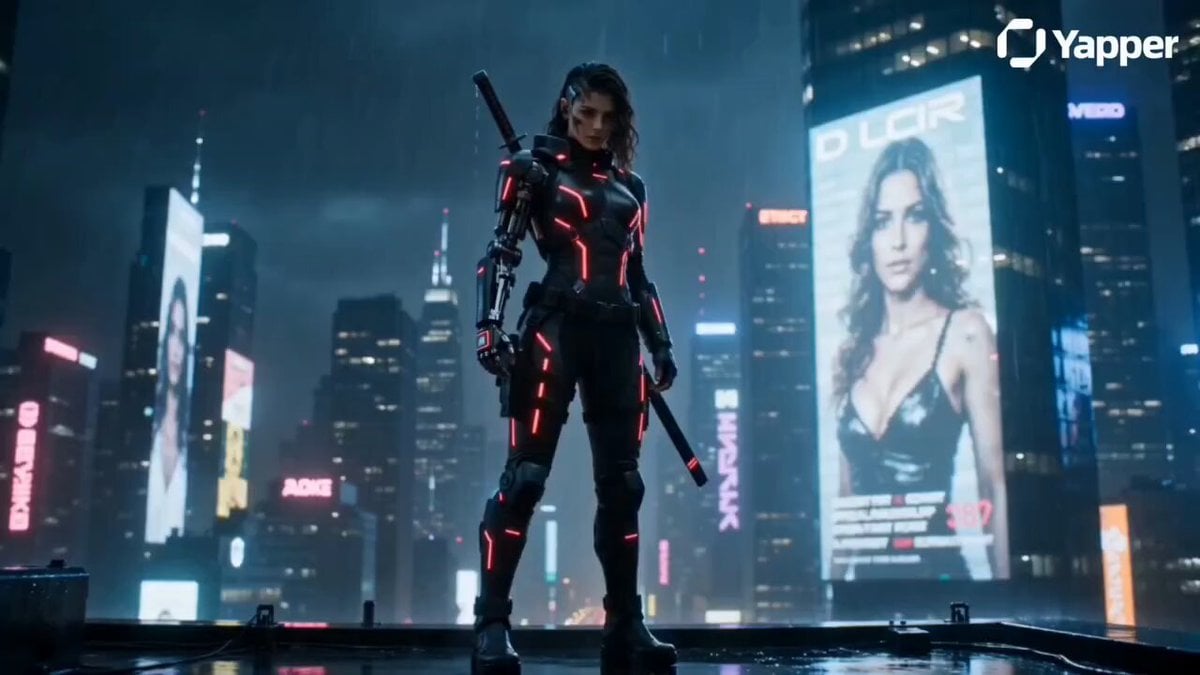
Cyberpunk Warrior Narrative

Wings of Amethyst Fire
Browse template categories
Jogging Trail Horror Scare questions
How do I use the Jogging Trail Horror Scare template?
Add your photo if the template asks for one, edit the prompt if you like — the template's model and format are already selected — and press Generate. Your version opens in PicX Studio.
Can I customize the Jogging Trail Horror Scare template?
Yes. You can change the subject, setting, lighting, mood, format, and available model controls before creating your video.
Is the Jogging Trail Horror Scare template free?
Opening and editing this template is free. Generating uses credits, shown on the Generate button when you are signed in.
Which AI model should I use?
Start with Seedance 2.0, which is the model associated with this template. You can compare another compatible model for a different finish.
Looking for something else? Browse all templates.

Your photo, any look
Thousands of ready templates for every top image and video model, from one credit balance.