
Korean Neighborhood Golden Hour Walk
A photorealistic MiniDV camcorder style prompt for Seedance 2.0, depicting a young woman walking through a quiet Korean residential area at sunset.

- Prompt included
- Model and format preset
- Premium template
The prompt behind this video
Copy the exact prompt behind Korean Neighborhood Golden Hour Walk, or open it in the studio and make it yours.
Preserve the image’s exact face, hairstyle, skin tone, body proportions, black wavy hair with side-swept bangs, and messy ponytail throughout the entire sequence. Outfit remains consistent: cream oversized knit sweater with sleeves slightly rolled up, light blue high-waisted jeans, white canvas sneakers, black cord necklace. Young Korean woman, authentic early-2000s MiniDV camcorder aesthetic. Raw handheld realism with subtle micro-shakes, imperfect framing, occasional off-center composition, autofocus breathing, slight exposure flicker, soft desaturated colors, visible grain, compression artifacts, and natural motion blur. No stabilization, no cinematic grading, no glamour shots, no posing, no background music. Ambient sound only. Location: Quiet Korean neighborhood at golden hour. Narrow residential streets with brick houses, low walls, flower pots, bicycles, utility poles, overhead cables, small gardens, and a peaceful evening atmosphere. No commercial buildings or crowds. Timeline (15 seconds): 0–3s: She slowly opens a small garden gate, notices the camera, gives a surprised smile, and softly laughs. 3–6s: Walking along the narrow street while gently brushing her fingertips across flowers growing beside a wall, briefly looking toward the sky. 6–9s: Stops beside an old bicycle, adjusts her ponytail with one hand, then looks into the camera with a warm, natural smile. 9–12s: Sits on a low concrete step, opens a small notebook, casually sketches for a moment, then glances back at the camera. 12–15s: Continues walking away down the quiet alley, turns back over her shoulder with a bright smile, gives a small wave, morning breeze moves her hair naturally, fade to black. Ambient audio only: Birds singing, distant conversations, light breeze through trees, soft bicycle bell in the distance, footsteps on pavement, rustling leaves, occasional passing scooter far away
How to use Korean Neighborhood Golden Hour Walk in 3 steps
- 1
Open
The prompt is already in the box next to the preview, with the template's model and format selected.
- 2…a portrait of your subject in softgolden-hour light, 85mm…
Personalize
Edit the subject and creative details for your destination.
- 3Generate
Generate
Press Generate — your video is created in PicX Studio, so you can compare it with the original and refine one variable at a time.
More like this
Templates with the same subject, style or setup. Open one to see its prompt.
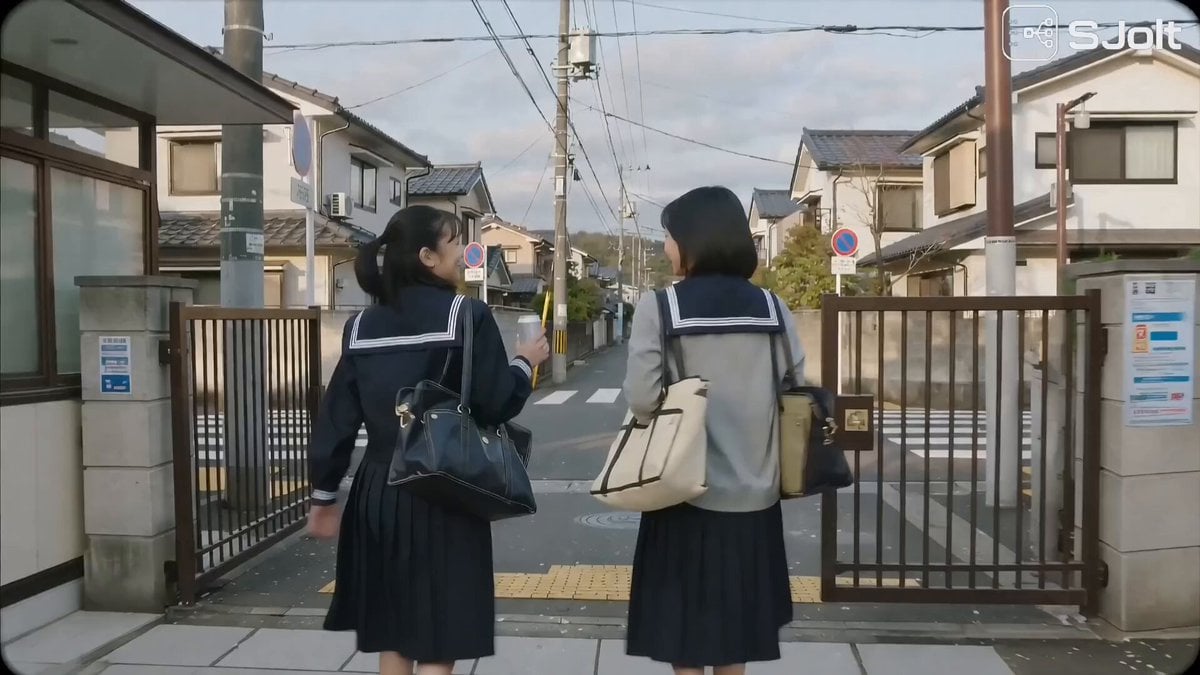
Japanese High School Golden Hour Walk
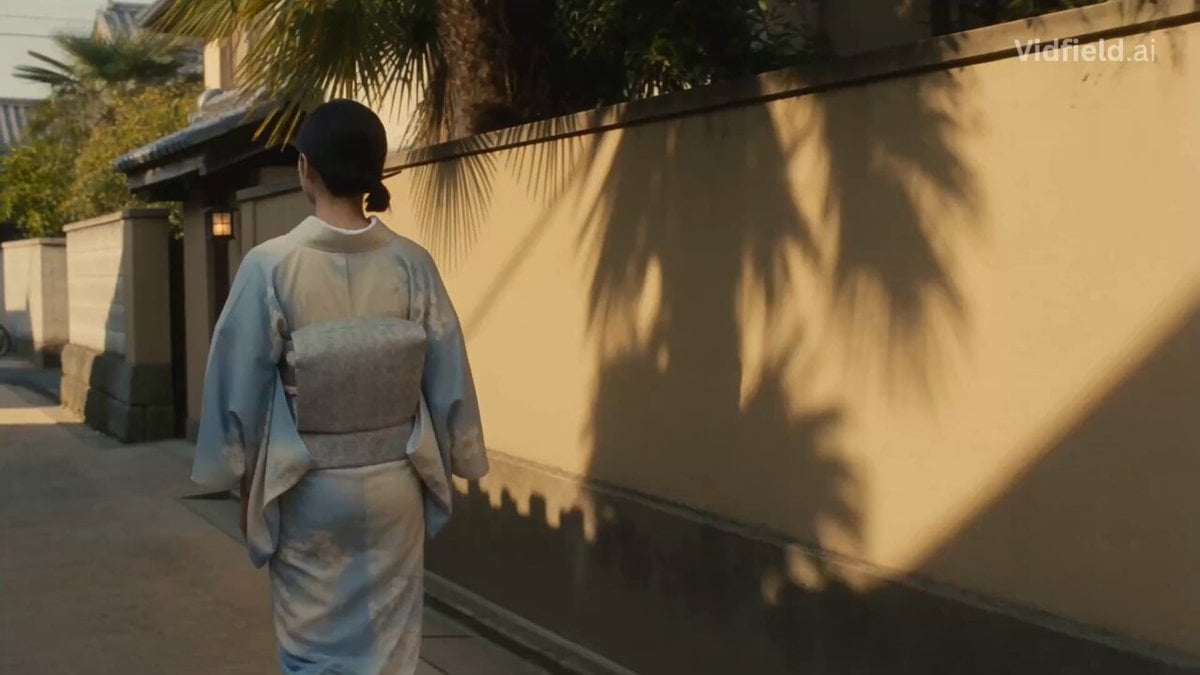
Japanese Alley Golden Hour Walk

Father and Baby Stroller Walk at Golden Hour
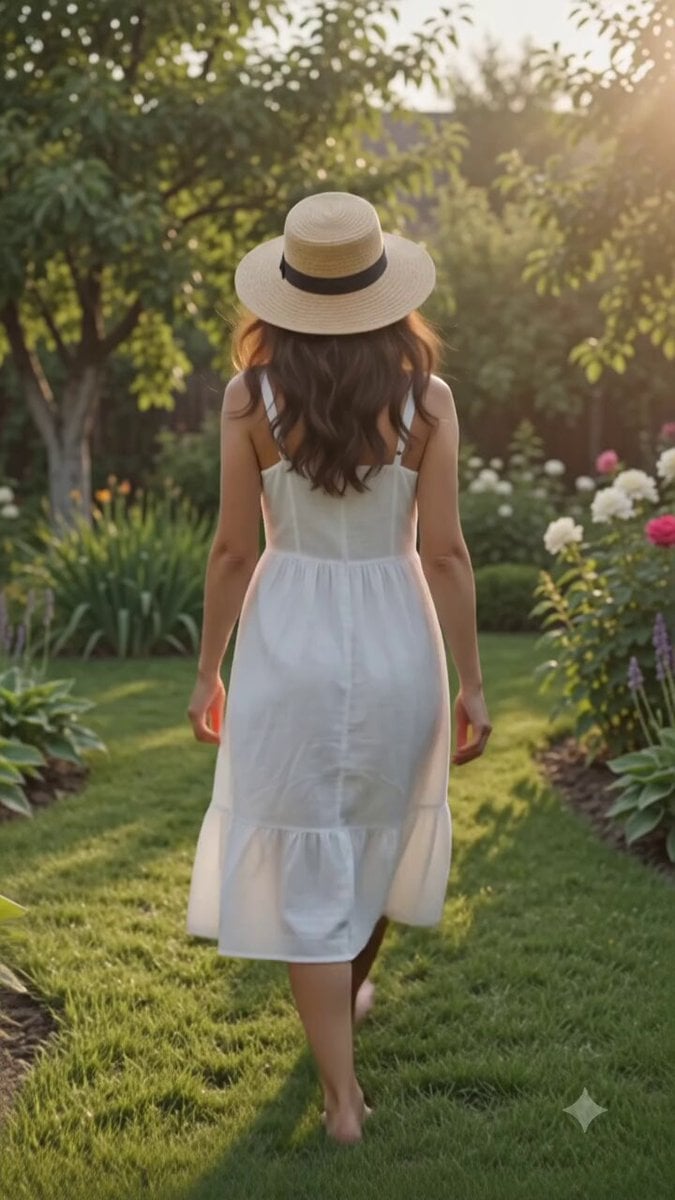
Cinematic Golden Hour Garden Walk

Golden Hour Beach Dog POV
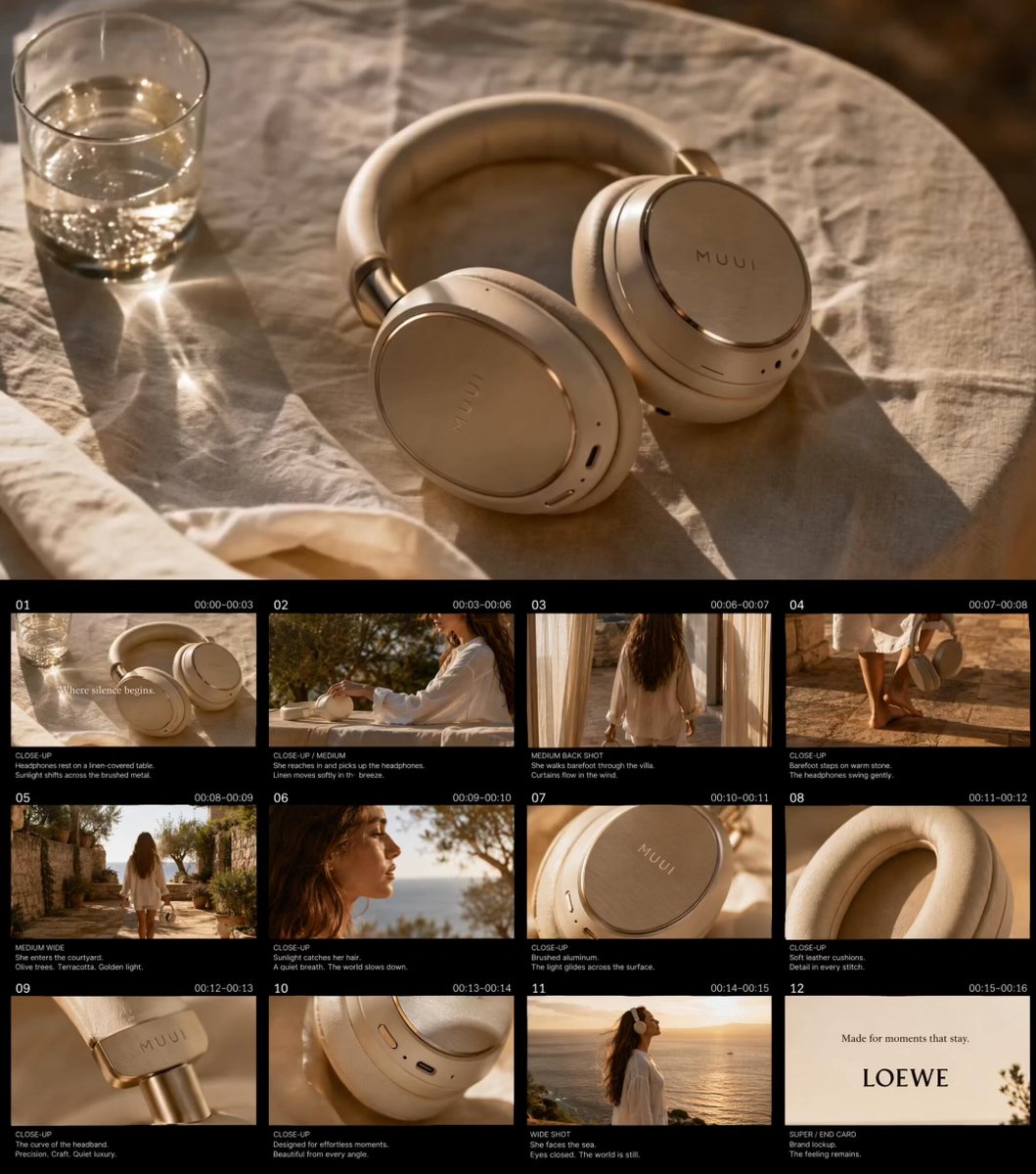
Golden Hour Luxury TVC
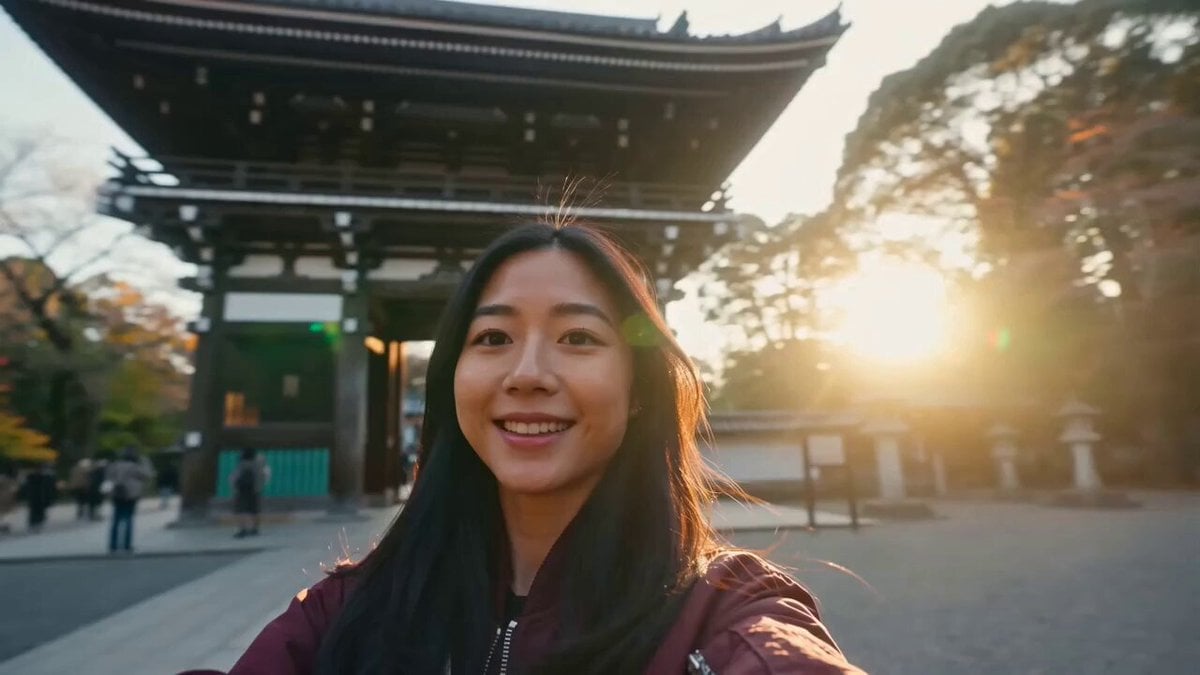
Japan Travel Vlog Golden Hour
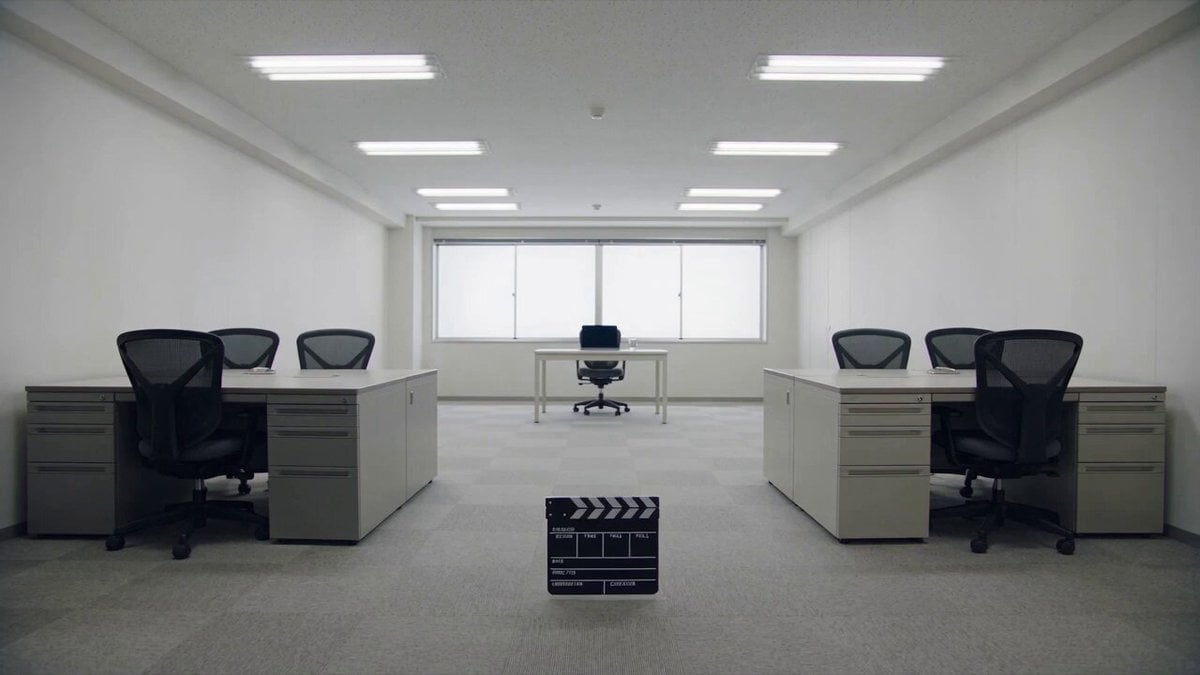
Minimalist Photography Studio Golden Hour
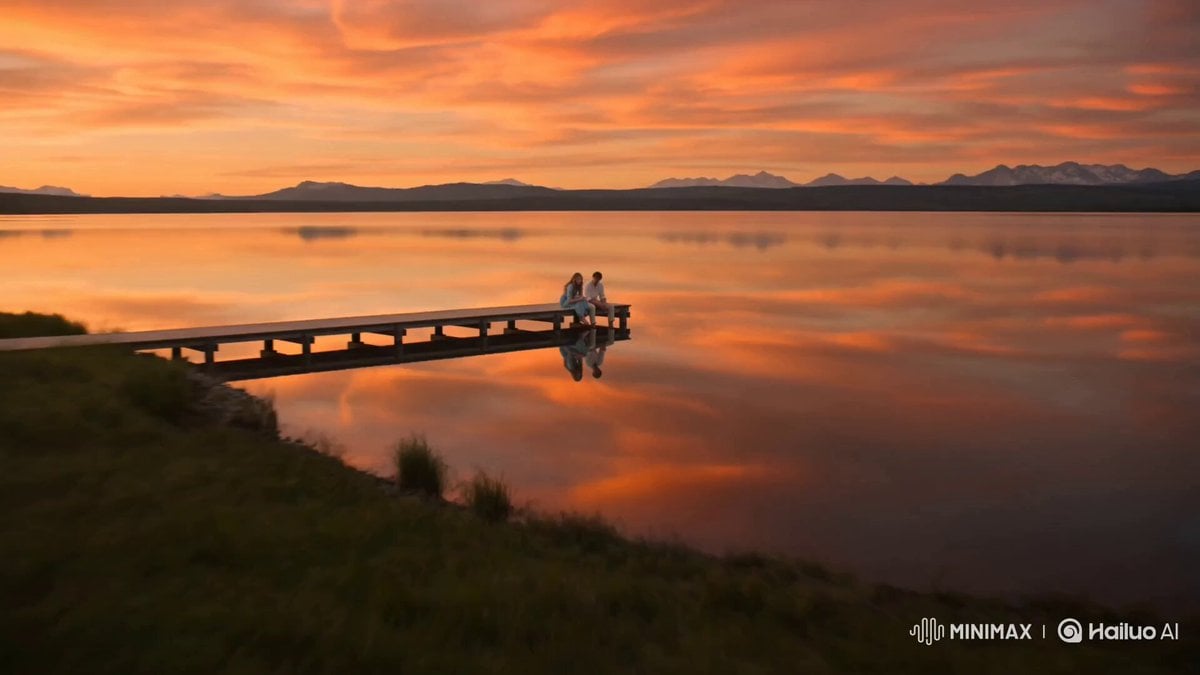
Alpine Lake Golden Hour Couple

Korean Night Market Bullet-Time Scene - Seedance 2.5
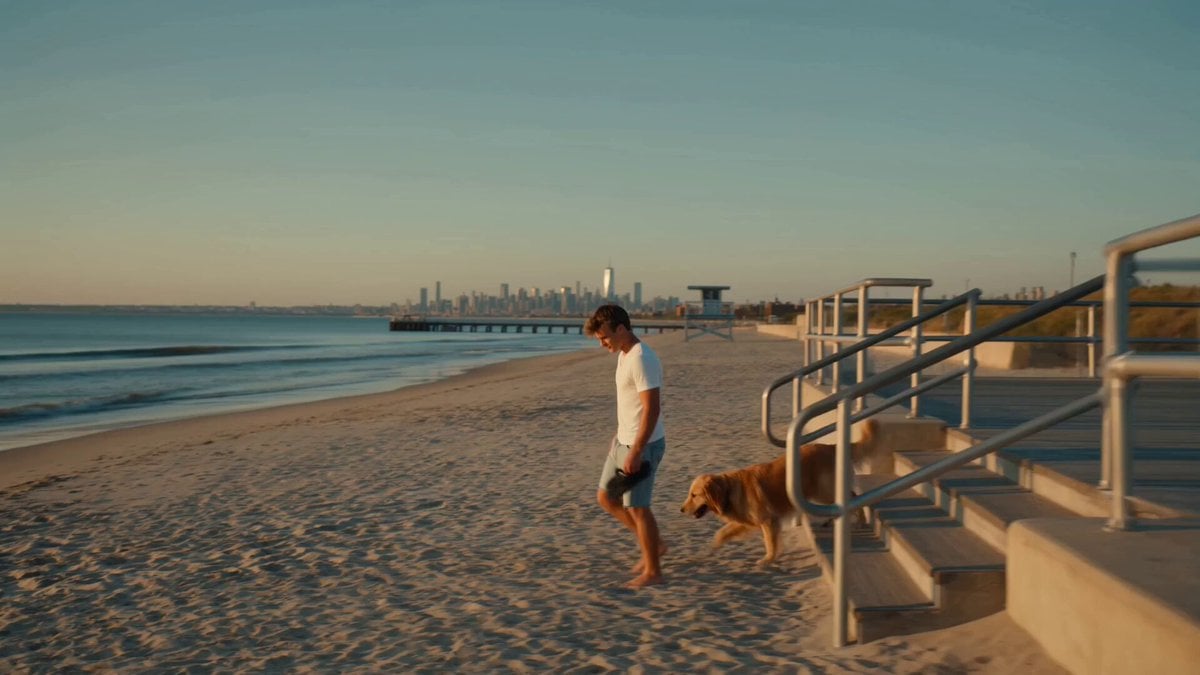
Golden Hour NYC Beach Stroll
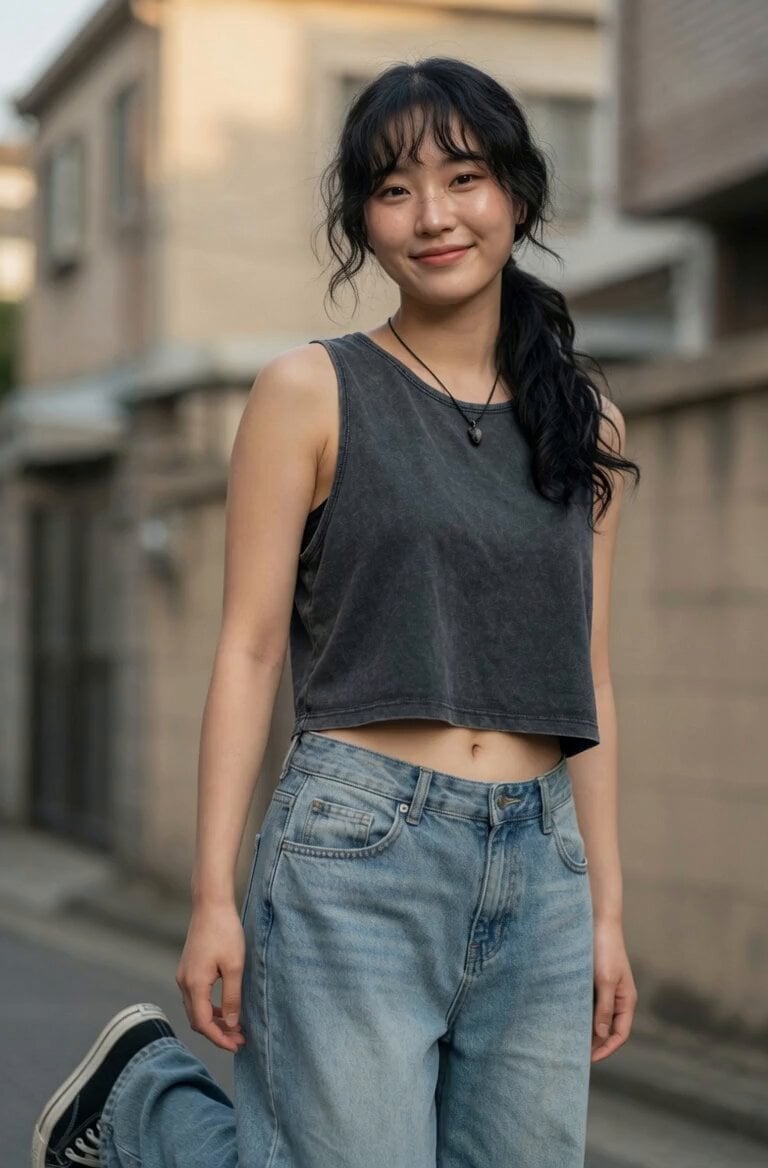
Korean Residential Neighborhood Atmosphere
Make it yours
Korean Neighborhood Golden Hour Walk works as-is. These are the safest ways to change it without losing the look.
Change one field
Copy a single group, rewrite it, and generate again so you can see what that field is doing.
Keep the frame, change the subject
Hold the composition and light of Korean Neighborhood Golden Hour Walk, then swap wardrobe, props or the person for a new take.
| If the result… | Why | Fix |
|---|---|---|
| The result drifts from the preview | Too many fields changed at once. | Reuse Korean Neighborhood Golden Hour Walk as-is first, then change one group — subject, light, or setting. |
| The model over-stylizes the scene | The prose prompt leaves finish and camera underspecified. | Add one camera or lighting sentence and stay on Seedance 2.0. |
More Seedance 2.0 templates
Other prompts made for Seedance 2.0.

Comical Martial Arts Punch Scene

Maglev Train Action Sequence

Martial Arts Fight Sequence

Wuxia Protection and Trust Script

Vintage Korean Arcade MiniDV Vlog

Mercedes 190 SL Luxury Ad

Rainy Night Supernatural Reverse Comedy Video Script

Amazon Civilization Discovery

Futuristic South Asian City Transformation

Cozy Luxury Cafe Commercial
More video prompts
Fresh picks from across the catalog.
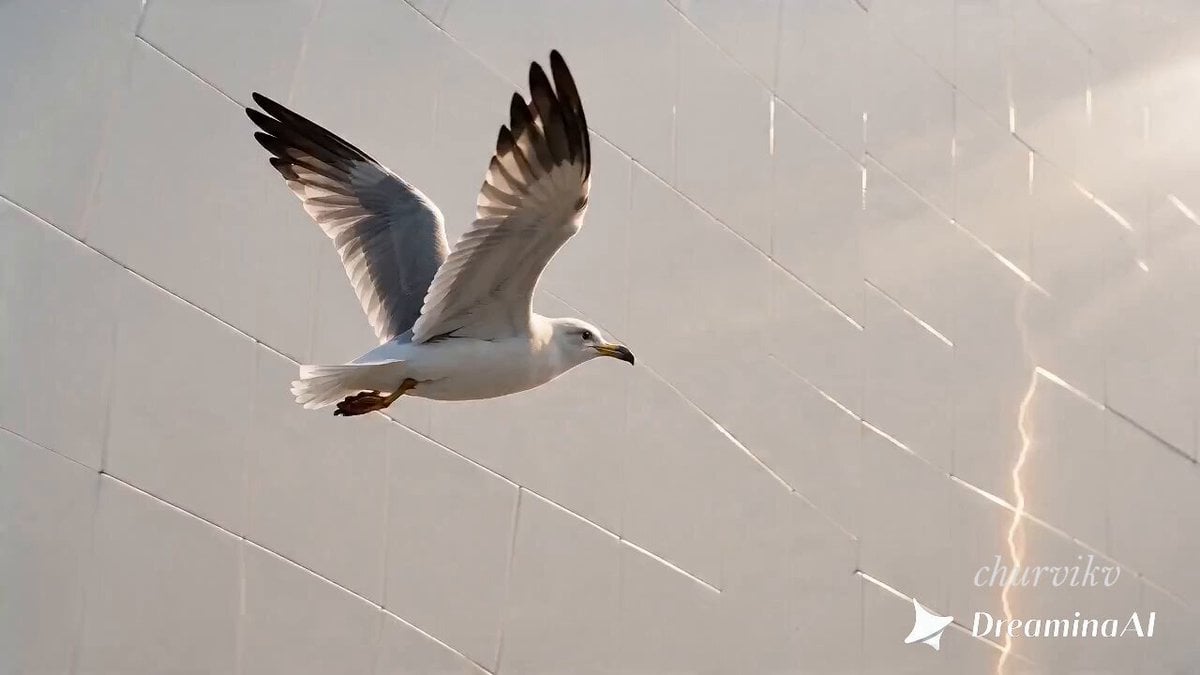
Surreal Storyboard Transition Sequence

Romantic Rain Dance Sequence
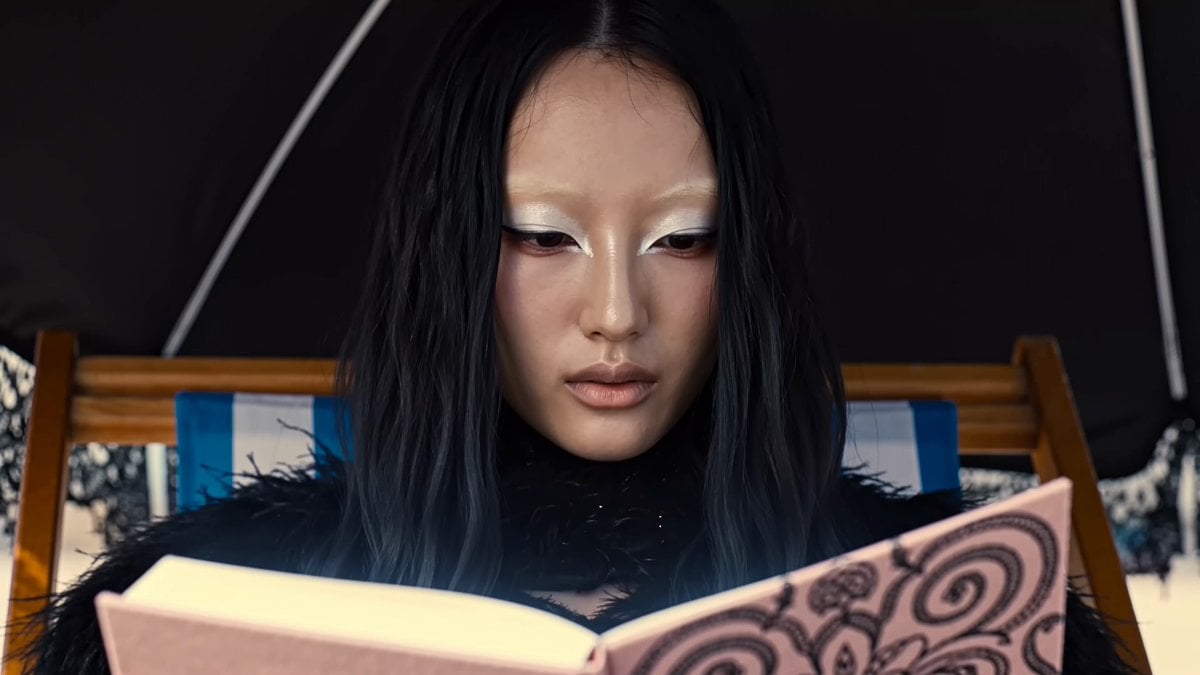
Magical Glowing Notebook Flicker
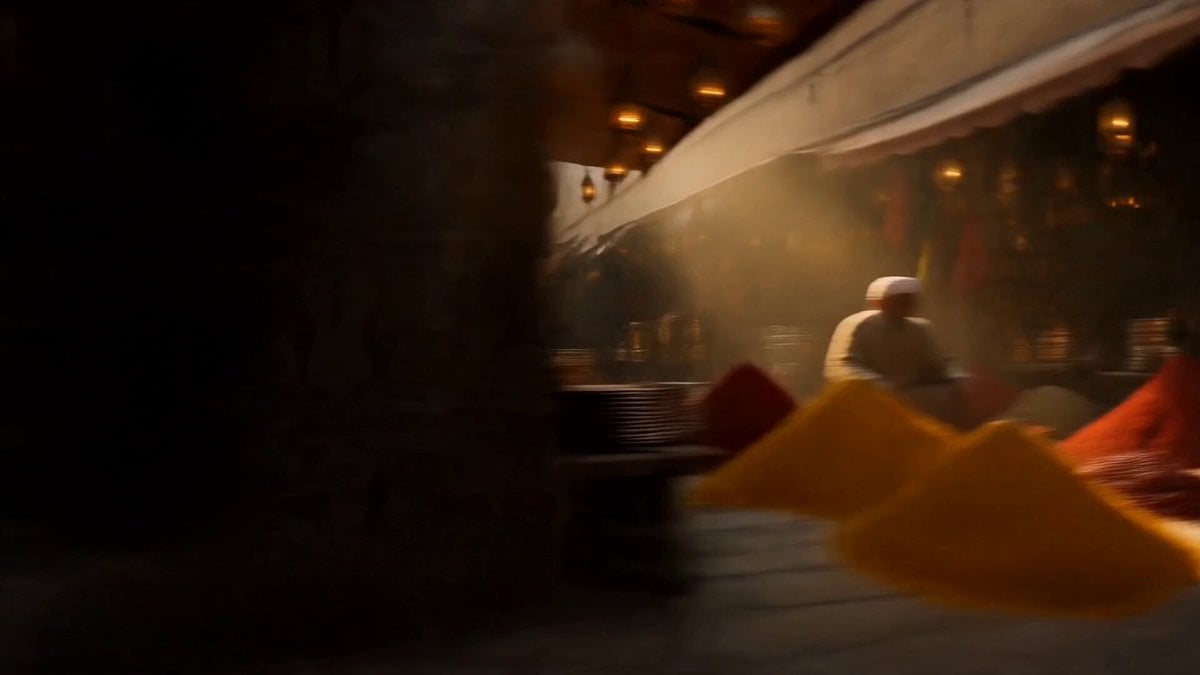
Vintage 1960s Cairo Bazaar
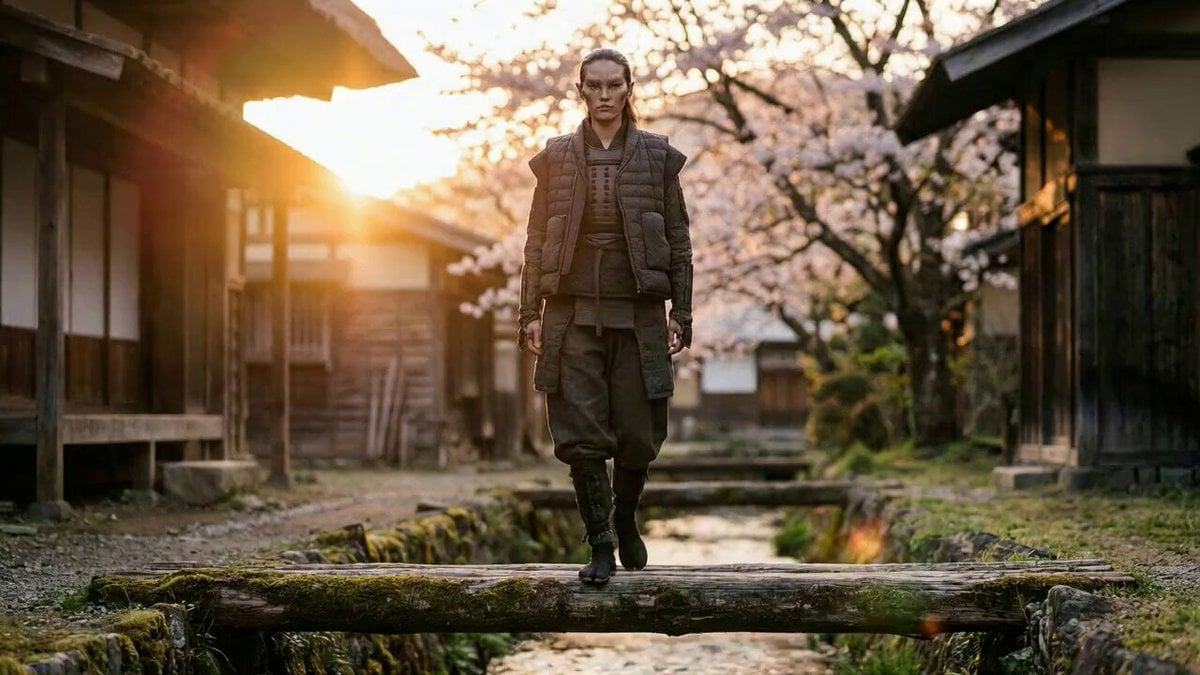
Magical Transformation into a Flying Bird

Emotional Airport Lovers Reunion

Cinematic Zoom and Smile

Massive Naval Deployment Video Prompt
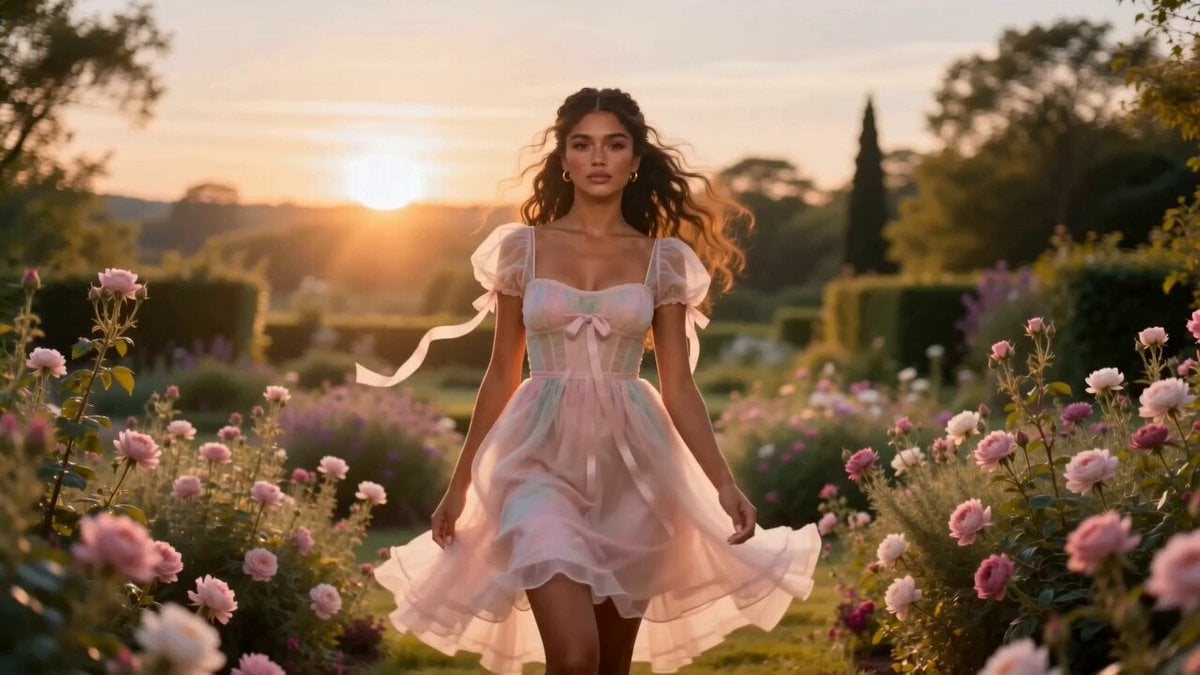
Fashion Aesthetic Transformation Sequence
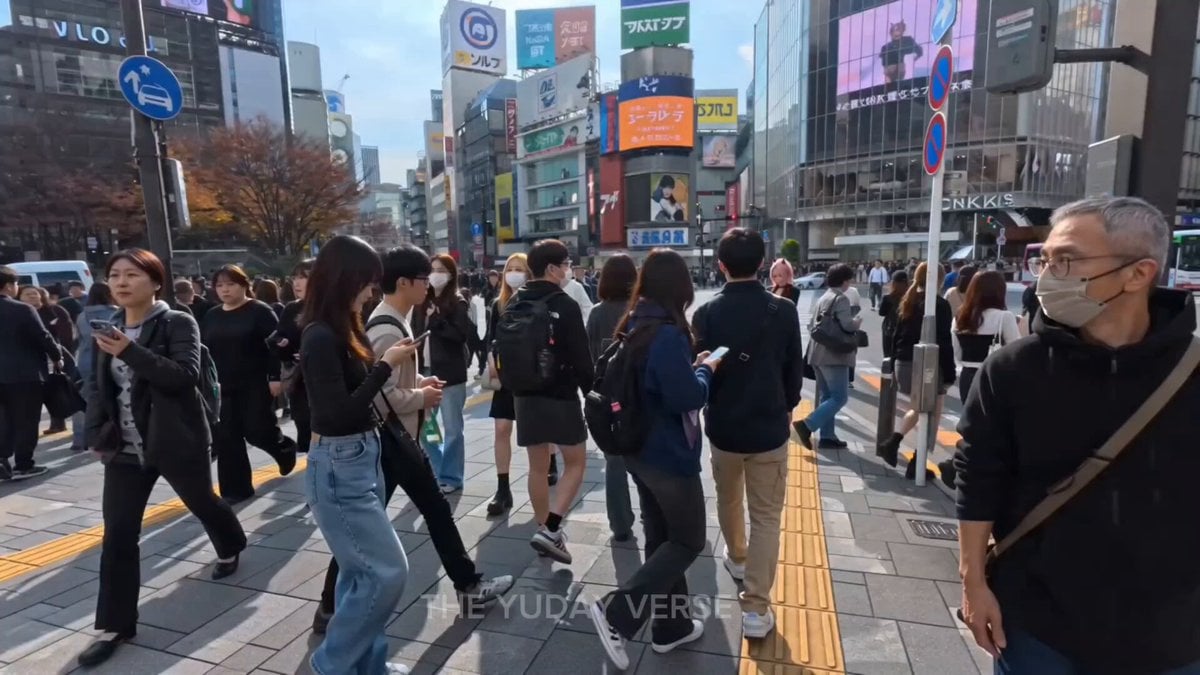
Shibuya Street Photography POV
Browse template categories
Korean Neighborhood Golden Hour Walk questions
How do I use the Korean Neighborhood Golden Hour Walk template?
Add your photo if the template asks for one, edit the prompt if you like — the template's model and format are already selected — and press Generate. Your version opens in PicX Studio.
Can I customize the Korean Neighborhood Golden Hour Walk template?
Yes. You can change the subject, setting, lighting, mood, format, and available model controls before creating your video.
Is the Korean Neighborhood Golden Hour Walk template free?
Opening and editing this template is free. Generating uses credits, shown on the Generate button when you are signed in.
Which AI model should I use?
Start with Seedance 2.0, which is the model associated with this template. You can compare another compatible model for a different finish.
Looking for something else? Browse all templates.

Your photo, any look
Thousands of ready templates for every top image and video model, from one credit balance.