
Futuristic Buggy Destruction Chase
A complex, JSON-structured prompt for a high-speed chase involving an armored buggy in a destructive supernatural storm, featuring specific lens and environment physics.
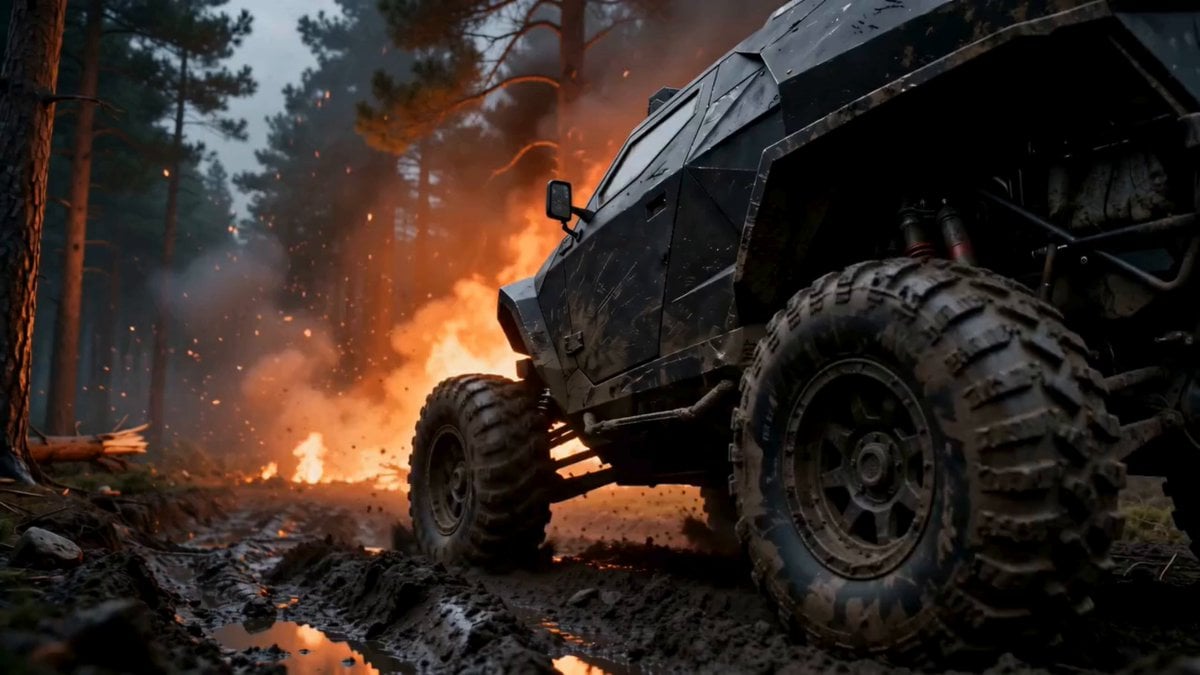
- Prompt included
- Model and format preset
- Free template
The prompt behind this video
Copy the exact prompt behind Futuristic Buggy Destruction Chase, or open it in the studio and make it yours.
"A hyper-realistic, dynamic action shot of a futuristic, armored buggy racing through a forest during a cataclysmic event, such as a massive explosion or supernatural storm.", }, "camera": { "type": "Low-Angle Drone Chase Cam", "lens": "28mm Wide-Angle Anamorphic", "aperture": "f/8.0", "position": "Starts low and close to the rear wheel of the buggy, then pulls back and rises in a sweeping arc to reveal the full scale of the vehicle and the massive, destructive storm behind it.", "focus": { "point_of_interest": "The buggy.", "effect": "Deep depth of field, keeping the vehicle and the immediate chaotic environment in sharp focus." }, "environment": { "location": "A rugged, muddy trail through a dense pine forest.", "destruction": "The environment is in a state of violent destruction. Trees are being splintered and thrown by an unseen force. The ground is being churned up into a mess of mud and debris.", "storm": "In the background, a colossal, swirling vortex of smoke, clouds, and debris dominates the sky, suggesting a massive explosion or an unnatural tornado.", "atmosphere": "The air is filled with a thick, high-resolution particle simulation of smoke, dirt, embers, and splintered wood, all moving at high velocity." }, "lighting": { "primary_source": { "type": "Dark, Stormy Sky", "position": "Overhead, heavily occluded by the massive smoke/cloud vortex.", }, "fill_light": { "type": "Explosions and Embers", "color": "Flickering, intense orange and red.", "intensity": "Provides a warm, chaotic, and terrifying light that glints off the buggy's armor and illuminates the swirling debris." } }, "vehicle": "Armored Buggy", "materials": { "hull": "Angular, faceted armor plating made from a matte-black, non-reflective composite material. The armor is heavily scratched, dented, and splattered with mud.", "tires": "Massive, knobby off-road tires, caked in thick mud.", "details": "The cockpit has armored glass. Various antennas and sensors are visible on the roof." }, "animation": "The buggy moves at an extremely high speed, sliding and drifting through the muddy terrain. The long-travel suspension works furiously, with wheels articulating independently. It kicks up an enormous rooster tail of mud, rocks, and debris." "sound": "The high-pitched, screaming whine of a futuristic turbine or electric engine at maximum output."
How to use Futuristic Buggy Destruction Chase in 3 steps
- 1
Open
The prompt is already in the box next to the preview, with the template's model and format selected.
- 2…a portrait of your subject in softgolden-hour light, 85mm…
Personalize
Edit the subject and creative details for your destination.
- 3Generate
Generate
Press Generate — your video is created in PicX Studio, so you can compare it with the original and refine one variable at a time.
More like this
Templates with the same subject, style or setup. Open one to see its prompt.
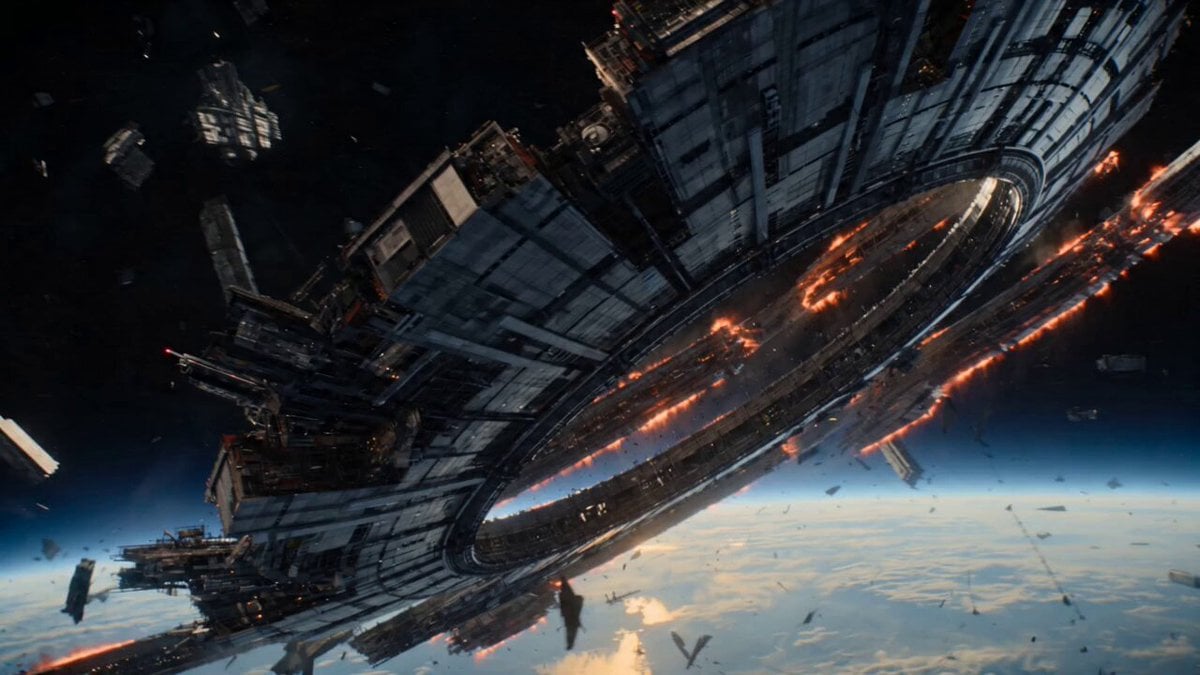
Futuristic Collapsing Orbital Ring Chase
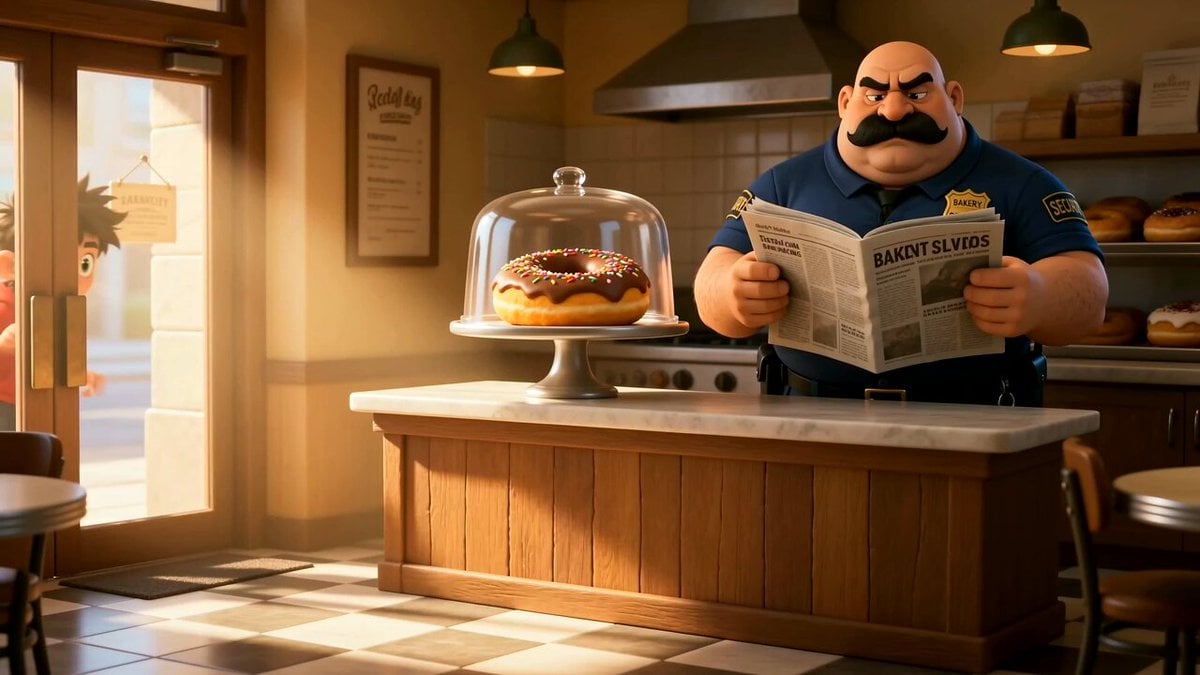
Cartoon Donut Heist Bakery Chase
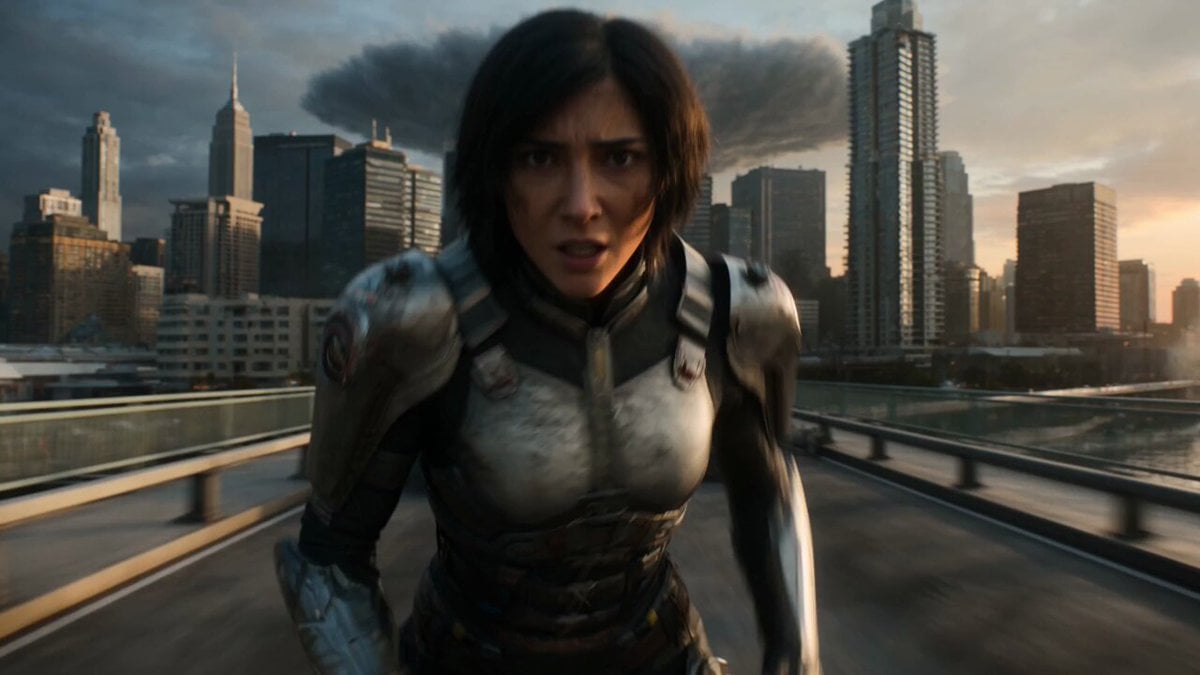
Epic Fantasy City Destruction Chase
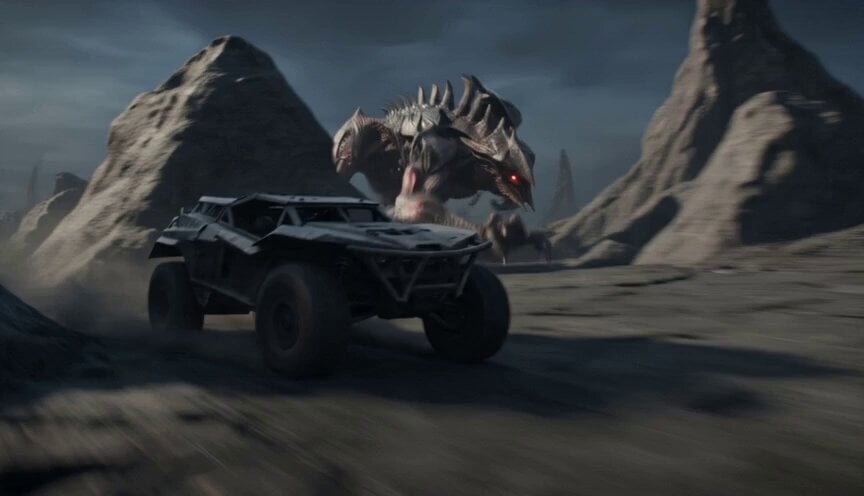
Alien Terrain Military Buggy Chase

Walking Factory with Rebel on Hoverbike - Wasteland
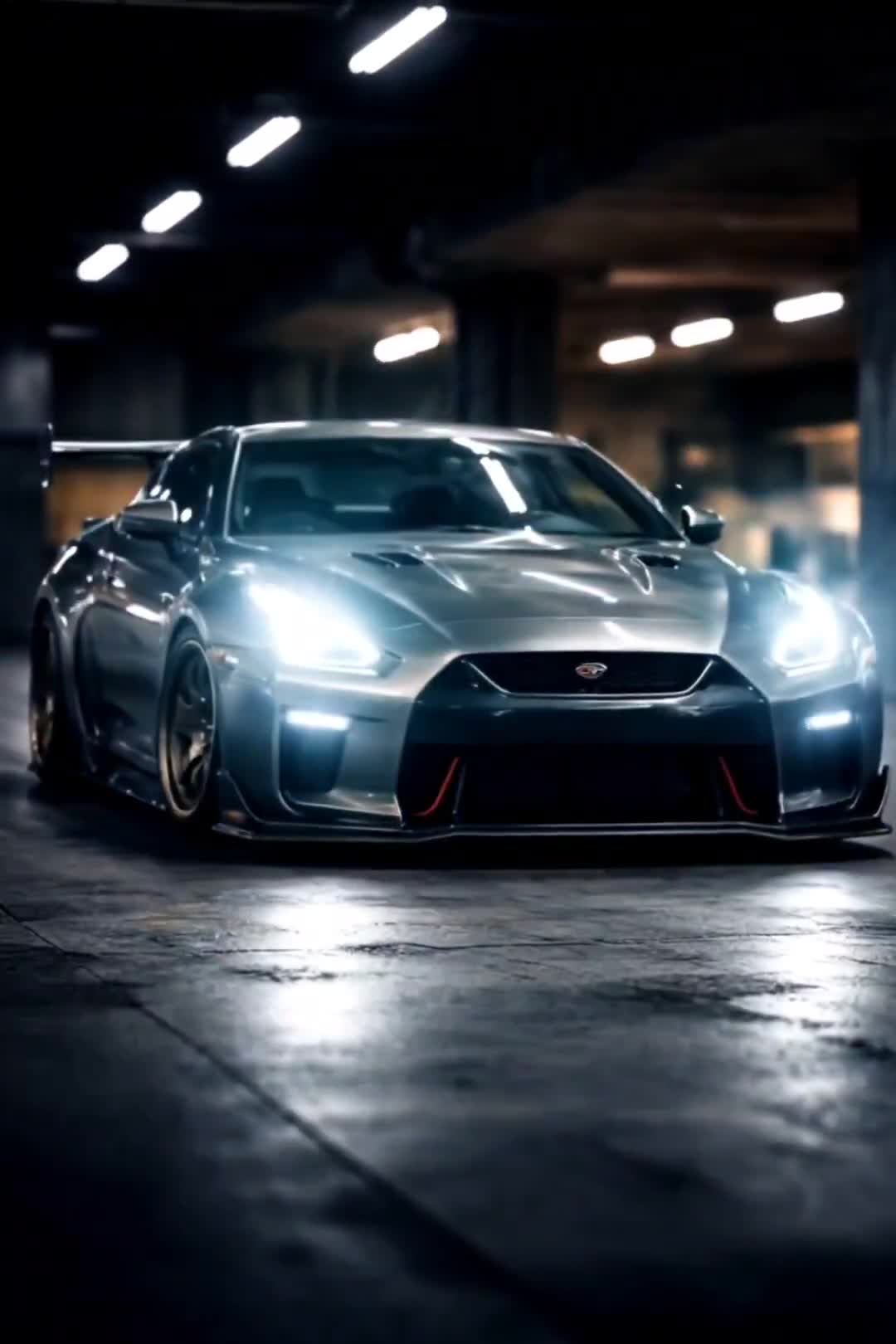
Cinematic Car Scene and Video Sequence Prompt
Amazon FPV Drone Chase — Seedance 2.0
Dim Sum Chase — Shrimp Dumpling Monster
Asteroid Impact City Destruction
Speeder Chase Across a Cliff City
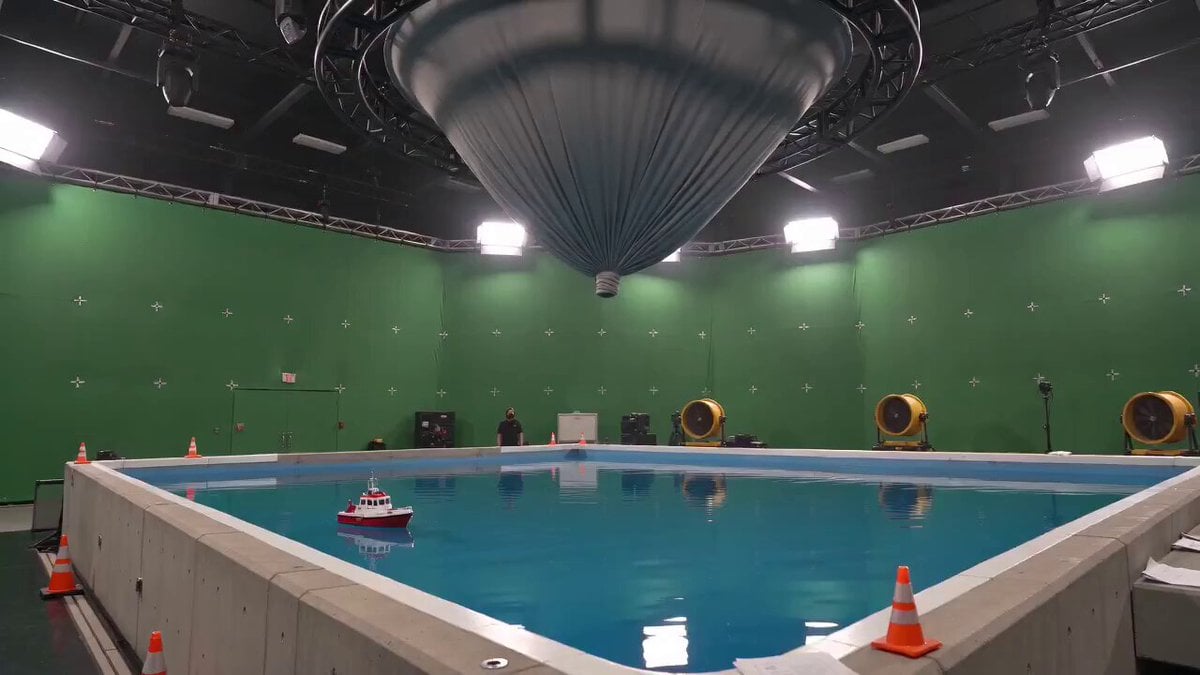
Tornado VFX Miniature City Destruction
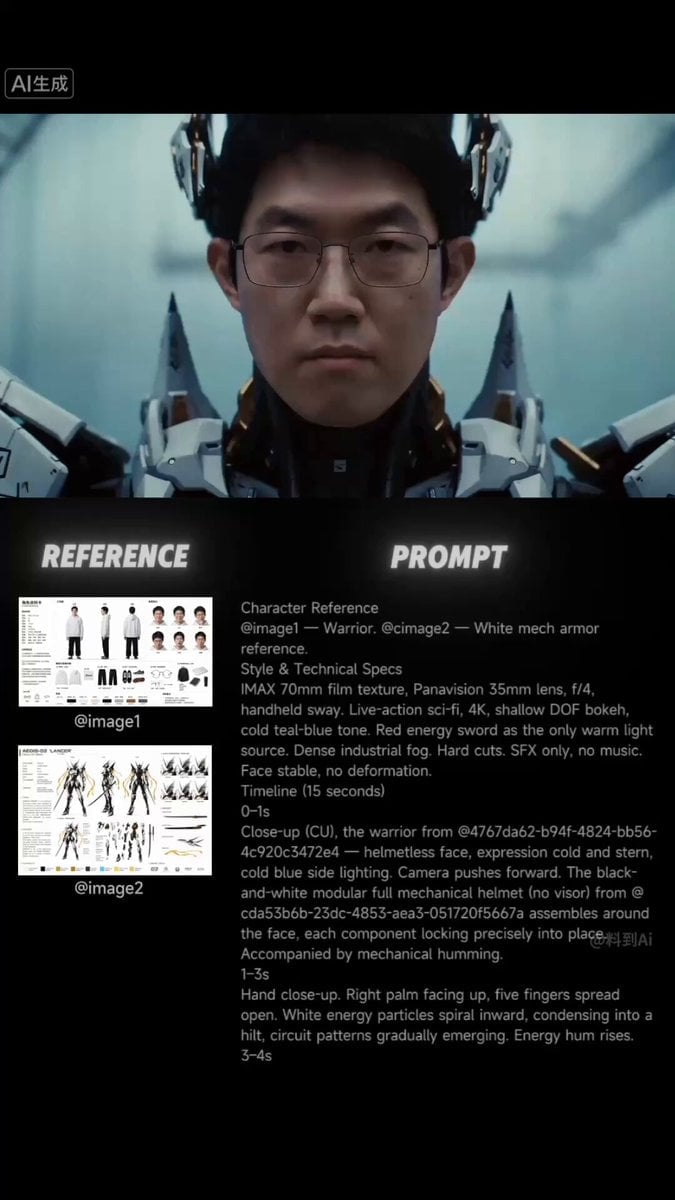
Futuristic Samurai Cinematic Action
Make it yours
Futuristic Buggy Destruction Chase works as-is. These are the safest ways to change it without losing the look.
Change one field
Copy a single group, rewrite it, and generate again so you can see what that field is doing.
Keep the frame, change the subject
Hold the composition and light of Futuristic Buggy Destruction Chase, then swap wardrobe, props or the person for a new take.
| If the result… | Why | Fix |
|---|---|---|
| The result drifts from the preview | Too many fields changed at once. | Reuse Futuristic Buggy Destruction Chase as-is first, then change one group — subject, light, or setting. |
| The model over-stylizes the scene | The prose prompt leaves finish and camera underspecified. | Add one camera or lighting sentence and stay on Seedance 2.0. |
More Seedance 2.0 templates
Other prompts made for Seedance 2.0.

Comical Martial Arts Punch Scene

Maglev Train Action Sequence

Martial Arts Fight Sequence

Wuxia Protection and Trust Script

Vintage Korean Arcade MiniDV Vlog

Mercedes 190 SL Luxury Ad

Rainy Night Supernatural Reverse Comedy Video Script

Amazon Civilization Discovery

Futuristic South Asian City Transformation

Cozy Luxury Cafe Commercial
More video prompts
Fresh picks from across the catalog.
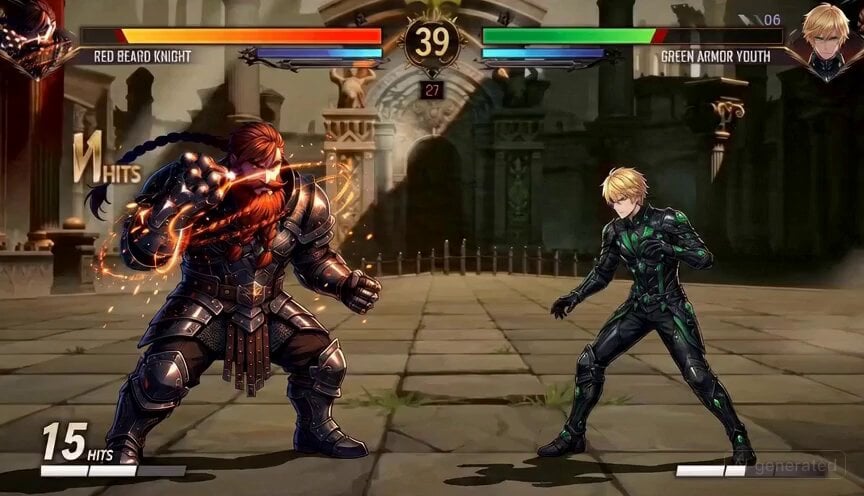
2D Fighting Game Sequence Prompt
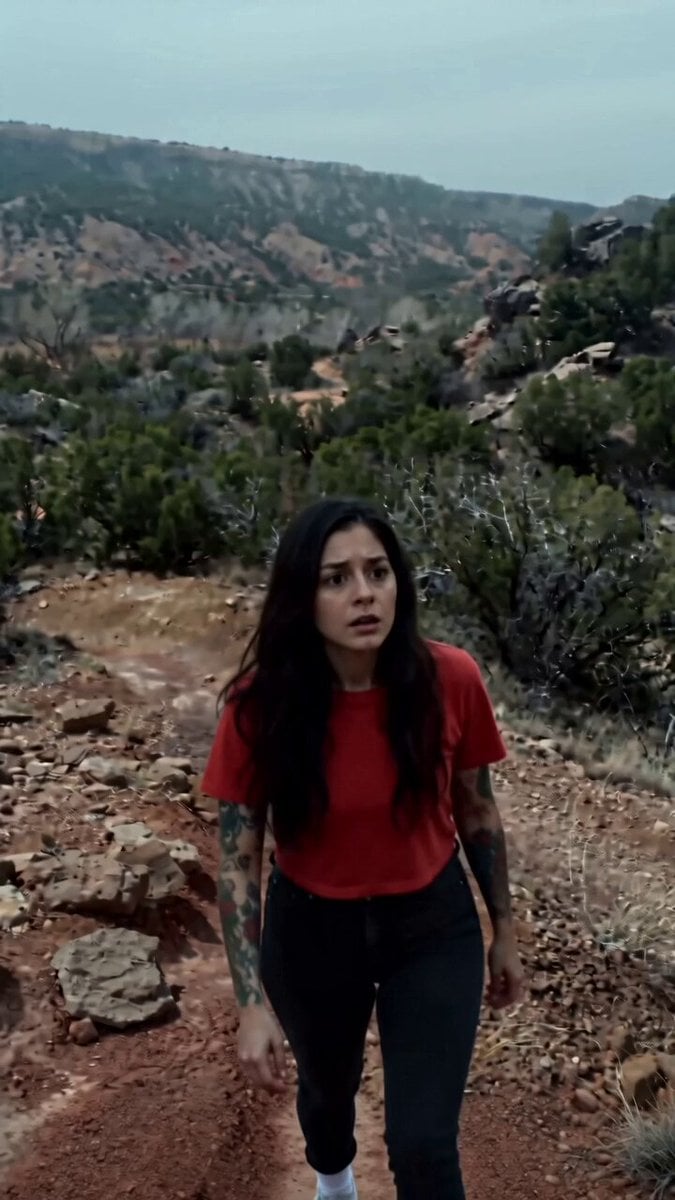
Ghostly Presence in High Desert

Continuous Shot Downhill Longboard Run
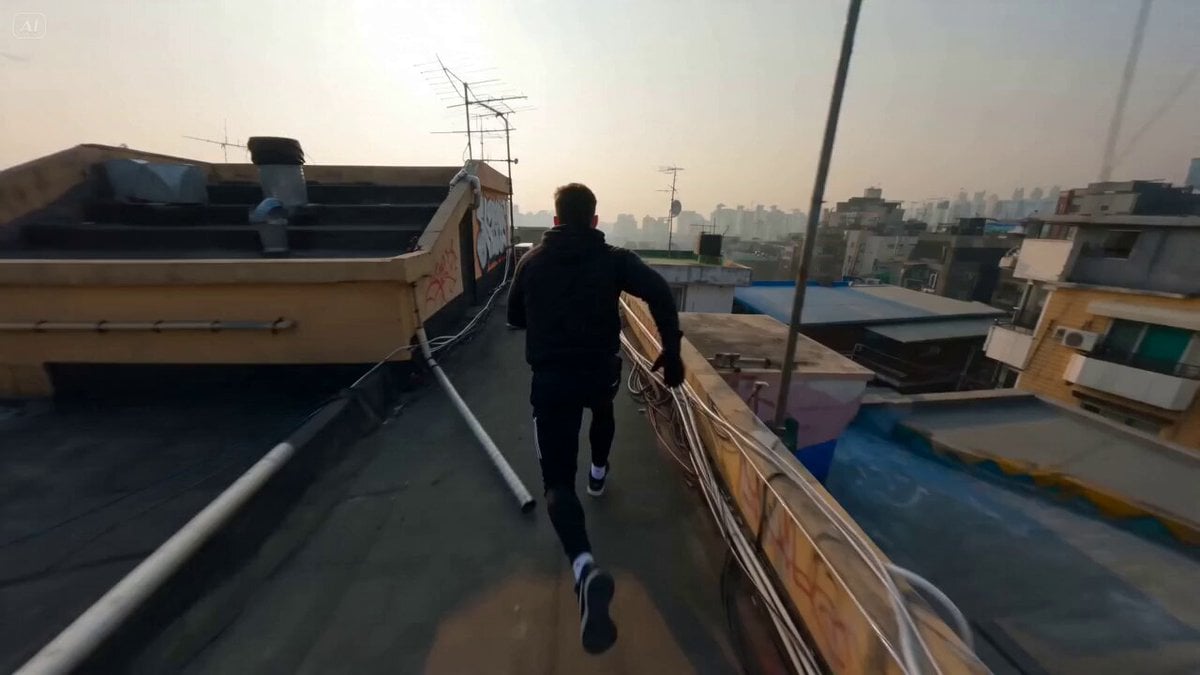
FPV Tracking Shot Parkour Runner

80s B-Movie Disco Transformation
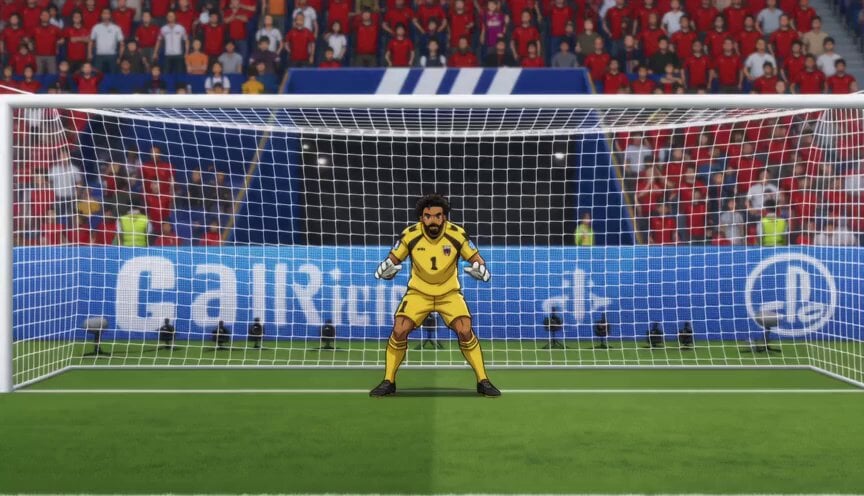
Anime Soccer Goalkeeper Epic Save
Glitches in the Simulation Prompt
Cinematic Alpine Dragon Encounter

Magical Mushroom Dream

Luxury Jewelry Advertisement
Browse template categories
Futuristic Buggy Destruction Chase questions
How do I use the Futuristic Buggy Destruction Chase template?
Add your photo if the template asks for one, edit the prompt if you like — the template's model and format are already selected — and press Generate. Your version opens in PicX Studio.
Can I customize the Futuristic Buggy Destruction Chase template?
Yes. You can change the subject, setting, lighting, mood, format, and available model controls before creating your video.
Is the Futuristic Buggy Destruction Chase template free?
Opening and editing this template is free. Generating uses credits, shown on the Generate button when you are signed in.
Which AI model should I use?
Start with Seedance 2.0, which is the model associated with this template. You can compare another compatible model for a different finish.
Looking for something else? Browse all templates.

Your photo, any look
Thousands of ready templates for every top image and video model, from one credit balance.