
Contrast Transformation Video Prompt: Office Worker to Gothic Queen
A Seedance 2.0 prompt for a contrast video featuring a seamless transition.
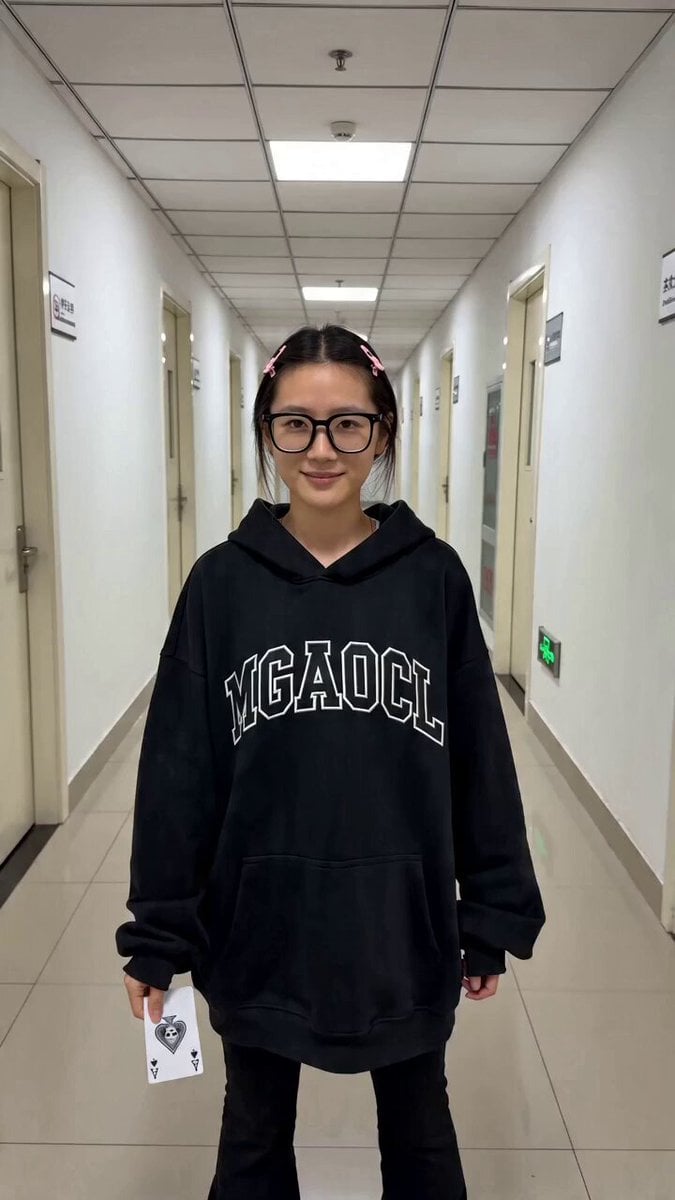
- Prompt included
- Model and format preset
- Free template
The prompt behind this video
Copy the exact prompt behind Contrast Transformation Video Prompt: Office Worker to Gothic Queen, or open it in the studio and make it yours.
一段包含无缝转场的反差视频。第一幕:第一人称手持日常运镜。明亮的办公走廊,白墙与格栅吊顶,光线均匀写实。一位戴黑框眼镜、头戴粉色小发夹的亚洲女性,身穿带白色字母的宽松黑色连帽卫衣与黑色长裤。她向镜头展示一张印有骷髅图案的黑桃A扑克牌,随后将牌掷向镜头。扑克牌遮挡屏幕瞬间完成转场。第二幕:转场后变为黑暗复古的哥特式房间,背景有黑天鹅绒幕布与华丽的金色雕花大镜框。运镜变为略带仰拍的平稳特写,高对比度电影级光影。该女性变装为及腰长发,头戴黑色尖角发饰,身穿紧身红色无袖高领短裙与红色长筒袜,妆容冷艳魅惑。她单手向镜头伸出,头发随风飘动,周围空间动态悬浮并飘落着多张巨大的红桃与黑桃扑克牌。整体氛围从生活写实瞬间切换为华丽奇幻。
How to use Contrast Transformation Video Prompt: Office Worker to Gothic Queen in 3 steps
- 1
Open
The prompt is already in the box next to the preview, with the template's model and format selected.
- 2…a portrait of your subject in softgolden-hour light, 85mm…
Personalize
Edit the subject and creative details for your destination.
- 3Generate
Generate
Press Generate — your video is created in PicX Studio, so you can compare it with the original and refine one variable at a time.
More like this
Templates with the same subject, style or setup. Open one to see its prompt.
Fashion Outfit Transformation Office Vlog

Magical Room Transformation - Seedance 2.5

Dark Tokusatsu Transformation - Seedance 2.5

RX-7 to Mech Transformation Cyberpunk
Arctic Ice Queen Transformation
Gothic Paper Cut Queen
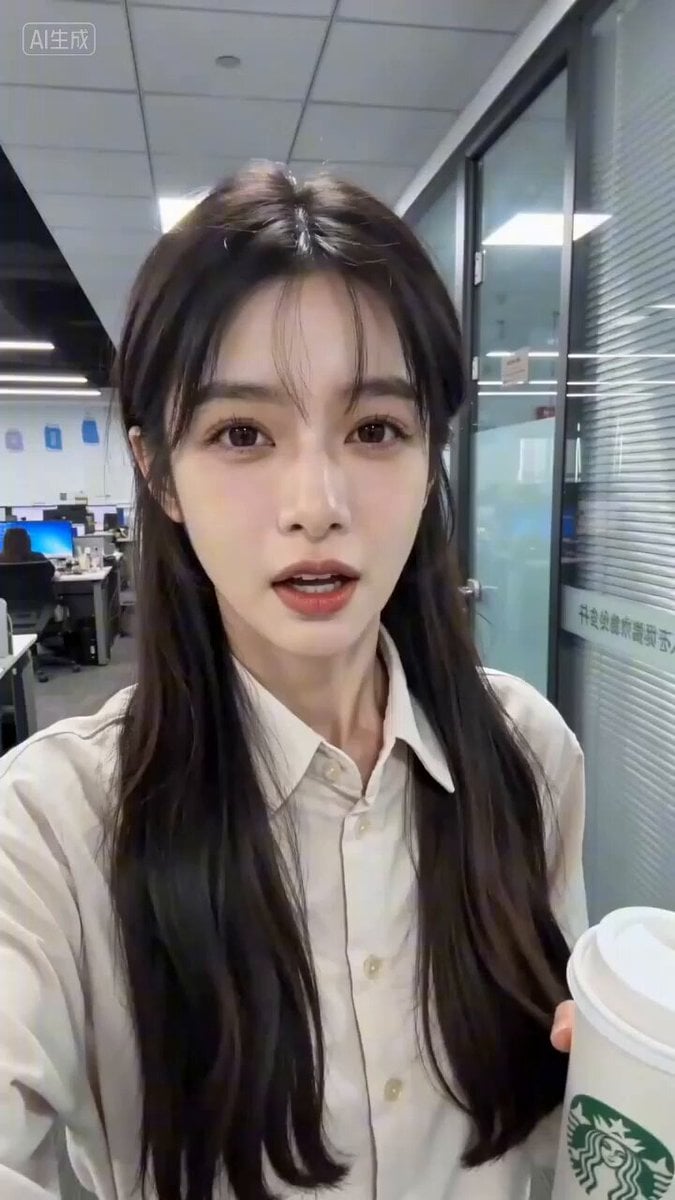
Seedance 2.0 Prompt for 'Office Worker Complaining about OpenClaw' Video

Gothic Airship Transformation
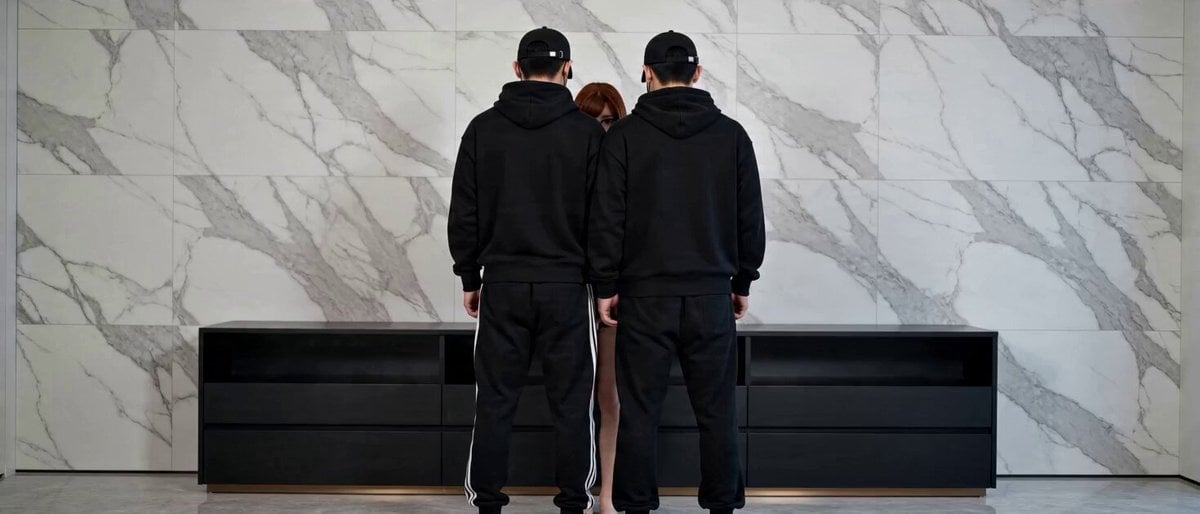
Seamless Transformation Video: Modern Office to 1920s Gangster Film

Gothic Church Battle Valkyrie Transformation
Civilization Timelapse — Centuries in One Shot
Mecha Transformation vs Kaiju — 4-Scene Epic
Make it yours
Contrast Transformation Video Prompt: Office Worker to Gothic Queen works as-is. These are the safest ways to change it without losing the look.
Change one field
Copy a single group, rewrite it, and generate again so you can see what that field is doing.
Keep the frame, change the subject
Hold the composition and light of Contrast Transformation Video Prompt: Office Worker to Gothic Queen, then swap wardrobe, props or the person for a new take.
| If the result… | Why | Fix |
|---|---|---|
| The result drifts from the preview | Too many fields changed at once. | Reuse Contrast Transformation Video Prompt: Office Worker to Gothic Queen as-is first, then change one group — subject, light, or setting. |
| The model over-stylizes the scene | The prose prompt leaves finish and camera underspecified. | Add one camera or lighting sentence and stay on Seedance 2.0. |
More Seedance 2.0 templates
Other prompts made for Seedance 2.0.

Comical Martial Arts Punch Scene

Maglev Train Action Sequence

Martial Arts Fight Sequence

Wuxia Protection and Trust Script

Vintage Korean Arcade MiniDV Vlog

Mercedes 190 SL Luxury Ad

Rainy Night Supernatural Reverse Comedy Video Script

Amazon Civilization Discovery

Futuristic South Asian City Transformation

Cozy Luxury Cafe Commercial
More video prompts
Fresh picks from across the catalog.

Cinematic heart-shaped ocean split view
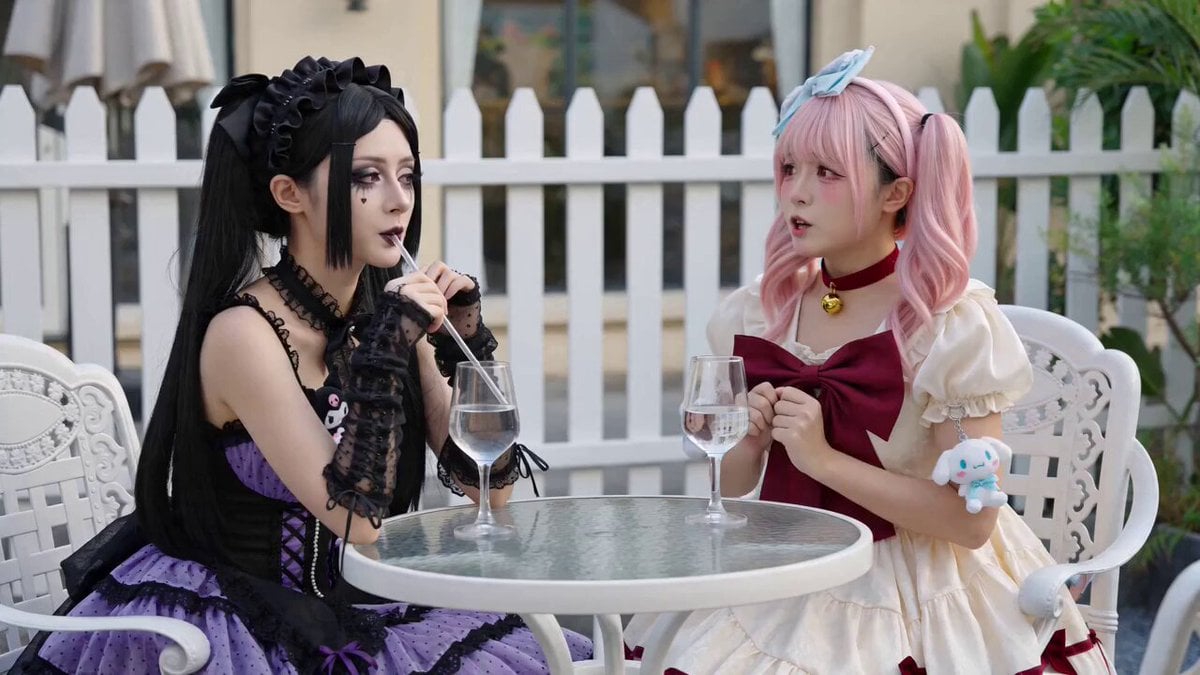
Anime Girls Interaction and Skit

Smartphone Tailgate Party Montage

Soccer Stadium Woman Cheeseburger
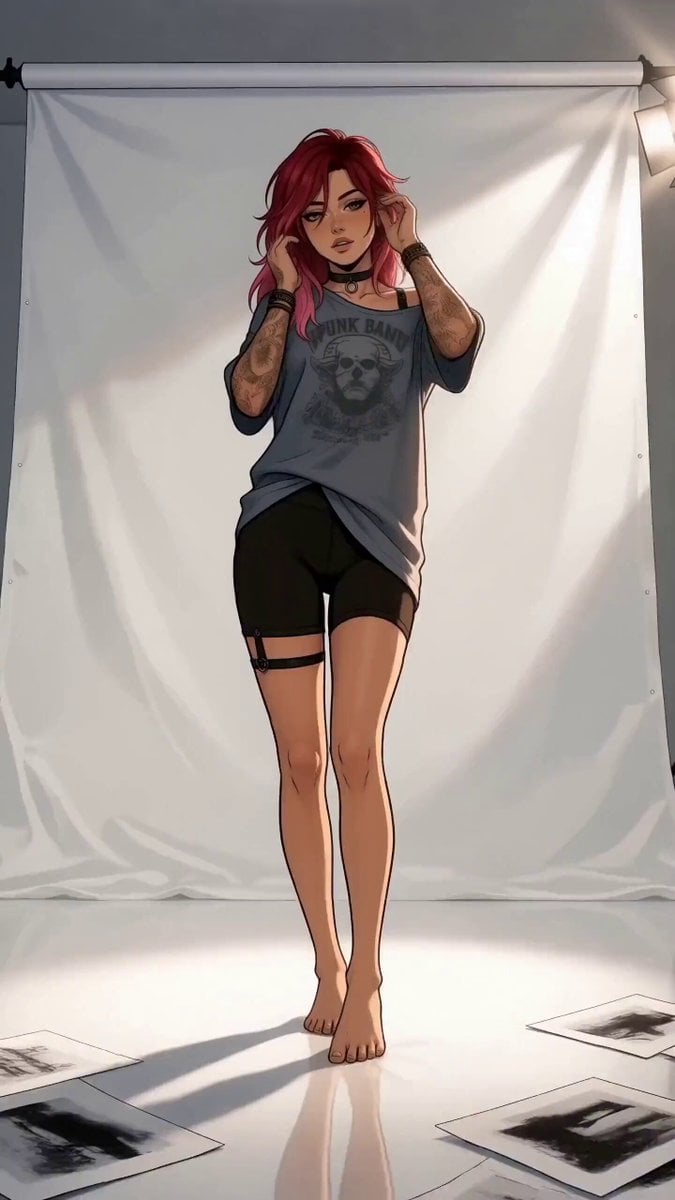
Anime Editorial Fashion Film
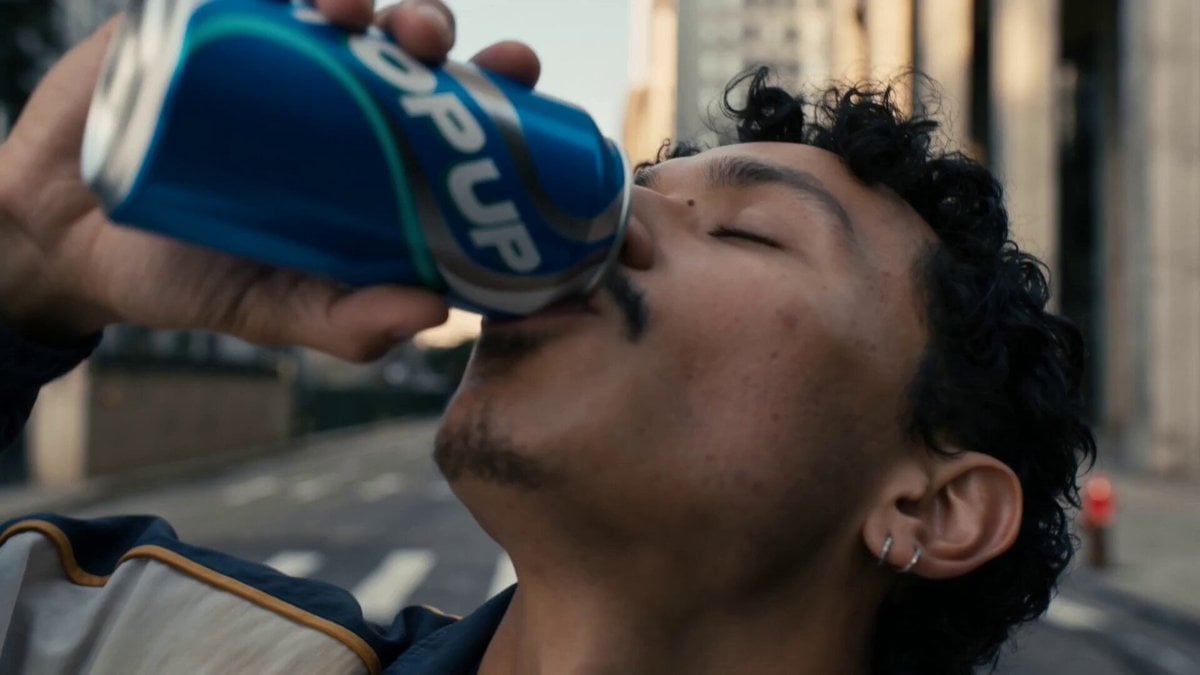
Neon Armor Epic Transformation Sequence
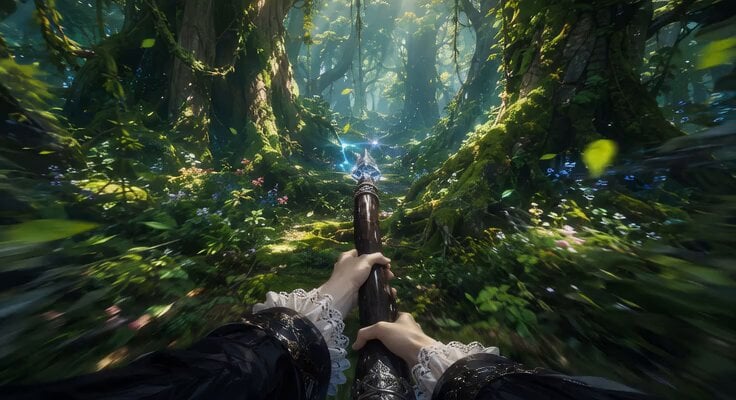
First-Person Flying Broom POV
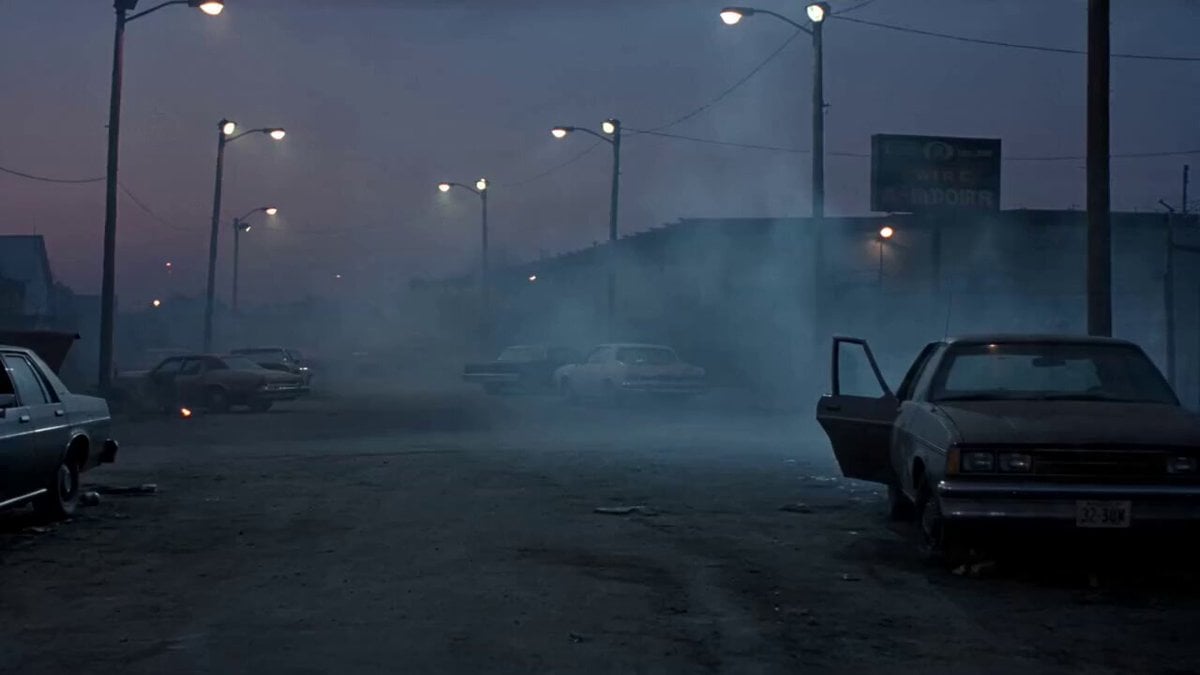
1990s Horror Zombie Outbreak
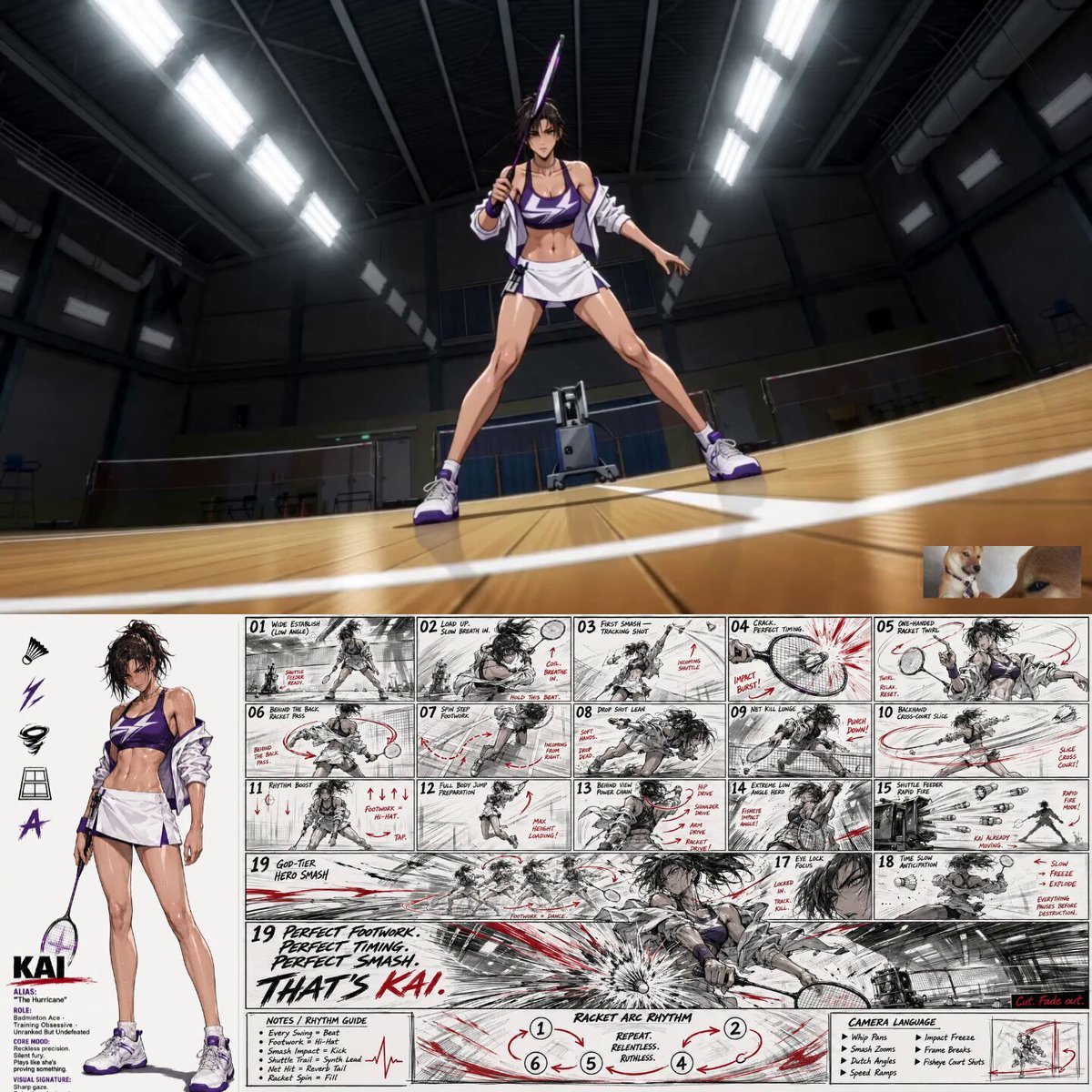
Anime Badminton Jump Smash Video
Higgsfield Cinematic Racing Video Prompt
Browse template categories
Contrast Transformation Video Prompt: Office Worker to Gothic Queen questions
How do I use the Contrast Transformation Video Prompt: Office Worker to Gothic Queen template?
Add your photo if the template asks for one, edit the prompt if you like — the template's model and format are already selected — and press Generate. Your version opens in PicX Studio.
Can I customize the Contrast Transformation Video Prompt: Office Worker to Gothic Queen template?
Yes. You can change the subject, setting, lighting, mood, format, and available model controls before creating your video.
Is the Contrast Transformation Video Prompt: Office Worker to Gothic Queen template free?
Opening and editing this template is free. Generating uses credits, shown on the Generate button when you are signed in.
Which AI model should I use?
Start with Seedance 2.0, which is the model associated with this template. You can compare another compatible model for a different finish.
Looking for something else? Browse all templates.

Your photo, any look
Thousands of ready templates for every top image and video model, from one credit balance.