
Grok Imagine prompt for an animated xAI Grok anthropomorphic character video
A detailed Grok Imagine prompt requesting a 10-second animated video featuring a cute, white-haired, twin-tailed girl with blue eyes, dressed in a black off-shoulder ruffled top and sailor skirt, representing the…

- Prompt included
- Model and format preset
- Free template
The prompt behind this video
Copy the exact prompt behind Grok Imagine prompt for an animated xAI Grok anthropomorphic character video, or open it in the studio and make it yours.
美しいアニメスタイルの白髪ツインテール(黒いリボン)の可愛い女の子、青い目、黒いオフショルダーのフリルトップスに黒いセーラー風スカート、黒いガーターストッキングとレースのチョーカー、優しい笑顔。 彼女はxAIのGrokの擬人化キャラクターとして定義。10秒の短い動画で、自然に口を動かしながら話す。カメラは上半身中心で軽くズームイン。 セリフ:「こんにちは〜! 私はGrok、xAIが作った自然言語AIだよ。みんなの質問に楽しく答えて、役立つ情報を届けるのが大好きなんだ。今日も一緒に何か面白いこ
How to use Grok Imagine prompt for an animated xAI Grok anthropomorphic character video in 3 steps
- 1
Open
The prompt is already in the box next to the preview, with the template's model and format selected.
- 2…a portrait of your subject in softgolden-hour light, 85mm…
Personalize
Edit the subject and creative details for your destination.
- 3Generate
Generate
Press Generate — your video is created in PicX Studio, so you can compare it with the original and refine one variable at a time.
More like this
Templates with the same subject, style or setup. Open one to see its prompt.
Grok Imagine Prompt: Dynamic cinematic close-up of xAI engineering team

Grok-imagine 1.5 Digital Human Video Script
Grok Imagine Mechanical and Ethereal Creature Prompts
Grok Imagine Video of a Graceful Warrior
Grok Imagine prompt with negative constraints and scenario

Grok Imagine prompt for cinematic VFX scene (Scene 2 - Landing)
Grok Imagine video prompt part 1: Morning routine
Grok Imagine Prompt: Yurine Kingdom Apocalypse Day
Enchanting Forest Grok Imagine Video Prompt

Klimt-Inspired Impasto Painting of Lovers (Midjourney/Grok Imagine)
Grok Imagine prompt: Grok driving a cosmic hot rod spaceship

Grok Imagine Prompt: Linux, Containers/K8s, and OpenClaw OS Concepts
Make it yours
Grok Imagine prompt for an animated xAI Grok anthropomorphic character video works as-is. These are the safest ways to change it without losing the look.
Change one field
Copy a single group, rewrite it, and generate again so you can see what that field is doing.
Keep the frame, change the subject
Hold the composition and light of Grok Imagine prompt for an animated xAI Grok anthropomorphic character video, then swap wardrobe, props or the person for a new take.
| If the result… | Why | Fix |
|---|---|---|
| The result drifts from the preview | Too many fields changed at once. | Reuse Grok Imagine prompt for an animated xAI Grok anthropomorphic character video as-is first, then change one group — subject, light, or setting. |
| The model over-stylizes the scene | The prose prompt leaves finish and camera underspecified. | Add one camera or lighting sentence and stay on Grok Imagine. |
More Grok Imagine templates
Other prompts made for Grok Imagine.

Kaleidoscopic Cosmic Dolphin Video

Horror Daffy Duck Video Transition

America 250th Anniversary Celebration

Glowing Water Forest Night Prompt

Soft Pink Roses Dreamer Prompt

Ninja Wizard Levitation Jump

Coffee Cup Interaction Motion

Voice Controlled Water Animation

Pterodactyl Transformation Journey

Candle Mandala Mirror Video
More video prompts
Fresh picks from across the catalog.

Wall Elves Camera Zoom
Cinematic Emotional Face Close-up
Arctic Glacier to Futuristic Megacity Transformation
Rural Scene: Woman Walking in Rain
Michael Jackson Action Sequence
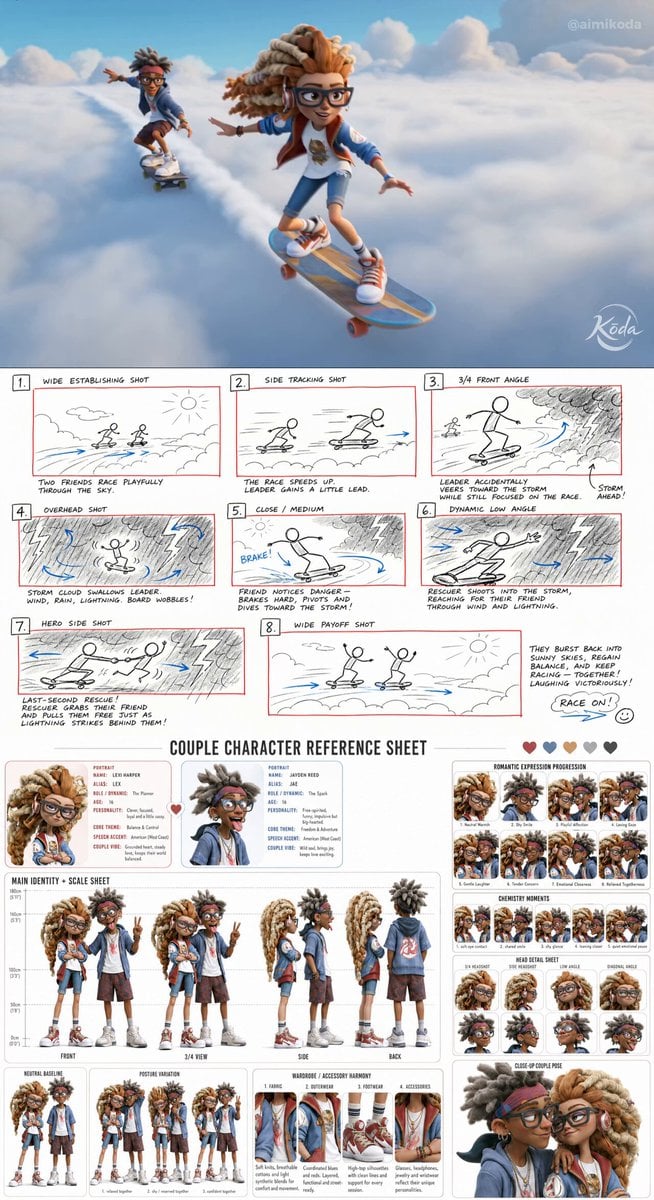
Stylized 3D Animation Adventure
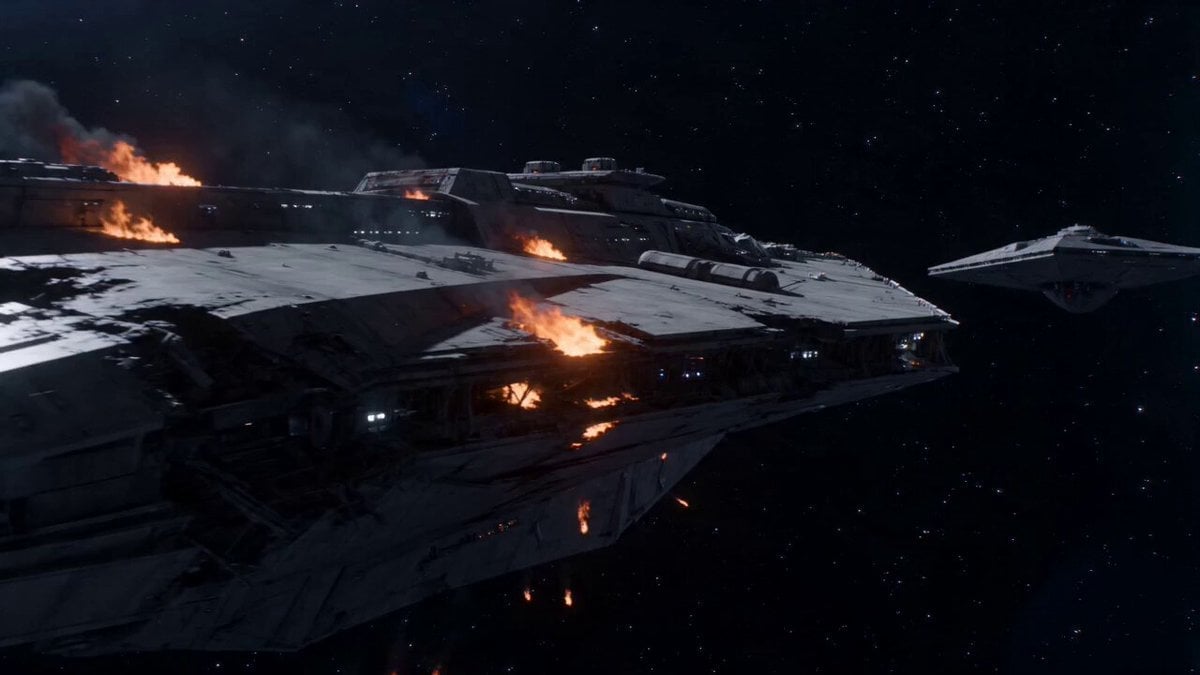
Warship Final Mission Suicide Run
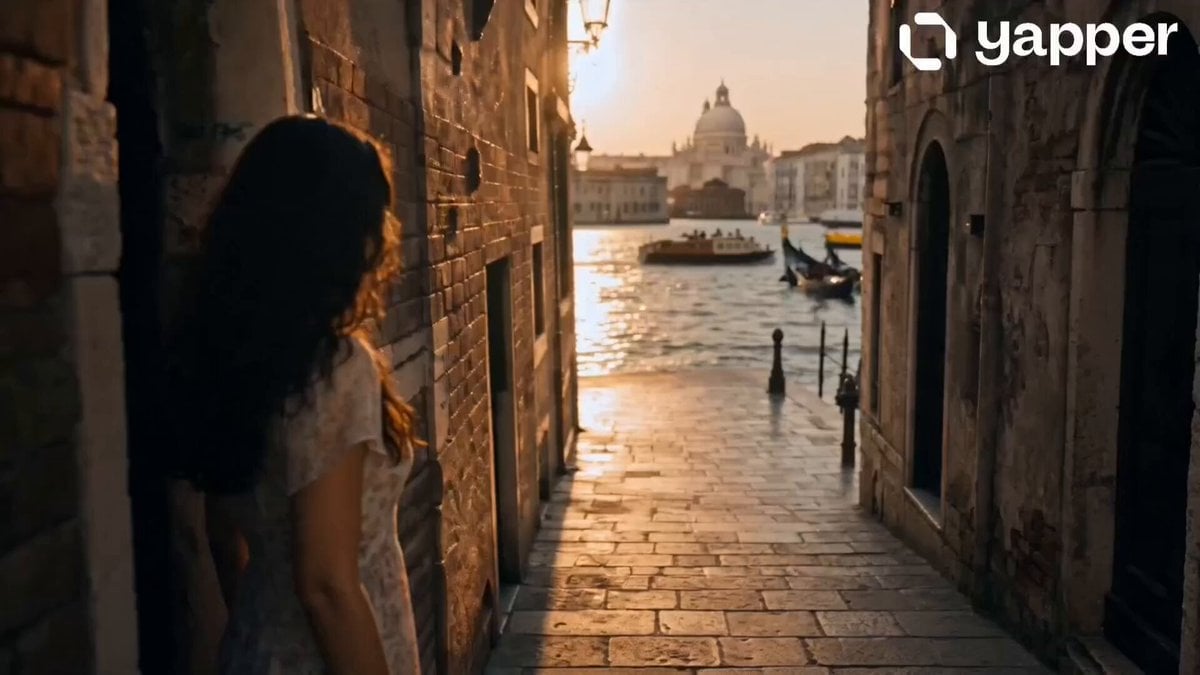
Dreamy Italian Journey
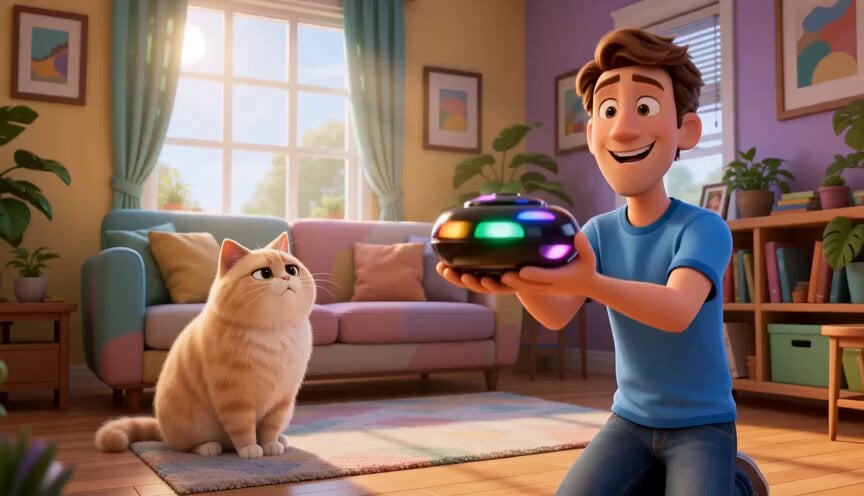
Funny Cartoon Cat with High-Tech Toy
Anime to Photorealistic Transformation
Browse template categories
Grok Imagine prompt for an animated xAI Grok anthropomorphic character video questions
How do I use the Grok Imagine prompt for an animated xAI Grok anthropomorphic character video template?
Add your photo if the template asks for one, edit the prompt if you like — the template's model and format are already selected — and press Generate. Your version opens in PicX Studio.
Can I customize the Grok Imagine prompt for an animated xAI Grok anthropomorphic character video template?
Yes. You can change the subject, setting, lighting, mood, format, and available model controls before creating your video.
Is the Grok Imagine prompt for an animated xAI Grok anthropomorphic character video template free?
Opening and editing this template is free. Generating uses credits, shown on the Generate button when you are signed in.
Which AI model should I use?
Start with Grok Imagine, which is the model associated with this template. You can compare another compatible model for a different finish.
Looking for something else? Browse all templates.

Your photo, any look
Thousands of ready templates for every top image and video model, from one credit balance.