
Epic Chinese Fantasy CG Video: Four Arts of the Scholar
A detailed, multi-shot prompt designed for Seedance 2.0 to generate a high-saturation, surreal CG video in the style of top-tier Chinese fantasy animation.

- Prompt included
- Model and format preset
- Free template
The prompt behind this video
Copy the exact prompt behind Epic Chinese Fantasy CG Video: Four Arts of the Scholar, or open it in the studio and make it yours.
顶级国风动漫奇幻 CG。极高饱和度的色彩爆炸,超现实主义,瑰丽的视觉体验。 场景:苍茫浩瀚云海之巅,天地化作巨大的太极幻境。 第一镜(特写转中景):【琴音化莲】角色凌空盘膝,抚动流光幻化的古琴,音波化作实质的金色水滴,在云海荡开层层碧水生莲的涟漪,伴随铮铮清冽的古琴音效。 第二镜(大远景广角):【棋阵封天】琴音骤疾,角色单手食中二指凝出刺目白光棋子,重重向云海虚按。落子刹那,天穹云海齐亮,直径万丈的金色立体围棋网格瞬锁天地,黑白棋子如流星陨石砸落,引发空间扭曲,伴沉闷震心的落子回音。 第三镜(环绕运镜转特写):【狂草镇魔】陨石雨中,角色并指为剑,以苍穹为纸,凌空快速书写狂草金文。巨大的金色古字燃起狂暴雷火,化作秩序锁链穿梭于棋阵与琴音之间,伴随雷霆轰鸣。 第四镜(俯拍极远景):【泼墨吞世】光芒鼎盛之时,角色大袖一挥,磅礴的黑白泼墨从袖口狂涌而出,化作水墨长龙吞噬天地。琴、棋、书的能量被尽数收入墨色之中,翻涌云海最终被镇平成一幅遮天蔽日的黑白水墨画卷。角色负手立于画卷之上,衣摆狂风中纹丝不动,尽显冰冷算计与绝对力量。
How to use Epic Chinese Fantasy CG Video: Four Arts of the Scholar in 3 steps
- 1
Open
The prompt is already in the box next to the preview, with the template's model and format selected.
- 2…a portrait of your subject in softgolden-hour light, 85mm…
Personalize
Edit the subject and creative details for your destination.
- 3Generate
Generate
Press Generate — your video is created in PicX Studio, so you can compare it with the original and refine one variable at a time.
More like this
Templates with the same subject, style or setup. Open one to see its prompt.
Dragon Rescue — Volcanic Kingdom Collapse (Seedance)
Swordsman vs Shadow Monster — Bamboo Forest Battle
Stone Colossus Desert Riders — Golden Fire Reveal
Sea Serpent vs Crab Titan — Ocean Battle
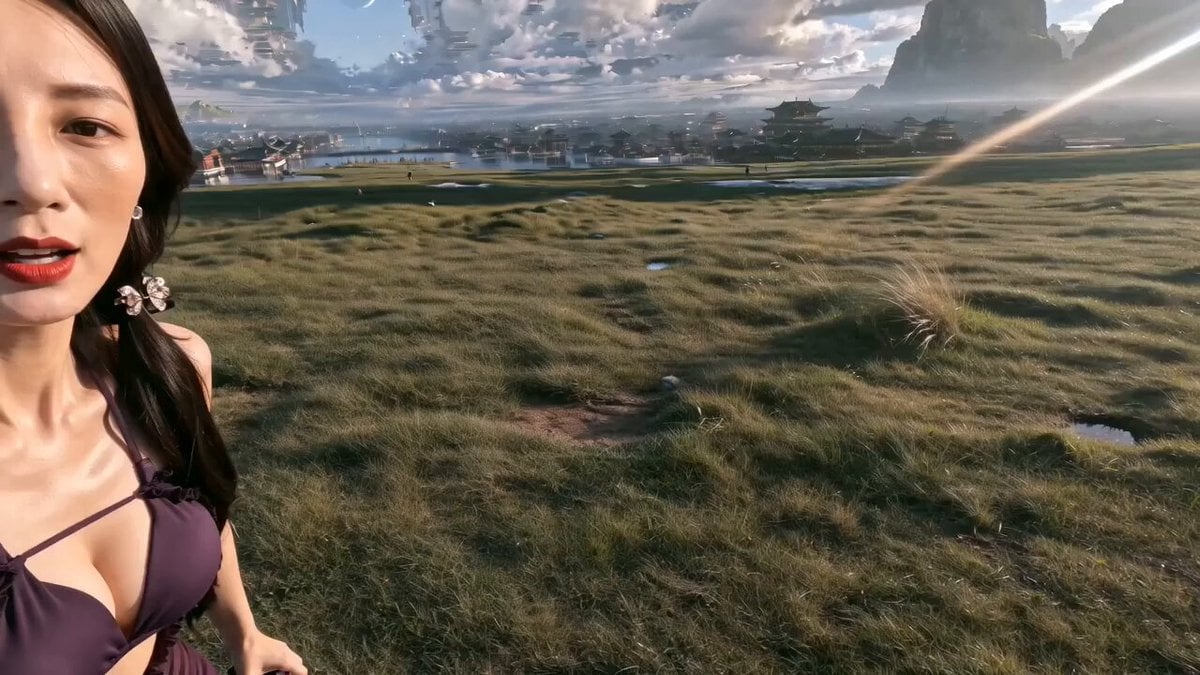
Epic Chinese Fantasy MiniDV Self-Vlog
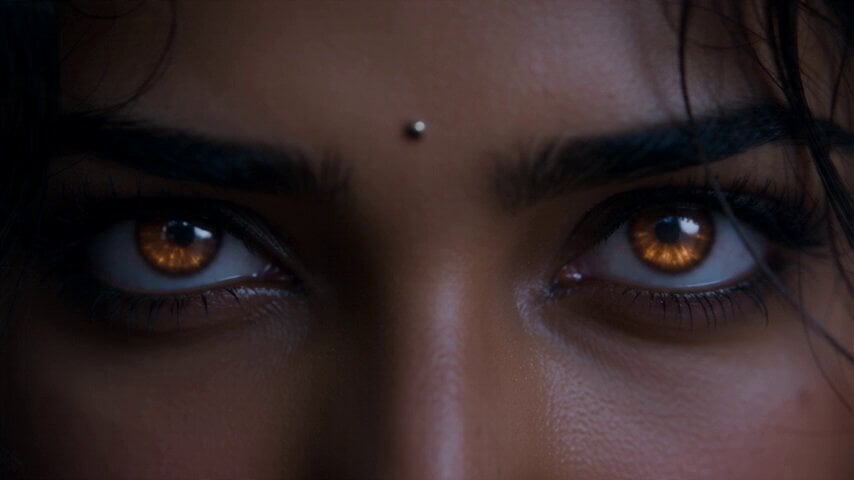
Fantasy Martial Arts Live Action

Dragon Rider Cinematic Flight — Seedance 2.5
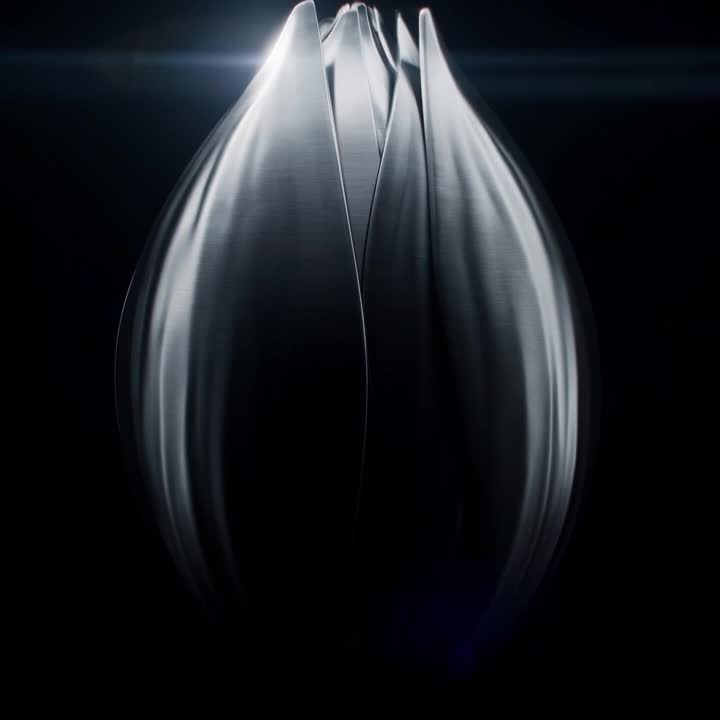
Oceanic Civilization Epic Sci-Fi Film
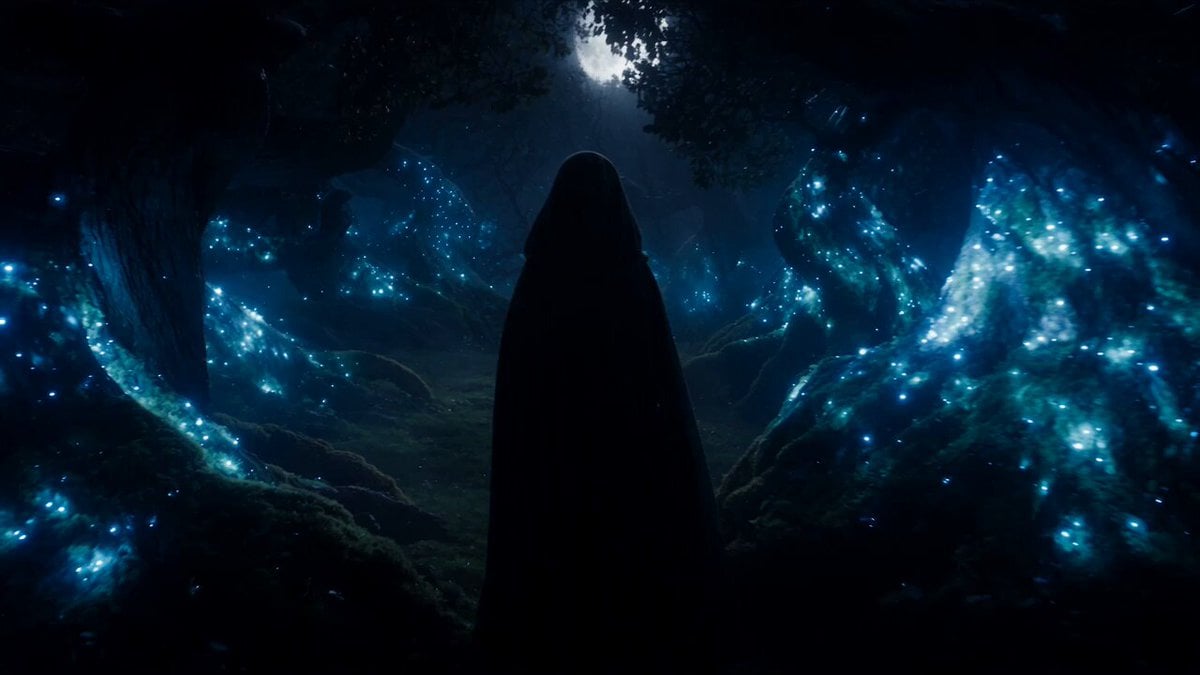
Forest Fantasy Girl Short Film
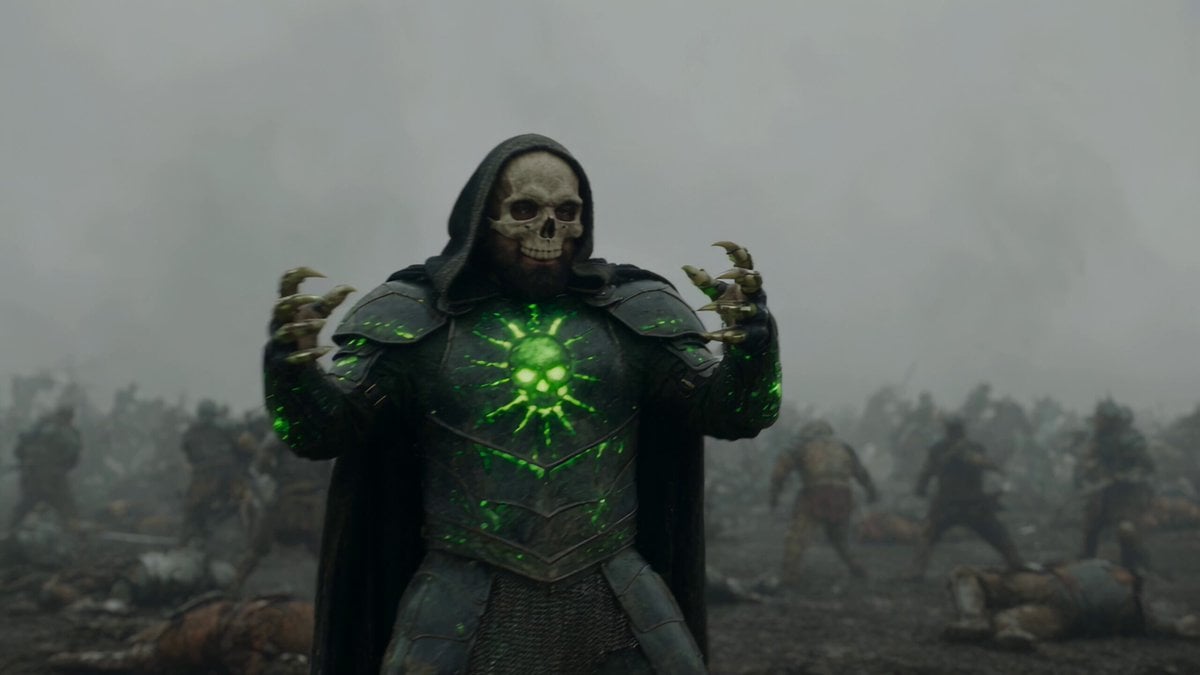
Necromancer Battlefield Orbit
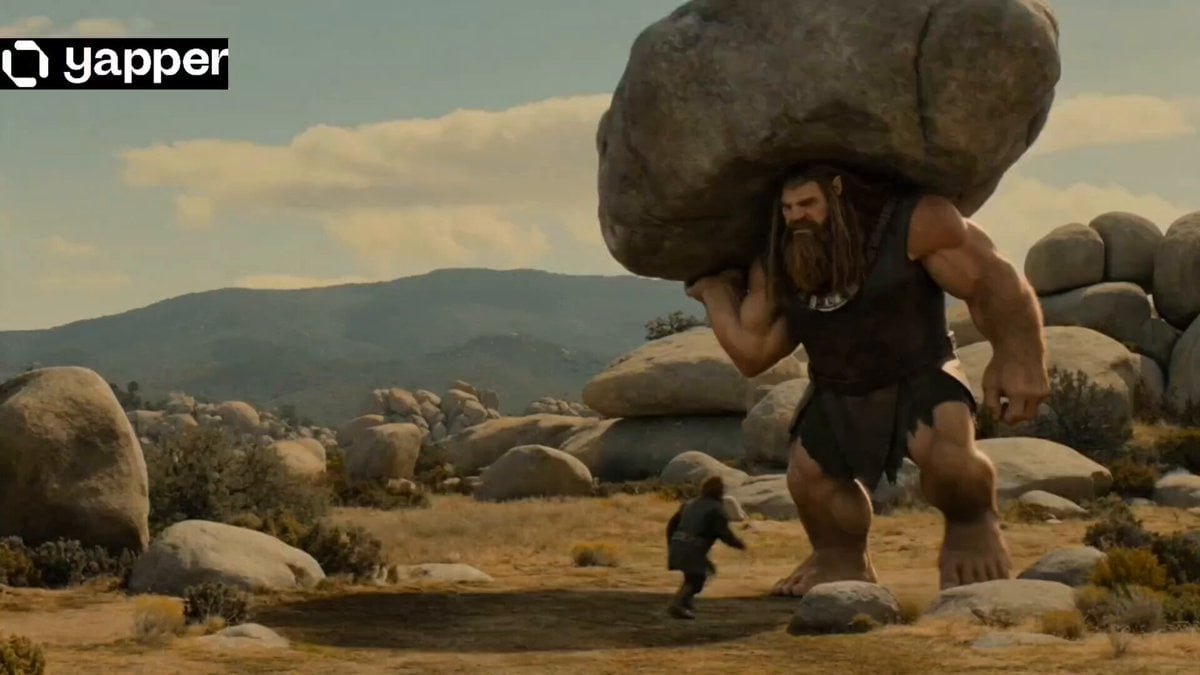
Epic Fantasy Giant Encounter

Epic Fantasy City Destruction Chase
Make it yours
Epic Chinese Fantasy CG Video: Four Arts of the Scholar works as-is. These are the safest ways to change it without losing the look.
Change one field
Copy a single group, rewrite it, and generate again so you can see what that field is doing.
Keep the frame, change the subject
Hold the composition and light of Epic Chinese Fantasy CG Video: Four Arts of the Scholar, then swap wardrobe, props or the person for a new take.
| If the result… | Why | Fix |
|---|---|---|
| The result drifts from the preview | Too many fields changed at once. | Reuse Epic Chinese Fantasy CG Video: Four Arts of the Scholar as-is first, then change one group — subject, light, or setting. |
| The model over-stylizes the scene | The prose prompt leaves finish and camera underspecified. | Add one camera or lighting sentence and stay on Seedance 2.0. |
More Seedance 2.0 templates
Other prompts made for Seedance 2.0.

Comical Martial Arts Punch Scene

Maglev Train Action Sequence

Martial Arts Fight Sequence

Wuxia Protection and Trust Script

Vintage Korean Arcade MiniDV Vlog

Mercedes 190 SL Luxury Ad

Rainy Night Supernatural Reverse Comedy Video Script

Amazon Civilization Discovery

Futuristic South Asian City Transformation

Cozy Luxury Cafe Commercial
More video prompts
Fresh picks from across the catalog.
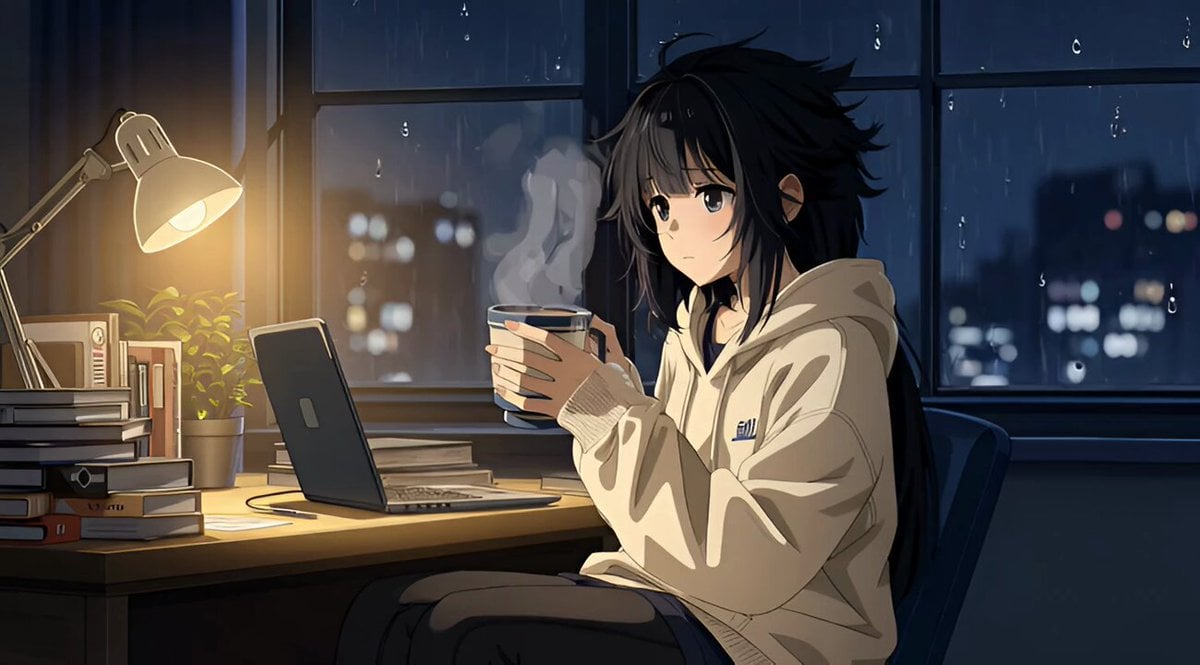
Grok Imagine R2V Multi-Image Reference Tutorial

Star Safari Interstellar Voyage

Snowboarder Avalanche Escape Prompt
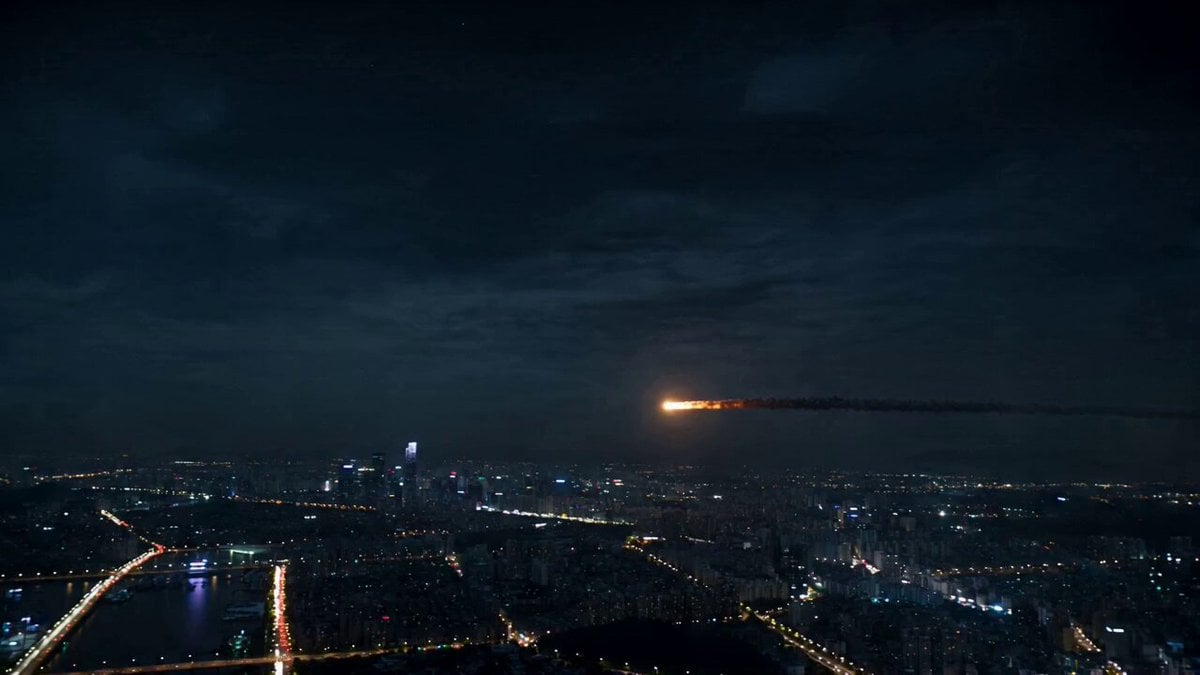
Asteroid City Impact Scene
Tesseract Star Cube Incursion Video Prompt
Crystal Ball Match-Cut Brand Film

Special Forces Alien Ambush VFX Prompt
Reality-Shattering Glitch Metamorphosis
Producer's Office Dialogue Scene
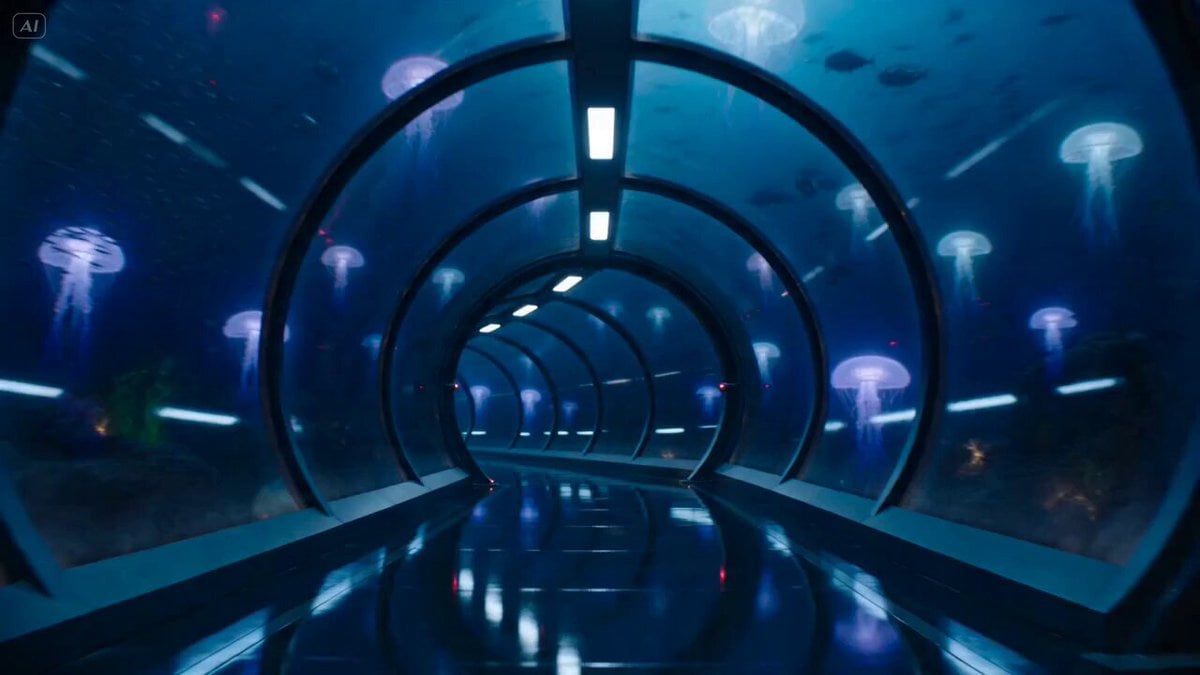
Underwater Glass Tunnel Action Sequence
Browse template categories
Epic Chinese Fantasy CG Video: Four Arts of the Scholar questions
How do I use the Epic Chinese Fantasy CG Video: Four Arts of the Scholar template?
Add your photo if the template asks for one, edit the prompt if you like — the template's model and format are already selected — and press Generate. Your version opens in PicX Studio.
Can I customize the Epic Chinese Fantasy CG Video: Four Arts of the Scholar template?
Yes. You can change the subject, setting, lighting, mood, format, and available model controls before creating your video.
Is the Epic Chinese Fantasy CG Video: Four Arts of the Scholar template free?
Opening and editing this template is free. Generating uses credits, shown on the Generate button when you are signed in.
Which AI model should I use?
Start with Seedance 2.0, which is the model associated with this template. You can compare another compatible model for a different finish.
Looking for something else? Browse all templates.

Your photo, any look
Thousands of ready templates for every top image and video model, from one credit balance.