
Misty Eid Morning Village
A spiritual and peaceful cinematic prompt capturing the early dawn atmosphere of a South Asian village on Eid ul-Adha.
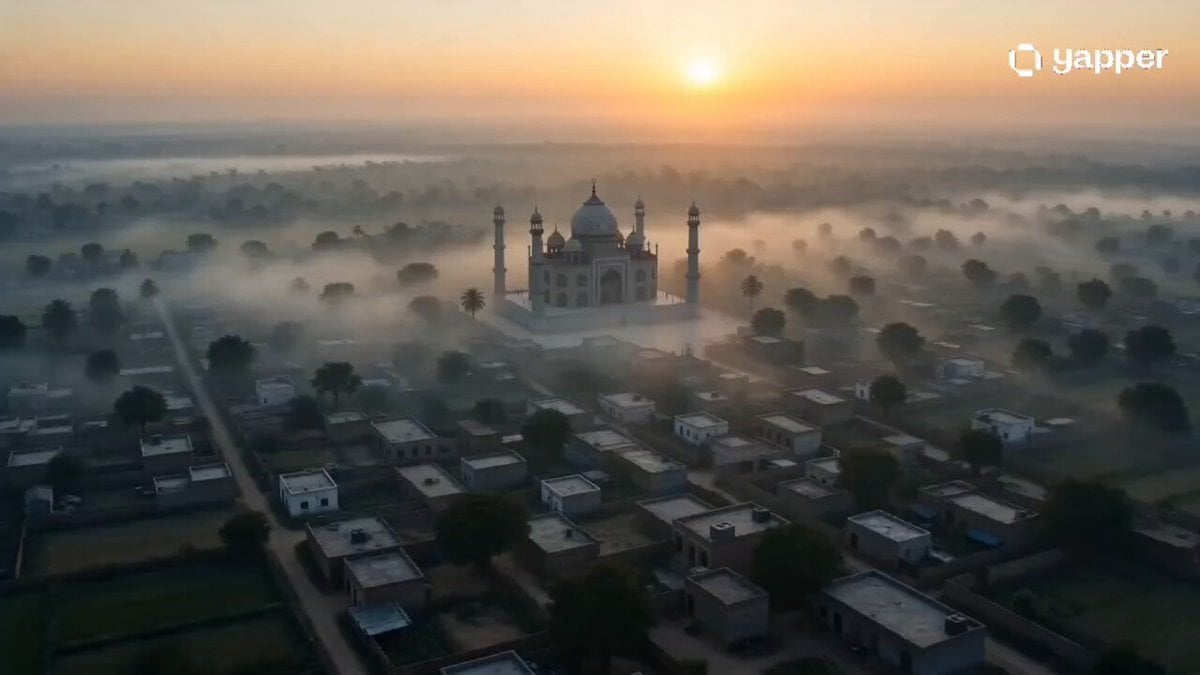
- Prompt included
- Model and format preset
- Premium template
The prompt behind this video
Copy the exact prompt behind Misty Eid Morning Village, or open it in the studio and make it yours.
Create a 15-second ultra-realistic cinematic video set in a traditional South Asian village at early dawn on Eid ul-Adha. Scene opens with a wide aerial shot of a peaceful village wrapped in light morning mist. Soft golden sunlight begins to break through the fog, slowly illuminating rooftops, trees, and narrow pathways. The distant echo of Takbir (“Allahu Akbar, Allahu Akbar…”) gently plays in the background, creating a spiritual and emotional atmosphere. Cut to slow-motion shots of villagers walking toward a beautiful mosque. Men in traditional shalwar kameez, some carrying prayer caps in hand, walking calmly and respectfully. Women and elders appear briefly in warm, natural light, observing the morning with peaceful expressions. Children wearing new Eid clothes run softly along the dusty path, smiling and excited, holding hands with parents. Subtle dust particles float in the sunlight beams. Camera transitions to a low-angle tracking shot following the crowd moving toward the mosque entrance. The mosque glows softly in golden sunrise light, birds flying across the sky. Final shot: wide cinematic frame of the mosque filled with people gathering for Eid prayer, sunlight fully breaking through the mist, symbolizing unity, faith, and peace. Style & Vibe: Ultra-realistic, cinematic documentary style, emotional storytelling, warm golden sunrise lighting, soft depth of field, natural motion, community-focused, heartfelt and spiritual tone. Camera Movement: Aerial establishing → slow dolly shots → tracking ground-level movement → cinematic wide final shot. Lighting: Soft dawn mist, golden sunrise rays, natural volumetric light, warm highlights. Mood: Peaceful, emotional, cultural authenticity, spiritual celebration, community unity.
How to use Misty Eid Morning Village in 3 steps
- 1
Open
The prompt is already in the box next to the preview, with the template's model and format selected.
- 2…a portrait of your subject in softgolden-hour light, 85mm…
Personalize
Edit the subject and creative details for your destination.
- 3Generate
Generate
Press Generate — your video is created in PicX Studio, so you can compare it with the original and refine one variable at a time.
More like this
Templates with the same subject, style or setup. Open one to see its prompt.

Realistic Morning Routine Lifestyle Vlog - Seedance 2.5
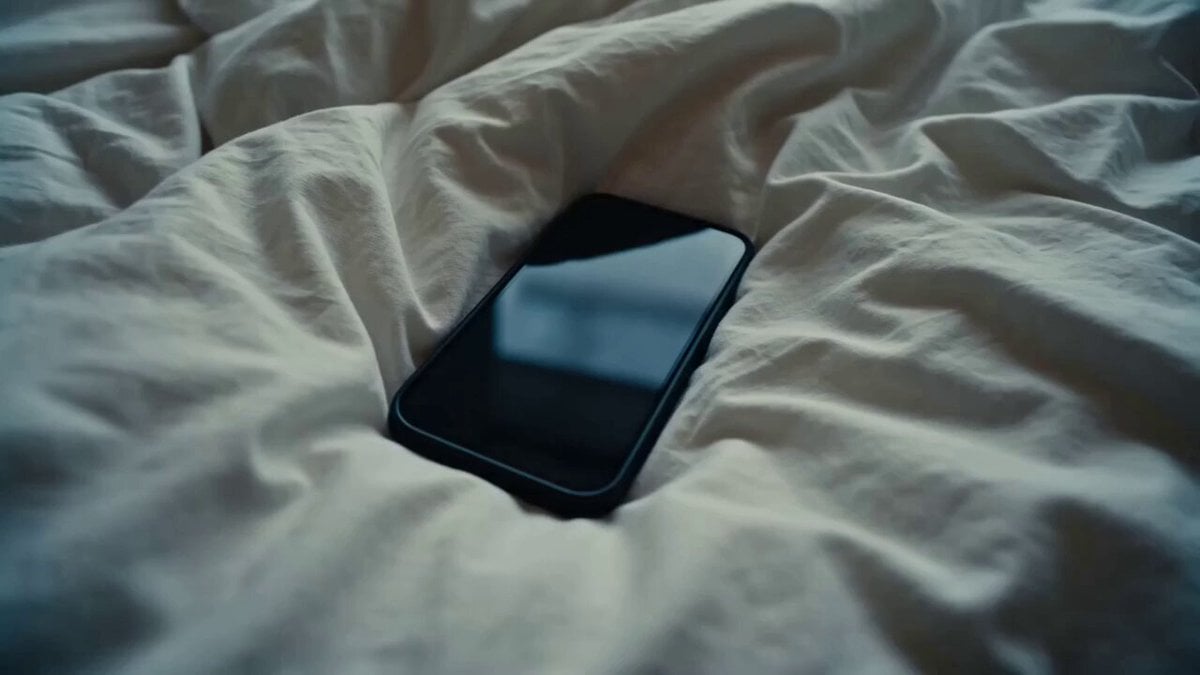
Rushed Morning Routine Montage

Kyoto Morning Selfie Vlog
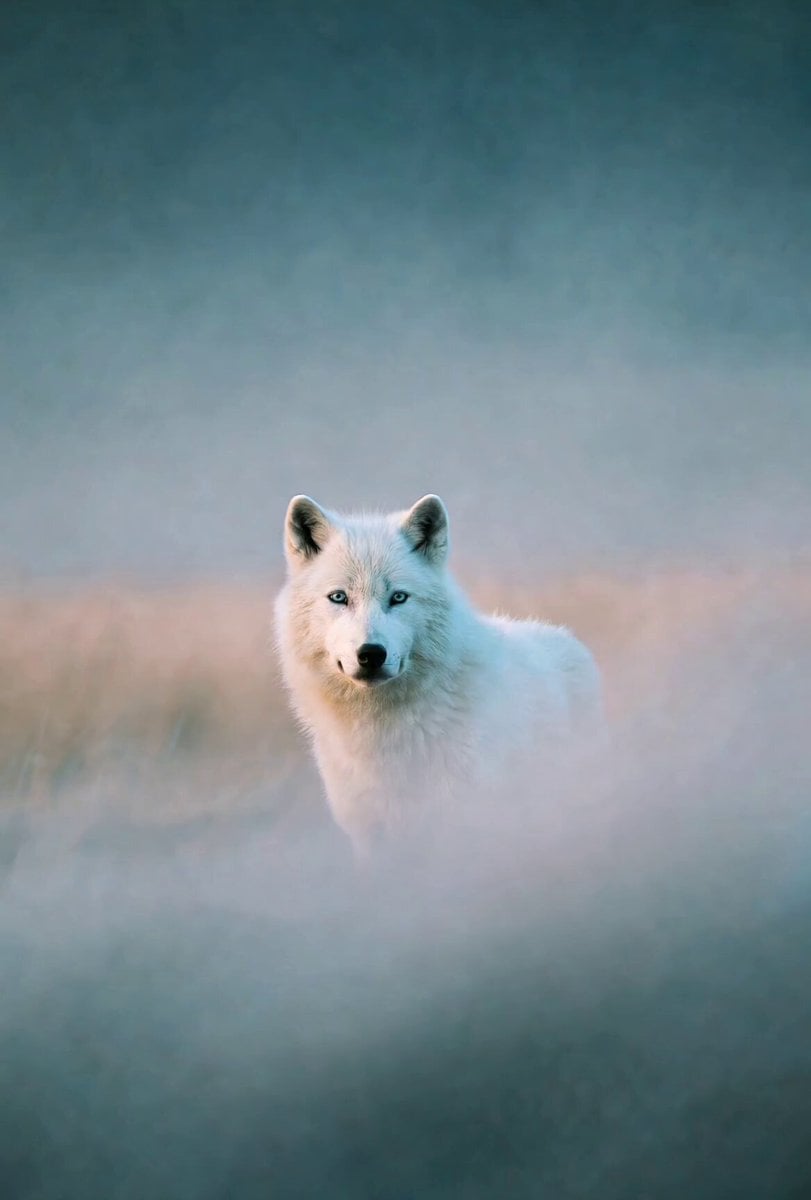
Misty Howling Morning Scene
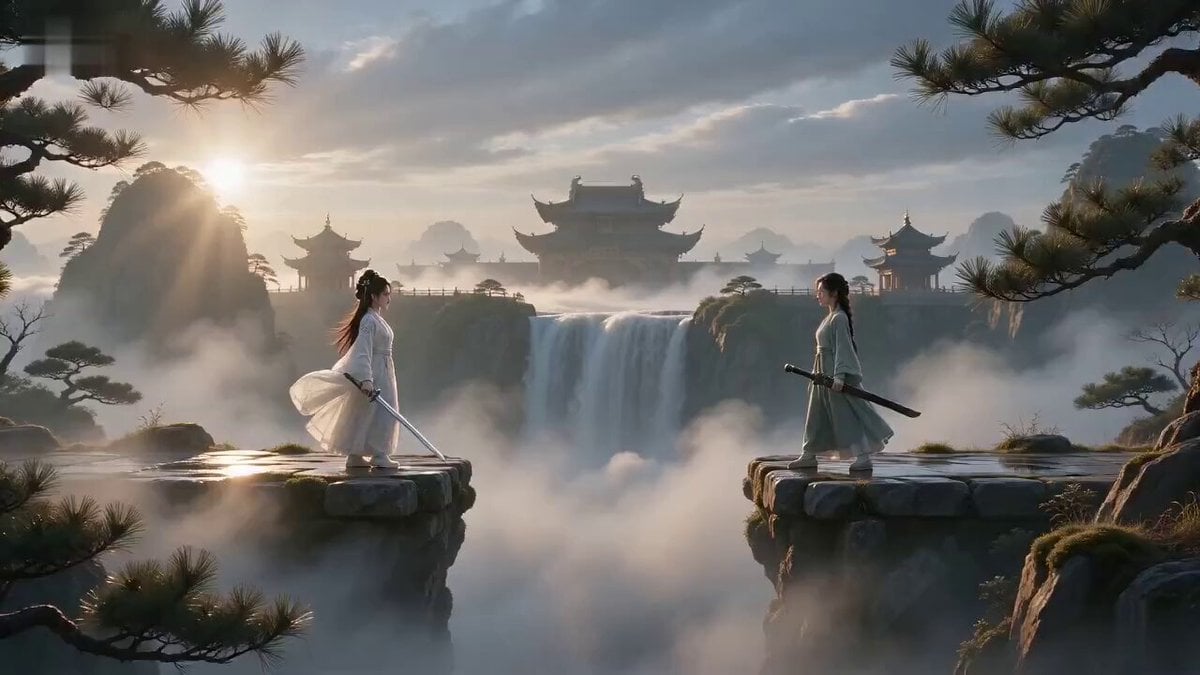
Misty Valley Cinematic Twist Video
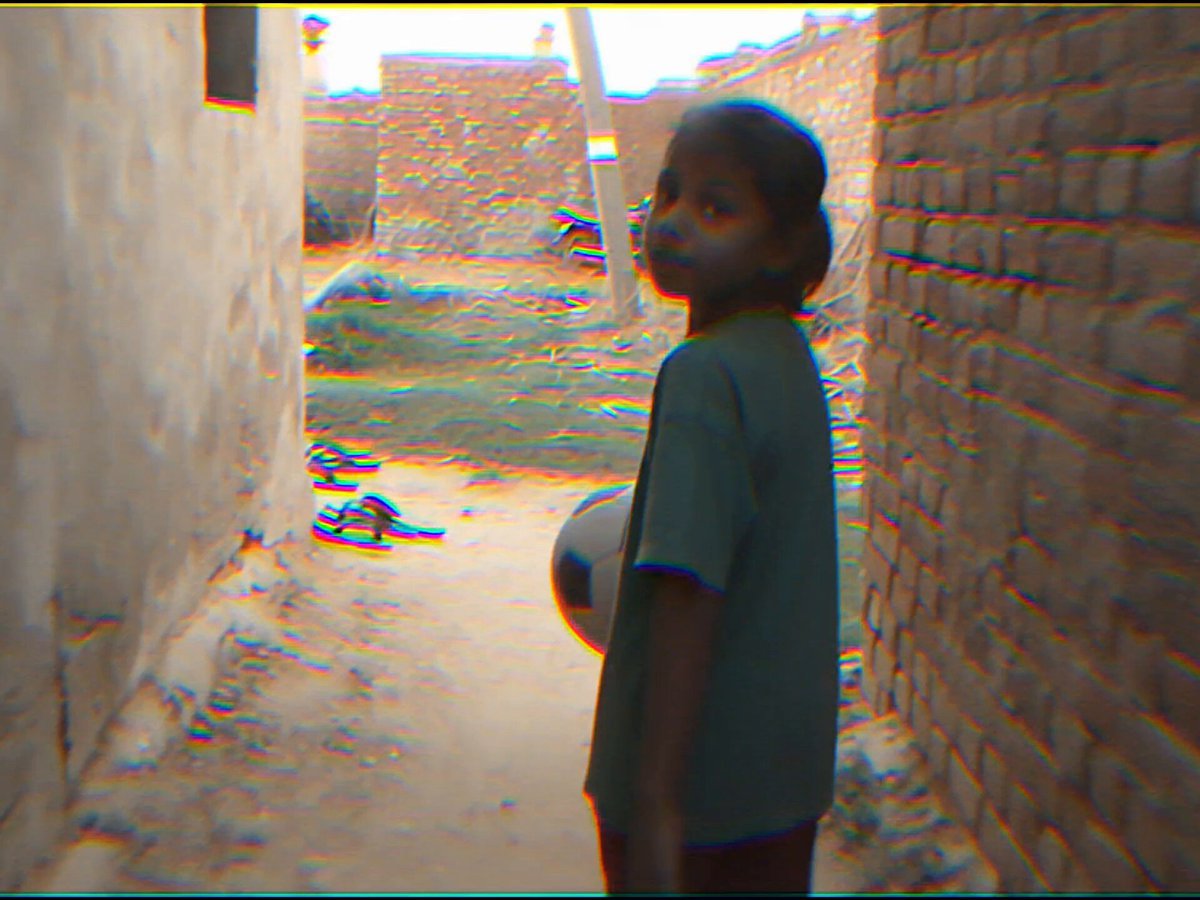
Indian Village Football Documentary
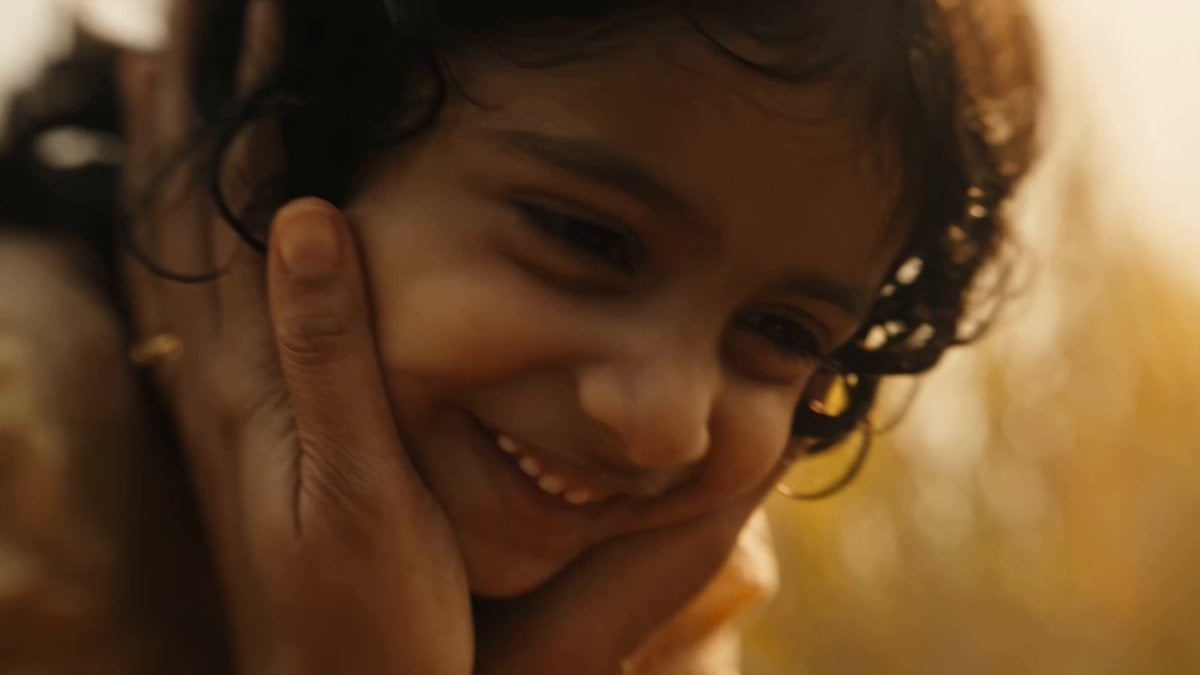
Indian Village Zombie Chase Intercut
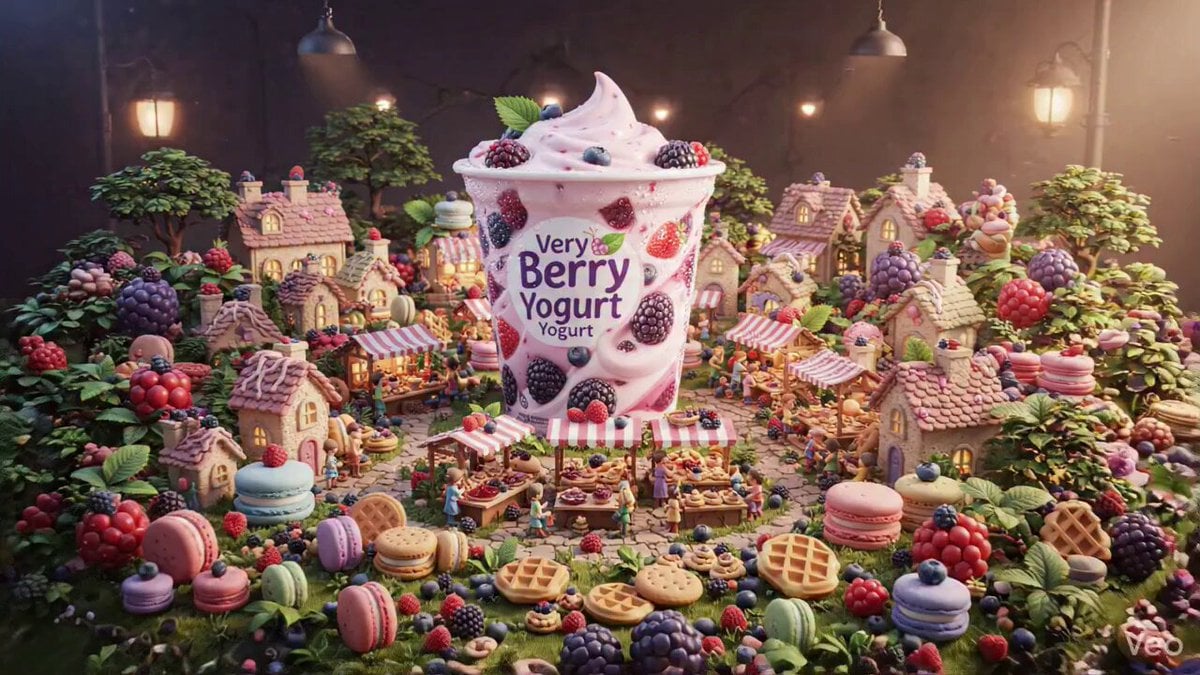
3D Miniature Pastry Village Animation
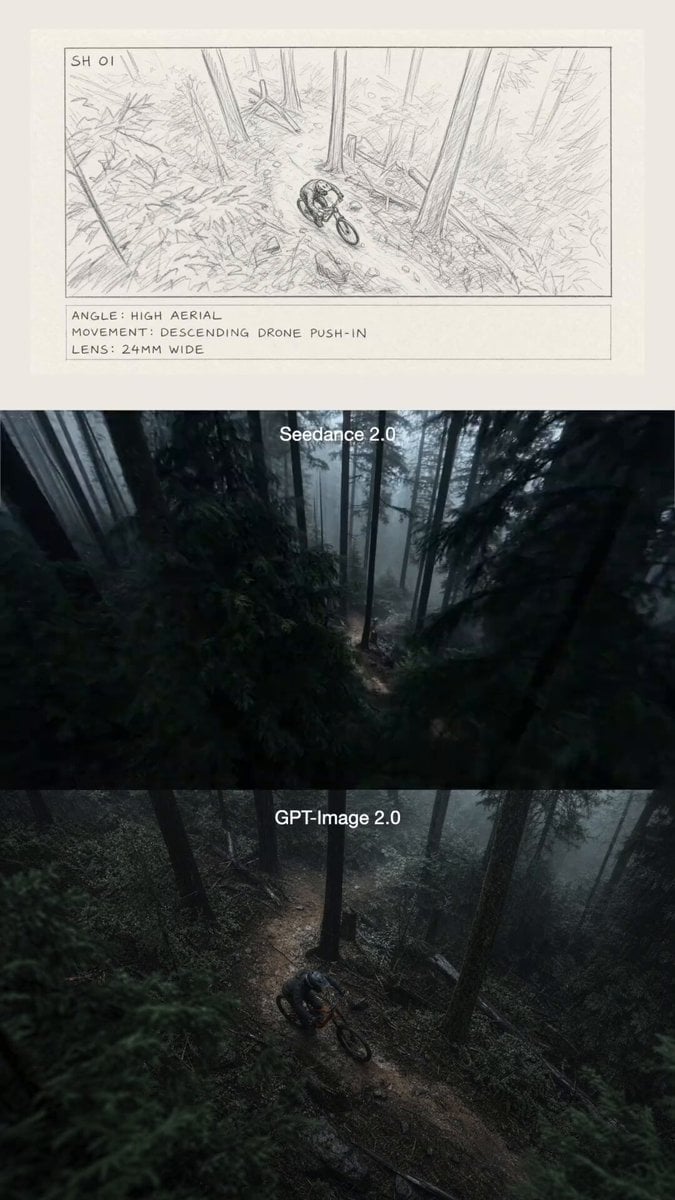
Mountain Biker in Misty Forest
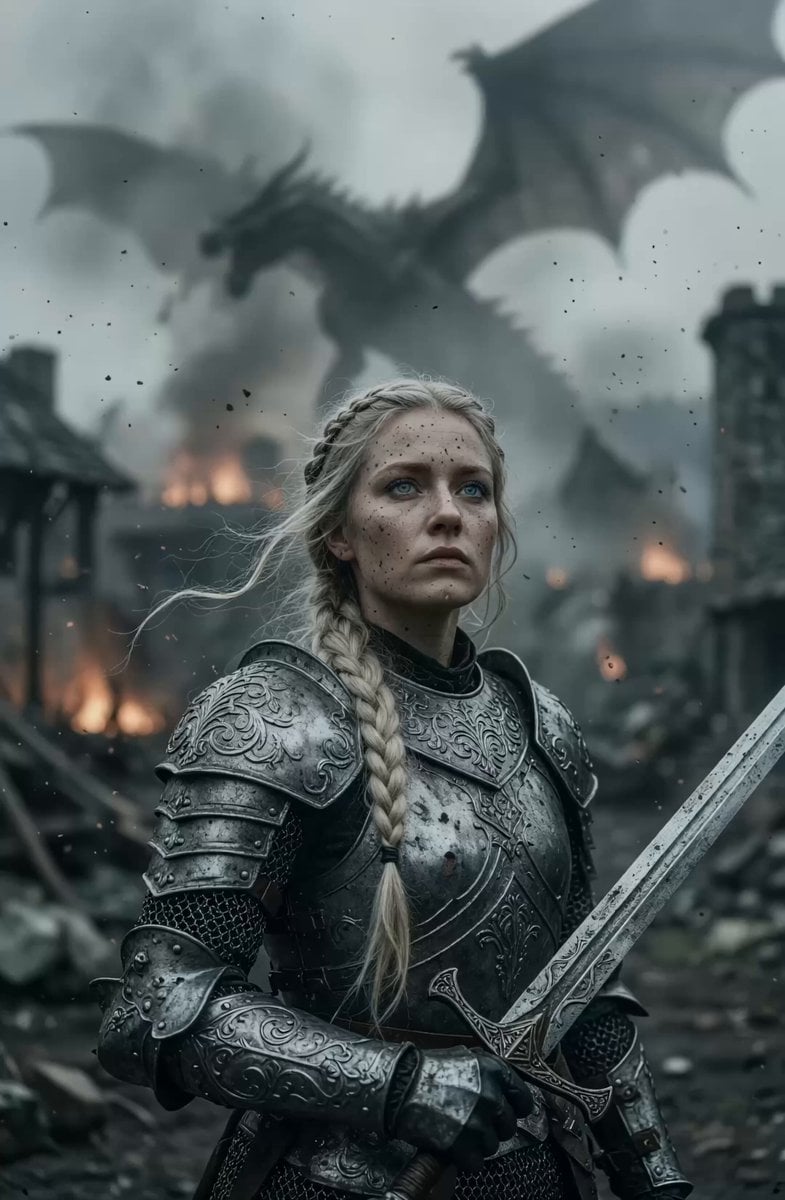
Cinematic Warrior Woman in Burning Village

Rural Chinese Village Memory Documentary
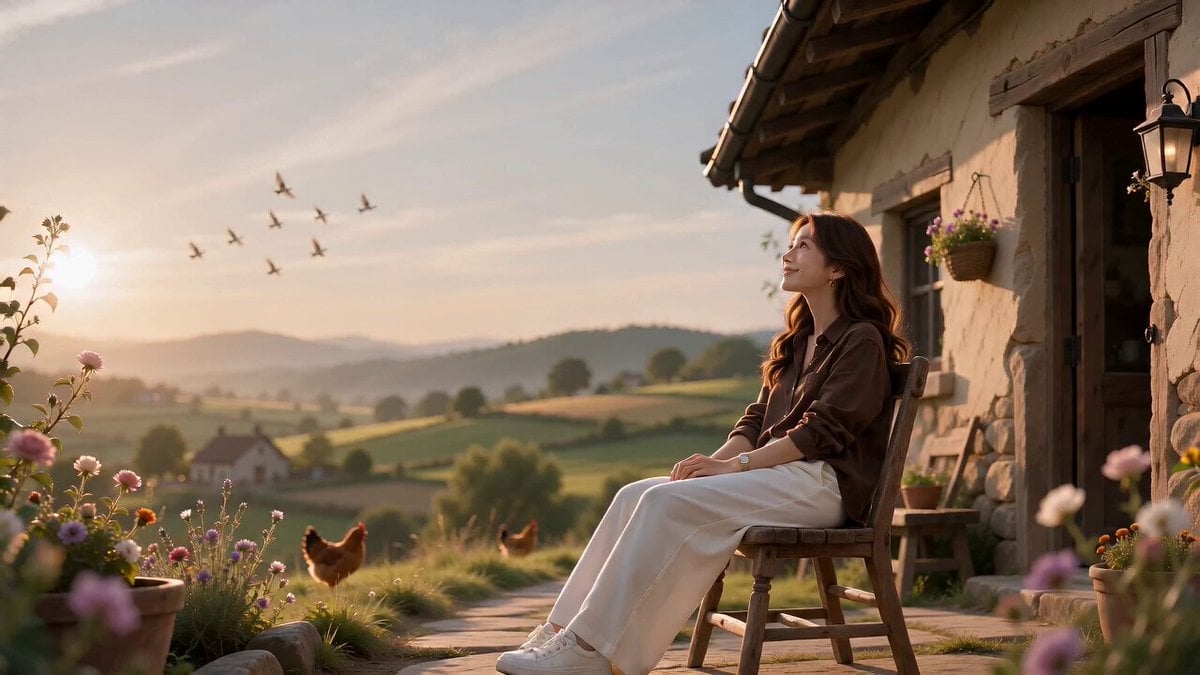
Village Life Character Consistency
Make it yours
Misty Eid Morning Village works as-is. These are the safest ways to change it without losing the look.
Change one field
Copy a single group, rewrite it, and generate again so you can see what that field is doing.
Keep the frame, change the subject
Hold the composition and light of Misty Eid Morning Village, then swap wardrobe, props or the person for a new take.
| If the result… | Why | Fix |
|---|---|---|
| The result drifts from the preview | Too many fields changed at once. | Reuse Misty Eid Morning Village as-is first, then change one group — subject, light, or setting. |
| The model over-stylizes the scene | The prose prompt leaves finish and camera underspecified. | Add one camera or lighting sentence and stay on Seedance 2.0. |
More Seedance 2.0 templates
Other prompts made for Seedance 2.0.

Comical Martial Arts Punch Scene

Maglev Train Action Sequence

Martial Arts Fight Sequence

Wuxia Protection and Trust Script

Vintage Korean Arcade MiniDV Vlog

Mercedes 190 SL Luxury Ad

Rainy Night Supernatural Reverse Comedy Video Script

Amazon Civilization Discovery

Futuristic South Asian City Transformation

Cozy Luxury Cafe Commercial
More video prompts
Fresh picks from across the catalog.
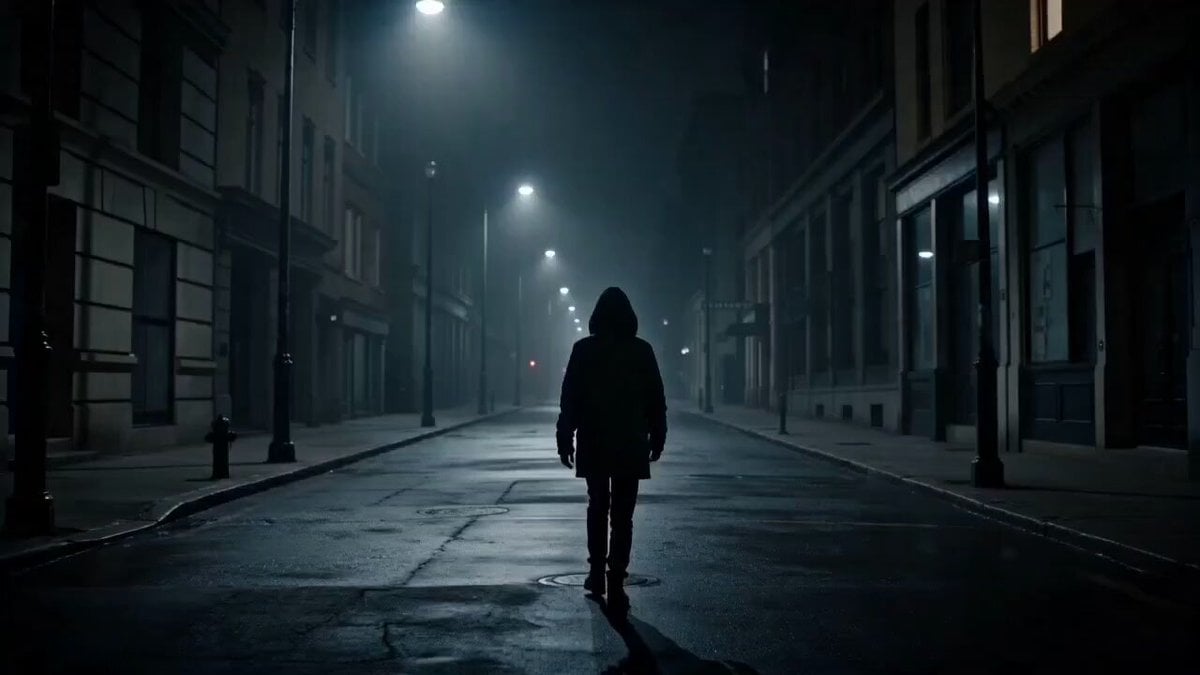
Dark Psychological Fear Visualized
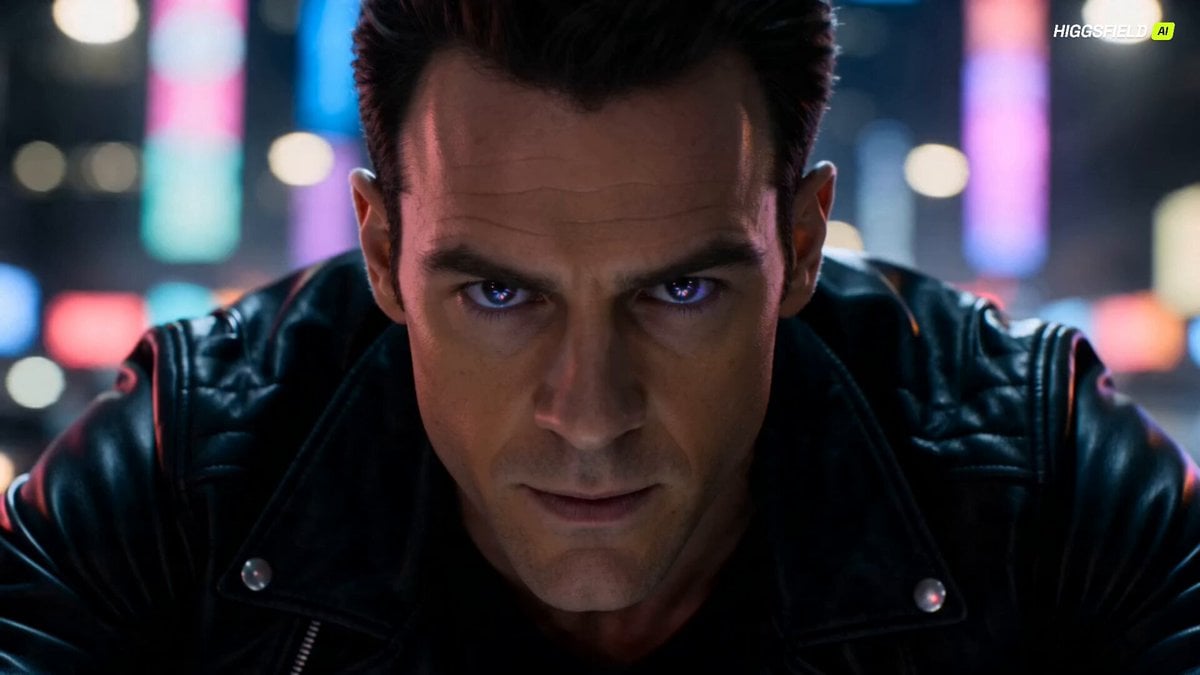
Futuristic Dragon Motorcycle Transformation

Martial Arts Mechanic Video Prompt
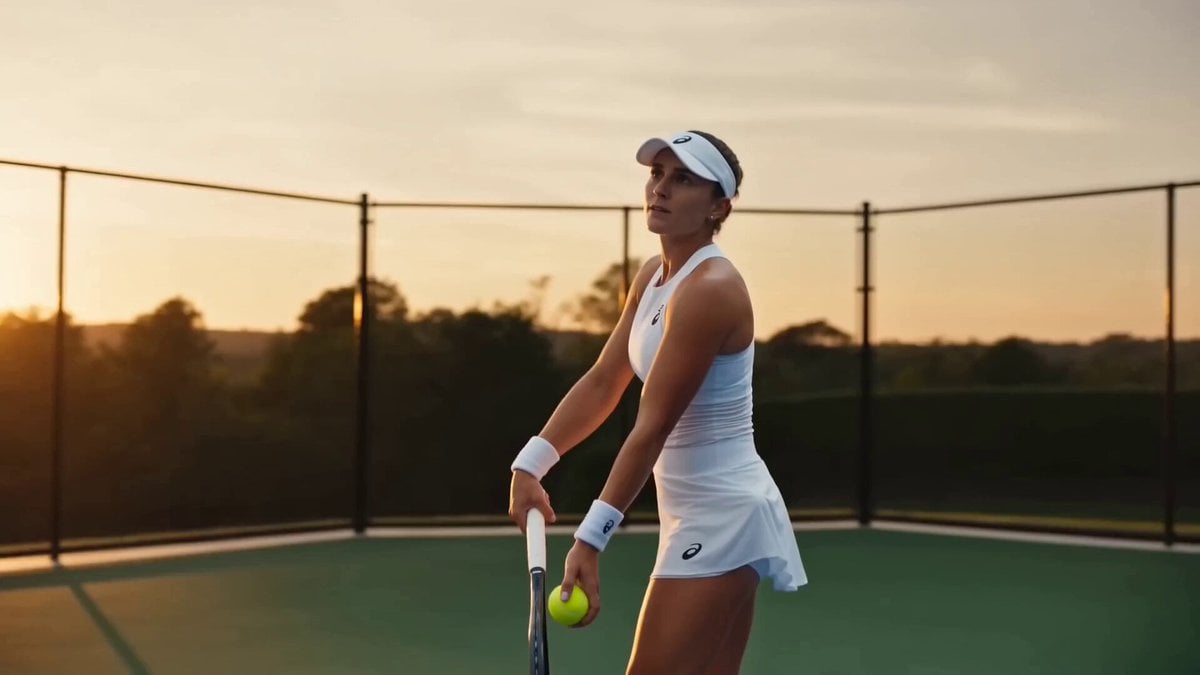
Tennis Sports Commercial Prompt
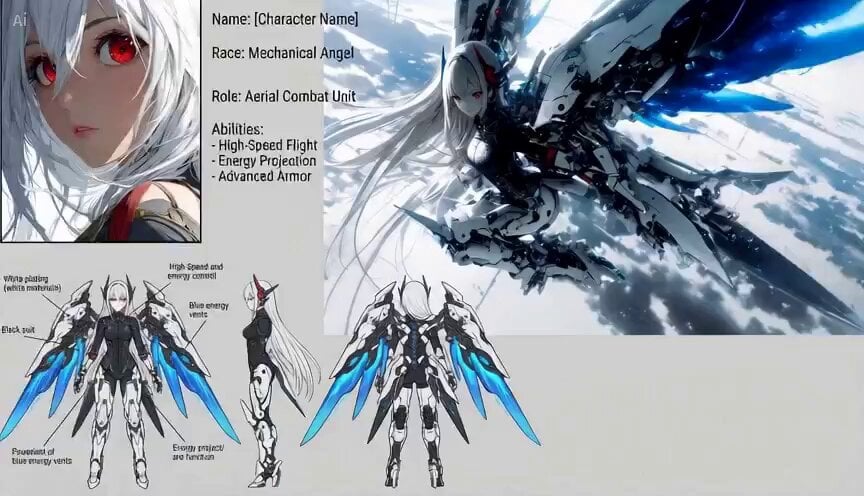
3D CGI Action Sequence Animation Prompt
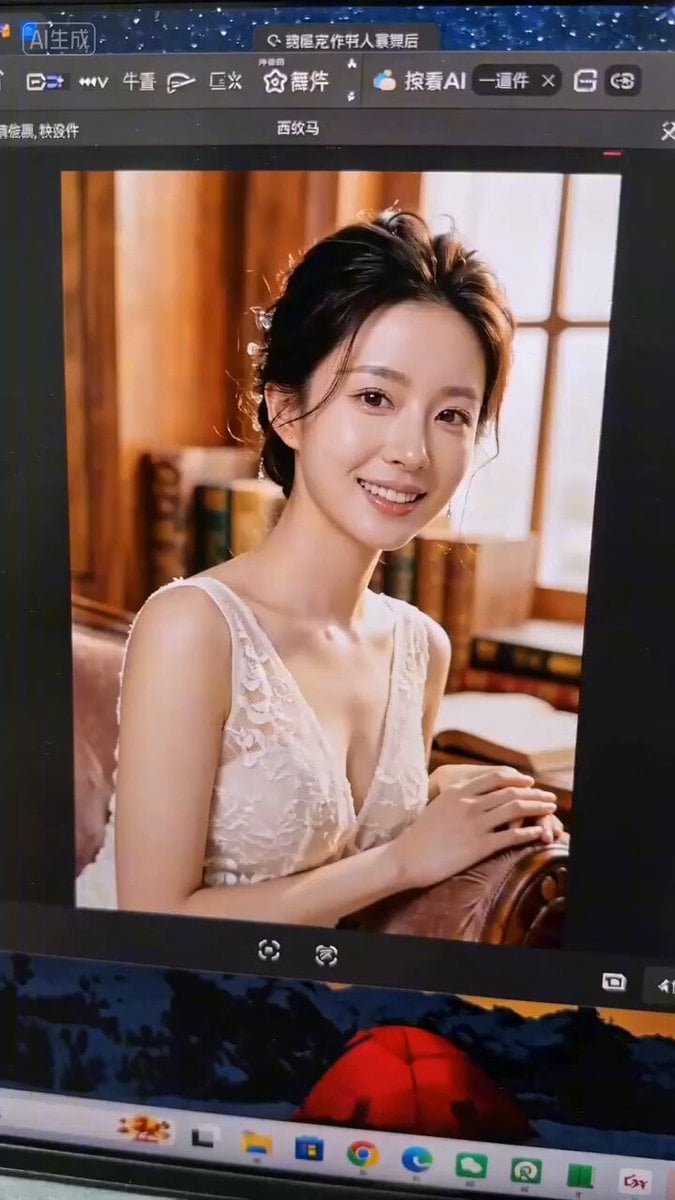
AI Girlfriend POV Interaction Prompt
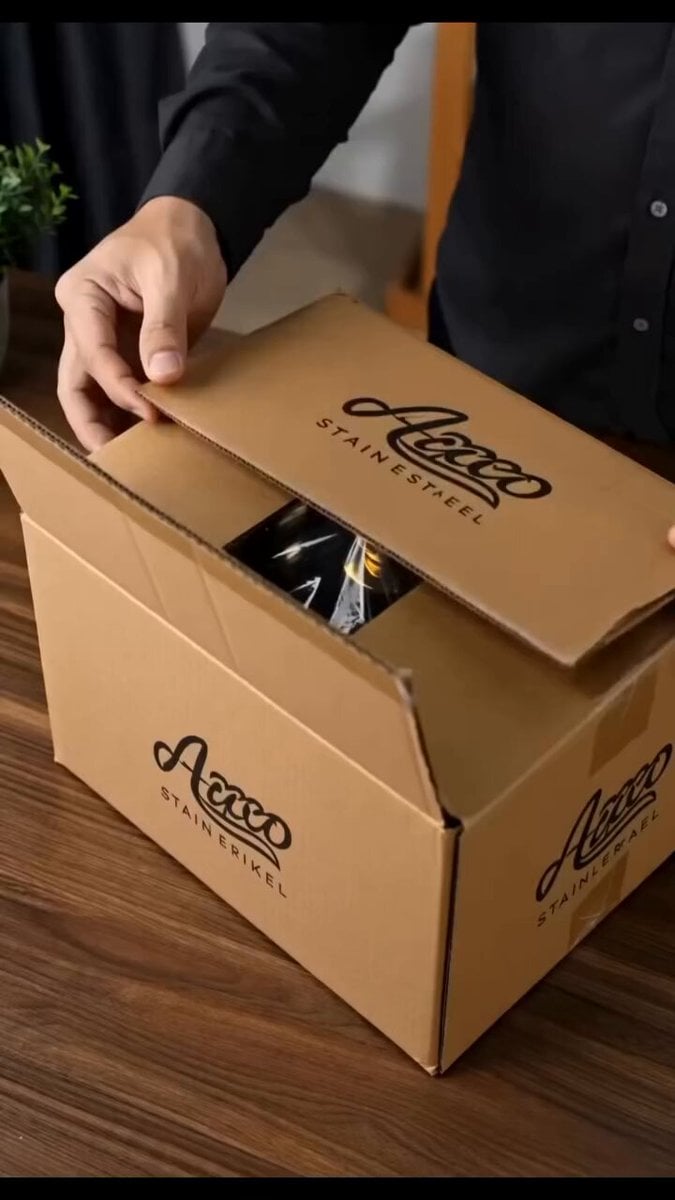
Stainless Steel Cookware Commercial
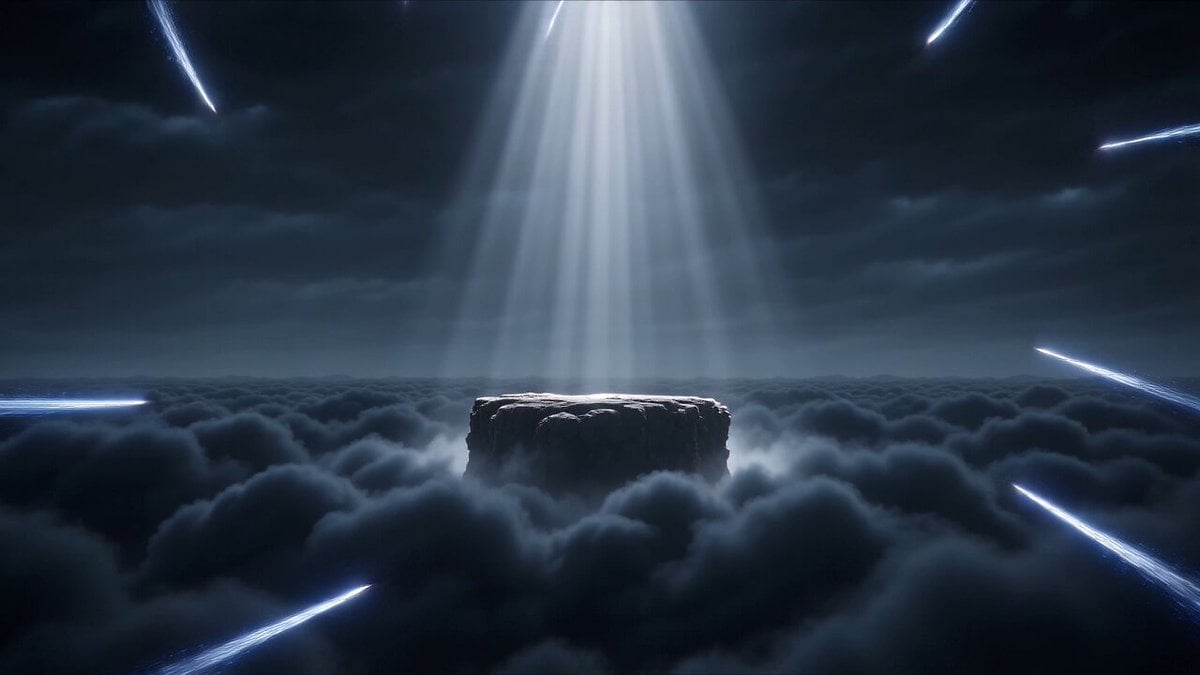
Hyperrealistic Dark Xianxia Technical Prompt
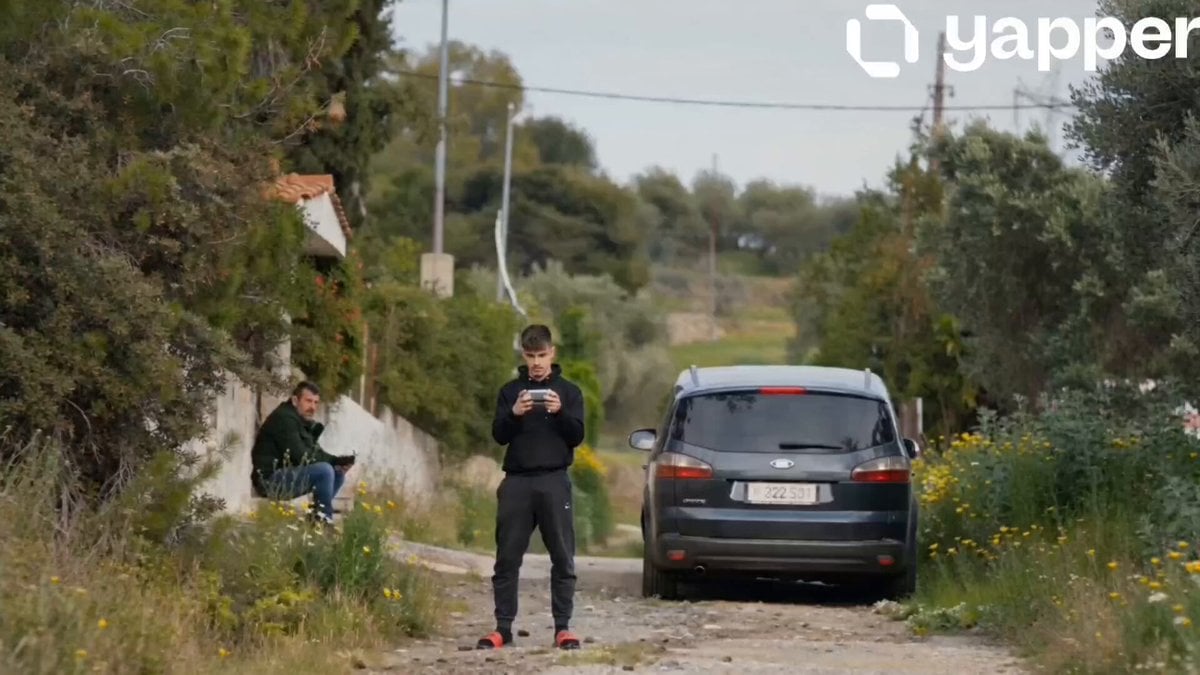
Ford S-MAX Transformer Transformation

Universal Statistics Promotional Video Prompt
Browse template categories
Misty Eid Morning Village questions
How do I use the Misty Eid Morning Village template?
Add your photo if the template asks for one, edit the prompt if you like — the template's model and format are already selected — and press Generate. Your version opens in PicX Studio.
Can I customize the Misty Eid Morning Village template?
Yes. You can change the subject, setting, lighting, mood, format, and available model controls before creating your video.
Is the Misty Eid Morning Village template free?
Opening and editing this template is free. Generating uses credits, shown on the Generate button when you are signed in.
Which AI model should I use?
Start with Seedance 2.0, which is the model associated with this template. You can compare another compatible model for a different finish.
Looking for something else? Browse all templates.

Your photo, any look
Thousands of ready templates for every top image and video model, from one credit balance.