
Dark Psychological Fear Visualized
A dark psychological horror video depicting personal fears as distorted shadow creatures in an urban environment.
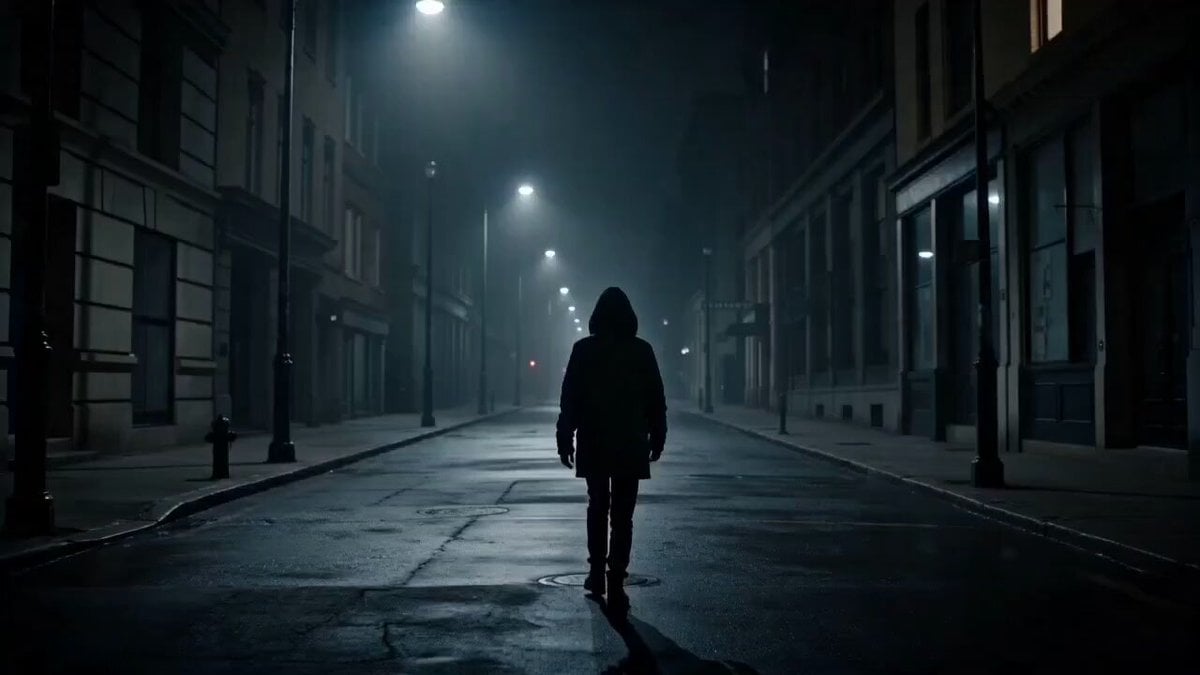
- Prompt included
- Model and format preset
- Free template
The prompt behind this video
Copy the exact prompt behind Dark Psychological Fear Visualized, or open it in the studio and make it yours.
Create a 15-second ultra-cinematic, dark psychological video titled: “What your fear looks like in real life”\n\nSTYLE: dark cinematic realism, psychological horror, high contrast lighting, shallow depth of field, slow atmospheric camera movement, subtle film grain, emotional tension.\n---\nSCENE 1 (0–3s):\nA lonely person walking at night in an empty urban street. Streetlights flicker softly. The environment feels quiet but heavy. Camera follows from behind in a slow tracking shot.\n\nSCENE 2 (3–6s):\nSubtle distortion begins in the shadows. The darkness behind street corners and walls starts moving unnaturally. Barely visible humanoid shadow shapes begin forming—unstable, shifting, watching.\n\nSCENE 3 (6–10s):\nThe person starts feeling uneasy and looks around. The shadow creatures become clearer now—tall, distorted figures made of smoke and void-like darkness, silently following but never touching. Reflections in windows briefly show them, but not directly.\n\nSCENE 4 (10–13s):\nThe fear intensifies. Shadows multiply and move closer. They mirror the person’s emotions—hesitation, anxiety, panic. The environment slightly warps as if reality is bending under psychological pressure.\n\nFINAL SCENE (13–15s):\nWide cinematic shot: the person stops walking, surrounded but not physically touched. The shadow creatures stand all around, forming a circle. One steps closer—screen cuts to black instantly.\n\n---\n\nMOOD: fear of the unseen, psychological dread, isolation, inner anxiety visualized as external entities.\n\nCAMERA: slow tracking, subtle handheld tension, occasional abrupt focus shifts for unease.\n\nLIGHTING: dim streetlights, heavy shadows, fog diffusion, high contrast blacks.\n\nQUALITY: ultra-detailed, cinematic 8K look, realistic textures, immersive horror atmosphere.
How to use Dark Psychological Fear Visualized in 3 steps
- 1
Open
The prompt is already in the box next to the preview, with the template's model and format selected.
- 2…a portrait of your subject in softgolden-hour light, 85mm…
Personalize
Edit the subject and creative details for your destination.
- 3Generate
Generate
Press Generate — your video is created in PicX Studio, so you can compare it with the original and refine one variable at a time.
More like this
Templates with the same subject, style or setup. Open one to see its prompt.

Dark Tokusatsu Transformation - Seedance 2.5
Psychological Thriller Performance Study

Psychological Thriller Cinematic Trailer
Psychological Horror Window Doppelganger
Psychological Horror Short Film
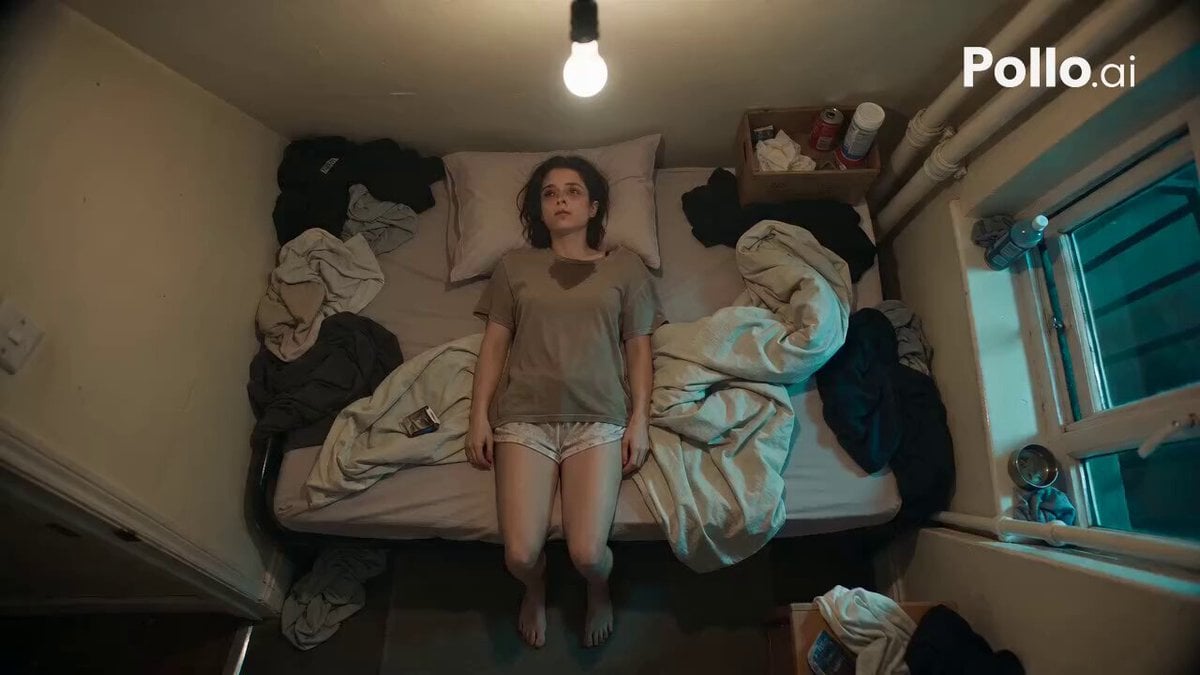
Top-Down Psychological Short Film
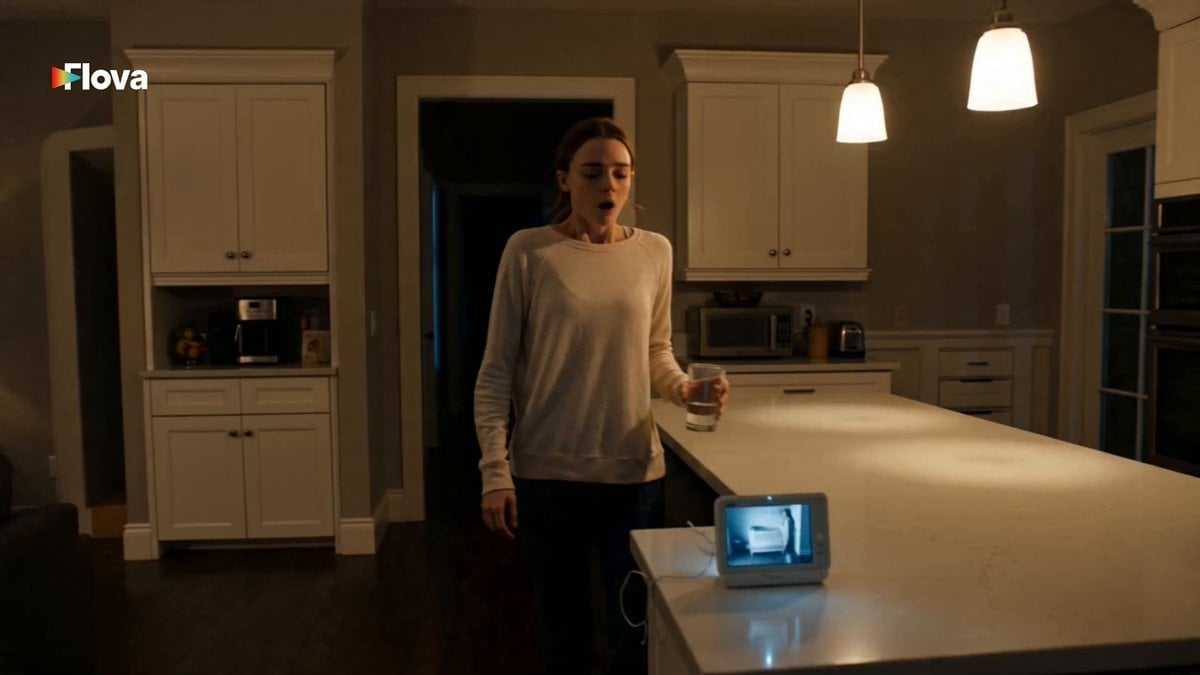
Psychological Horror Baby Monitor Scene
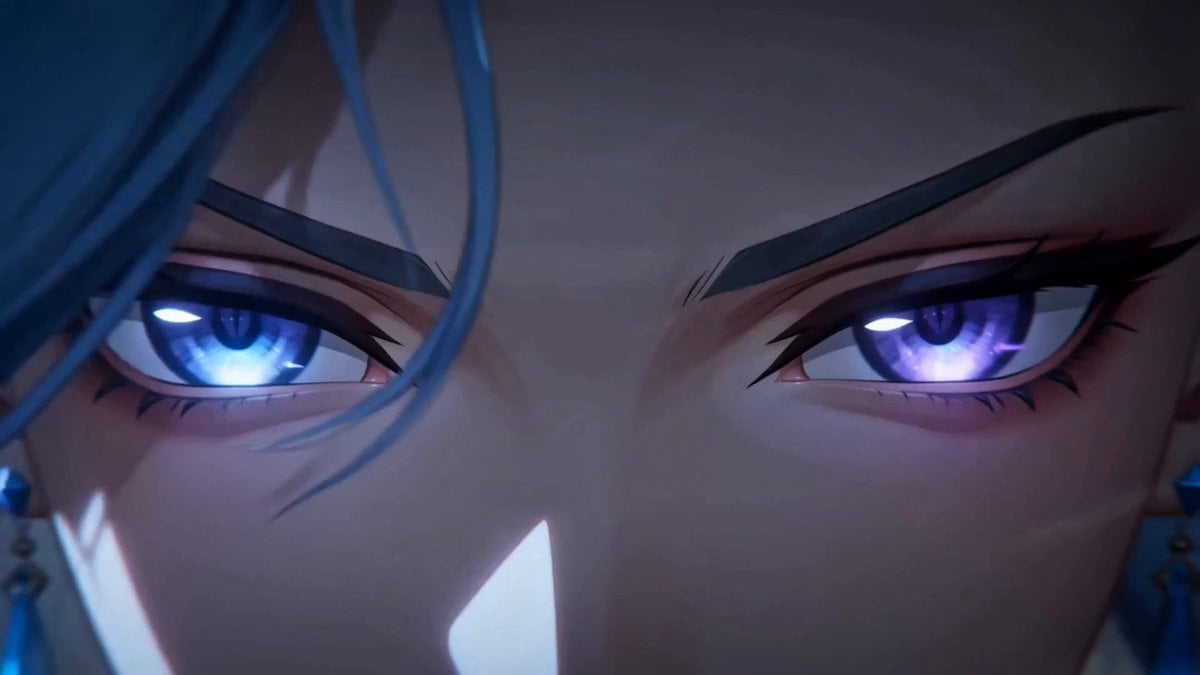
Dark Fantasy Anime Summoning Ritual
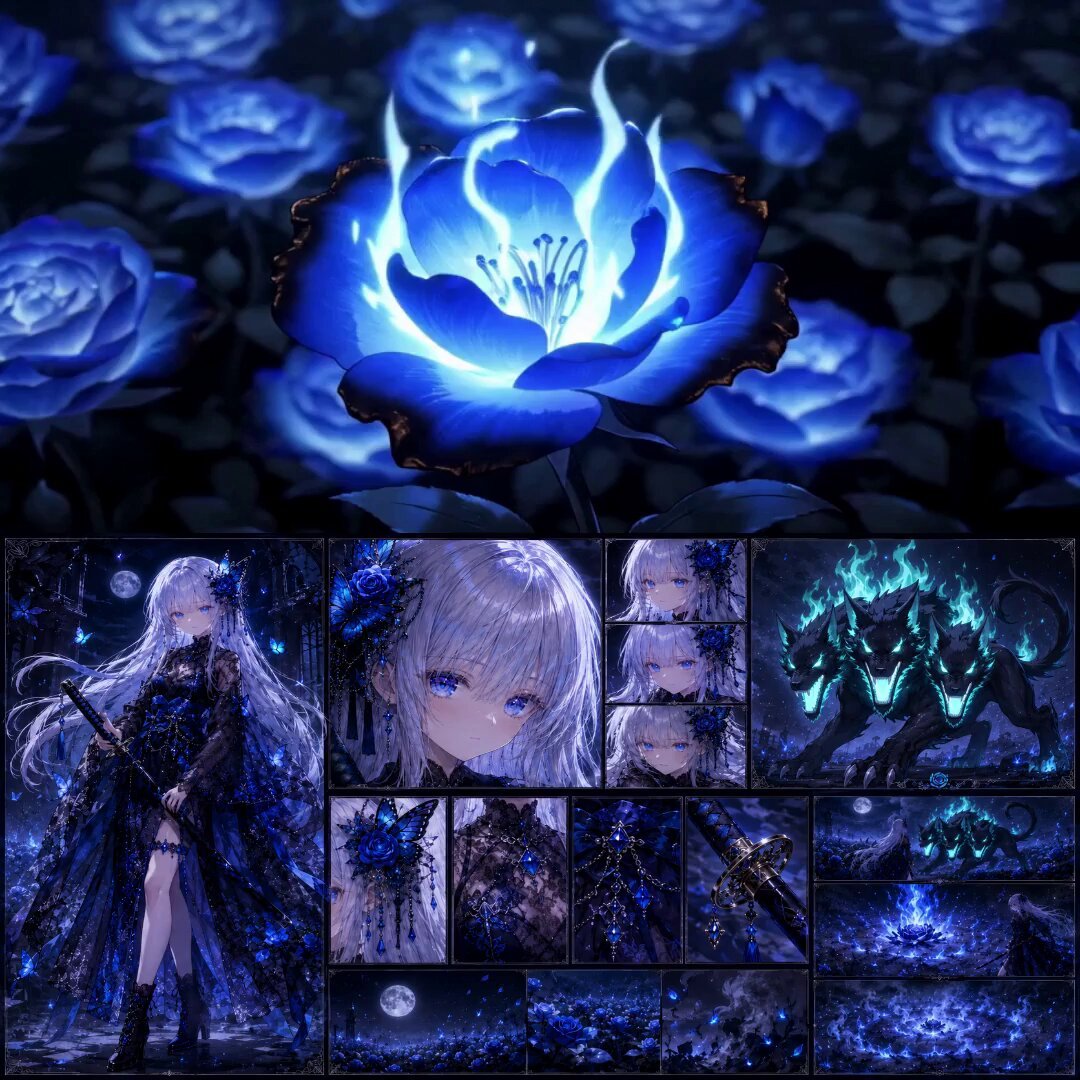
High-End Anime Dark Fantasy Cerberus Battle
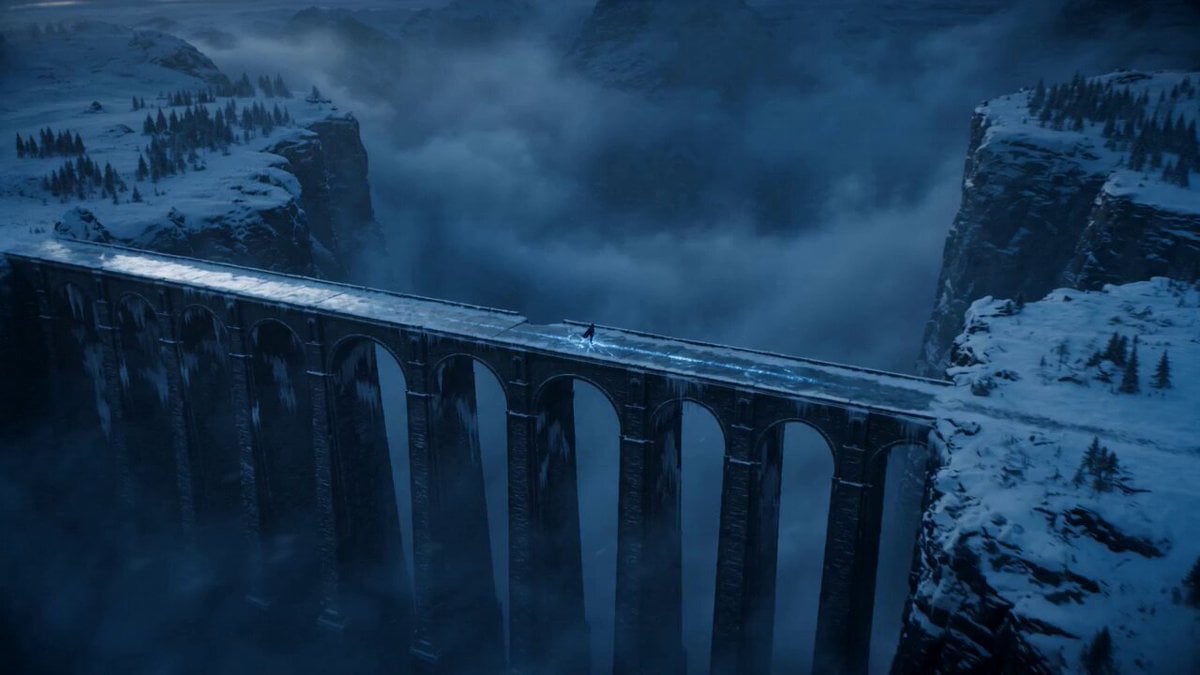
Dark Fantasy Frozen Bridge
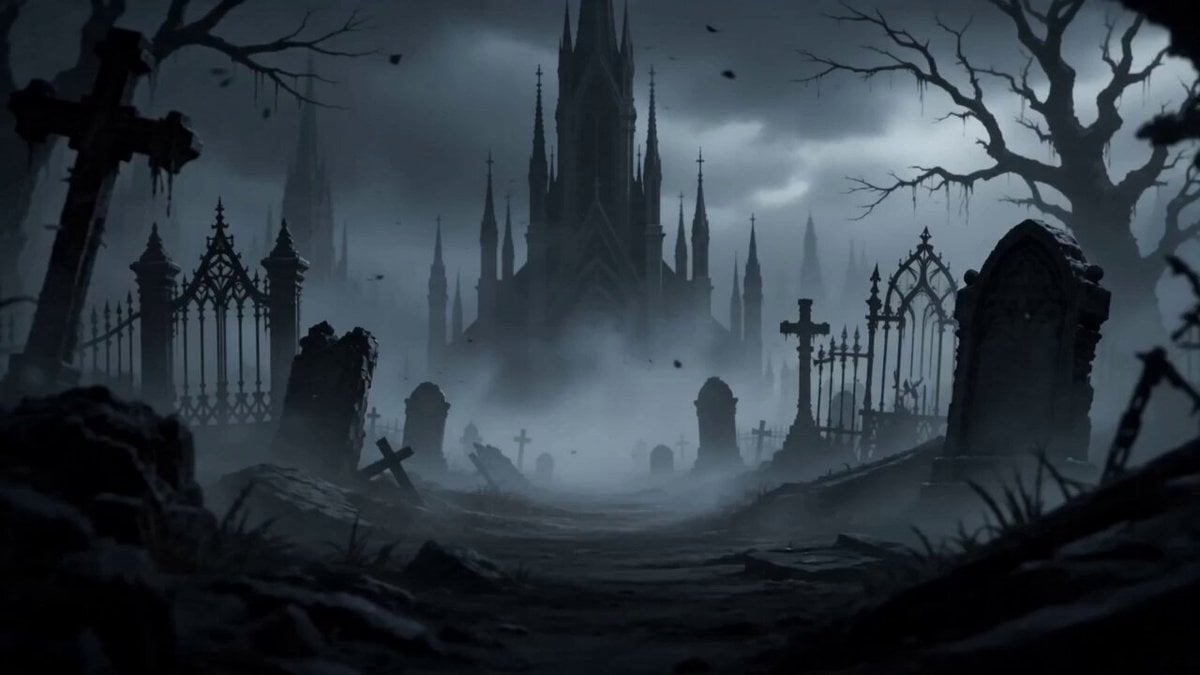
Dark Fantasy Anime Opening Montage
Cinematic Dark Underworld One-Shot Prompt
Make it yours
Dark Psychological Fear Visualized works as-is. These are the safest ways to change it without losing the look.
Change one field
Copy a single group, rewrite it, and generate again so you can see what that field is doing.
Keep the frame, change the subject
Hold the composition and light of Dark Psychological Fear Visualized, then swap wardrobe, props or the person for a new take.
| If the result… | Why | Fix |
|---|---|---|
| The result drifts from the preview | Too many fields changed at once. | Reuse Dark Psychological Fear Visualized as-is first, then change one group — subject, light, or setting. |
| The model over-stylizes the scene | The prose prompt leaves finish and camera underspecified. | Add one camera or lighting sentence and stay on Seedance 2.0. |
More Seedance 2.0 templates
Other prompts made for Seedance 2.0.

Comical Martial Arts Punch Scene

Maglev Train Action Sequence

Martial Arts Fight Sequence

Wuxia Protection and Trust Script

Vintage Korean Arcade MiniDV Vlog

Mercedes 190 SL Luxury Ad

Rainy Night Supernatural Reverse Comedy Video Script

Amazon Civilization Discovery

Futuristic South Asian City Transformation

Cozy Luxury Cafe Commercial
More video prompts
Fresh picks from across the catalog.
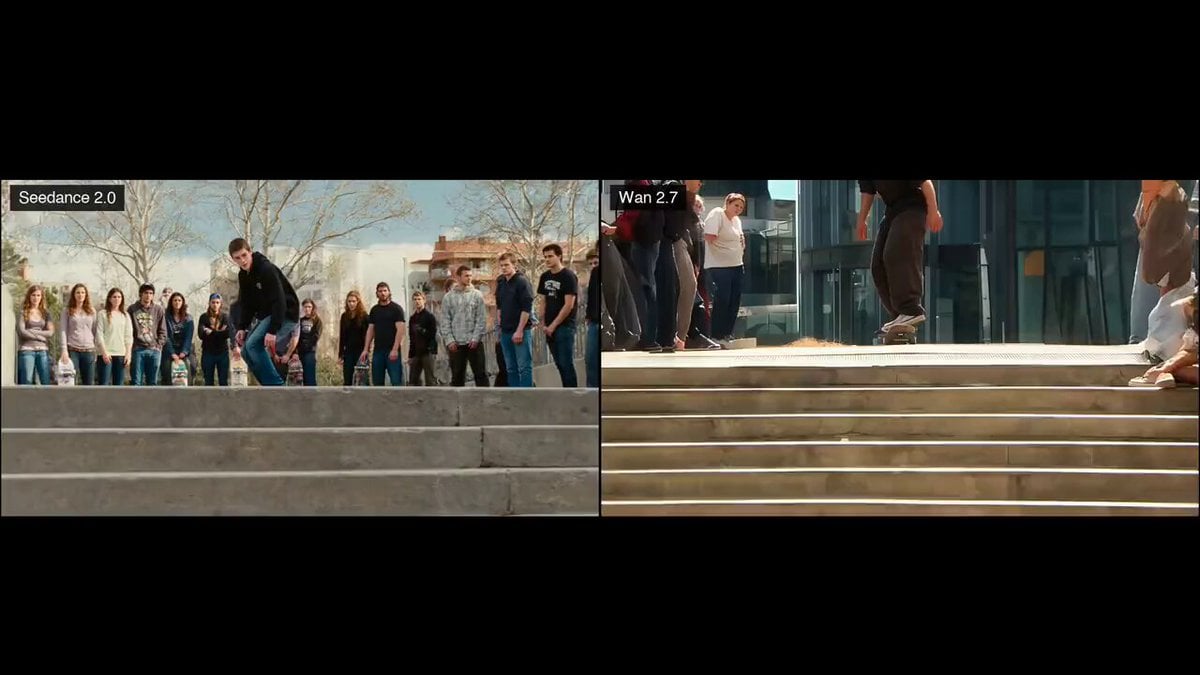
Skateboard Kickflip Action
Cinematic Assassin Knife Throw
Cinematic Schoolgirl Action Short
Anthropomorphic Cats Playing Mahjong Narrative Video
Night Sky and Pine Tree Animation

Fifties Style Beach Kites
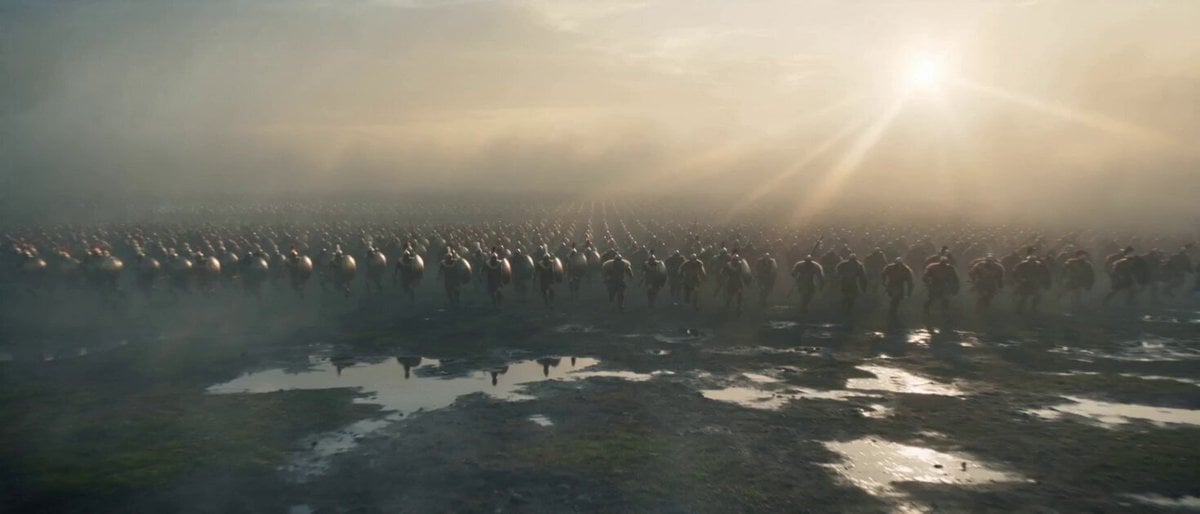
Medieval Greek vs Norse Battle Clash
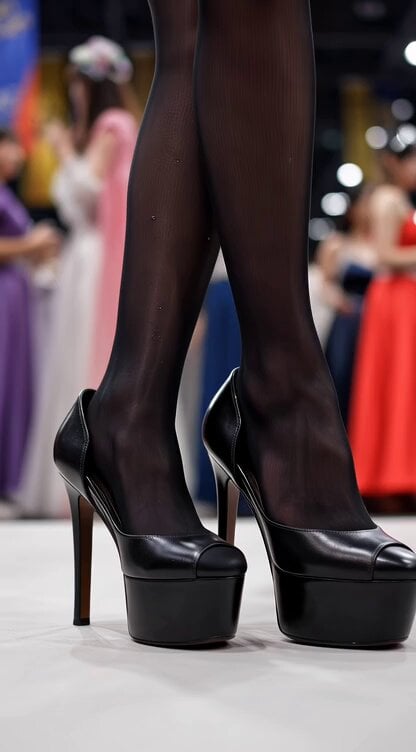
Video generation prompt for a cosplay model's foot and leg focus

Busy Gym Exercise Scene
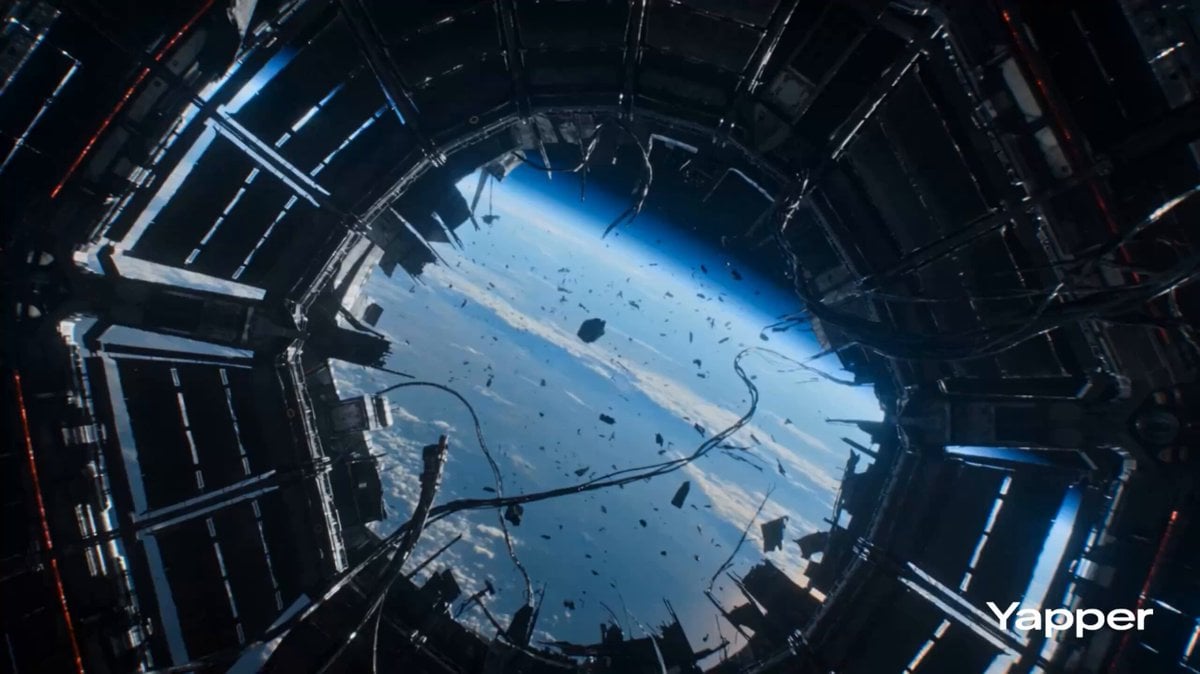
Zero Gravity Warrior Fight Video Prompt
Browse template categories
Dark Psychological Fear Visualized questions
How do I use the Dark Psychological Fear Visualized template?
Add your photo if the template asks for one, edit the prompt if you like — the template's model and format are already selected — and press Generate. Your version opens in PicX Studio.
Can I customize the Dark Psychological Fear Visualized template?
Yes. You can change the subject, setting, lighting, mood, format, and available model controls before creating your video.
Is the Dark Psychological Fear Visualized template free?
Opening and editing this template is free. Generating uses credits, shown on the Generate button when you are signed in.
Which AI model should I use?
Start with Seedance 2.0, which is the model associated with this template. You can compare another compatible model for a different finish.
Looking for something else? Browse all templates.

Your photo, any look
Thousands of ready templates for every top image and video model, from one credit balance.