
Cinematic Assassin Knife Throw
A structured prompt for a 15-second cinematic sequence featuring an assassin in a dim corridor performing a precise knife throw.
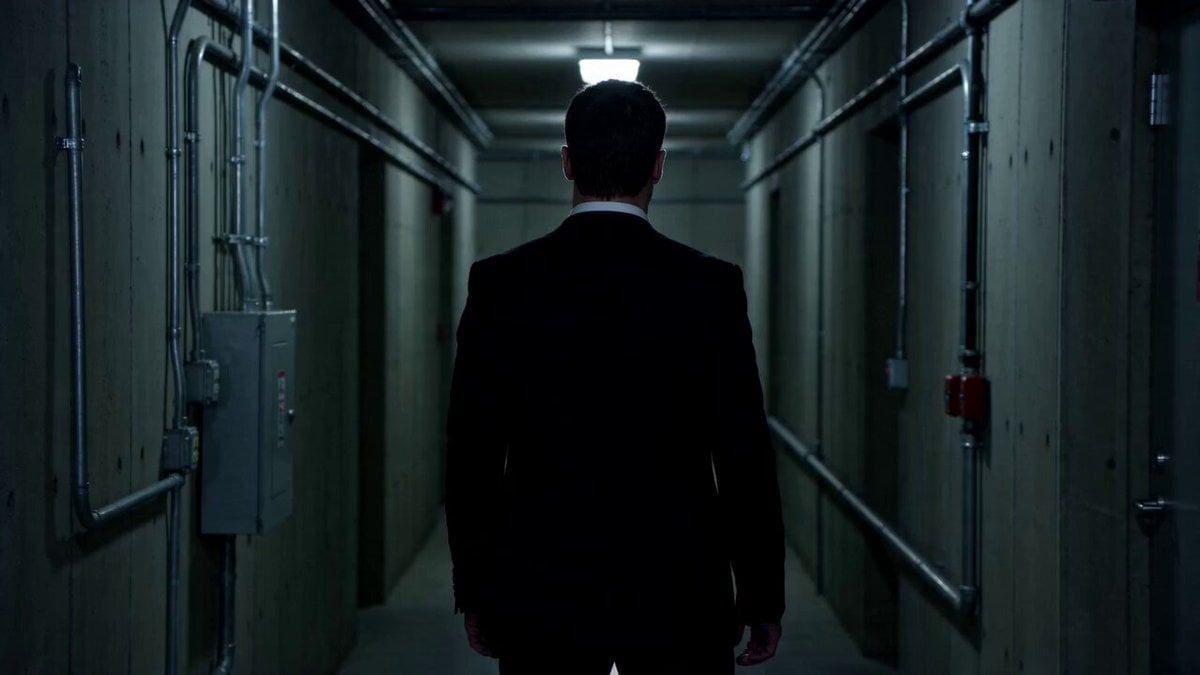
- Prompt included
- Model and format preset
- Premium template
The prompt behind this video
Copy the exact prompt behind Cinematic Assassin Knife Throw, or open it in the studio and make it yours.
FORMAT: 15s / 130 BPM / 11 SHOTS SUBJECT: @[image1] WARDROBE: Assassin style ENVIRONMENT: Dim corridor MOOD: Silent → precise STYLE: Clean assassin cinematic CORE IDEA: One perfect throw SHOT FLOW: Enemy unaware She steps quietly Pulls knife Measures distance Breath control Throws Knife spin slow motion Impact Enemy drops She walks forward End
How to use Cinematic Assassin Knife Throw in 3 steps
- 1Upload ImagePNG, JPG or paste
Add your photo
Upload the photo the template builds on. The prompt, model and format are already set.
- 2…a portrait of your subject in softgolden-hour light, 85mm…
Personalize
Edit the subject and creative details for your destination.
- 3Generate
Generate
Press Generate — your video is created in PicX Studio, so you can compare it with the original and refine one variable at a time.
More like this
Templates with the same subject, style or setup. Open one to see its prompt.
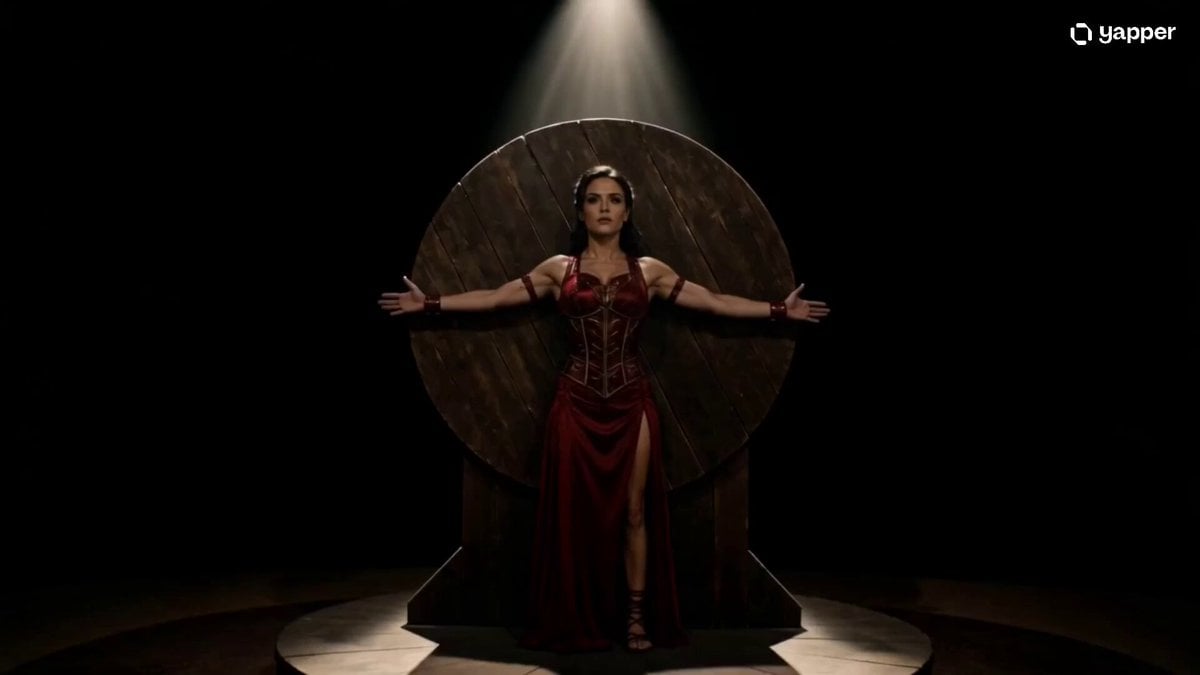
Cinematic Knife Thrower Trust Scene
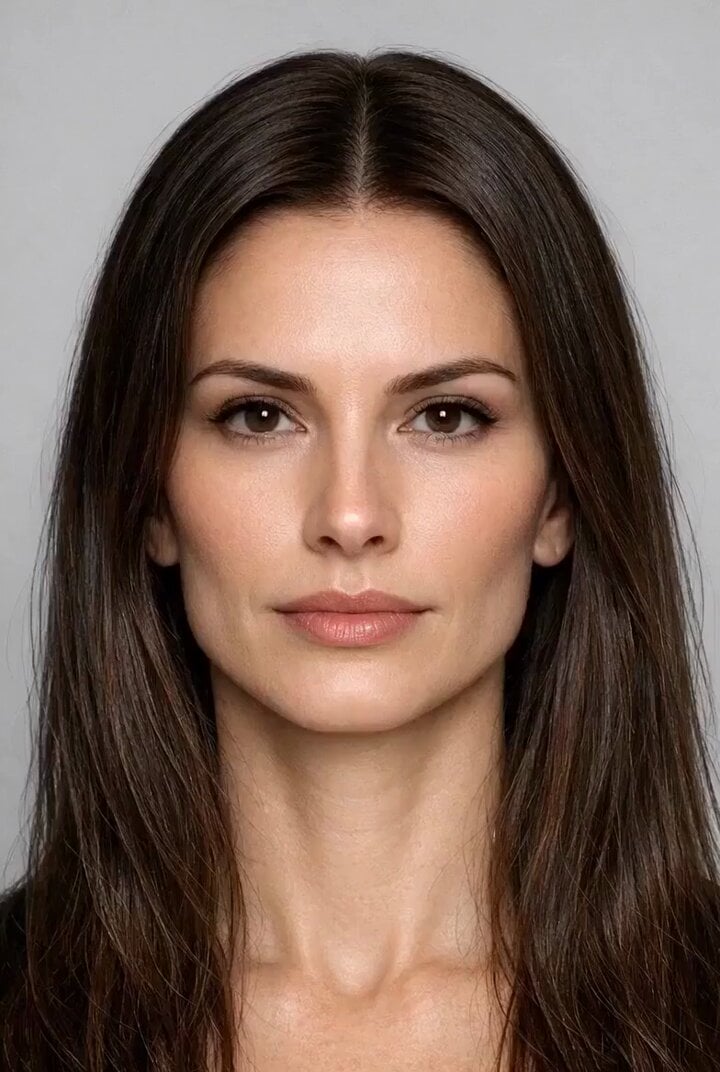
Final Exchange: Main Character Throws Opponent

Superhuman Throw and Punch Scene
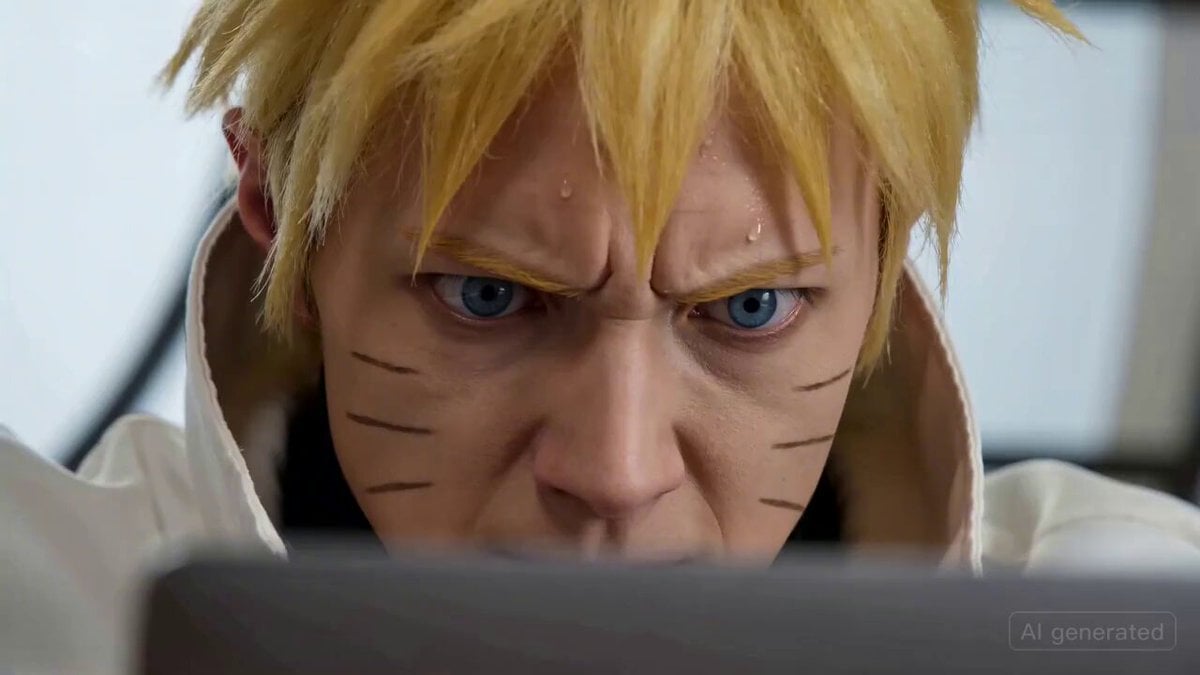
Naruto coding intensely and throwing a laptop
Seedance 2.0 Hammer Throw Prompt
Kit Kat Baseball Throw Video Prompt
Olympic Hammer Throw Broadcast Simulation
Supernatural Assassin Fortress Infiltration
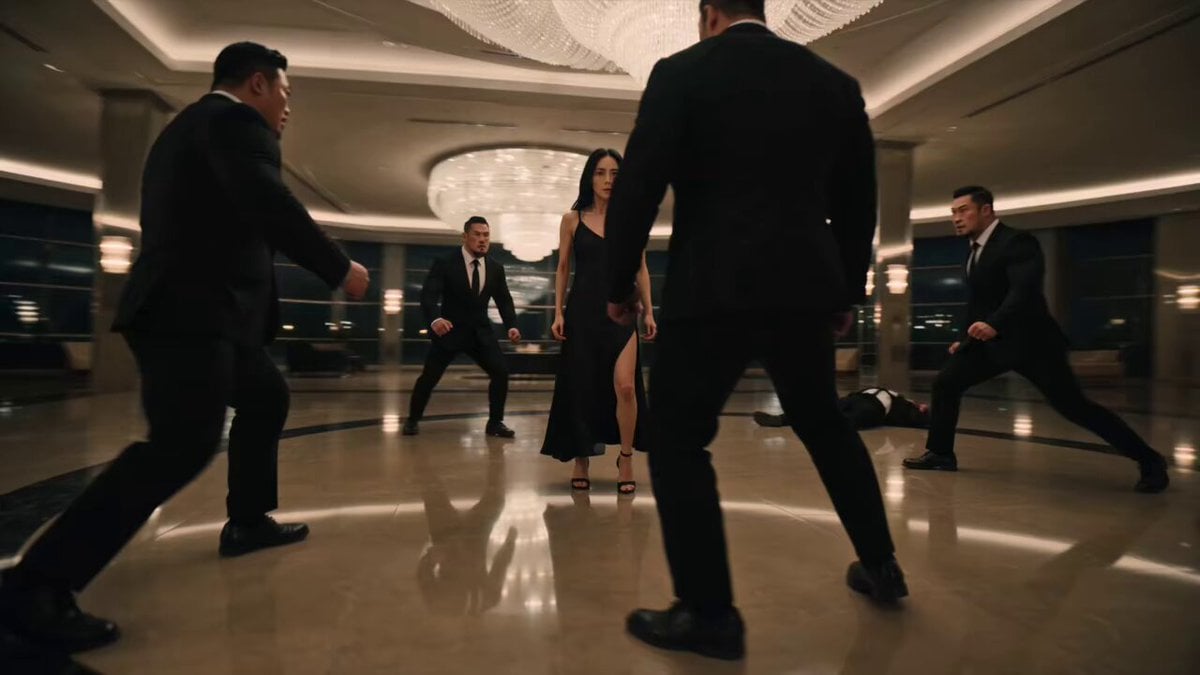
Female Assassin Stunt Sequence
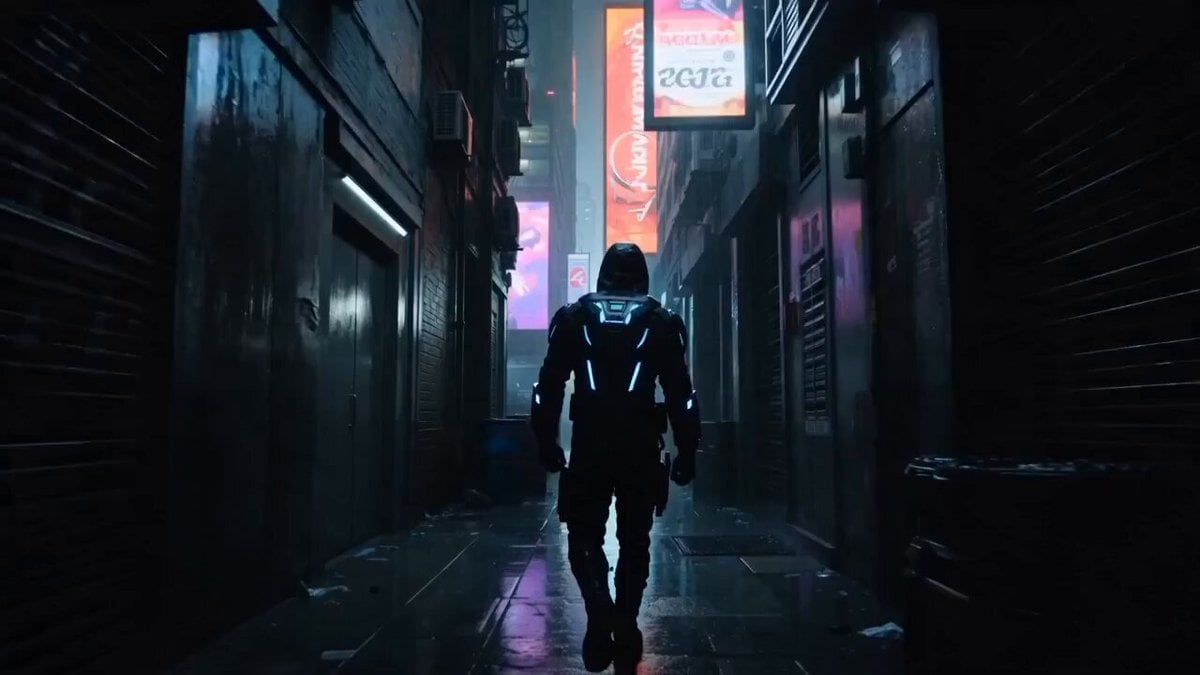
Cyberpunk Assassin Neon Action Sequence
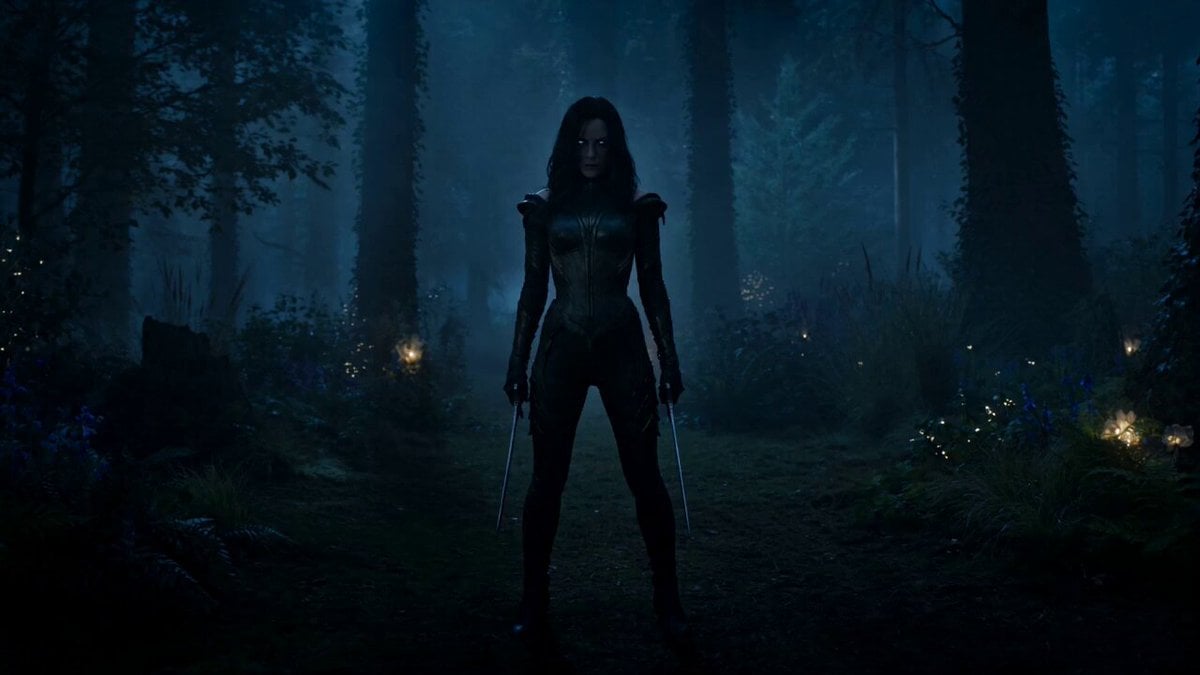
Rogue Elf Assassin Forest Fight
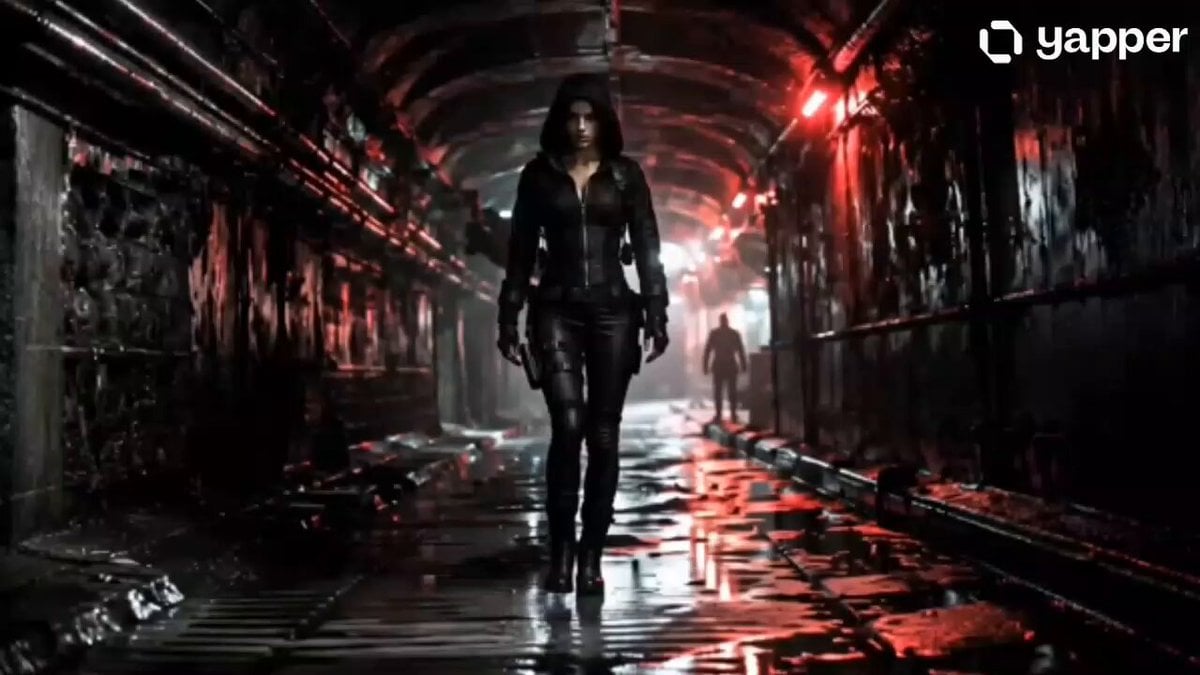
Female Assassin Underground Thriller
Make it yours
Cinematic Assassin Knife Throw works as-is. These are the safest ways to change it without losing the look.
Change one field
Copy a single group, rewrite it, and generate again so you can see what that field is doing.
Keep the frame, change the subject
Hold the composition and light of Cinematic Assassin Knife Throw, then swap wardrobe, props or the person for a new take.
| If the result… | Why | Fix |
|---|---|---|
| The result drifts from the preview | Too many fields changed at once. | Reuse Cinematic Assassin Knife Throw as-is first, then change one group — subject, light, or setting. |
| The model over-stylizes the scene | The prose prompt leaves finish and camera underspecified. | Add one camera or lighting sentence and stay on Seedance 2.0. |
More Seedance 2.0 templates
Other prompts made for Seedance 2.0.

Comical Martial Arts Punch Scene

Maglev Train Action Sequence

Martial Arts Fight Sequence

Wuxia Protection and Trust Script

Mercedes 190 SL Luxury Ad

Rainy Night Supernatural Reverse Comedy Video Script

Amazon Civilization Discovery

Futuristic South Asian City Transformation

Cozy Luxury Cafe Commercial

Cyber Ronin Nanotech Transformation Video
More video prompts
Fresh picks from across the catalog.

Celestial Star Transformation Sequence

Video generation prompt focusing on camera movement and depth of field

Artisanal Chocolate Bar Sensory Indulgence
Seedance 2.0 Text-to-Video Prompt Example

Two silver dragons in moonlight serenade
Viking Raid Coastal Ambush
UGC Influencer Get Ready With Me
Dystopian city glowing eye

Animation Control via Storyboard Reference
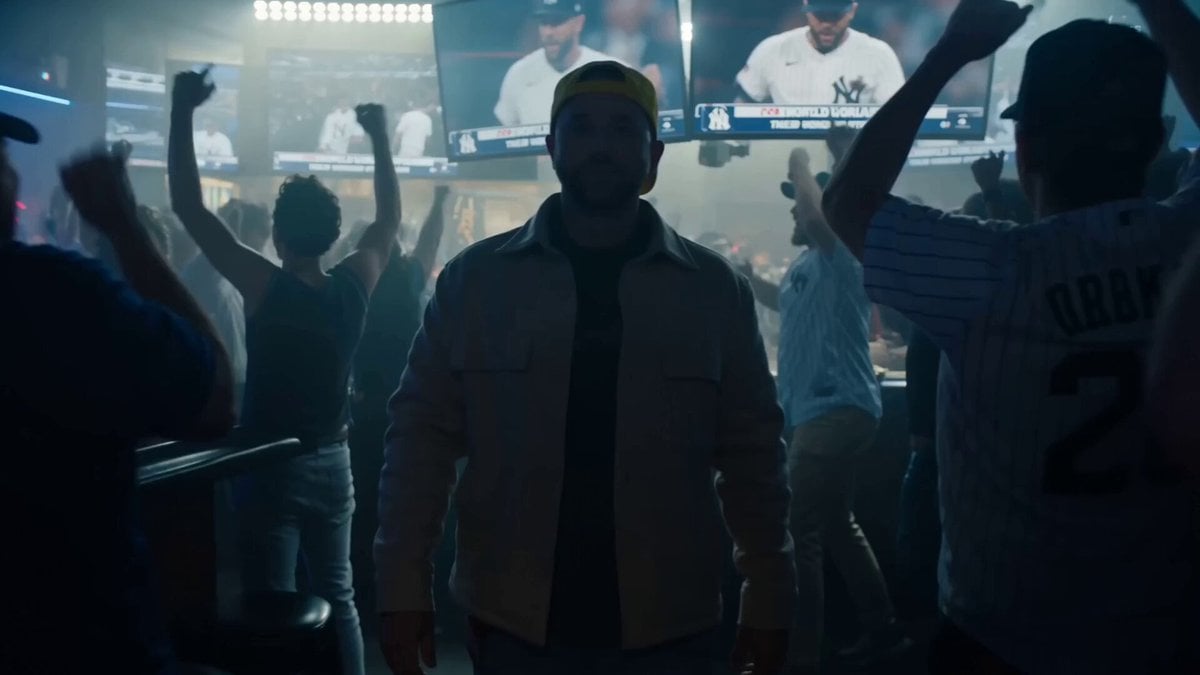
Cinematic Time-Freeze Sports Bar Prompt
Browse template categories
Cinematic Assassin Knife Throw questions
How do I use the Cinematic Assassin Knife Throw template?
Add your photo if the template asks for one, edit the prompt if you like — the template's model and format are already selected — and press Generate. Your version opens in PicX Studio.
Can I customize the Cinematic Assassin Knife Throw template?
Yes. You can change the subject, setting, lighting, mood, format, and available model controls before creating your video.
Is the Cinematic Assassin Knife Throw template free?
Opening and editing this template is free. Generating uses credits, shown on the Generate button when you are signed in.
Which AI model should I use?
Start with Seedance 2.0, which is the model associated with this template. You can compare another compatible model for a different finish.
Looking for something else? Browse all templates.

Your photo, any look
Thousands of ready templates for every top image and video model, from one credit balance.