
Cinematic KitKat Commercial
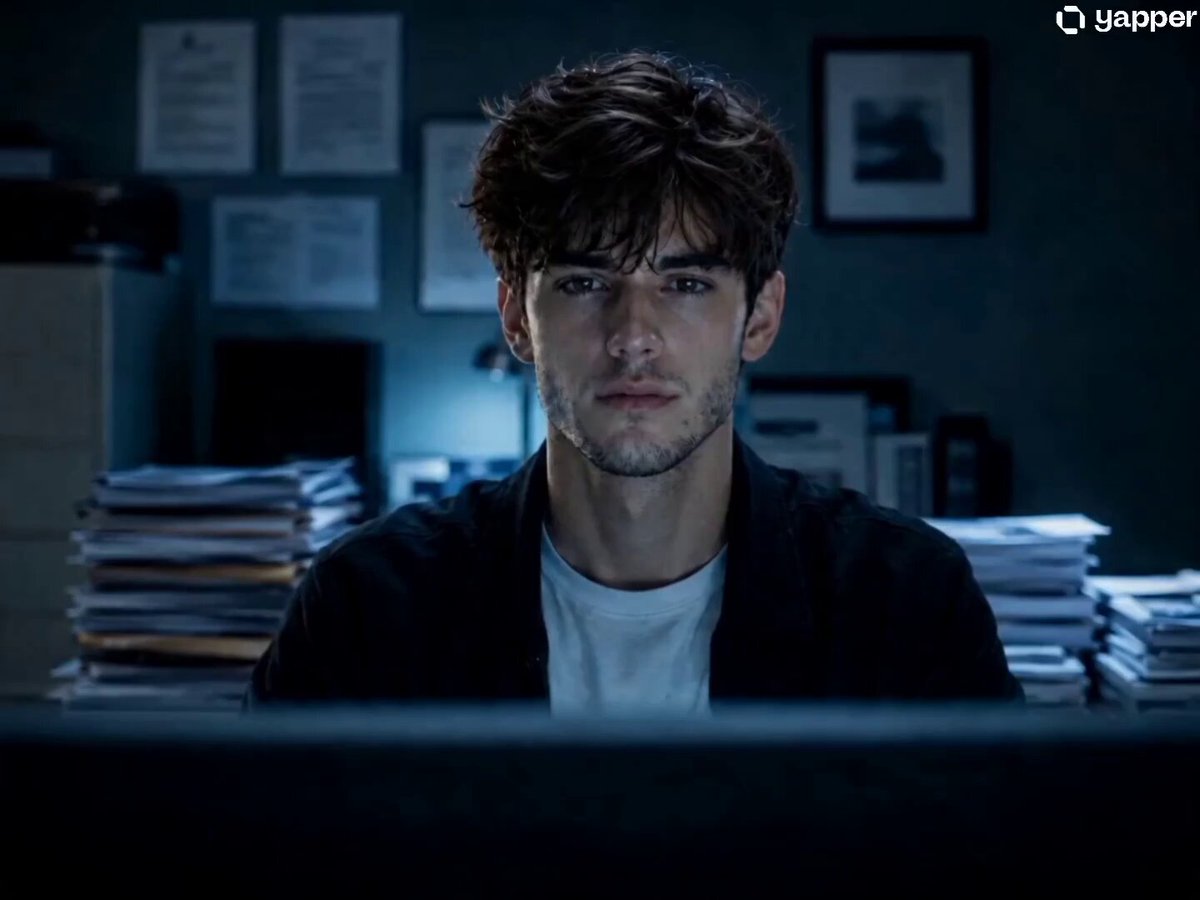
A comprehensive multi-scene prompt for a high-end chocolate advertisement, transitioning from a moody late-night office setting to luxurious macro shots of the product.
- Prompt included
- Model and format preset
- Premium template
The prompt behind this video
Copy the exact prompt behind Cinematic KitKat Commercial, or open it in the studio and make it yours.
Ultra cinematic story-driven premium advertisement of a KitKat chocolate bar, film-grade realism, emotional storytelling transitioning into luxury macro product visuals, dark moody lighting evolving into warm cinematic tones Scene 1: A young man sitting at a desk late at night, dim blue lighting from laptop screen, tired eyes, messy workspace, subtle background blur, slow handheld camera movement, realistic stress atmosphere Scene 2: Fast chaotic cuts -typing aggressively, phone notifications lighting up, clock ticking, close-up on eyes, tension building, slightly shaky camera, cool tones Scene 3: Sudden pause - silence moment, he leans back, notices a KitKat on the table, a soft warm spotlight gently hits the chocolate, camera slowly pushes in, mood shift begins Scene 4: Extreme macro shot -hand picks up KitKat and snaps it in ultra slow motion, crisp break sound, chocolate crumbs and particles floating, dramatic cinematic lighting, everything transitions into calm slow motion Scene 5: The man takes a bite of the KitKat, close-up on face, eyes gently closing, expression relaxing, stress melting away, lighting shifts from cool blue to warm golden tones, subtle smile appears, peaceful atmosphere Scene 6: Melted chocolate flowing over KitKat in macro detail, rich glossy texture, warm highlights, smooth fluid motion, shallow depth of field, luxurious feel Scene 7: Kitkat pieces floating and rotating in mid-air, suspended crumbs, volumetric light rays passing through particles, deep contrast, premium product ad aesthetic Scene 8: Final hero shot - full KitKat centered on glossy black reflective surface, soft rim lighting, warm glow, slight mist in background, slow cinematic zoom-in Audio: soft ambient music transitioning from tense to calm, satisfying chocolate snap sound,
How to use Cinematic KitKat Commercial in 3 steps
- 1
Open
The prompt is already in the box next to the preview, with the template's model and format selected.
- 2…a portrait of your subject in softgolden-hour light, 85mm…
Personalize
Edit the subject and creative details for your destination.
- 3Generate
Generate
Press Generate — your video is created in PicX Studio, so you can compare it with the original and refine one variable at a time.
More like this
Templates with the same subject, style or setup. Open one to see its prompt.

Fruit Cookie Commercial

Silk Road Pomegranate Folk Animation

Mechanical Flower Bloom Brand Film

Crystal Ball Match-Cut Brand Film

Sneaker Product Commercial

Skincare Product Commercial 3

Cinematic Portrait Study 3

Product UGC Commercial

Cinematic Portrait Study
Skincare Product Commercial
Luxury Handbag Commercial — Hollywood VFX Ad
Pixar Style KitKat Commercial Animation
Make it yours
Cinematic KitKat Commercial works as-is. These are the safest ways to change it without losing the look.
Change one field
Copy a single group, rewrite it, and generate again so you can see what that field is doing.
Keep the frame, change the subject
Hold the composition and light of Cinematic KitKat Commercial, then swap wardrobe, props or the person for a new take.
| If the result… | Why | Fix |
|---|---|---|
| The result drifts from the preview | Too many fields changed at once. | Reuse Cinematic KitKat Commercial as-is first, then change one group — subject, light, or setting. |
| The model over-stylizes the scene | The prose prompt leaves finish and camera underspecified. | Add one camera or lighting sentence and stay on Seedance 2.0. |
More Seedance 2.0 templates
Other prompts made for Seedance 2.0.

Comical Martial Arts Punch Scene

Maglev Train Action Sequence

Martial Arts Fight Sequence

Wuxia Protection and Trust Script

Vintage Korean Arcade MiniDV Vlog

Ancient Roman Celestial Flight

Mercedes 190 SL Luxury Ad

Rainy Night Supernatural Reverse Comedy Video Script

Amazon Civilization Discovery

Futuristic South Asian City Transformation
More video prompts
Fresh picks from across the catalog.
Silver Train Chase Anime Action
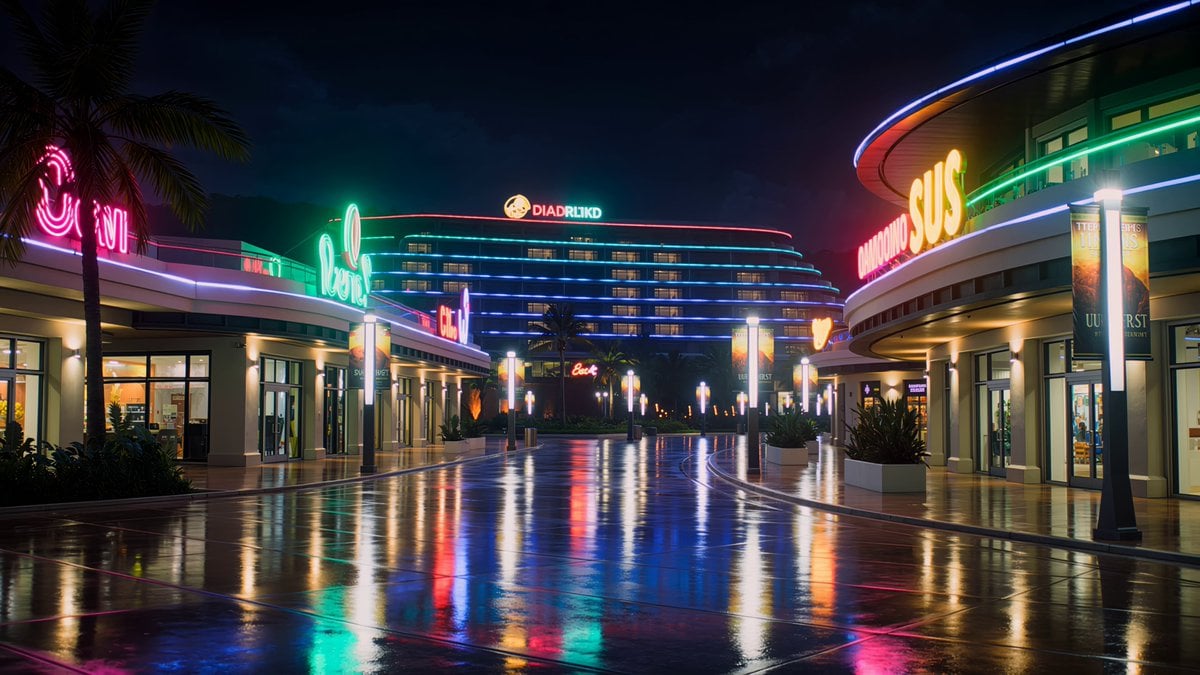
Luxury Dinosaur Resort Night Chaos

Anime Martial Arts Master Animation
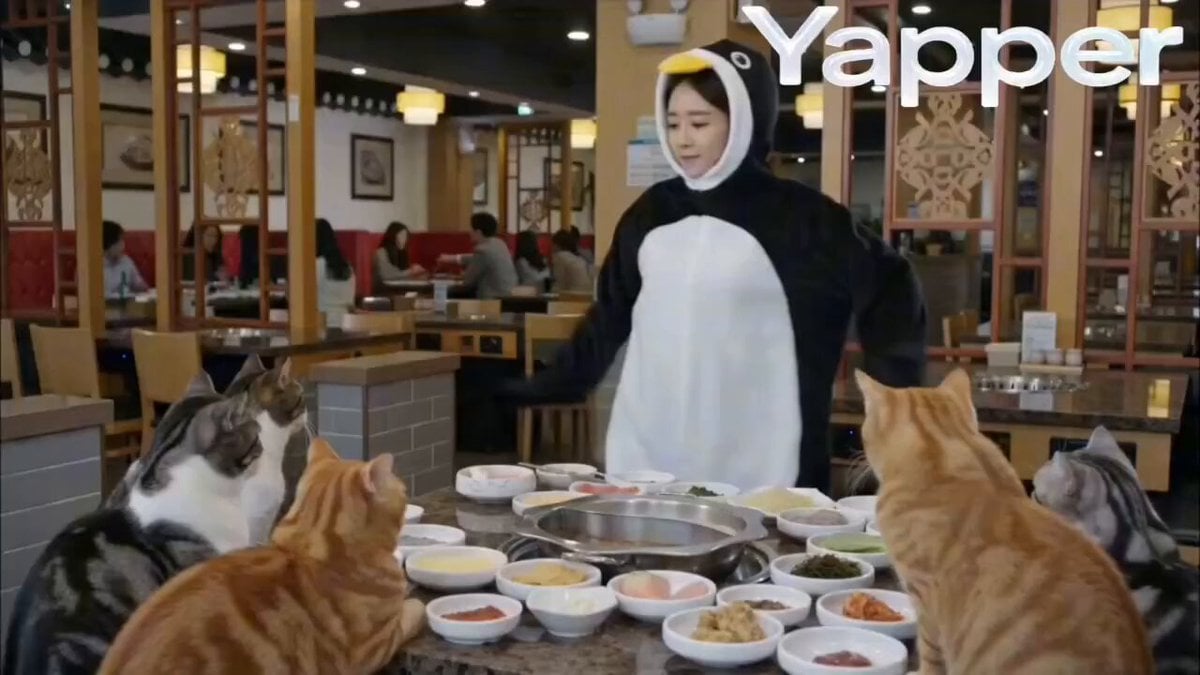
Penguin Dancer in Cat Hotpot Restaurant

Dreamlike Landscape Animation
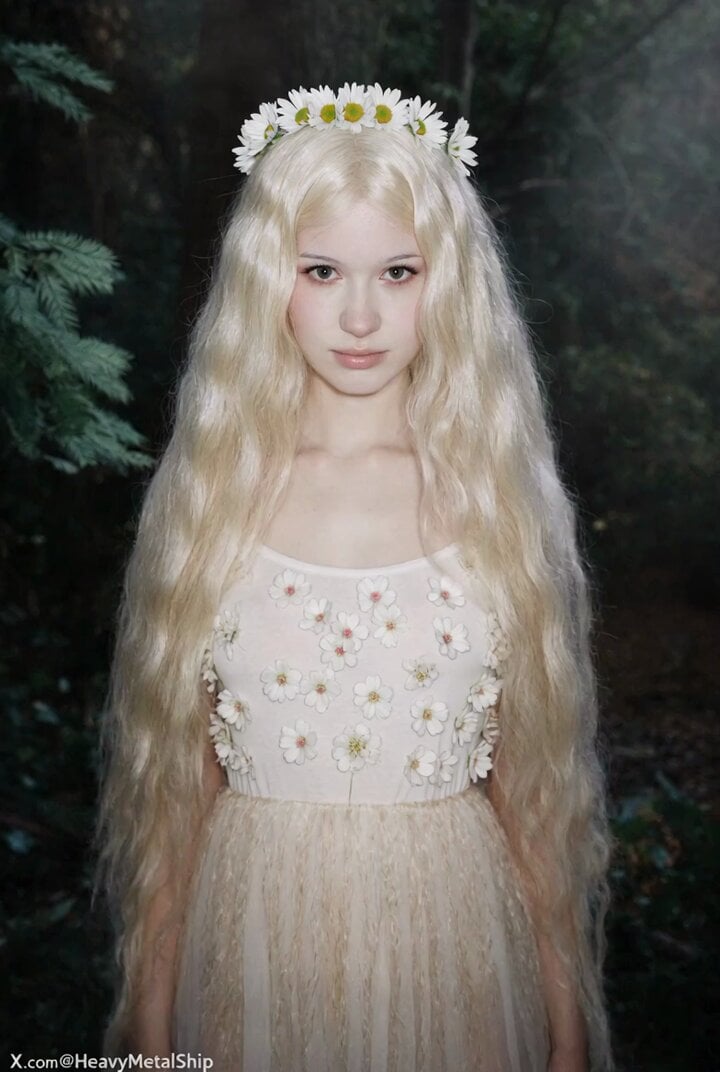
Outfit Crafted from Nature
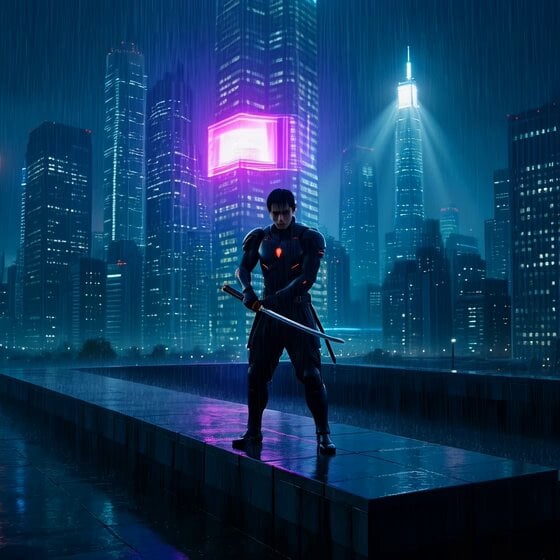
Cyberpunk Samurai in Neon Tokyo Rain

Alien Jellyfish Bodycam Attack

Cartoon Facial Expression Transition
Jirai-kei Girl Daily Life Documentary
Browse template categories
Cinematic KitKat Commercial questions
How do I use the Cinematic KitKat Commercial template?
Add your photo if the template asks for one, edit the prompt if you like — the template's model and format are already selected — and press Generate. Your version opens in PicX Studio.
Can I customize the Cinematic KitKat Commercial template?
Yes. You can change the subject, setting, lighting, mood, format, and available model controls before creating your video.
Is the Cinematic KitKat Commercial template free?
Opening and editing this template is free. Generating uses credits, shown on the Generate button when you are signed in.
Which AI model should I use?
Start with Seedance 2.0, which is the model associated with this template. You can compare another compatible model for a different finish.
Looking for something else? Browse all templates.

Your photo, any look
Thousands of ready templates for every top image and video model, from one credit balance.