
Neon Futuristic Time Thief
A narrative video prompt for a sci-fi scene involving a character stealing time in a neon-lit futuristic city.
- Prompt included
- Model and format preset
- Free template
The prompt behind this video
Copy the exact prompt behind Neon Futuristic Time Thief, or open it in the studio and make it yours.
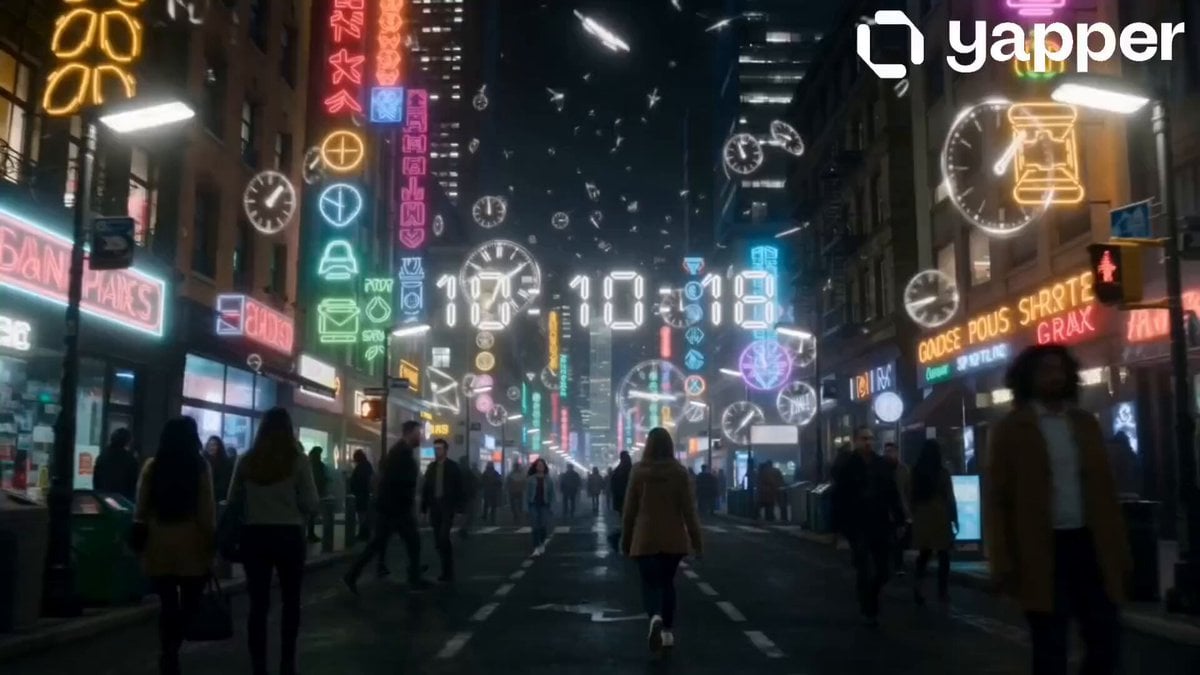
A glowing futuristic fantasy city at night, filled with neon lights and strange symbols. Floating clock shapes hang in the air, and broken pieces of time drift like glowing dust. The streets are crowded, but people move in slightly broken, uneven motion, as if time is not working correctly. The camera slowly moves forward and shows a young South Asian girl walking through the city. Her face and all features must stay exactly the same as the provided reference image in every frame. She looks calm and aware while walking through the strange environment. In a narrow alley, she lightly touches or passes a stranger. A small magical effect activates. Five seconds of time are taken from the stranger and turn into glowing energy lines that move into her hand. The stranger freezes for a moment, and glowing clock pieces spin around them in the air. The girl stays calm, but there is a slight emotional weight on her face. Then she stands alone under floating clock fragments. Her memories begin to break and glitch. Short flashes of faces, places, and emotions appear and fade like damaged video. She slowly realizes that every time she steals seconds, she is losing parts of her own memory. The camera stays close and moves slowly to show her emotional state. In the final part, she continues walking through the neon city. The environment feels heavier and more empty, with large floating clock pieces circling above like a storm. Even though she is losing herself, she keeps walking to survive. At the end, her silhouette slowly fades into glowing neon fog while floating time particles surround her and disappear into the darkness.
How to use Neon Futuristic Time Thief in 3 steps
- 1Upload ImagePNG, JPG or paste
Add your photo
Upload the photo the template builds on. The prompt, model and format are already set.
- 2…a portrait of your subject in softgolden-hour light, 85mm…
Personalize
Edit the subject and creative details for your destination.
- 3Generate
Generate
Press Generate — your video is created in PicX Studio, so you can compare it with the original and refine one variable at a time.
More like this
Templates with the same subject, style or setup. Open one to see its prompt.
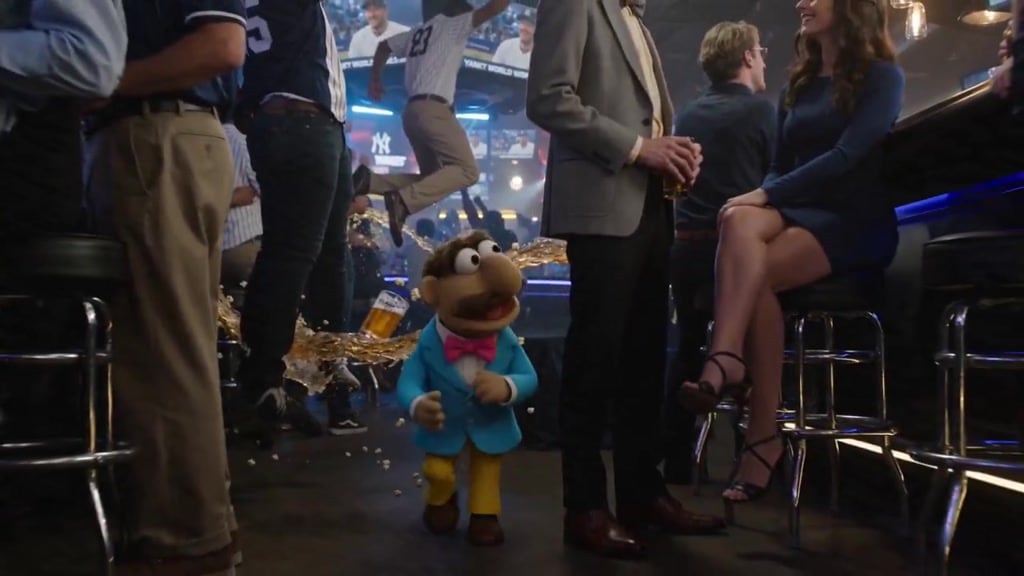
Puppet Time Freeze - Sports Bar Chaos
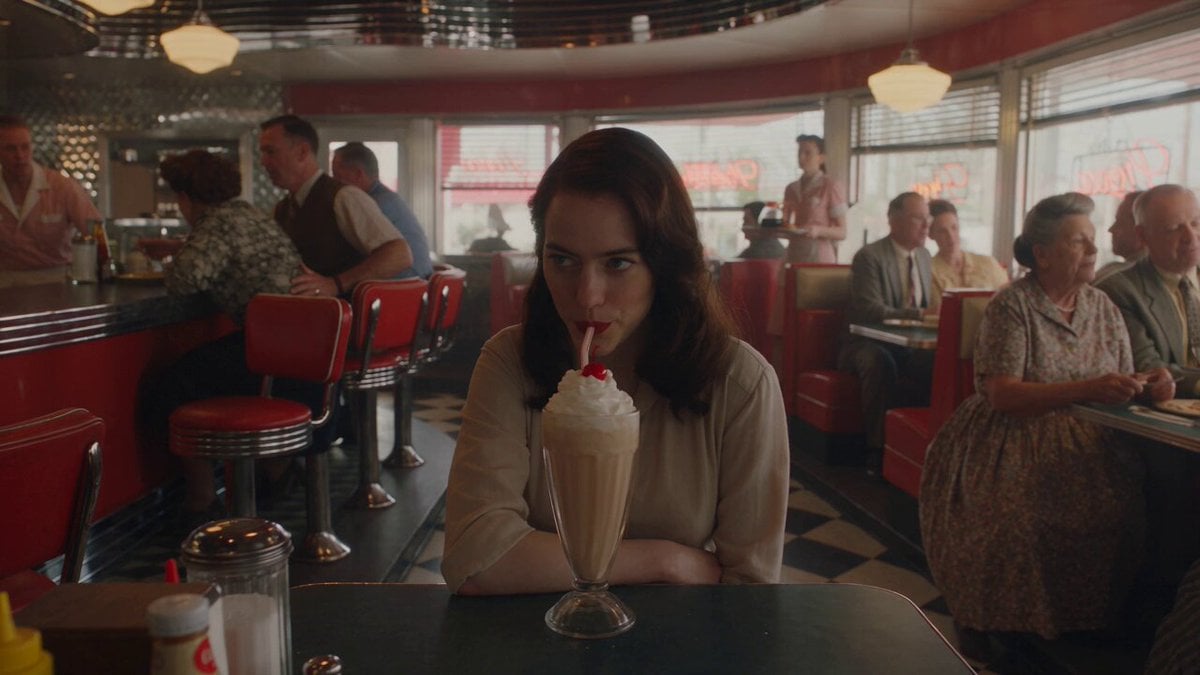
1950s Diner Time Freeze Rewind - Seedance 2.5

Korean Night Market Bullet-Time Scene - Seedance 2.5
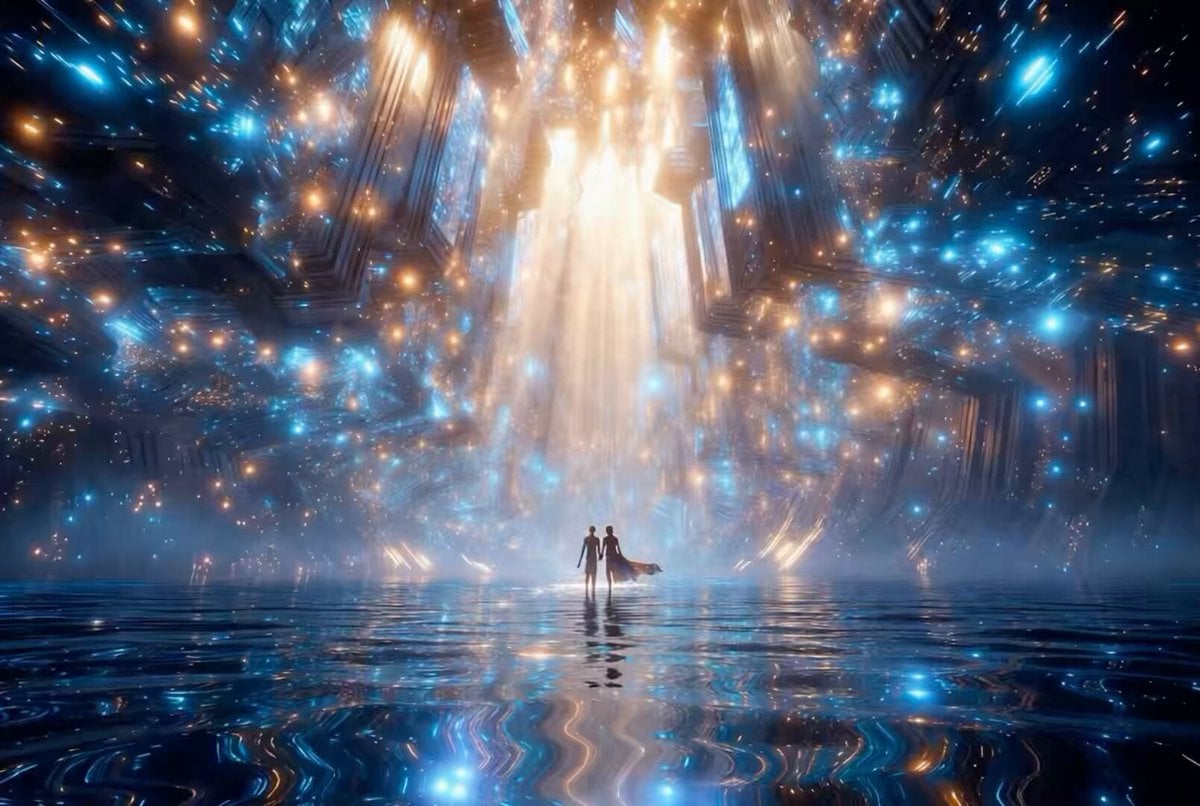
Futuristic Neon Cathedral
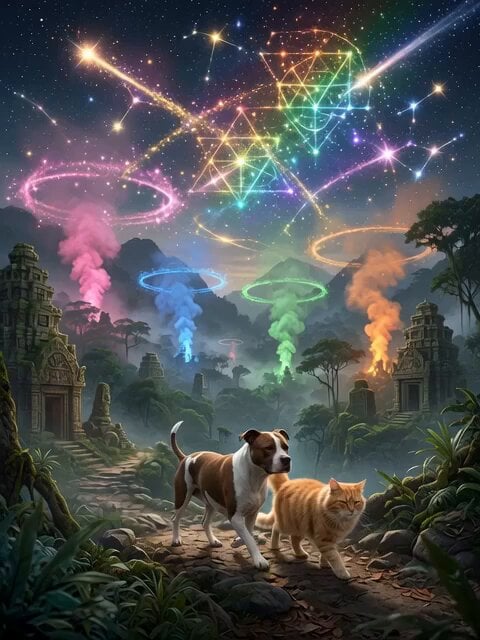
Futuristic Neon Metropolis Sky
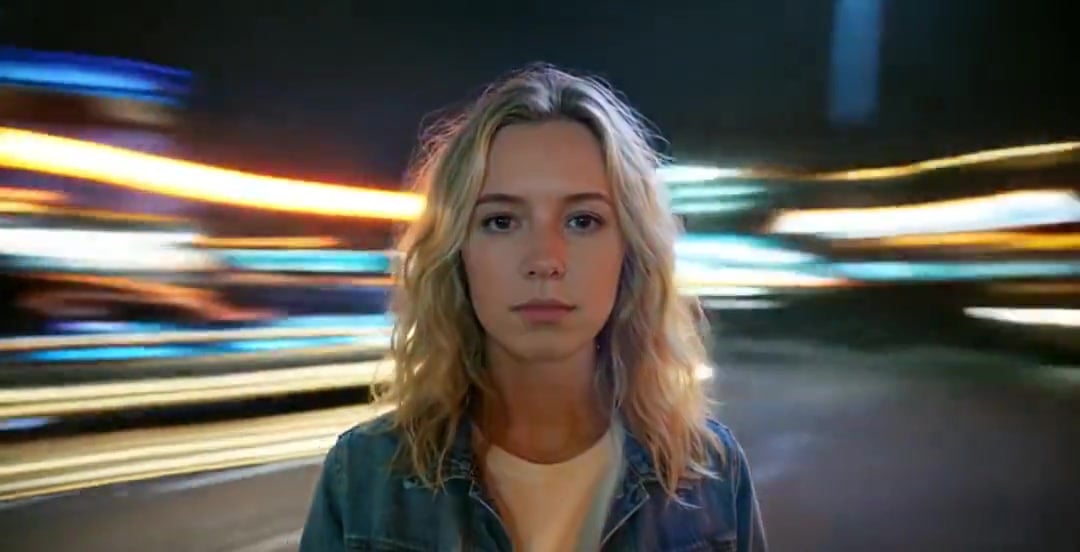
Handheld Neon Chaos Motion Blur — Kling 3.0 v3 Pro
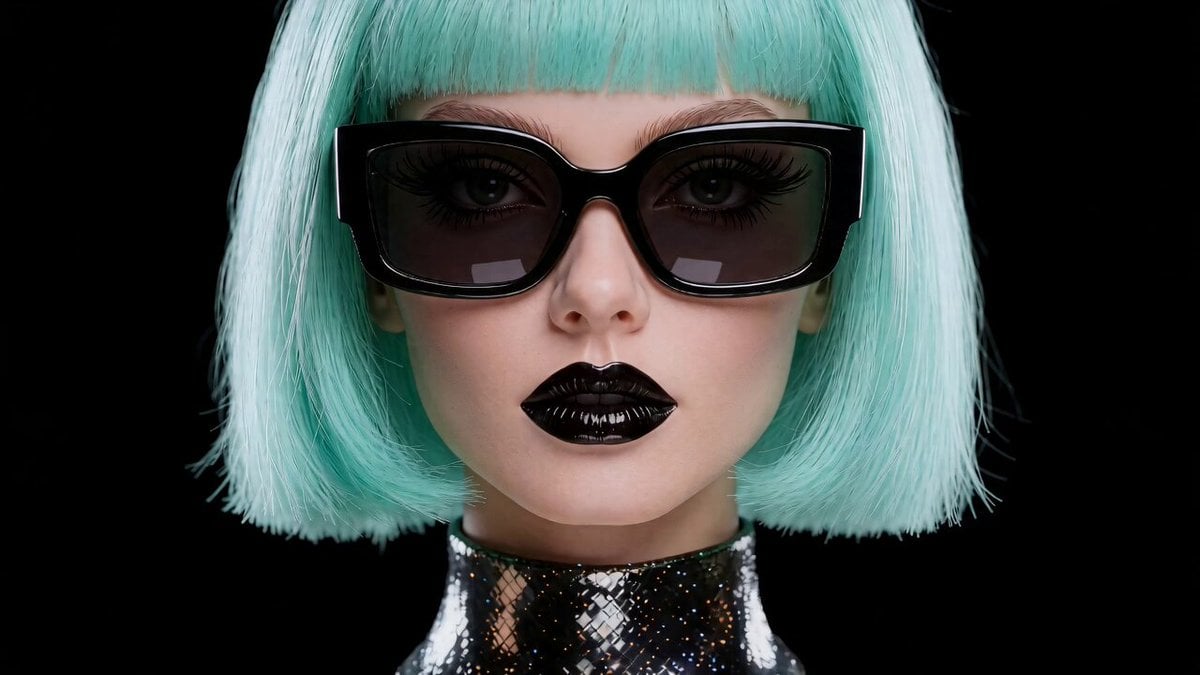
Futuristic Fashionista Neon Laser Scene

Neon Night Market Time Travelers
AAA Game Trailer Style Futuristic Neon City Video Prompt
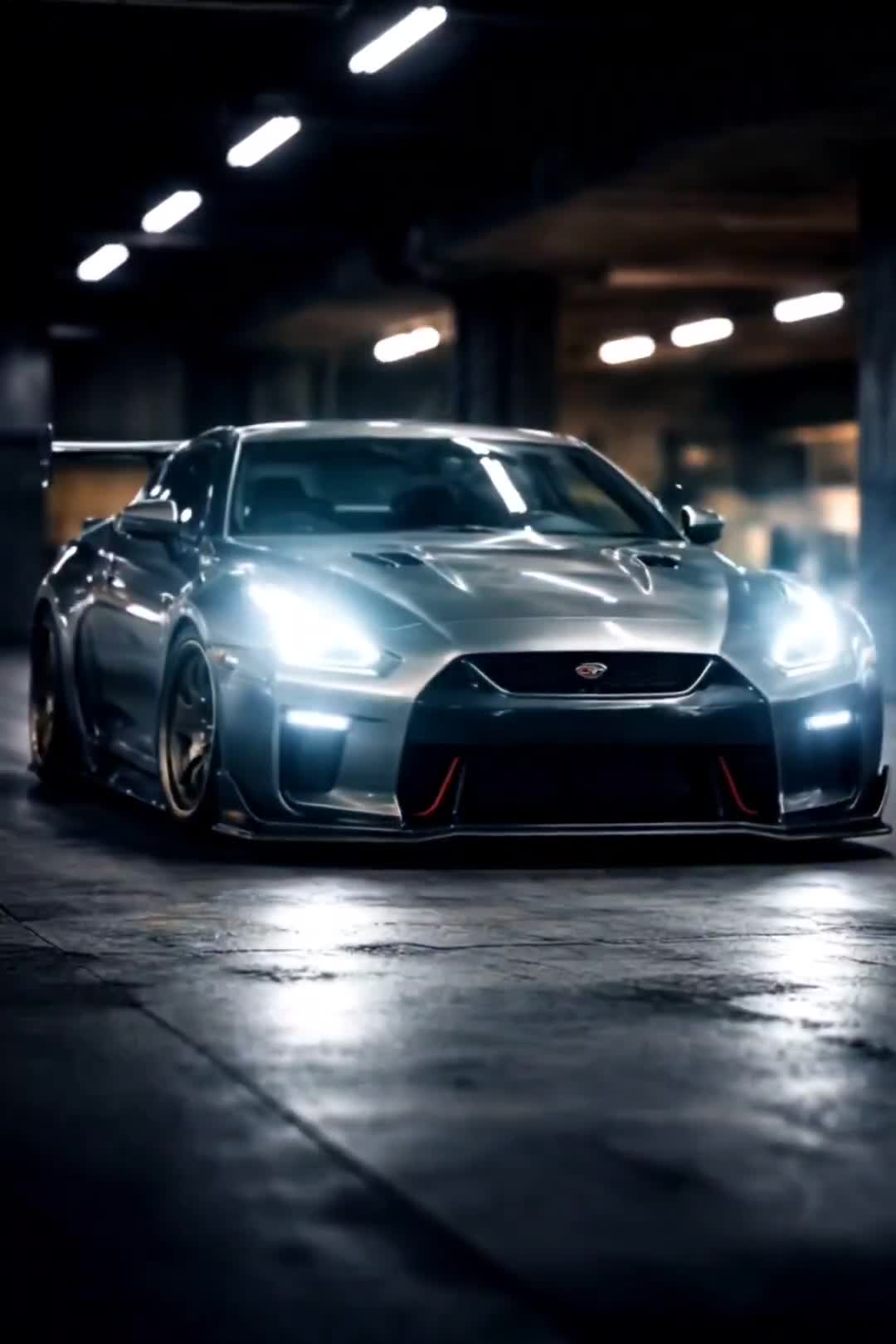
Cinematic Car Scene and Video Sequence Prompt
Time Stealer — Seedance 2.0
Porsche 911 GT3 RS Night Racing — Neon City Streets
Make it yours
Neon Futuristic Time Thief works as-is. These are the safest ways to change it without losing the look.
Change one field
Copy a single group, rewrite it, and generate again so you can see what that field is doing.
Keep the frame, change the subject
Hold the composition and light of Neon Futuristic Time Thief, then swap wardrobe, props or the person for a new take.
| If the result… | Why | Fix |
|---|---|---|
| The result drifts from the preview | Too many fields changed at once. | Reuse Neon Futuristic Time Thief as-is first, then change one group — subject, light, or setting. |
| The model over-stylizes the scene | The prose prompt leaves finish and camera underspecified. | Add one camera or lighting sentence and stay on Seedance 2.0. |
More Seedance 2.0 templates
Other prompts made for Seedance 2.0.

Comical Martial Arts Punch Scene

Maglev Train Action Sequence

Martial Arts Fight Sequence

Wuxia Protection and Trust Script

Vintage Korean Arcade MiniDV Vlog

Mercedes 190 SL Luxury Ad

Rainy Night Supernatural Reverse Comedy Video Script

Amazon Civilization Discovery

Futuristic South Asian City Transformation

Cozy Luxury Cafe Commercial
More video prompts
Fresh picks from across the catalog.
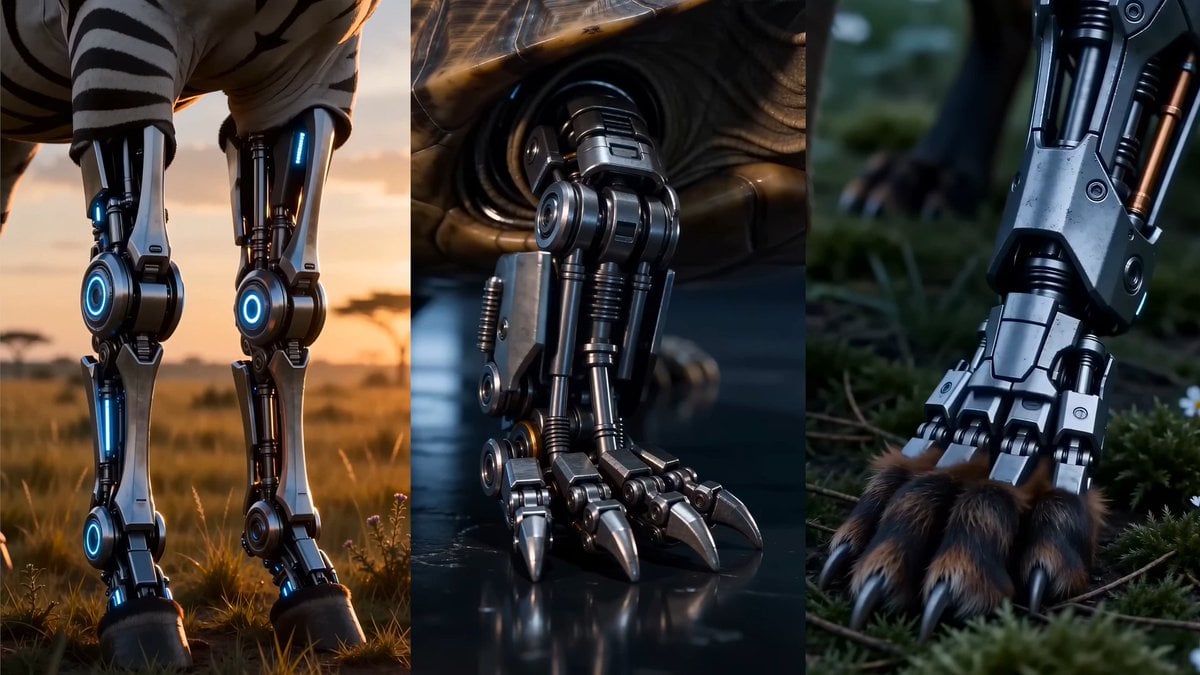
Bionic Metamorphosis Close-Up
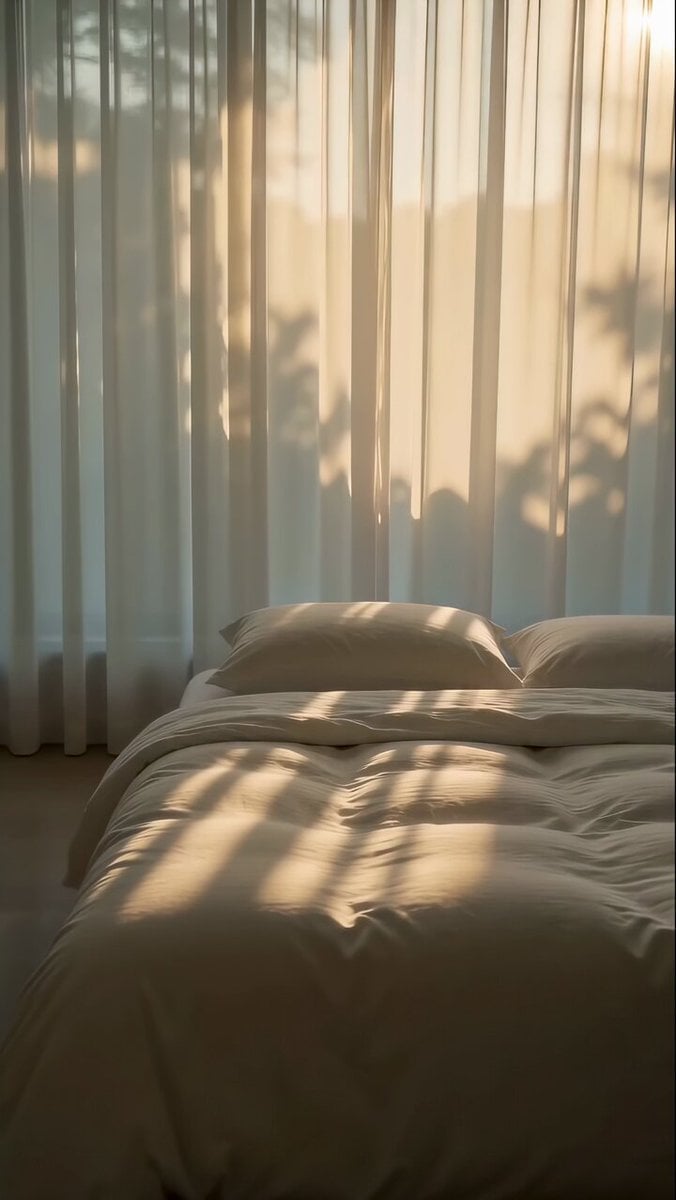
Zen Minimalist Morning Sequence
Ballerina Opera House — Seedance 2.0
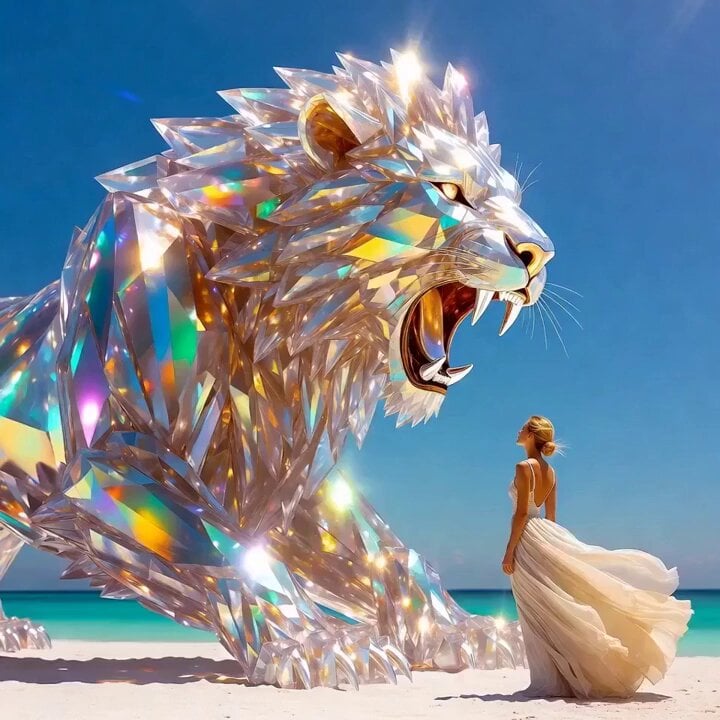
Grok Imagine Prompt: Crystal lion roaring on a white beach with an elegant woman
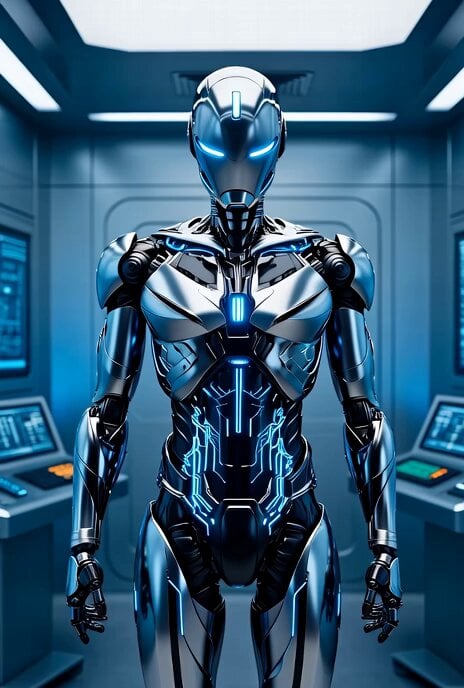
Cinematic sci-fi robot dissolution
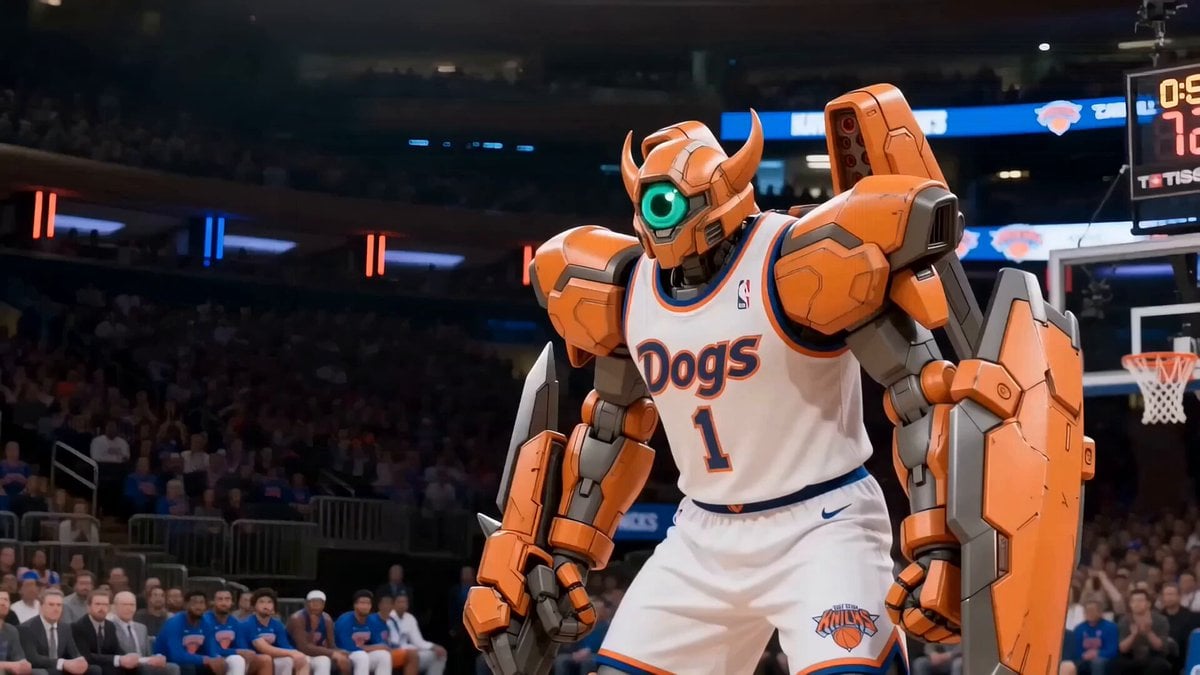
Robot Basketball Slam Dunk
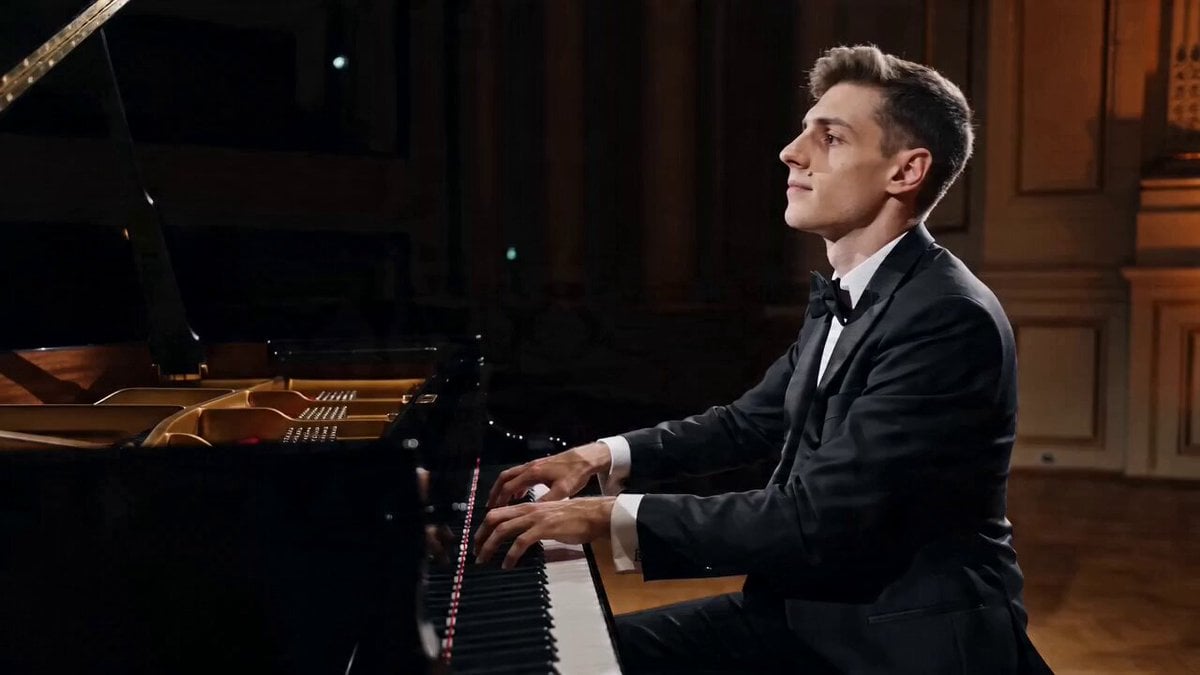
Cinematic Pianist Scene Prompt for Seedance 2.0
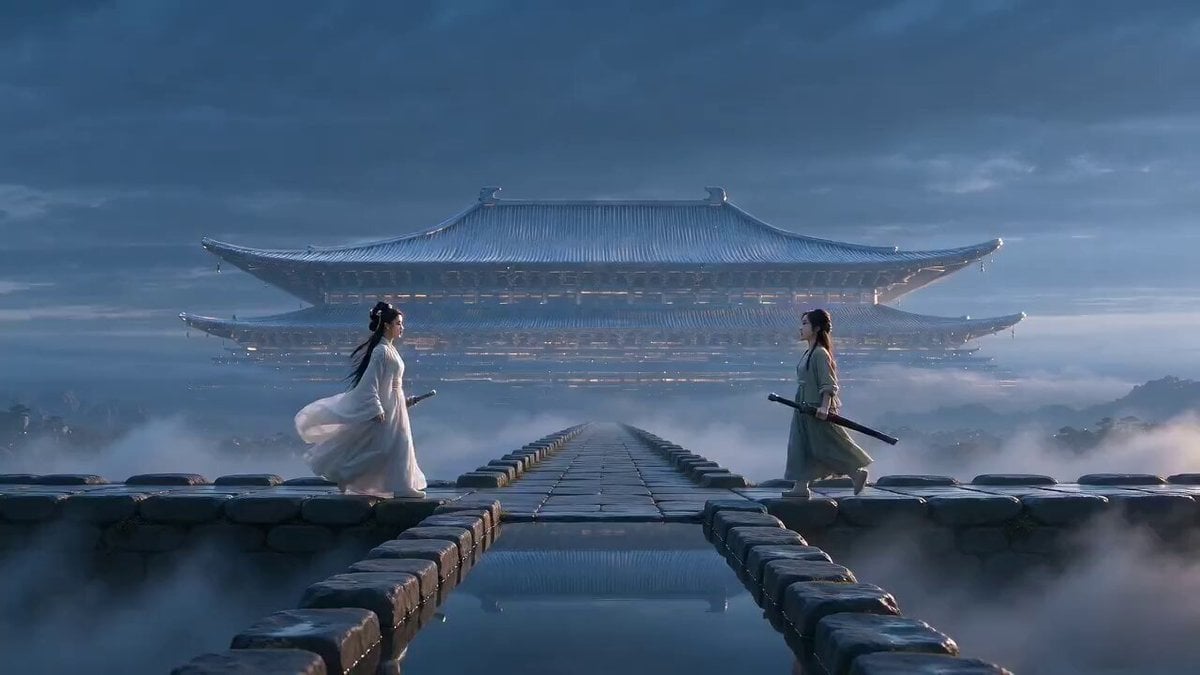
Xianxia Polite Loop Comedy
First-person seamless rollercoaster ride through changing environments

Stealth mini-game heist video prompt
Browse template categories
Neon Futuristic Time Thief questions
How do I use the Neon Futuristic Time Thief template?
Add your photo if the template asks for one, edit the prompt if you like — the template's model and format are already selected — and press Generate. Your version opens in PicX Studio.
Can I customize the Neon Futuristic Time Thief template?
Yes. You can change the subject, setting, lighting, mood, format, and available model controls before creating your video.
Is the Neon Futuristic Time Thief template free?
Opening and editing this template is free. Generating uses credits, shown on the Generate button when you are signed in.
Which AI model should I use?
Start with Seedance 2.0, which is the model associated with this template. You can compare another compatible model for a different finish.
Looking for something else? Browse all templates.

Your photo, any look
Thousands of ready templates for every top image and video model, from one credit balance.