How do I use the Spinning Top Championship Arena Battle template?
Edit the prompt in the box under the preview — the template's model and format are already selected — and press Generate. Your version appears right on this page.
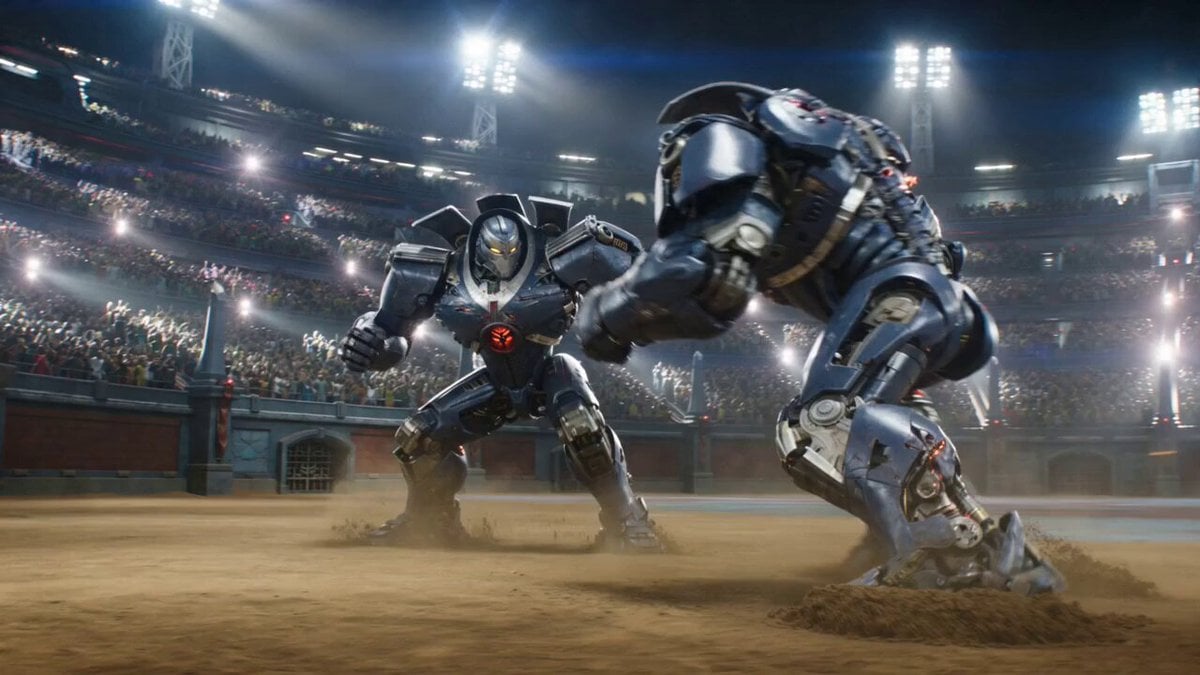
An action-packed prompt for a cinematic video of a spinning top battle in a packed stadium, featuring mythical energy spirits and explosions.
POV handheld smartphone footage from the audience. A gigantic spinning-top championship arena packed with spectators. Giant LED screens, banners, spotlights, and smoke effects surround the stadium. Natural daylight. Two legendary competitors stand at opposite ends of the arena. 0s–3s Both competitors launch their spinning tops simultaneously. The tops collide repeatedly at high speed. Sparks fly. The audience screams excitedly. 3s–7s One top becomes surrounded by blue energy. A giant spirit dragon appears above it. The other top erupts with blazing fire. A colossal phoenix spirit materializes overhead. The crowd goes wild. 7s–15s The dragon and phoenix charge toward each other. They collide above the stadium in a spectacular explosion of blue and golden light. The audience erupts into thunderous applause and cheers. Phones wave wildly overhead. The camera shakes dramatically from excitement.
POV handheld smartphone footage from the audience. A gigantic spinning-top championship arena packed with spectators. Giant LED screens, banners, spotlights, and smoke effects surround the stadium. Natural daylight. Two legendary competitors stand at opposite ends of the arena. 0s–3s Both competitors launch their spinning tops simultaneously. The tops collide repeatedly at high speed. Sparks fly. The audience screams excitedly. 3s–7s One top becomes surrounded by blue energy. A giant spirit dragon appears above it. The other top erupts with blazing fire. A colossal phoenix spirit materializes overhead. The crowd goes wild. 7s–15s The dragon and phoenix charge toward each other. They collide above the stadium in a spectacular explosion of blue and golden light. The audience erupts into thunderous applause and cheers. Phones wave wildly overhead. The camera shakes dramatically from excitement.
Edit the prompt in the box under the preview — the template's model and format are already selected — and press Generate. Your version appears right on this page.
Yes. You can change the subject, setting, lighting, mood, format, and available model controls before creating your video.
Opening and editing this template is free. Generating uses credits, shown on the Generate button when you are signed in.
Start with Seedance 2.0, which is the model associated with this template. You can compare another compatible model for a different finish.
Follow a topic to a crawlable collection of related PicX Studio templates.