How do I use the Vintage Victorian Lady with Cat Illustration template?
Edit the prompt in the box under the preview — the template's model and format are already selected — and press Generate. Your version appears right on this page.
A highly detailed prompt for generating a vintage 19th-century Victorian illustration of an elegant lady holding a cat in a lush garden, rendered in a soft watercolor and ink style with sepia tones and an ornate Art…
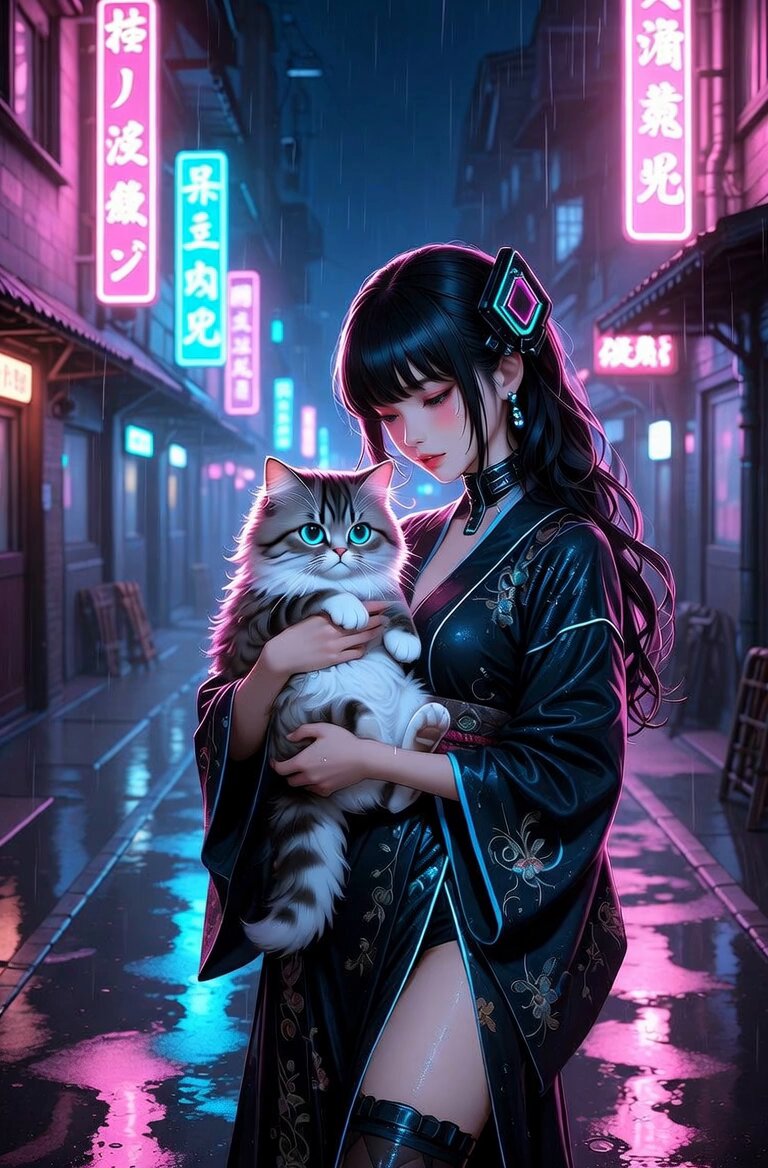
Vintage 19th century Victorian illustration of a beautiful elegant lady in a long dark dress and large wide-brimmed black hat with feathers, standing in profile in a lush garden, gently holding a fluffy long-haired tabby cat in her arms, soft and dreamy watercolour and ink style, black and white with sepia tones, intricate details, delicate line work, atmospheric background with blooming peonies and roses, old trees, misty garden scene, highly detailed, ornate golden Art Nouveau frame with intricate scrollwork and floral motifs surrounding the entire image like an antique book plate or vintage postcard, aged paper texture with subtle stains and wear, romantic and whimsical mood, in the style of classic Victorian-era book illustrations and Art Nouveau, masterpiece, high resolution.
Vintage 19th century Victorian illustration of a beautiful elegant lady in a long dark dress and large wide-brimmed black hat with feathers, standing in profile in a lush garden, gently holding a fluffy long-haired tabby cat in her arms, soft and dreamy watercolour and ink style, black and white with sepia tones, intricate details, delicate line work, atmospheric background with blooming peonies and roses, old trees, misty garden scene, highly detailed, ornate golden Art Nouveau frame with intricate scrollwork and floral motifs surrounding the entire image like an antique book plate or vintage postcard, aged paper texture with subtle stains and wear, romantic and whimsical mood, in the style of classic Victorian-era book illustrations and Art Nouveau, masterpiece, high resolution.
Edit the prompt in the box under the preview — the template's model and format are already selected — and press Generate. Your version appears right on this page.
Yes. You can change the subject, setting, lighting, mood, format, and available model controls before creating your video.
Opening and editing this template is free. Generating uses credits, shown on the Generate button when you are signed in.
Start with Grok Imagine, which is the model associated with this template. You can compare another compatible model for a different finish.
Follow a topic to a crawlable collection of related PicX Studio templates.