
Neon Motion Graphic Dance Animation
An energetic dance video prompt that combines athletic street dance movements with synchronized neon graphic overlays and cinematic lighting.

- Prompt included
- Model and format preset
- Free template
The prompt behind this video
Copy the exact prompt behind Neon Motion Graphic Dance Animation, or open it in the studio and make it yours.
Animate the character from the reference image performing a powerful, full-body dance synchronized to an intense, dark, hard-hitting rhythm. Preserve the character's identity, face, hairstyle, outfit, proportions, colors, and overall design exactly as shown in the reference image. Do not redesign or transform the character. The choreography emphasizes large, dynamic full-body movements rather than small hand gestures: 0–3 seconds: Start in a controlled low stance, then suddenly rise with a strong chest hit and a wide upward arm movement. 3–6 seconds: Perform powerful alternating stomps with large diagonal arm swings, shifting the entire body from side to side with strong rhythmic accents. 6–10 seconds: Transition into a fast full-body turn, using the momentum of the arms and torso, followed by a strong landing and immediate body hit. 10–13 seconds: Perform a dynamic jump with a slight body twist, land firmly, then execute one large sweeping arm movement combined with a powerful step forward. 13–15 seconds: End with a dramatic full-body pose, feet firmly planted and arms extended, holding completely still on the final beat. The movement should feel athletic, explosive, confident, and rhythmically precise, combining elements of powerful street dance, contemporary dance, and stylized performance choreography. Use the entire body: head, shoulders, chest, torso, hips, arms, legs, and feet should move naturally as one coordinated system. Strong weight shifts, grounded footwork, body momentum, sharp accents, and clear transitions. Keep the choreography physically believable and continuous. Avoid random movements, excessive hand gestures, floating limbs, unnatural joint bending, or abrupt pose changes. Full-body framing throughout. Keep the character completely visible from head to feet. Dynamic but controlled camera movement, with subtle forward movement and slight lateral tracking that enhances the choreography without obscuring the character. Cinematic lighting, strong sense of motion, crisp silhouettes, natural secondary motion in hair and clothing, energetic performance, high visual impact. Layer large glowing neon-style graphic elements into the scene, synchronized precisely to the choreography's accents, rendered as flat overlay graphics distinct from the character and background — they do not cast realistic shadows, do not reflect off surfaces, and remain visually separate from both her cel-shaded illustration style and the environment's lighting. 0–3 seconds: On the strong chest hit and upward arm movement, a burst of sharp angular light-line shards radiates outward from her chest in sync with the hit, fading as her arm reaches full extension. 3–6 seconds: On each stomp and diagonal arm swing, a bold glowing directional arrow or streak ignites briefly in the direction of the swing, flickering out before the next accent. 6–10 seconds: During the full-body turn, a circular ring
How to use Neon Motion Graphic Dance Animation in 3 steps
- 1Upload ImagePNG, JPG or paste
Add your photo
Upload the photo the template builds on. The prompt, model and format are already set.
- 2…a portrait of your subject in softgolden-hour light, 85mm…
Personalize
Edit the subject and creative details for your destination.
- 3Generate
Generate
Press Generate — your video is created in PicX Studio, so you can compare it with the original and refine one variable at a time.
More like this
Templates with the same subject, style or setup. Open one to see its prompt.
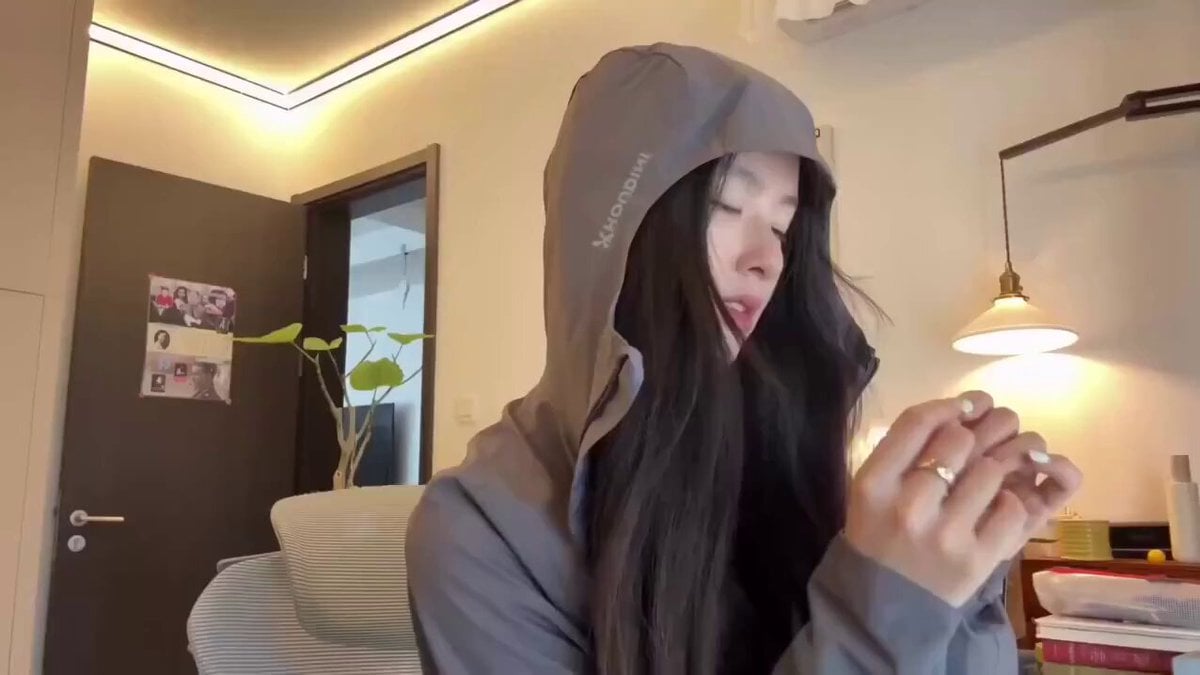
Cyberpunk Holographic Dance Performance - Seedance 2.5
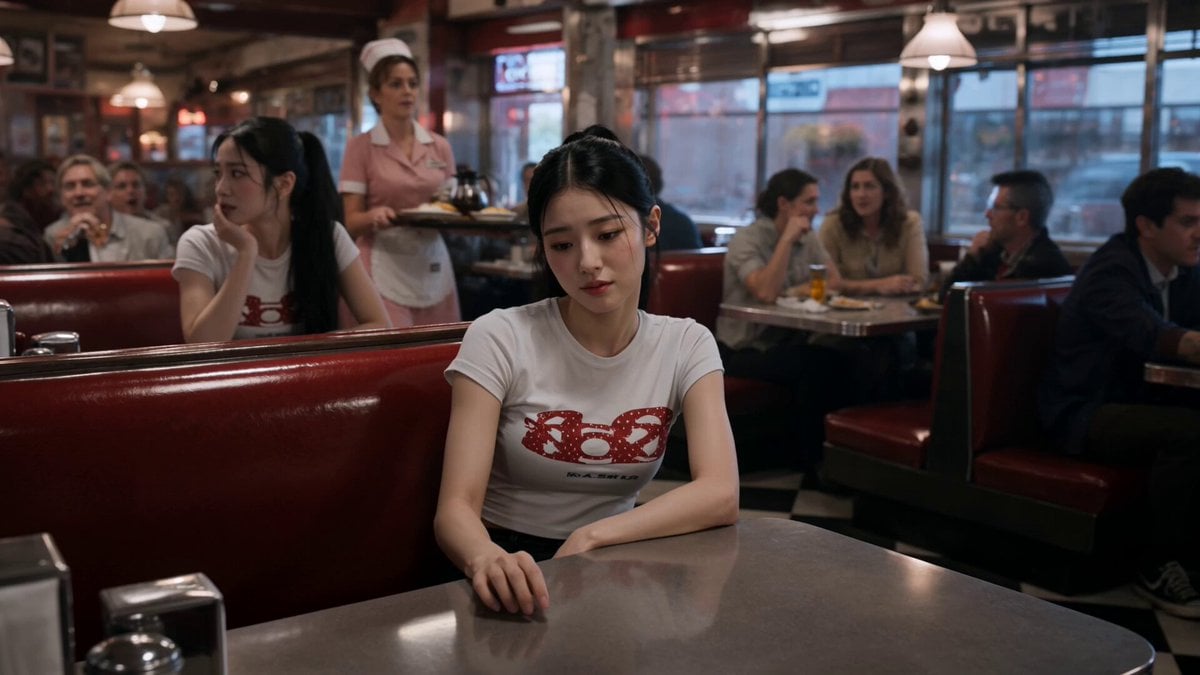
Slow-Motion 90s Diner Explosion - Seedance 2.5
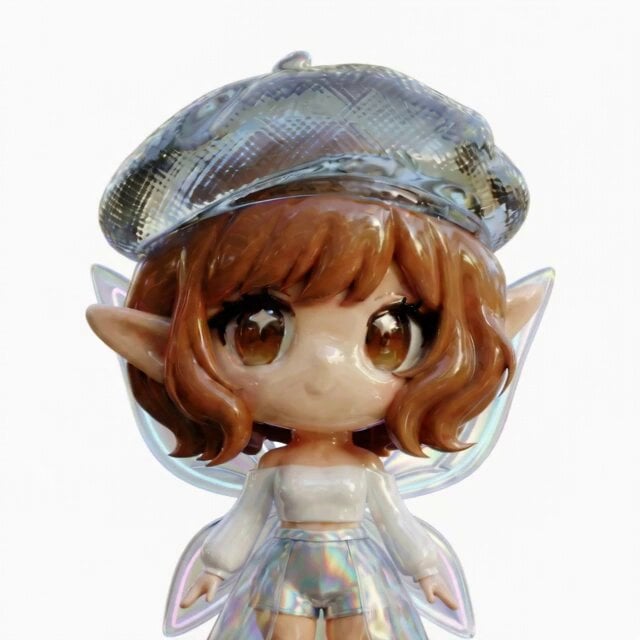
3D Glossy Fairy Animation - Seedance 2.5
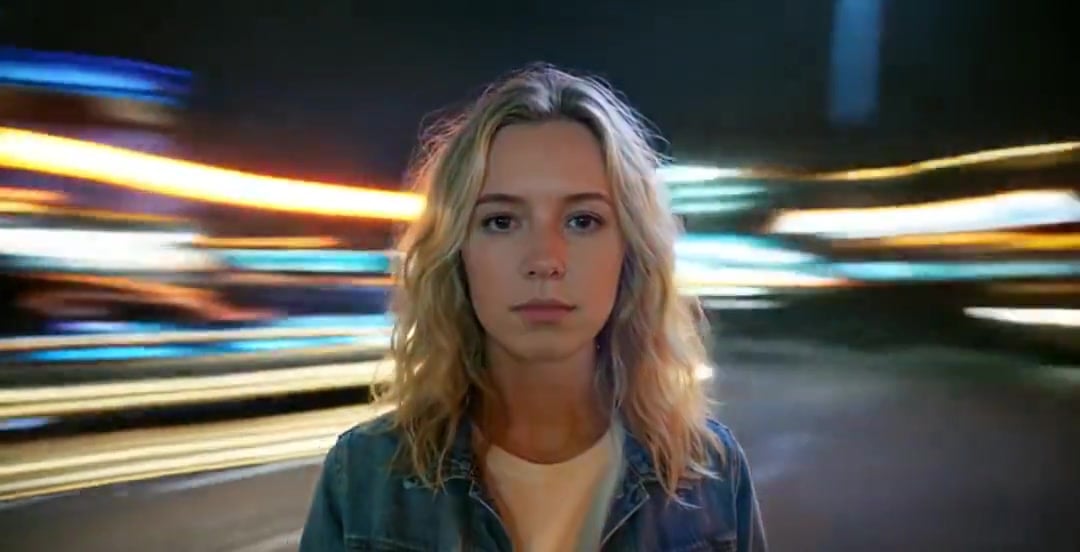
Handheld Neon Chaos Motion Blur — Kling 3.0 v3 Pro
Nano Banana Seedance Environment Render Walk
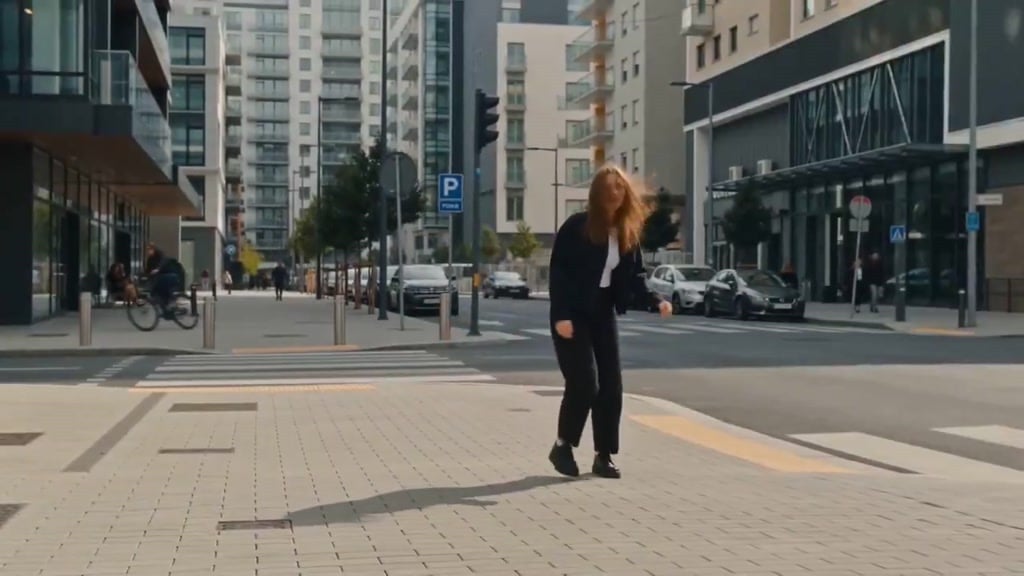
Seedance Wind Guides Path
Cartoon Bullfight Arena — Girl vs Bull (Seedance)
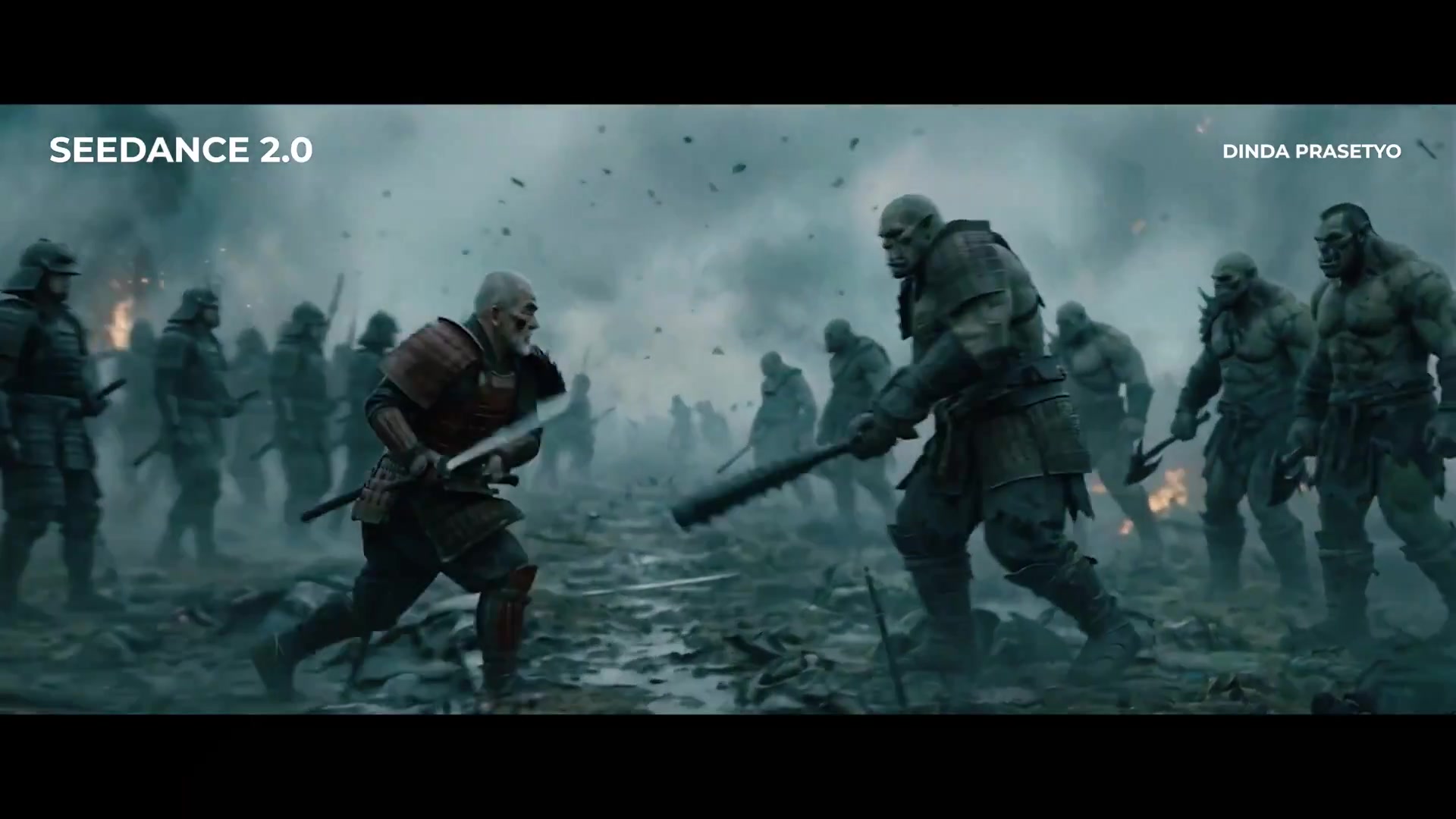
Seedance 2.0 First Test — Dynamic Motion Showcase

Silk Road Pomegranate Folk Animation
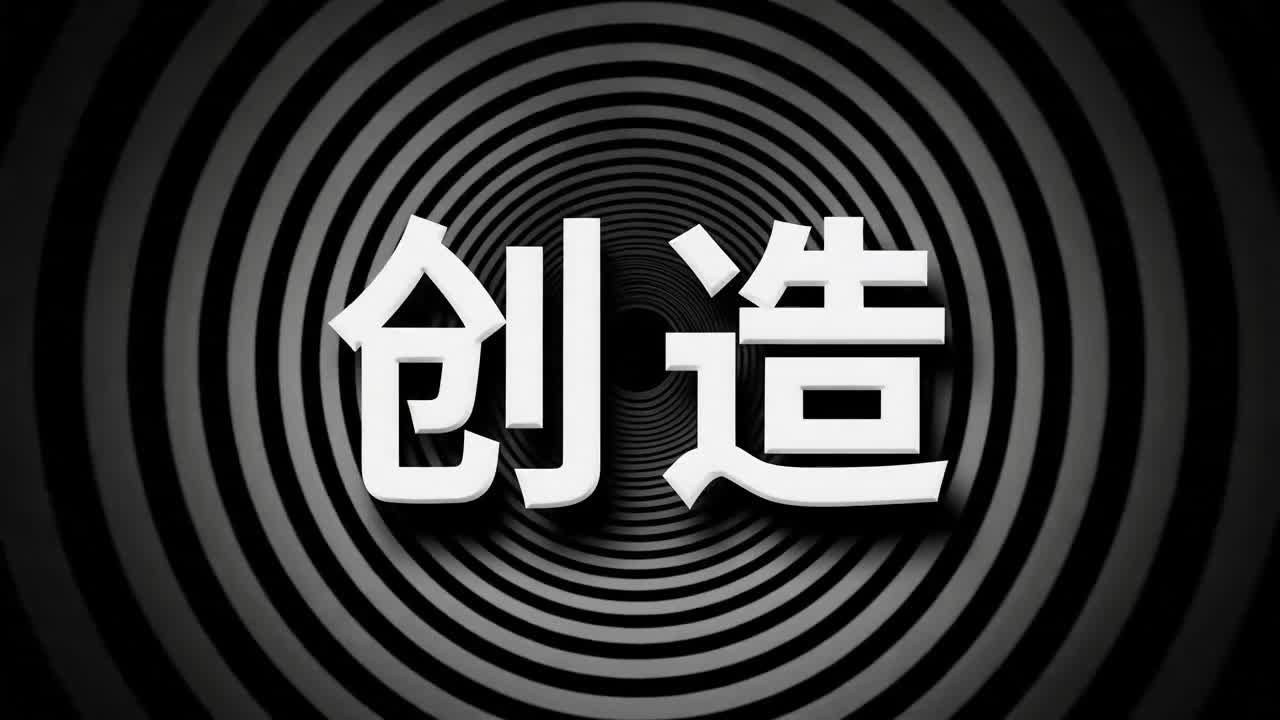
Multilingual Creative Typography Loop
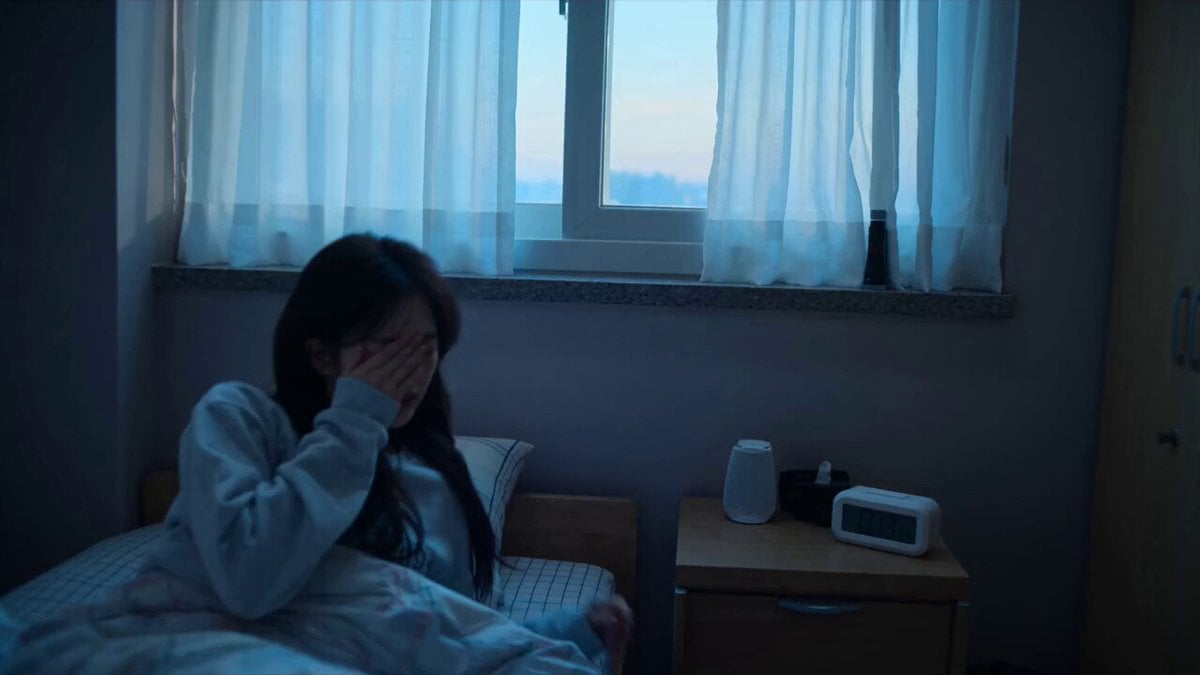
Early-2000s Trainee Flashback Film

Luxury Airport Travel Vlog
Make it yours
Neon Motion Graphic Dance Animation works as-is. These are the safest ways to change it without losing the look.
Change one field
Copy a single group, rewrite it, and generate again so you can see what that field is doing.
Keep the frame, change the subject
Hold the composition and light of Neon Motion Graphic Dance Animation, then swap wardrobe, props or the person for a new take.
| If the result… | Why | Fix |
|---|---|---|
| The result drifts from the preview | Too many fields changed at once. | Reuse Neon Motion Graphic Dance Animation as-is first, then change one group — subject, light, or setting. |
| The model over-stylizes the scene | The prose prompt leaves finish and camera underspecified. | Add one camera or lighting sentence and stay on Seedance 2.0. |
More Seedance 2.0 templates
Other prompts made for Seedance 2.0.

Comical Martial Arts Punch Scene

Maglev Train Action Sequence

Martial Arts Fight Sequence

Wuxia Protection and Trust Script

Vintage Korean Arcade MiniDV Vlog

Mercedes 190 SL Luxury Ad

Rainy Night Supernatural Reverse Comedy Video Script

Amazon Civilization Discovery

Futuristic South Asian City Transformation

Cozy Luxury Cafe Commercial
More video prompts
Fresh picks from across the catalog.

Parasite Lake and Mutated Crocodile Horror Sequence
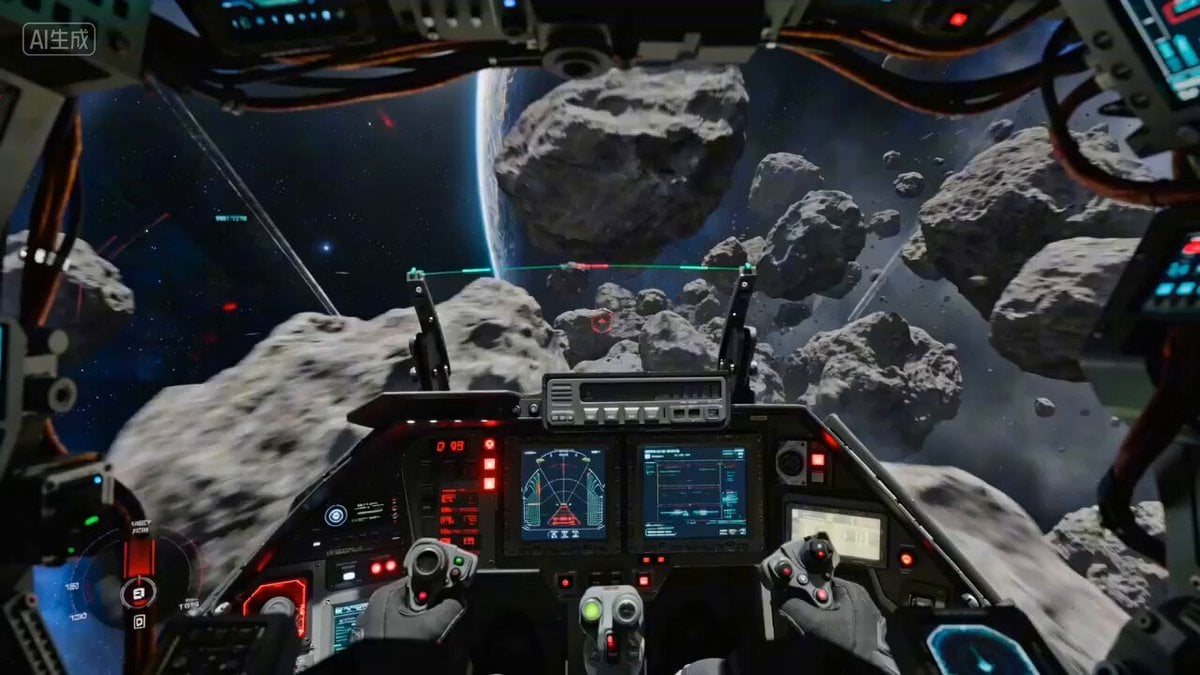
Starfighter POV Navigating Asteroid Field
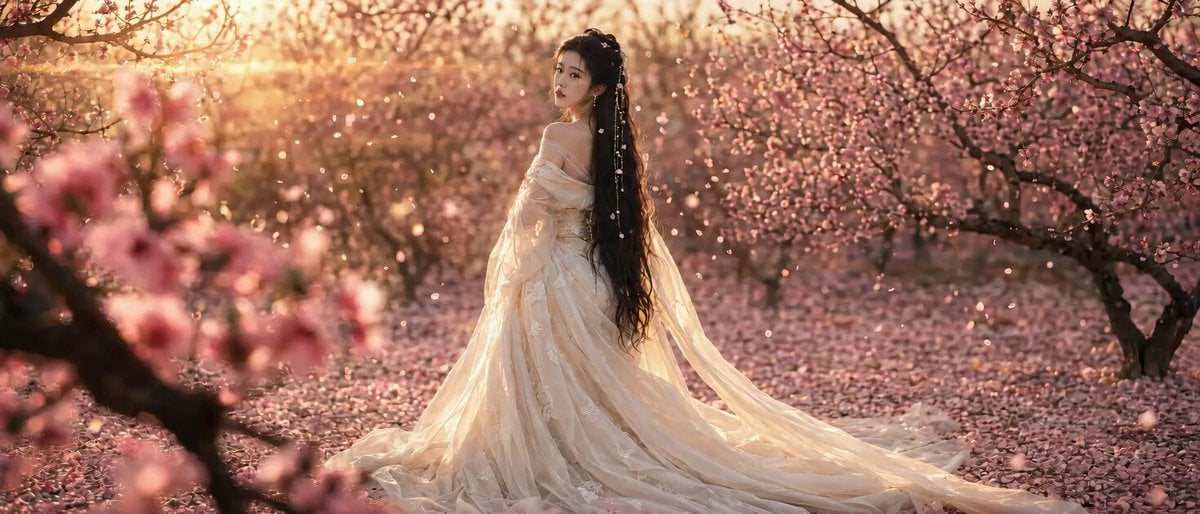
Peach Blossom Garden Melancholy Video Prompt
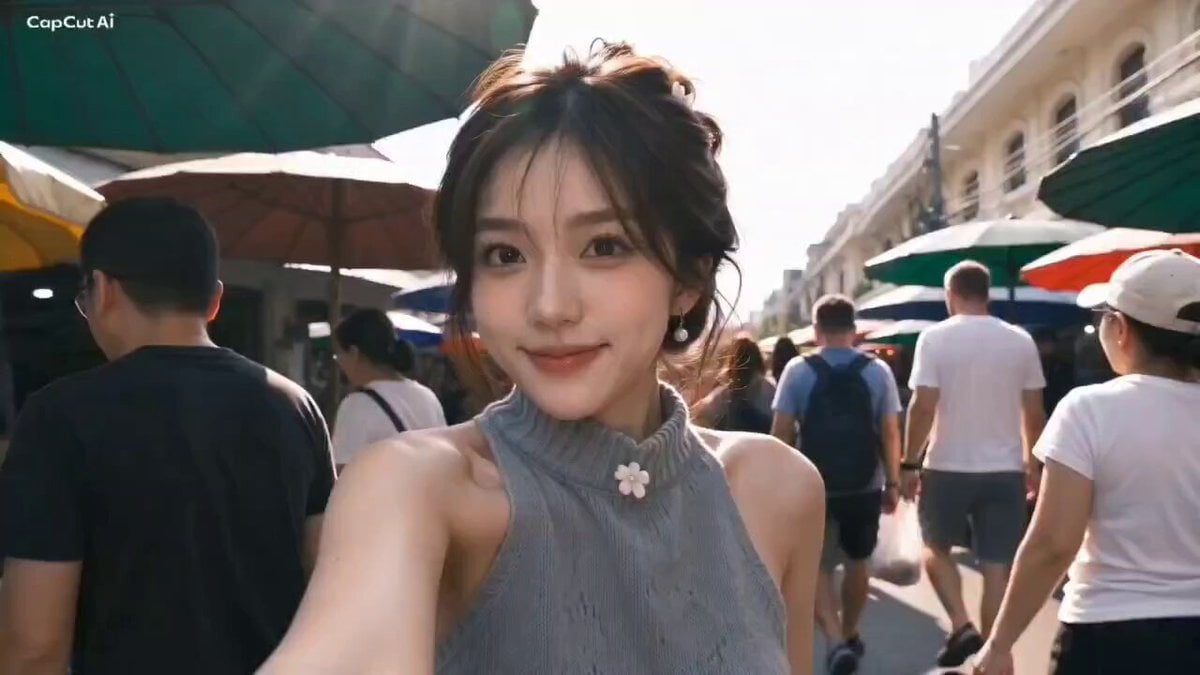
Sunday Market Memories Flip Camera
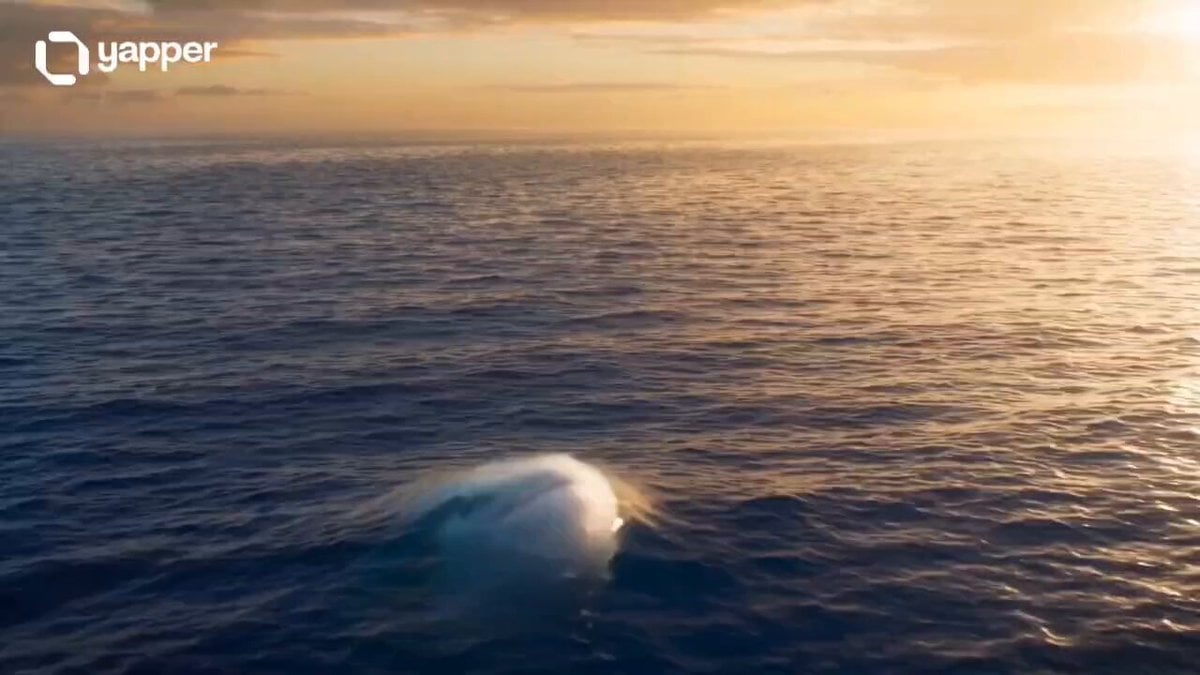
Magical Underwater Boy Riding Fish
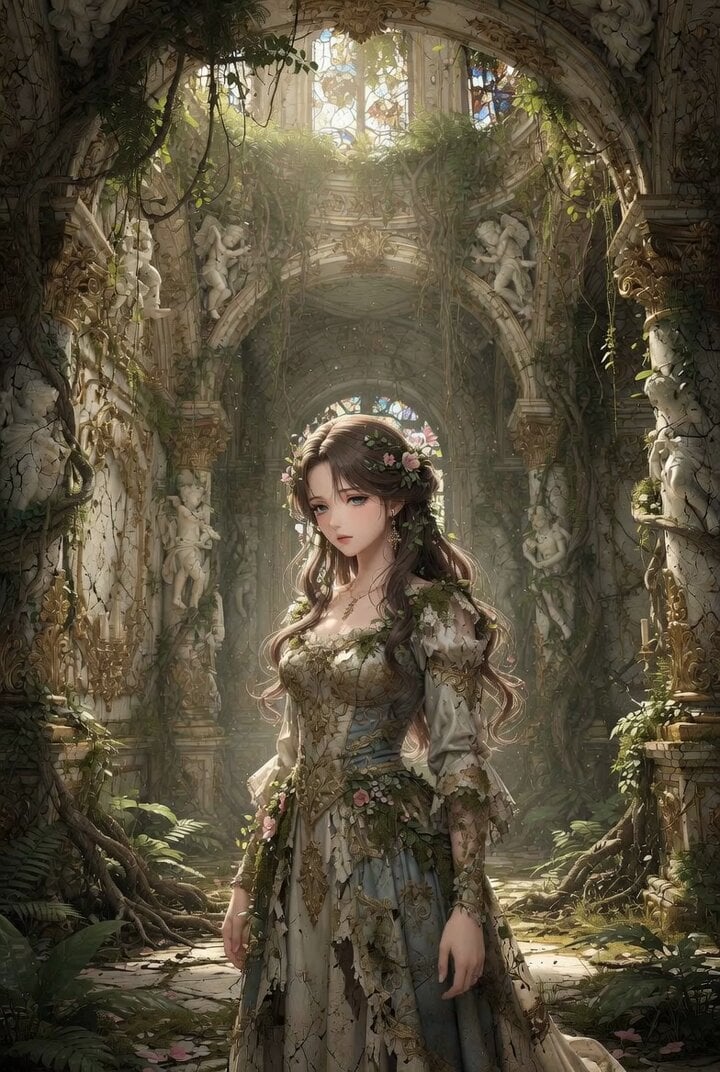
Anime Realism Portrait in Overgrown Rococo Palace
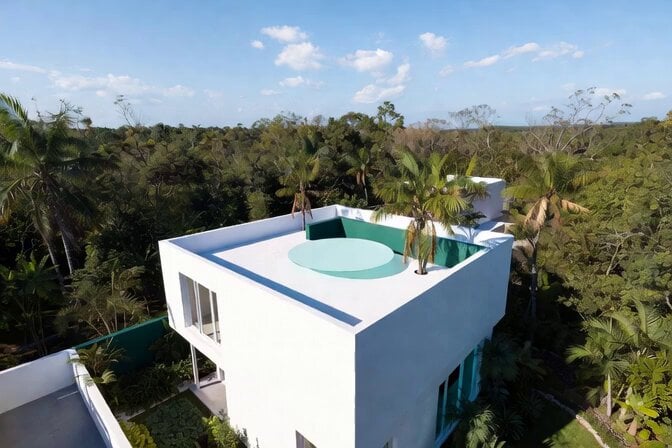
Futuristic Water Landing Platform
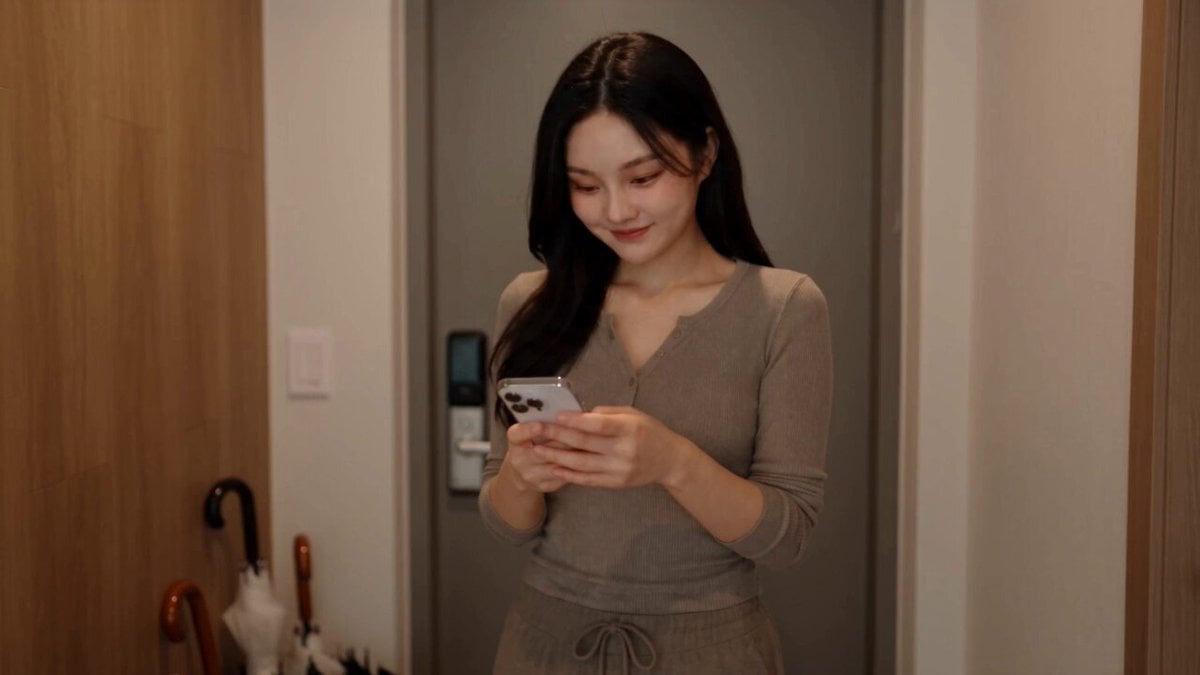
Everyday Grocery Shopping Lifestyle Vlog
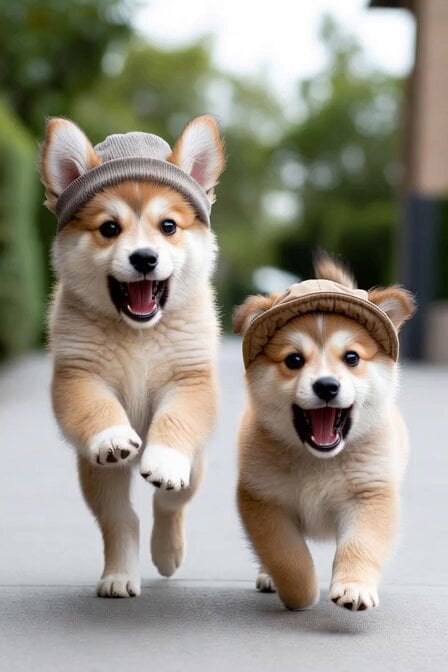
Singing Puppies in Hats
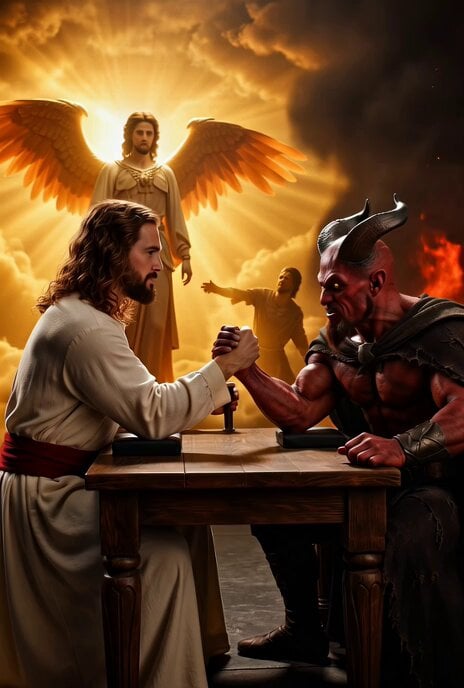
Jesus vs. Devil Arm Wrestling Video Prompt
Browse template categories
Neon Motion Graphic Dance Animation questions
How do I use the Neon Motion Graphic Dance Animation template?
Add your photo if the template asks for one, edit the prompt if you like — the template's model and format are already selected — and press Generate. Your version opens in PicX Studio.
Can I customize the Neon Motion Graphic Dance Animation template?
Yes. You can change the subject, setting, lighting, mood, format, and available model controls before creating your video.
Is the Neon Motion Graphic Dance Animation template free?
Opening and editing this template is free. Generating uses credits, shown on the Generate button when you are signed in.
Which AI model should I use?
Start with Seedance 2.0, which is the model associated with this template. You can compare another compatible model for a different finish.
Looking for something else? Browse all templates.

Your photo, any look
Thousands of ready templates for every top image and video model, from one credit balance.