
Cinematic Ogre Army Drone Shot
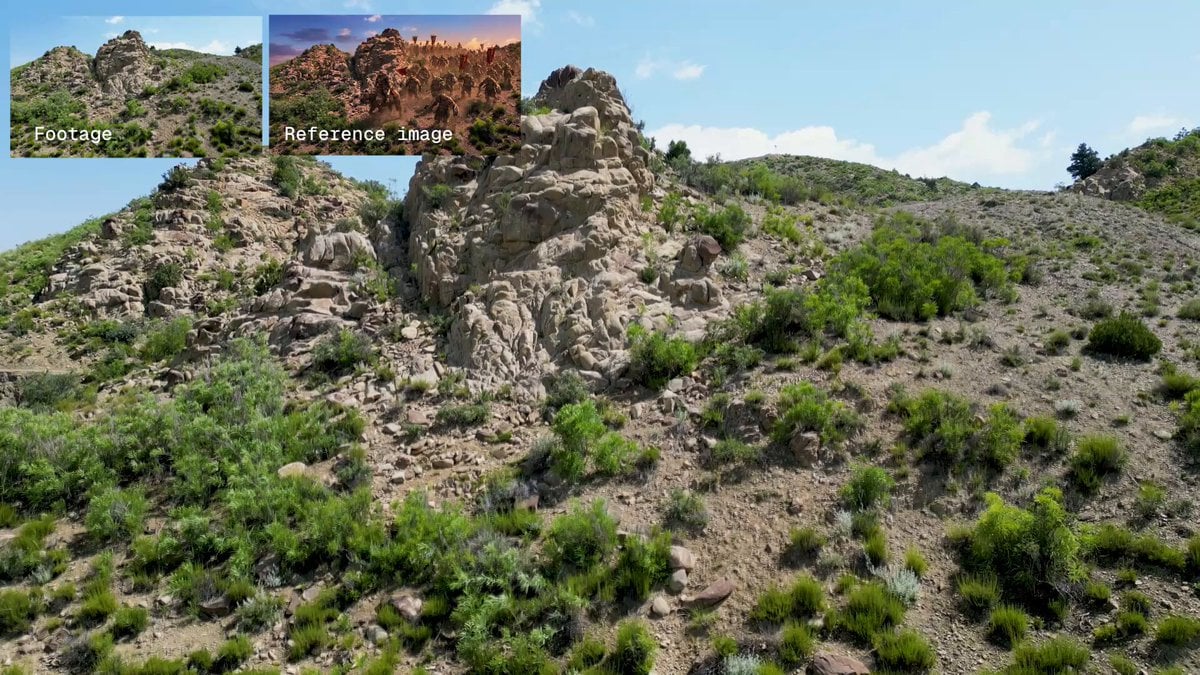
A sophisticated video prompt for generating a cinematic drone ascent over a rugged landscape, focusing on an ogre army marching forward with heavy, rhythmic strides and realistic atmospheric effects.
- Prompt included
- Model and format preset
- Premium template
The prompt behind this video
Copy the exact prompt behind Cinematic Ogre Army Drone Shot, or open it in the studio and make it yours.
Use @orgres as the clean start frame. Preserve the ogre army, the rugged hilly landscape, lighting, color, film grain, and composition from the start frame. Use @landscape as a motion reference for camera choreography and timing. Match the timing and path of the camera move as closely as possible, specifically the smooth upward drone ascent over the terrain. The camera acts as a drone slowly rising above the landscape. The massive ogre army marches steadily forward through the rugged, rocky hills. Heavy dust kicks up from their massive footsteps, lingering in the air. As the camera gains altitude, foreground rocks, shrubs, and dirt pass by, creating a strong sense of depth and natural parallax against the distant mountain peaks. The horde moves relentlessly along the winding dirt path. Tattered banners and crude weapons sway with their heavy, rhythmic strides. The vanguard, riding massive armored beasts, leads the charge at the front of the column. As the camera continues to ascend, the sheer scale of the army is revealed, stretching far back into the dusty valley. The camera maintains its smooth, majestic upward trajectory throughout the shot, keeping the focus on the sprawling landscape and the marching horde below. Do not make the camera movement erratic or violently fast. Do not make the army move at a sprint; keep their march heavy, grounded, and rhythmic. Do not lose the epic scale of the environment or the horde. No music.
How to use Cinematic Ogre Army Drone Shot in 3 steps
- 1
Open
The prompt is already in the box next to the preview, with the template's model and format selected.
- 2…a portrait of your subject in softgolden-hour light, 85mm…
Personalize
Edit the subject and creative details for your destination.
- 3Generate
Generate
Press Generate — your video is created in PicX Studio, so you can compare it with the original and refine one variable at a time.
More like this
Templates with the same subject, style or setup. Open one to see its prompt.
Cinematic Xinjiang Drone Landscapes - Seedance 2.5
FPV Drone Skier Tracking — Kling 3.0 O3 Pro
Cinematic Drone Specs Canyon — Kling 3.0 v3 Pro
Drone Removal Safari Cleanup

Luxury Lifestyle Day Vlog
Amazon FPV Drone Chase — Seedance 2.0
Yellow Seaplane Coastal Dive — Aerial Drone Shot
Alien Army Base Ambush
Alien Ambush in Jungle Army Base
Grok Imagine prompt for a large army standoff
Drone News to Cinematic Transition
FPV Macro Fae Battlefield Drone Oner
Make it yours
Cinematic Ogre Army Drone Shot works as-is. These are the safest ways to change it without losing the look.
Change one field
Copy a single group, rewrite it, and generate again so you can see what that field is doing.
Keep the frame, change the subject
Hold the composition and light of Cinematic Ogre Army Drone Shot, then swap wardrobe, props or the person for a new take.
| If the result… | Why | Fix |
|---|---|---|
| The result drifts from the preview | Too many fields changed at once. | Reuse Cinematic Ogre Army Drone Shot as-is first, then change one group — subject, light, or setting. |
| The model over-stylizes the scene | The prose prompt leaves finish and camera underspecified. | Add one camera or lighting sentence and stay on Seedance 2.0. |
More Seedance 2.0 templates
Other prompts made for Seedance 2.0.

Comical Martial Arts Punch Scene

Maglev Train Action Sequence

Martial Arts Fight Sequence

Wuxia Protection and Trust Script

Vintage Korean Arcade MiniDV Vlog

Mercedes 190 SL Luxury Ad

Rainy Night Supernatural Reverse Comedy Video Script

Amazon Civilization Discovery

Futuristic South Asian City Transformation

Cozy Luxury Cafe Commercial
More video prompts
Fresh picks from across the catalog.
Urban Prism Quote Video Prompt
Wuxia Action Duel Between Chinese and Japanese Swordsmen
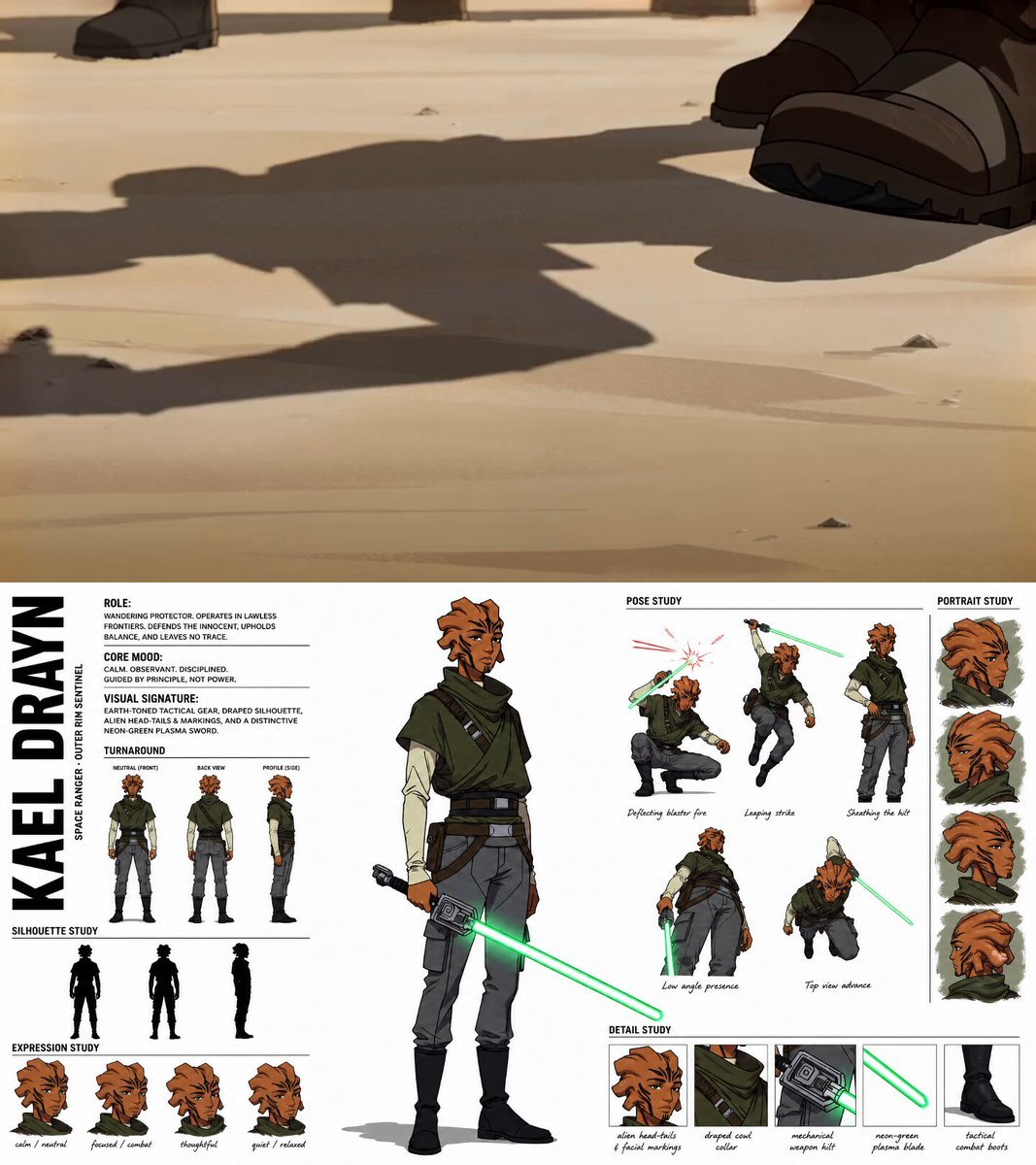
Gritty Sci-Fi Anime Montage
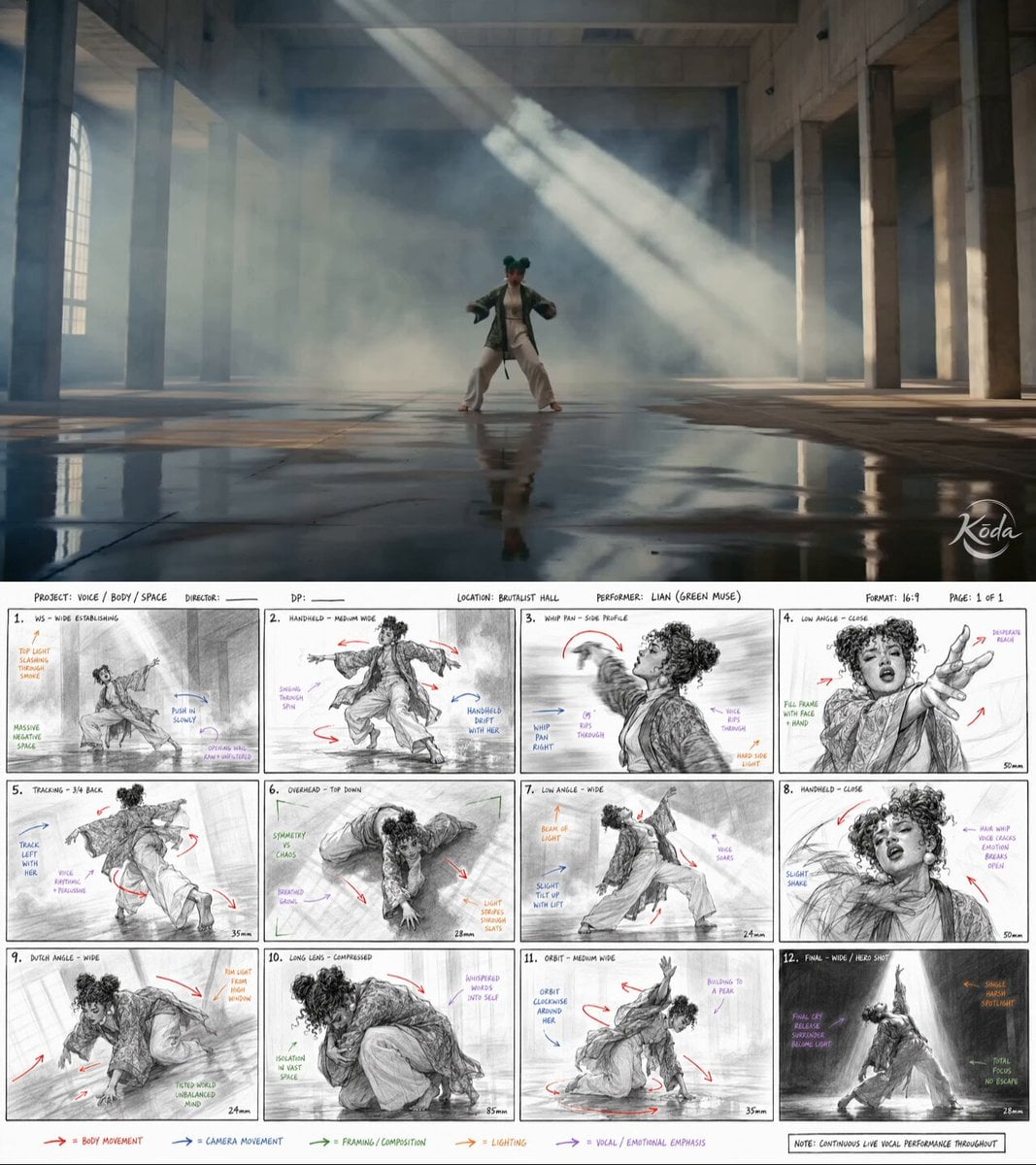
Dance Choreography Storyboard Translation
Surreal Office Romance Sequence

Complex Action Sequence Video Prompt for Seedance 2.0
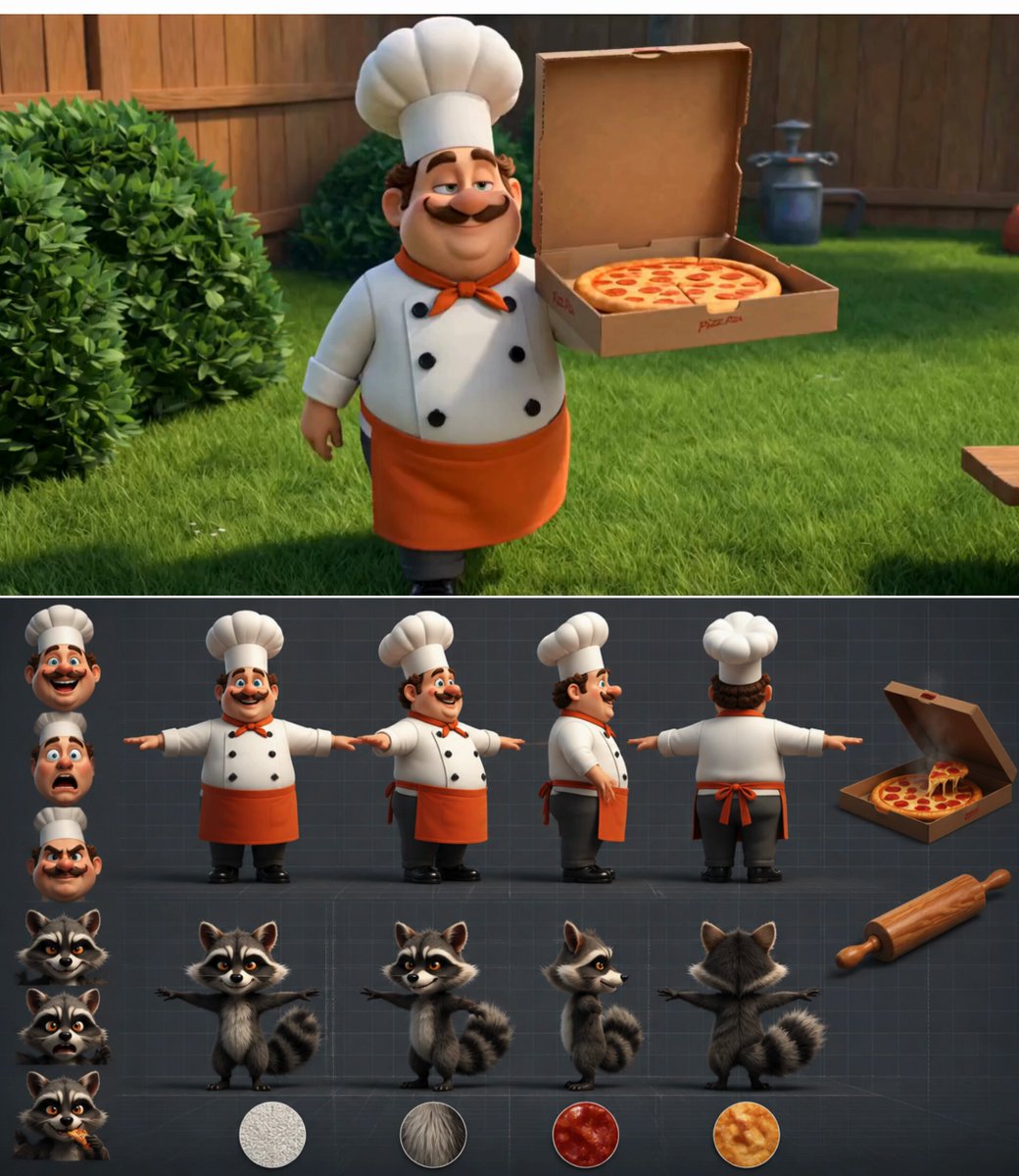
Chef vs Raccoon Pizza Battle
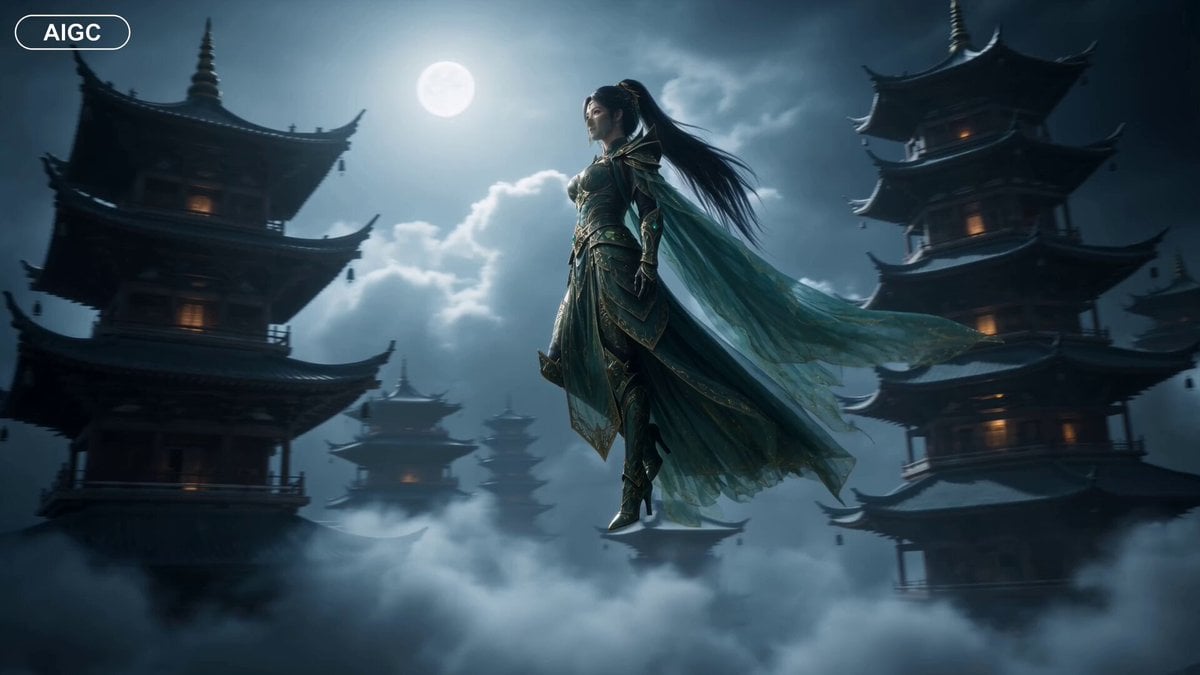
Fantasy Warrior Transformation Sequence
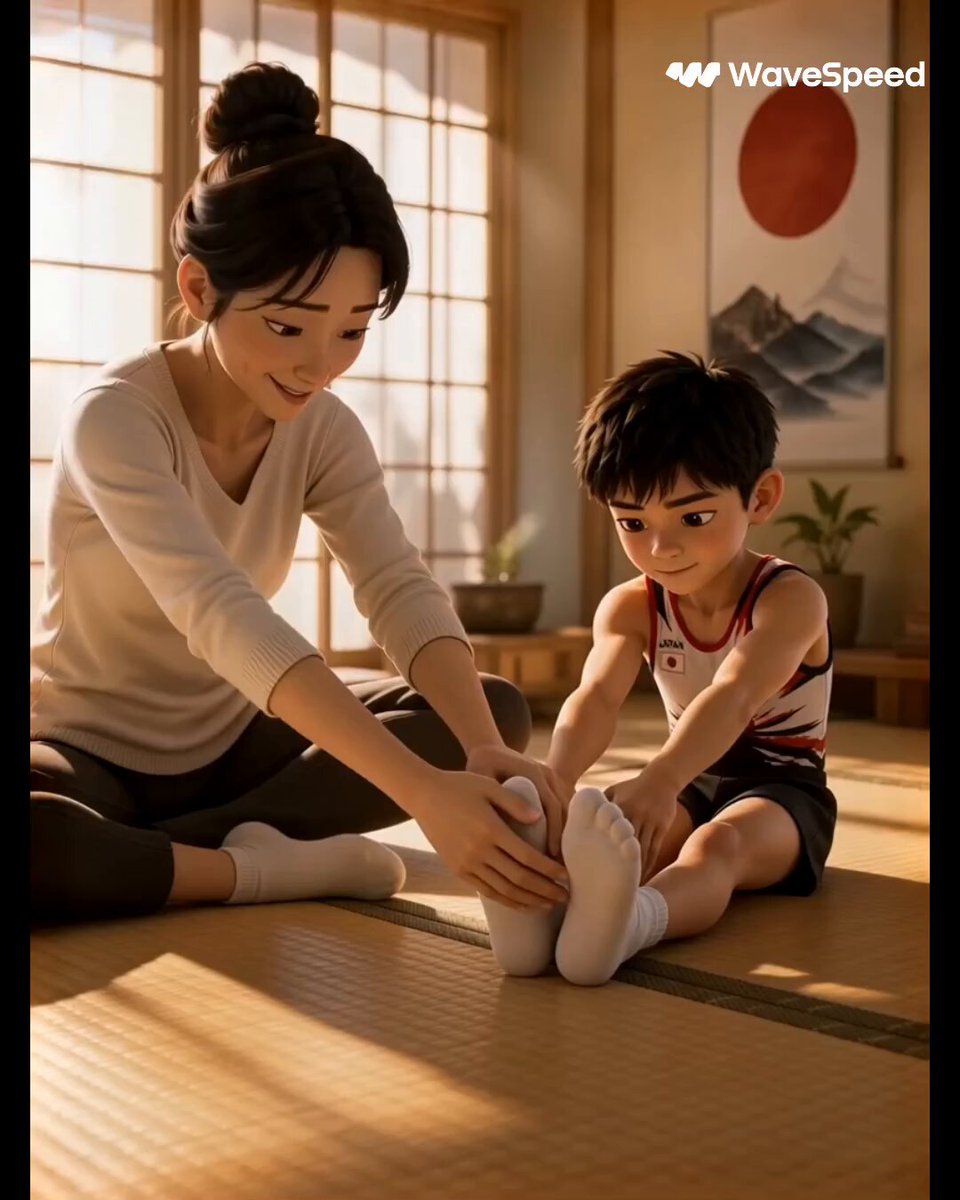
3D Animated Commercial from Storyboard
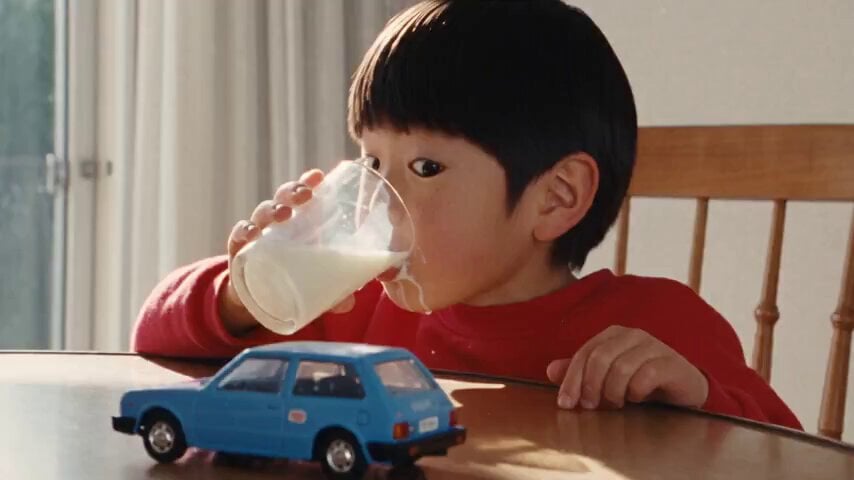
1990s Hi8 Home Video Boy
Browse template categories
Cinematic Ogre Army Drone Shot questions
How do I use the Cinematic Ogre Army Drone Shot template?
Add your photo if the template asks for one, edit the prompt if you like — the template's model and format are already selected — and press Generate. Your version opens in PicX Studio.
Can I customize the Cinematic Ogre Army Drone Shot template?
Yes. You can change the subject, setting, lighting, mood, format, and available model controls before creating your video.
Is the Cinematic Ogre Army Drone Shot template free?
Opening and editing this template is free. Generating uses credits, shown on the Generate button when you are signed in.
Which AI model should I use?
Start with Seedance 2.0, which is the model associated with this template. You can compare another compatible model for a different finish.
Looking for something else? Browse all templates.

Your photo, any look
Thousands of ready templates for every top image and video model, from one credit balance.