
Chef vs Raccoon Pizza Battle
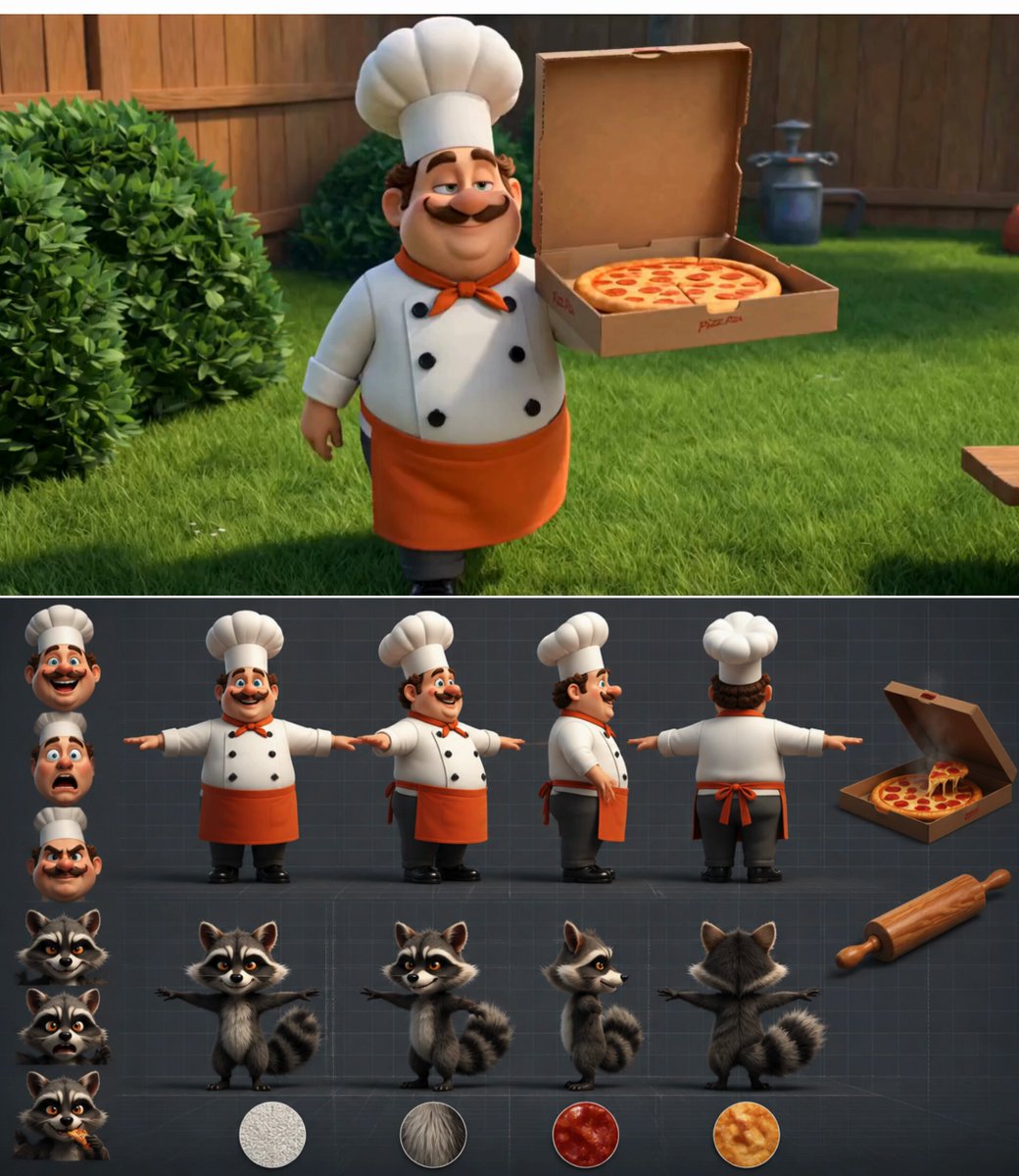
A multi-scene 3D cartoon animation prompt detailing a comedic battle between a chef and a raccoon over a steaming pepperoni pizza.
- Prompt included
- Model and format preset
- Premium template
The prompt behind this video
Copy the exact prompt behind Chef vs Raccoon Pizza Battle, or open it in the studio and make it yours.
A 15-second 3D cartoon animation with 5 distinct scenes, each 3 seconds long, featuring a playful 'Human vs. Animal' battle over food.\n\nScene 1 (0-3s): A chubby, cheerful chef in a bright white hat is proudly walking through a sunny backyard holding a giant, steaming pepperoni pizza. The camera starts close on the pizza, then dynamically cranes up and backward to reveal a mischievous raccoon peeking out from a nearby bush, its eyes locked on the prize.\n\nScene 2 (3-6s): The raccoon suddenly leaps onto the picnic table. The camera uses a fast, low-angle tracking shot, rushing forward as the raccoon dramatically points a tiny paw at the chef, challenging him. The chef gasps in comical shock, his eyes bulging out.\n\nScene 3 (6-9s): A dynamic, low-angle whip-pan captures the chef lunging forward to protect the pizza. He comically tackles thin air as the nimble raccoon flips over his head in slow motion. The camera smoothly orbits 180 degrees around the airborne raccoon, capturing its cheeky grin.\n\nScene 4 (9-12s): The raccoon lands perfectly on the opposite side of the table and grabs one end of the pizza box. The camera rapidly tilts up and down, capturing a dramatic tug-of-war. The chef pulls hard, his face turning red, while the raccoon pulls back with equal ferocity, sparks comically flying between them.\n\nScene 5 (12-15s): The box snaps open, and the pizza flies into the air. The camera dramatically plunges downward from the sky, following the pizza as it falls perfectly onto the head of a sleeping bulldog nearby. The camera quickly zooms in on the chef and the raccoon, who both freeze in terror as the bulldog opens one angry, glowing eye.
How to use Chef vs Raccoon Pizza Battle in 3 steps
- 1
Open
The prompt is already in the box next to the preview, with the template's model and format selected.
- 2…a portrait of your subject in softgolden-hour light, 85mm…
Personalize
Edit the subject and creative details for your destination.
- 3Generate
Generate
Press Generate — your video is created in PicX Studio, so you can compare it with the original and refine one variable at a time.
More like this
Templates with the same subject, style or setup. Open one to see its prompt.
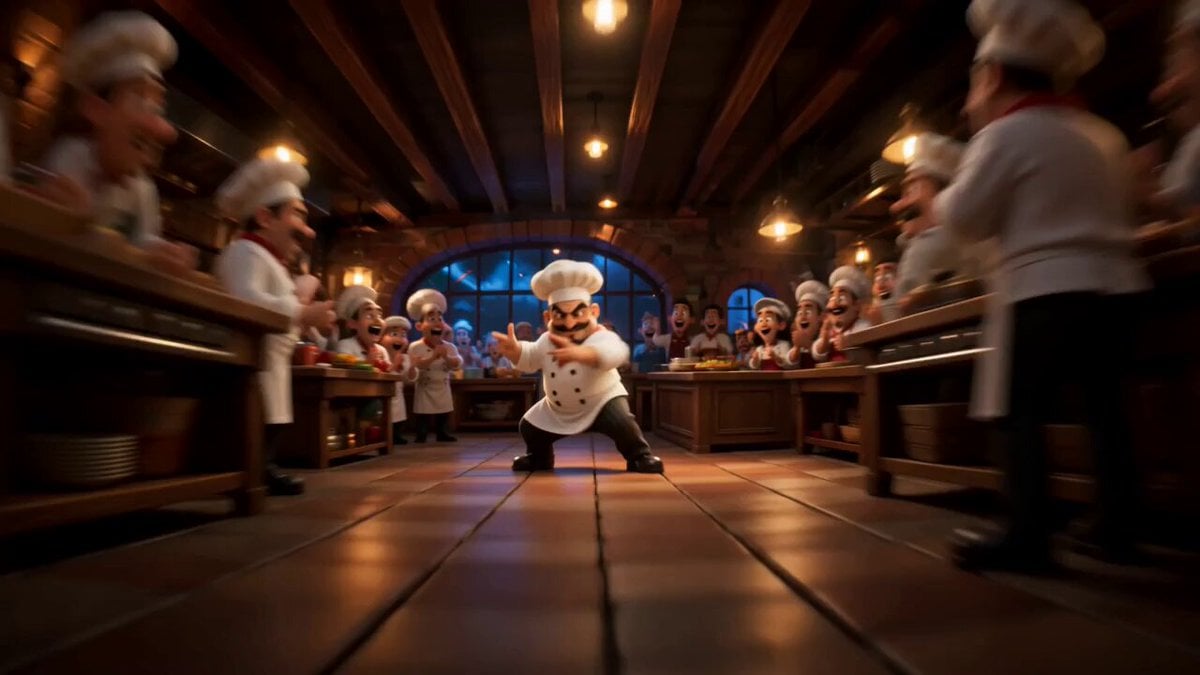
Cinematic Animated Pizza Chef Sequence
Swordsman vs Shadow Monster — Bamboo Forest Battle
Tiger vs Gorilla — Jungle Canyon Clash
Mecha Transformation vs Kaiju — 4-Scene Epic
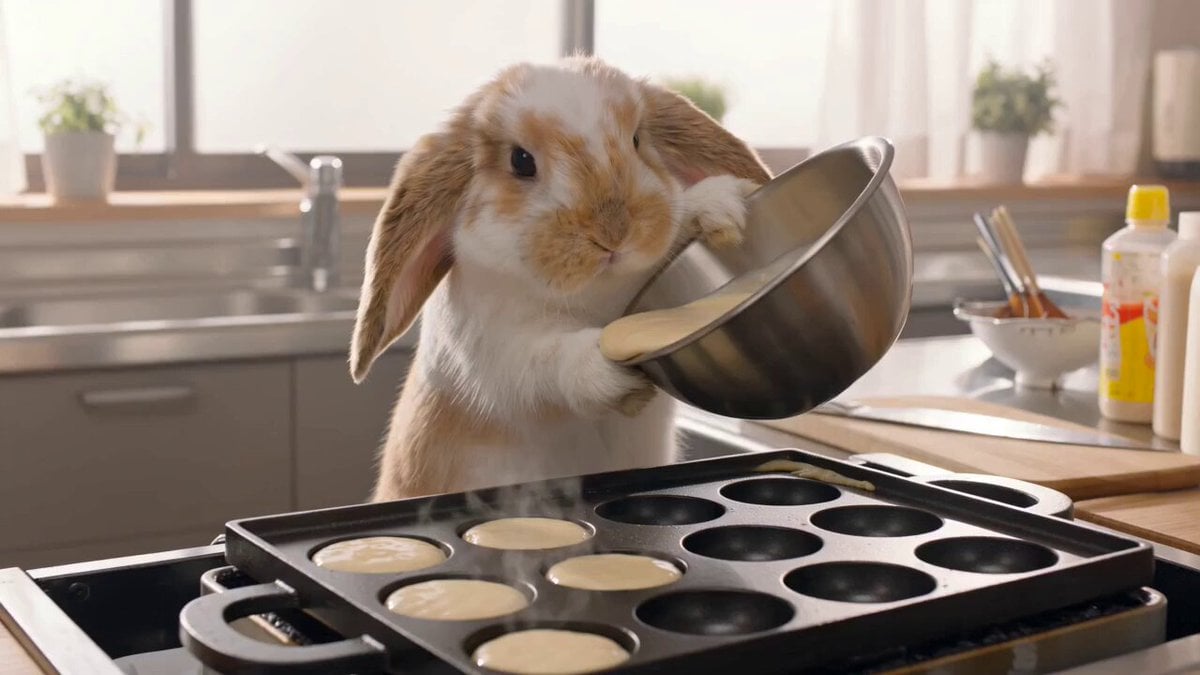
Lop-Eared Bunny Takoyaki Chef
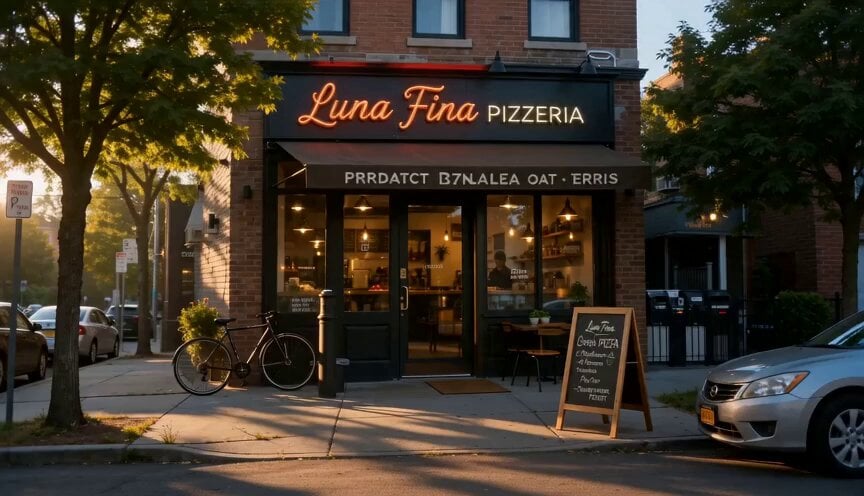
Cinematic Pizza Storefront Commercial
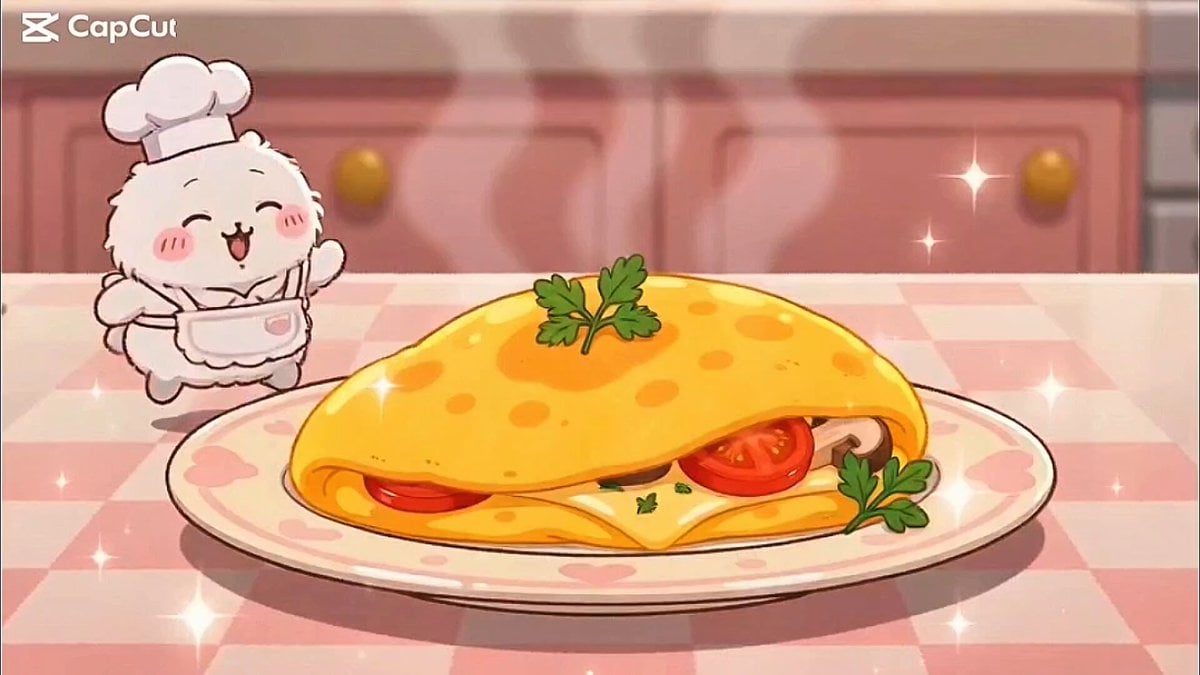
Kawaii Bunny Chef Anime Cooking
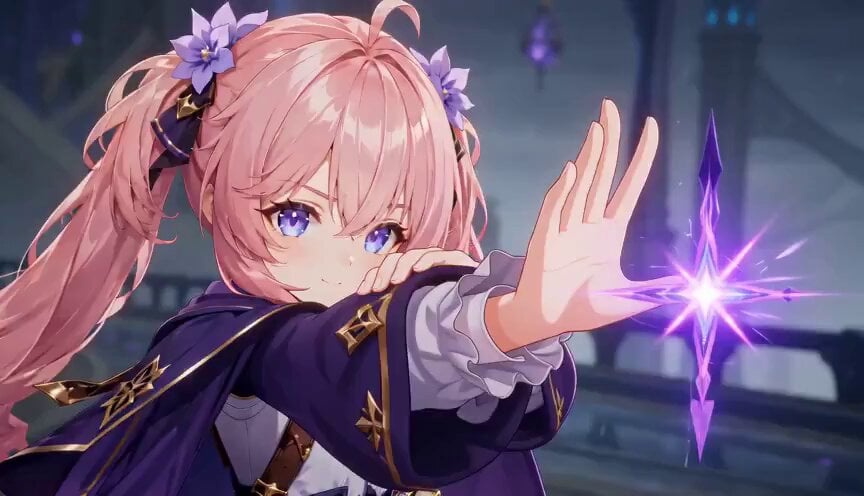
Magic City Fantasy Battle Animation
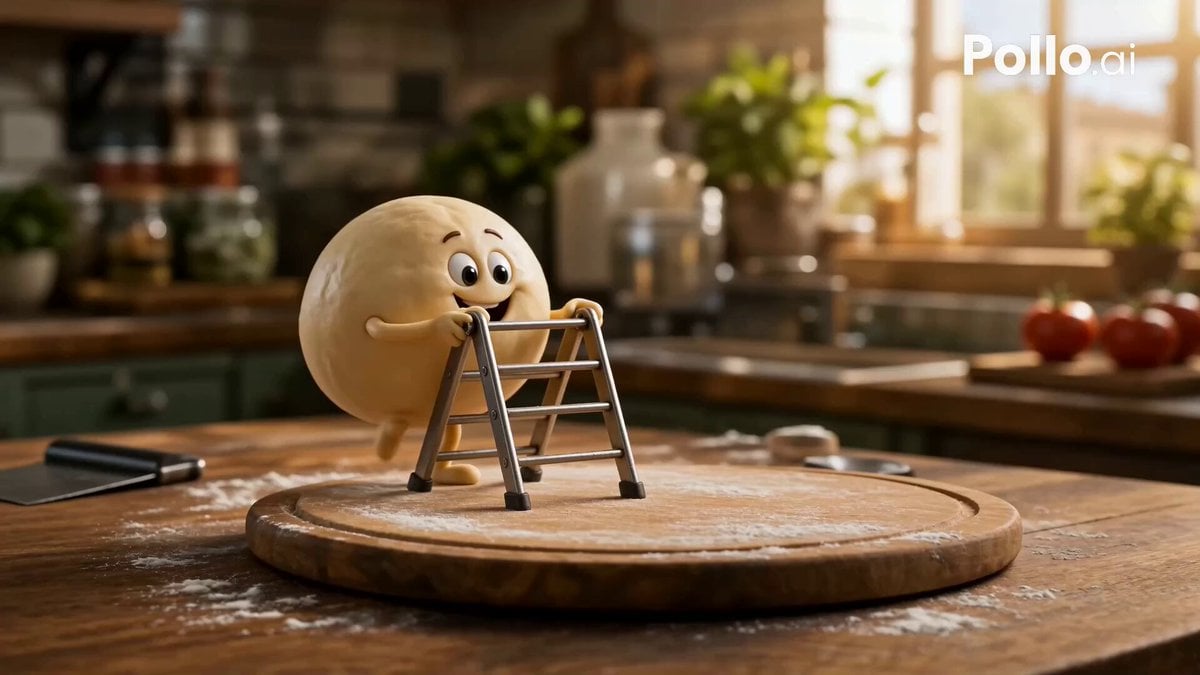
Anthropomorphic Italian Food Pizza Commercial
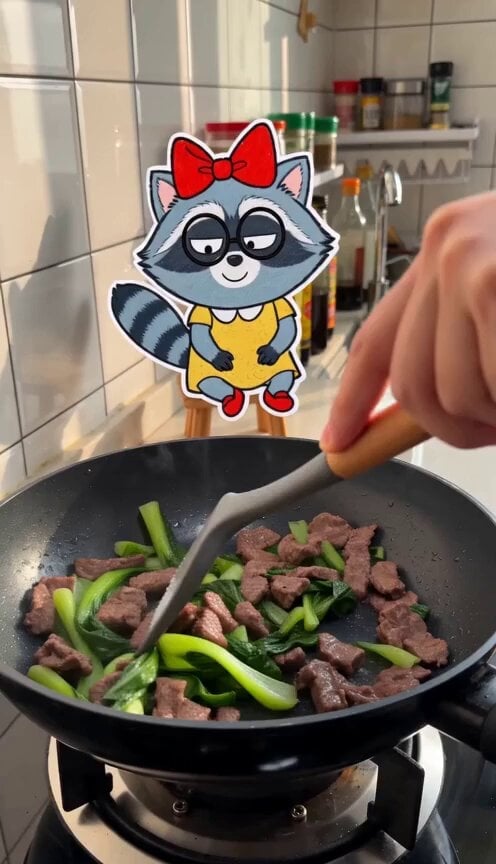
Cooking Vlog with 2D Sticker Raccoon
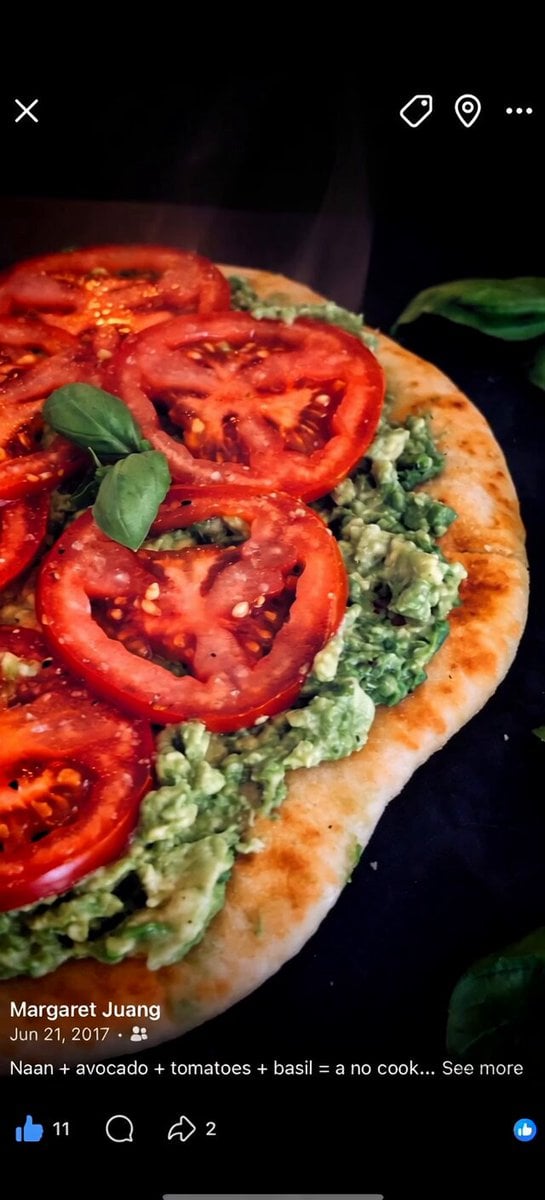
Cartoon Naan Pizza Animation
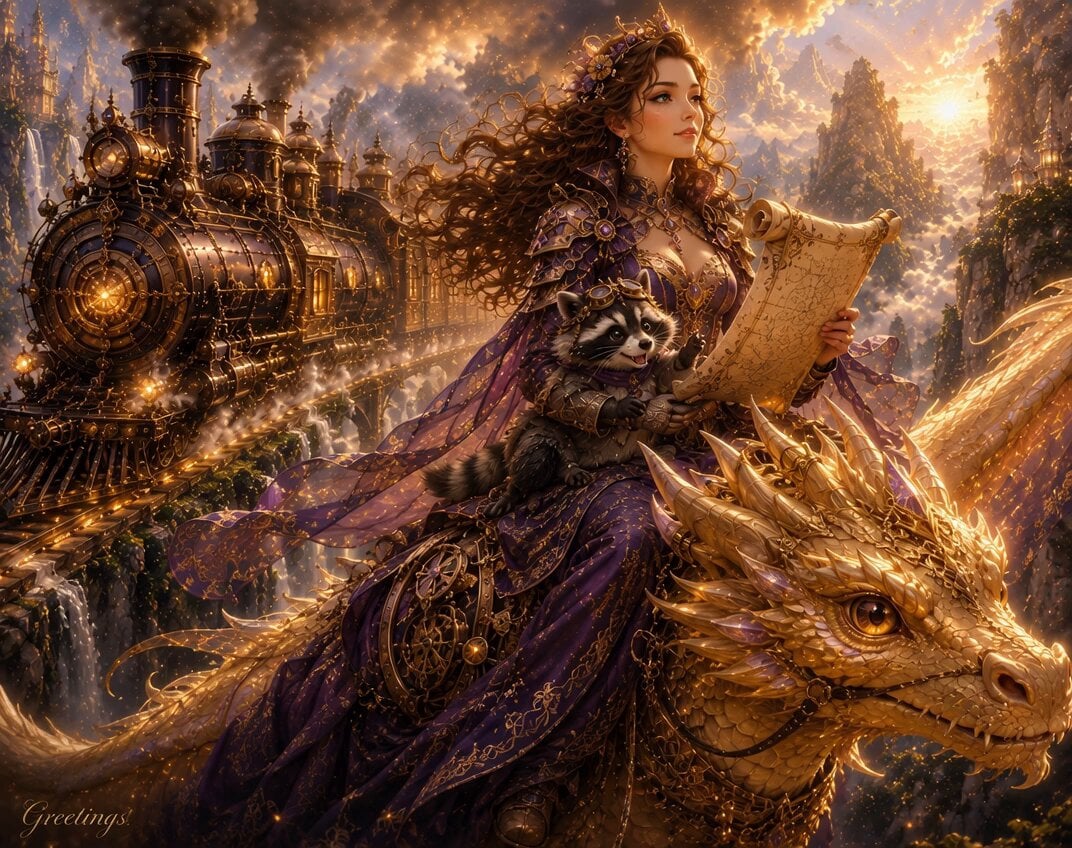
Raccoon Pippin Dialogue Scene
Make it yours
Chef vs Raccoon Pizza Battle works as-is. These are the safest ways to change it without losing the look.
Change one field
Copy a single group, rewrite it, and generate again so you can see what that field is doing.
Keep the frame, change the subject
Hold the composition and light of Chef vs Raccoon Pizza Battle, then swap wardrobe, props or the person for a new take.
| If the result… | Why | Fix |
|---|---|---|
| The result drifts from the preview | Too many fields changed at once. | Reuse Chef vs Raccoon Pizza Battle as-is first, then change one group — subject, light, or setting. |
| The model over-stylizes the scene | The prose prompt leaves finish and camera underspecified. | Add one camera or lighting sentence and stay on Seedance 2.0. |
More Seedance 2.0 templates
Other prompts made for Seedance 2.0.

Comical Martial Arts Punch Scene

Maglev Train Action Sequence

Martial Arts Fight Sequence

Wuxia Protection and Trust Script

Vintage Korean Arcade MiniDV Vlog

Mercedes 190 SL Luxury Ad

Rainy Night Supernatural Reverse Comedy Video Script

Amazon Civilization Discovery

Futuristic South Asian City Transformation

Cozy Luxury Cafe Commercial
More video prompts
Fresh picks from across the catalog.
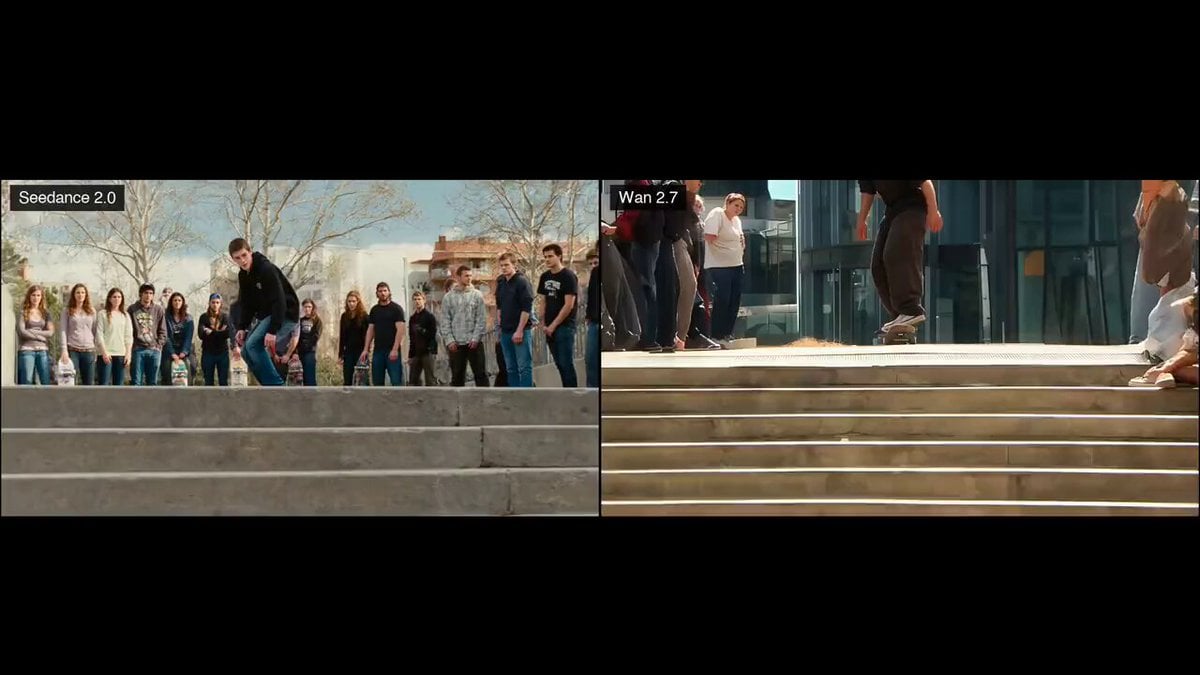
Skateboard Kickflip Action
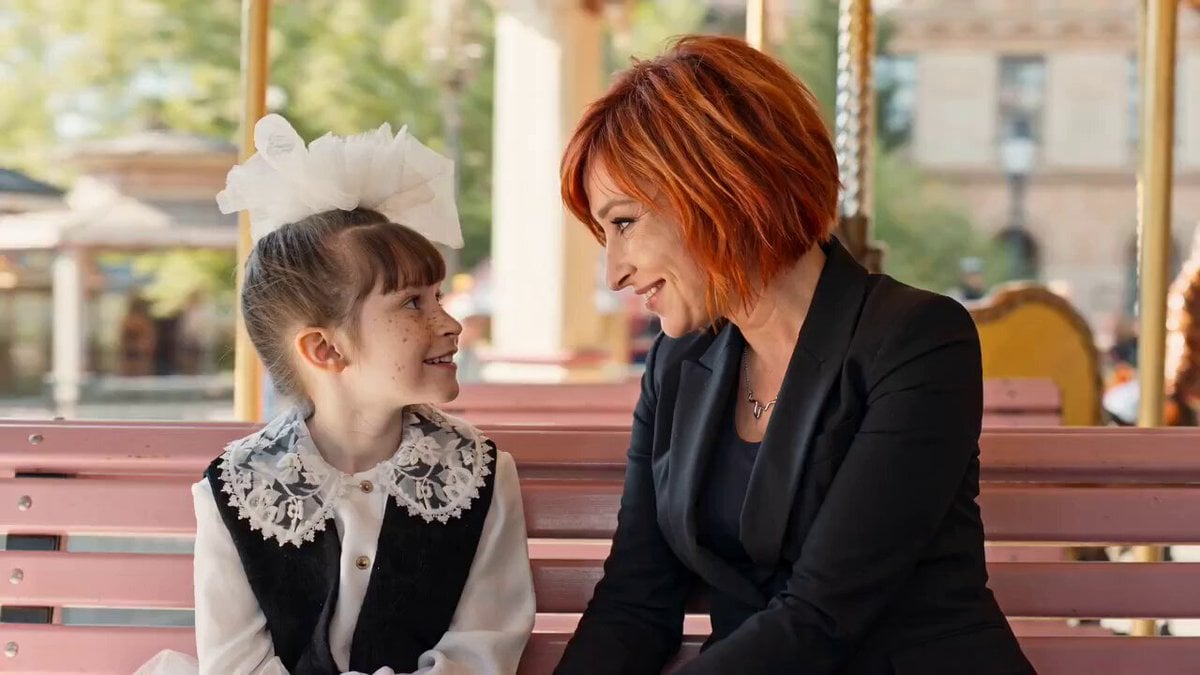
Childhood Conversation Video Prompt
Anime character solo waltz animation
Cinematic Paragliding Travel Vlog
Sentosa Island and Singapore Cathedral Tour Video

Flower Goddess Descent Cinematic Prompt (Epic Fantasy)

Sunset Desert Horse Chase

Grok Imagine prompt for a soulful musician portrait video
Magical Garden Gnomes Video

Ultra Emotional Art Deco Maternal Masterpiece
Browse template categories
Chef vs Raccoon Pizza Battle questions
How do I use the Chef vs Raccoon Pizza Battle template?
Add your photo if the template asks for one, edit the prompt if you like — the template's model and format are already selected — and press Generate. Your version opens in PicX Studio.
Can I customize the Chef vs Raccoon Pizza Battle template?
Yes. You can change the subject, setting, lighting, mood, format, and available model controls before creating your video.
Is the Chef vs Raccoon Pizza Battle template free?
Opening and editing this template is free. Generating uses credits, shown on the Generate button when you are signed in.
Which AI model should I use?
Start with Seedance 2.0, which is the model associated with this template. You can compare another compatible model for a different finish.
Looking for something else? Browse all templates.

Your photo, any look
Thousands of ready templates for every top image and video model, from one credit balance.