
Bank Heist Escape Thriller
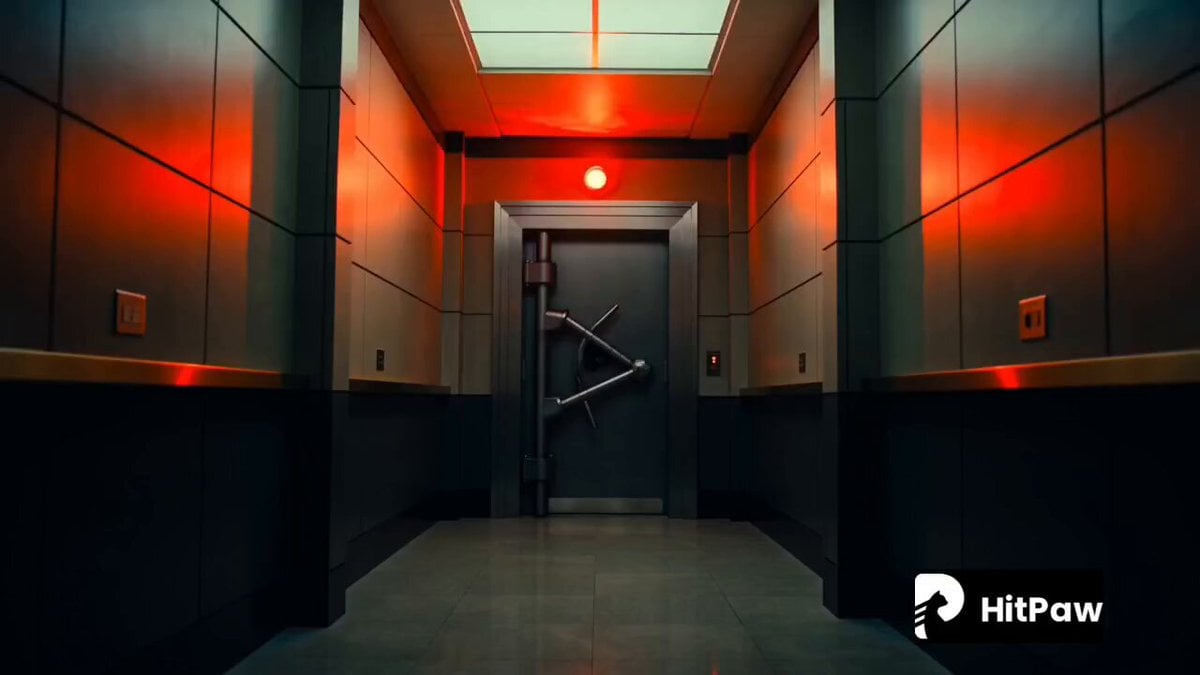
A cinematic action storyboard for a bank heist escape, utilizing handheld camera energy and neon city lighting.
- Prompt included
- Model and format preset
- Free template
The prompt behind this video
Copy the exact prompt behind Bank Heist Escape Thriller, or open it in the studio and make it yours.
Style: Cinematic thriller, handheld camera energy, high contrast lighting, teal-orange grading, shallow depth of field, fast rhythmic cuts, realistic motion blur. 0–2s — The Heist Breaks Loose Interior bank vault corridor. Red alarm lights flashing violently. Security doors slam open. Sirens begin blaring in the distance. Close-up: gloved hand grabbing a duffel bag stuffed with cash. 2–5s — Escape Initiated Masked runner bursts through shattered glass doors. Slow-motion glass fragments flying outward, reflecting neon city lights. Camera shakes slightly as the runner hits the street. 5–8s — Street Chaos Wide shot of a crowded city market street. People scatter in confusion. The runner pushes through pedestrians, weaving fast. Police sirens grow louder, red-blue lights washing over buildings. 8–11s — Chase Intensifies Low-angle tracking shot of the runner sprinting across traffic. Cars brake suddenly. A police vehicle skids into frame. Quick cuts: boots hitting pavement, breathing heavy, cash bag swinging. 11–13s — Near Capture Moment Runner slips through a narrow alley. A hand almost grabs them from behind. Neon signs flicker above, rain starts lightly, adding reflection on wet ground. 13–15s — Escape Beat Cliffhanger Runner leaps over a barrier and disappears into a subway entrance. Camera lingers on flashing sirens flooding the alley, then cuts to black mid-siren peak.
How to use Bank Heist Escape Thriller in 3 steps
- 1
Open
The prompt is already in the box next to the preview, with the template's model and format selected.
- 2…a portrait of your subject in softgolden-hour light, 85mm…
Personalize
Edit the subject and creative details for your destination.
- 3Generate
Generate
Press Generate — your video is created in PicX Studio, so you can compare it with the original and refine one variable at a time.
More like this
Templates with the same subject, style or setup. Open one to see its prompt.
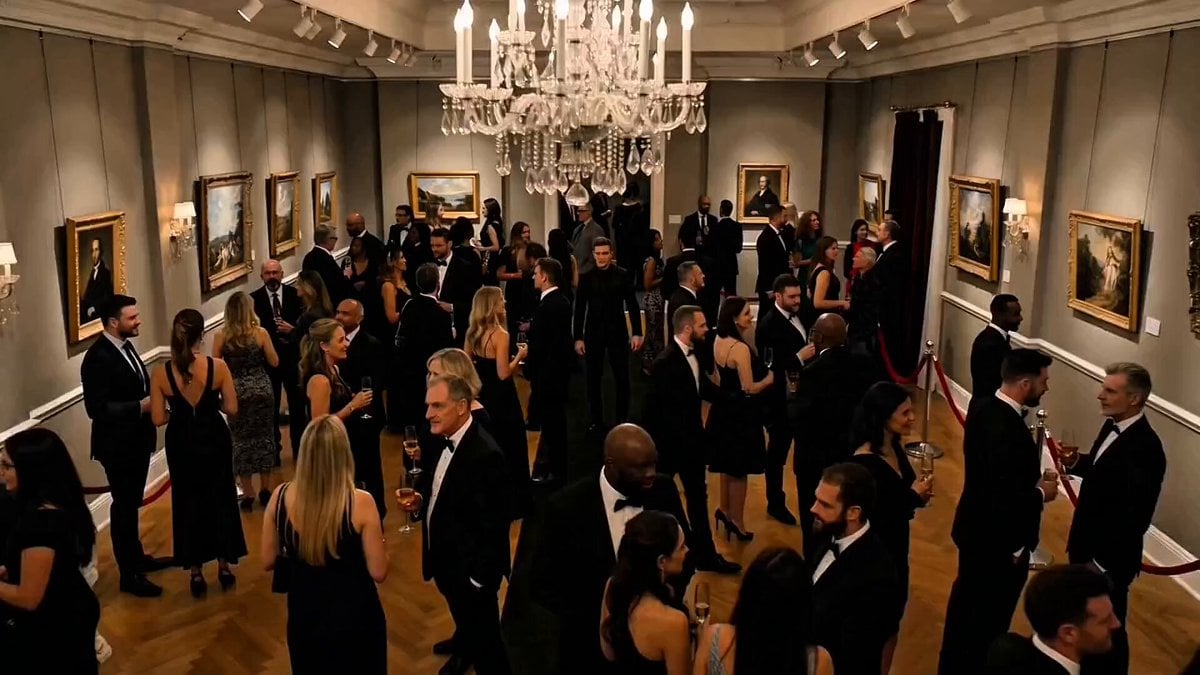
Art Exhibition Heist Cinematic Thriller
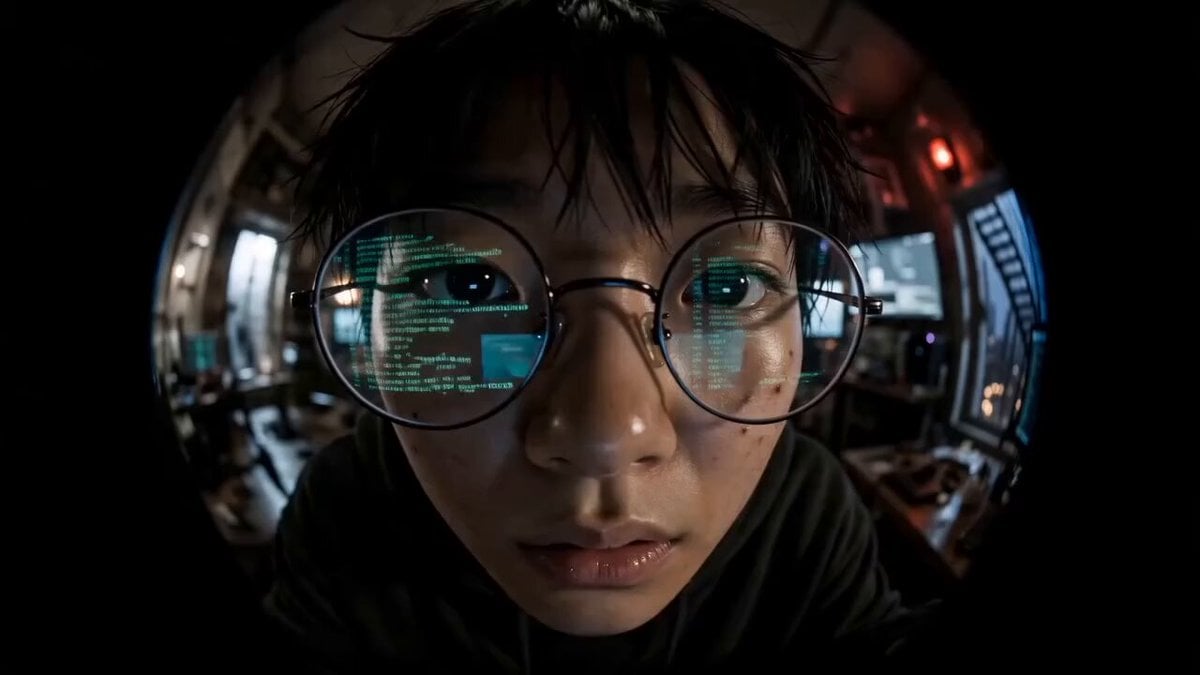
Cyber Thriller Hacker Escape Sequence
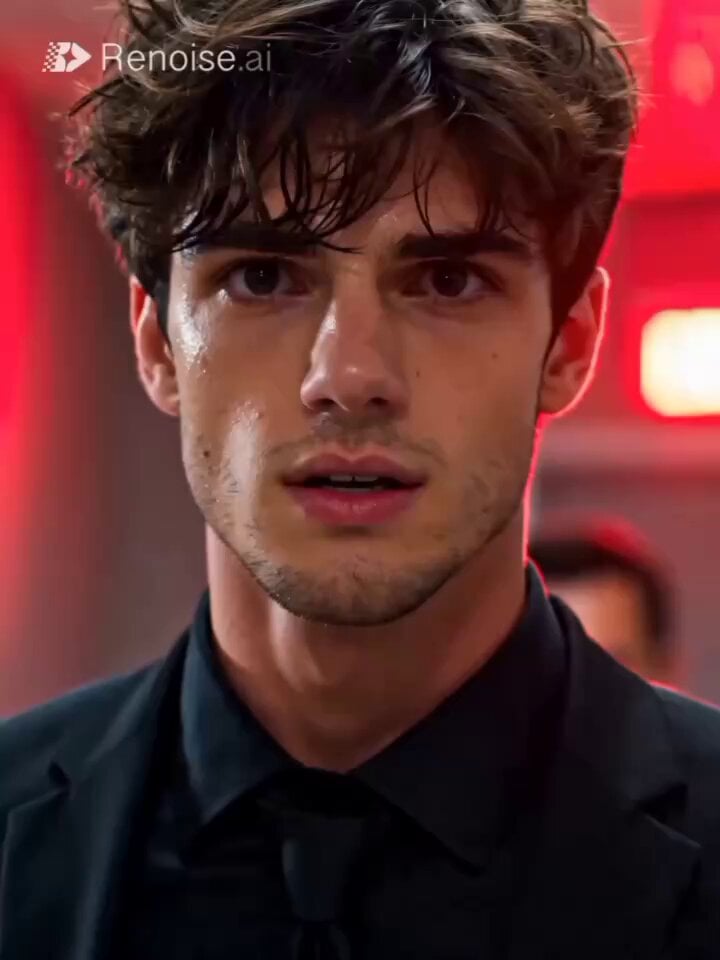
High-Stakes Bank Heist Action
Rainforest Thriller — Searching the Unseen
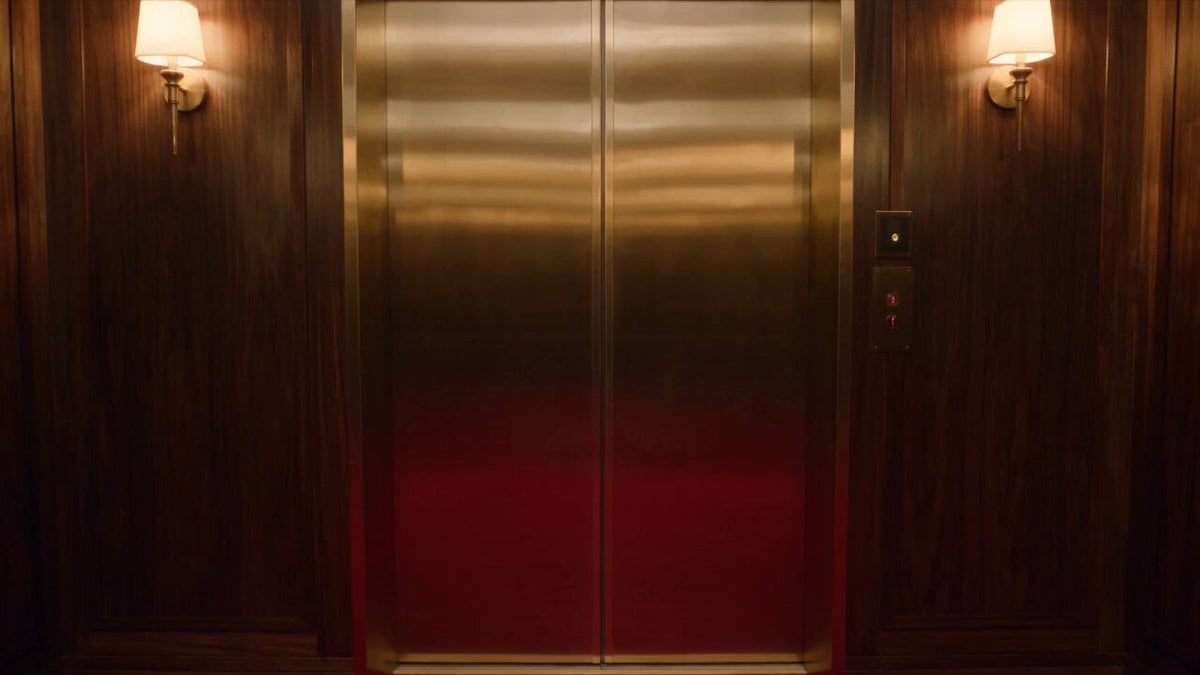
Luxury Hotel Thriller Sequence
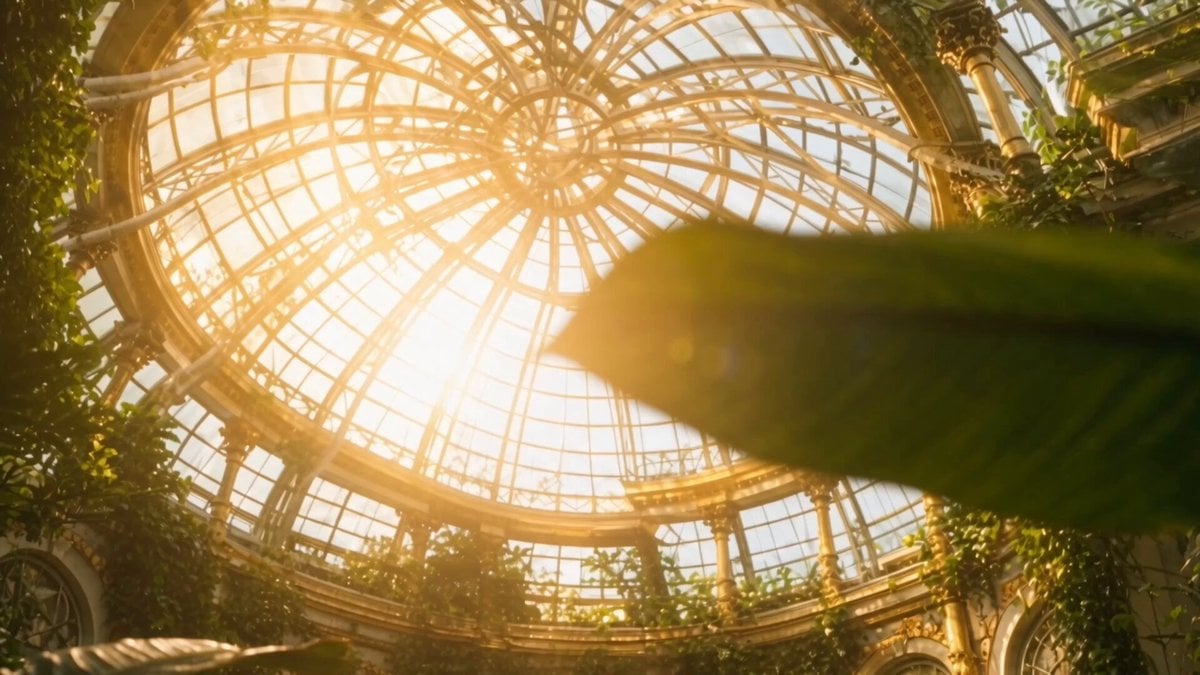
Sci-fi action sequence escape prompt
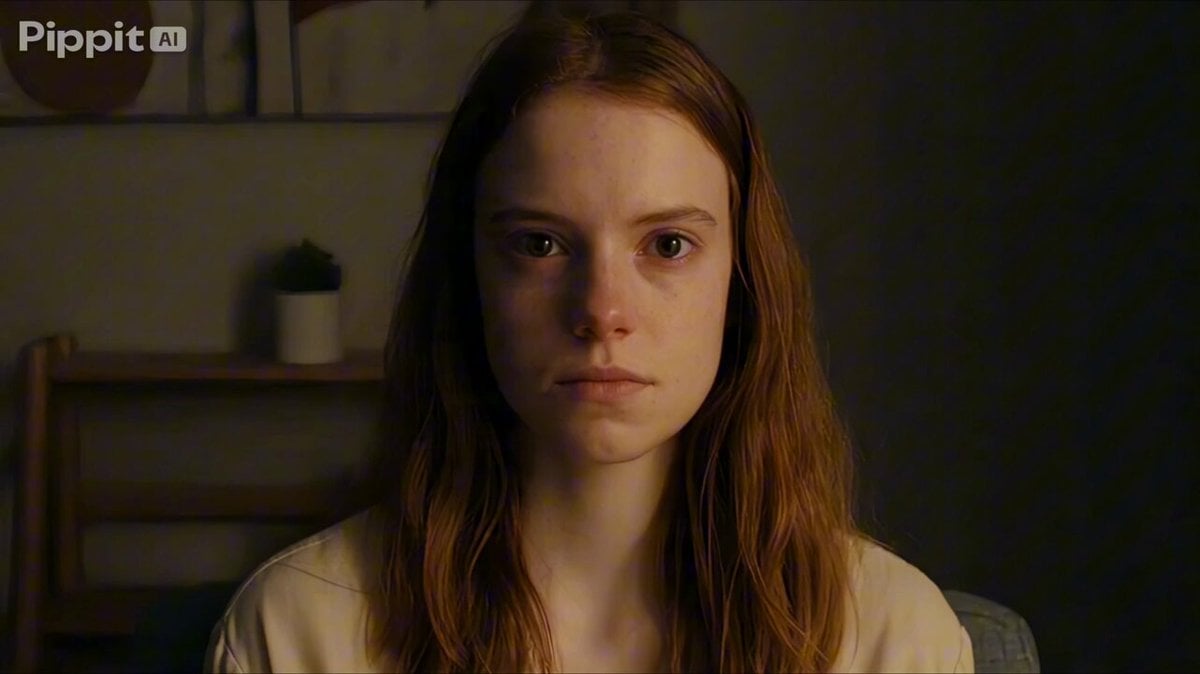
Psychological Thriller Performance Study
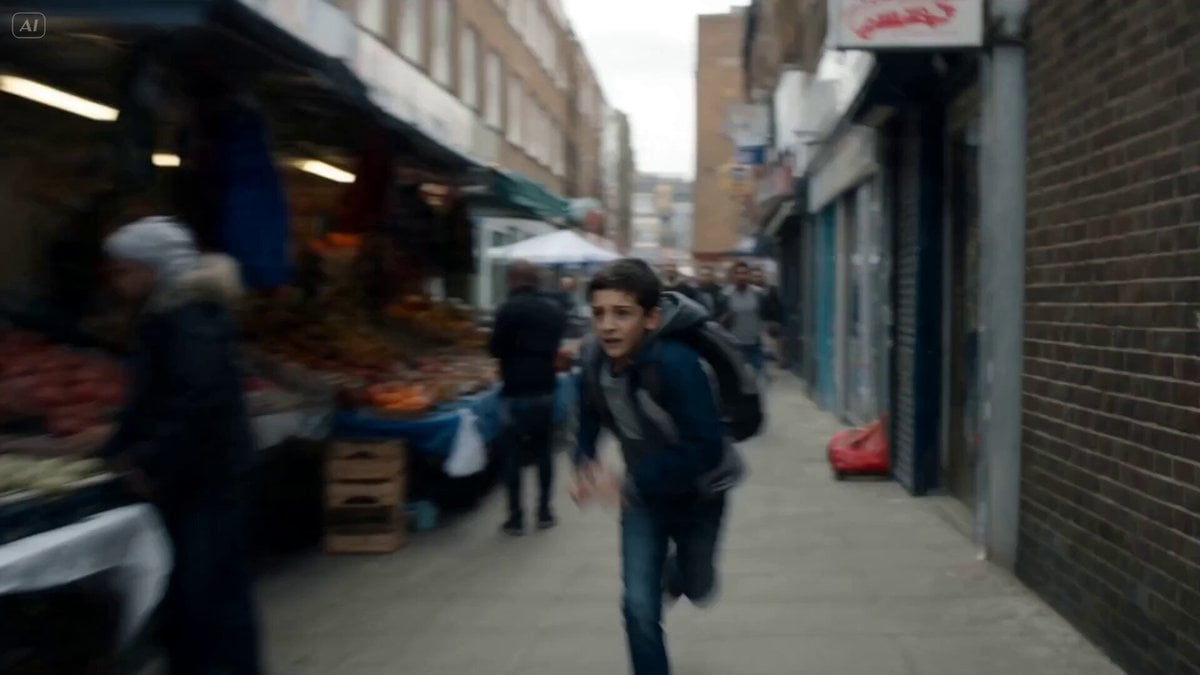
Cinematic Urban Foot Chase Escape
Post-Apocalyptic Survival Thriller Prompt
Dreamstate Nightmare Escape
Cinematic Emerald Gown Action Heist
Cinematic Subway Flood Escape
Make it yours
Bank Heist Escape Thriller works as-is. These are the safest ways to change it without losing the look.
Change one field
Copy a single group, rewrite it, and generate again so you can see what that field is doing.
Keep the frame, change the subject
Hold the composition and light of Bank Heist Escape Thriller, then swap wardrobe, props or the person for a new take.
| If the result… | Why | Fix |
|---|---|---|
| The result drifts from the preview | Too many fields changed at once. | Reuse Bank Heist Escape Thriller as-is first, then change one group — subject, light, or setting. |
| The model over-stylizes the scene | The prose prompt leaves finish and camera underspecified. | Add one camera or lighting sentence and stay on Seedance 2.0. |
More Seedance 2.0 templates
Other prompts made for Seedance 2.0.

Comical Martial Arts Punch Scene

Maglev Train Action Sequence

Martial Arts Fight Sequence

Wuxia Protection and Trust Script

Vintage Korean Arcade MiniDV Vlog

Mercedes 190 SL Luxury Ad

Rainy Night Supernatural Reverse Comedy Video Script

Amazon Civilization Discovery

Futuristic South Asian City Transformation

Cozy Luxury Cafe Commercial
More video prompts
Fresh picks from across the catalog.
Cinematic Narrative Conflict Scene
Horror Closet Stalker Video Prompt

Luxury brand teaser video

Seedance 2.0 Video Prompt: 'What are you looking at?'
High-Tempo 9-Image Glitch Edit

Seedance 2.5 - @AIwithkhan - 801709
Miniature Skateboard Chase Scene
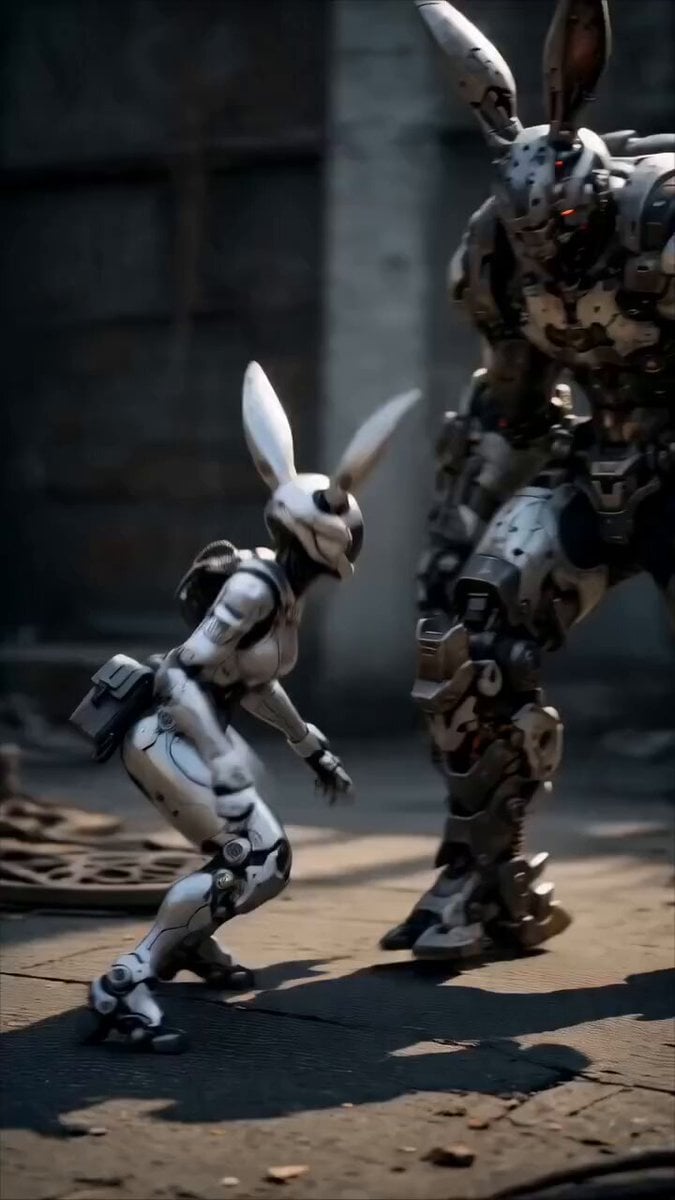
Epic Mecha Rabbit Battle
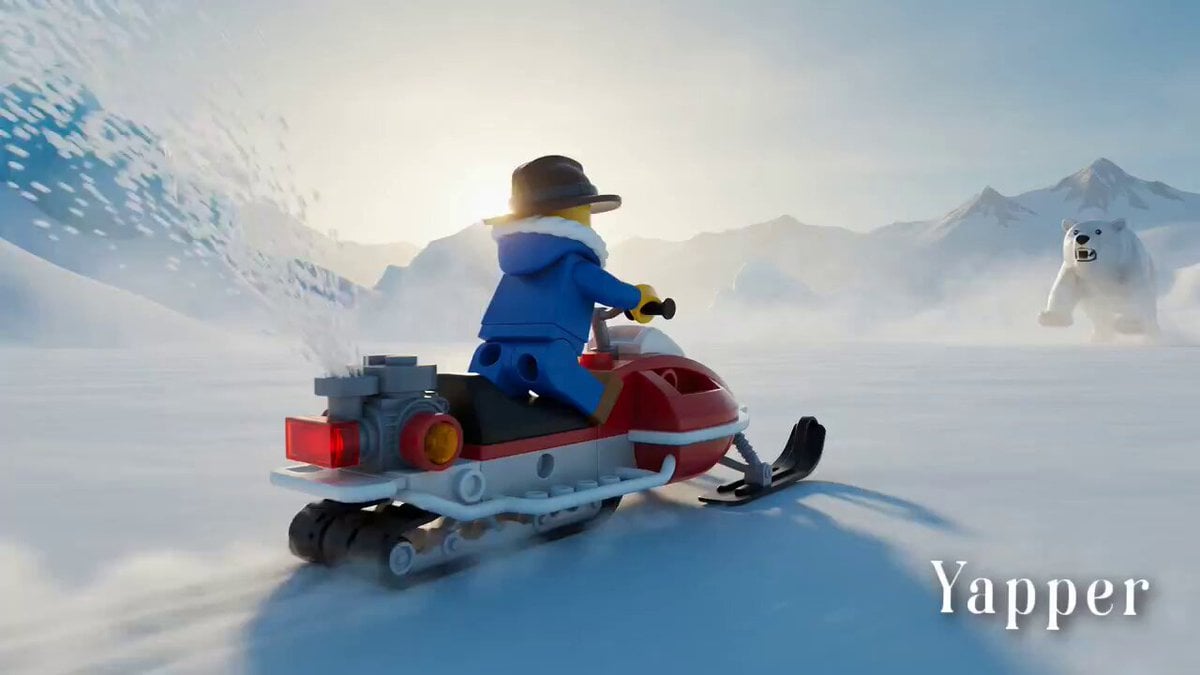
Lego Explorer Chased by Polar Bear
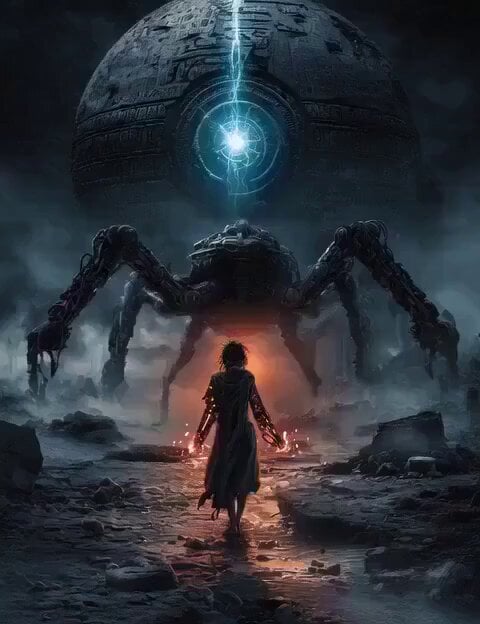
Sci-fi short film: The Girl vs. the Robot Spider
Browse template categories
Bank Heist Escape Thriller questions
How do I use the Bank Heist Escape Thriller template?
Add your photo if the template asks for one, edit the prompt if you like — the template's model and format are already selected — and press Generate. Your version opens in PicX Studio.
Can I customize the Bank Heist Escape Thriller template?
Yes. You can change the subject, setting, lighting, mood, format, and available model controls before creating your video.
Is the Bank Heist Escape Thriller template free?
Opening and editing this template is free. Generating uses credits, shown on the Generate button when you are signed in.
Which AI model should I use?
Start with Seedance 2.0, which is the model associated with this template. You can compare another compatible model for a different finish.
Looking for something else? Browse all templates.

Your photo, any look
Thousands of ready templates for every top image and video model, from one credit balance.